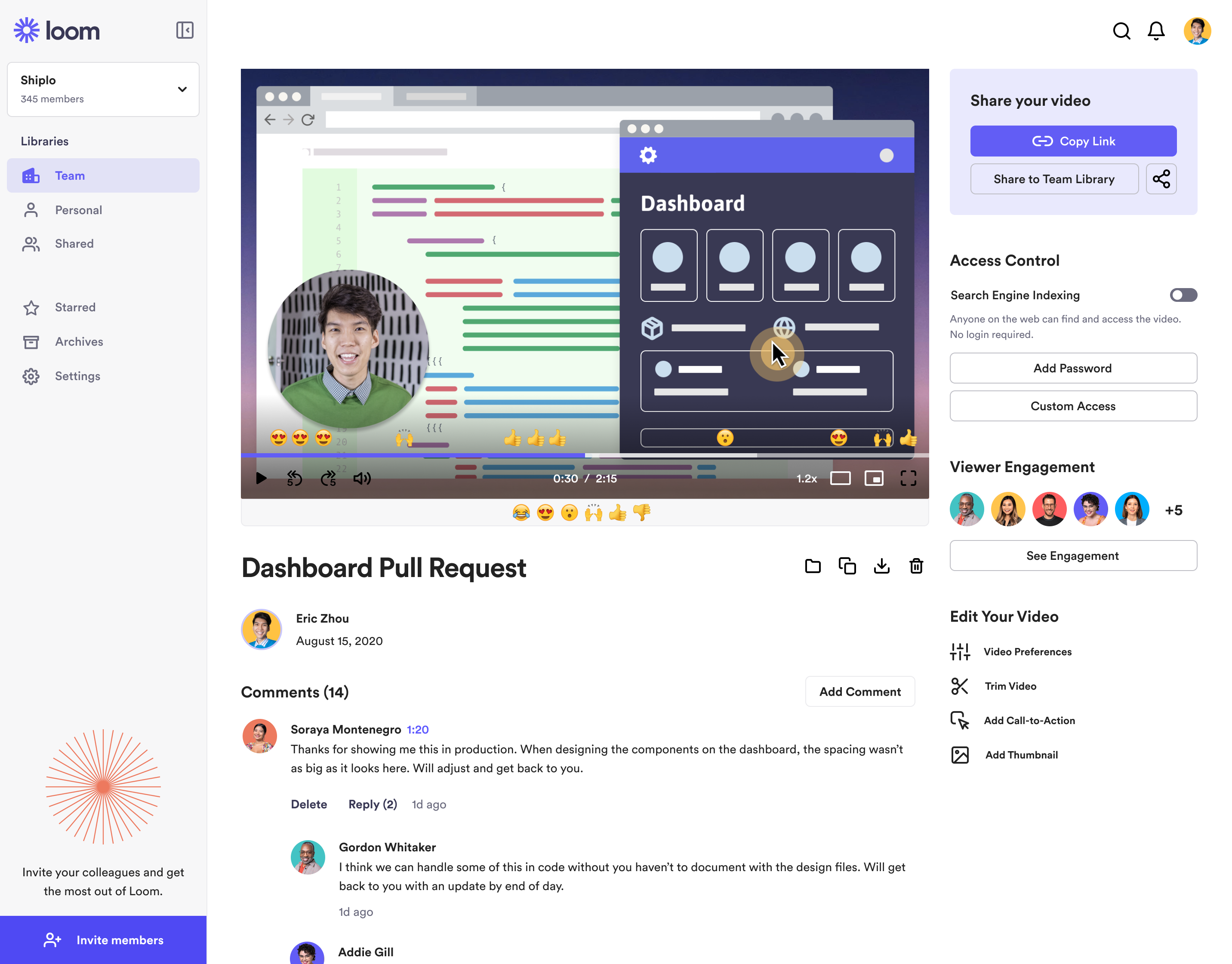
Loom is a screen recorder for Chrome, Mac, Windows, and iOS from Atlassian, presented as quick to install, easy to use, and boasting a functional free edition.
$10
per creator/per month
ScreenFlow
Score 9.1 out of 10
N/A
Telestream in Nevada City offers ScreenFlow, a video editing and screen recording application for Mac boasting a range of editing tools, graphics and effects, and easy video sharing.
We have used zoom, google meet or youtube to manage our videos in the past. But both did not seem to be as seamless for everyone to use it. Loom came in to provide an easy way for everyone to use video and share screens or communicate in general. Loom integrates with slack and …
Loom: Loom offers both free and paid plans. The free plan includes basic features and limitations, while the paid plans unlock additional functionalities such as longer video recordings, HD quality, and more advanced sharing options. Either way, quite affordable Vidyard: …
I tried other solutions for video feedback and none of them could match how quick and easy the video recording and sharing is on Loom. Also the consistency of the recordings and reliability is crucial.
When we evaluated the alternatives, Loom was by far the most advanced tool, with multiple types of integrations. Additionally, Loom also provided a Free plan, which made it easy to consider as an alternative. Vidyard and similar tools integrated better with certain other tools …
Honestly, before using Loom, I was recording videos from my cell phone and sending them through Whatsapp or Telegram to try to send large file sizes! I know there are other screen recording tools, but Loom's web interface with all the settings just knocks it out of the park for …
I selected Loom because of product superiority and intuitiveness. Loom has high quality videos compared to others, the Freemium tier is very exciting in Loom. Loom is a multipurpose tool that comes to our help in many areas- whereas other tools are more focused on a specific …
I didn't use any other product like Loom. Skype or Viber just won't work for what I needed. I talked with people who used other products but didn't try one myself. Loom was the first to try and I stayed with it. I was satisfied enough with Loom that I didn't feel like exploring …
I prefer loom to droplr because of its easy interface. I had to take extra time to learn how to become effective with Droplr, while Loom felt self explanatory.
Zoom's recording feature has been helpful before Loom, but I appreciate that with Loom I can go back and re-record something if I made a mistake. It's much easier.
Simplified version of ScreenFlow, not as comprehensive as ScreenFlow in terms of features, but it does the trick for making short training videos. If you just want to capture something on-screen and not do a lot of editing, then Loom is perfect for that. Great for generating …
I tried lots of different screen recording software but ultimately chose Loom because it had the simplest and most user-friendly UI. There are certainly more advanced apps, like ScreenFlow, but my use case is fairly simple—I just want to be able to record video/screen-shares as …
I've used Camstasia and Screen-o-Matic to record screen capture videos in the past. These 2 options at the time didn't have an online platform to upload the videos, so I uploaded it to Youtube or Google Drive so my collaborators could watch them. Loom is easier than them, as it …
Loom solves something that no one else is even trying to solve. Quick visualization of your online experience. Every other solution that records your screen takes time to render the video before it can be shared. Loom is taking the magic of sharing a screenshot of your computer …
Loom is the best video screen sharer that we have come across. Its ease of use and relative value in its free product make it an easy stand out when we went looking for a platform to use. Though there are different video recording platforms out there that can do similar things …
I used to use Zoom to do screen capture video - even I don't have someone else in a video conference - just because it does a good job of creating screen captures. But that's not really what Zoom is designed to do. Now, when I need to do a fast, low-production-value, …
I also have used eCamm and Quicktime for screen-share/screen recordings. All of the tools here require some patch working of a screen recording, uploading the video to a hosting site, and then eventually sending it to the client. Huge time suck!
There are plenty of screengrab / screen recording tools out there. I like loom based on it's simplicity for acheiving regularly occuring challenges. I don't typically need anything heavier, so having this as a quick tool is great!
For desktop recordings, I've only used Quicktime. Loom is overall a nicer looking and functioning tool for recording videos, although there are a couple tools that Quicktime has (like splicing videos and selecting a specific recording size) that I wish Loom had.
ScreenFlow is quick and easy. The interface doesn't seem complicated like other tools I've used in the past and it works offline which is a benefit if you need to work offline using screen recorded footage.
I haven't used Camtasia much, but it's the alternative for teachers using PC systems. It seems very popular among the instructors. We have received video exports from Camtasia to edit in Adobe Premiere. Another way we have done screen recordings is a combination of QuickTime …
We looked at things like Loom and all those other screen recorders, but Screenflow is just so much more powerful. It can do everything we want it to and more, even things like Chroma Key (green screen), text on video, transitions, all that. It's a pretty great software for …
Founder | Digital Marketing Strategist & Facebook Lead Gen Expert
Chose ScreenFlow
screenflow is much easier, and less expensive as well. Anyone can make a screen record using quicktime, but the tools that are included help you polish off your content end to end.
Camtasia is a strong competitor to screenflow. Camtasia has a bit more functionality. screenflow is less expensive and does exactly what I need it to do. screenflow doesn't have any bells and whistles, Camtasia does. I prefer screenflow because it is very straightforward to use …
Screenflow offers a clean interface and intuitive tools like I have not seen across other video editing products, often times because of the many complexities that are delivered with video editing software. I have used many many video editing tools in my past and this one …
Beginning with Adobe Premiere Pro - which I still use, it is a computer-power consuming product and has many more options for video production that are needed for training videos. There have been a few times where I have used Premiere Pro and taken the video and added it to …
While loom is the fastest, it lacks editing power. Loom is best suited for quick communication. Camtasia is the only direct competitor I'm aware of, but it's much more expensive and not as easy to use. The only benefit of Camtasia is that it has superior text on screen …
I haven't personally used Camtasia but was informed by multiple people who have that it is much harder to use than Screenflow is which is one of the main reasons we moved away from using it.
While Final Cut Pro X is definitely more full-featured, the learning curve is also considerably steeper. Also, as far as I can tell, Final Cut does not have the built-in capability to record my computer screen. If you are a hardcore video editor, Final Cut is the way to go. …
Adobe Premiere Pro is the golden child of video editing software, and sadly screenflow cannot truly compare. However, screenflows ability to capture video/ audio from internet sources is the best reason to purchase.
Loom is literally the best free (or depending on your team size) tool that I have found in recent years honestly. I have a consulting practice on the side where we work in multiple timezones. Im not the best with words or explaining things over email, and im a much more visual person. being able to show somehow how to do something rather than explain it via email is HUGE. Its literall creating the office culture vibe over video, and its exactly what i need to help scale my consulting while also help provide training at my current job.
ScreenFlow is well suited to the creation of short video projects. When the project becomes longer than 10 or 15 minutes, the application seems to bog down independently of the configuration of the hardware on which is running. if you want to create animations, this is not the application to use
Screenflow easily records your desktop video and/or audio, with functionality that works even across multi-monitor setups.
The program has really incredible features for basic cutting and editing of the capture within screenflow once it is done.
The program has an impressive amount of options for expecting different formats of video and audio. I'm most impressed by the lossless audio and uncompressed video formats that give the best possible quality for importing into video projects.
The video trim feature has improved a lot recently, but it's still not perfect. Sometimes when I trim a video clip, it distorts other parts of the video.
It would be nice if they had a referral/affiliate program. I would get all my friends to sign up!
It's dirt easy for the one thing it does exceptionally well. If you think, "hmmm, I should make a quick screen capture of this thing on screen, you can start recording in seconds with almost no additional effort." Once you're done, the recording is automatically uploaded to your account site, and automatically creates a URL you can copy and share with your target audience. From IDEA to EXECUTION to DISTRIBUTION is literally seconds.
It's simple to set up and use. The editing features are laid out in an easy to understand way making it the perfect go-to tool for a novice video editor and an advanced one. I will use ScreenFlow at times over other bigger tools like Adobe Premiere because it's quicker to make changes to videos.
Loom is one of my favorite solutions and I've been a raving fan since they first launched. The value of quickly sharing videos in seconds is amazing. Our customers love it so much that they have even downloaded the Loom Chrome extension for their own use with their clients! It's so simple, and nothing else compares or competes.
I use Loom for simple tasks. Never used customer support really. It's so simple to use. I haven't had any real issue with Loom which would require customer support to help me out. So I just put 5 because I don't know if the customer support is good or bad since I never used, so I'm kind of neutral.
It works well and fits into my workflow. The tools are much easier and straightforward to work with. Other video editing tools like Adobe Premier or Final Cut Pro are simply too complicated for this type of task.
We have used zoom, Google Meet or youtube to manage our videos in the past. But both did not seem to be as seamless for everyone to use it. Loom came in to provide an easy way for everyone to use video and share screens or communicate in general. Loom integrates with Slack and that is another cool feature
Beginning with Adobe Premiere Pro - which I still use, it is a computer-power consuming product and has many more options for video production that are needed for training videos. There have been a few times where I have used Premiere Pro and taken the video and added it to what I do in Screenflow. Additionally, Premiere is a subscription-based purchase / rent - which I am not fond of whatsoever. Screenflow is my first choice.
Adobe Captivate is again, too much offered - hence the higher pricing and then the complexities that are not necessary. I can accomplish all that I need with screenflow and at a more reasonable price ... AND it doesn't crash -- in four years it never has.
I keep Snagit on my computer but find it is better for still image / screenshots vs video screen capturing. Screenflow is much smoother, quicker, and complient.
Camtasia has not produced a "Good" Mac version - Screenflow is much better in producing what I want, speed, and compatibility. Not to mention, major price differences.
It gives me back 2-3 hours per week in time saved fussing with typing out long emails.
Our team and vendors understand us faster and better when we offer revisions and training using Looms vs. trying to type it out - causing better client satisfaction.
We still have to use Snagit, though, until Loom gives us still screenshot edit/markup abilities!