AutoCAD is a CAD product from Autodesk. It allows designers to work in 2D and 3D, and is available on Windows and Mac, but with extensive online collaboration tools.
$245
per month
MindMeister
Score 3.3 out of 10
N/A
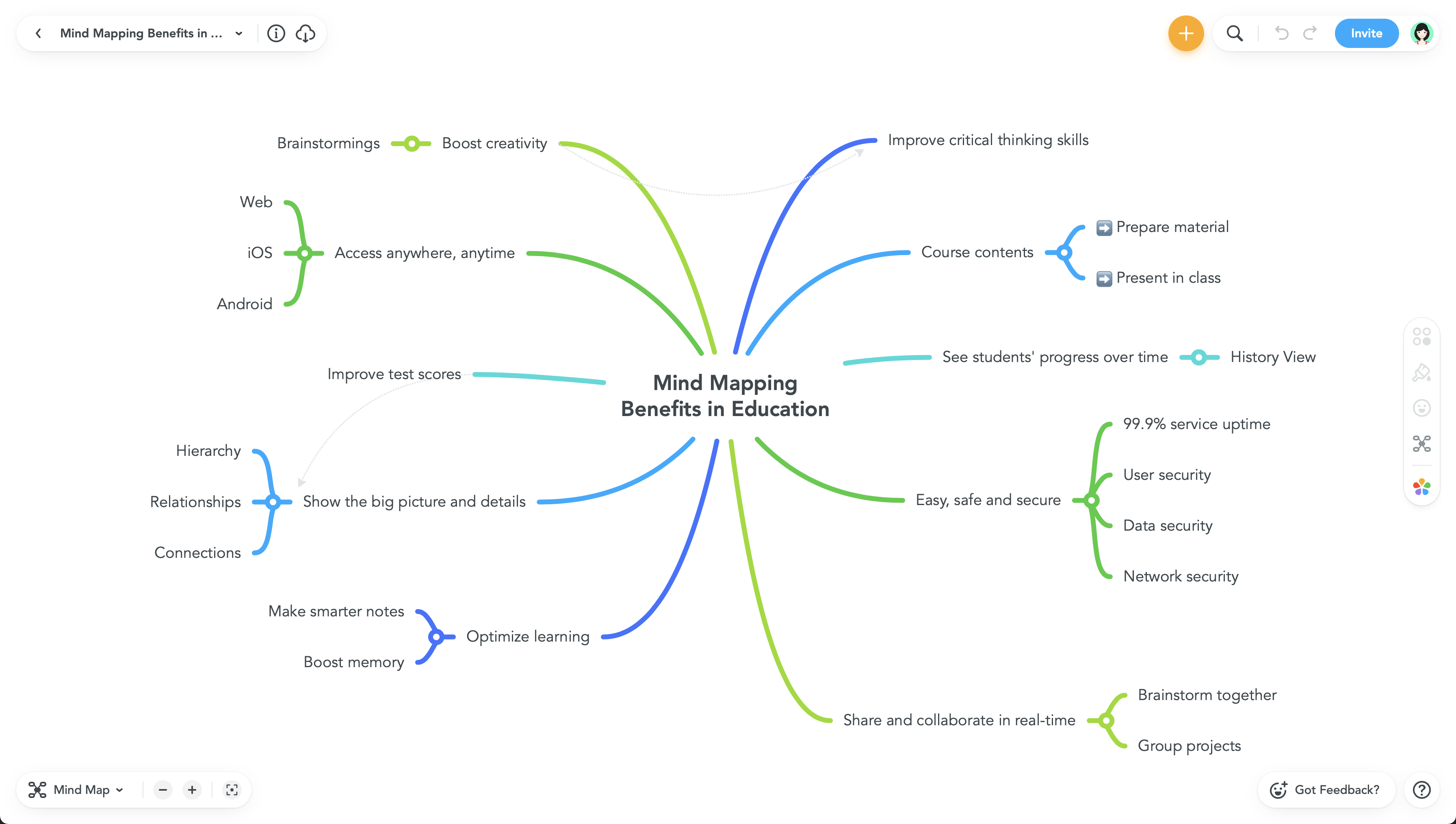
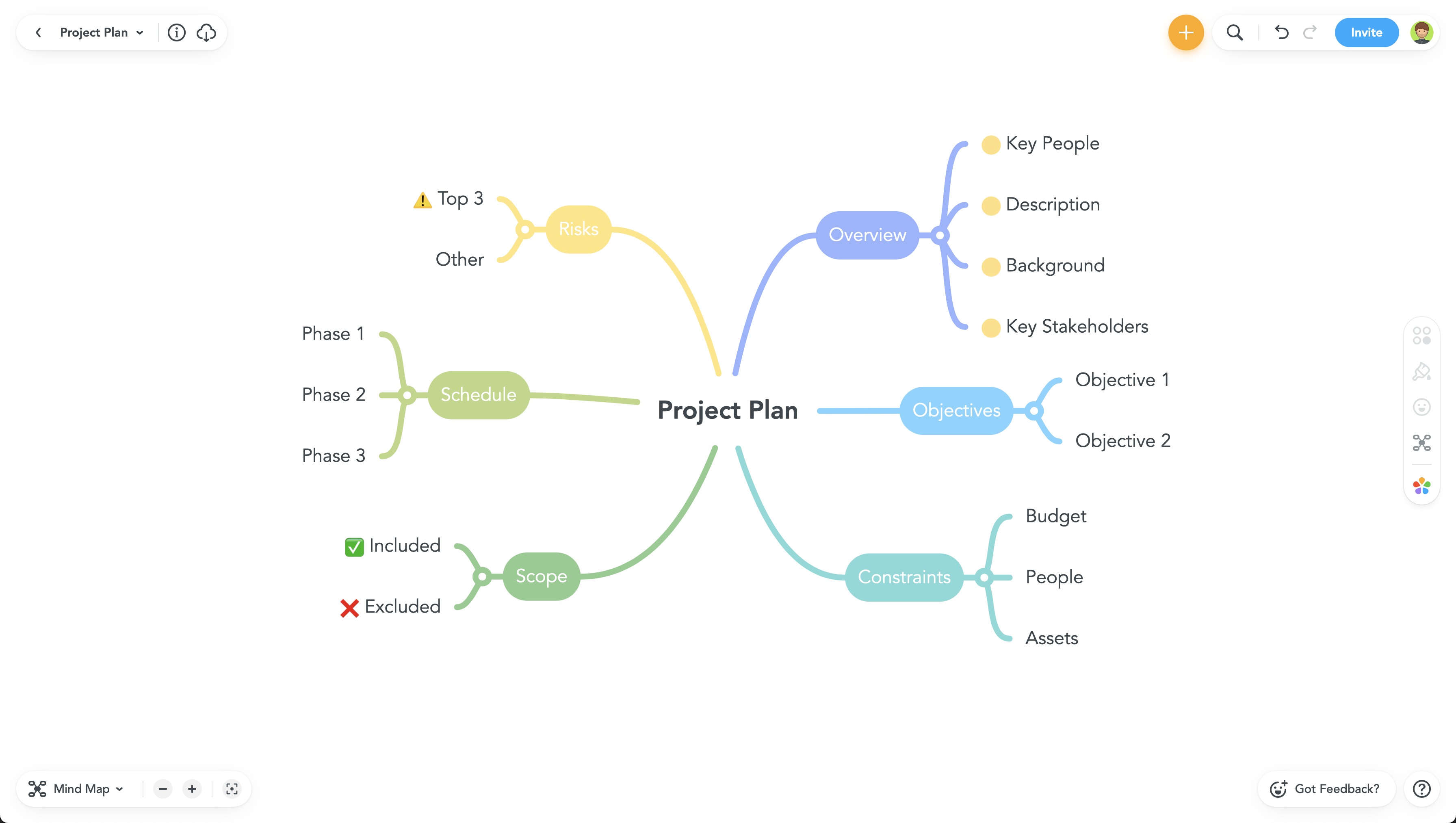
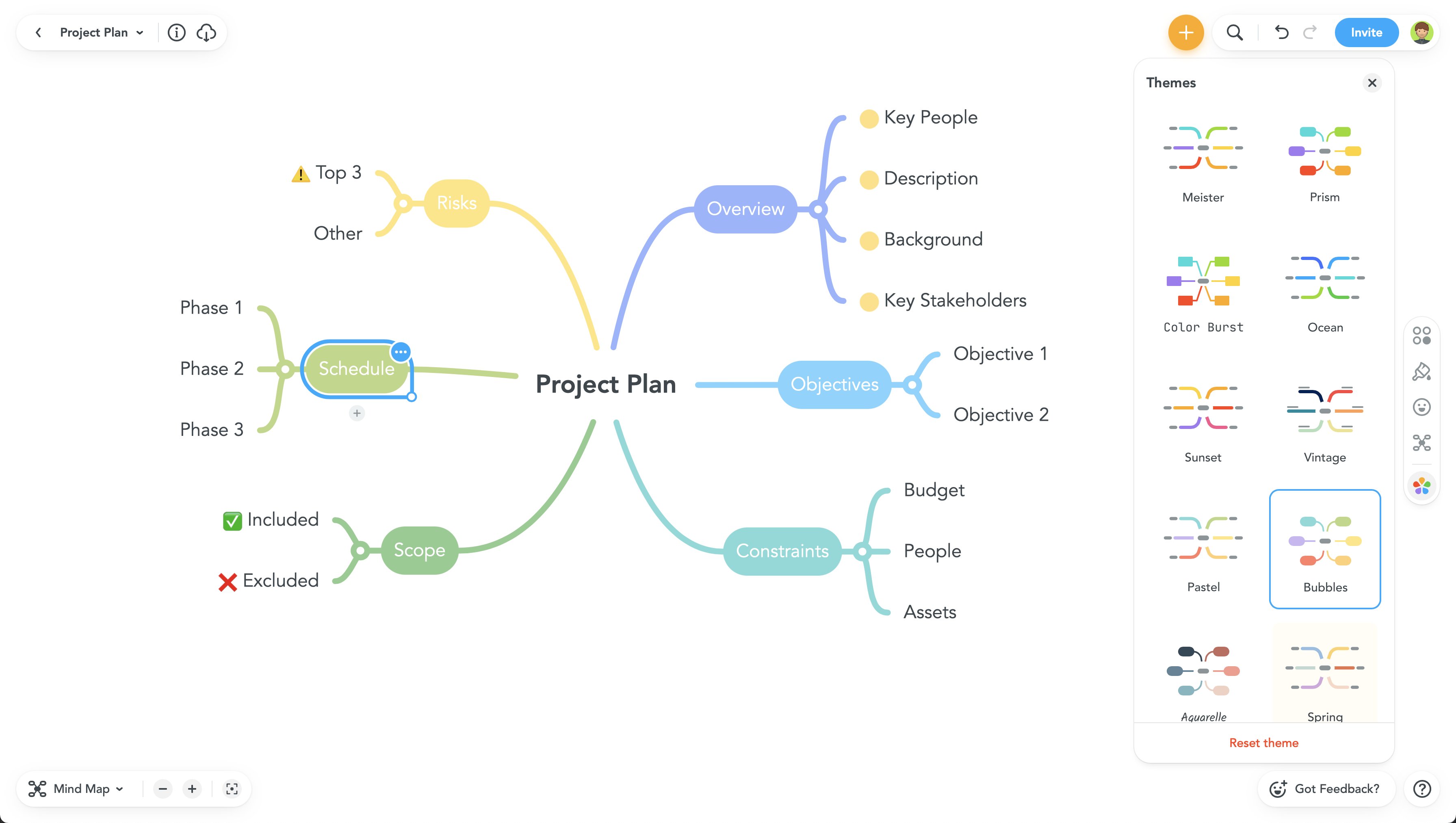
MindMeister is an online mind mapping tool that lets users share maps with an unlimited number of users and collaborate with them in real-time. MindMeister is used to brainstorm ideas, plan projects, take meeting minutes, develop business strategies, and create presentations. MindMeister runs in any standard web-browser as well as on iOS and Android devices, so users can access, edit and present their mind maps anytime, wherever they are. With MindMeister, users…
$45
every 6 months per user
Trello
Score 8.4 out of 10
N/A
Trello from Atlassian is a project management tool based on a Kanban framework. Trello is ideal for task-management in a to-do list format. It supports sharing boards and cards across users or teams. The product offers a free version, and paid versions add greater automation, collaboration, and administrative control.
$6
per month per user
Pricing
AutoCAD
MindMeister
Trello
Editions & Modules
Monthly Subscription
$245
per month per user
Yearly Subscription
$1975
per year per user
3-Year Subscription
$5925
3 years per user
Personal
$45
per 6 months per user
Pro
$75
per 6 months per user
Business
$114
per 6 months per user
Standard
$6
per month per user
Premium
$12.50
per month per user
Enterprise
$17.50
per month per user
Free
Forever Free
Offerings
Pricing Offerings
AutoCAD
MindMeister
Trello
Free Trial
Yes
No
No
Free/Freemium Version
No
Yes
Yes
Premium Consulting/Integration Services
No
No
No
Entry-level Setup Fee
No setup fee
No setup fee
No setup fee
Additional Details
—
MindMeister offers 6-monthly and yearly subscriptions. Discounts for educational users and non-profit organizations are also available. Up to 22% discount for yearly pricing.
A discount is offered for annual billing and for larger numbers of users.
More Pricing Information
Community Pulse
AutoCAD
MindMeister
Trello
Features
AutoCAD
MindMeister
Trello
Computer-Aided Design Software
Comparison of Computer-Aided Design Software features of Product A and Product B
AutoCAD
6.6
6 Ratings
12% below category average
MindMeister
-
Ratings
Trello
-
Ratings
3D Modeling
4.96 Ratings
00 Ratings
00 Ratings
2D Drafting
9.06 Ratings
00 Ratings
00 Ratings
Rendering and Visualization
5.56 Ratings
00 Ratings
00 Ratings
Parametric Design
7.36 Ratings
00 Ratings
00 Ratings
Collaboration and Sharing
7.86 Ratings
00 Ratings
00 Ratings
Compatibility with other software and formats
8.16 Ratings
00 Ratings
00 Ratings
Assembly Design
6.16 Ratings
00 Ratings
00 Ratings
Simulation and Analysis
4.35 Ratings
00 Ratings
00 Ratings
Documentation and Annotation
7.46 Ratings
00 Ratings
00 Ratings
Customization and Extensions
5.16 Ratings
00 Ratings
00 Ratings
Project Management
Comparison of Project Management features of Product A and Product B
AutoCAD
-
Ratings
MindMeister
-
Ratings
Trello
8.5
222 Ratings
9% above category average
Task Management
00 Ratings
00 Ratings
9.5222 Ratings
Resource Management
00 Ratings
00 Ratings
9.3185 Ratings
Gantt Charts
00 Ratings
00 Ratings
7.173 Ratings
Scheduling
00 Ratings
00 Ratings
9.1168 Ratings
Workflow Automation
00 Ratings
00 Ratings
8.2142 Ratings
Team Collaboration
00 Ratings
00 Ratings
9.0218 Ratings
Support for Agile Methodology
00 Ratings
00 Ratings
8.9147 Ratings
Support for Waterfall Methodology
00 Ratings
00 Ratings
7.6115 Ratings
Document Management
00 Ratings
00 Ratings
8.1159 Ratings
Email integration
00 Ratings
00 Ratings
7.6146 Ratings
Mobile Access
00 Ratings
00 Ratings
9.1192 Ratings
Timesheet Tracking
00 Ratings
00 Ratings
9.388 Ratings
Change request and Case Management
00 Ratings
00 Ratings
8.8102 Ratings
Budget and Expense Management
00 Ratings
00 Ratings
7.673 Ratings
Professional Services Automation
Comparison of Professional Services Automation features of Product A and Product B
AutoCAD is the Industry best and standardized software used industry wide. This comes with support of some free to use plugins which can be downloaded form AutoDesk Store. AutoDesk has already nurtured a strong community of Developers, Students and Architects this helps any one new with Forms which help them get integrated with the commiunity very quickly.
MindMeister is ideally suited for building mind maps, site maps, or similar types of data maps in the cloud without needing to install extra software. I find that it isn't quite as ideal for other types of diagrams (ERDs, flowcharts, etc) as some other tools, though it definitely can handle those things as well.
For teams or individuals with lots of individual tasks/details to track, Trello is perfect! It basically removes the need for a paper checklist. For those that need an overall project management tool that requires less tasks and more overarching goals, collaboration amongst various teams, and gantt charts I would suggest monday.com
The tools are easy to use and the learning curve is fairly minimal to be able to create blueprints.
The 3D application is very fun to use and it is nice to be able to see your product instead of having to imagine what it will look like.
The speed and accuracy in which students can create plans is a huge bonus. Students can plan their industrial art projects out and use their own set of plans to build them.
The UI is well laid out and easy to use. The workflow makes perfect sense and makes creating tasks a breeze.
The collaboration features make brainstorming not only easy but fun! Everyone enjoys using the tool, which was not the case with other collaboration software we used.
I love being able to get all of my thoughts and ideas on the screen to see them and then be able to connect them in a logical way.
User Interface Customisation: AutoCAD's user interface could benefit from more robust customisation options. Allowing users to rearrange toolbars, menus, and panels according to their specific workflows and preferences would enhance productivity.
Enhanced 3D Modeling Tools: While AutoCAD is capable of 3D modeling, it's not as intuitive or feature-rich as dedicated 3D modeling software. Streamlining the process and adding more advanced modeling tools would be a welcome improvement.
Enhanced Collaboration and Version Control: AutoCAD could improve its collaboration tools, such as real-time editing and version tracking, to facilitate smoother teamwork, especially in multi-disciplinary projects.
Intelligent Object Libraries: AutoCAD could benefit from an expanded and more intelligent library of standard objects and components. This would save time for designers who often have to create custom components from scratch.
Because rarely we [would] rather wait for a whole year to update, sometimes the new updates don't bring many new features and we are still ok with the current version. Also the change of interface is always something that takes time for every partner in the company to get comfortable with. So those are the main reasons we may want to keep the same version.
I am very likely to renew Trello, because it doesn't cost anything to do so. I am also very likely to use Trello's upgraded features in the future because a lot of my team's data is stored on there and they have already gotten used to the platform. Trello is very easy for new team members to pick up, making the onboarding and usability very streamlined.
It is very usable once you understand the program. I believe there is room for improvement in the 2D to 3D modeling capability. We have to use other apps to 3D model and that can be time consuming and sometimes AutoCAD doesn't transfer work that well between apps. They can improve there.
Trello is incredibly intuitive, both on desktop and mobile right away. It is also full of helpful features that make it even easier to use, and is flexible enough to suit almost any organizational need. Onboarding for the software is thorough, but concise, and the service is frequently updated with even more QOL improvements.
AutoCAD has the issue of crashing or slowing down the design procedure once a heavy design that includes several disciplines or multiple families/blocks is involved. Customer services gets the feedback from the crash reports but this issue seems like it has never been addressed in the software updates past several years.
Never had an issue with customer support, though we never really needed anything major as far as technical help. I do not believe they offer 24 hour customer support but we don't need it as MindMeister is not the type of tool we need need 24 hour a day support for. Overall, very happy with the level of support.
I haven't reached out to their support very often and their support is very limited anyway for the free users. They do have tons of great articles and videos in their Help Center and constantly send emails with updates and add-ons to the product. The fact that I've barely ever had to contact their support team means that they've developed a great product.
the implementation was realy easy , to set up our workstation we pay for the licenses we are about to use , there was a little bit of delay to get the payment processed to receive the serial but after that the install runs without any problem , so you can fell secure there will be not issue with the implementation.
For our small business, getting a few of us started well on Trello was the key, I think. As long as a couple of us were really comfortable with the interface, we could lead others and help them with any questions. From now on, anyone who works with us just naturally uses Trello for information sharing - it's just part of what we do.
I use Revit far more than I use AutoCAD. AutoCAD is great for simple linework, but even then I will often create the lines in Revit and then export to AutoCAD for final touches and printing. AutoCAD is a bit easier for large-format prints, which is why I almost always end up using it after starting in Revit.
I have also used LucidChart and Google Draw to create mind maps and concept maps in the past. I think that MindMeister is by far the cleanest and most user friendly of the three. Google Draw does not have anywhere near the same functionality. LucidChart tends to be clunky and the options to create your map are not always clear and intuitive.
Trello is more simple and not as "robust" as the other tools, but it's easier to use and manage and understand and ACTUALLY get stuff done with. It's simplicity is part of the beauty of using it. You don't need a million options that nobody uses, you just need to get stuff done.
AutoCAD has helped our smaller firm produce lots of finished products matching that of a much larger size firm. With its many features, we have been able to do so much more and meet deadlines that much faster.
Since we do use AutoCAD, we're able to work with many other engineering firms to collaborate together to complete various building projects.
We have many clients now who expect us to provide for them at the end of a project not just printed construction drawings but also the digital AutoCAD drawing so they can in turn use it for future modifications themselves.
Trello keeps me organized, focused, and on track. I could filter the Trello board to only see my issues and understand what I needed to work on and when.
Trello helped our team implement an agile structure. It's a very simple kanban method of viewing all of your team's tasks and statuses. You can completely customize the columns to your team's specific workflow and create tags relevant to your work.
Trello helps reduce unnecessary communications between teams. When I want to request translations, I simply create a card on the localization Trello board -- no need to directly message anyone on the team, and I can watch the status of the card change from "in progress" to "in review" to "translated," all without having to directly ask for updates.