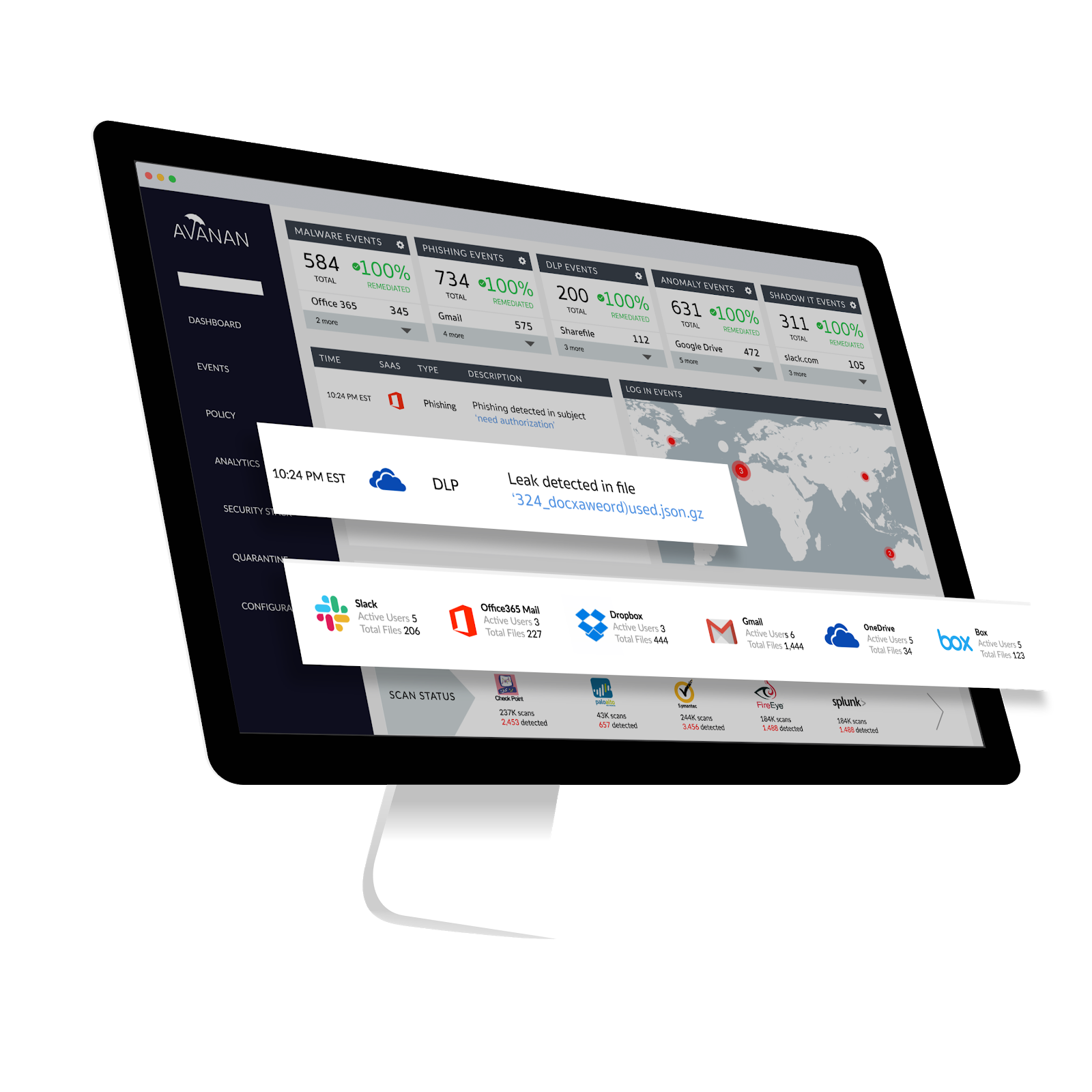
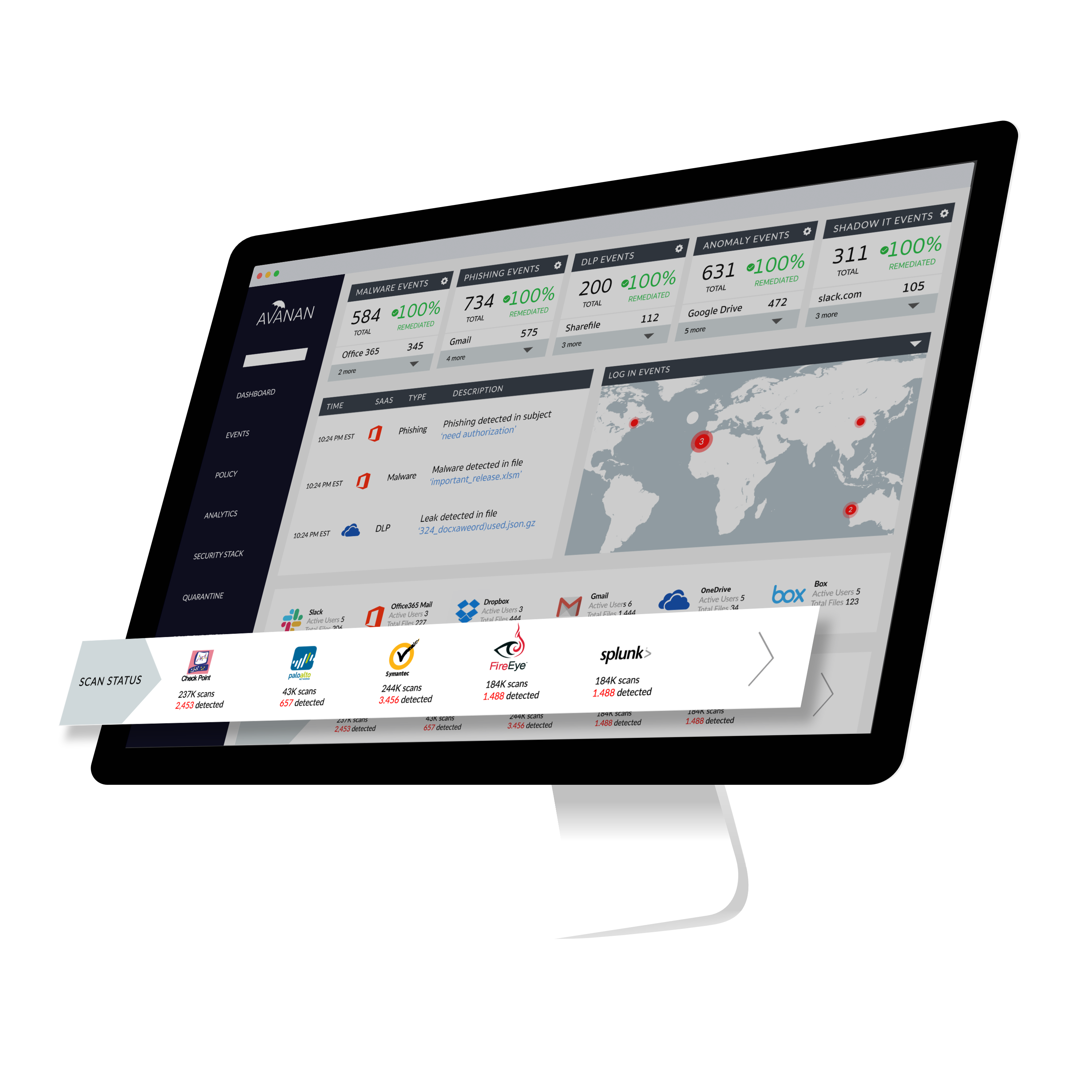
Avanan, from Check Point since the August 2021 acquisition, connects security technologies to enterprise cloud applications in order to improve protection of sensitive corporate data and IP. According to the vendor, Avanan's one-click deployment allows customers to deploy a new security solution in seconds. Because it requires no appliance, agent or gateway proxy, Avanan can begin protecting any cloud application immediately, with no effect on users.
$4
per user per month
Microsoft Exchange
Score 8.7 out of 10
N/A
Microsoft Exchange is a secure email / messaging gateway with file archiving and encryption / data loss capability, available as a hosted service (Exchange Online) or installed (Exchange Server).
N/A
Pricing
Avanan
Microsoft Exchange
Editions & Modules
Advanced Anti-Phishing
$4.00
per user per month
Complete Malware Protection
$5.00
per user per month
Full-Suite Protection
$8.00
per user per month
No answers on this topic
Offerings
Pricing Offerings
Avanan
Microsoft Exchange
Free Trial
Yes
No
Free/Freemium Version
No
No
Premium Consulting/Integration Services
Yes
No
Entry-level Setup Fee
No setup fee
No setup fee
Additional Details
Prices for fewer than 500 users.
—
More Pricing Information
Community Pulse
Avanan
Microsoft Exchange
Considered Both Products
Avanan
Verified User
Technician
Chose Avanan
We've found Avanan to be more cost-effective than many competitors.
Most IT professionals understand Microsoft Exchange... getting a Linux expert or Google expert can be more challenging. Choosing Microsoft Exchange meant having access to a vast array of talent that understood the system if something went wrong, versus having to learn another …
What it says, it provides. It has the Data leak prevention that is the major help while we have to deal with lot of clients at a time. It has the Secure Click that checks any embedded hyperlink so that when we work on emails we don't have to worry about the hidden security threats inside a email.
Creating and receiving emails is simple. Managing contacts is a nice feature, especially connecting to Active Directory. Calendar management is also helpful and sharing access to others' calendars for scheduling meetings is useful. And reserving resources such as rooms or equipment is also useful. Personal and shared mailboxes are good features, as well. Tasks are a little lacking, but other than that, the features are thorough.
As we have a large user base of 11,000 users we use MailTips to avoid people getting confused with people with similar names in the organization.
The integration between Teams Meeting and Resource booking is generally very good. The Scheduling Assistance makes it easy to scan calendars and find free periods to provisionally scheduled events.
Marking yourself as Out of the Office and busy is easy, as is sharing your calendar within the team/organization or individuals.
Voicemail integration and the ability to receive missed chats in your inbox are highly used and useful.
I only ever had one complaint, we had a few hiccups during the setup process. We have now been a customer for two years and have had no further issues. It is likely that the setup pain points have now been resolved as well. Overall the product does what it claims while providing a very intuitive interface.
The two main factors for the better reliability & Uptime of internally hosted Exchange Server depends on Exchange Server configuration and the level of investment the organization is willing to provide for hosting the Exchange Server On-Premise Environment. As the data is stored in the organization’s hardware, any disaster may lead to the loss of email and servers.
Losing data might affect business continuity and rebuilding it can be costly.
Security remains a major concern.
Security of data loss is main concern. To ensure that, organization needs to configure networks, systems and Exchange platform against possible threats.
Cost, need to make sure the cost is competitive for how many users are using email protection as we move users to MS Teams and don't rely so much on full access to email accounts (both sending and receiving internal and external).
Email and calendars in a business setting are requirements. And Microsoft continues to be the standard of business applications. Microsoft 365 makes Microsoft Exchange easy to use. Everything is in the cloud. Let Microsoft take care of the hardware, the software, and the security. You just enable your business users with the functionality they need.
The end-users love not having their inboxes fill up with extra useless emails. As an administrator, it is simple to implement and maintain. The ability to put something into test mode before going live makes our life a lot easier and less stressful. Avanan has many different components to make your life easier.
Microsoft Exchange has come a long way over the years and has nowhere near the technical overhead required for support as it did back in 2003/2007 and prior. The integrations with Teams, Defender, Sharepoint, Copilot and many other products make it a solid and well-rounded tool used for many day-to-day tasks.
Support has always been there for me, they take on suggestions and product improvements quite seriously. I've spoken to techs and you can tell that they care about the product and the service in which they deliver. Avanan support is always responsive in everything I throw them and in most cases they don't tell me how to build out a widget or custom query, they actually do it for me and send it to me.
We have a good enterprise agreement with Microsoft which affords us quick phone support. I have found the support staff knowledgeable and prompt with a solution when required. At times it may be difficult to schedule a call back, this is mainly due to our need for calls early in the morning which happens to be during a shift change at Microsoft support.
Implementation/conversion can be quite complex and, unless you have certified Exchange administrators in-house, you should strongly consider a 3rd party consultant for this implementation.
Avanan has a one-click solution, which subscribers or clients use to deploy a new security update. Further, Avanan has the protection of any cloud application, which means, it bypasses any security threat and maintain the set safety processes. Finally, data leakage is a shield that Avanan has deployed, a very smooth process in the firm.
Microsoft Exchange Product The best cloud-based enterprise-grade archiving platform with a host of features that enable files to be securely archived and retrieved with advanced search options. This tool is very easy to use and has a User-friendly interface. It is a highly reliable platform that allows all employees to automatically store their data without any limitations. It offers a cost-effective solution with customized policy management. We are happy that the customer support team is always fast and concerned, and the product's uninterrupted service experience. It is very good that it stores data in real-time without losing it, even in the event of a disaster. The cost-effective solution and integration with other tools are seamless.
It has been an important factor in allowing seamless communication with clients and scheduling business meetings, which in turn works in the company's favor.
Haven't noticed any negative impact Exchange has had on our ROI. The support team is also responsive and helpful.