
Avaza vs. monday.com vs. Sitetracker
Avaza vs. monday.com vs. Sitetracker
| Product | Rating | Most Used By | Product Summary | Starting Price |
|---|---|---|---|---|
 Avaza | Mid-Size Companies (51-1,000 employees) | Avaza is a software suite targeted for all business sizes. It includes modules for project management and collaboration, resource scheduling, team chat, time tracking, expense management, quoting and invoicing. Depending on their business needs, companies can use as many, or as few, of the modules as they need. Avaza offers reporting functionality, and the project management module is designed with both list view and Kanban style task management, so users can choose… | $0 | |
 monday.com | Mid-Size Companies (51-1,000 employees) | monday.com Work OS is an open platform designed so that anyone can create the tools they need to run all aspects of their work. It includes ready-made templates or the ability to customize any work solution ranging from sales pipelines to marketing campaigns, CRMs, and project tracking. | $36 per month (3 seats) | |
 Sitetracker | N/A | Sitetracker is a project management application focusing on managing and reporting features for large or high-volume distributed projects involving disparate sites and personnel, from the company of the same name in Palo Alto, California. | N/A |
| Avaza | monday.com | Sitetracker | ||||||||||||||||||||||
|---|---|---|---|---|---|---|---|---|---|---|---|---|---|---|---|---|---|---|---|---|---|---|---|---|
| Editions & Modules |
|
| No answers on this topic | |||||||||||||||||||||
| Offerings |
| |||||||||||||||||||||||
| Entry-level Setup Fee | Optional | No setup fee | No setup fee | |||||||||||||||||||||
| Additional Details | — | Yearly plan: Save 18% Monthly plan also available | — | |||||||||||||||||||||
| More Pricing Information | ||||||||||||||||||||||||
| Avaza | monday.com | Sitetracker |
|---|
| Avaza | monday.com | Sitetracker | |||||||||||||||||||||||||||||||||||||||||||||||||||||||||||
|---|---|---|---|---|---|---|---|---|---|---|---|---|---|---|---|---|---|---|---|---|---|---|---|---|---|---|---|---|---|---|---|---|---|---|---|---|---|---|---|---|---|---|---|---|---|---|---|---|---|---|---|---|---|---|---|---|---|---|---|---|---|
| Project Management |
| ||||||||||||||||||||||||||||||||||||||||||||||||||||||||||||
| Professional Services Automation |
|
| Avaza | monday.com | Sitetracker | |
|---|---|---|---|
| Small Businesses |  Stackby Score 8.9 out of 10 | Stackby Score 8.9 out of 10 | Stackby Score 8.9 out of 10 |
| Medium-sized Companies |  InEight Score 8.3 out of 10 | InEight Score 8.3 out of 10 | InEight Score 8.3 out of 10 |
| Enterprises | InEight Score 8.3 out of 10 | InEight Score 8.3 out of 10 | InEight Score 8.3 out of 10 |
| All Alternatives | View all alternatives | View all alternatives | View all alternatives |
| Avaza | monday.com | Sitetracker | |
|---|---|---|---|
| Likelihood to Recommend | 10.0 (7 ratings) | 8.6 (2256 ratings) | 9.4 (6 ratings) |
| Likelihood to Renew | 10.0 (1 ratings) | 9.1 (32 ratings) | - (0 ratings) |
| Usability | 9.0 (1 ratings) | 8.4 (2185 ratings) | - (0 ratings) |
| Availability | - (0 ratings) | 8.2 (8 ratings) | - (0 ratings) |
| Performance | - (0 ratings) | 8.6 (8 ratings) | - (0 ratings) |
| Support Rating | 10.0 (1 ratings) | 8.1 (1903 ratings) | 8.0 (1 ratings) |
| In-Person Training | - (0 ratings) | 9.1 (1 ratings) | - (0 ratings) |
| Online Training | - (0 ratings) | 9.1 (4 ratings) | - (0 ratings) |
| Implementation Rating | - (0 ratings) | 9.1 (7 ratings) | - (0 ratings) |
| Configurability | - (0 ratings) | 8.2 (6 ratings) | - (0 ratings) |
| Ease of integration | - (0 ratings) | 9.0 (6 ratings) | - (0 ratings) |
| Product Scalability | - (0 ratings) | 6.9 (8 ratings) | - (0 ratings) |
| Vendor post-sale | - (0 ratings) | 9.0 (6 ratings) | - (0 ratings) |
| Vendor pre-sale | - (0 ratings) | 9.0 (6 ratings) | - (0 ratings) |
| Avaza | monday.com | Sitetracker | |
|---|---|---|---|
| Likelihood to Recommend |  Avaza Limited
 Veronica M Duckett Managing Partner |  monday.com
 Micah King Sr. IT Security Administrator | Sitetracker
 Partha Roy Lead Product Engineer |
| Pros | Avaza Limited
| monday.com
| Sitetracker
|
| Cons | Avaza Limited
| monday.com
| Sitetracker
Partha Roy Lead Product Engineer |
| Likelihood to Renew | Avaza Limited
Veronica M Duckett Managing Partner | monday.com
| Sitetracker No answers on this topic |
| Usability | Avaza Limited
| monday.com
 Brandon Stokes Customer Operations Enablement Manager | Sitetracker No answers on this topic |
| Reliability and Availability | Avaza Limited No answers on this topic | monday.com
| Sitetracker No answers on this topic |
| Performance | Avaza Limited No answers on this topic | monday.com
| Sitetracker No answers on this topic |
| Support Rating | Avaza Limited
Veronica M Duckett Managing Partner | monday.com
| Sitetracker
 James Moses Senior Blogger |
| Online Training | Avaza Limited No answers on this topic | monday.com
| Sitetracker No answers on this topic |
| Implementation Rating | Avaza Limited No answers on this topic | monday.com
 Joseph Madere Learning Management System Analyst -- CornerstoneOnDemand | Sitetracker No answers on this topic |
| Alternatives Considered | Avaza Limited
| monday.com
 Joshua Rodriguez Digital Strategy Manager | Sitetracker
|
| Scalability | Avaza Limited No answers on this topic | monday.com
| Sitetracker No answers on this topic |
| Return on Investment | Avaza Limited
| monday.com
| Sitetracker
Partha Roy Lead Product Engineer |
| ScreenShots | Avaza Screenshots  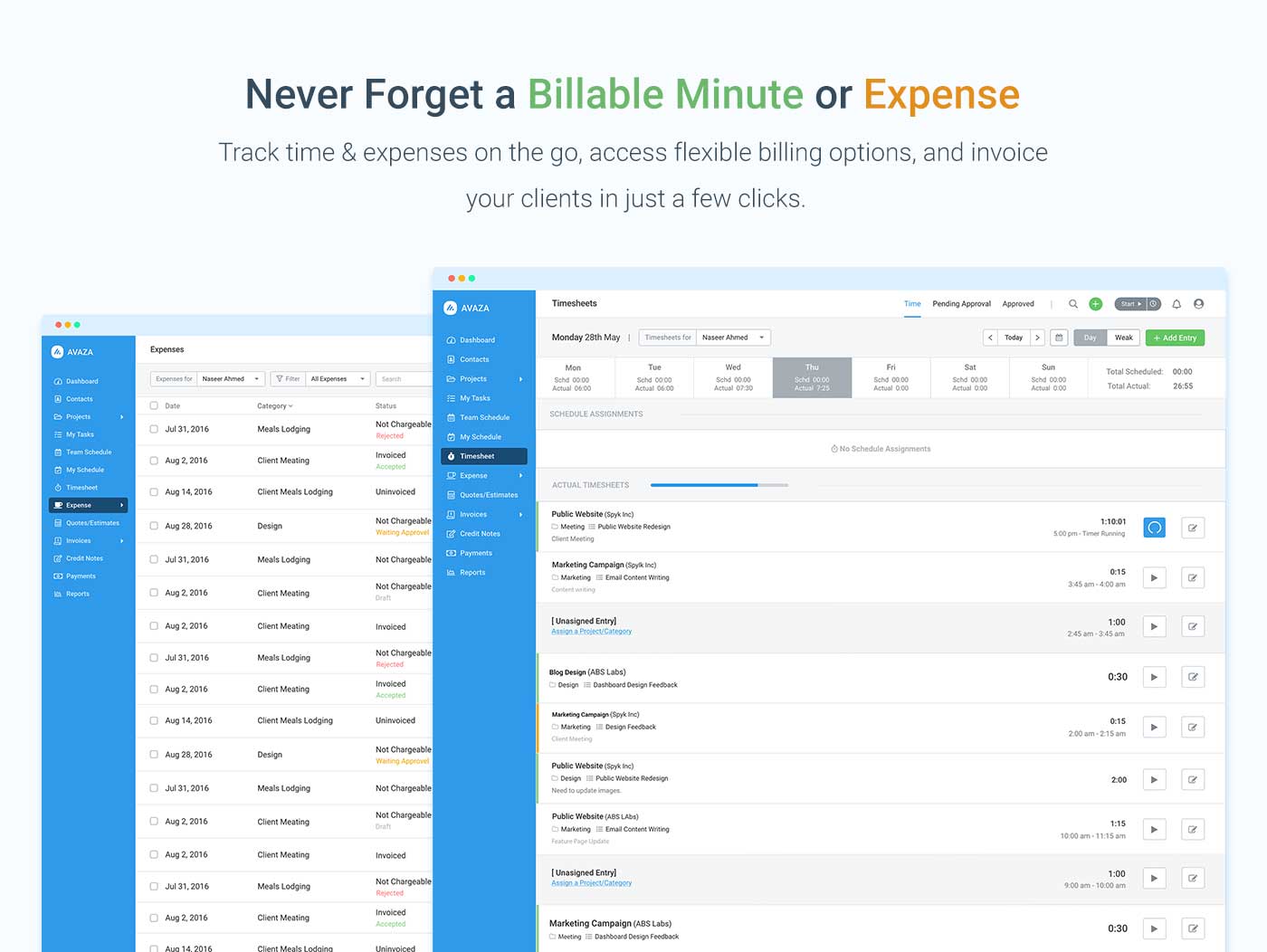    | monday.com Screenshots      |