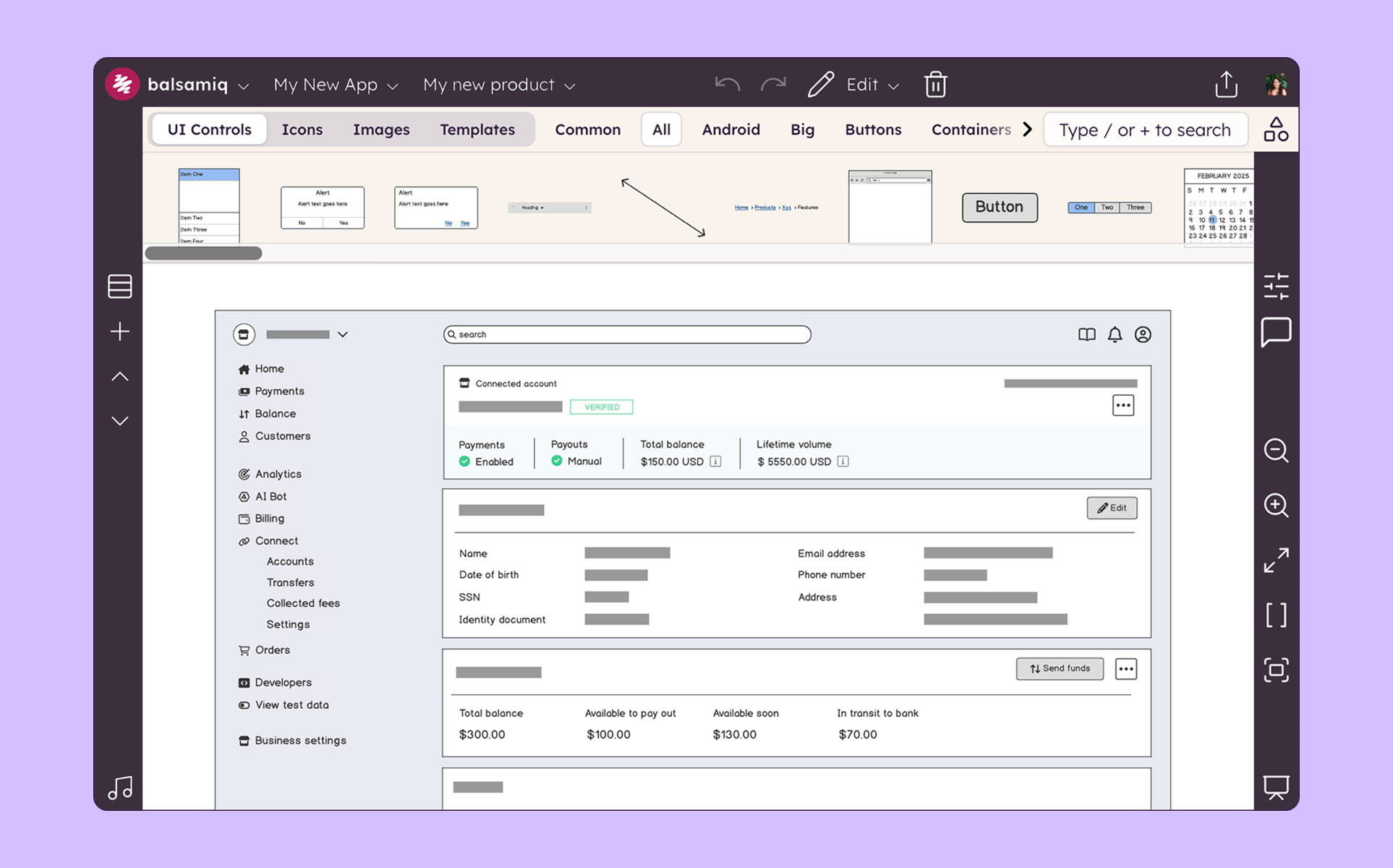
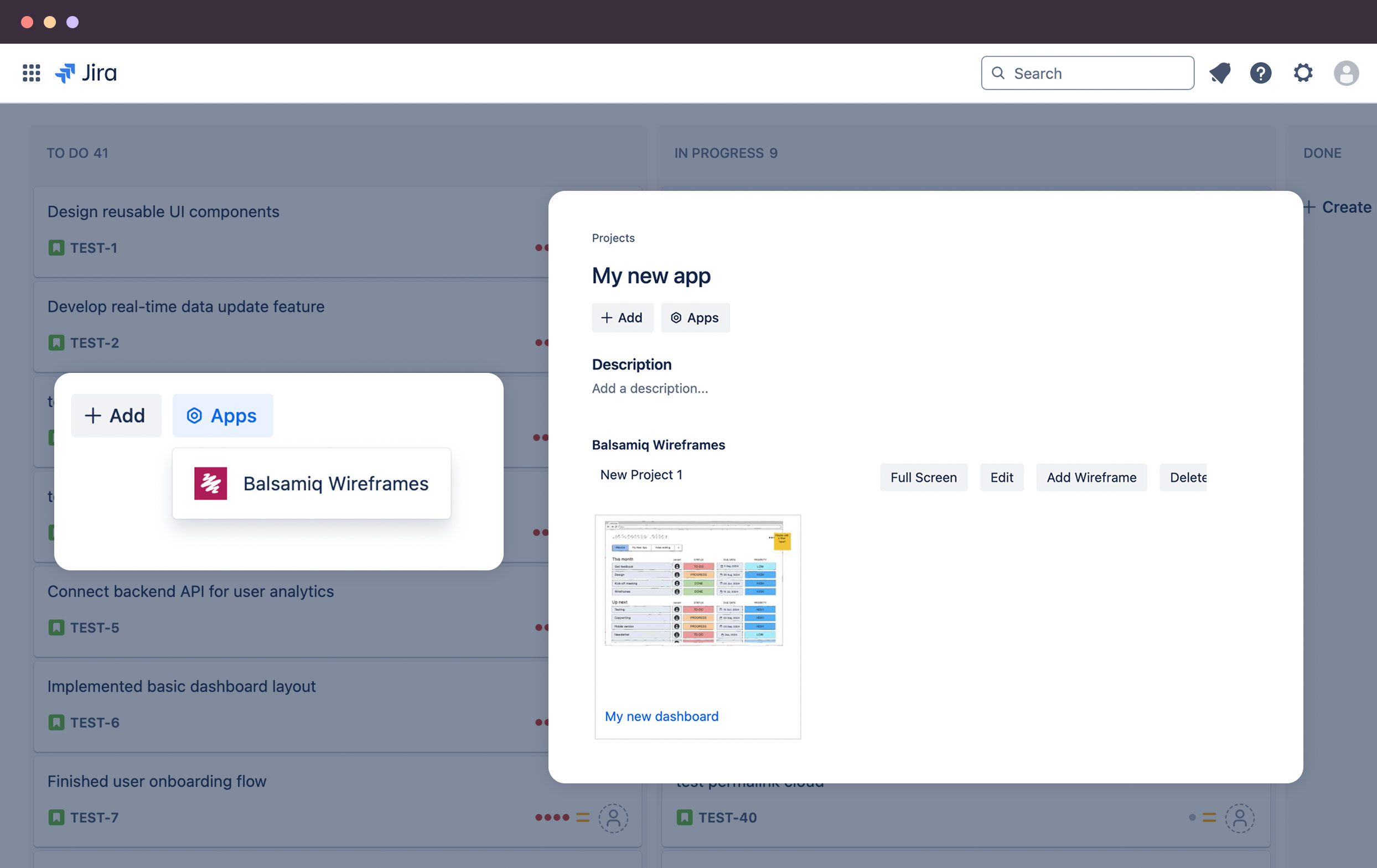
Balsamiq is a wireframing tool that helps lean product teams turn early ideas into clear, actionable direction. The tool helps product managers, founders, and engineers worldwide share concepts, reduce rework, and build better products.
$12
per month (up to 2 projects)
InVision (discontinued)
Score7.8 out of 10
N/A
InVision was a cloud-based Prototyping and digital product design collaboration platform developed by InVisionApp Inc. The hosted Software-as-a-Service (SaaS) platform enabled product managers, user experience (UX) designers, and software engineers to create interactive screen mockups, build user interface workflows, conduct design reviews, and manage developer handoffs. On December 31, 2024, InVision officially discontinued its services and shut down its cloud application infrastructure. The…
N/A
Microsoft Visio
Score7.9 out of 10
N/A
Microsoft offers Visio, a diagramming tool for building flowcharts, diagrams (e.g. network diagrams), org charts and floor plans, available online as a subscription and also in enterprise level packages (e.g. Visio Professional).
$5
per month per user
Pricing
Balsamiq
InVision (discontinued)
Microsoft Visio
Editions & Modules
No answers on this topic
No answers on this topic
Visio Plan 1
$5.00
per month per user
Visio Plan 2
$15.00
per month per user
Visio Standard 2024
$309.99
one-time fee On-premises diagramming solution, licensed for one PC
Visio Professional 2024
$579.99
one-time fee On-premises diagramming solution, licensed for one PC
Marketing Specialist in Marketing at E-Brand Marketing Inc. (Marketing and Advertising, 51-200 employees)
Chose Balsamiq
InVision integrates well with Photoshop but Balsamiq has a much more intuitive pick-up-and-play quality that makes it a useful entry tool to marketing teams just getting their feet wet in the design process. The standardized layout and methodology also gives it an edge if you …
A de minimis incentive was given to thank the reviewer for their time. The incentive was not used to bias or drive a particular response, nor was the incentive contingent on a positive endorsement. More Info
Product Manager in Product Management at Omnia Salud (Internet, 1-10 employees)
Chose Balsamiq
We have used some other alternatives and Balsamiq is the best one for fastest results. InVision and Justinmind both work very well and have great tools for collaboration and making interactive mockups. With Justinmind, I have done some app mockups that felt almost functional …
A de minimis incentive was given to thank the reviewer for their time. The incentive was not used to bias or drive a particular response, nor was the incentive contingent on a positive endorsement. More Info
Consultant in Corporate at HMS Cornerstone Solutions (Information Technology & Services, 11-50 employees)
Chose Balsamiq
We think Balsamiq does a good job compared to Visio and we do go to Balsamiq first. We typically know after trying to put together the first wireframe if it will work well in Balsamiq. And we are familiar enough with both tools to get an idea. If it is not working right away in …
A de minimis incentive was given to thank the reviewer for their time. The incentive was not used to bias or drive a particular response, nor was the incentive contingent on a positive endorsement. More Info
Verified User
Chose Balsamiq
While I love these other tools for many different reasons, Balsamiq is the tool I use for low-fidelity wireframing every time. It’s the most simple and easy-to-use out of the bunch, and it gets the job done without a ton of effort and time required. In the early stages of …
A de minimis incentive was given to thank the reviewer for their time. The incentive was not used to bias or drive a particular response, nor was the incentive contingent on a positive endorsement. More Info
Senior Business Analyst in Marketing at Lucid Agency (Marketing and Advertising, 11-50 employees)
Chose Balsamiq
Creating digital wireframes in Photoshop is a nightmare. Photoshop was not really designed for this purpose. It doesn't have good collaboration options and it doesn't allow pattern libraries, which are essential for consistency and efficiency. We use UXPin and Axure for some …
A de minimis incentive was given to thank the reviewer for their time. The incentive was not used to bias or drive a particular response, nor was the incentive contingent on a positive endorsement. More Info
Verified User
Chose Balsamiq
Balsamiq is a quite simple tool; but does exactly what was designed for, it helps with creating mockups, wireframes, and flows. Its simplicity works great for people who are not designers but need to visually represent their ideas. Low-fidelity wireframes work really well in …
A de minimis incentive was given to thank the reviewer for their time. The incentive was not used to bias or drive a particular response, nor was the incentive contingent on a positive endorsement. More Info
Verified User
Chose Balsamiq
The Pen tool in Paper is definitely a happy middle between Balsamiq and actual paper prototyping. It has the advantage of being able to copy/paste a section that has already been designed - but even there selecting a specific section is hard - balsamiq's sections are more …
A de minimis incentive was given to thank the reviewer for their time. The incentive was not used to bias or drive a particular response, nor was the incentive contingent on a positive endorsement. More Info
Project Manager in Engineering at Apzumi (Information Technology and Services, 51-200 employees)
Chose InVision (discontinued)
Balsamiq is a better tool for interactive prototyping and dynamic transition. InVision is definitely better for handling various designs, separated by projects and shared with different access levels across multiple organizations.
A de minimis incentive was given to thank the reviewer for their time. The incentive was not used to bias or drive a particular response, nor was the incentive contingent on a positive endorsement. More Info
Sr. Experience Designer in Information Technology at Maestro Health (Human Resources, 201-500 employees)
Chose InVision (discontinued)
InVision works seamlessly and easily when sharing and requesting comments from others. Other products I've used like Balsamiq and Dropbox (earlier versions) provided online displays of work, but no easy way to collect feedback or quickly update. InVision provides enterprise …
A de minimis incentive was given to thank the reviewer for their time. The incentive was not used to bias or drive a particular response, nor was the incentive contingent on a positive endorsement. More Info
Senior Business Analyst in Marketing at Lucid Agency (Marketing and Advertising, 11-50 employees)
Chose InVision (discontinued)
We compared Invision to MarvelApp, Notism, and ViewFlux before purchasing. Admittedly, it has been quite a while since we made that purchase decision, so these platforms may have changed significantly. However, at the time of purchase, we went with Invision because of its …
A de minimis incentive was given to thank the reviewer for their time. The incentive was not used to bias or drive a particular response, nor was the incentive contingent on a positive endorsement. More Info
Axure is expensive, and there's a much bigger then you get with InVision. I also feel like the finished prototype just never looks as nice. I do still use Balsamiq on occasion, that's the best option when you want to create something quickly, to communicate a simple idea. …
A de minimis incentive was given to thank the reviewer for their time. The incentive was not used to bias or drive a particular response, nor was the incentive contingent on a positive endorsement. More Info
Verified User
Chose InVision (discontinued)
Axure is too expensive and often an overkill in time and effort to create a clickthrough. Flinto is nice for interactions, but often times for workflow Invision is just easier to use. Pixate has a little bit of a learning curve similar to Axure, but not as powerful.
A de minimis incentive was given to thank the reviewer for their time. The incentive was not used to bias or drive a particular response, nor was the incentive contingent on a positive endorsement. More Info
Verified User
Chose InVision (discontinued)
InVision's design is much more polished and seamless due to its apps on mobile and web. They are very easy to learn and gather feedback compared to Sketch or Principle. Although these features are quickly coming to the other apps, InVision has an upper hand at the moment with …
A de minimis incentive was given to thank the reviewer for their time. The incentive was not used to bias or drive a particular response, nor was the incentive contingent on a positive endorsement. More Info
Director - Strategic Project Delivery in Information Technology at Holman Strategic Ventures (Transportation/Trucking/Railroad, 5001-10,000 employees)
Chose Microsoft Visio
This is not exactly the same type of thing, but for some of our applications, Balsamiq is a viable option. We use Visio because it is more accepted in our organization. However, if someone joined the group, and had a good case for using Balsamiq, we potentially would …
A de minimis incentive was given to thank the reviewer for their time. The incentive was not used to bias or drive a particular response, nor was the incentive contingent on a positive endorsement. More Info
Balsamiq is a great tool for quickly getting ideas into visual form. At first it seems like there are not that many UI assets, but this constraint actually adds to the speed. There are less things for you to fuss over, you can focus on getting your ideas down. This is a tool for lofi rough drawings not a tool for building beautiful prototypes for developers to code to. It is fantastic for ideation because you mostly just drag and drop components onto the canvas and move things around. It's great in a live workshop setting for that reason.
A de minimis incentive was given to thank the reviewer for their time. The incentive was not used to bias or drive a particular response, nor was the incentive contingent on a positive endorsement. More Info
InVision is well suited for design reviews and immersing yourself in the experience of an app-to-be. As a Product Manager, it's difficult to take abstract concepts, user pain points, and business needs, and produce a vision for an app without a visual aid to communicate a vision. InVIsion offers PMs, designers, and developers the opportunity to sketch a vision, communicate about it with inline commenting, and shareable with other stakeholders.
A de minimis incentive was given to thank the reviewer for their time. The incentive was not used to bias or drive a particular response, nor was the incentive contingent on a positive endorsement. More Info
Visio is by far and away the best tool that I have used to do Value Stream Mapping sessions with the warehouse I support. It has all of the shapes needed built in to be able to represent all areas of the processes. I also like how you are able to make the drawing as big as needed and when printing it out of Visio you have the ability to use the necessary paper size. The biggest complaint that I have with the software if how it can be cumbersome for non-Visio users (that is, people without a license in the orgnaization) to interact with the Visio Map. We normally have to dedicate one Visio SME to be able to make the changes that Process SME's find since they do not have access to the software.
A de minimis incentive was given to thank the reviewer for their time. The incentive was not used to bias or drive a particular response, nor was the incentive contingent on a positive endorsement. More Info
Mock ups are obviously only just mock ups (this is important as if users see mock-ups in HTML, for example, they tend to think the system is ready to use or not far off)
Has a good selection of standard shapes that mock real world fields / controls
Allows not for profit organisations use it for free
A de minimis incentive was given to thank the reviewer for their time. The incentive was not used to bias or drive a particular response, nor was the incentive contingent on a positive endorsement. More Info
A de minimis incentive was given to thank the reviewer for their time. The incentive was not used to bias or drive a particular response, nor was the incentive contingent on a positive endorsement. More Info
Microsoft Visio is excellent for organizing thought processes related to our more complex research.
The diagrams created with Microsoft Visio are ideal for graphically displaying the internal organization of work and research groups through flow diagrams.
Microsoft Visio is a great tool for managing our students' activities by creating flowcharts that help us graphically visualize the steps of their group work.
The sketch-like style can be off-putting to some stakeholders, and it’s not initially very clear that there is the option to turn this “off.” While I do think there is benefit to the default style, knowing from the start that this flexibility existed would have helped us be able to use this tool more often in the past and in different situations.
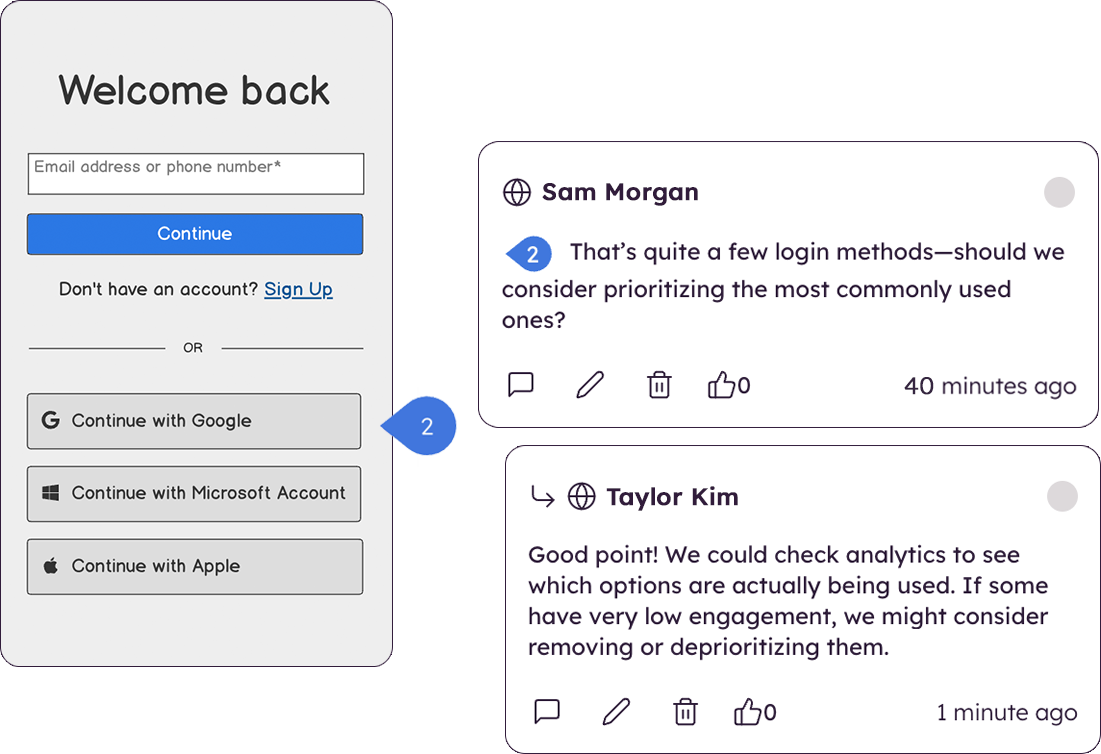
There are very limited collaborative functionalities. When it’s early in the design process, it’s often really helpful to have a number of people in the design to offer in-app feedback so the designer doesn’t have the burden of collecting feedback from many disparate sources in order to incorporate the feedback.
There are limited UI elements. As design evolves, there are more and more UI elements to consider, and many to stop using. Our Balsamiq wireframes would be a lot more effective in communicating design ideas to stakeholders if there was a wider range of UI elements to choose from.
A de minimis incentive was given to thank the reviewer for their time. The incentive was not used to bias or drive a particular response, nor was the incentive contingent on a positive endorsement. More Info
A de minimis incentive was given to thank the reviewer for their time. The incentive was not used to bias or drive a particular response, nor was the incentive contingent on a positive endorsement. TR verified that a representative sample of customers was invited. More Info
When navigating through swim lanes, the user must be careful between switching from the point to the connection features as it can be difficult to remember which mode you’re in.
When drawing “decision points,” it can be difficult to type words like “yes” or “no” between the connection lines.
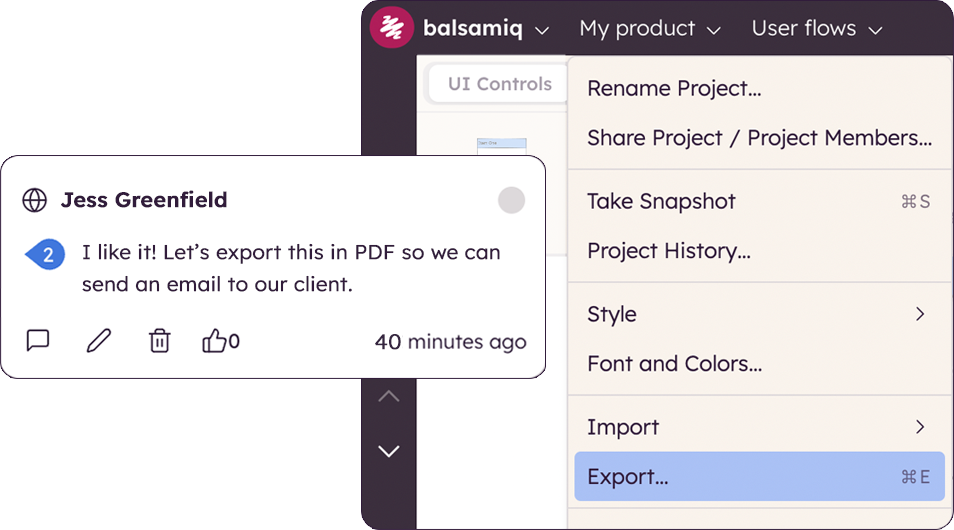
The exporting options aren’t ideal. They are hard to create in PDF format.
A de minimis incentive was given to thank the reviewer for their time. The incentive was not used to bias or drive a particular response, nor was the incentive contingent on a positive endorsement. More Info
I'm not sure how else we would be able to complete our work without Balsamiq or another similar tool. All of my experience with Balsamiq has been positive and they continue to develop new features so that my job gets easier. I would be very surprised if we didn't renew Balsamiq
A de minimis incentive was given to thank the reviewer for their time. The incentive was not used to bias or drive a particular response, nor was the incentive contingent on a positive endorsement. More Info
A de minimis incentive was given to thank the reviewer for their time. The incentive was not used to bias or drive a particular response, nor was the incentive contingent on a positive endorsement. More Info
We use Microsoft Visio to keep our diagrams updated and to that end we will need the subscription to keep using the software. Otherwise we will be left with PDF versions of the diagrams.
A de minimis incentive was given to thank the reviewer for their time. The incentive was not used to bias or drive a particular response, nor was the incentive contingent on a positive endorsement. More Info
Very intuitive and easy to understand. It only takes minutes to get the hang of it and get back to work. For new analysts (like, brand new, fresh out of school) it's not difficult and they need minimal to no hand-holding. The training content that is embedded is easy to find and use.
A de minimis incentive was given to thank the reviewer for their time. The incentive was not used to bias or drive a particular response, nor was the incentive contingent on a positive endorsement. More Info
Easy for prototyping, sharing for comments and review changes with version. lags a bit when the design is heavy and large design models learning curve is shorter so saves time with new stakeholders responsiveness could be better and auto modeling can be introduced Not much advance features that can be used
A de minimis incentive was given to thank the reviewer for their time. The incentive was not used to bias or drive a particular response, nor was the incentive contingent on a positive endorsement. More Info
I have always struggled with some basics, such as connection points, object alignment, font consistency, arranging layers and their order (bring forward, send backward), and managing overlap. I usually need to create an initial rough draft and then do a separate cleanup pass to bring the diagram up to my quality standards. If I skip that step, the result generally does not look very good. And once a diagram becomes busy or the file gets large, Visio has been unstable for me in the past, including occasional crashes that caused non-recoverable edits.
A de minimis incentive was given to thank the reviewer for their time. The incentive was not used to bias or drive a particular response, nor was the incentive contingent on a positive endorsement. More Info
A de minimis incentive was given to thank the reviewer for their time. The incentive was not used to bias or drive a particular response, nor was the incentive contingent on a positive endorsement. More Info
I didn't need to contact InVision support, as I've never needed it. They have an intuitive UI, and most of the questions are answered in their help portal or in tutorials online. Since many people use it, there a great resources available on for example YouTube. No problems so far with InVision.
A de minimis incentive was given to thank the reviewer for their time. The incentive was not used to bias or drive a particular response, nor was the incentive contingent on a positive endorsement. More Info
Overall, I feel that Microsoft's support is weak. They are now such a behemoth that their model of putting documentation online for their users to sift through is totally outgrown. Given the amount of money you pay for these licenses, Microsoft should provide easy one-on-one support for their products via email or chat. The idea of paying their rates for support incidents is ridiculous. If you have an enormous amount of time on your hands, use their support websites and you will eventually find a solution most of the time.
A de minimis incentive was given to thank the reviewer for their time. The incentive was not used to bias or drive a particular response, nor was the incentive contingent on a positive endorsement. More Info
Creating digital wireframes in Photoshop is a nightmare. Photoshop was not really designed for this purpose. It doesn't have good collaboration options and it doesn't allow pattern libraries, which are essential for consistency and efficiency. We use UXPin and Axure for some time, but found that these platforms were a bit bloated. Balsamiq is much simpler than any of these options. It's a perfect wireframing platform for non-designers or for designers that want to focus on content and element-placement prior to design
A de minimis incentive was given to thank the reviewer for their time. The incentive was not used to bias or drive a particular response, nor was the incentive contingent on a positive endorsement. More Info
We only tested out using Adobe XD for similar uses and found it to be more challenging to fit within our processes. It didn't have as robust a set of capabilities as InVision and wasn't as easy to use enterprise wide. I recall also having issues with working with Sketch.
A de minimis incentive was given to thank the reviewer for their time. The incentive was not used to bias or drive a particular response, nor was the incentive contingent on a positive endorsement. More Info
Even though it’s a more expensive solution, Vizio is built for the enterprise. Therefore, it integrates perfectly with our existing Microsoft stack, and quite frankly, because it’s such a more mature product, it provides exactly the functionality we need and expect.
A de minimis incentive was given to thank the reviewer for their time. The incentive was not used to bias or drive a particular response, nor was the incentive contingent on a positive endorsement. More Info
The product works very well for showing product owners and developers design ideas for purposes of discussion, debate and refinement.
The products also works very well for specifying new designs for developers. This is best done in a series of screens that show various screen states and user interactions.
I also use the products to document bugs in software products and websites we have developed. This includes outlining and documenting bugs and changes to user interactions and refinements to the usability of completed interfaces and user experiences.
A de minimis incentive was given to thank the reviewer for their time. The incentive was not used to bias or drive a particular response, nor was the incentive contingent on a positive endorsement. More Info
InVision helps our team better and more professionally portray the value and the work we do as designers, leading to more company buy-in in supporting and funding our work. In the past, we would create PowerPoints with screenshots to portray a user workflow that we would share out to stakeholders. Once we began to use this app, where stakeholders could click through and comment as though they were “real” users, stakeholders began to better understand our work, designs, and workflows. This has led to more productive conversations that, in turn, lead to more effective end products that have more consistently served our business goals in tangible ways.
InVision helps us save production time, effort, and cost, as we are able to solve design issues early in the process by having clickable prototypes to show to internal stakeholders and external users. It’s, understandably, difficult for people to provide effective feedback on screenshots. Using the clickable prototypes we created in InVision, we are able to get more effective feedback to solve user workflow issues before we spend time and money developing problematic designs (and later having to redesign them).
It’s easier to market designs to potential buyers with clickable prototypes than with screenshots. With these prototypes, we’ve been able to sell more digital products before product release dates, which has helped to secure many contracts and new business relationships that continue to this day.
A de minimis incentive was given to thank the reviewer for their time. The incentive was not used to bias or drive a particular response, nor was the incentive contingent on a positive endorsement. More Info
Reduces the amount of time I need to create process flow diagrams. In the past I would use Powerpoint or Word which required a lot more effort and time and never looked as good. Visio just takes that headache away.
Only negative is that I personally believe it should always have been part and parcel of the Office suite, thus giving more users the opportunity to use it rather than specifically having to justify its separate purchase within our organisation. Different now with Office 365 of course!
A de minimis incentive was given to thank the reviewer for their time. The incentive was not used to bias or drive a particular response, nor was the incentive contingent on a positive endorsement. More Info