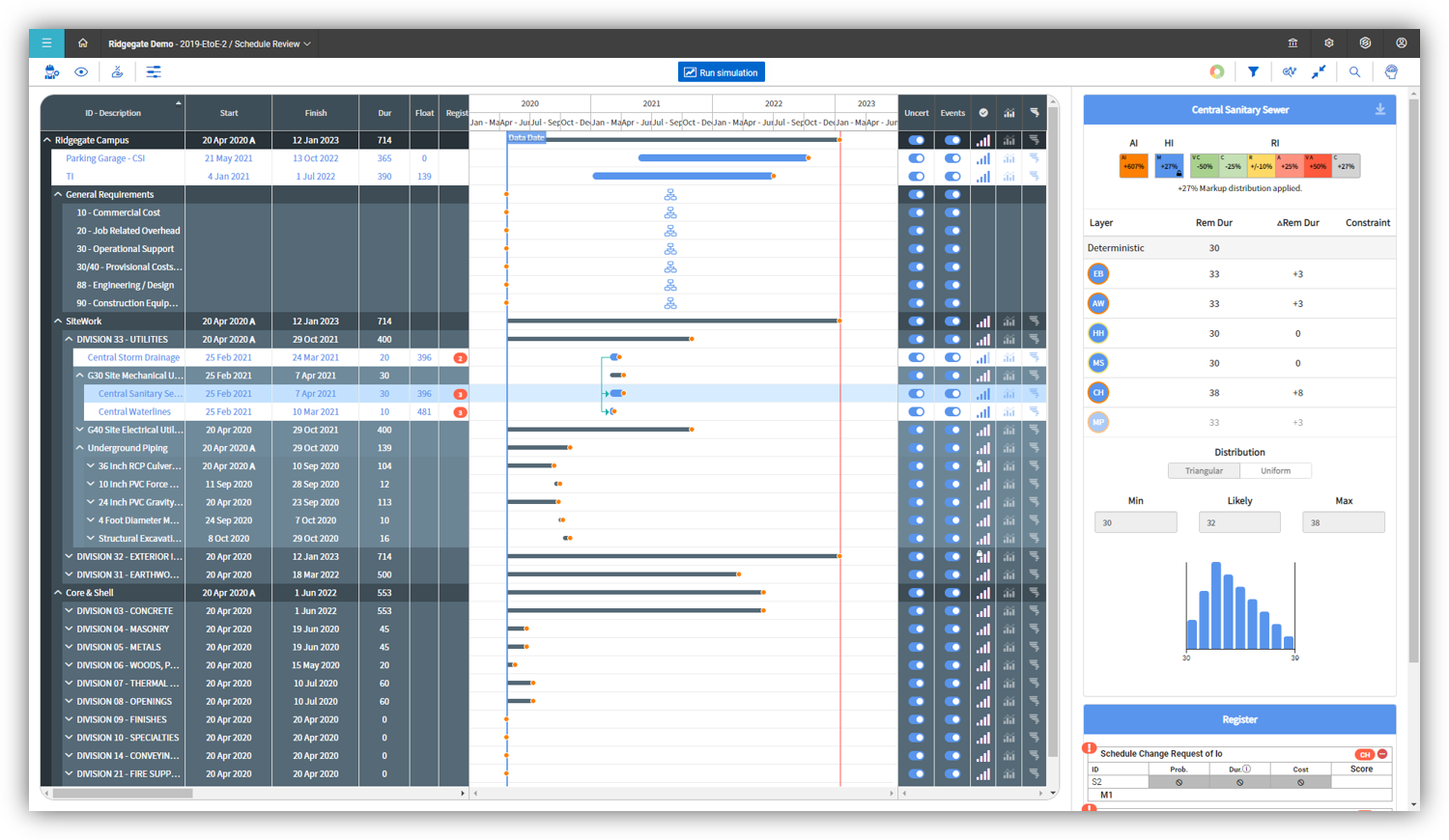
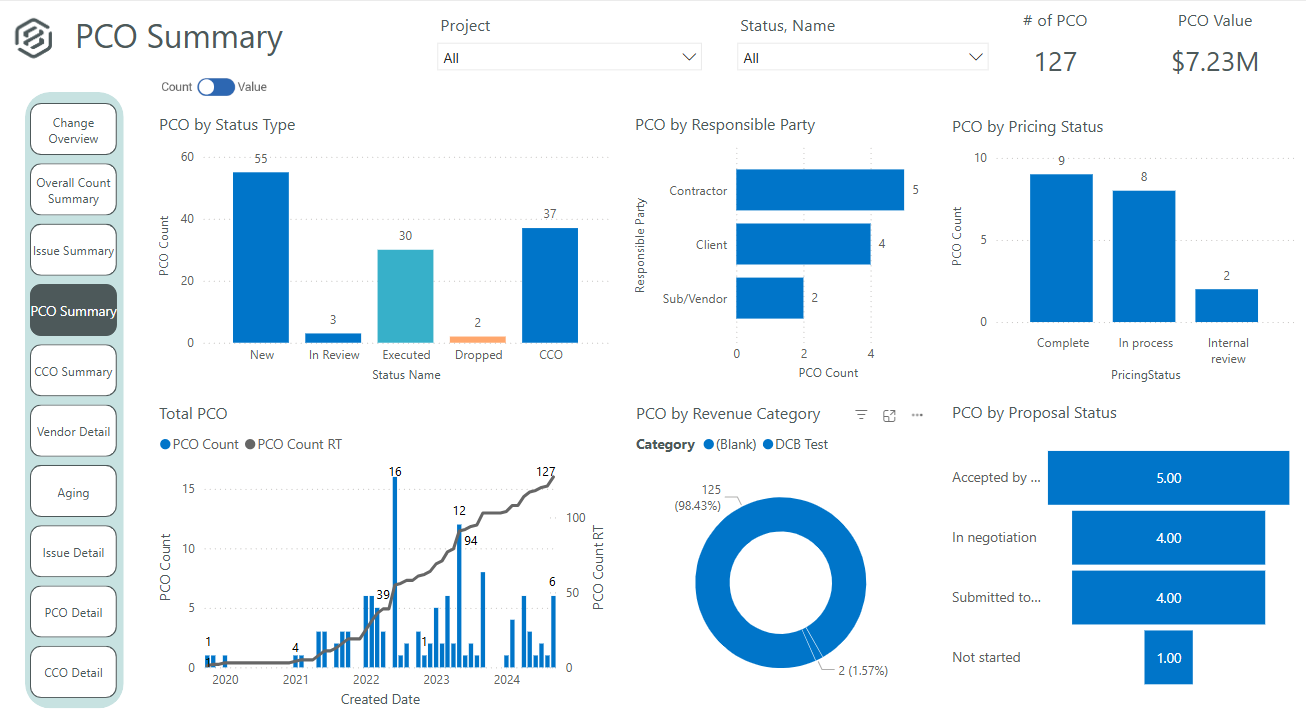
Bentley Navigator is a BIM model review and collaboration software for managing the project lifecycle of construction/design projects. In addition to accessing drawings, documents, and 3D models, Navigator allows users to create visual reports, query model information, resolve issues and conduct coordination reviews. It connects to ProjectWise (also from Bentley systems) and other document repositories. A mobile app version of Navigator is also available.
N/A
InEight
Score 8.2 out of 10
N/A
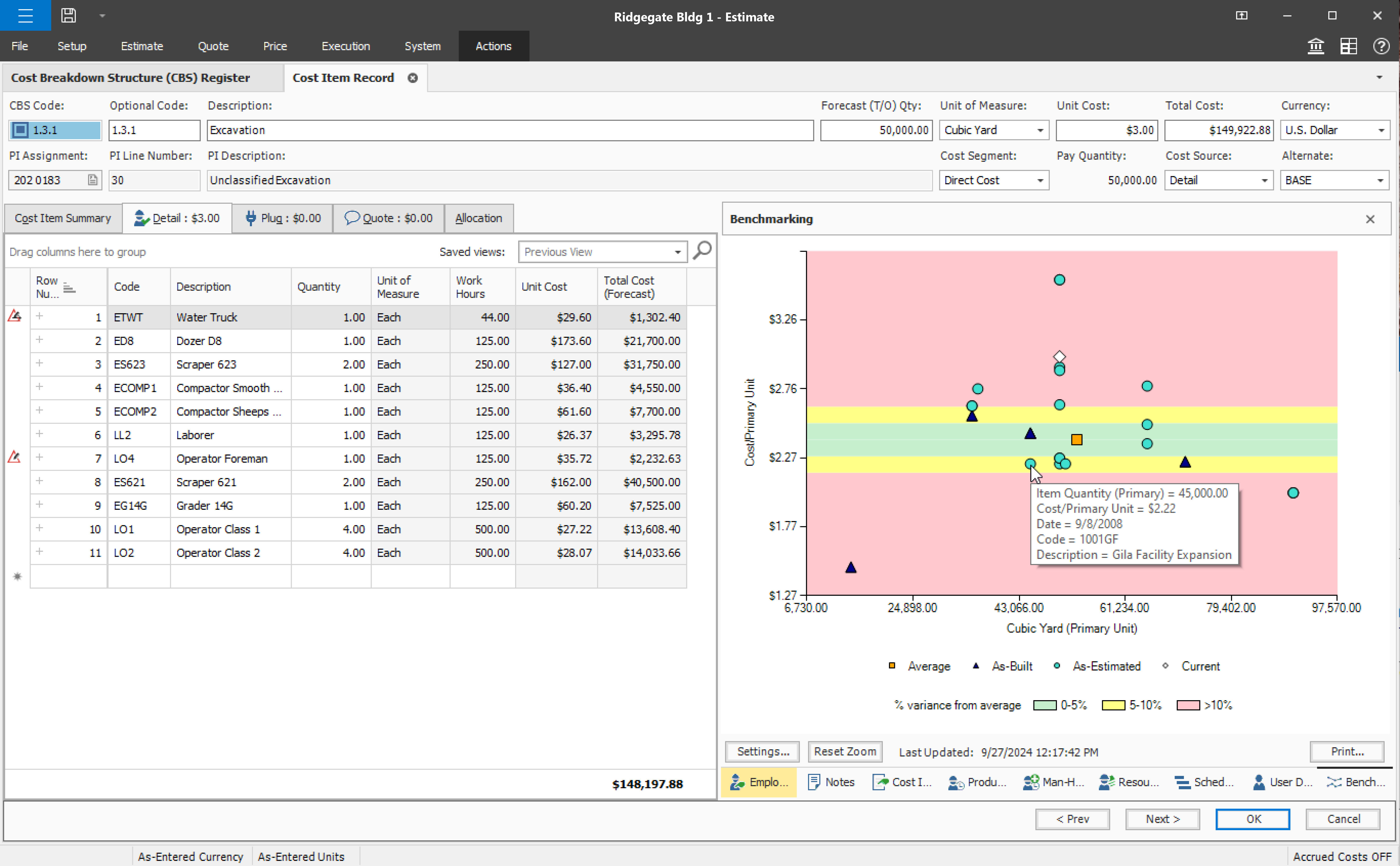
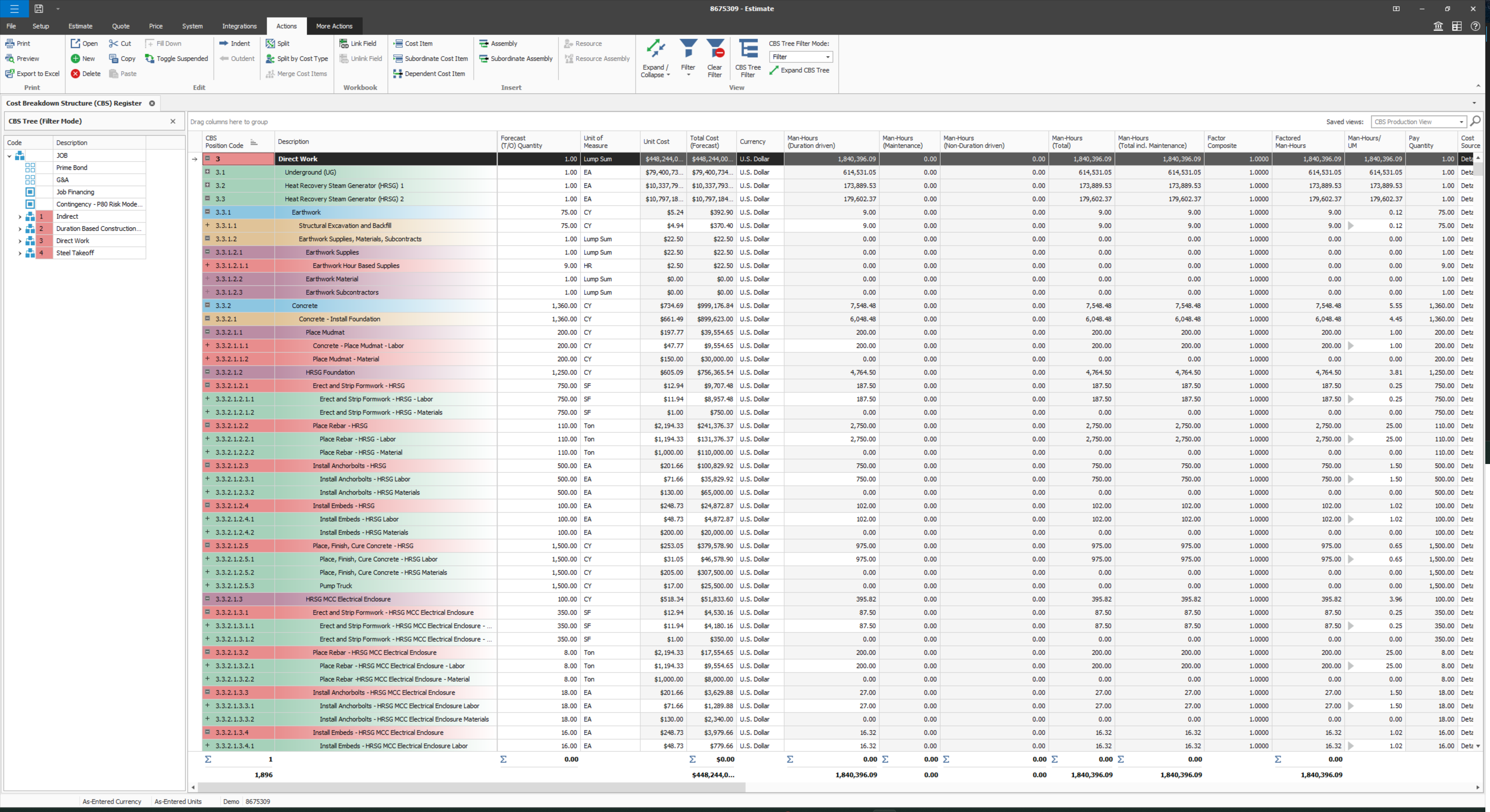
InEight's modular project controls software connects complex project data to improve visibility and delivery in capital construction.
N/A
Revit
Score 9.0 out of 10
N/A
Autodesk’s Revit is a Building Information Modelling (BIM) tool. It enables architectural, MEP, structural, and engineering design, and provides analysis to support iterative workflows
$350
per month
Pricing
Bentley Navigator
InEight
Revit
Editions & Modules
No answers on this topic
No answers on this topic
Monthly
$350
per month
1-Year
$2805
per year
3-Year
$8415
per 3 years
Offerings
Pricing Offerings
Bentley Navigator
InEight
Revit
Free Trial
No
No
Yes
Free/Freemium Version
No
No
No
Premium Consulting/Integration Services
No
No
No
Entry-level Setup Fee
No setup fee
No setup fee
No setup fee
Additional Details
—
InEight offers a modular, integrated project controls platform. Because the InEight platform covers the entire construction lifecycle, customers purchase the software based on their specific needs – purchasing stand-alone products, a bundle of products, or the entire platform. As a result, the pricing will vary depending on the specific product, number of users and length of contract. Once InEight has identified the highest impact areas, they offer potential customers a custom proposal. The options they consider include:
Per user pricing: typically annual subscriptions.
Revenue-based: using a percentage of the customer’s revenue.
Project-based: software use dedicated to a specific project or program of work.
Pricing available for monthly, annual, or 3-year subscriptions. Longer subscriptions offer greater discounts.
The tools and functionalities that have been used previously, are not commercial software, they have been software developed internally, of course much simpler and less functional than commercial software such as Bentley and its competition. This fact clearly obeyed a guideline …
I've used SAP for more than 10 years before my current job in this company. The best thing in SAP, is exactly what I have commented before, it's a single one tool, that does all what InEight do. Here at CCC, we have COINS for cost management, and I don't know exactly if InEight …
InEight seems to be an improvement on SAP BPC, though I haven't used SAP BPC for invoice processing, But in terms of planning, forecasting, budgeting and variance analysis. InEight has an edge because it is mor user friendly and the data you get is more streamlined and fit for …
Ineight is almost similar to unifier in the sense that we get automatic updates on documents, Ineight also make it easier to sort out previous revisions of documents which makes it very necessary in the case that we are looking for a past version and not necessarily the latest …
InEight has been the first product that I have used and I wouldn't change it. Coming up from a hand to staff it has made my job easier to perform. Easier to keep track of quantities, hours, production being made throughout the project and makes it easier to access work plans …
The two items that set InEight apart was the estimating module with the ability to track cost to the exact estimate line item and the ability to export manhours to payroll. The other software's were either lacking or deficient in these items.
Both Sage Estimating and InEight programs have their unique capabilities. Sage Estimating is much more configured for use in detailed construction, the majority of which are for non-nuclear projects. InEight has so many more capabilities, especially in creating our own …
InEight is perfect for our work in Heavy Civil construction. Some of the other products are designed for different workflows and industries. We chose InEight specifically because it was related to the construction industry. Procore is incredibly comprehensive, and we just don't …
We looked at HCSS and Bid 2 Win but chose Ineight due to the fact that it seemed more user friendly, plus I had used it at a former company when it was available from the Grantlun Corporation and was very familiar with it in its ease of use and reliability.
heavy bid is okay for bid item work and has a few things in the quote folder screen that are nice and user friendly but the ability to tag is not as useful.
InEight is more robust than the other services I have used. I think it does a better job of rolling up a massive amount of individual user data into one complete project progress report. I like that most of our clients also use it, which makes collaboration easier. I think it …
As an issuing tool, InEight's TeamBinder is on par with Aconex. Solidworks EPDM creation of review workflows and revision numbering is better placed with handling multiple versions of the same document with the ability to revert to older versions if required. InEight's support …
TEKLA specializes in rebar clashes. Revit is an overall package. It perfoms almost everything you need in 3D modeling. TEKLA has limited itself in Rebar detailing. Revit also has rebar detailing family that is almost the same with TEKLA. You can incorporate plans in your Revit …
First and foremost, Revit is BIM-based software, which in itself offers significant advantages over 3D modelling programmes such as Rhino or SketchUp. Project management takes place on several levels as well as in different time phases (for example, it is also possible to …
Revit makes 3D modeling accessible and efficient, allowing users to create complex models without needing to navigate overly complicated systems. Its intuitive tools help streamline the modeling process, enabling designers to focus more on design intent. This ease of use is …
Revit is specifically for the design and documentation of buildings. As Revit's predecessor, AutoCAD has similar functionality for creating construction documents but Revit has the advantage of speed and simultaneously creating a 3D model when drawing walls, rooms, and floors …
Revit is hands on and easy to learn. Very accurate and great for construction documentation. One can create in 2D and have elevations, sections and 3D views ready. So it is very helpful to visualize. Drawback - It is comparatively harder to draw curves and spherical …
To be perfectly honest, every architectural firm I have ever worked with was also using Revit. Revit (and Autodesk) has a monopoly on the AEC industry, so I didn't choose to use Revit. The industry as a whole made that choice. There is just no competition out there at this …
Revit has more features in compare to another software like autocad. The more features get you more flexibility in your work and impact your time management. The more you do in less time and the more your quality with this software. So I think Revit is going in a good direction.
When we talk with different clients, they can't visualize what we want, having Revit with its 3D tools can give a very accurate presentation for the design along with the clash detecting if many disciplines worked together on the same project. Also, it allows for previewing a …
Revit is great for documentation. I also use Rhino 3D for rapid prototype scenarios that can be imported in, but in the end everything should be documented in Revit because it really is easy.
Fabrication is slow and takes more manpower to work because it has more manual work compare to Revit. Fabrication and Revit can be used for the same work but Revit will do it faster and real-time syncing method make it easy to work for multiple people and in Fabrication, areas …
Revit is very vast. It not only [has a] single discipline but also [has] multiple disciplines in a single software, so it meets all of the requirements and performs tasks with ease. Revit is the best option [that] is more user-friendly with respect to its comparable software. …
Autodesk Revit is more user-friendly than the mentioned software and is easy to create a custom family within the software. Multiple users can work at the same time in Revit, as with the other software mentioned, each user has to work on a separate file. Faster workflow and …
Revit is a more creative tool compared to others software like AutoCAD. More people can work simultaneously on Revit files but in AutoCAD only 1 person can work on 1 file. File management of Revit is good whereas in AutoCAD multiple AutoCAD files are created for the same 1 …
Revit is one of the most powerful tools in the Architecture, Engineering and Construction Field. It is outmatched by none. There is definitely a learning curve, and it cannot be picked up by an average employee and learned without formal training. Revit can do more on the …
Revit is easy to operate and involves various families for different disciplines. It also involves one single model where different users can open, work, and synchronize at the same time, making collaboration easy. Also, users can view other disciplines in the same model making …
There are really no competitors to Revit for large complex building projects. It is essentially an industry standard, and we would not be able to complete our work or collaborate with our consultants effectively if we did not use Revit. AutoCAD is still used in the office for …
Revit has more architectural design functions, which work for rendering the structures into a polished style. Sketchup is unlikely to be used for a large structure modeling, more towards the interior design or small model demonstration. Solidworks is a more generalized software …
Revit, like AutoCAD, is the most straight forward, intuitive of the BIM software available in today's market. It is widely excepted at a norm and is the most universally used in the engineering trades that we work with. As our clients start to demand that their projects are …
I think the complexity and cost of the program make it particularly useful, in situations where: the project is relatively large, with a wide variety of specialties that interact and depend on one another, and with specialists who are not physically together and whose communication and understanding is vital for the proper development of the project. If the project does not meet these characteristics, it is preferable to use less complex tools, cheaper, and that require less effort training the staff to use the software in question.
Compared to other Estimating software I have used, InEight has superior capabilities and features. The ability to use a line item or an assembly to create an estimate is an outstanding feature of the program. The ability to create crew rates and use them in the estimate is a handy feature, especially when estimating construction projects.
Revit is well suited for creating collaborative projects that are fully integrated into the design and construction document process. We work a lot with engineering firms who also use Revit and the program allows us to fully integrate and coordinate our models together to make sure that everything is correct. I can see where my electrical engineer has placed lighting into the model and same with my mechanical engineer and their HVAC equipment
It allows the different specialists or users, to make virtual and quick analyzes that have been translated into the rapid resolution of problems.
Bentley Navigator allowed me to incorporate and manage important amounts of information that were key in the design phase, and that being inputs for different areas could be a source of conflict. The conflicts that have been generated are much smaller than those seen in similar projects previously carried out without the help of this tool.
Allowing the visualization of the information in 3D models, added to its capacity to export 3D models as PD files, has allowed to increase the fluidity and communication of information with the client, which has translated into a reduction of the hours invested by the technical manager in that activity.
Revit is a very complex application with lots features. Autodesk the makers of Revit should simplify these tools to make it easier for the end user to learn & apply.
Revit is missing some key functionality in the area of being able to duplicate drawings on the sheet level. Though there are macros offered by third parties, this should be really built-in to the product.
Revit does not support the very popular PDF format. So currently there is no option to attach or link a PDF file into Revit.
Some features with InEight's TeamBinder are worthy of single use, however the review feature and subsequent revision and version numbering could be improved. We will be aiming to roll out the package to encompass our internal documentation in the near future and will be in a better position to judge the usability after that point in time.
We will almost certainly be renewing all of our current seats of Revit and will likely be adding seats as we look to get more and more of our staff trained and using Revit. The software is starting to become the standard for our projects as we move forward as more and more of our clients are requesting or accepting use of it
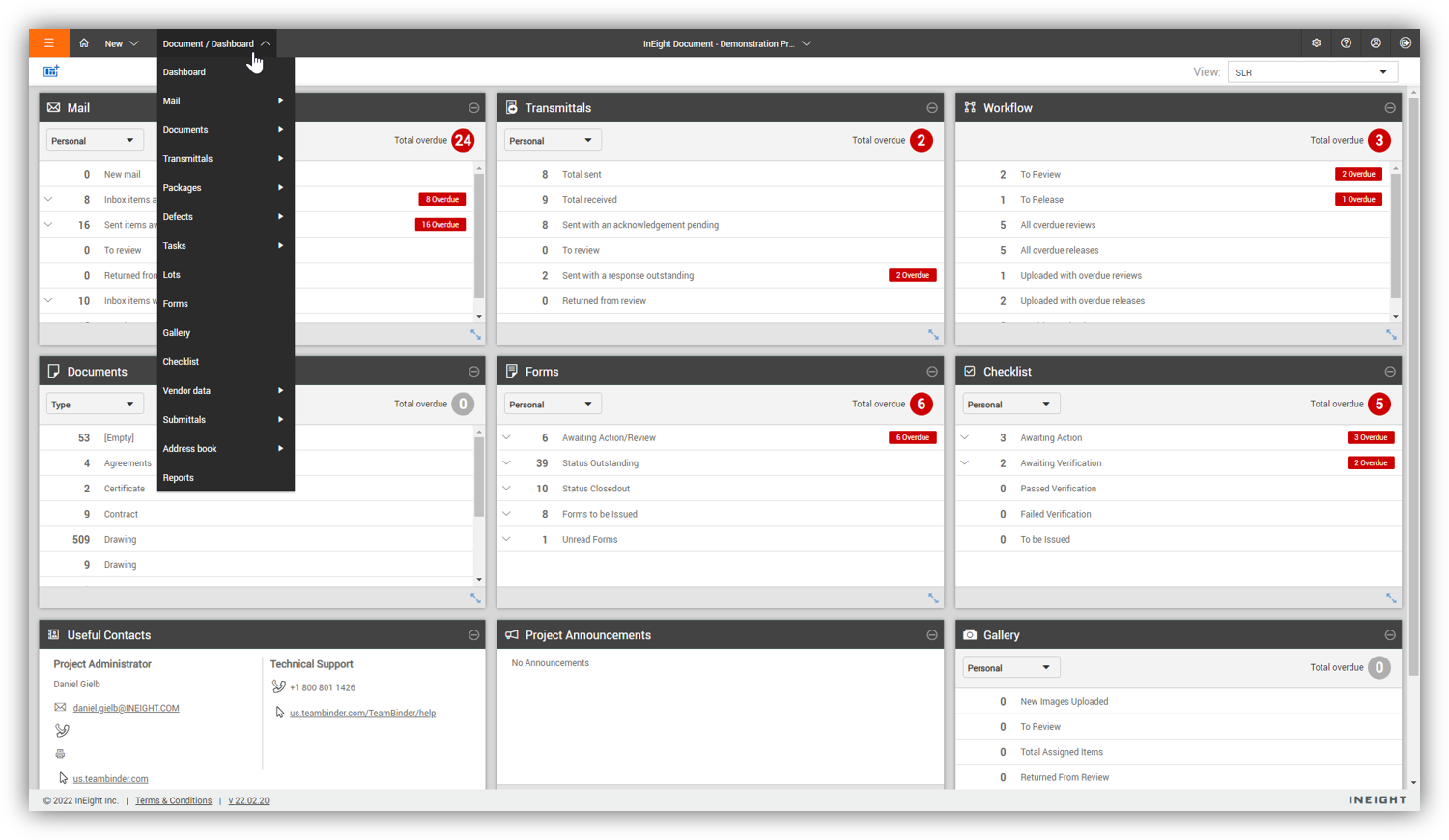
InEight usability is quite good for viewing the stages of review of those documents. under whose authority, the review process is in. The areas where it is less appropriate is in customizing your viewer for easy filtering. it is also good for viewing documents without the need to download the document to your device.
It is a professional environment, but far from easy and overly complex in many places. The system is often too deep in settings and overrides (see Visibility/Graphics in combination with linked files, filters, color overrides and view templates). I don't really like the dialog-in-dialog interface and its spartan looks. But it works well overall if you know what you are doing.
Revit seems to always be available when I need it. I have not experiences an outage. There are occasions where we need our internal IT department to trouble shoot a file on our Revit dedicated server and that sometimes causes a delay however that is not a software access issue
Revit is a fairly graphics heavy piece of software. It is powerful in its capabilities but as a result it takes a lot of the graphics card, the memory, etc. For all that it can do and the specs of my computer I find it pretty good from a performance standpoint
Every time I have contacted support, they have gotten back to [me] quickly and with a few solutions. I like that they seem to be US-based, so there is no language barrier when I try to communicate my problem. For the few times, they did not have a solution ready, they told me they would respond later after further research, and they actually followed up! Better than most support I have used in the past with other software.
Autodesk has always had a good support system in place. There is a massive user base for Revit, and there are thousands of forum threads and other discussions online about any and every problem that you could ever run into. For being such a large program with so many different options, there aren't many roadblocks or pitfalls that users can fall into.
The training was Revit Essentials and it was very beneficial. I would say that it is best to get the training right before you know you will be using Revit as learning the basis then applying what you learned immediately is the most effective and best value for your money.
The online training is hit or miss. I feel that its better to be live to be able to pace and ask questions to a live person as you are learning hwo to do things. Its not natural to learn Revit especially if you know AutoCAD so my suggestion is the live training
Since the original inception, I have been required to overhaul the system so that it is more user friendly and combines both aspects of our business, documentation and drawings. Being able to control revision and version numbering has been a key struggle that only staff training has been able to mark this as complete.
Implementing Revit as your main drafting software (i.e. moving to BIM from CAD) may be a tough decision if you have learned drafting. It is a different way to approach and think about developing a project. However, if you are able to adapt to a new way of thinking and get used to it by working through a few projects than it is as efficient as CAD in most areas in general and will also be both better/worse in some areas
The tools and functionalities that have been used previously, are not commercial software, they have been software developed internally, of course much simpler and less functional than commercial software such as Bentley and its competition. This fact clearly obeyed a guideline of the organization that aimed to minimize the costs associated with the acquisition of software such as the Bentley.
As you learn from the experience and mistakes, once you lost a lot of time and money because you did not have the necessary tools to guarantee the timely flow of information, between personnel who were physically distant from each other but who needed of a very high technical interaction. As a result of this fact, the use of tools such as this was proposed as a test, in order to evaluate its real usefulness over time.
I've used SAP for more than 10 years before my current job in this company. The best thing in SAP, is exactly what I have commented before, it's a single one tool, that does all what InEight do. Here at CCC, we have COINS for cost management, and I don't know exactly if InEight would be able to do whatever that COINS does, but what I'm trying to say is that, for systems, as much less external communication, better. InEight is covering a great portion on planning, we will see schedule and estimate, it will definitely improve, so, waiting on that to see.
Revit is specifically for the design and documentation of buildings. As Revit's predecessor, AutoCAD has similar functionality for creating construction documents but Revit has the advantage of speed and simultaneously creating a 3D model when drawing walls, rooms, and floors which allows for the creation of 3D views and sections later with less effort. SketchUp can also be used for designing buildings but Revit allows for more specificity earlier in the process as opposed to SketchUp's general massing
InEight is a good system that has scaled nicely as the company has grown. the tools are still readily available and applicable for our larger scope of work. It has kept up with the growth of the company very nicely
While I am not directly involved with the deployment of Revit, it seems that our internal IT department has appreciated the ability to increase or decrease the number of seats. I have never had an issue with the deployment if and when needed, especially regarding the availability of a set
The frequency and quality of information flow between field and office staff has improved.
The costs for cellular use concepts associated with the sharing of information associated with the projects where the software has been used have been reduced compared to projects where more traditional control tools have been used.
Revit is included in our AEC Collection. I find the cost of my suite affordable for what I am getting. The true cost of Revit is not found in the license cost, but in the training, SOPs and content management. We get our ROI from flushing out design errors/omissions which can add up to a large number. One issue can easily cost the project 10-100k depending on the issue. I see no reason anyone would find it challenging to get ROI from integrating 3d modeling in your business development.
Revit really is the foundation of content creation. If we didnt use Revit, it would be hard to claim we have a functioning BIM/VDC department. I would question any AEC professional that claims they can perform VDC and does not know how to use Revit.