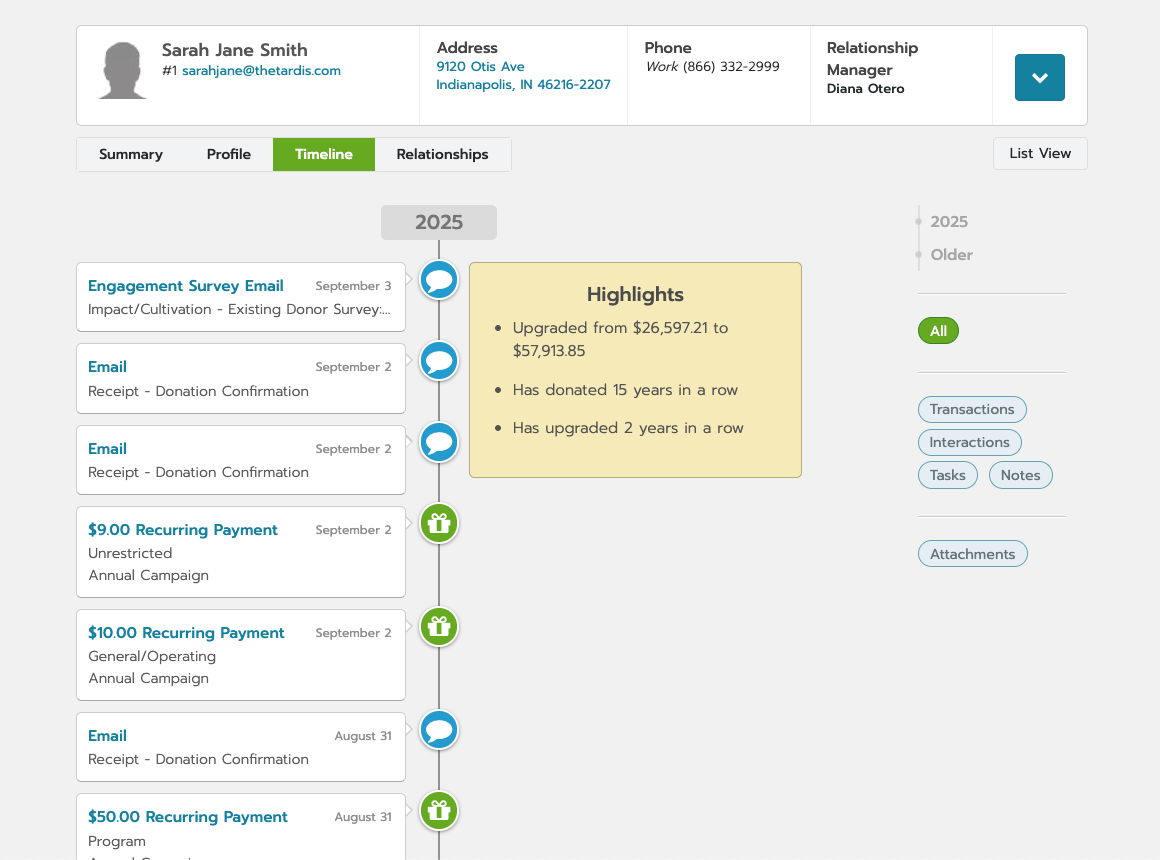
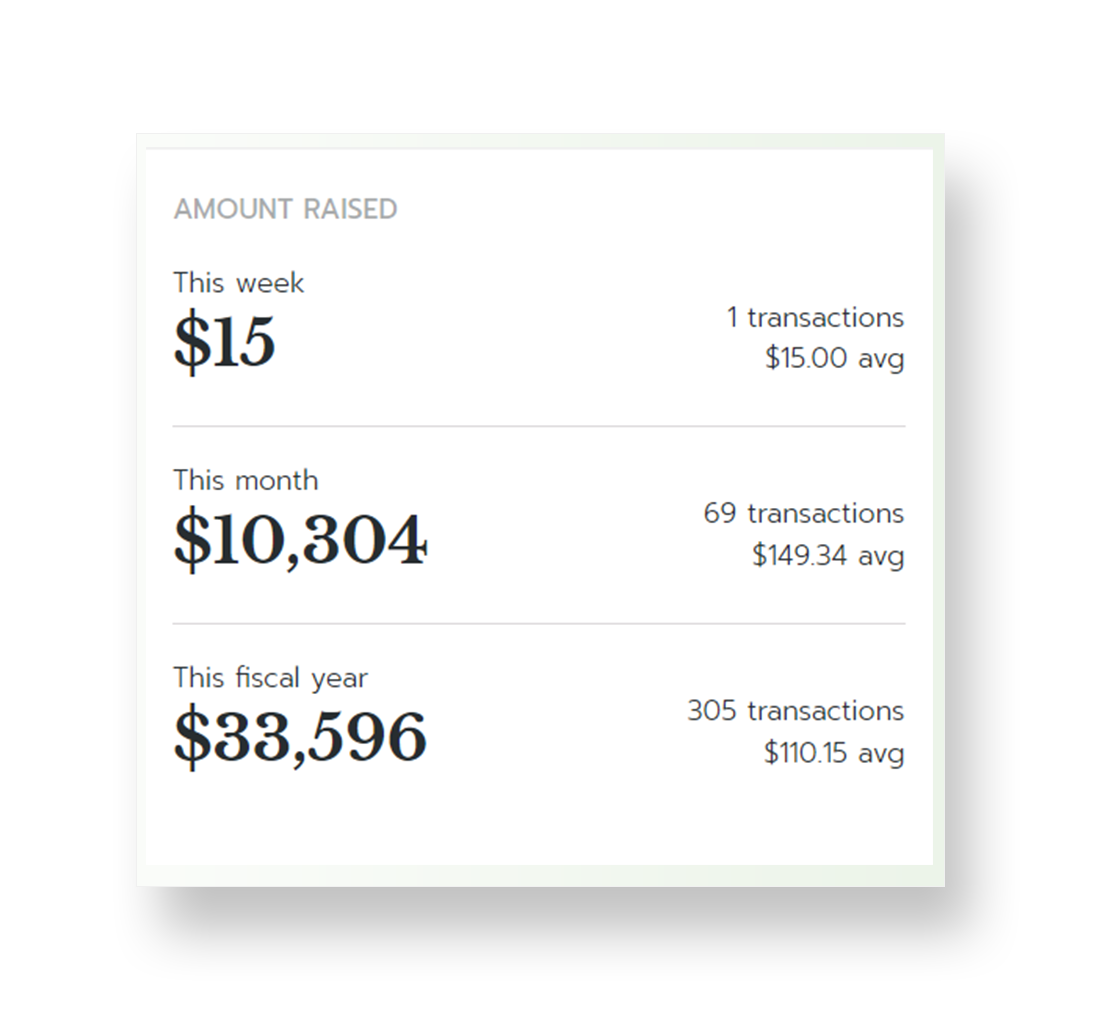
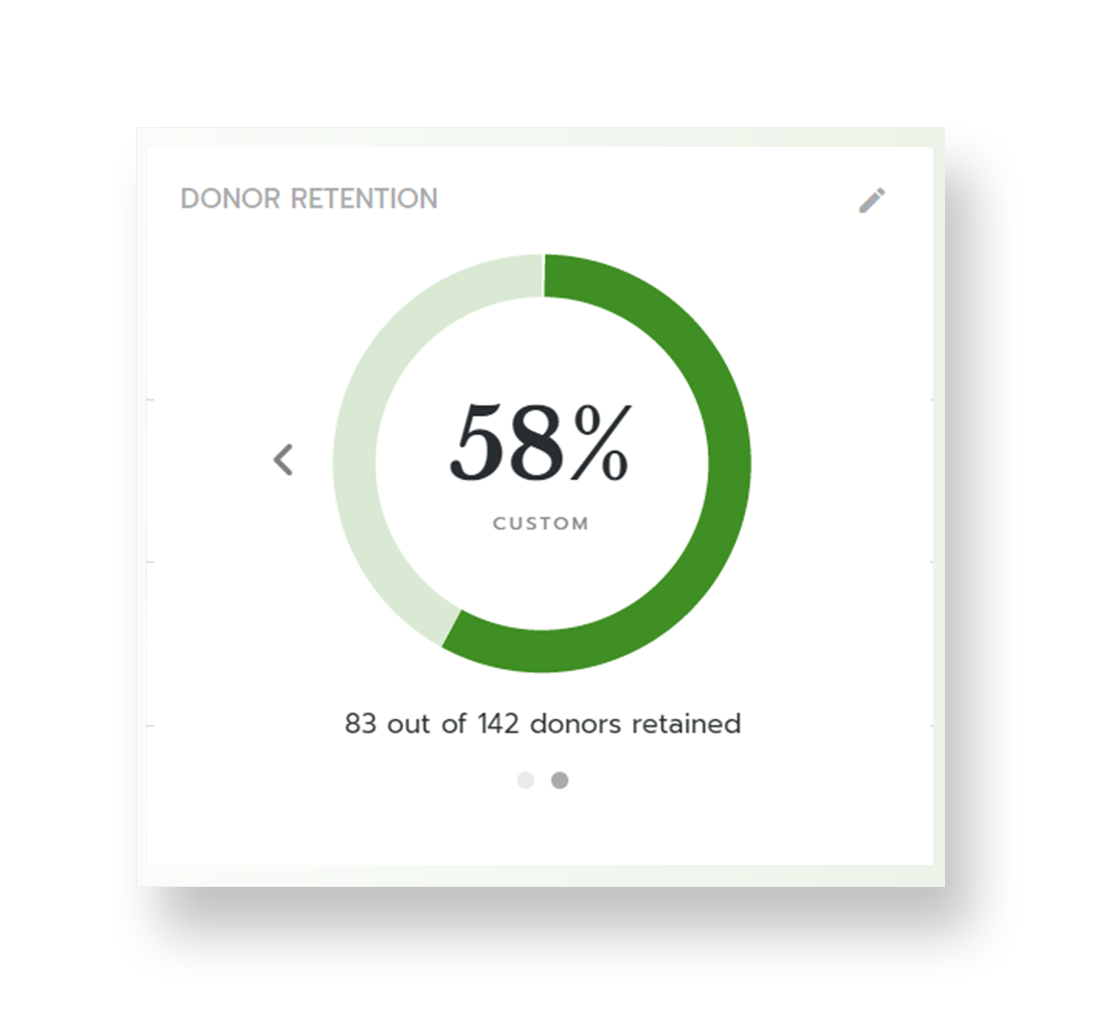
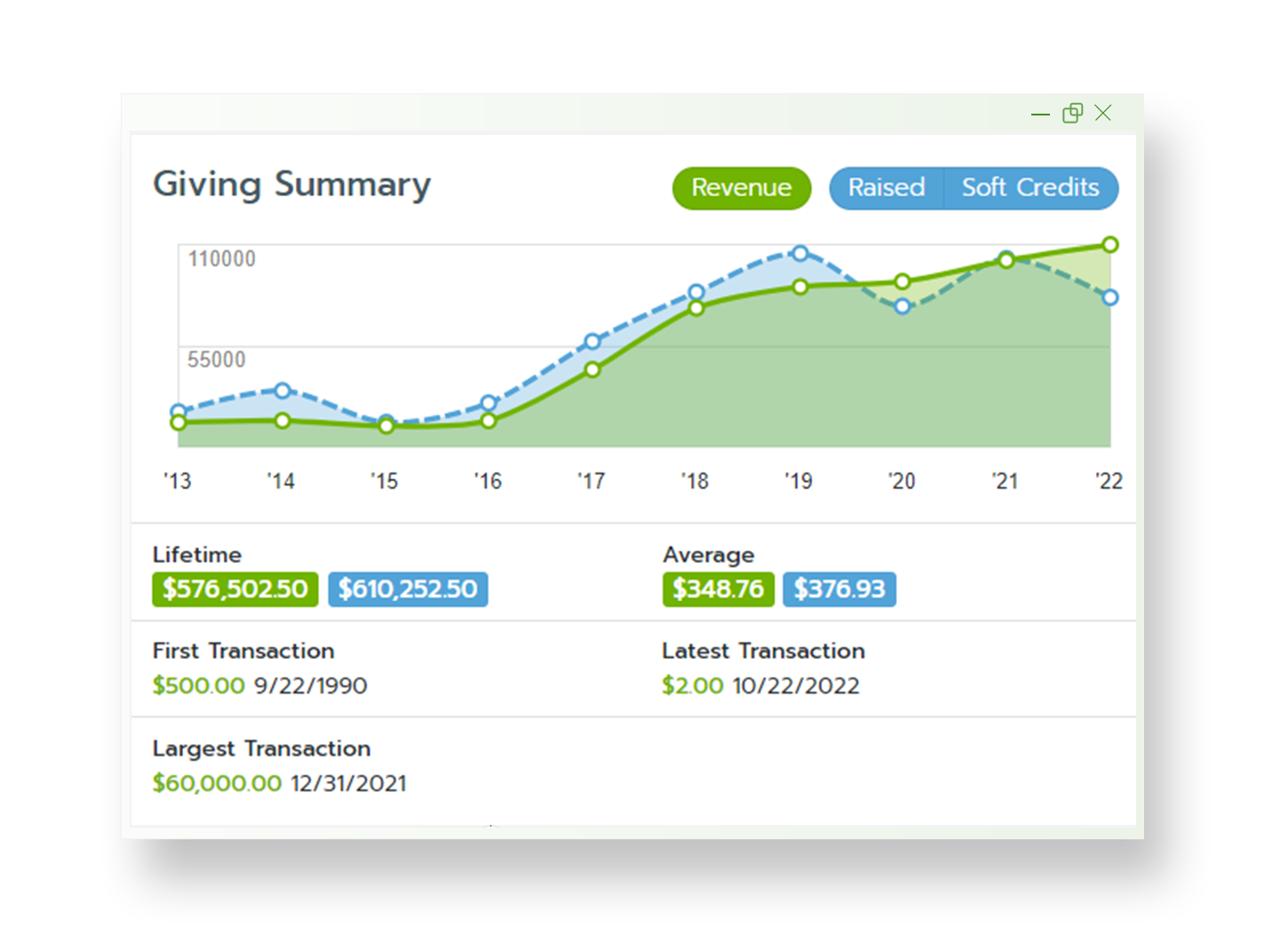
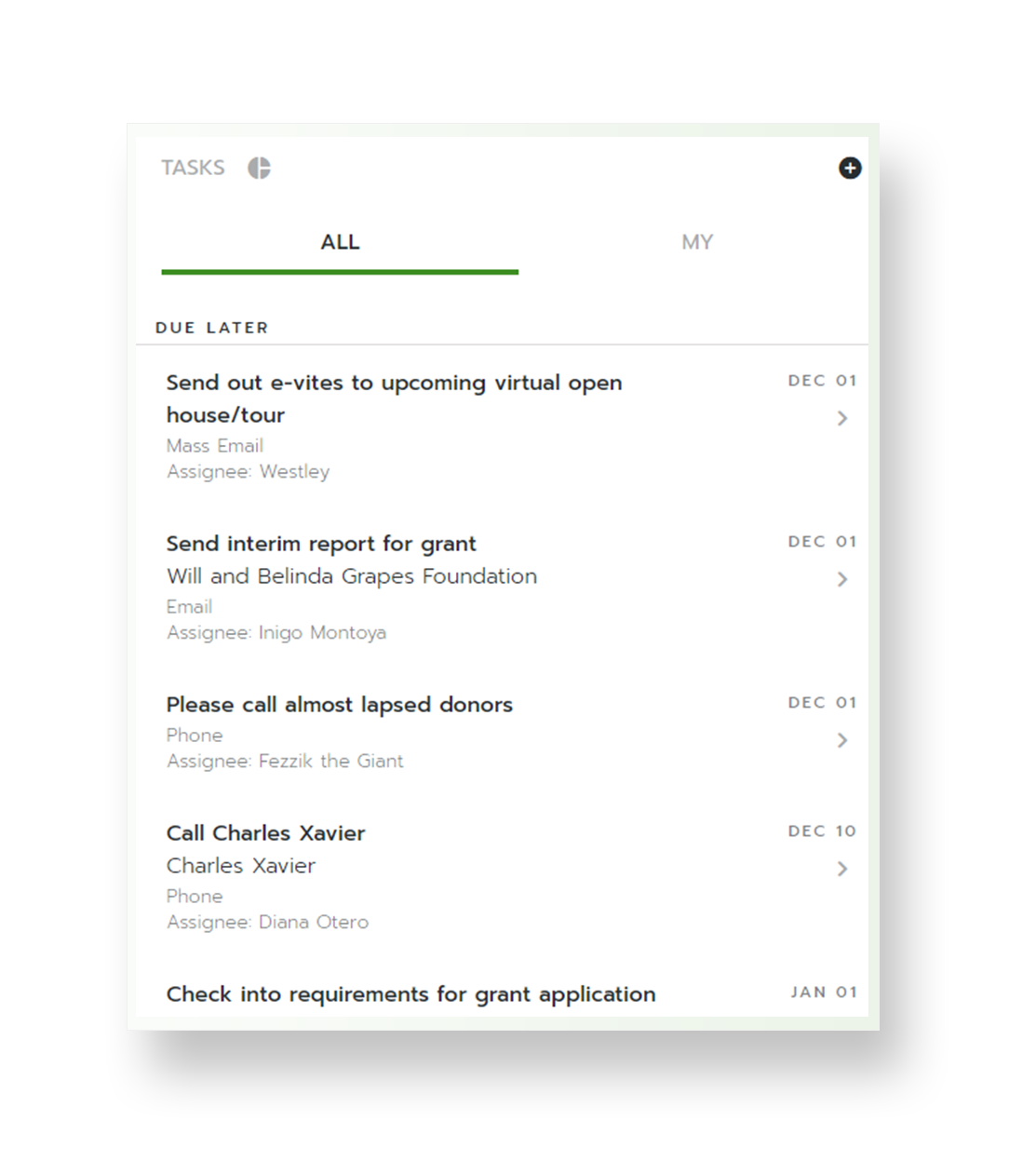
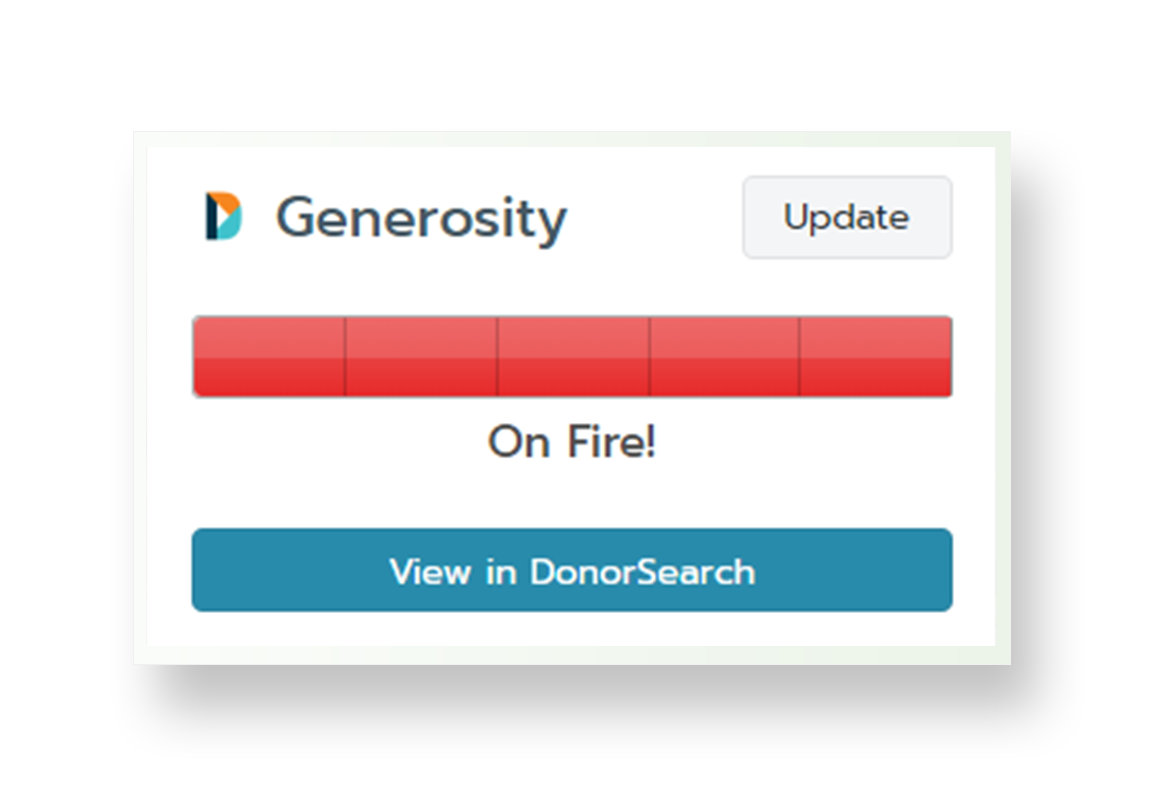
Bloomerang CRM helps nonprofits to raise more by turning donor data into deeper relationships. With a complete 360º view of every supporter, the solution helps identify top prospects, personalize outreach, and retain more donors. Engagement and Generosity Scores, real-time dashboards, and mobile access help users to see who’s ready to give and when to reach out—supporting fundraising with confidence. From first-time donors to lifelong champions, every interaction is an opportunity…
$1,500
per year
Pipedrive
Score 8.3 out of 10
N/A
Pipedrive is a customer relationship management (CRM) software built to help small teams to drive sales.
$24
per month per seat
Pricing
Bloomerang CRM
Pipedrive
Editions & Modules
Bloomerang Fundraising
$40
per month (billed annually)
Bloomerang Volunteer
$119
per month (billed annually)
Bloomerang CRM
$125
per month (billed annually)
The Giving Platform
Contact Sales
Essential
$24
per month per seat
Advanced
$49
per month per seat
Professional
$69
per month per seat
Power
$79
per month per seat
Enterprise
$129
per month per seat
Offerings
Pricing Offerings
Bloomerang CRM
Pipedrive
Free Trial
No
Yes
Free/Freemium Version
No
No
Premium Consulting/Integration Services
Yes
No
Entry-level Setup Fee
Optional
No setup fee
Additional Details
All Plans include: Unlimited users, free email & chat support, free access to Bloomerang Academy, unlimited standard online giving pages & forms, donor engagement scoring, wealth screening, sustainability scorecard, email marketing, nightly address verification & deceased suppression updates, and 1 scholarship to Fundraising Standard (40 pts toward CFRE certification, $599 value)
Monthly plans are available. The Essentials monthly plan at $24 per month.
More Pricing Information
Community Pulse
Bloomerang CRM
Pipedrive
Features
Bloomerang CRM
Pipedrive
Communications and Marketing
Comparison of Communications and Marketing features of Product A and Product B
Bloomerang CRM
9.8
2 Ratings
40% above category average
Pipedrive
-
Ratings
Constituent engagement and marketing
9.32 Ratings
00 Ratings
Social listening
10.01 Ratings
00 Ratings
Digital advocacy enablement
10.01 Ratings
00 Ratings
Reporting and Analytics
Comparison of Reporting and Analytics features of Product A and Product B
Bloomerang CRM
5.8
2 Ratings
9% below category average
Pipedrive
-
Ratings
Reporting and data visualization
8.02 Ratings
00 Ratings
Wealth screening
3.52 Ratings
00 Ratings
Fundraising and Events
Comparison of Fundraising and Events features of Product A and Product B
Bloomerang CRM
7.0
1 Ratings
17% above category average
Pipedrive
-
Ratings
Online donation options
7.01 Ratings
00 Ratings
Security and Platform
Comparison of Security and Platform features of Product A and Product B
Bloomerang CRM
8.9
2 Ratings
25% above category average
Pipedrive
-
Ratings
Role-based user permissions
8.62 Ratings
00 Ratings
Mobile access
8.01 Ratings
00 Ratings
Integrations
10.01 Ratings
00 Ratings
Sales Force Automation
Comparison of Sales Force Automation features of Product A and Product B
Bloomerang CRM
-
Ratings
Pipedrive
7.9
68 Ratings
1% above category average
Customer data management / contact management
00 Ratings
8.624 Ratings
Workflow management
00 Ratings
7.621 Ratings
Territory management
00 Ratings
6.514 Ratings
Opportunity management
00 Ratings
8.365 Ratings
Integration with email client (e.g., Outlook or Gmail)
00 Ratings
8.664 Ratings
Contract management
00 Ratings
8.217 Ratings
Quote & order management
00 Ratings
7.214 Ratings
Interaction tracking
00 Ratings
8.521 Ratings
Channel / partner relationship management
00 Ratings
7.116 Ratings
Customer Service & Support
Comparison of Customer Service & Support features of Product A and Product B
Bloomerang CRM
-
Ratings
Pipedrive
2.9
7 Ratings
90% below category average
Case management
00 Ratings
4.76 Ratings
Call center management
00 Ratings
1.15 Ratings
Help desk management
00 Ratings
3.16 Ratings
Marketing Automation
Comparison of Marketing Automation features of Product A and Product B
Bloomerang CRM
-
Ratings
Pipedrive
7.5
49 Ratings
4% below category average
Lead management
00 Ratings
7.449 Ratings
Email marketing
00 Ratings
7.513 Ratings
CRM Project Management
Comparison of CRM Project Management features of Product A and Product B
Bloomerang CRM
-
Ratings
Pipedrive
6.7
67 Ratings
14% below category average
Task management
00 Ratings
7.964 Ratings
Billing and invoicing management
00 Ratings
4.15 Ratings
Reporting
00 Ratings
8.163 Ratings
CRM Reporting & Analytics
Comparison of CRM Reporting & Analytics features of Product A and Product B
Bloomerang CRM
-
Ratings
Pipedrive
7.7
68 Ratings
1% above category average
Forecasting
00 Ratings
7.619 Ratings
Pipeline visualization
00 Ratings
8.268 Ratings
Customizable reports
00 Ratings
7.516 Ratings
Customization
Comparison of Customization features of Product A and Product B
Bloomerang CRM
-
Ratings
Pipedrive
6.3
64 Ratings
20% below category average
Custom fields
00 Ratings
8.364 Ratings
Custom objects
00 Ratings
8.354 Ratings
Scripting environment
00 Ratings
1.04 Ratings
API for custom integration
00 Ratings
7.646 Ratings
Security
Comparison of Security features of Product A and Product B
Bloomerang CRM
-
Ratings
Pipedrive
6.6
62 Ratings
24% below category average
Single sign-on capability
00 Ratings
6.112 Ratings
Role-based user permissions
00 Ratings
7.260 Ratings
Social CRM
Comparison of Social CRM features of Product A and Product B
Bloomerang CRM
-
Ratings
Pipedrive
1.1
5 Ratings
149% below category average
Social data
00 Ratings
1.15 Ratings
Social engagement
00 Ratings
1.15 Ratings
Integrations with 3rd-party Software
Comparison of Integrations with 3rd-party Software features of Product A and Product B
Bloomerang CRM
-
Ratings
Pipedrive
3.6
7 Ratings
70% below category average
Marketing automation
00 Ratings
3.67 Ratings
Compensation management
00 Ratings
3.54 Ratings
Platform
Comparison of Platform features of Product A and Product B
If you are a small organization just getting started, Bloomerang can be a good fit. It is simple and straightforward for development staff who maybe aren’t super savvy with data management or analysis in spreadsheets. In the sales demo they will try to upsell a lot of extras that are ultimately not necessary unless your stuff is very unfamiliar with database software. The base price of the software is something like $300 per year, as long as you mix all of the training and phone support add-ons they initially present you with.
Pipedrive is a fantastic tool to help monitor and track lead generation and referral sources. It helps maintain accountability with the sales team and helps ensure that we are doing appropriate marketing to maintain a steady influx of cases. The weekly and quarterly sales reports that it can generate are incredibly helpful and insightful. They help inform us of what we need to focus on each quarter/year.
Reporting: Once I understood the logic behind Bloomerang's reporting tools, I could not believe I'd ever worked a different way. Some of our funders request very complicated reports and getting the relevant data out of Bloomerang is SO much easier than it was with our previous CRM tools.
Website integration: I love the tracking functionality that Bloomerang offers, as well as how easy it is to integrate event ticket, volunteer, and other forms into our existing website.
Intuitive design: I've introduced total novices to Bloomerang and been very impressed with how quickly they've been able to figure out all the top level navigation as well as deeper functionality.
Great visual visibility of the funnel plus easy to drag the deals across the stages
The email integration that collects all relevant communication (also through the possibility of adding a deal-specific Pipedrive address on BCC)
The integration with Pandadoc, which we use a lot, so that Pipedrive keeps a really handy overview of the documents we have sent out / which have been signed
Showing the customers name on the pipeline page. Right now I can only get it to show the brand name twice. I wish it would replace the second brand name with the main point of contact.
Better reporting tools. Their reporting tools are not easy to pick up. I've spent time trying to figure it out and it isn't something I can pick up on quickly.
Better training options. I wish I had a personal trainer to walk me through the best way to use Pipedrive so I can get the most out of it.
#1 - I am very happy with the product and support so far. #2 - With significant data migration costs, I wouldn't even consider another option for at least 3 years no matter how much better it might be.
Data and settings are very customizable to fit the needs of our organization. We are able to not only keep track of donations, but also other interactions we may have with a constituent. Support is extremely helpful when issues arise.
Pipedrive is easy to use and has a clean interface so we can follow up accurately. Its custom features help manage leads and evaluate team performance. It saves time and improves efficiency. Pipedrive is stable and supports integrations and automation.
Any time i had a problem or question it has been easy to find an answer or tutorial. When I cannot find an answer, it is easy to email or live chat with support and they resolve my problems very quickly.
Between quick video tutorials and having very quick feedback from their support teams, it is one of the main reasons I would recommend Pipedrive. It is critical, especially when setting up the platform to meet your companies needs, that a solid support team like Pipedrive has is there to make the transition easier.
We left DonorPerfect for Bloomerang. I had come from an organization that used Raisers Edge and there was no way I was going to stay with DP. RE is great for larger organizations with staff dedicated to the database, but we were a much smaller organization and needed to have something we could all use easily. We demoed Salsa and Neon and liked them both, but Bloomerang had better integration features and seemed to be the most user-friendly.
I much prefer the interface of Pipedive when compared to Zoho. Much more user friendly and the team is always readily available when we need them. Pipedrive allowed for many custom integrations to be added, as Zoho was a tad more complicated to manipulate. We would not go back to Zoho in any case.
Because my organization has been using Bloomerang for only one year, we haven't yet studied what impact it has had on our ROI. We have, however, noted that we are able to more efficiently and more rapidly communicate with constituents now than we were able to before we had Bloomerang. We can quickly and efficiently generate acknowledgements and tax receipts - and do so - better than we ever did before.
Great on setup which made our work easier and less technically equipped people can manage a lot of things(compared to SalesForce where you need to hire a developer to set it up)
We were able to integrate our calling system easily and get things going on the lead calling aspect.
Great multipipeline option where we were able to manage both organisations under one roof.