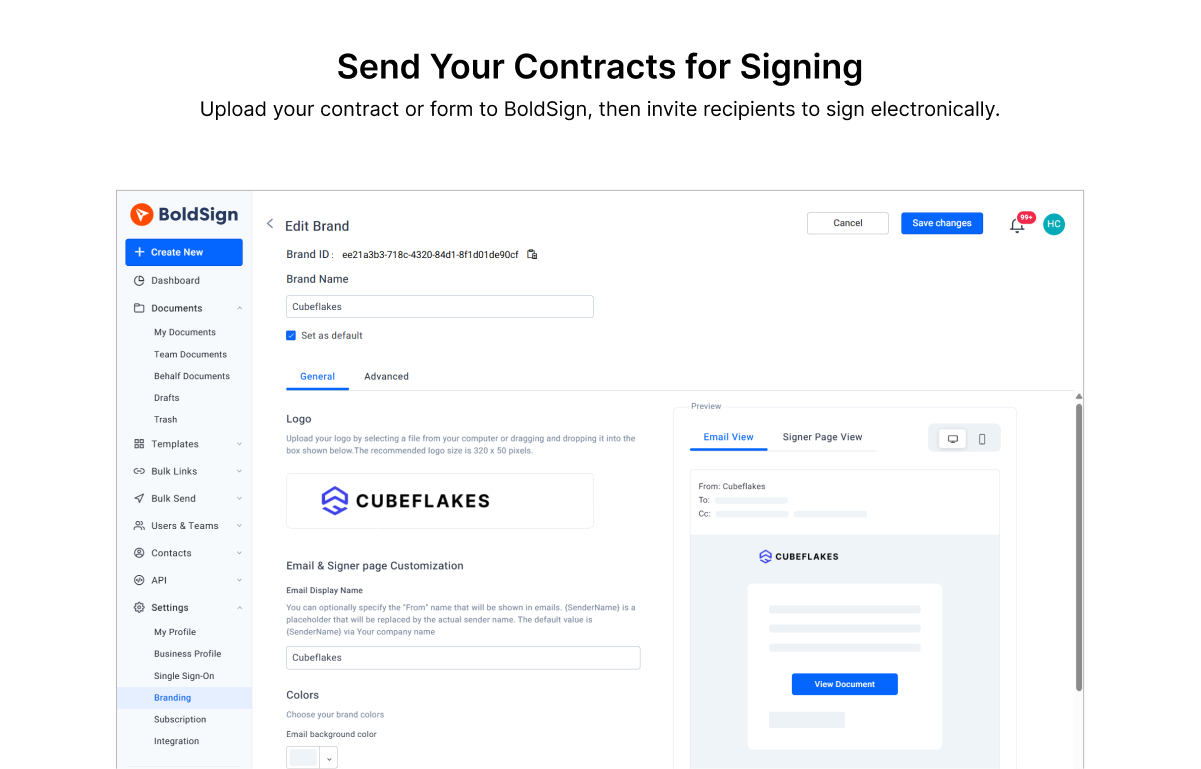
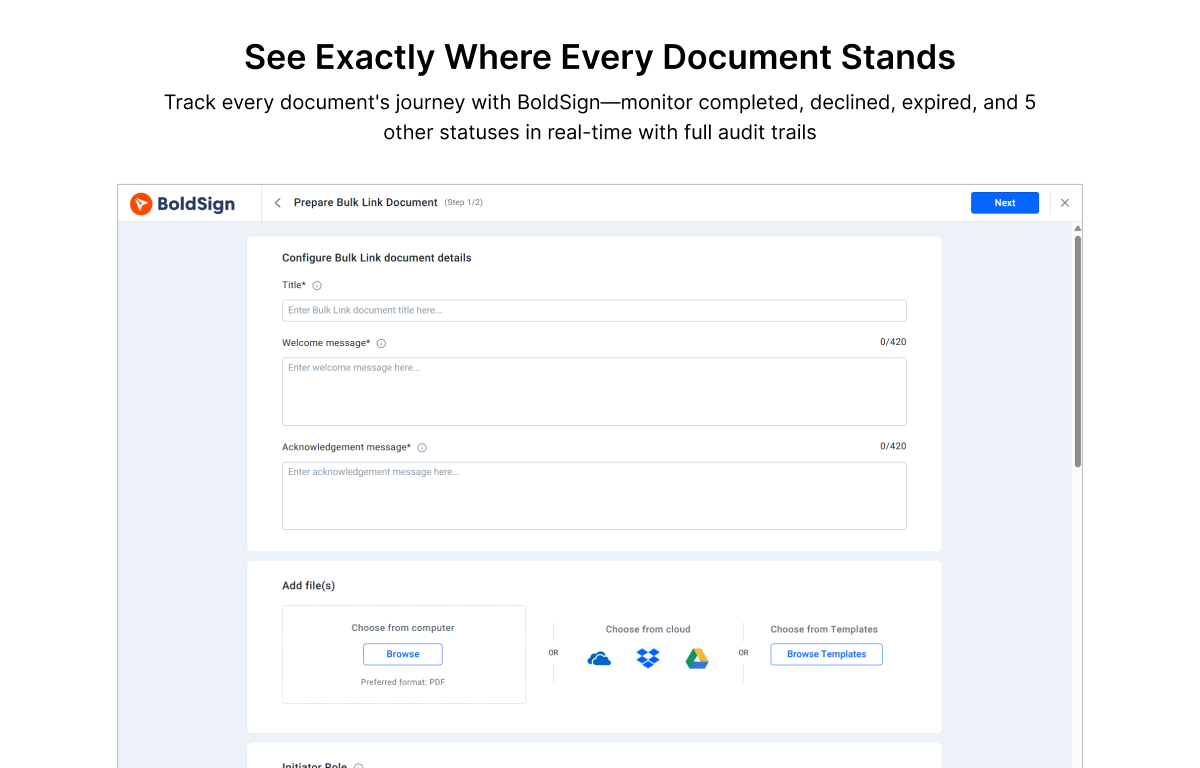
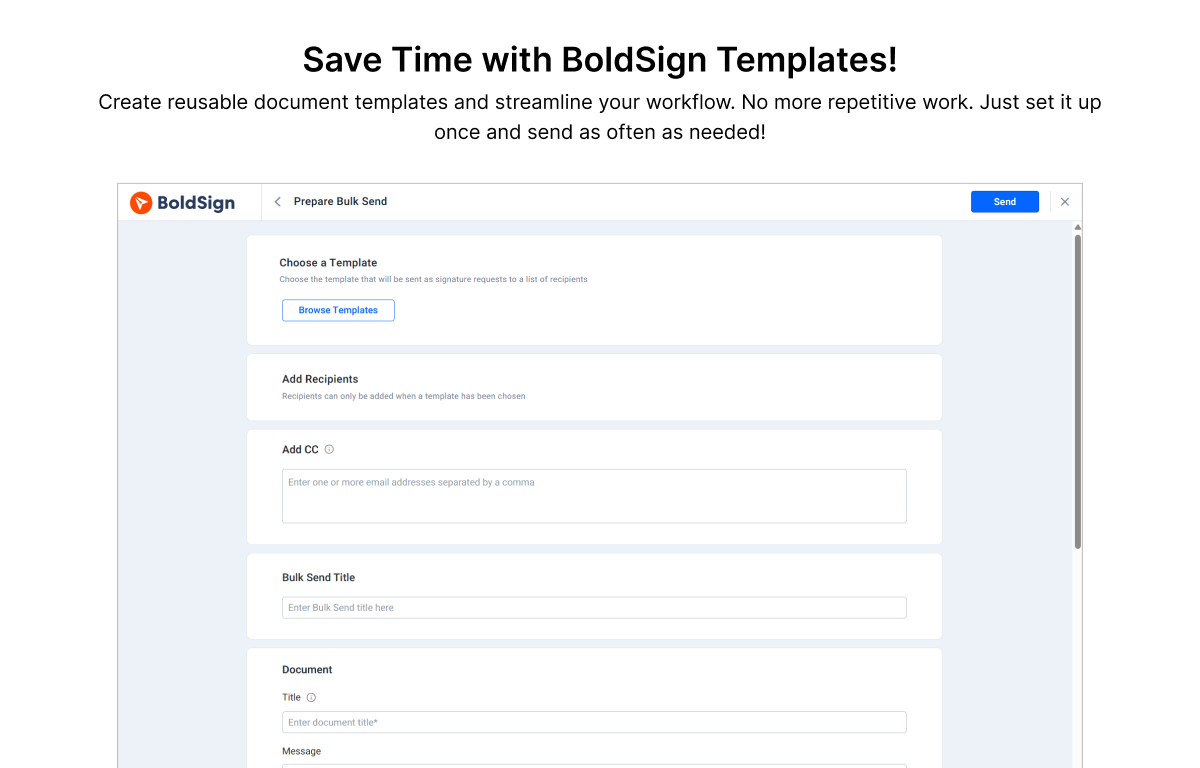
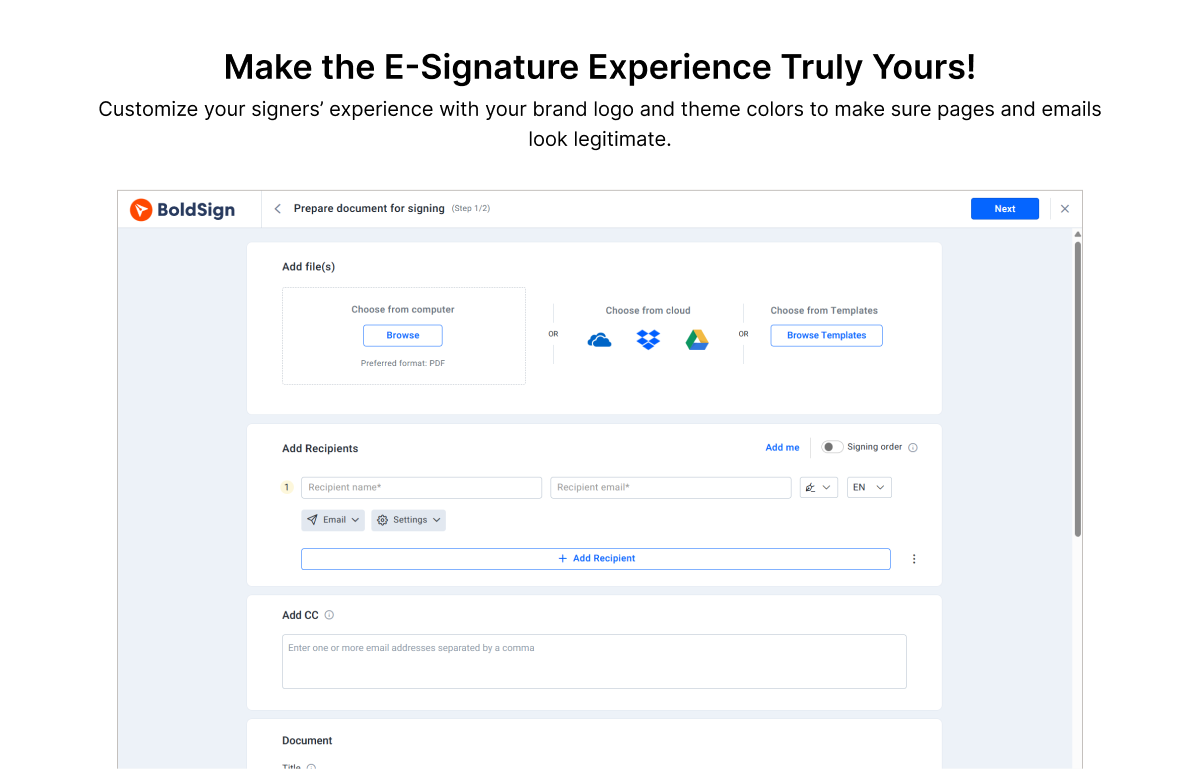
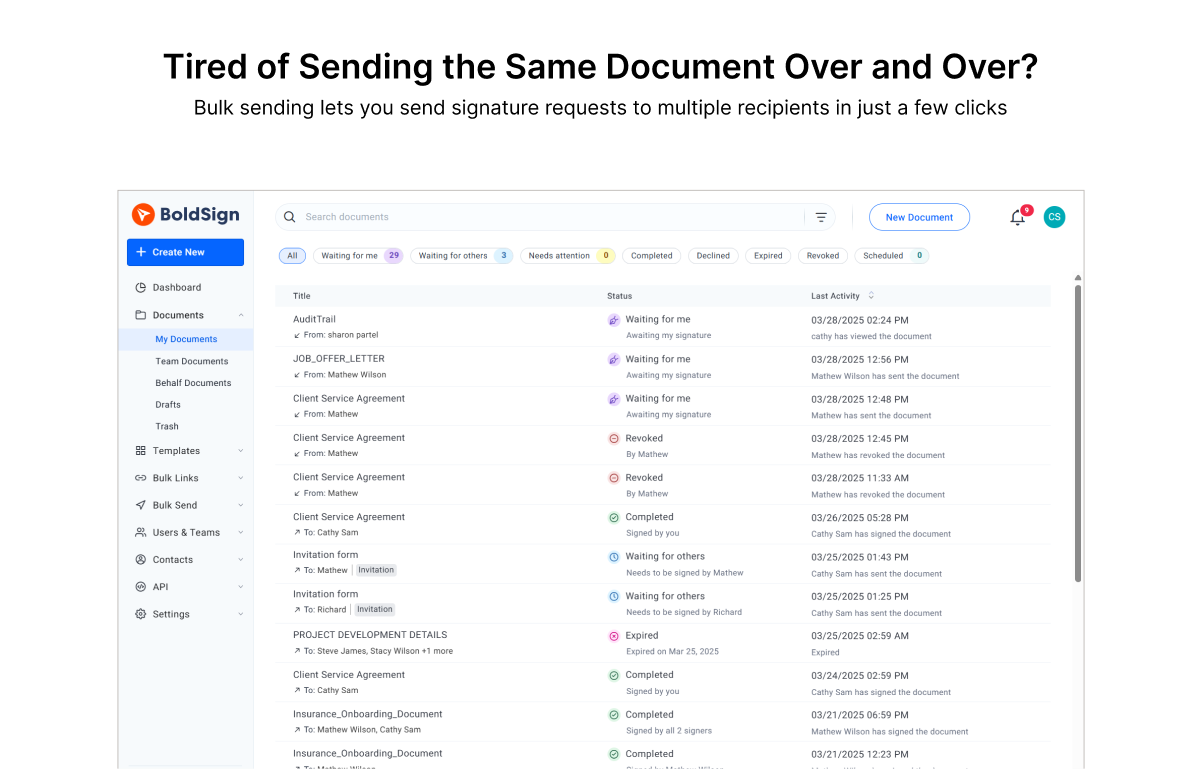
BoldSign is an e-signature platform that enables users to send documents out for legally binding signatures. Boasting users in over 120 countries by more than 50,000 customers, BoldSign offers a solution that works for companies of any size—from startups to global enterprises. The platform offers a range of features, including bulk send options, localization settings for time zones and automatic translation, and an API to integrate BoldSign e-signature functionality into an organization's…
$0
for 25 envelopes/month
DocuSign
Score8.7 out of 10
N/A
DocuSign supports transactions with document sharing and electronic signature, as well as automated and guided data collection and entry, record updating across disparate systems and payment collection upon agreement, as well as analytics and reporting.
$15
per month
Pricing
BoldSign, by Syncfusion
DocuSign
Editions & Modules
Essentials
$0
per month 1 sender & 25 envelopes/month
Growth
$15
per month per sender
Business
$25
per month per user
Premium
$138
per month unlimited senders.
Enterprise API
starting at $30
per month (includes 40 envelopes, +$0.75 for each additional)
Custom Plan
Custom Pricing
Personal
$15
per month
Real Starter
$15
per month
DocuSign for Realtors
$35
per month
Standard
$40
per month
Business Pro
$60
per month
Advanced Solutions
Custom Pricing
Offerings
Pricing Offerings
BoldSign, by Syncfusion
DocuSign
Free Trial
Yes
Yes
Free/Freemium Version
Yes
No
Premium Consulting/Integration Services
No
No
Entry-level Setup Fee
No setup fee
No setup fee
Additional Details
Monthly and annual options available. In addition to BoldSign's web app options, API plans are also offered. A free sandbox is available that allows you to integrate BoldSign into an application in a testing environment. A discount is available for annual billing.
Founder in Marketing at Commersion Legal (Marketing & Advertising, 1-10 employees)
Chose BoldSign, by Syncfusion
BoldSign keeps digital signing simple and easy. DocuSign is bloated and incredibly expensive and too complex for signing documents required by a small business like mine.
A de minimis incentive was given to thank the reviewer for their time. The incentive was not used to bias or drive a particular response, nor was the incentive contingent on a positive endorsement. More Info
Verified User
Chose BoldSign, by Syncfusion
BoldSign is much less expensive than DocuSign with very similar features.
A de minimis incentive was given to thank the reviewer for their time. The incentive was not used to bias or drive a particular response, nor was the incentive contingent on a positive endorsement. More Info
General Manager in Corporate at Inversiones TeraCom SAS (Computer & Network Security, 1-10 employees)
Chose BoldSign, by Syncfusion
They all have similar features, but BoldSign stands out for its simplicity and ease of use. Adobe has a business model where they are sending you ads while you are using the system and the truth is that it tends to be a bit annoying and distracting at times. I didn't like the …
A de minimis incentive was given to thank the reviewer for their time. The incentive was not used to bias or drive a particular response, nor was the incentive contingent on a positive endorsement. More Info
R&D Lead in Engineering at Soteria Market (Investment Management, 1-10 employees)
Chose BoldSign, by Syncfusion
Docusing don't offer an iFrame. Customsing documents for signature with DocuSign is a nightmare. DocuSign customer service is terrible, as bad as Microsoft...
A de minimis incentive was given to thank the reviewer for their time. The incentive was not used to bias or drive a particular response, nor was the incentive contingent on a positive endorsement. More Info
Verified User
Chose BoldSign, by Syncfusion
Much easier to work with and support is much better. In my experience, DocuSign is just not an easy company to deal with. And, in my experience, whenever we tried to add a particular feature in our integration, DocuSign would force us to upgrade to some higher level. I found …
A de minimis incentive was given to thank the reviewer for their time. The incentive was not used to bias or drive a particular response, nor was the incentive contingent on a positive endorsement. More Info
Verified User
Chose BoldSign, by Syncfusion
Some basics are the same, but BoldSign®, by Syncfusion® gets me in and out quickly.
A de minimis incentive was given to thank the reviewer for their time. The incentive was not used to bias or drive a particular response, nor was the incentive contingent on a positive endorsement. TR verified that a representative sample of customers was invited. More Info
A de minimis incentive was given to thank the reviewer for their time. The incentive was not used to bias or drive a particular response, nor was the incentive contingent on a positive endorsement. More Info
A de minimis incentive was given to thank the reviewer for their time. The incentive was not used to bias or drive a particular response, nor was the incentive contingent on a positive endorsement. More Info
Sales Manager in Corporate at PPS TI (Information Technology & Services, 11-50 employees)
Chose BoldSign, by Syncfusion
The price-performance ratio is better with BoldSign. If I want to scale up to the next level and then go back, I can do it easily with BoldSign, unlike Adobe, for example. If you want to try another application, that's fine. They all do the same thing. In my experience, the …
A de minimis incentive was given to thank the reviewer for their time. The incentive was not used to bias or drive a particular response, nor was the incentive contingent on a positive endorsement. More Info
Verified User
Chose BoldSign, by Syncfusion
Our company uses BoldSign over its competitors because of its ease of use and functionality for the manner in which we employ it. We can quickly upload documents that need execution and get them circulated to all parties immediately to do so. This saves us tremendous amounts of …
A de minimis incentive was given to thank the reviewer for their time. The incentive was not used to bias or drive a particular response, nor was the incentive contingent on a positive endorsement. More Info
Verified User
Chose BoldSign, by Syncfusion
It met all my needs at no cost. We only needed a basic service. BoldSign more than met our needs and did so securely and efficiently.
A de minimis incentive was given to thank the reviewer for their time. The incentive was not used to bias or drive a particular response, nor was the incentive contingent on a positive endorsement. More Info
Verified User
Chose BoldSign, by Syncfusion
These competitors provide mediocre and feature-bloated offerings that are simply a pain to use. For example, building templates in the aforementioned tools is like pulling teeth. The editor is finicky. BoldSign, by contrast is simple and generally intuitive, thereby making it …
A de minimis incentive was given to thank the reviewer for their time. The incentive was not used to bias or drive a particular response, nor was the incentive contingent on a positive endorsement. More Info
A de minimis incentive was given to thank the reviewer for their time. The incentive was not used to bias or drive a particular response, nor was the incentive contingent on a positive endorsement. More Info
BoldSign is perfect for the small business or startup that needs a legally-binding solution to digitally sign contracts/agreements between 2 parties or more. It's no frills and super easy to use, and requires no training to understand how to use. BoldSign is less appropriate for organisations that require complex integrations and automation capabilities for their digital signature solution.
A de minimis incentive was given to thank the reviewer for their time. The incentive was not used to bias or drive a particular response, nor was the incentive contingent on a positive endorsement. More Info
This product is well suited in the use case that I provided before: when it comes to onboarding employees and providing a clear channel for decision making for human resources, this is an excellent tool to accomplish that. I would say the weak points is when you have back and forth communication with users that it might seem a little redundant to have that back and forth communication in that scenario.
A de minimis incentive was given to thank the reviewer for their time. The incentive was not used to bias or drive a particular response, nor was the incentive contingent on a positive endorsement. More Info
A de minimis incentive was given to thank the reviewer for their time. The incentive was not used to bias or drive a particular response, nor was the incentive contingent on a positive endorsement. More Info
A de minimis incentive was given to thank the reviewer for their time. The incentive was not used to bias or drive a particular response, nor was the incentive contingent on a positive endorsement. More Info
It would be great if BoldSign saved my signature in my account to use each time
It might be easier if you could select signature (or any heading for that matter) and click where you want it instead of dragging it to where you want it.
It would be nice if completed document’s automatically saved to a selected folder for safe keeping.
Tracking, particularly when collecting signatures through connected applications, such as an ATS, is not always clean or easily traceable.
Formatting documents to handle electronic signature types (signatures, initials, etc.) is not always easy, and highly dependent on the partner's technology.
It is not convenient to have to use DocuSign as a stand alone product if the signatures are required for 3rd party applications. It definitely excels on its own, but the scope of that usage, at least for us, is slim.
A de minimis incentive was given to thank the reviewer for their time. The incentive was not used to bias or drive a particular response, nor was the incentive contingent on a positive endorsement. More Info
Great product. Great price. Free for up to 25 signatures for one persons account. Having a group using it under one account is even a great price. Much cheaper than all the alternatives out there and does the same stuff the others do
I can't imagine doing business without DocuSign now. I would never want to go back to the way we used to do things. The "new way" is "the way" is "the right way." We can honestly be proud of a "one right way" process and not have to suffer through "5 ways for 5 days."
A de minimis incentive was given to thank the reviewer for their time. The incentive was not used to bias or drive a particular response, nor was the incentive contingent on a positive endorsement. More Info
Very straight forward to use and customers understand the service. No questions or need for me to explain. The free tier is amazing and has locked me in as a customer for when we're big enough to need the paid version.
A de minimis incentive was given to thank the reviewer for their time. The incentive was not used to bias or drive a particular response, nor was the incentive contingent on a positive endorsement. More Info
Generally user-friendly once you have command of the basics, but also has a lot of nuances that can make it difficult to train others on. DocuSign University is a helpful tool, but understandably a lot of content to get through to become a well-versed user. A lot of different functionalities but only a few I use on a weekly basis.
A de minimis incentive was given to thank the reviewer for their time. The incentive was not used to bias or drive a particular response, nor was the incentive contingent on a positive endorsement. More Info
A de minimis incentive was given to thank the reviewer for their time. The incentive was not used to bias or drive a particular response, nor was the incentive contingent on a positive endorsement. More Info
A de minimis incentive was given to thank the reviewer for their time. The incentive was not used to bias or drive a particular response, nor was the incentive contingent on a positive endorsement. More Info
A de minimis incentive was given to thank the reviewer for their time. The incentive was not used to bias or drive a particular response, nor was the incentive contingent on a positive endorsement. More Info
A de minimis incentive was given to thank the reviewer for their time. The incentive was not used to bias or drive a particular response, nor was the incentive contingent on a positive endorsement. More Info
At the beginning I had a question so I emailed them. Response was super quick. Other then that I have not had to contact them for any help. System is easy to use
I'd give them a 10, but there has been 1 or 2 small cases that seemed to fall to the wayside, but I was able to call them up and get them resolved. We were having a bad implementation night (after midnight) and we needed assistance from Docusign. They were able to get an engineer to help us in the early morning hours
A de minimis incentive was given to thank the reviewer for their time. The incentive was not used to bias or drive a particular response, nor was the incentive contingent on a positive endorsement. More Info
Docusign is super easy to use, and apart from a few administration details, there was really nothing to train on. Post implementation, there were issues with configuration of auto-filled documents with the integrating 3rd party. That training required some time, because the DocuSign expert took the time to walk me through the 3rd party's configuration (how often does that happen?) so I could see how DocuSign should be best used to overcome weaknesses in the 3rd party platform. 10/10 expert care.
A de minimis incentive was given to thank the reviewer for their time. The incentive was not used to bias or drive a particular response, nor was the incentive contingent on a positive endorsement. More Info
A de minimis incentive was given to thank the reviewer for their time. The incentive was not used to bias or drive a particular response, nor was the incentive contingent on a positive endorsement. More Info
Until you get the hang of it, I recommend doing several internal tests before sending a document to a client. As I mentioned earlier, you have to go through a bit of trial and error at first to verify that the workflow works as expected.
The price-performance ratio is better with BoldSign. If I want to scale up to the next level and then go back, I can do it easily with BoldSign, unlike Adobe, for example. If you want to try another application, that's fine. They all do the same thing. In my experience, the ease of use, sourcing and functionality was perfect with BoldSign.
There has never been anything that we could really compare to Docusign. We have tried sending documents in a PDF version, but that was not nearly as efficient. DocuSign saves your signature in the system and uses that as it goes through your documents.
A de minimis incentive was given to thank the reviewer for their time. The incentive was not used to bias or drive a particular response, nor was the incentive contingent on a positive endorsement. More Info
A de minimis incentive was given to thank the reviewer for their time. The incentive was not used to bias or drive a particular response, nor was the incentive contingent on a positive endorsement. More Info
A de minimis incentive was given to thank the reviewer for their time. The incentive was not used to bias or drive a particular response, nor was the incentive contingent on a positive endorsement. More Info
A de minimis incentive was given to thank the reviewer for their time. The incentive was not used to bias or drive a particular response, nor was the incentive contingent on a positive endorsement. More Info
I am sure that the paid version would be extremely beneficial if you did a bunch of contracts. I just started using the program, so not too many contracts yet. If I need to upgrade my subscription, the price will be well worth it.
A de minimis incentive was given to thank the reviewer for their time. The incentive was not used to bias or drive a particular response, nor was the incentive contingent on a positive endorsement. More Info