
Box vs. Leap vs. Outlaw
Box vs. Leap vs. Outlaw
| Product | Rating | Most Used By | Product Summary | Starting Price |
|---|---|---|---|---|
 Box | N/A | Box is an online Intelligent Content Management solution that caters to individual users as well as businesses. | $20 per month 3 users (minimum) | |
 Leap | N/A | Founded in 2016, Leap is subscription-based software for home service contractors that automates steps in the sales process from estimating, proposals, and contracts to financing, payment capture, and e-signatures. | $49 per month per user | |
 Outlaw | Mid-Size Companies (51-1,000 employees) | Outlaw’s contract automation platform adapts to the user's needs for rapid adoption. Outlaw boasts flexible, simple pricing in order to make it affordable for all team sizes (no maint. fees, unlimited storage & eSignatures). The platform unifies contract generation, document automation, in-app collaboration & negotiations, and a repository into a single user experience. Whether starting from self-serve templates or 3rd party/customer agreements or legacy contracts, the vendor boasts… | N/A |
| Box | Leap | Outlaw | ||||||||||||||||||||||
|---|---|---|---|---|---|---|---|---|---|---|---|---|---|---|---|---|---|---|---|---|---|---|---|---|
| Editions & Modules |
|
| No answers on this topic | |||||||||||||||||||||
| Offerings |
| |||||||||||||||||||||||
| Entry-level Setup Fee | Optional | No setup fee | No setup fee | |||||||||||||||||||||
| Additional Details | A discount is available for annual pricing. | — | Out modular unified platform is built to easily adapt to your organization and unique contracting processes. Work with us to establish a plan that meets the specific needs of your team. Schedule a time with our experts here: https://getoutlaw.com/request-demo/ | |||||||||||||||||||||
| More Pricing Information | ||||||||||||||||||||||||
| Box | Leap | Outlaw |
|---|
| Box | Leap | Outlaw | |||||||||||||||||||||||||||||||||||||||||||||||||||||||
|---|---|---|---|---|---|---|---|---|---|---|---|---|---|---|---|---|---|---|---|---|---|---|---|---|---|---|---|---|---|---|---|---|---|---|---|---|---|---|---|---|---|---|---|---|---|---|---|---|---|---|---|---|---|---|---|---|---|
| Enterprise Content Management |
| ||||||||||||||||||||||||||||||||||||||||||||||||||||||||
| Contract Authoring |
| ||||||||||||||||||||||||||||||||||||||||||||||||||||||||
| Contract Collaboration |
| ||||||||||||||||||||||||||||||||||||||||||||||||||||||||
| Contract Monitoring |
|
| Box | Leap | Outlaw | |
|---|---|---|---|
| Small Businesses |  Square 9 Softworks Score 9.7 out of 10 |  AccuLynx Score 8.7 out of 10 |  airSlate WorkFlow Score 9.9 out of 10 |
| Medium-sized Companies |  MediaValet Score 9.0 out of 10 | No answers on this topic |  PandaDoc Score 8.6 out of 10 |
| Enterprises | MediaValet Score 9.0 out of 10 | No answers on this topic |  Conga CLM Score 8.8 out of 10 |
| All Alternatives | View all alternatives | View all alternatives | View all alternatives |
| Box | Leap | Outlaw | |
|---|---|---|---|
| Likelihood to Recommend | 8.1 (154 ratings) | 9.0 (2 ratings) | 8.5 (10 ratings) |
| Likelihood to Renew | 8.0 (12 ratings) | - (0 ratings) | - (0 ratings) |
| Usability | 8.1 (21 ratings) | 8.0 (1 ratings) | 8.3 (10 ratings) |
| Availability | 10.0 (5 ratings) | - (0 ratings) | - (0 ratings) |
| Performance | 9.1 (12 ratings) | - (0 ratings) | - (0 ratings) |
| Support Rating | 8.5 (29 ratings) | - (0 ratings) | 9.9 (10 ratings) |
| In-Person Training | 10.0 (1 ratings) | - (0 ratings) | - (0 ratings) |
| Online Training | 10.0 (3 ratings) | - (0 ratings) | - (0 ratings) |
| Implementation Rating | 10.0 (6 ratings) | - (0 ratings) | - (0 ratings) |
| Configurability | 10.0 (1 ratings) | - (0 ratings) | - (0 ratings) |
| Ease of integration | 10.0 (1 ratings) | - (0 ratings) | - (0 ratings) |
| Product Scalability | 10.0 (1 ratings) | - (0 ratings) | - (0 ratings) |
| Vendor post-sale | 10.0 (1 ratings) | - (0 ratings) | - (0 ratings) |
| Vendor pre-sale | 10.0 (1 ratings) | - (0 ratings) | - (0 ratings) |
| Box | Leap | Outlaw | |
|---|---|---|---|
| Likelihood to Recommend |  Box
| Leap
 Paul Showalter CFO (Chief Financial Officer) | Outlaw Inc.
|
| Pros | Box
 james dean Senior Software Engineer | Leap
| Outlaw Inc.
 Emily Smith Chief of Staff |
| Cons | Box
| Leap
Paul Showalter CFO (Chief Financial Officer) | Outlaw Inc.
|
| Likelihood to Renew | Box
 Sam Montoya, CSM Project Manager | Leap No answers on this topic | Outlaw Inc. No answers on this topic |
| Usability | Box
 Tyler Grudowski Product Development Engineer | Leap
| Outlaw Inc.
|
| Reliability and Availability | Box
| Leap No answers on this topic | Outlaw Inc. No answers on this topic |
| Performance | Box
 burt smith Graphic Design Specialist | Leap No answers on this topic | Outlaw Inc. No answers on this topic |
| Support Rating | Box
| Leap No answers on this topic | Outlaw Inc.
|
| In-Person Training | Box
| Leap No answers on this topic | Outlaw Inc. No answers on this topic |
| Online Training | Box
| Leap No answers on this topic | Outlaw Inc. No answers on this topic |
| Implementation Rating | Box
| Leap No answers on this topic | Outlaw Inc. No answers on this topic |
| Alternatives Considered | Box
 Pjeter Gjergjaj Senior Network Engineer | Leap
Paul Showalter CFO (Chief Financial Officer) | Outlaw Inc.
 Nicholas Powell Co-Founder | Chief Executive Officer |
| Scalability | Box
| Leap No answers on this topic | Outlaw Inc. No answers on this topic |
| Return on Investment | Box
| Leap
| Outlaw Inc.
|
| ScreenShots | Box Screenshots      | Outlaw Screenshots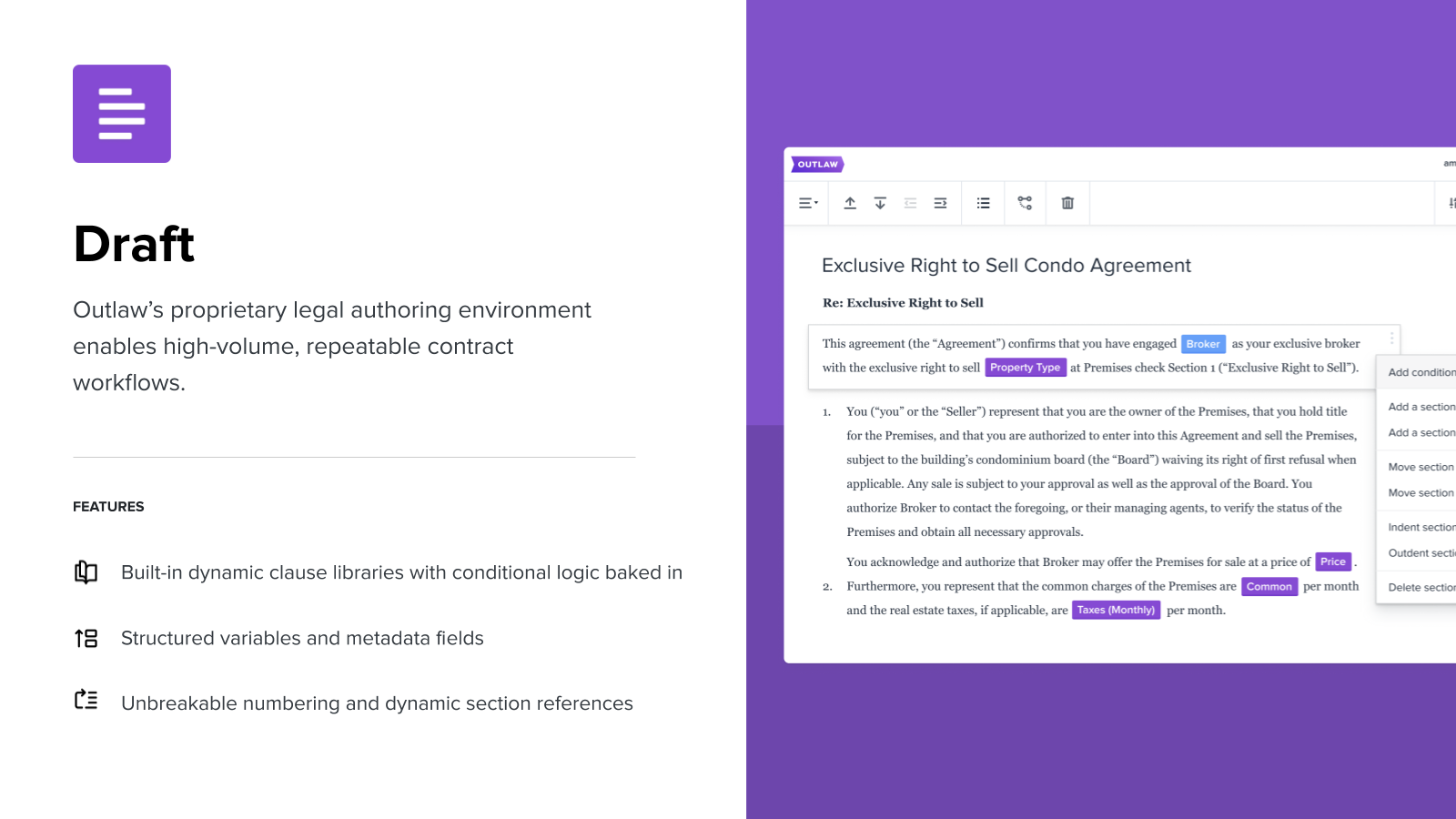    |