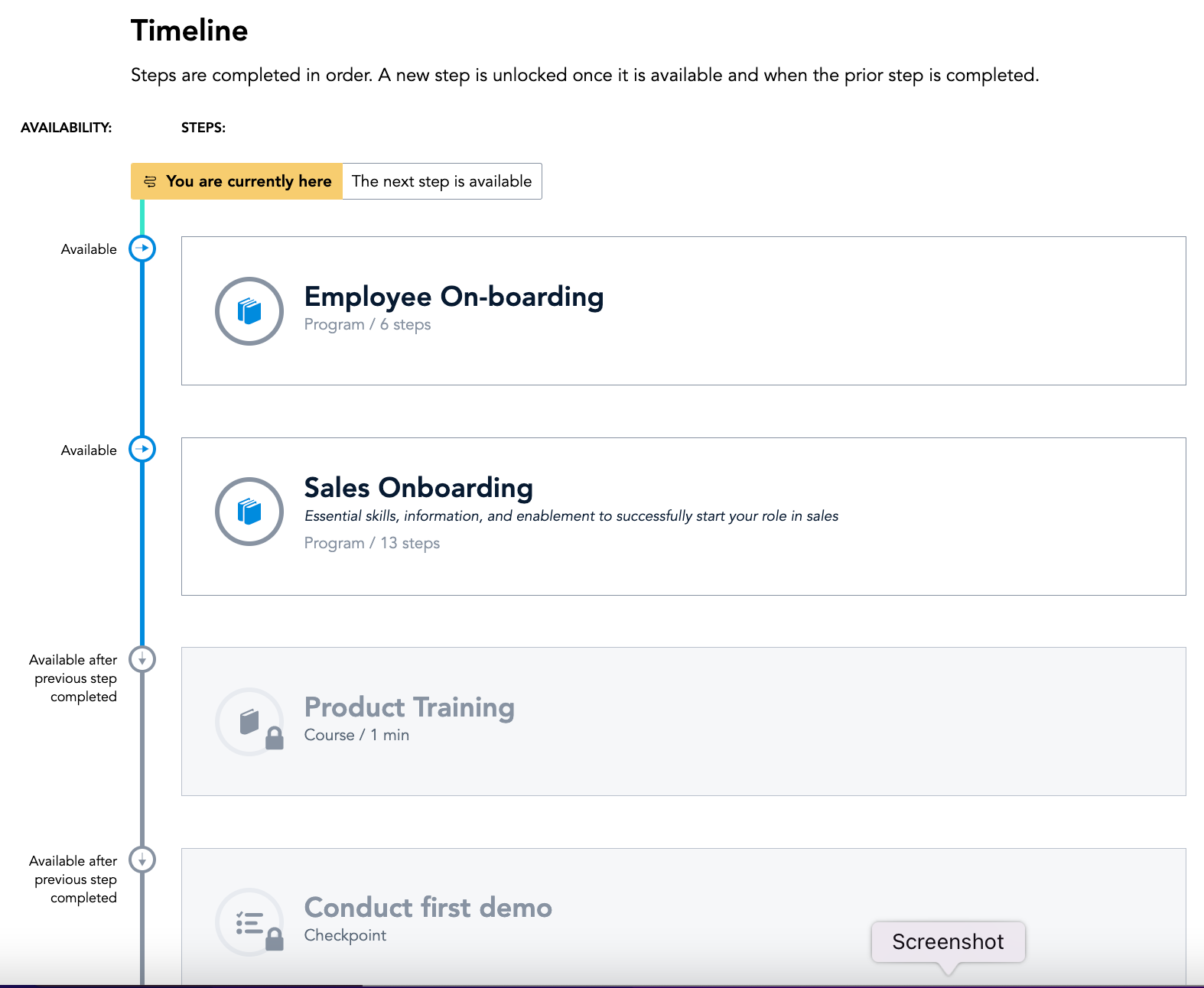
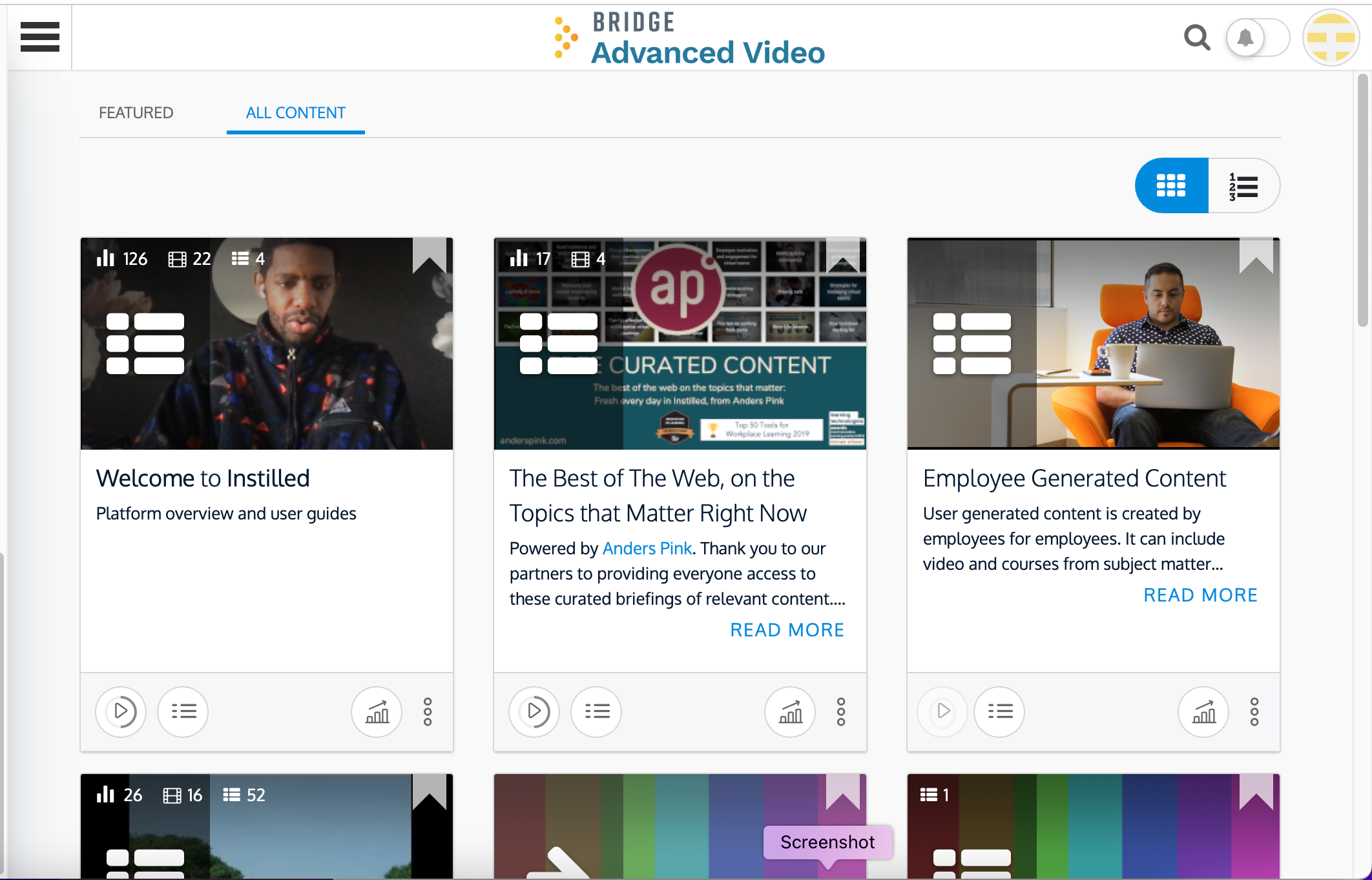
Bridge is an integrated talent management platform that combines learning management, performance management, career development, and engagement measurement into one platform. Bridge enables companies to develop their people with live, virtual, on-demand and experience based training, manager/employees 1:1s, and career development plans. Used by more than 1000 companies worldwide, Bridge helps companies achieve their strategic people development goals by facilitating connection, alignment, and…
$15,000
per year
iSpring LMS
Score9.6 out of 10
N/A
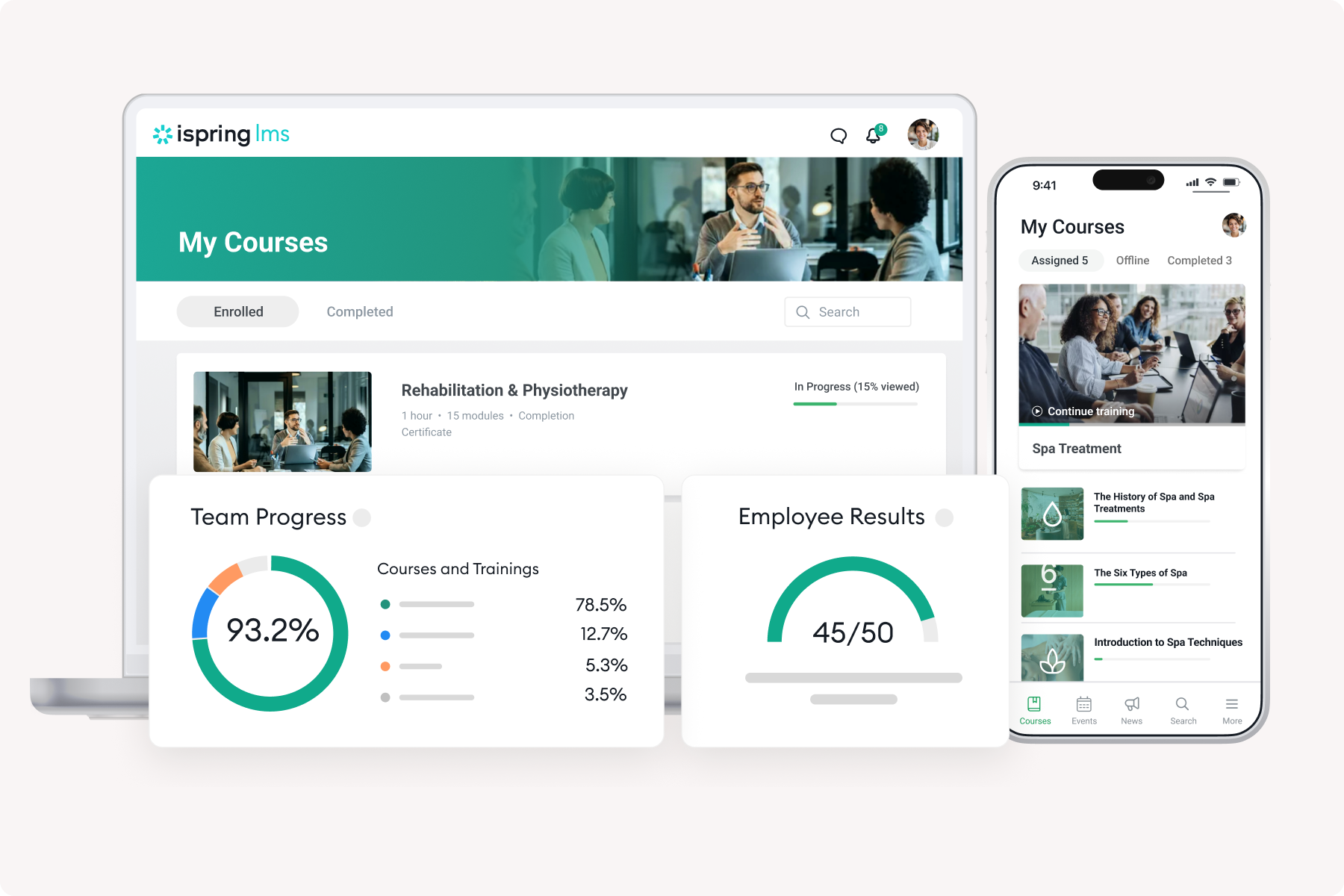
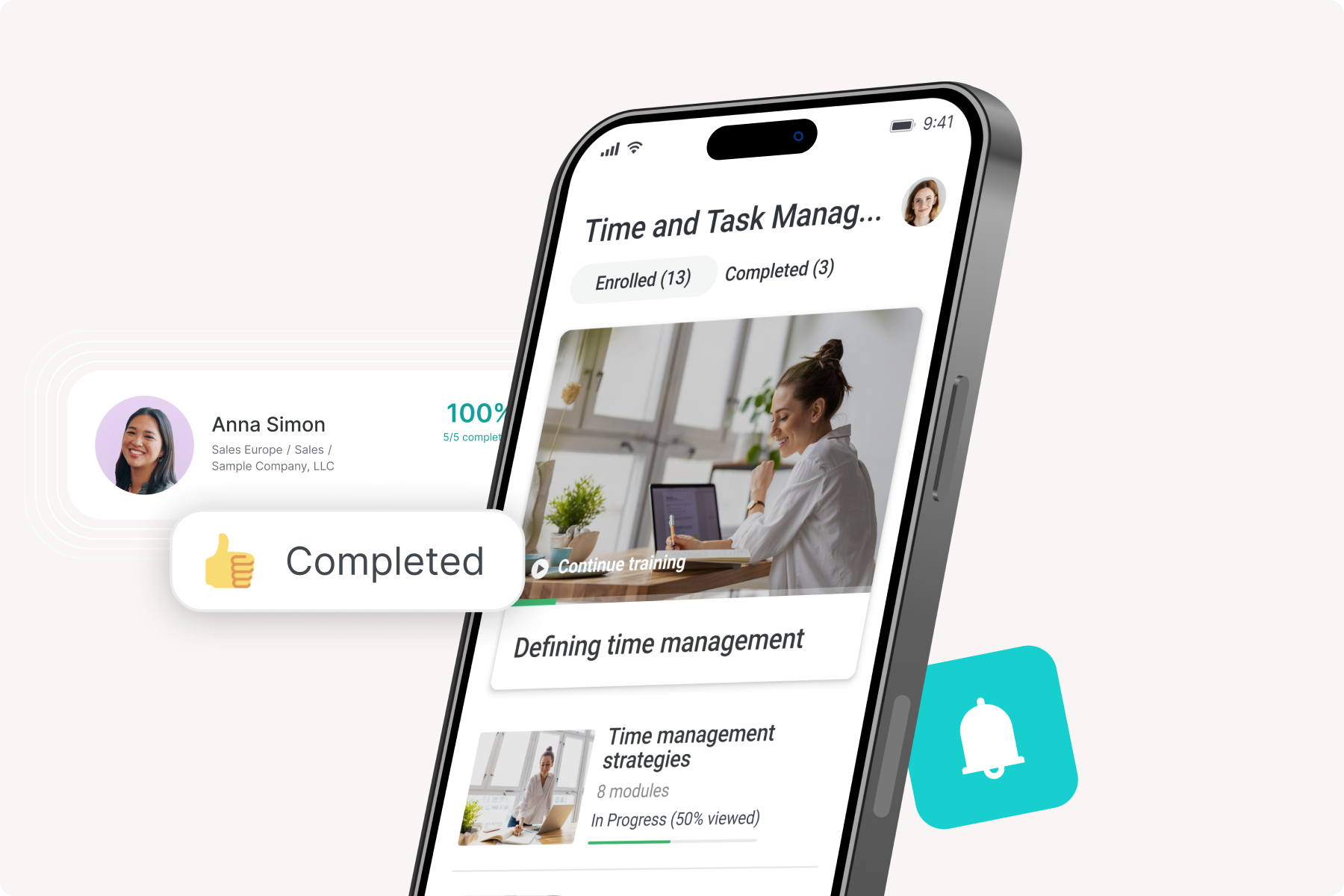
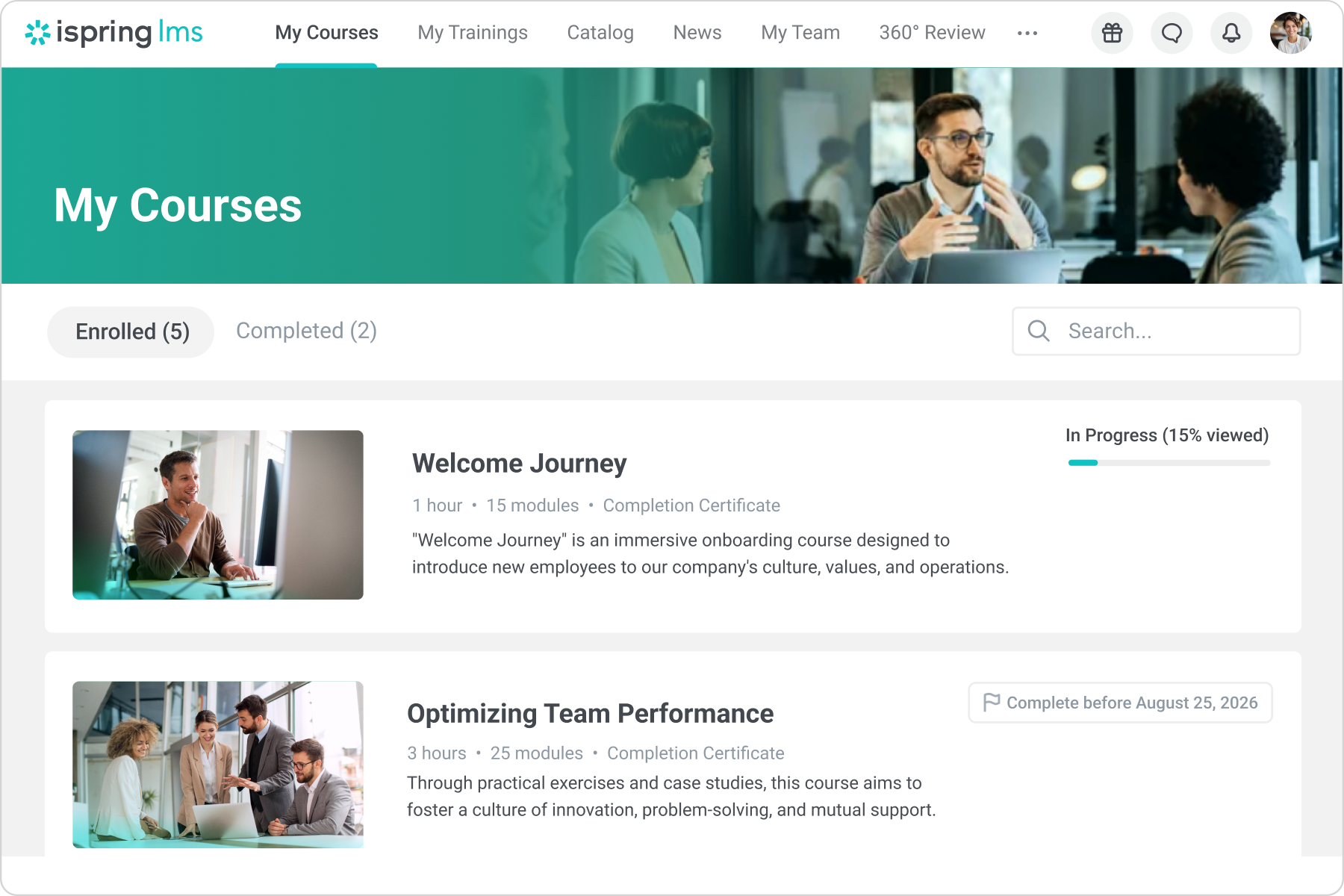
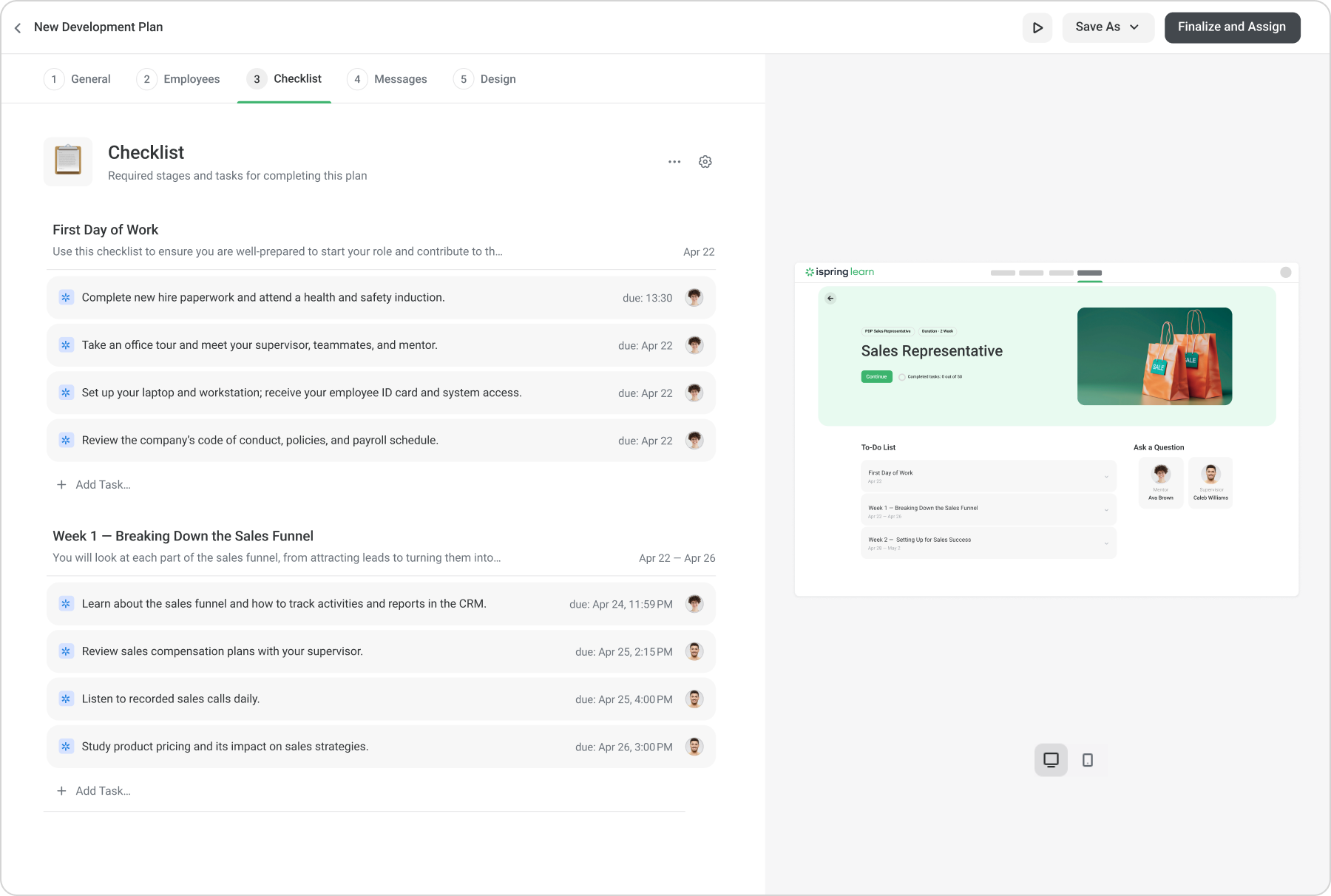
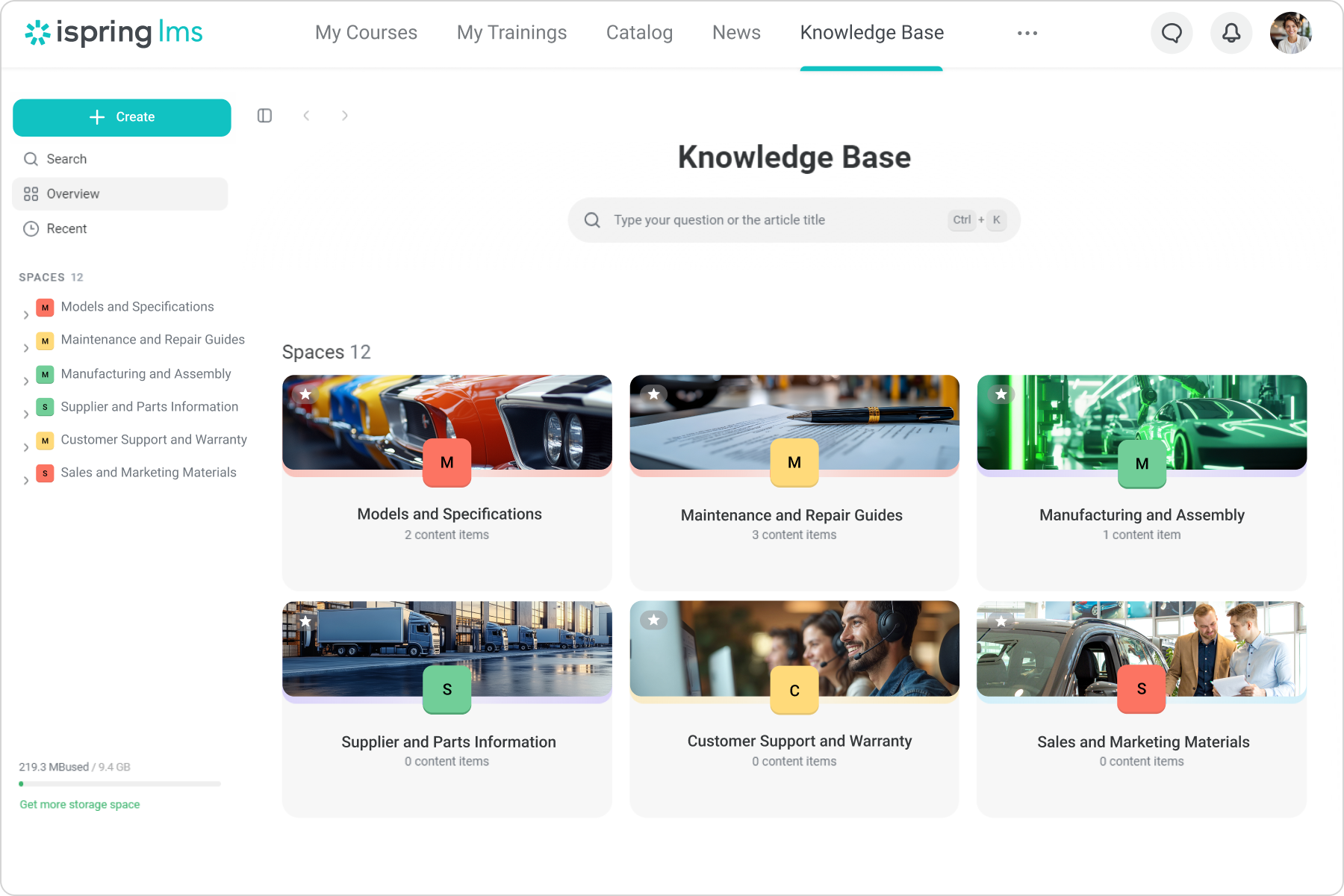
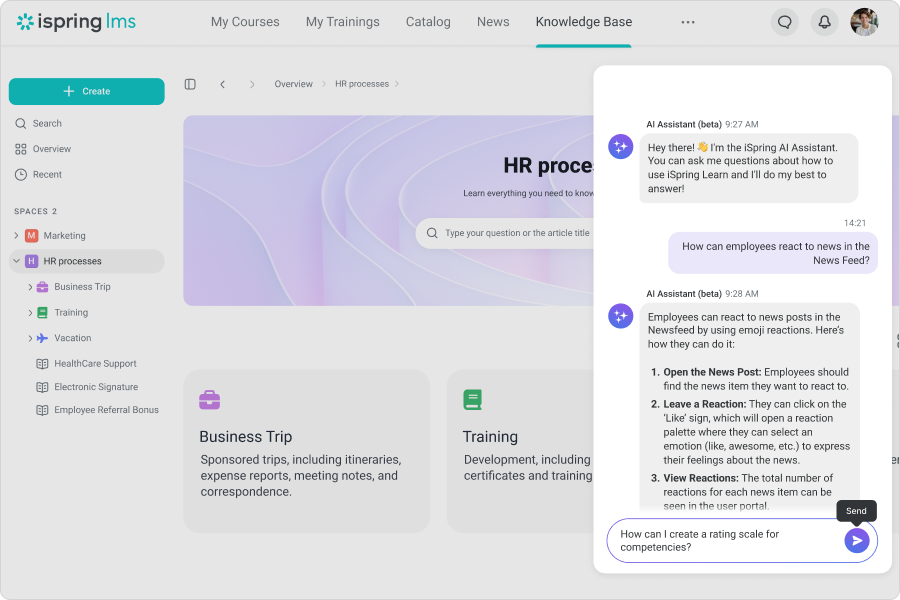
iSpring LMS is an LMS developed by iSpring Solutions. iSpring LMS automates corporate training and helps to improve employee retention through quality onboarding, on-the-job training, gamification and engagement mechanics. With iSpring LMS, training and development professionals can launch eLearning fast, without any technical skills. Also, account owners can customize or white-label the learner portal to reflect their corporate branding. iSpring LMS's features…
Bridge is suited for scenarios where you need ppl to complete steps in order or test that they received the correct amount of knowledge after watching a video. I do think Bridge is less appropriate for companies that use it in external training scenarios as there is some key functionality missing. We gotten very good at brainstorming and finding solutions/ways to get Bridge to work the way that we need it to
A de minimis incentive was given to thank the reviewer for their time. The incentive was not used to bias or drive a particular response, nor was the incentive contingent on a positive endorsement. More Info
My specific scenario is, that I need to deliver courses in two languages to multiple departments, so iSpring helps me with that from beginning and creating courses, to translating, and then enrolling people. What could be better is how reports works. Right now you can check report either by course or by department/person, but I would need to see everything on one page, like every single enrolment.
A de minimis incentive was given to thank the reviewer for their time. The incentive was not used to bias or drive a particular response, nor was the incentive contingent on a positive endorsement. More Info
Bridge is designed for the user so it is intuitive and easy to use.
Bridge includes an authoring tool so building custom content is fast and easy.
Bridge does a good job of providing user information for managers. Managers can quickly and easily see how many courses their reports are enrolled in and if anyone is overdue on required courses.
Bridge is also built with learning science in mind. There are multiple options for assessments, including an option for verified tasks to be completed to demonstrate proficiency.
A de minimis incentive was given to thank the reviewer for their time. The incentive was not used to bias or drive a particular response, nor was the incentive contingent on a positive endorsement. More Info
Automatically re-enrolling employees when a certificate expires. Set it and forget it!
If set up properly from the beginning, you don't have to do much, with the roles and groups settings, you can automate a large portion of the course management.
I can provide visibility to anyone about any employee necessary, allowing me to put more responsibility on my managers, instead of doing it all myself.
A de minimis incentive was given to thank the reviewer for their time. The incentive was not used to bias or drive a particular response, nor was the incentive contingent on a positive endorsement. TR verified that a representative sample of customers was invited. More Info
Bridge could improve their categorization feature for trainings; folders would be great!
I'd like to see more ways to add content in the Bridge native environment in the future. Being able to create tables, infographics, and other training materials right in the system would be a great time saver.
A de minimis incentive was given to thank the reviewer for their time. The incentive was not used to bias or drive a particular response, nor was the incentive contingent on a positive endorsement. More Info
Some limitations where you can't create exactly what you want either in the design of interactions or lack of varied interactions
Images cannot be moved to where you want them on the interaction slides
Layout of interactions can't be adjusted and overides your powerpoint background
If you have to edit a course and delete it off iSpring Learn then the records of all the people associated to that course are swiped and there's not a way of retrieving the information.
A de minimis incentive was given to thank the reviewer for their time. The incentive was not used to bias or drive a particular response, nor was the incentive contingent on a positive endorsement. More Info
It has been very useful to our organization in getting compliance training complete. We have a 24/7/365 organization with some folks only working 2 days a week during the summer only, many work full-time jobs elsewhere and can't make weekday programs and facilities don't have to alter schedules to get mass numbers of people through training like you have to do with live training..
A de minimis incentive was given to thank the reviewer for their time. The incentive was not used to bias or drive a particular response, nor was the incentive contingent on a positive endorsement. More Info
In the past I could not encourage my students to take online training. The results and the questions were hard to be given. When I used the iSpring Suite along with iSpring Learn, my dreams came through and most of the time my students are online and take good training with my programme.
A de minimis incentive was given to thank the reviewer for their time. The incentive was not used to bias or drive a particular response, nor was the incentive contingent on a positive endorsement. More Info
A de minimis incentive was given to thank the reviewer for their time. The incentive was not used to bias or drive a particular response, nor was the incentive contingent on a positive endorsement. More Info
Sometimes, things just aren't intuitive enough. For example, burying the catalog in the settings area makes no sense at all. The same goes for permissions and year reviews. It was a massive oversight that really caused a lot of confusion for all of our managers. It caused distrust in the LMS simply because someone who designed and developed it did not think that an employee review should be private to them, their direct supervisor, or the supervisor above. Instead, ANY manager could read ANY employee review. I have mentioned this several times throughout these questionnaires, and as you can see, I still find it incomprehensible that a company that wants to promote its software as a multifaceted solution could be so blind to something so critical, especially in terms of privacy.
A de minimis incentive was given to thank the reviewer for their time. The incentive was not used to bias or drive a particular response, nor was the incentive contingent on a positive endorsement. More Info
A de minimis incentive was given to thank the reviewer for their time. The incentive was not used to bias or drive a particular response, nor was the incentive contingent on a positive endorsement. More Info
A de minimis incentive was given to thank the reviewer for their time. The incentive was not used to bias or drive a particular response, nor was the incentive contingent on a positive endorsement. More Info
A de minimis incentive was given to thank the reviewer for their time. The incentive was not used to bias or drive a particular response, nor was the incentive contingent on a positive endorsement. More Info
iSpring Learn’s customer support receives high praise for responsiveness. Live chat and tutorials are noted as highly effective in promptly resolving technical issues. iSpring Learn is a strong LMS for organizations focused on efficiency, engagement, and ease of use, with excellent support to ensure adoption success. iSpring Learn is a strong LMS for organizations focused on efficiency, engagement, and ease of use, with excellent support to ensure adoption success.
A de minimis incentive was given to thank the reviewer for their time. The incentive was not used to bias or drive a particular response, nor was the incentive contingent on a positive endorsement. More Info
We can say that most of my students attend my classes twice a week and that's not enough for someone to learn. I put some training for them to do at home and they really enjoy doing them. The kind of progress they make is really satisfying for them and they are always learning.
A de minimis incentive was given to thank the reviewer for their time. The incentive was not used to bias or drive a particular response, nor was the incentive contingent on a positive endorsement. More Info
As a teacher, I used to spend a lot of time correcting my students' papers. Now with iSpring Learn, my time has been saved and everything is done automatically. All the time I can check my students' progress and I know which exams they have taken or they should take. On the whole, online training has really helped a lot of teachers
A de minimis incentive was given to thank the reviewer for their time. The incentive was not used to bias or drive a particular response, nor was the incentive contingent on a positive endorsement. More Info
A de minimis incentive was given to thank the reviewer for their time. The incentive was not used to bias or drive a particular response, nor was the incentive contingent on a positive endorsement. More Info
When I talked to my colleagues or informed them to search for a programme before iSpring Learn, they were not successful in designing and implementing a programme like this. I am sure they have done a lot to implement it in the best and educational way. That was not that easy as we thought.
A de minimis incentive was given to thank the reviewer for their time. The incentive was not used to bias or drive a particular response, nor was the incentive contingent on a positive endorsement. More Info
Our previous LMS was Symphony. Hands down, there is no comparison. Switching to Bridge was the best decision made by our management team. All we used Symphony for was for our monthly compliance training. Many times people would complain that they would need to retake their compliance course as Symphony would lose records. It became a hassle having to retake a course because you didn't save a copy of the completion certificate. Bridge allows for more than just compliance training AND we are able to see if learners didn't complete their courses via the reports.
A de minimis incentive was given to thank the reviewer for their time. The incentive was not used to bias or drive a particular response, nor was the incentive contingent on a positive endorsement. More Info
iSpring is a more entry level LMS. It does not have the same level of features and benefits. For example, it does not have the same level of communication capability. It does not have the same level of reporting functionality. It does not have the same ability to build reporting. It also does not have the same level of communication capabilities
A de minimis incentive was given to thank the reviewer for their time. The incentive was not used to bias or drive a particular response, nor was the incentive contingent on a positive endorsement. More Info
A de minimis incentive was given to thank the reviewer for their time. The incentive was not used to bias or drive a particular response, nor was the incentive contingent on a positive endorsement. More Info
Certainly, Bridge was not an inexpensive option when we were reviewing platforms. To date, we have not seen a positive ROI but believe that will happen in the near future as we expand an offering of an additional program.
Reviews from our users indicate that they appreciate the professional and easy to use features Bridge provides, along with the video based design of the program.
The program we developed with the Bridge platform supports our position as educators in our industry.
A de minimis incentive was given to thank the reviewer for their time. The incentive was not used to bias or drive a particular response, nor was the incentive contingent on a positive endorsement. More Info
iSpring has enabled me to deliver professional education to very high-level learners.
Due to the reviews of my users, many more learners have purchased my courses.
Several professional colleagues have inquired about my experience setting up online courses on iSpring Learn. I told them it was easy, logical, and no hassle; they will love the level of support.