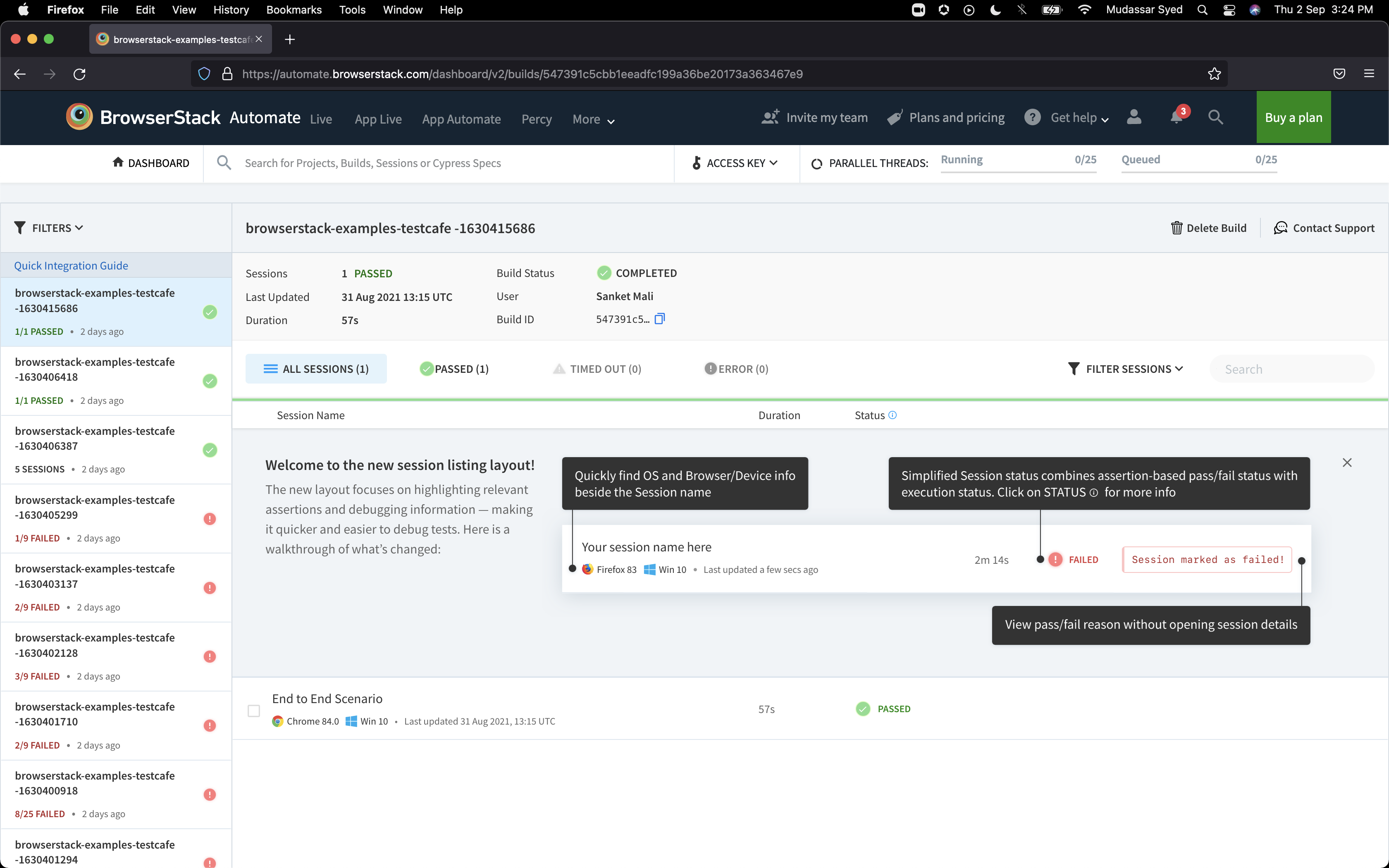
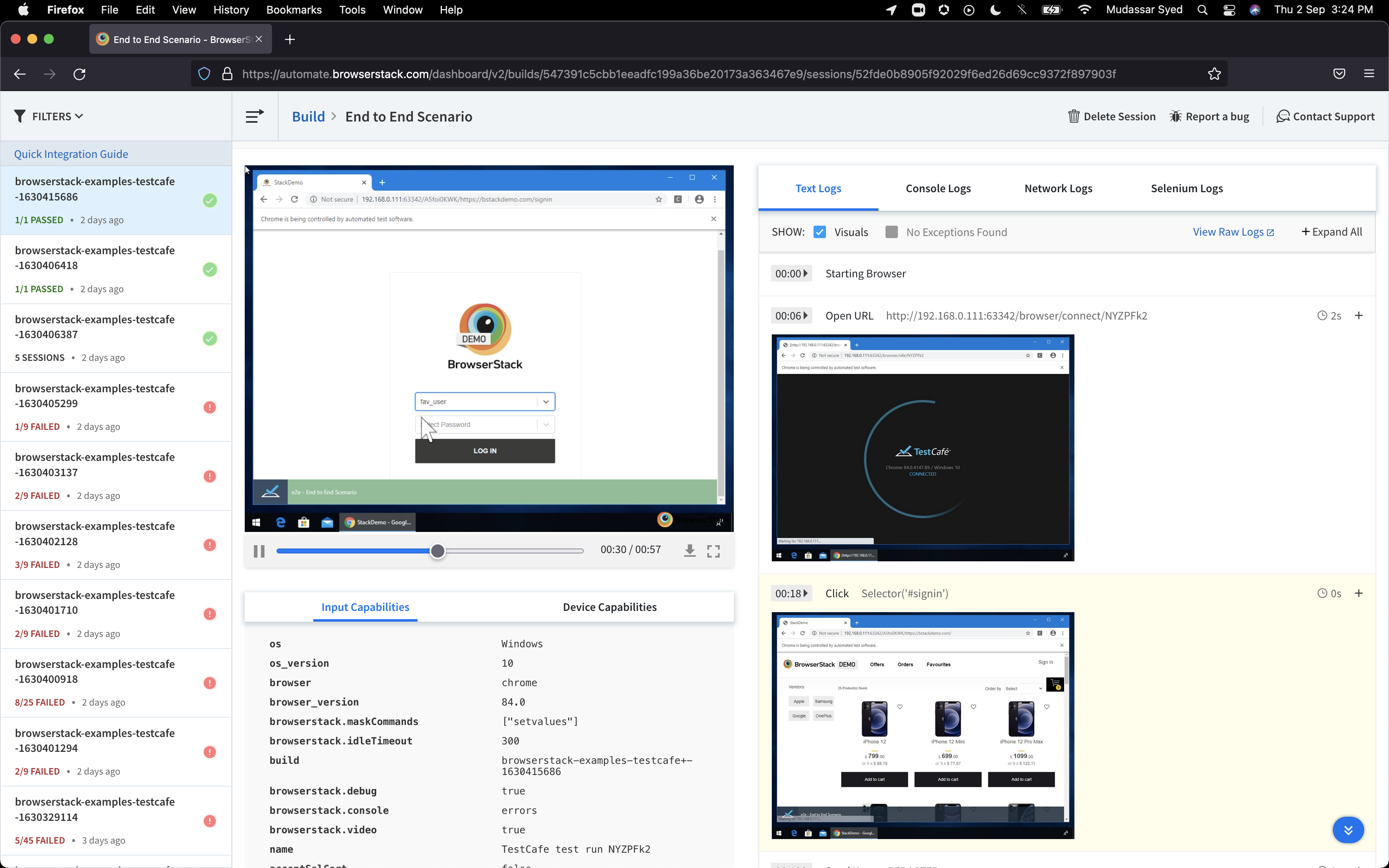
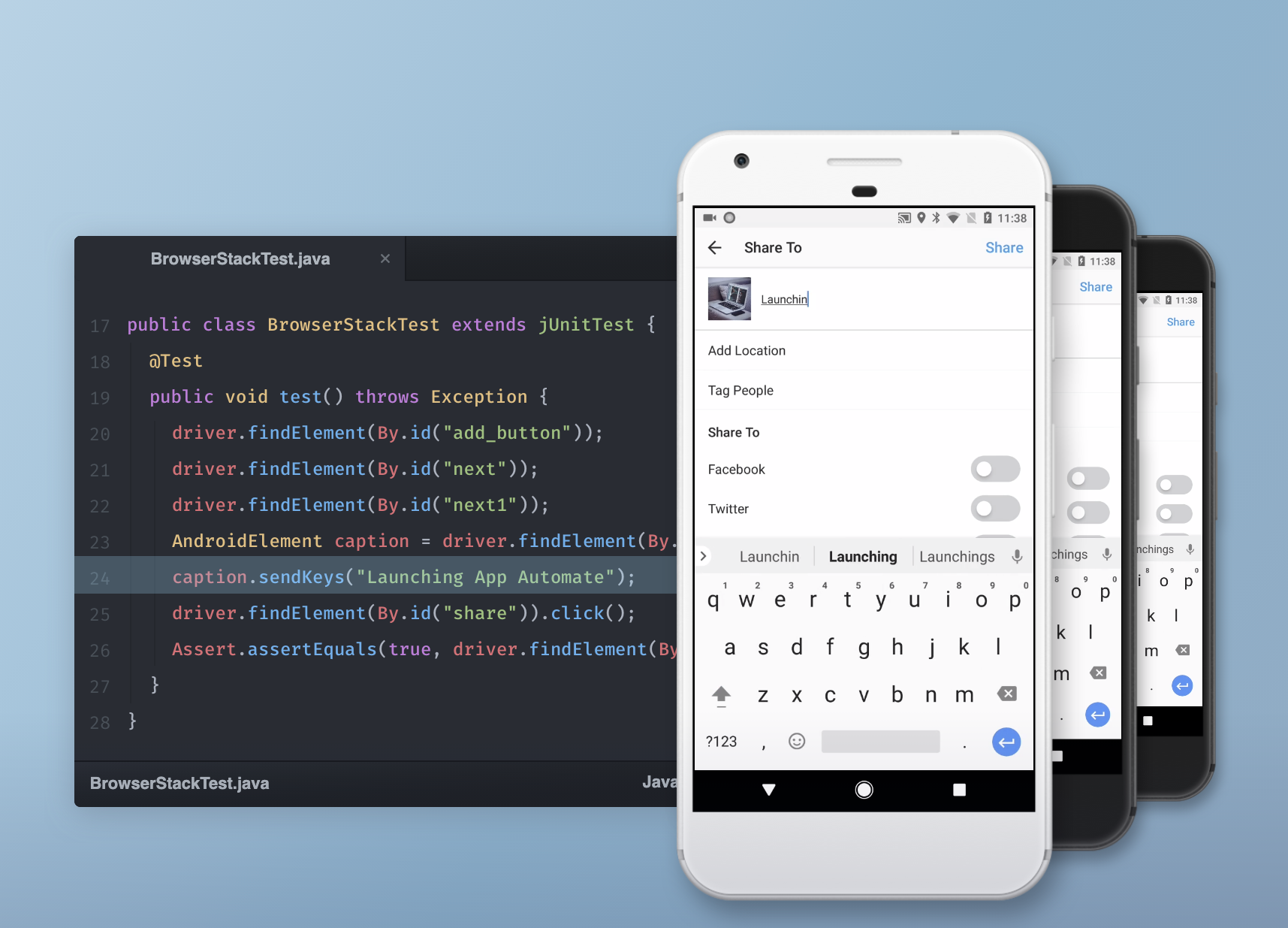
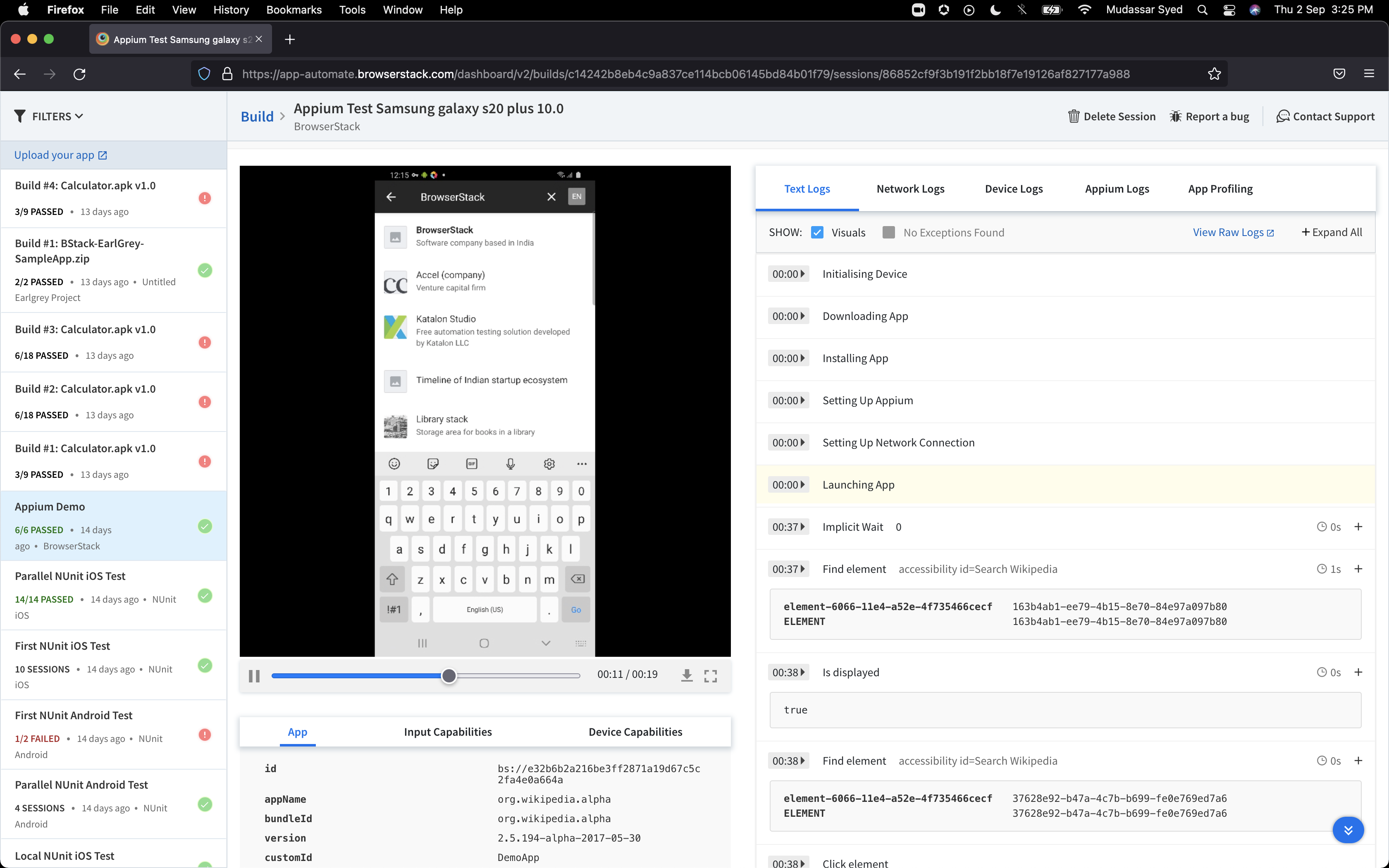
BrowserStack is a test platform built for developers and QAs to expand test coverage, scale and optimize testing with cross-browser, real device cloud, accessibility, visual testing, test management, and test observability. BrowserStack states it currently powers over a billion tests a year for customers who include Amazon, Paypal, Well Fargo Bank, Nvidia, MongoDB, Pfizer, GE, Discovery, React JS, Apache, JQuery and several others rely on BrowserStack to test their web and mobile apps.
$0
per month Unlimited users and 5000 free screenshots
Flutter
Score 8.4 out of 10
N/A
Flutter is an open-source mobile application development framework created by Google. It is used to develop applications for Android and iOS, as well as being the primary method of creating applications for Google Fuchsia.
$0
Selenium
Score 8.3 out of 10
N/A
Selenium is open source software for browser automation, primarily used for functional, load, or performance testing of applications.
N/A
Pricing
BrowserStack
Flutter by Google
Selenium
Editions & Modules
Percy - Free
$0
per month Unlimited users and 5000 free screenshots
App Percy - Free
$0
per month 5000 free screenshots and 100 minutes of infrastructure
In my earlier organisation, we used the lambda test for application testing. As I transitioned to NSE, we all decided to use BrowserStack, so we are now utilizing BrowserStack for UI testing. I thought, 'Don't explore more testing tools for testing the application.
When we are comparing BrowserStack have faster session start times compared to Sauce Labs. And also simpler, user friendly setup and UI. This help to our team members to navigate and use. Browser stacks have reliable parallel execution with stable performance. We can get better …
BrowserStack has better Customer Support, better Community backup, more range of devices, and better Return on Investment than both of the above mentioned companies.
We chose BrowserStack as our solution as it provides a comprehensive, all-in-one package. This integrated approach ensures that all your needs are met in one place, eliminating the need for multiple tools or services. It streamlines processes, improves efficiency, and …
It is one of the product which each software organisation should include in their end to end product development journey. I have explored other products in this category and I can proudly say that BrowserStack is a clear winner in terms of its Features, Performance and Product …
Price looks little high for browserstack , they need to introduce more flexible plans to stack their customers, support team must be more quick, sometimes they take more than 2-3 days to resolve the issue. other tools are available in less cost with same features. so later on …
I have used Saucelabs with Jenkins and would say both of them are really comprehensive. Yet I suggested BrowserStack to our customers and team since I have used it recently and felt it easy to use and implement Tests on it. BrowserStack support team is another reason behind why …
I'm using the app automate feature for Automation of mobile application. So, we are add Jenkins for CI process to use on BrowserStack. For mobile application testing, We are using Appium with java client in our framework and also integrate with BrowserStack capabilities.
Easy to start using the first tier plan and from there you could easily upgrade based on your team's need and if you need to extend to other users. A good and wide selection of server locations helps us oversee how an actual user experience might be. His credentials in terms …
Before using BrowserStack, we had limited access to virtual machines for testing. Booting up each of these devices was time consuming and difficult to manage when multiple users needed to test. BrowserStack opened up our testing to more devices, being accessible by anyone who …
I have not used Dev Express Universal and Selenium Web Driver much besides in the demos that were provided to our company. We compared the demos and went with Google Flutter because it worked well and looked noticeably better than the other products. While I am unsure of the …
Open sourced and free: Multiple language support: The community: Wide plugin support: Easy installation and intuitive usage: Cross-browser support: Remote testing: Multiple testing and parallel testing execution:
I have the most experience with selenium. I have used form filler, which is a Google add-on that allows you to create a form quickly. This is a little easier to use and has less setup time than selenium IDE, however, it is less powerful. I picked selenium because it is an …
If you need immediate testing (for example, from Azure pipelines agents), use BrowserStack instead of LambdaTest (which makes you wait in a "pool" until the device/platform combo you are querying is accessible). If you don't need your tests to be immediate and prefer a wider range of devices, then use Lambdatest.
Flutter by Google is well suited where you have to make an app across multiple platforms like iOS, Android, Web, Desktop and you don't have the bandwidth to create multiple teams for the Native app. This makes sure you have a faster development and you don't have to worry about how your product will look across different platforms. It is also very smooth/fast in response, making it close to feel like a Native app, this makes it an easy pick for a Fintech product where speed matters. Flutter by Google also has a huge library of Components, which are well tested and developed by Google's Flutter by Google team itself, making the development even more fast since the majority of required components are already available.
When you have to test the UI and how it behaves when certain actions are performed, you need something that can automate the browsers. This is where Selenium comes to the rescue. If you have to test APIs and not the frontend (UI), I would recommend going with other libraries that support HTTP Requests. Selenium is good only when you have no choice but to run the steps on a browser.
Occasionally updates to the Flutter SDK result in wide-sweeping changes that seem to not be thoroughly tested and considered. Flutter sometimes evolves too fast for its own good.
While the 3rd-party Flutter package ecosystem is vast and rich, 1st-party support for basic things (audio/video playback, battery information, Bluetooth services, etc.) are lacking. You are occasionally forced to rely on an open-source package for use-cases that other platforms have native support for.
Documentation, particularly around testing, is lacking. While there are some great docs, like the Dart Style Guide, many Flutter-focused support documents are lacking in quality and real-world usability.
Flutter allows you to architect an app however you want. While this is a great feature, it also adds complexity and leads to the current state of Flutter's state management, where there are 50+ options on how to organize your app, with very little official guidance or recommendations from the Flutter team. For a beginner, this can create decision paralysis.
Selenium is pretty user-friendly but sometimes tests tend to flake out. I'd say roughly one out of twenty tests yields a false positive.
Selenium software cannot read images. This is a minor negative because a free plug-in is available from alternate sources.
Slowness may be a minor factor with Selenium, though this is an issue with basically any testing software since waiting on a site to execute JavaScript requires the browser to wait for a particular action.
It's almost the 3rd year for us and it's renewal time for us. So yes, we are already discussing how many licenses we need to increase as users are increasing internally. So it's 100% sure that we are already planning renewal this year as well BrowserStack with live and app automate.
We love this product mainly because of its high customization abilities and the ease of use. Moreover, its free and can be learned easily through online communities and videos. The tests are more consistent and reliable as compared to Manual tests. It has enabled us to test a large number of features all in one go, which would have impossible through manual tests. The reports generated at the end of the tests are really helpful for the QA and the development teams to get a fair view of the application.
So many options that it can be a little overwhelming, but the core functions are easy to find and use and it's usually not too hard to figure things out for the more complex tasks. Very easy to boot up a device and a specific browser from the dashboard to begin a manual website test.
Flutter by Google is very easy to start with. The initial setup they provide is very helpful and easy to understand. The default project setup is also good and can be deployed to production without changing much. Flutter by Google provides a huge library of components, which are created and tested by their own team, making the development of application much faster and robust. Flutter by Google also has a huge community support where we can find components built by the community and we can contribute our own components as well, which helps in faster dev time. Applications developed using Flutter by Google are very smooth, almost feels like native, which helps in creating good impression on customers/clients.
For those who are unfamiliar with coding, there is a bit of a learning curve. There is plenty of helpful documentation and resources but it can take a little time to get the software up and running. Once you get the hang of how Selenium works, and what it can do, you realize how many things you can use it for, and how many processes you can automate.
I rated BrowserStack's availability a 10 because it is consistently reliable, with minimal to no downtime or unplanned outages. The platform is accessible whenever needed, ensuring uninterrupted testing. Its robust infrastructure and proactive monitoring ensure a seamless experience, allowing us to meet deadlines without delays caused by availability issues and all
The tests are fast considering the fact that they're Appium tests. I've seen tests reliably pass or fail when they're supposed to, with next to zero issues on the BrowserStack side of things. Tests launch only seconds after I kick off them off from my CLI.
I've not had much direct interaction with the BrowserStack support team. The help and community are great and we've not run into any issue that has really required us to reach out. I guess having a stable and easy to use system means you may never need to contact support.
The Selenium app has a pretty fat community of users. For the problems we are experiencing, we are primarily receiving support from these communities. In addition, there is widespread service support. Instant support is given to the problems we experience when we need Online support. We and our team are happy to provide this support, especially before important deployment processes
Yes, it was online training on meet, and trainer looks like skilled and technical strong, he has covered end to end all the features and he has answers all the queries. because of this trainings we are able to implement it by our own in the organization, thank you for support and training.
It was a quick training from the support of browserstack, it was nice and easy to understand, thanks again for the support given by the team. and regularly I used to receive mails for training from support for any new feature they launch, I was able to spread same training to all my team and dev.
I rated the implementation satisfaction an 8 because while it went smoothly overall, there were some challenges during the initial learning phase and integration with existing tools. Key insights include the importance of providing sufficient training upfront and ensuring seamless integration with other systems to minimize disruptions and improve adoption speed.
We did everything we needed to use it. Now we can execute our tests on different operational systems and browsers running few tests simultaneously. We also implemented Appium framework to execute our tests on mobile devices, such as iPhones, iPads, Android phones and tablets. We use SauceLabs for our test execution and Jenkins for continuous integration.
BrowserStack products has been found better for low code automations and visual regression techniques. We have been struggling to maintain the API endpoint sanity tests and writing a lot of code for them while releasing the builds, while we chose BrowserStack accessibility solutions, we found it a way easier than we thought and worked it up.
I have experience with react and React Native. I would say that the idea behind all those frameworks are quite similar. However, I found the javascript-based frameworks a bit more accessible as you could utilise your javascript knowledge. Here, Flutter works with its own language. This has advantages and disadvantages sometimes. I found the community around javascript frameworks bigger and therefore sometimes more helpful. However, Flutter does a good job here as well. I think the main argument for Flutter is its usability for less experienced developers. If you do not have knowledge in javascript or other programming languages then I think it is much easier to start with Flutter than with another framework like react. I think the package that you get form scratch is better than in the other frameworks were you have to set up and learn a lot more before you can start.
At the time of adoption, there were not many other alternatives that were even close to being competitive when it comes to browser testing. As far as I know now to this day, there is still little competition to Selenium for what it does. Any other browser-based testing still utilises Selenium to interact with the browser.
I may not be the best person to answer this as I am only using it for 1 department and at 1 site but will still try my best As far as Scalability for Devices for Mobile Automation is concerned, it gets a Solid 10, as the users can run cases on upto 10 device parallel and also have the best choices of devices to choose
The rapid development capabilities of Flutter allow us to build apps we could not have previously considered commercially viable, opening new revenue streams.
Free and open licensing made adoption very easy (ie. free/low cost!).
In comparison to Qt, our time spent arguing with build tools and perfecting development environments has decreased substantially.