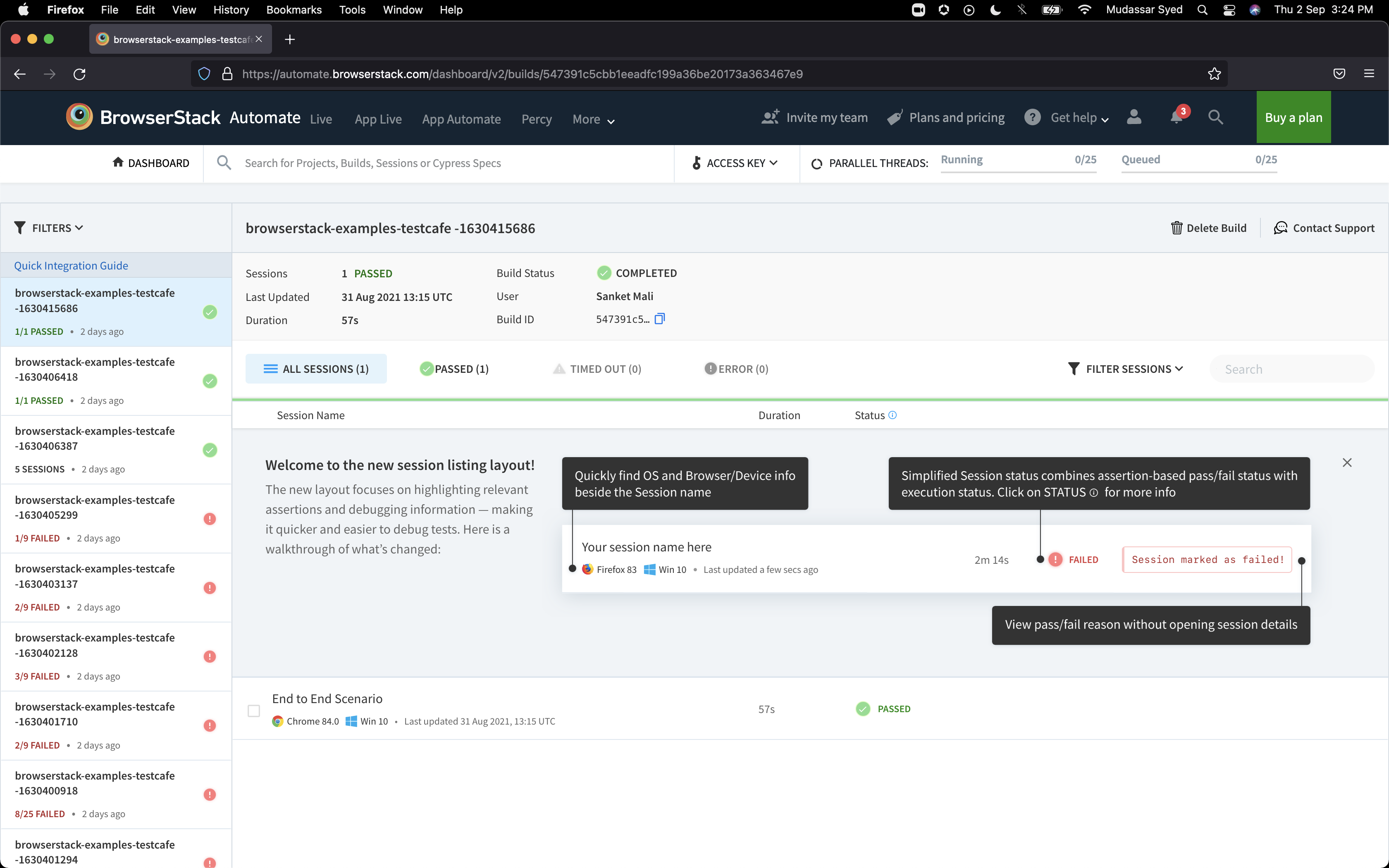
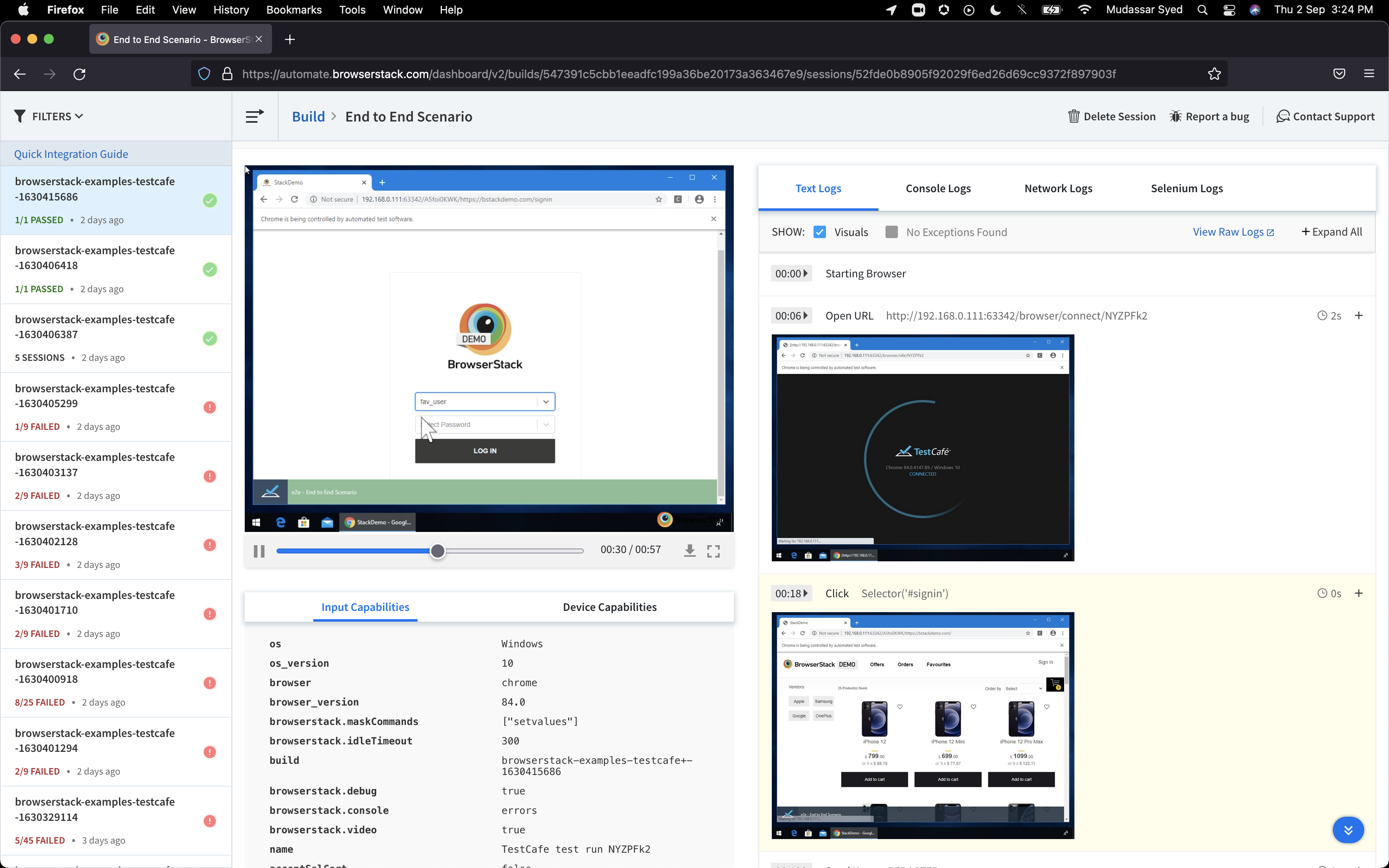
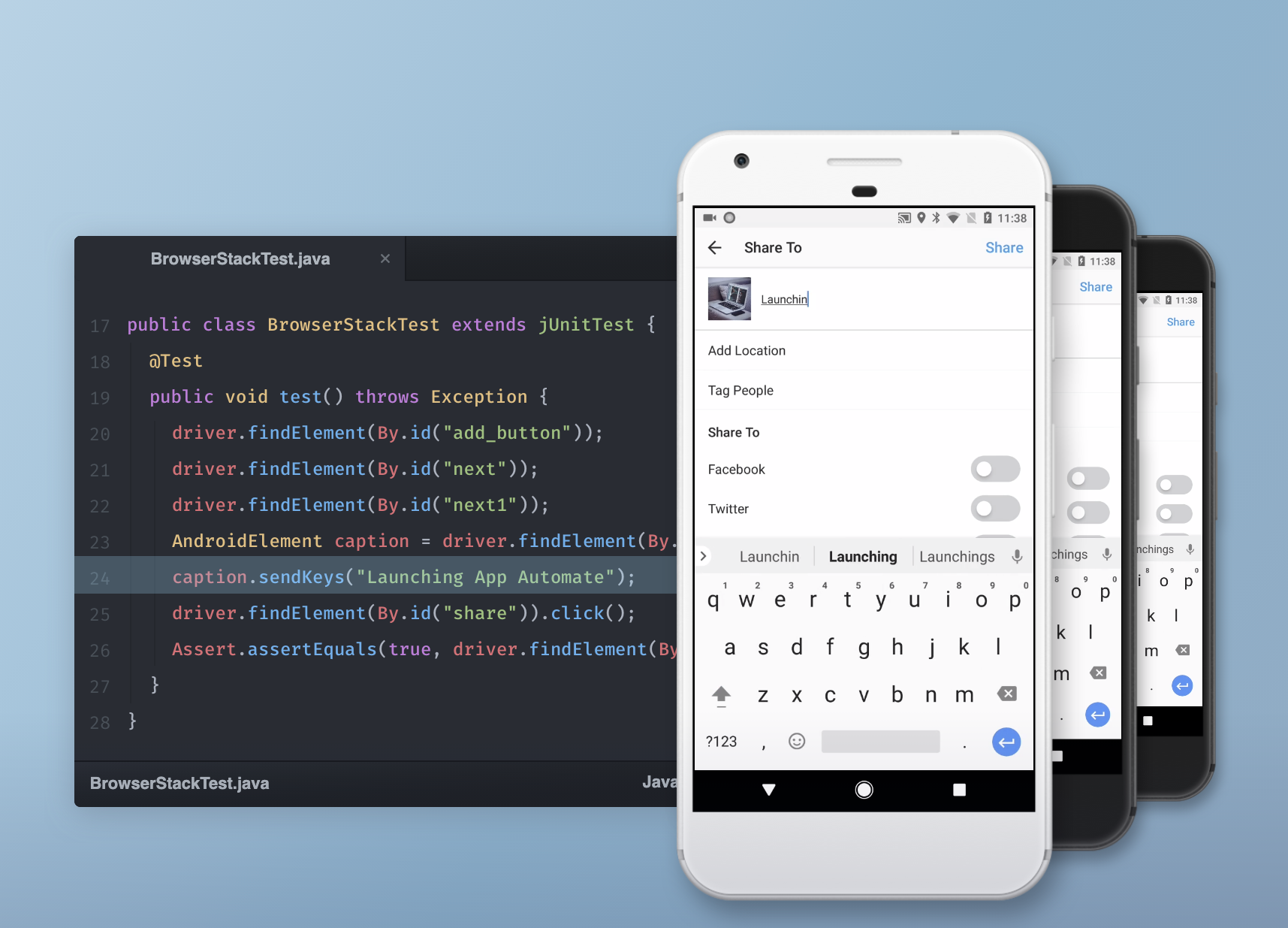
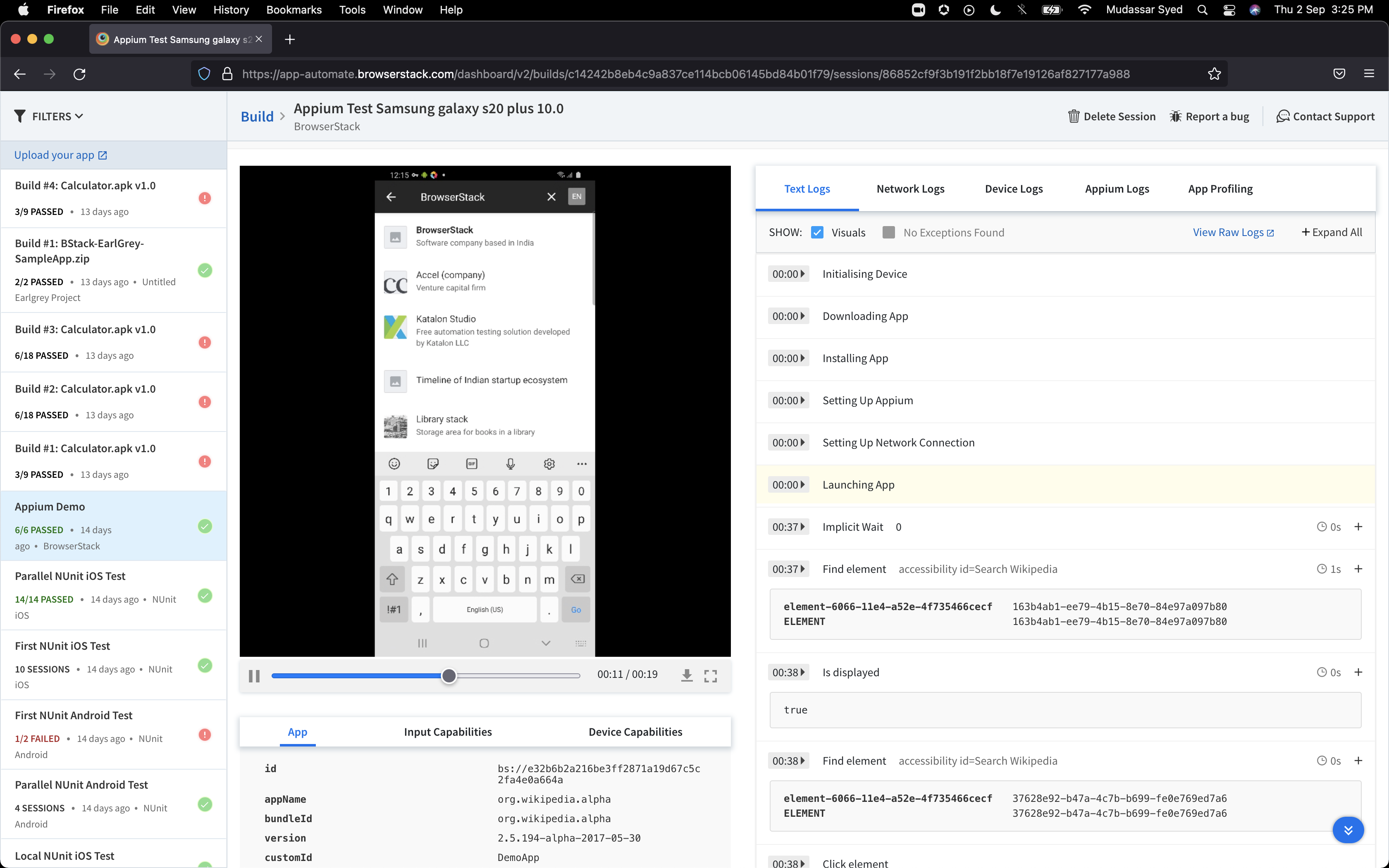
BrowserStack is a test platform built for developers and QAs to expand test coverage, scale and optimize testing with cross-browser, real device cloud, accessibility, visual testing, test management, and test observability. BrowserStack states it currently powers over a billion tests a year for customers who include Amazon, Paypal, Well Fargo Bank, Nvidia, MongoDB, Pfizer, GE, Discovery, React JS, Apache, JQuery and several others rely on BrowserStack to test their web and mobile apps.
$0
per month Unlimited users and 5000 free screenshots
WAVE Web Accessibility Evaluation Tool
Score5 out of 10
N/A
WAVE is a suite of evaluation tools that helps authors make their web content more accessible to individuals with disabilities. WAVE can identify many accessibility and Web Content Accessibility Guideline (WCAG) errors, but also facilitates human evaluation of web content. The vendor, WebAIM who offers WAVE as a free suite of tools, states their philosophy is to focus on issues that they know impact end users, facilitate human evaluation, and to educate about web…
$0
Pricing
BrowserStack
WAVE Web Accessibility Evaluation Tool
Editions & Modules
Percy - Free
$0
per month Unlimited users and 5000 free screenshots
App Percy - Free
$0
per month 5000 free screenshots and 100 minutes of infrastructure
BrowserStack is very useful if you need to troubleshoot a client's reported experience from using an older device or browser version that you do not own and can not personally replicate in-house. For instance, if you are in a Windows environment and your client has a Mac, or if you have iPhones and they have Android. It's also great for ensuring that above-the-fold content is presented effectively across a variety of mobile devices and optimizing visitor experiences. If you are a small business with lower client volumes where these services are needed, then the price point may be high.
This is pretty middle of the road. It does a good job of picking out some of the low-hanging fruit, but it's not going properly evaluate semantic structure and will pop several false positives. Additionally, the tools are incomplete. For instance, the contrast editor will allow you to test your colors with sliders so you can get the closest color that passes; however, that isn't how color palettes work, you generally don't get to change a companies palette without a lot of pain; furthermore, there is no ability to adjust the font-size and both font-size AND color are used to determine contrast requirements. Oh, and they use points VS pixels...nobody is using points on the web even if the ADA uses them in their fairly dated guidelines. Text from the actual contrast editor "Text is present that has a contrast ratio less than 4.5:1, or large text (larger than 18 point or 14 point bold) has a contrast ratio less than 3:1.". 14pt = 18.66 pixels, so I can see their logic even if I don't agree with it
Tests Android and iOS on real devices on cloud, without the need to purchase the devices.
Run Maestro tests and other frameworks on real devices, reporting the errors to be fixed to developers or the test workflows that failed to the QA team.
The quality reports at the end of the tests are really good, because they contain videos of the tests being performed on the devices. So, not only text, I can check the behavior of the application exactly how it runs.
A de minimis incentive was given to thank the reviewer for their time. The incentive was not used to bias or drive a particular response, nor was the incentive contingent on a positive endorsement. More Info
A de minimis incentive was given to thank the reviewer for their time. The incentive was not used to bias or drive a particular response, nor was the incentive contingent on a positive endorsement. More Info
The documentation needs to improve for browser edge cases, such as "approving permissions automatically". There are several "solutions" posted, none of which worked. I needed to go to Discord to get the real solution.
Documentation in general seems to provide answers that are unclear or flaky
There needs to be a more reliable way to programmatically choose device, platform, and window size by being able to query a 'plan' endpoint instead of just 'failing the combination.'
A de minimis incentive was given to thank the reviewer for their time. The incentive was not used to bias or drive a particular response, nor was the incentive contingent on a positive endorsement. More Info
It's almost the 3rd year for us and it's renewal time for us. So yes, we are already discussing how many licenses we need to increase as users are increasing internally. So it's 100% sure that we are already planning renewal this year as well BrowserStack with live and app automate.
A de minimis incentive was given to thank the reviewer for their time. The incentive was not used to bias or drive a particular response, nor was the incentive contingent on a positive endorsement. More Info
So many options that it can be a little overwhelming, but the core functions are easy to find and use and it's usually not too hard to figure things out for the more complex tasks. Very easy to boot up a device and a specific browser from the dashboard to begin a manual website test.
A de minimis incentive was given to thank the reviewer for their time. The incentive was not used to bias or drive a particular response, nor was the incentive contingent on a positive endorsement. More Info
I rated BrowserStack's availability a 10 because it is consistently reliable, with minimal to no downtime or unplanned outages. The platform is accessible whenever needed, ensuring uninterrupted testing. Its robust infrastructure and proactive monitoring ensure a seamless experience, allowing us to meet deadlines without delays caused by availability issues and all
The tests are fast considering the fact that they're Appium tests. I've seen tests reliably pass or fail when they're supposed to, with next to zero issues on the BrowserStack side of things. Tests launch only seconds after I kick off them off from my CLI.
A de minimis incentive was given to thank the reviewer for their time. The incentive was not used to bias or drive a particular response, nor was the incentive contingent on a positive endorsement. More Info
I've not had much direct interaction with the BrowserStack support team. The help and community are great and we've not run into any issue that has really required us to reach out. I guess having a stable and easy to use system means you may never need to contact support.
A de minimis incentive was given to thank the reviewer for their time. The incentive was not used to bias or drive a particular response, nor was the incentive contingent on a positive endorsement. TR verified that a representative sample of customers was invited. More Info
Yes, it was online training on meet, and trainer looks like skilled and technical strong, he has covered end to end all the features and he has answers all the queries. because of this trainings we are able to implement it by our own in the organization, thank you for support and training.
A de minimis incentive was given to thank the reviewer for their time. The incentive was not used to bias or drive a particular response, nor was the incentive contingent on a positive endorsement. More Info
It was a quick training from the support of browserstack, it was nice and easy to understand, thanks again for the support given by the team. and regularly I used to receive mails for training from support for any new feature they launch, I was able to spread same training to all my team and dev.
A de minimis incentive was given to thank the reviewer for their time. The incentive was not used to bias or drive a particular response, nor was the incentive contingent on a positive endorsement. More Info
I rated the implementation satisfaction an 8 because while it went smoothly overall, there were some challenges during the initial learning phase and integration with existing tools. Key insights include the importance of providing sufficient training upfront and ensuring seamless integration with other systems to minimize disruptions and improve adoption speed.
BrowserStack is simpler and more user friendly than Sauce Labs and can be easily learned by any individual who is new to it and does not require much efforts. Also, BrowserStack is more trusted by the clients that we offer services to, and is always considered the best option among others.
A de minimis incentive was given to thank the reviewer for their time. The incentive was not used to bias or drive a particular response, nor was the incentive contingent on a positive endorsement. More Info
For this, I'm speaking specifically to the Siteimprove browser plugin. The Siteimprove plugin: Allows to filter on guideline level Catches a few more errors than WAVE Web Accessibility Evaluation Tool, but comes pretty close But, both do a great job in all other aspects WebAIM shines in its simplicity of overlaying of errors and warnings on the page. I think its real benefit is a lower learning curve on understanding how to use the tool
A de minimis incentive was given to thank the reviewer for their time. The incentive was not used to bias or drive a particular response, nor was the incentive contingent on a positive endorsement. More Info
A de minimis incentive was given to thank the reviewer for their time. The incentive was not used to bias or drive a particular response, nor was the incentive contingent on a positive endorsement. More Info
I may not be the best person to answer this as I am only using it for 1 department and at 1 site but will still try my best As far as Scalability for Devices for Mobile Automation is concerned, it gets a Solid 10, as the users can run cases on upto 10 device parallel and also have the best choices of devices to choose
A de minimis incentive was given to thank the reviewer for their time. The incentive was not used to bias or drive a particular response, nor was the incentive contingent on a positive endorsement. More Info
A de minimis incentive was given to thank the reviewer for their time. The incentive was not used to bias or drive a particular response, nor was the incentive contingent on a positive endorsement. More Info
Browserstack improved our internal confidence level when it came to signing off on testing
Browserstack improved the confidence level of our clients by decreasing the number of bugs found during PVT and providing an entry level opportunity for our clients to perform UAT using the same tools.
A de minimis incentive was given to thank the reviewer for their time. The incentive was not used to bias or drive a particular response, nor was the incentive contingent on a positive endorsement. More Info
A de minimis incentive was given to thank the reviewer for their time. The incentive was not used to bias or drive a particular response, nor was the incentive contingent on a positive endorsement. More Info