
Cirrus Insight vs. Crunchbase
| Product | Rating | Most Used By | Product Summary | Starting Price |
|---|---|---|---|---|
 Cirrus Insight | Score8.7 out of 10 | Mid-Size Companies (51-1,000 employees) | Cirrus Insight integrates Salesforce with Gmail, Google Calendar, and Google Contacts. Instantly View Contextual Salesforce Information in Your Inbox. Save Emails & Attachments to Salesforce with a Click. Sync Your Google & Salesforce Calendars. Create & Edit Salesforce Records on the Fly. Customize Your Salesforce Workflow in Gmail. Add Google Contacts to Salesforce. Salesforce Tasks Integration. Salesforce Templates Integrated with Gmail. | $15 per month |
 Crunchbase | Score6.3 out of 10 | N/A | Crunchbase is a provider of private-company prospecting and research solutions. The vendor boasts that over 60 million users—including salespeople, entrepreneurs, investors, and market researchers—use Crunchbase to prospect for new business opportunities, and that companies all over the world rely on Crunchbase to power their applications, making over 3 billion calls to their API each year. | $0 |
| Cirrus Insight | Crunchbase | |||||||||||||||
|---|---|---|---|---|---|---|---|---|---|---|---|---|---|---|---|---|
| Editions & Modules |
|
| ||||||||||||||
| Offerings |
| |||||||||||||||
| Entry-level Setup Fee | $500 per installation | No setup fee | ||||||||||||||
| Additional Details | Pricing based on annual billing. | — | ||||||||||||||
| More Pricing Information | ||||||||||||||||
| Cirrus Insight | Crunchbase | |
|---|---|---|
| Considered Both Products | No answer on this topic | No answer on this topic |
| Key User Insights | ||
| Would buy again | ||
No answers on this topic | 55% Would buy again 6 Answers | |
| Delivers good value for the price | ||
No answers on this topic | 60% Delivers good value for the price 6 Answers | |
| Happy with the feature set | ||
No answers on this topic | 55% Happy with the feature set 6 Answers | |
| Lived up to sales and marketing promises | ||
No answers on this topic | 56% Lived up to sales and marketing promises 5 Answers | |
| Implementation went as expected | ||
No answers on this topic | 70% Implementation went as expected 7 Answers | |
| Cirrus Insight | Crunchbase | |||||||||||||||||||||||||||||||
|---|---|---|---|---|---|---|---|---|---|---|---|---|---|---|---|---|---|---|---|---|---|---|---|---|---|---|---|---|---|---|---|---|
| Prospecting |
| |||||||||||||||||||||||||||||||
| Sales Intelligence Data Standards |
| |||||||||||||||||||||||||||||||
| Data Augmentation & Lead Qualification |
| |||||||||||||||||||||||||||||||
| Sales Intelligence Email Features |
| |||||||||||||||||||||||||||||||
| Cirrus Insight | Crunchbase | |
|---|---|---|
| Small Businesses |  Mailtrack Score9.7 out of 10 |  Owler Score9.7 out of 10 |
| Medium-sized Companies | Mailtrack Score9.7 out of 10 |  Clay Score9.3 out of 10 |
| Enterprises | No answers on this topic |  LinkedIn Sales Navigator for Gmail (discontinued) Score8.5 out of 10 |
| All Alternatives | View all alternatives | View all alternatives |
| Cirrus Insight | Crunchbase | |
|---|---|---|
| Likelihood to Recommend | 9.9 | 4.6 |
| Likelihood to Renew | 9.1 | - |
| Usability | 10.0 | 3.0 |
| Availability | 9.1 | - |
| Performance | 9.1 | - |
| Support Rating | - | 1.0 |
| Implementation Rating | 9.1 | - |
| Cirrus Insight | Crunchbase | |
|---|---|---|
| Likelihood to Recommend |
|
|
| Pros |
|
|
| Cons |
|
|
| Likelihood to Renew |
| No answers on this topic |
| Usability |
|
|
| Reliability and Availability |
| No answers on this topic |
| Performance |
| No answers on this topic |
| Support Rating | No answers on this topic |
|
| Implementation Rating |
| No answers on this topic |
| Alternatives Considered |
|
|
| Return on Investment |
|
|
| ScreenShots | Cirrus Insight Screenshots 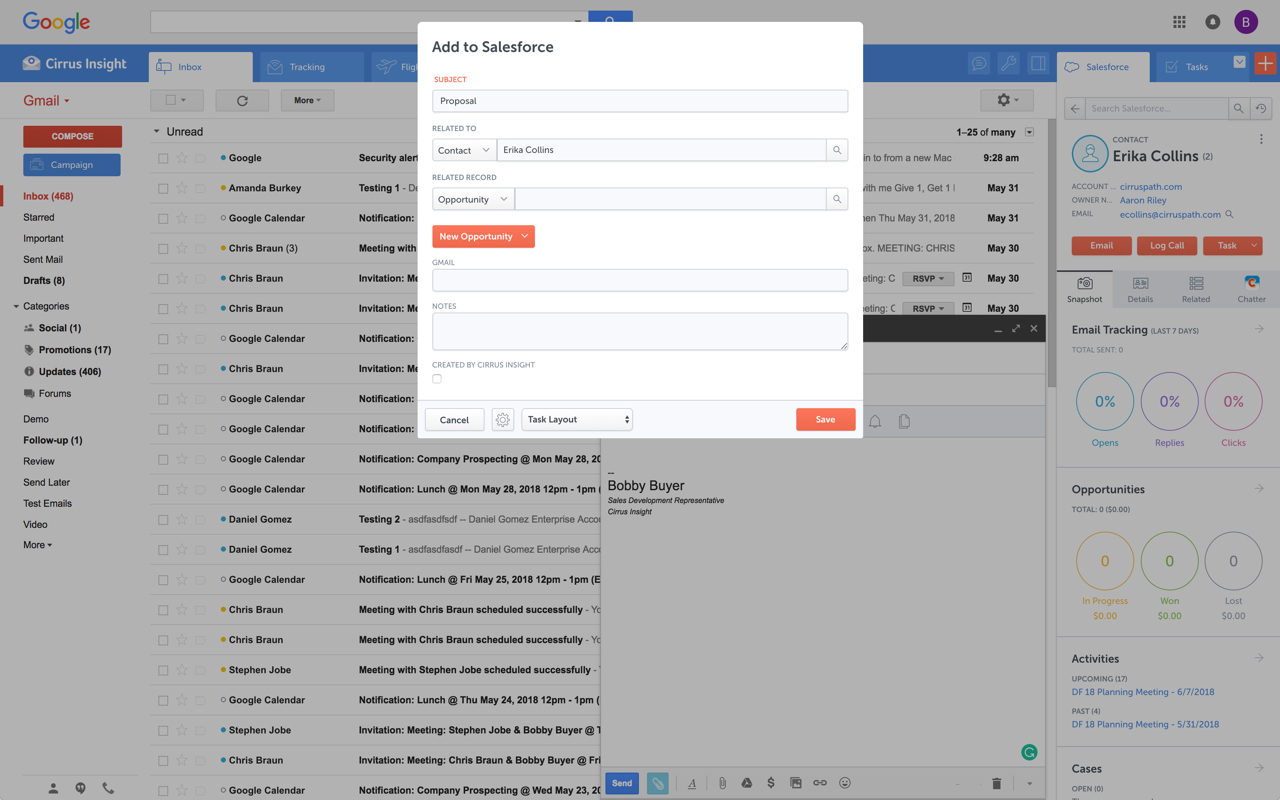   |


