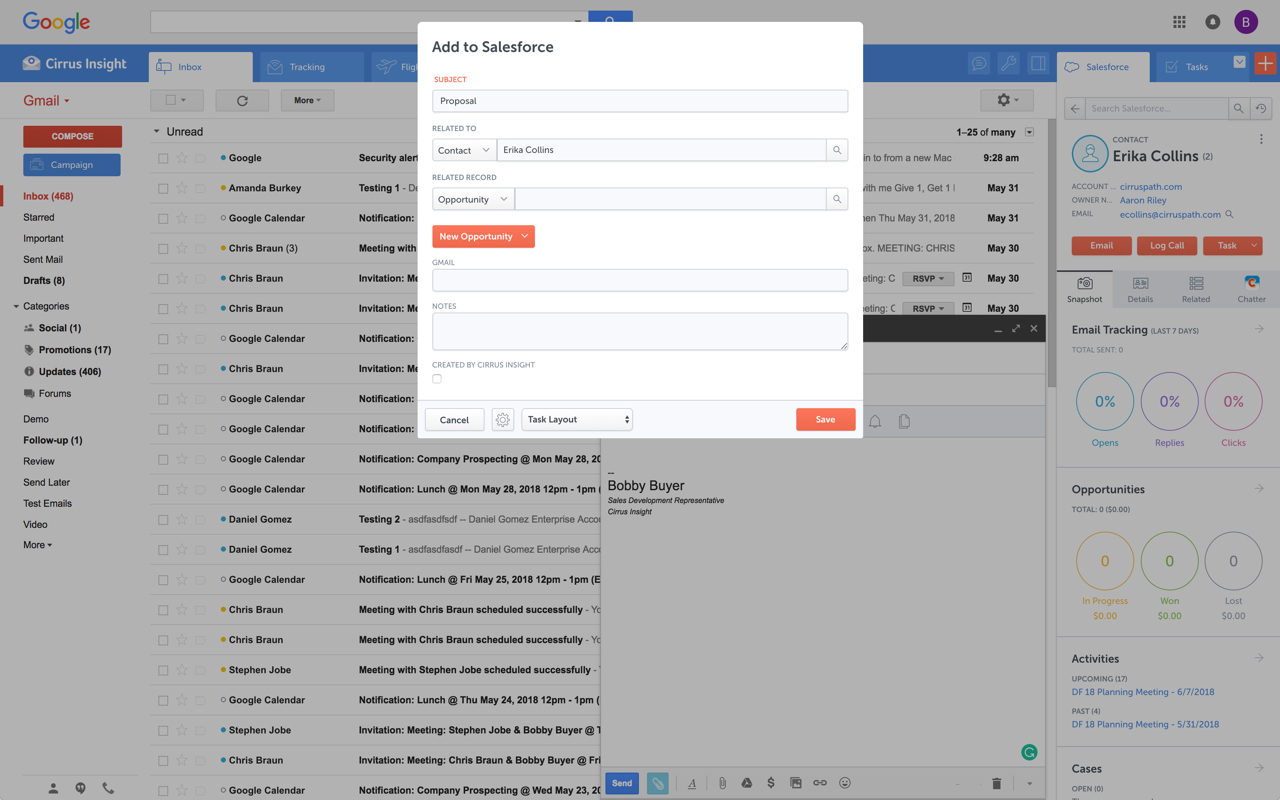
Cirrus Insight integrates Salesforce with Gmail, Google Calendar, and Google Contacts. Instantly View Contextual Salesforce Information in Your Inbox. Save Emails & Attachments to Salesforce with a Click. Sync Your Google & Salesforce Calendars. Create & Edit Salesforce Records on the Fly. Customize Your Salesforce Workflow in Gmail. Add Google Contacts to Salesforce. Salesforce Tasks Integration. Salesforce Templates Integrated with Gmail.
$15
per month
Microsoft Exchange
Score 8.6 out of 10
N/A
Microsoft Exchange is a secure email / messaging gateway with file archiving and encryption / data loss capability, available as a hosted service (Exchange Online) or installed (Exchange Server).
N/A
Pricing
Cirrus Insight
Microsoft Exchange
Editions & Modules
Starter
$27
per user/month
Closer
$45
per user/month
Rainmaker
$72
per user/month
No answers on this topic
Offerings
Pricing Offerings
Cirrus Insight
Microsoft Exchange
Free Trial
Yes
No
Free/Freemium Version
No
No
Premium Consulting/Integration Services
Yes
No
Entry-level Setup Fee
$500 per installation
No setup fee
Additional Details
Pricing based on annual billing.
—
More Pricing Information
Community Pulse
Cirrus Insight
Microsoft Exchange
Features
Cirrus Insight
Microsoft Exchange
Secure Email Gateway
Comparison of Secure Email Gateway features of Product A and Product B
For someone who uses both Gmail and Salesforce as part of their main role, this software is an invaluable connector for them both. Some of the features are also not Salesforce specific - such as the Meeting Scheduler, which has proved invaluable to me, and I would recommend to any Gmail user who frequently set up meetings (either internally or externally).
Creating and receiving emails is simple. Managing contacts is a nice feature, especially connecting to Active Directory. Calendar management is also helpful and sharing access to others' calendars for scheduling meetings is useful. And reserving resources such as rooms or equipment is also useful. Personal and shared mailboxes are good features, as well. Tasks are a little lacking, but other than that, the features are thorough.
Log email to Salesforce. You click one button and it logs for you. This is easier than adding the BCC email address that Salesforce provides as a way to log email.
Track views and engagement on these emails. It's nice to know if the email was opened and if links were clicked.
Update quick fields in Salesforce directly from their inbox using Cirrus. This prevented reps from needing to click into Salesforce, wait for it to load, then update fields like the phone number or name.
If the rep did need to open Salesforce, Cirrus provides a quick button to navigate to the Lead/Contact/Opportunity page quickly.
As we have a large user base of 11,000 users we use MailTips to avoid people getting confused with people with similar names in the organization.
The integration between Teams Meeting and Resource booking is generally very good. The Scheduling Assistance makes it easy to scan calendars and find free periods to provisionally scheduled events.
Marking yourself as Out of the Office and busy is easy, as is sharing your calendar within the team/organization or individuals.
Voicemail integration and the ability to receive missed chats in your inbox are highly used and useful.
Outlook for Mac could use some work as an add-on because it's hard to read sometimes on my laptop. It's not a sidebar, like the Windows functionality, so it's harder to read.
Doesn't always find an opportunity, even though I know it's in our Salesforce system.
Randomly shuts down and doesn't log in properly at times. I've had to remove and re-download more than once.
The two main factors for the better reliability & Uptime of internally hosted Exchange Server depends on Exchange Server configuration and the level of investment the organization is willing to provide for hosting the Exchange Server On-Premise Environment. As the data is stored in the organization’s hardware, any disaster may lead to the loss of email and servers.
Losing data might affect business continuity and rebuilding it can be costly.
Security remains a major concern.
Security of data loss is main concern. To ensure that, organization needs to configure networks, systems and Exchange platform against possible threats.
It is the best google to salesforce integration on the market. support is incredibly responsive and very helpful. They are constantly adding new features, and the current feature set is well beyond anything else that is currently offered in the market
Email and calendars in a business setting are requirements. And Microsoft continues to be the standard of business applications. Microsoft 365 makes Microsoft Exchange easy to use. Everything is in the cloud. Let Microsoft take care of the hardware, the software, and the security. You just enable your business users with the functionality they need.
Very easy to use. Everything opens in a familiar interface right inside the google apps sidebar. It brings in salesforce records, so as long as you know google apps / gmail and salesforce you'll be all set. It's point and click.
Microsoft Exchange has come a long way over the years and has nowhere near the technical overhead required for support as it did back in 2003/2007 and prior. The integrations with Teams, Defender, Sharepoint, Copilot and many other products make it a solid and well-rounded tool used for many day-to-day tasks.
We have a good enterprise agreement with Microsoft which affords us quick phone support. I have found the support staff knowledgeable and prompt with a solution when required. At times it may be difficult to schedule a call back, this is mainly due to our need for calls early in the morning which happens to be during a shift change at Microsoft support.
The plugin is installed inside your internet browser as an extension/add-on. It can be found in most add on stores and is easy to install. Usually just a few clicks. It handles authorization for you once you sign in, and then takes care of all the rest. It couldn't be easier to get working right out of the box. You're up in running in less than 5 minutes.
Implementation/conversion can be quite complex and, unless you have certified Exchange administrators in-house, you should strongly consider a 3rd party consultant for this implementation.
Yesware regularly sent me alerts that my emails had been opened by someone who I hadn't sent them to, from locations they couldn't possibly have been. I also don't recall its Salesforce activity logging working as smoothly, though I last used Yesware more than 12 months ago so my memory isn't as fresh as it could be
Microsoft Exchange Product The best cloud-based enterprise-grade archiving platform with a host of features that enable files to be securely archived and retrieved with advanced search options. This tool is very easy to use and has a User-friendly interface. It is a highly reliable platform that allows all employees to automatically store their data without any limitations. It offers a cost-effective solution with customized policy management. We are happy that the customer support team is always fast and concerned, and the product's uninterrupted service experience. It is very good that it stores data in real-time without losing it, even in the event of a disaster. The cost-effective solution and integration with other tools are seamless.
It has been an important factor in allowing seamless communication with clients and scheduling business meetings, which in turn works in the company's favor.
Haven't noticed any negative impact Exchange has had on our ROI. The support team is also responsive and helpful.