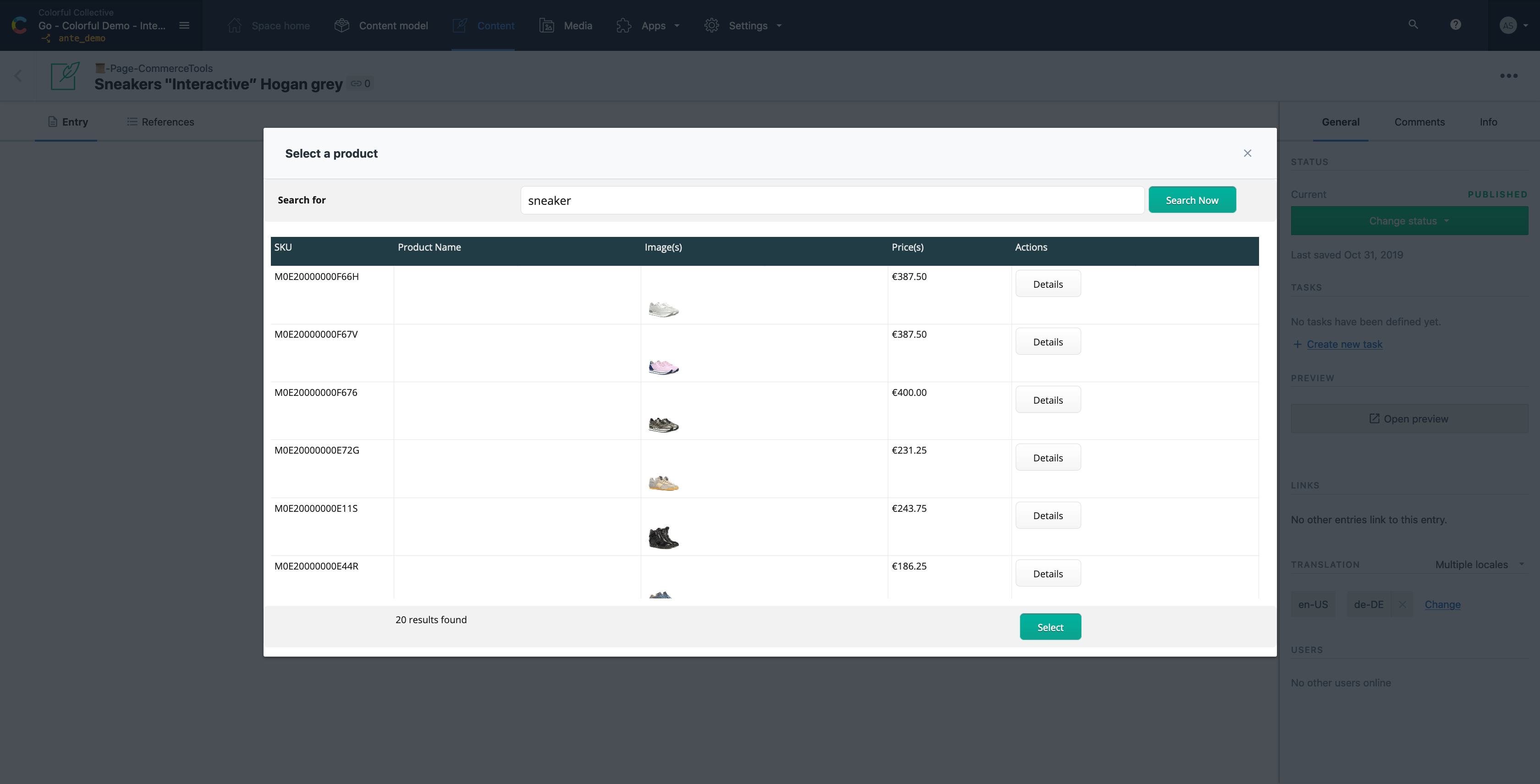
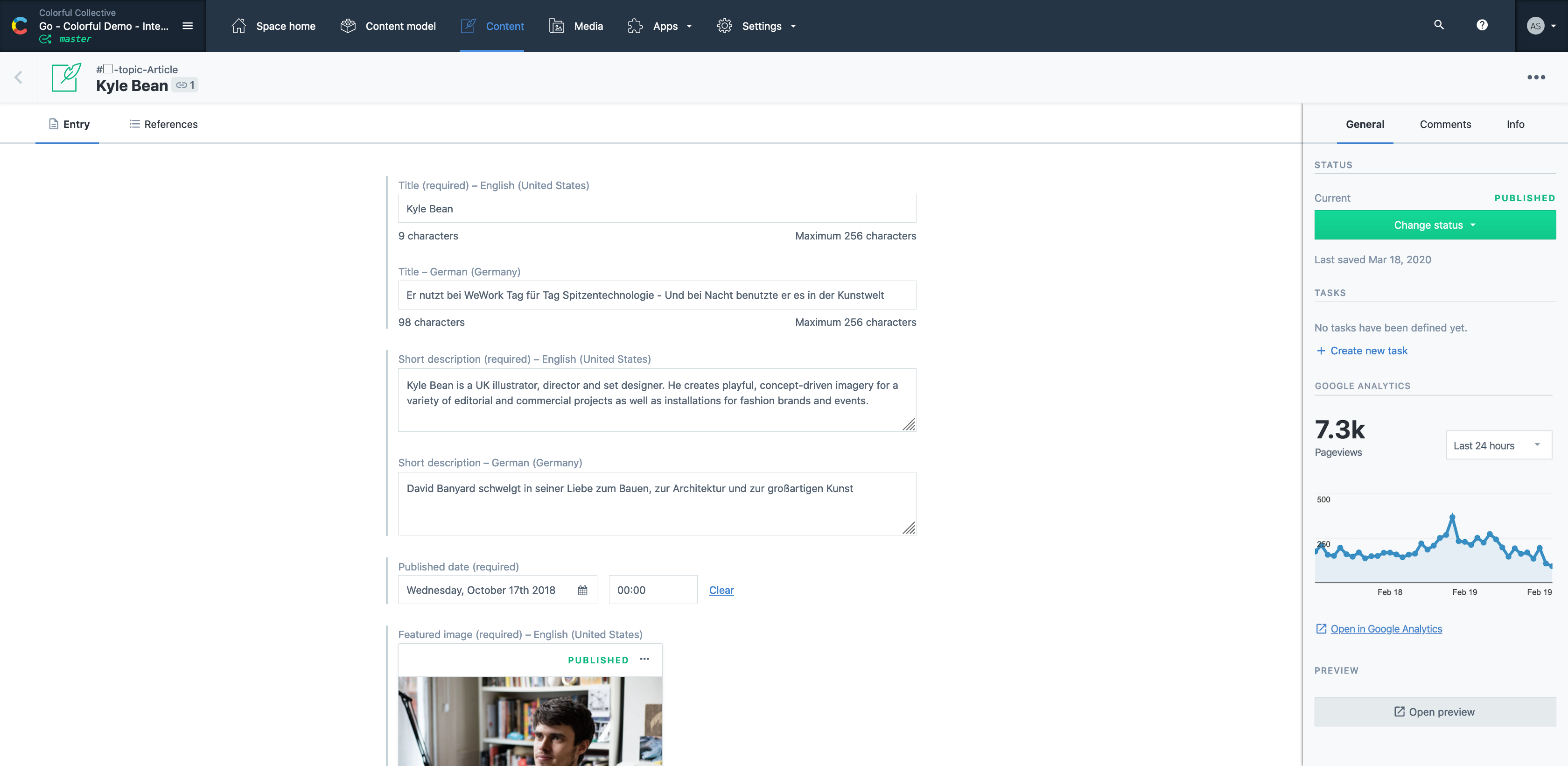
Contentful is a cloud based CMS solution that provides the ability to manage content across multiple platforms.The editing interface allows for managing content interactively and provides developers the ability to deliver the content with the programming language and template framework of their choice.
$0
Drupal
Score 7.0 out of 10
N/A
Drupal is a free, open-source content management system written in PHP that competes primarily with Joomla and Plone. The standard release of Drupal, known as Drupal core, contains basic features such as account and menu management, RSS feeds, page layout customization, and system administration.
N/A
Optimizely Content Marketing Platform
Score 7.0 out of 10
N/A
Optimizely Content Marketing Platform brings teams together in a single, AI-powered workspace to share plans, collaborate on assets and execute campaigns.
It's a great all rounder for content projects. It's easy in the basics and powerful in the complex, data heavy scenarios. Extending the platform is straightforward and the SDK gives you everything you need. If you have many many varying content types , it gets expensive and perhaps not the best choice .
If you want to set up a basic Not For Profit (NFP) Membership system and content base, Word Press is easier than Drupal. However, if you have specific needs that require a fair bit of customisation then Drupal is the best CRM available. If the webmaster is confident with PHP and SQL, Drupal allows a lot of creativity.
A 7 only because I think there's question marks around customization. However, I've seen very similar tools in the past where stakeholders have been skeptical, but as you get to know it and use it, you'll find actually you realize those benefits. I just think Optimizely could help its stakeholders and clients see those benefits early on versus later on. However, that's not to say it's not possible, so a 7 at this stage, but I think it's got potential in future. If you are a marketing firm who wants a centralized system for managing workflows and campaigns, it's great. It does that. However, there are better competitors fill in some of the gaps better than optimized leaders does. It could do better. I think for me, visually when I see, when I create a workflow or a campaign, I can see all the tasks associated with it and I've seen the way that our parent company uses it. It's just a list of all the tasks you see in one view. I think visually it needs improving. However, the purpose that it serves fundamentally, it's got potential, if that makes sense. It's going in the right direction, but I think competitors are doing some of it better than Optimizely is. I think they, like I was saying earlier, if they really want to realize the benefits of the product visually there needs to be some improvement. And then the controls element that I mentioned earlier as well, hopefully that answers both of your questions.
The CMP really is useful for us not only to manage the processes behind how we create content that we serve in different platforms like websites, landing pages, emails, social media, but it also help us as a team that is scattered around the globe to be able to be connected all the time to be able to see what we're working on, to be able to share assets as well. We are not reinventing the wheel to be able to show to other people within the organization what is happening at any given point. We use it not only for assets now, but we use it also for things like planning our webinars, planning our face-to-face events, so it truly is the heart of our marketing organization within the business.
Contentful uses "references" to allow you to build very modular content. If I have a "slider" content type, I can create a "slide" content type which references a "button" content type, and so forth. This works well, but I occasionally wish there was a better solution for one-off content, like a settings page. Currently, this is done for creating an entire content type called "settings" with a single entry. Not a big deal, but not ideal, either.
There are a few quirks with GatsbyJS integration, etc, but these issues are being fixed and improved upon very quickly.
A minor gripe, but Contentful does not have a way to organize fields within an entry. Entries with many fields are somewhat tiresome to scroll through.
This is not an easy CMS to work with if you don't have a good understanding of website development. It isn't "plug-and-play" like Wordpress or Shopify.
Over time, doing major updates to the system can be taxing, especially if you aren't well-versed enough in doing system updates in line with your "child" theme and code.
The CMS can become somewhat cumbersome with server resources if not carefully optimized while you build and customize it to your liking.
One thing that could be improved is some of the promotions that happen in platform. For example, there's a Opal AI little bubble at the bottom right of the corner, which you can't move across the screen. So if you're trying to change the status of a step or you're trying to update a description within a step, that can be a bit challenging and as it seems to be quite an easy fix.
I would love to see a capability in terms of having visual representation that we can share out with stakeholders that don't necessarily need access to CMP. But for that level of detail, we don't want it to go too granular, but we do want to be able to share in a quick and visual manner some of the activities that are happening so we can keep everybody in the loop without having to create different variations via different tools.
The time and money invested into this platform were too great to discontinue it at this point. I'm sure it will be in use for a while. We have also spent time training many employees how to use it. All of these things add up to quite an investment in the product. Lastly, it basically fulfills what we need our intranet site to do.
It is a very easy to use and configure application. I find that it is on the user to manage the content after the models have been created, yet I still do not encounter issues finding or creating new components for our site. It is easy to set up and easy to navigate.
As a team, we found Drupal to be highly customizable and flexible, allowing our development team to go to great lengths to develop desired functionalities. It can be used as a solution for all types of web projects. It comes with a robust admin interface that provides greater flexibility once the user gets acquainted with the system.
The editorial calendar is the one I check multiple times every day. It gives me a clear picture of what's in progress, what's due, and where things can be moving faster. And, there's no need to open a separate doc or ask anyone for a status update. Also, the workflows are another super useful thing. Being able to assign specific reviewers to specific steps and know that nothing moves forward until they've acted has eliminated many repetitive processes.
Drupal itself does not tend to have bugs that cause sporadic outages. When deployed on a well-configured LAMP stack, deployment and maintenance problems are minimal, and in general no exotic tuning or configuration is required. For highest uptime, putting a caching proxy like Varnish in front of Drupal (or a CDN that supports dynamic applications).
Drupal page loads can be slow, as a great many database calls may be required to generate a page. It is highly recommended to use caching systems, both built-in and external to lessen such database loads and improve performance. I haven't had any problems with behind-the-scenes integrations with external systems.
Optimizely Content Marketing Platform's performance is generally good. Nothing that has impacted production. Page load speed doesn't typically lag longer than a few seconds. Reports take some time but not any longer than we're used to with other platforms. We have not experienced lag when integrating with other platforms
As noted earlier, the support of the community can be rather variable, with some modules attracting more attraction and action in their issue queues, but overall, the development community for Drupal is second to none. It probably the single greatest aspect of being involved in this open-source project.
I was part of the team that conducted the training. Our training was fine, but we could have been better informed on Drupal before we started providing it. If we did not have answers to tough questions, we had more technical staff we could consult with. We did provide hands-on practice time for the learners, which I would always recommend. That is where the best learning occurred.
The on-line training was not as ideal as the face-to-face training. It was done remotely and only allowed for the trainers to present information to the learners and demonstrate the platform online. There was not a good way to allow for the learners to practice, ask questions and have them answered all in the same session.
Training was clear and concise. It was intuitive and helped me understand how to navigate the platform. Options to dive in on each action or skip to learn about areas of regular use. Resource links available to when I had additional questions or needed more training in a specific area. Overall, the training allowed me to use the platform without interruption
Plan ahead as much you can. You really need to know how to build what you want with the modules available to you, or that you might need to code yourself, in order to make the best use of Drupal. I recommend you analyze the most technically difficult workflows and other aspects of your implementation, and try building some test versions of those first. Get feedback from stakeholders early and often, because you can easily find yourself in a situation where your implementation does 90% of what you want, but, due to something you didn't plan for, foresee, or know about, there's no feasible way to get past the last 10%
Easy to use and much more organized as a single platform versus multi. The layout is clean and easy to read and we don’t have to worry about certain users safe guarding data or content then losing it when they leave the company. It’s a one stop shop for imagery
Drupal can be more complex to learn, but it offers a much wider range of applications. Drupal’s front and backend can be customized from design to functionality to allow for a wide range of uses. If someone wants to create something more complex than a simple site or blog, Drupal can be an amazing asset to have at hand.
We haven't yet explored the CMS or other products within the suite but we see the potential to move all of our tools to Optimizely One. I see this really helping us gain clarity in the end to end content lifecycle, and help us use our resources and bandwidth more strategically
Drupal is well known to be scalable, although it requires solid knowledge of MySQL best practices, caching mechanisms, and other server-level best practices. I have never personally dealt with an especially large site, so I can speak well to the issues associated with Drupal scaling.
Optimizely is generally a reliable platform for A/B testing and digital experience management. It's helpful for it's stability, flexibility, and comprehensive features, which is helpful when managing an enterprise website
Contentful has saved us valuable development time that was previously spent doing deploys for minor content updates.
Contentful has helped us maintain consistent documentation, reducing time needed to review for consistency.
Can't say we've really experienced any negative ROI impacts from using Contentful, but we've run into some limitations in adding too many content models and the next pricing tier is substantially more expensive.
The program has allowed us to meet our content goals more easily (e.g.: we publish X articles per month and track where each article is at).
It's helped us improve the accuracy of our information. We have SEO, content strategists, and legal teams involved in the workflow now because it's easy to manage.