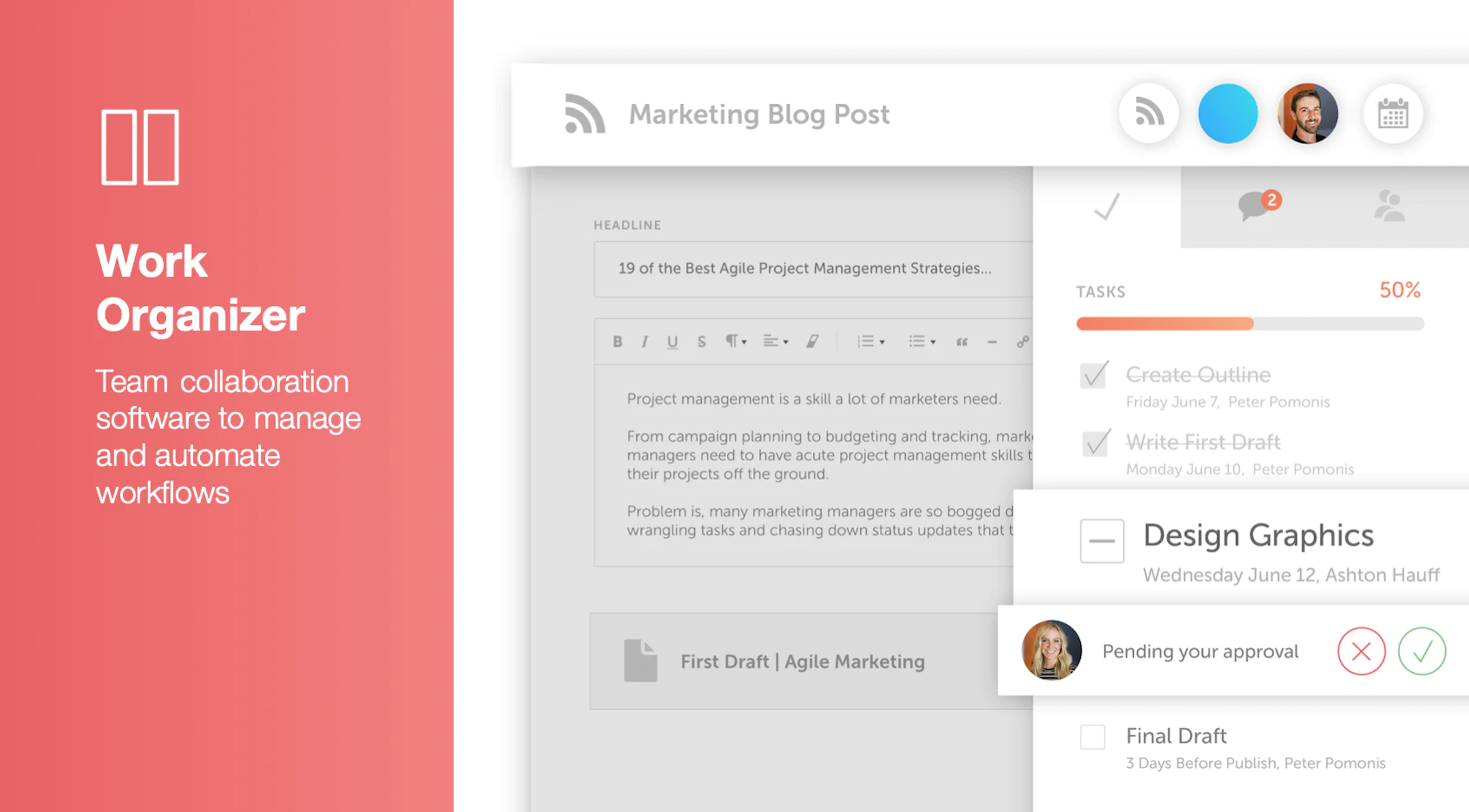
CoSchedule provides a content calendar, content optimization, and contentmarketing products, with users among 50,000 marketers worldwide, helping them organize their work, deliver projects on time, and prove marketing team value.
N/A
Optimizely Content Marketing Platform
Score 6.9 out of 10
N/A
Optimizely Content Marketing Platform brings teams together in a single, AI-powered workspace to share plans, collaborate on assets and execute campaigns.
N/A
Pricing
CoSchedule Marketing Suite
Optimizely Content Marketing Platform
Editions & Modules
No answers on this topic
No answers on this topic
Offerings
Pricing Offerings
CoSchedule Marketing Suite
Optimizely Content Marketing Platform
Free Trial
No
Yes
Free/Freemium Version
Yes
Yes
Premium Consulting/Integration Services
No
Yes
Entry-level Setup Fee
No setup fee
Optional
Additional Details
—
—
More Pricing Information
Community Pulse
CoSchedule Marketing Suite
Optimizely Content Marketing Platform
Features
CoSchedule Marketing Suite
Optimizely Content Marketing Platform
Content Creation
Comparison of Content Creation features of Product A and Product B
CoSchedule Marketing Suite
7.3
1 Ratings
6% below category average
Optimizely Content Marketing Platform
3.8
48 Ratings
69% below category average
Ideation
5.01 Ratings
3.935 Ratings
Content collaboration
7.01 Ratings
5.244 Ratings
Content calendar
10.01 Ratings
3.240 Ratings
Approval workflows
00 Ratings
4.345 Ratings
Network for content licensing/production
00 Ratings
2.625 Ratings
Content Publishing
Comparison of Content Publishing features of Product A and Product B
CoSchedule Marketing Suite
10.0
1 Ratings
24% above category average
Optimizely Content Marketing Platform
3.9
43 Ratings
67% below category average
Content distribution
10.01 Ratings
4.637 Ratings
Content promotion
10.01 Ratings
4.331 Ratings
Content automation
10.01 Ratings
3.832 Ratings
Content hub
00 Ratings
3.636 Ratings
Forms / Gated content
00 Ratings
3.01 Ratings
Embedded CTAs
00 Ratings
3.928 Ratings
Content Reporting & Analytics
Comparison of Content Reporting & Analytics features of Product A and Product B
CoSchedule is great for businesses or agencies who need an overview of all their marketing efforts, and who want to establish collaboration between multiple departments. The calendar view is one of the best we've worked with and makes it easy to see exactly what's happening. There is some slight clunkiness when it comes to admin-related tasks, and a few things aren't easy to find, but there's great support.
A 7 only because I think there's question marks around customization. However, I've seen very similar tools in the past where stakeholders have been skeptical, but as you get to know it and use it, you'll find actually you realize those benefits. I just think Optimizely could help its stakeholders and clients see those benefits early on versus later on. However, that's not to say it's not possible, so a 7 at this stage, but I think it's got potential in future. If you are a marketing firm who wants a centralized system for managing workflows and campaigns, it's great. It does that. However, there are better competitors fill in some of the gaps better than optimized leaders does. It could do better. I think for me, visually when I see, when I create a workflow or a campaign, I can see all the tasks associated with it and I've seen the way that our parent company uses it. It's just a list of all the tasks you see in one view. I think visually it needs improving. However, the purpose that it serves fundamentally, it's got potential, if that makes sense. It's going in the right direction, but I think competitors are doing some of it better than Optimizely is. I think they, like I was saying earlier, if they really want to realize the benefits of the product visually there needs to be some improvement. And then the controls element that I mentioned earlier as well, hopefully that answers both of your questions.
The CMP really is useful for us not only to manage the processes behind how we create content that we serve in different platforms like websites, landing pages, emails, social media, but it also help us as a team that is scattered around the globe to be able to be connected all the time to be able to see what we're working on, to be able to share assets as well. We are not reinventing the wheel to be able to show to other people within the organization what is happening at any given point. We use it not only for assets now, but we use it also for things like planning our webinars, planning our face-to-face events, so it truly is the heart of our marketing organization within the business.
The platform seems sluggish as of late, likely as a result of the robust amount of data we are entering and the number of filters we're creating.
Social media scheduling exists, but we do run into publishing errors more often then we'd like.
Task templates when updated are not retroactive, so when you create projects for an entire year and then change a template, you need to go back and change them manually.
One thing that could be improved is some of the promotions that happen in platform. For example, there's a Opal AI little bubble at the bottom right of the corner, which you can't move across the screen. So if you're trying to change the status of a step or you're trying to update a description within a step, that can be a bit challenging and as it seems to be quite an easy fix.
I would love to see a capability in terms of having visual representation that we can share out with stakeholders that don't necessarily need access to CMP. But for that level of detail, we don't want it to go too granular, but we do want to be able to share in a quick and visual manner some of the activities that are happening so we can keep everybody in the loop without having to create different variations via different tools.
The interface is very intuitive, from setting up social profiles, to posting, to tags, to optimizing for best day/time to post. It's super easy to scan the aggregate analytics. The calendar is very easy to grok at a glance, and the more advanced functionality is intuitive to set up.
The editorial calendar is the one I check multiple times every day. It gives me a clear picture of what's in progress, what's due, and where things can be moving faster. And, there's no need to open a separate doc or ask anyone for a status update. Also, the workflows are another super useful thing. Being able to assign specific reviewers to specific steps and know that nothing moves forward until they've acted has eliminated many repetitive processes.
Optimizely Content Marketing Platform's performance is generally good. Nothing that has impacted production. Page load speed doesn't typically lag longer than a few seconds. Reports take some time but not any longer than we're used to with other platforms. We have not experienced lag when integrating with other platforms
I didn't have to use their official support, but I can say that they put out a lot of content online to help users. Their YouTube page has quite an array of tutorial videos explaining how things work and how to get the most out of their tools. If you're struggling, before picking up a phone or blasting off an email, try searching for your problem on YouTube or their forums.
Training was clear and concise. It was intuitive and helped me understand how to navigate the platform. Options to dive in on each action or skip to learn about areas of regular use. Resource links available to when I had additional questions or needed more training in a specific area. Overall, the training allowed me to use the platform without interruption
CoSchedule provides collaborative planning of projects. The calendar view is very well designed. Meetings and tasks can be scheduled and tracked easily. Whatever is being done, no matter how big the task/project is, it gives a bird-eye view of everything. Additionally, it also integrated very well with WordPress. Their customer service team is also very helpful.
We haven't yet explored the CMS or other products within the suite but we see the potential to move all of our tools to Optimizely One. I see this really helping us gain clarity in the end to end content lifecycle, and help us use our resources and bandwidth more strategically
Optimizely is generally a reliable platform for A/B testing and digital experience management. It's helpful for it's stability, flexibility, and comprehensive features, which is helpful when managing an enterprise website
It has saved me about 1 hour per day to keep things organized from Asana to WordPress.
By not having a functioning Google Doc import feature, it costs me about 30 minutes for each blog post to copy paste all the content, images, etc.
By bundling too many features into their plans, many of which we don't use (e.g. social media scheduling), we lose a little ROI because we are not using the full feature set. We use and prefer Buffer for social media, so when CoSchedule raised their price $40+ per month on features we would not be using, that hurt.
The program has allowed us to meet our content goals more easily (e.g.: we publish X articles per month and track where each article is at).
It's helped us improve the accuracy of our information. We have SEO, content strategists, and legal teams involved in the workflow now because it's easy to manage.