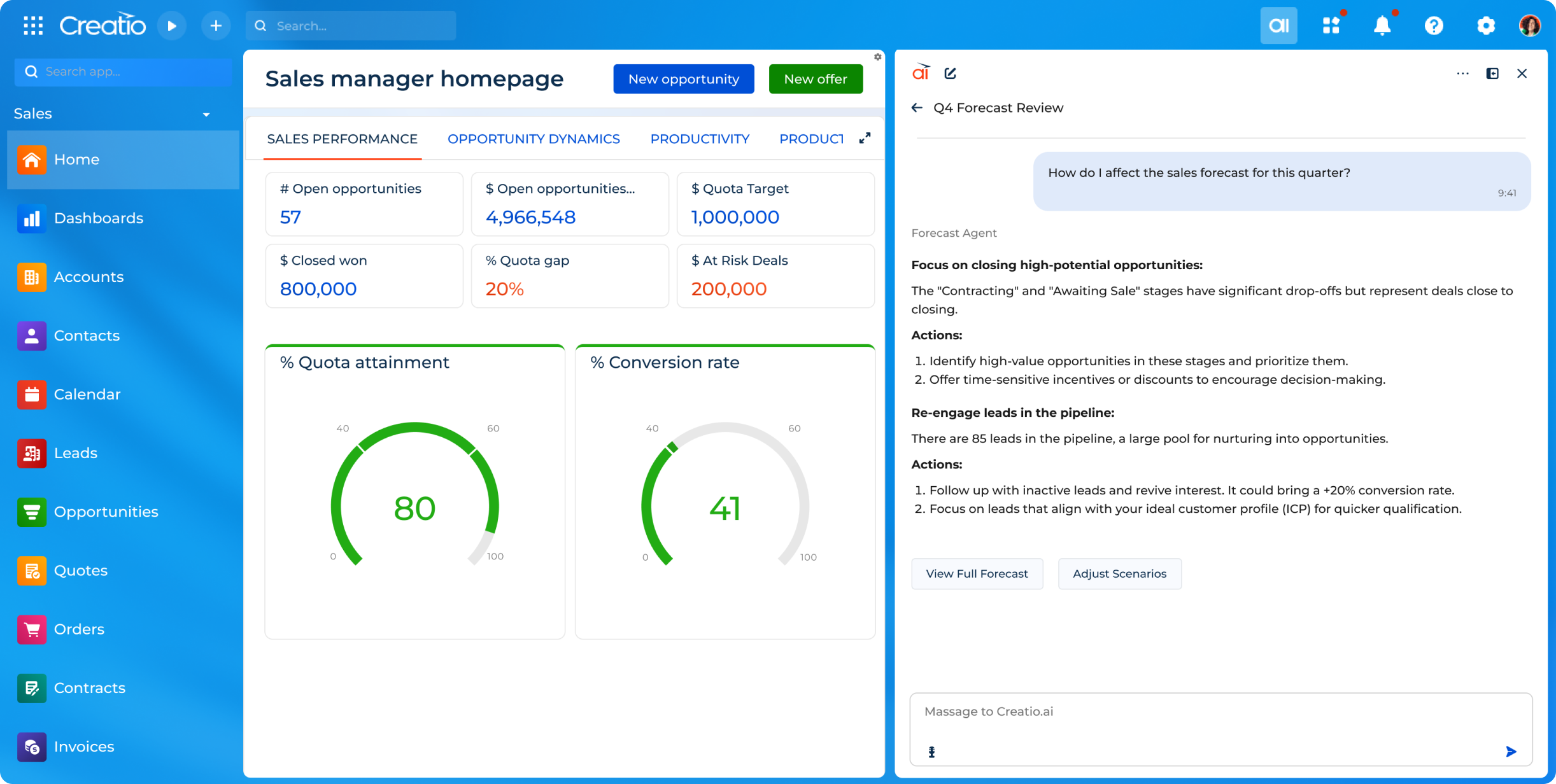
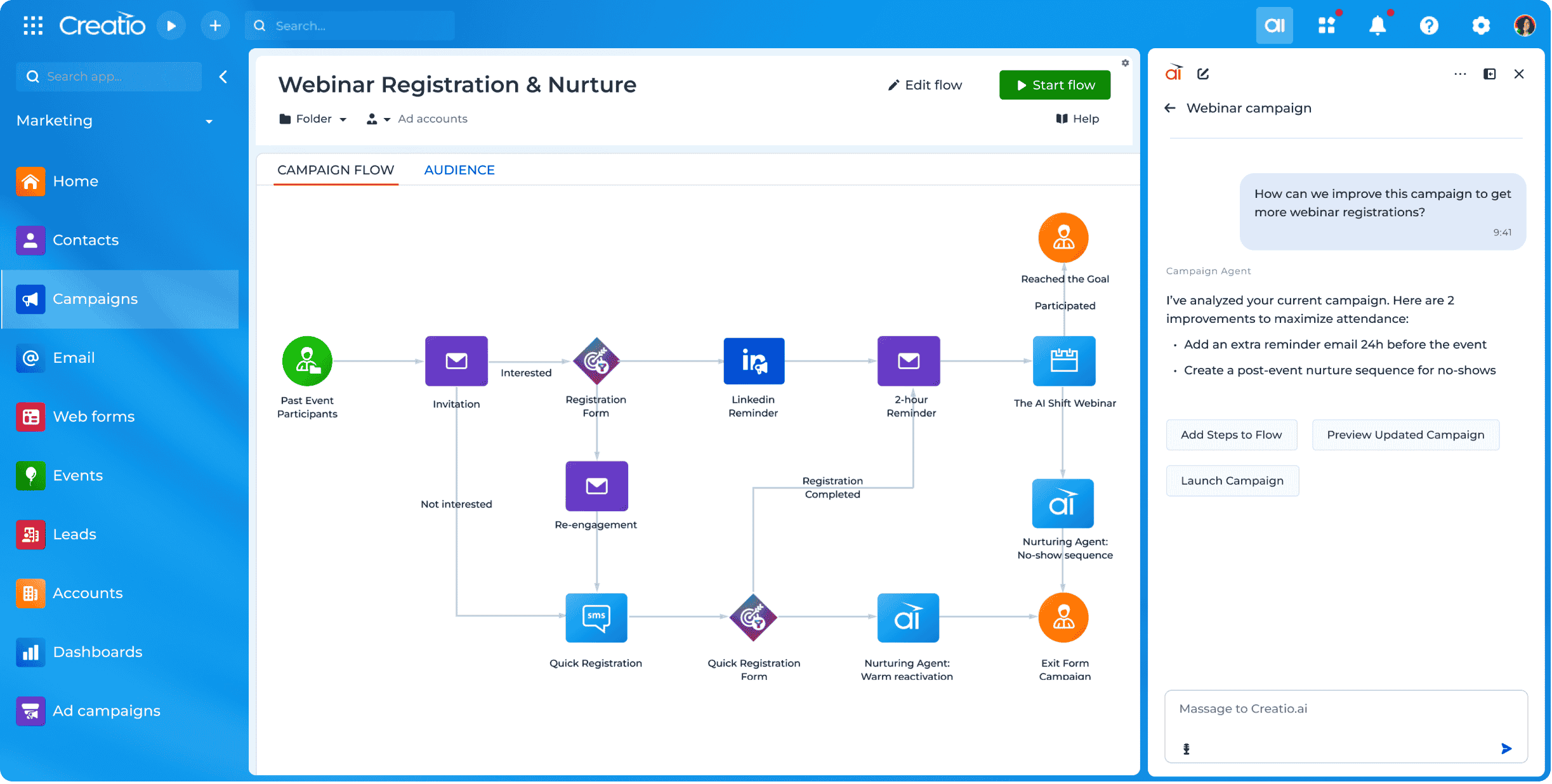
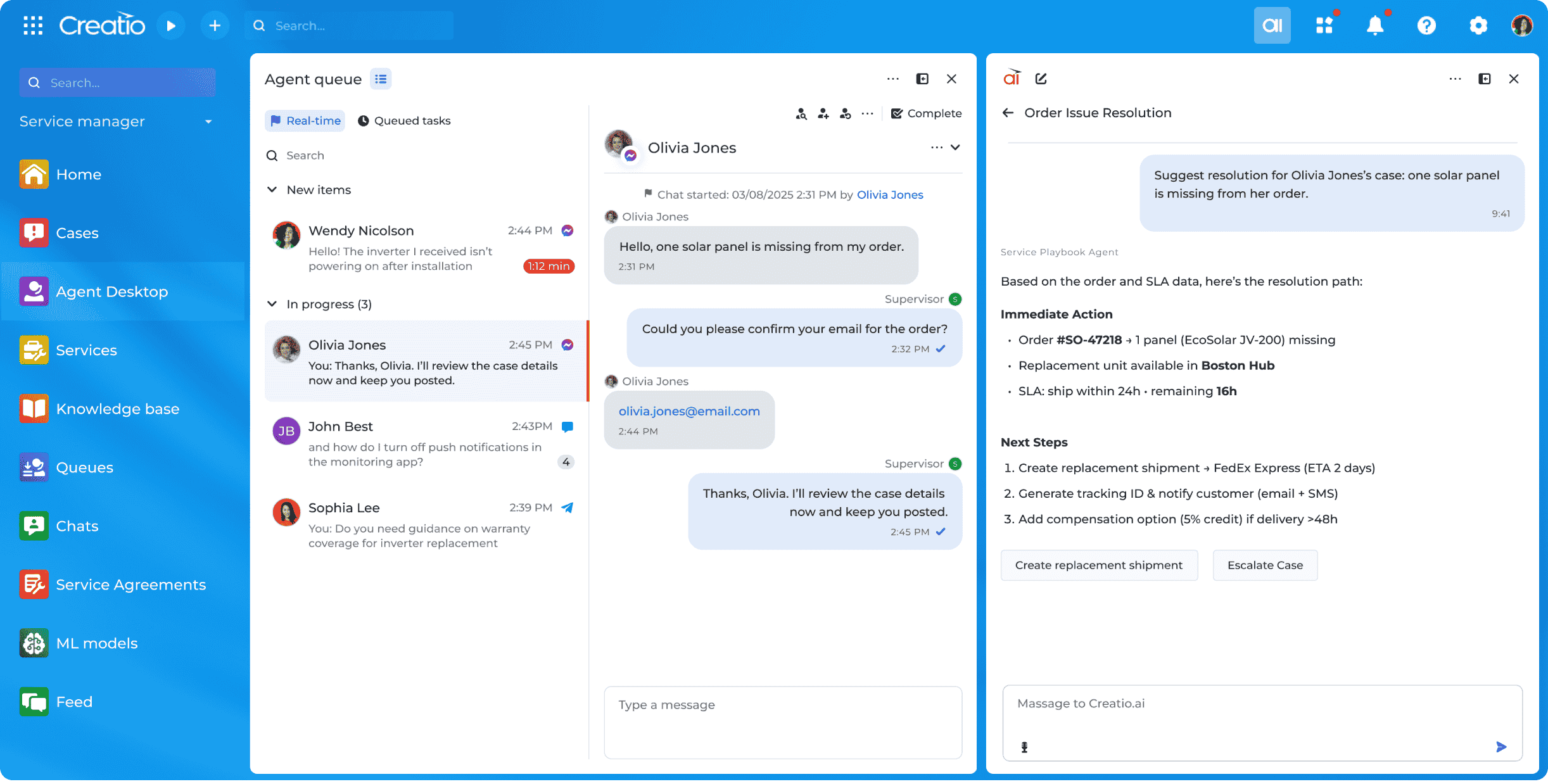
Creatio offers an agentic CRM and workflow platform. Its offerings include Creatio Studio, a no-code agentic platform to build applications and AI agents with natural language and visual designers, and a CRM suite with embedded AI agents across Creatio Marketing, Sales, and Service. The platform also includes industry workflows across 19 verticals and a range of marketplace add-ons. Creatio products can be purchased separately or as a unified CRM solution to…
$10,000
per year (minimum price for new users)
SharePoint
Score7.9 out of 10
N/A
Microsoft's SharePoint is an Intranet solution that enables users to share and manage content, knowledge, and applications to empower teamwork, quickly find information, and collaborate across the organization.
$5
Per User Per Month
Pricing
Creatio
SharePoint
Editions & Modules
Growth
$25
per month per user
Enterprise
$55
per month per user
Unlimited
$85
per month per user
Plan 1
$5.00
Per User Per Month
Plan 2
$10.00
Per User Per Month
Office 365 E3
$20.00
Per User Per Month
Offerings
Pricing Offerings
Creatio
SharePoint
Free Trial
Yes
Yes
Free/Freemium Version
No
No
Premium Consulting/Integration Services
Yes
No
Entry-level Setup Fee
No setup fee
No setup fee
Additional Details
Creatio Sales, Creatio Marketing, and Creatio Service are available as add-ons for $15 per month, per user. Creatio AI is included in every tier of the Creatio platform (Growth, Enterprise, and Unlimited). Creatio AI starts at $5,000 per year
Creatio is well suited in following scenarios: Complex Business process modelling and automation, Low code No code development which is best for efficient timelines, customized reporting and dashboarding, seamless integration with other technologies. Scenarios where Creatio is less appropriate: Solutions which require high cutomizations on the frontend side as this can be done by javascript modifications but it increases the load on the page and slows it down.
A de minimis incentive was given to thank the reviewer for their time. The incentive was not used to bias or drive a particular response, nor was the incentive contingent on a positive endorsement. More Info
It's Microsoft, so it rarely goes down or unnecessarily limits access. It works, though page load times can be long if you have lots of data. I feel like the Mac vs. PC divide has started to show up for MS products, but SharePoint works well with both.
Creatio's client success team is super. The team is collaborative, solution-oriented, and client-driven. We have weekly meetings with the team. They show up prepared with solutions/ideas to business requests and they are clearly engaged.
Creatio's infrastructure team has been critical to our ability to execute our cloud strategy. They have worked with us to set up our testing and production environments within Azure, assisted in testing, and are responsive and flexible to our unique requirements.
Creatio has been very flexible to requests for customization. We have taken their low-code out-of-the-box solution and "Ringlerized" it. The benefit for us is an application that meets our niche business needs.
A de minimis incentive was given to thank the reviewer for their time. The incentive was not used to bias or drive a particular response, nor was the incentive contingent on a positive endorsement. More Info
When we started using Creatio in 2022 the new user interface had just been released and did not include all the features we needed; however, we used a more classic user interface and were still satisfied with the results.
The ability to capture a digital signature directly within the application was missing in the base system; however, Creatio connected us with a partner that provided a solution for this specific situation.
Windows Explorer users have some difficulty having to constantly UPLOAD / DOWNLOAD files. Specifically on the DOWNLOAD when they are used to Drag & Drop in & out of LOCAL folders via Window's explorer.
Microsoft SharePoint supports multiple "library" types. When implementing our "image" library the search function is done via "tags" and boolean logic. This is challenging to most end users. I'd like our users to be able to search our Microsoft SharePoint image library without having to enter KEYWORD or other BOOLEAN logic.
Microsoft SharePoint can also be an internal website for each department or company wide communication tool but I believe these features are geared for much larger organizations. Since we are a SMB we really aren't using these features. So maybe something more useful to SMBs would be nice.
A de minimis incentive was given to thank the reviewer for their time. The incentive was not used to bias or drive a particular response, nor was the incentive contingent on a positive endorsement. More Info
We have always used a CRM and Creatio has proven to be much more effective in meeting our needs than our previous provider. Its customizability will allow us to adapt this product as our business may change in the future.
A de minimis incentive was given to thank the reviewer for their time. The incentive was not used to bias or drive a particular response, nor was the incentive contingent on a positive endorsement. More Info
It's integral to our business. It's already included with most of the Office 365 licensing we buy, so the cost is effectively zero. It stores our files, it is the foundation for custom applications, and Microsoft only continues to enhance its functionality and its connections to other Microsoft tools. SharePoint just keeps getting better and better.
A de minimis incentive was given to thank the reviewer for their time. The incentive was not used to bias or drive a particular response, nor was the incentive contingent on a positive endorsement. More Info
Because it is so easy to use and navigate through - even the most technophobic people in our company are using it on a regular basis. It is easy to change around and switch through different sections and keep neat and tidy.
No usability issues reported. Individual teams also have allocated areas which replace legacy shared drives on local LANs. Access to Sharepoint resources is fully integrated with corporate Active Directory with additional two-factor authentication required for administrative users. Users have access to Microsoft Services Hub which allows you to create, manage, and track support requests while staying current on Microsoft technologies with access to select self-paced learning paths
A de minimis incentive was given to thank the reviewer for their time. The incentive was not used to bias or drive a particular response, nor was the incentive contingent on a positive endorsement. More Info
Other than the daily maintenance window where the server may be inaccessible for a few minutes, there have been no issues with accessing our Creatio site. The daily maintenance window is outside normal business hours so it does not affect our Users - just myself when I am looking to implement changes.
A de minimis incentive was given to thank the reviewer for their time. The incentive was not used to bias or drive a particular response, nor was the incentive contingent on a positive endorsement. More Info
Some Users have reported slow responses from the server at times which seems to be localized. Users are based across four different time zones and the issue is intermittent.
A de minimis incentive was given to thank the reviewer for their time. The incentive was not used to bias or drive a particular response, nor was the incentive contingent on a positive endorsement. More Info
The people at the Creatio offices world wide are very friendly, patience and always happy to help. I have a huge respect for them, especially the people that were based in the Ukraine. Still in these strange times they always keep the focus on the customer, where we would have totaly understanded it if it was any different. So huge compliments to the whole team, keep up the energy and the good work
A de minimis incentive was given to thank the reviewer for their time. The incentive was not used to bias or drive a particular response, nor was the incentive contingent on a positive endorsement. More Info
The face to face training I received was on SharePoint Administration. It was rushed as there was a lot of information to cover and the application of the labs weren't that great either. I like to be able to relate what I am learning to what I am currently doing.
Most of the roadblocks to learning were not discovered until the users were actually in the system using it on a day to day basis. Our Customer Success Manager has offered to setup additional training sessions as needed to close the gaps in our learning. Some areas which required some additional training are setting up filters, dashboards, and generating reports.
A de minimis incentive was given to thank the reviewer for their time. The incentive was not used to bias or drive a particular response, nor was the incentive contingent on a positive endorsement. More Info
I like to learn at my own pace and online training allows for that. Additionally, you can skip through pieces of content that you already know or are already comfortable with. Microsoft actually offers great videos on their website for basic fundamental SharePoint Training. I have used these training videos in some of my own training sessions with end users.
The project manager for our implementation was great to work with and took the time to understand our business. We felt very comfortable going into the project with a reasonable scope of work to provide us with a functional version of Creatio to meet our needs. Unfortunately, we came across multiple challenges with this partner in their deliverables and timelines. Thankfully Creatio was able to provide support resources to ensure we were able to launch. We have since changed partners for our third-party support.
A de minimis incentive was given to thank the reviewer for their time. The incentive was not used to bias or drive a particular response, nor was the incentive contingent on a positive endorsement. More Info
The user-friendliness of Creatio was a big selling point along with the low-code initiatives, both of which were important to our business. With Salesforce, unlimited wasn't really unlimited. You couldn't deploy an on-site instance and the overall cost of the system far outweighed the ROI. These are all things Creatio offers, out-of-the-box.
The reasons for selecting MS SharePoint are: SharePoint provides ease of use and web design assistance and support SharePoint helps you schedule your content for publishing. enables users to share documents with external parties and offers a better internal structure of the content and better indexing and searching capabilities.
A de minimis incentive was given to thank the reviewer for their time. The incentive was not used to bias or drive a particular response, nor was the incentive contingent on a positive endorsement. More Info
A de minimis incentive was given to thank the reviewer for their time. The incentive was not used to bias or drive a particular response, nor was the incentive contingent on a positive endorsement. More Info
We went from manually processing Work Orders into Invoices once a day - representing significant impact to turn around speeds - to submitting automatically in real time, eliminating a great deal of human transcription errors and freeing up a great deal of operations time
Custom Implementation automation in Creatio has eliminated 4-6 hours of configuration work per sale in comparison to our old manual methods
A de minimis incentive was given to thank the reviewer for their time. The incentive was not used to bias or drive a particular response, nor was the incentive contingent on a positive endorsement. More Info