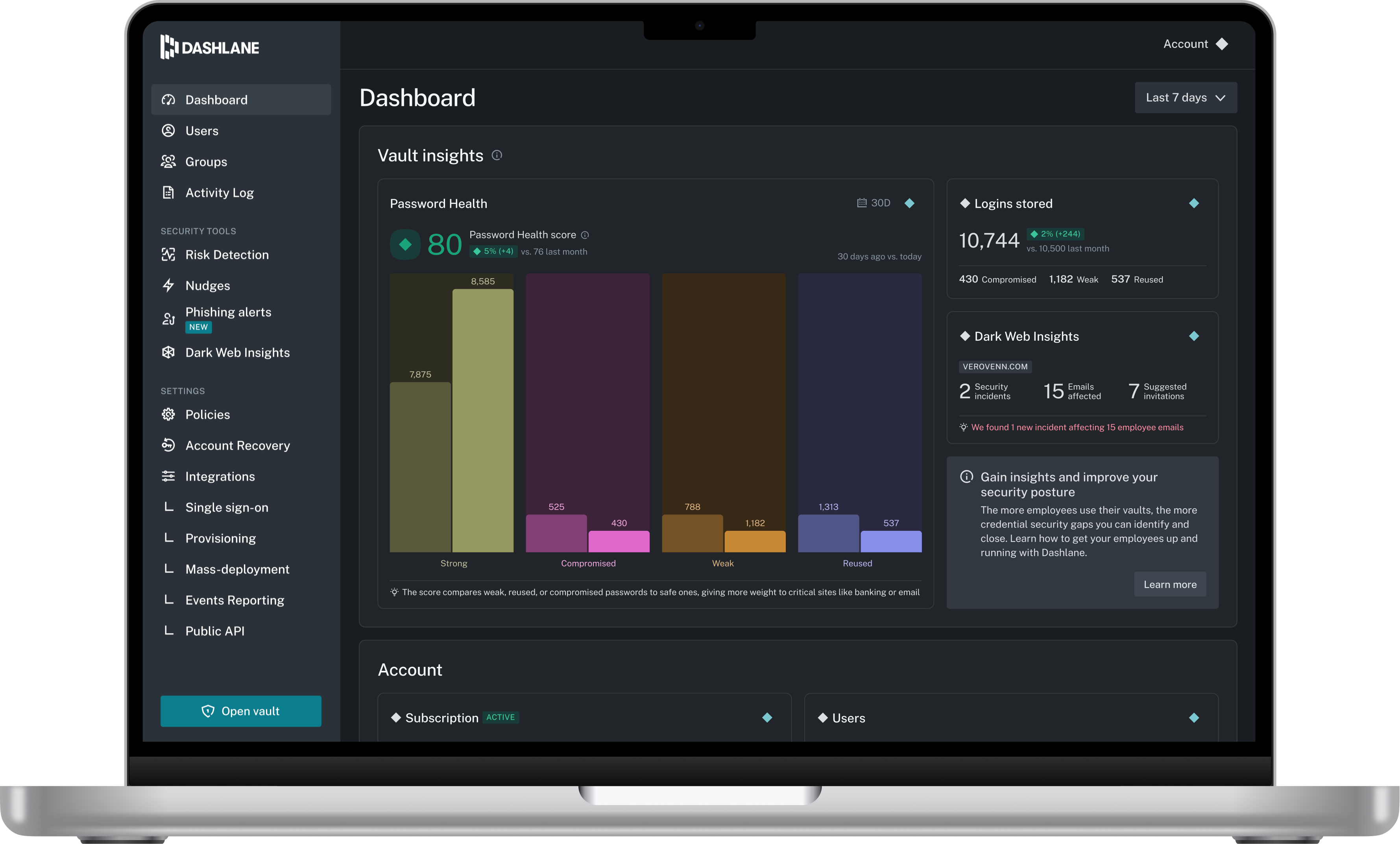
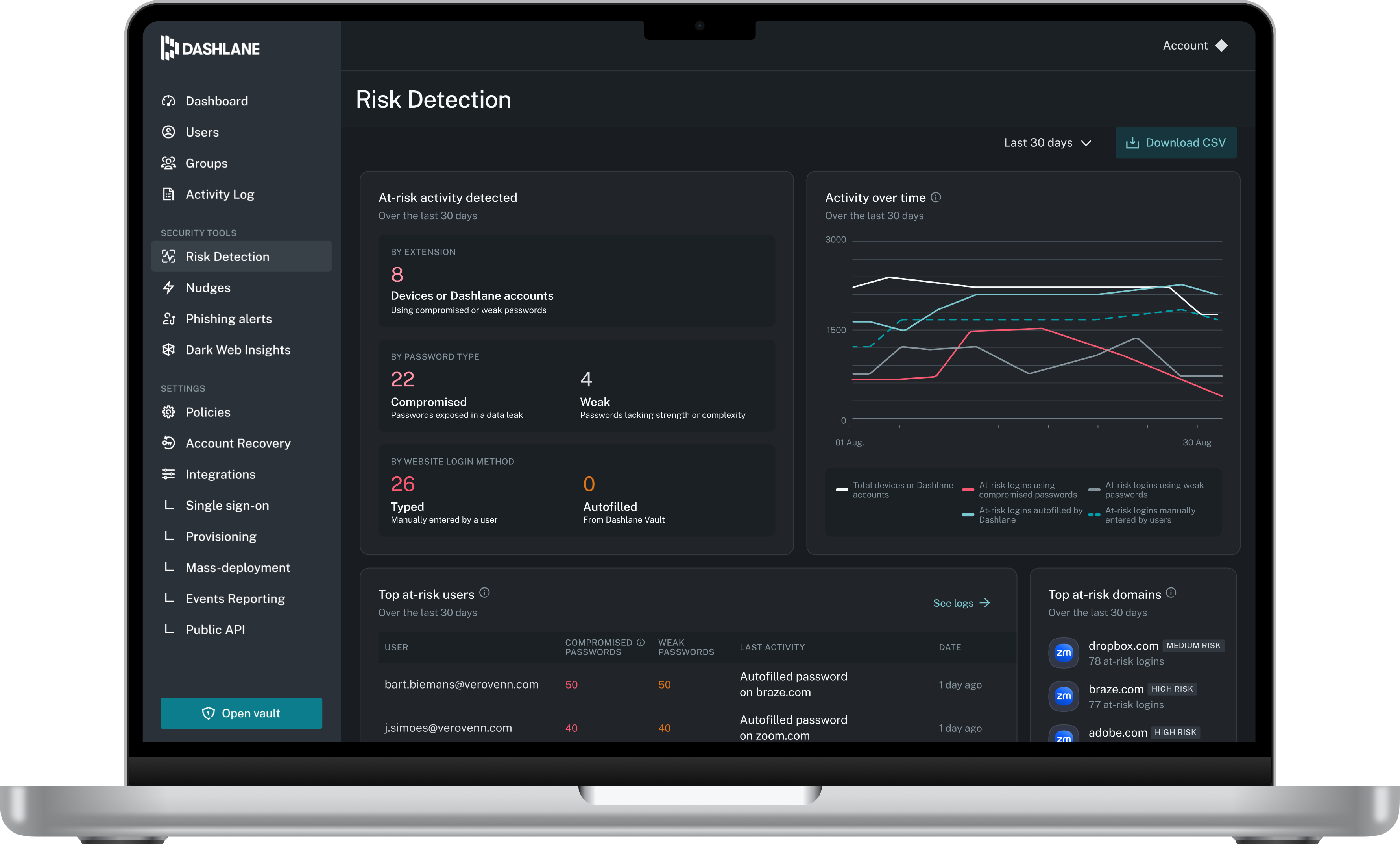
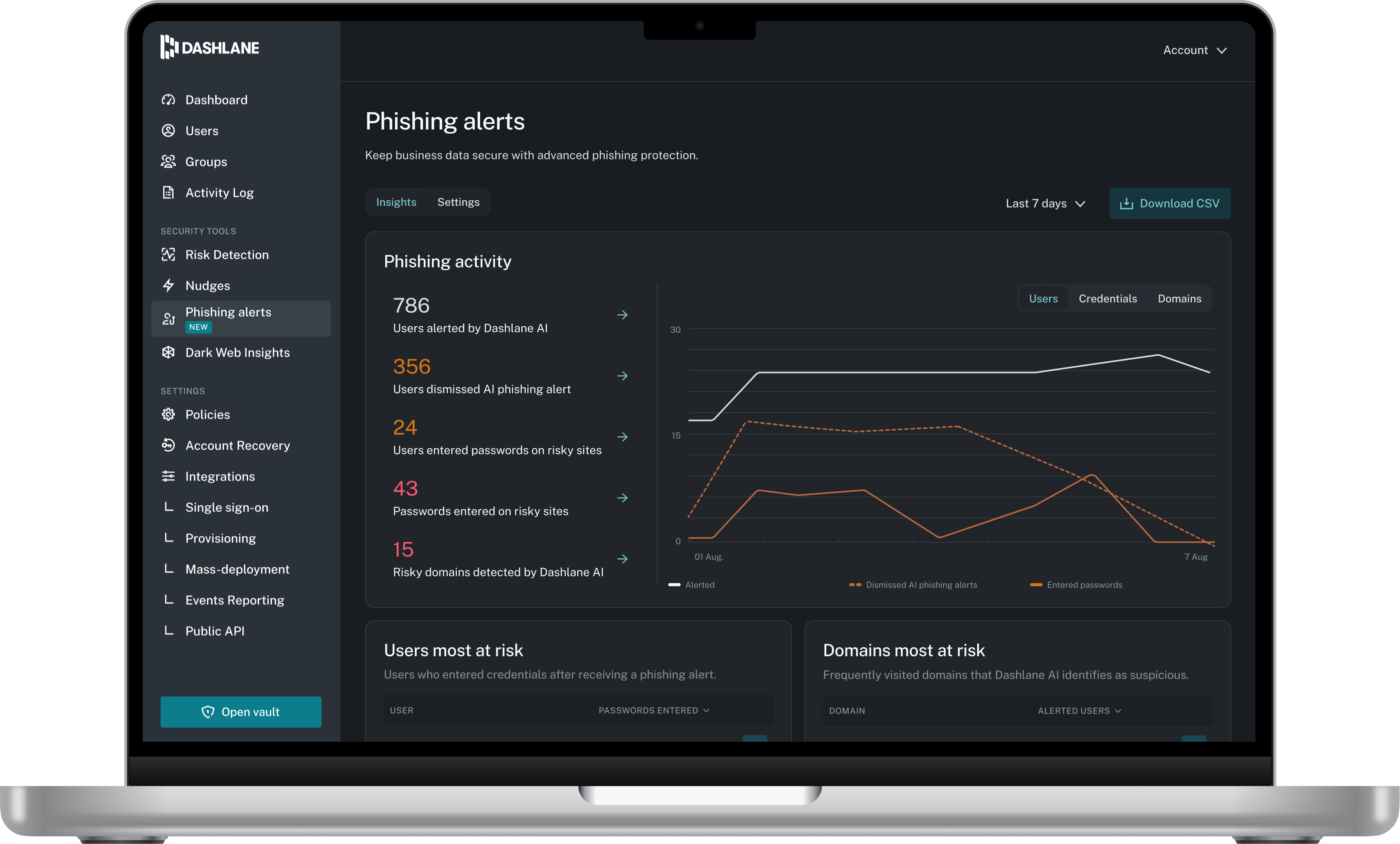
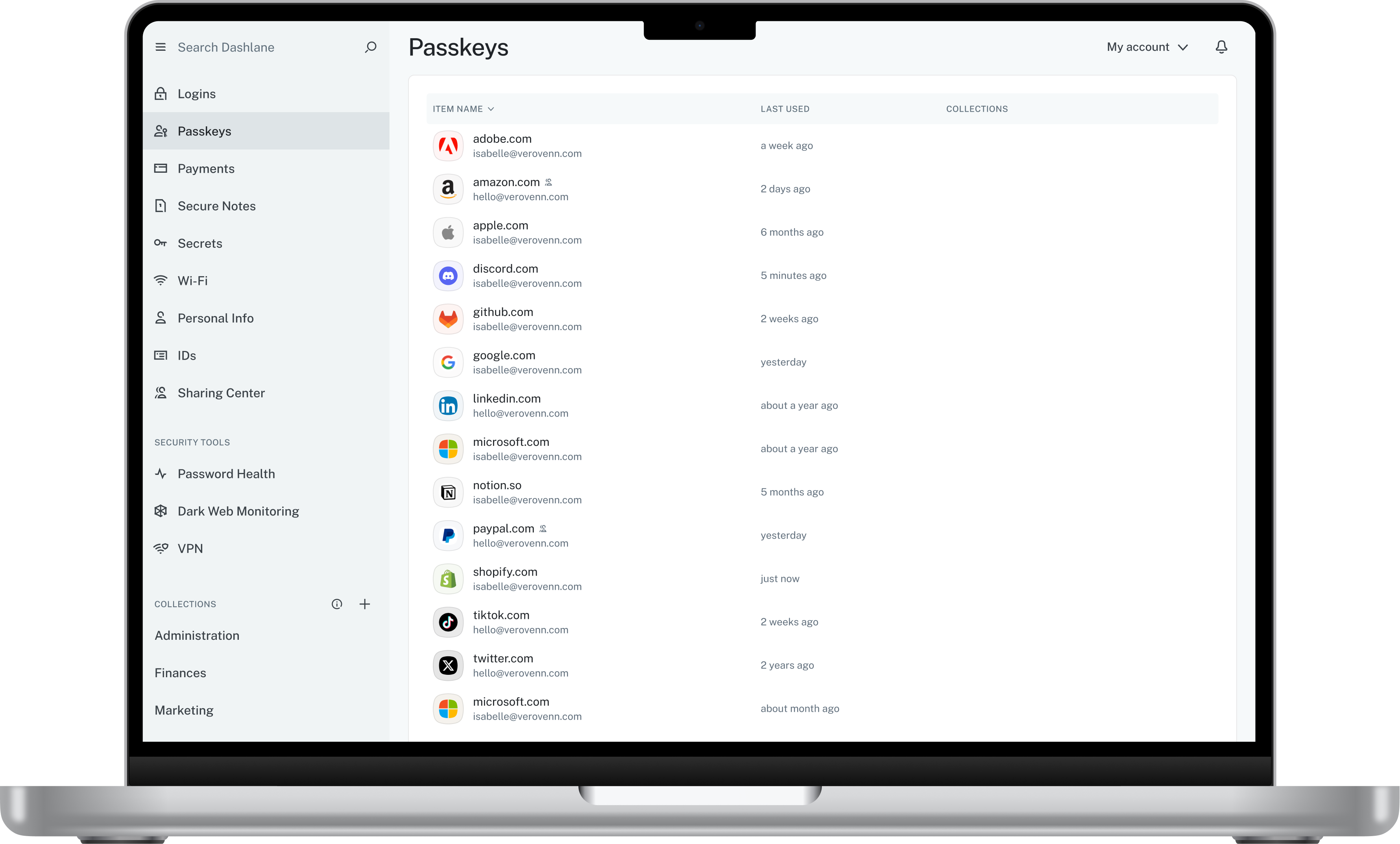
Dashlane is a credential manager that secures every credential, every user, and every employee device to proactively protect against breaches. Brands worldwide can use Dashlane to stay ahead of evolving threats.
$240
per year 10 employees
PingOne from Ping Identity
Score 9.0 out of 10
N/A
The PingOne Cloud Platform from Ping Identity in Denver, Colorado is an identity management and access solution (IAM) for enterprises. Features of the products include single sign-on, multi-factor authentication, user management with directory, provisioning and deprovisioning. The solution is presented as a comprehensive, standards-based platform that allows users and devices to securely access any service, application or API from any device. Designed for hybrid IT…
$20,000
per year
Pricing
Dashlane Password Manager
PingOne from Ping Identity
Editions & Modules
Business
$8
per month (billed annually) per seat
Omnix™
Contact Sales
per year for organizations of 100+
Essential
$20,000
per year
Plus
$40,000
per year
Premium
Contact Sales
Offerings
Pricing Offerings
Dashlane Password Manager
PingOne from Ping Identity
Free Trial
Yes
Yes
Free/Freemium Version
Yes
No
Premium Consulting/Integration Services
No
No
Entry-level Setup Fee
No setup fee
No setup fee
Additional Details
—
Try PingOne for Customers for free. Sign up for a free 30-day trial of PingOne for customers.
I think Dashlane is a great service for anyone who uses the internet. We need to create accounts on almost every website, and Dashlane helps generate secure passwords and store them safely, but easily accessible through its seamless browser extension. Any business or personal lifestyle can benefit from Dashlane when you go online
Really like [this] solution, it fits our requirements 100%. There are unlimited possibilities to extend the product, either by creating additional adapters or selectors. We really like the policy management level in PingFederate. It's extremely helpful when we can specify customer journey per many different requirements like user location, application type etc. As well, both StepUp and TopDown authentication flows were implemented [easily].
Based on open standards, we can use as much or as little of the Ping suite as we like, depending on which other technologies we've already implemented.
Continuous innovation and product enhancements have ensured their products continue to meet our rapidly evolving needs.
Ping Identity has been an outstanding partner, starting with the RFP process and continuing to this day, years after the sale. They are focused on our success at every level of the company and are highly responsive to our needs, issues, and product suggestions.
The mobile app works fine for quick access, but autofill across different apps can be inconsistent. Sometimes it doesn’t recognize the login field, which slows people down when they’re on the go.
Occasionally the browser extension logs users out or doesn’t sync immediately with the desktop app, which causes frustration if someone just updated a password.
PingID has some limitations when used as the MFA for some LDAP implementations. You need to use it as a RADIUS password credential validator to solve for some of those limitations, which in turn causes challenges with our ephemeral cloud deployment model of PingFederate.
The basic logon services within PingFederate are adequate and well-documented, but simple features like disabling user input after entering credentials would help with some of the additional customization required to support real world failure modes.
PingCentral authorization models and configuration remain unpolished compared to other products, and now the features seem to be shifting toward onboarding PingAccess and PingDirectory over improving baseline administrative functionality/operations.
Dashlane is usable, but there are 2 key issues that annoy me. 1. The mobile app and the browser extension are not synced and i cannot find passwords in the app that are clearly in the extension. 2. The system doe snot make it easy to assign a password to a specific subdomain. I get hundreds of passwords that i have to go through any time i go to any subdomain on my main site because of the nature of my business. I need the option back to assign a password to only work with a specific subdomain (and all related paged on that subdomain) note: The search features have been annoying in the past. I just went to test them to verify my issues and found that notes inside of a password are finally searchable. This helps
Ping's solutions are a powerful tool, but with that comes the need for skills to operate them. It's not easy for inexperienced engineers to run. From the end-user perspective, it is fully customizable and can be as seamless as you need.
We've had no issues with Dashlane. I can't speak to their customer service because I have not personally needed to contact them. I guess that speaks about their product if we've not had any issues to reach out about. Great for supporting data/information on multiple platforms that are shared among team members.
Really good customer support, we always receive what we need. Sometimes instead of [a] solution (which have to be developed) we are receiving [a] work around, which is helping ad hoc. Then after time [needed for support to] develop fix we are receiving full fix or we [are] just waiting for new version of the product where our "bugs" are fixed.
Dashlane’s customer support is often rated higher, providing more responsive and helpful assistance. LastPass has a slightly steeper learning curve than Dashlane, but it offers more flexibility with user permissions, which can benefit teams. Dashlane includes unlimited passkey support and a clean breach history, while LastPass is more accommodating for smaller teams.
PingOne from Ping Identity is the clear winner here. I can say this because the cost of their service is very worth it, and their service offers more than their competitors. In addition to that, this software is still improving daily, which only means that there is still more to come, and their Developers are giving their fair share of service to keep their software the best.