Chose Microsoft SharePoint
MS SharePoint is a corporate-wide tool that we utilize within and across departments. The system does allow security for silo information that is needed yet can allow approved access to other SharePoint sites, as needed.

| Product | Rating | Most Used By | Product Summary | Starting Price |
|---|---|---|---|---|
 DevExpress Universal | N/A | DevExpress Universal is a suite of all DevExpress .NET products and controls. | N/A | |
 SharePoint | N/A | Microsoft's SharePoint is an Intranet solution that enables users to share and manage content, knowledge, and applications to empower teamwork, quickly find information, and collaborate across the organization. | $5 Per User Per Month | |
 SAP Crystal | N/A | SAP Crystal is an analytics and reporting software solution for SMBs. SAP Crystal comprises Crystal Reports for pixel-perfect reporting, and SAP Crystal Server for automated distribution and self-service access to reports, dashboards and data exploration. | $295 per single user license |
| DevExpress Universal | Microsoft SharePoint | SAP Crystal | ||||||||||||||||||||||
|---|---|---|---|---|---|---|---|---|---|---|---|---|---|---|---|---|---|---|---|---|---|---|---|---|
| Editions & Modules | No answers on this topic |
|
| |||||||||||||||||||||
| Offerings |
| |||||||||||||||||||||||
| Entry-level Setup Fee | No setup fee | No setup fee | Optional | |||||||||||||||||||||
| Additional Details | — | — | * SAP Crystal Reports 2020 Viewer allows you to view static data within a SAP Crystal Reports file. * SAP Crystal Reports 2020 - Full version allows you to create powerful, richly formatted, and dynamic reports from virtually any data source, delivered in dozens of formats, in up to 28 languages. If you already have an older version of Crystal Reports, buy a license for SAP Crystal Reports 2020 - Upgrade at a discounted, upgrade price. * SAP Crystal Server 2020, 1 NUL includes 1 license of: SAP Crystal Reports 2020 - SAP Crystal Server 2020. * As an add-on to SAP Crystal Server 2020 1 NUL, SAP Crystal Server 2020 5 CAL allows you to support a wider, intermittent audience of end users, up to five logged on at the same time. | |||||||||||||||||||||
| More Pricing Information | ||||||||||||||||||||||||
| DevExpress Universal | Microsoft SharePoint | SAP Crystal | |
|---|---|---|---|
| Considered Multiple Products |  DevExpress Universal No answer on this topic |  SharePoint | SAP Crystal No answer on this topic |
| DevExpress Universal | Microsoft SharePoint | SAP Crystal | |||||||||||||||||||||||||||
|---|---|---|---|---|---|---|---|---|---|---|---|---|---|---|---|---|---|---|---|---|---|---|---|---|---|---|---|---|---|
| BI Standard Reporting |
| ||||||||||||||||||||||||||||
| Ad-hoc Reporting |
| ||||||||||||||||||||||||||||
| Report Output and Scheduling |
| ||||||||||||||||||||||||||||
| Data Discovery and Visualization |
| ||||||||||||||||||||||||||||
| Access Control and Security |
| ||||||||||||||||||||||||||||
| Mobile Capabilities |
| ||||||||||||||||||||||||||||
| Application Program Interfaces (APIs) / Embedding |
|
| DevExpress Universal | Microsoft SharePoint | SAP Crystal | |
|---|---|---|---|
| Small Businesses |  Visual Studio Score 8.8 out of 10 |  HCL Connections Score 9.0 out of 10 |  Yellowfin Score 8.7 out of 10 |
| Medium-sized Companies | Visual Studio Score 8.8 out of 10 |  RWS Tridion Sites Score 9.0 out of 10 |  Reveal Score 10.0 out of 10 |
| Enterprises | Visual Studio Score 8.8 out of 10 | RWS Tridion Sites Score 9.0 out of 10 |  Kyvos Semantic Layer Score 9.5 out of 10 |
| All Alternatives | View all alternatives | View all alternatives | View all alternatives |
| DevExpress Universal | Microsoft SharePoint | SAP Crystal | |
|---|---|---|---|
| Likelihood to Recommend | 9.0 (5 ratings) | 7.9 (269 ratings) | 7.0 (159 ratings) |
| Likelihood to Renew | - (0 ratings) | 9.8 (26 ratings) | 10.0 (19 ratings) |
| Usability | - (0 ratings) | 8.2 (31 ratings) | 7.3 (31 ratings) |
| Availability | - (0 ratings) | - (0 ratings) | 8.0 (1 ratings) |
| Performance | - (0 ratings) | - (0 ratings) | 8.0 (1 ratings) |
| Support Rating | - (0 ratings) | 8.8 (13 ratings) | 8.6 (21 ratings) |
| In-Person Training | - (0 ratings) | 4.5 (1 ratings) | 10.0 (1 ratings) |
| Online Training | - (0 ratings) | 6.4 (1 ratings) | - (0 ratings) |
| Implementation Rating | - (0 ratings) | 6.0 (5 ratings) | 8.8 (14 ratings) |
| Configurability | - (0 ratings) | - (0 ratings) | 8.0 (1 ratings) |
| Ease of integration | - (0 ratings) | - (0 ratings) | 7.0 (1 ratings) |
| Product Scalability | - (0 ratings) | - (0 ratings) | 7.0 (1 ratings) |
| Vendor post-sale | - (0 ratings) | - (0 ratings) | 8.0 (1 ratings) |
| Vendor pre-sale | - (0 ratings) | - (0 ratings) | 7.0 (1 ratings) |
| DevExpress Universal | Microsoft SharePoint | SAP Crystal | |
|---|---|---|---|
| Likelihood to Recommend | DevExpress
| Microsoft
| SAP
|
| Pros | DevExpress
 John Franco CEO (Chief Executive Officer) | Microsoft
| SAP
|
| Cons | DevExpress
 Craig Cormier IT Manager | Microsoft
 Jimmy Harrell IT Manager | SAP
 Frank Hunt Business Development Manager |
| Likelihood to Renew | DevExpress No answers on this topic | Microsoft
| SAP
|
| Usability | DevExpress No answers on this topic | Microsoft
| SAP
 Greg Goss SQL Database and Business Intelligence Manager |
| Support Rating | DevExpress No answers on this topic | Microsoft
| SAP
 Nathan Patrick Taylor Clinical Informatics Consultant |
| In-Person Training | DevExpress No answers on this topic | Microsoft
| SAP
|
| Online Training | DevExpress No answers on this topic | Microsoft
| SAP No answers on this topic |
| Implementation Rating | DevExpress No answers on this topic | Microsoft
 Christopher Corbett Database Administrator | SAP
|
| Alternatives Considered | DevExpress
| Microsoft
 Helmi Tatanaki Data Management Consultant | SAP
|
| Return on Investment | DevExpress
| Microsoft
 RIDWAN AHAMMAD Training Manager | SAP
 Rohit Narang Assistant Vice President |
| ScreenShots | SAP Crystal Screenshots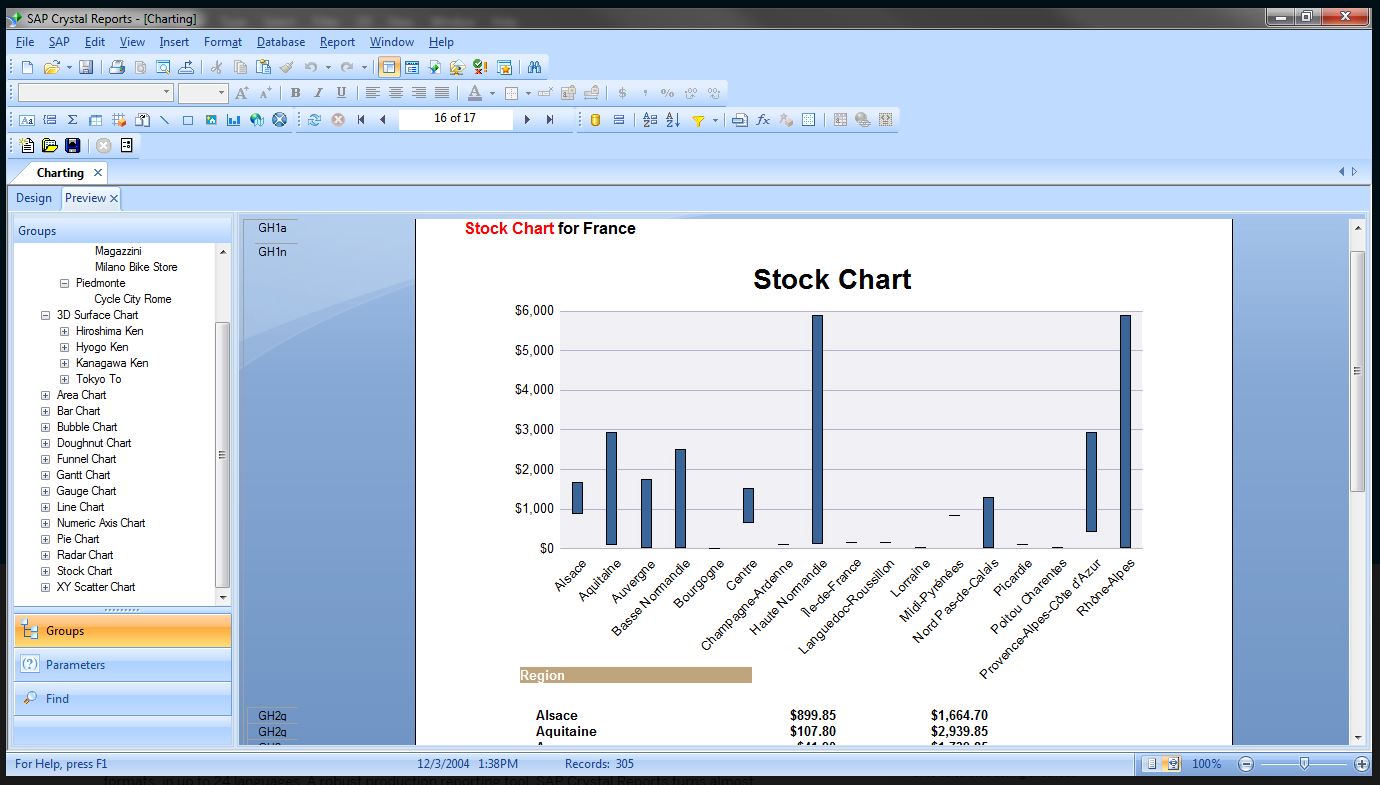   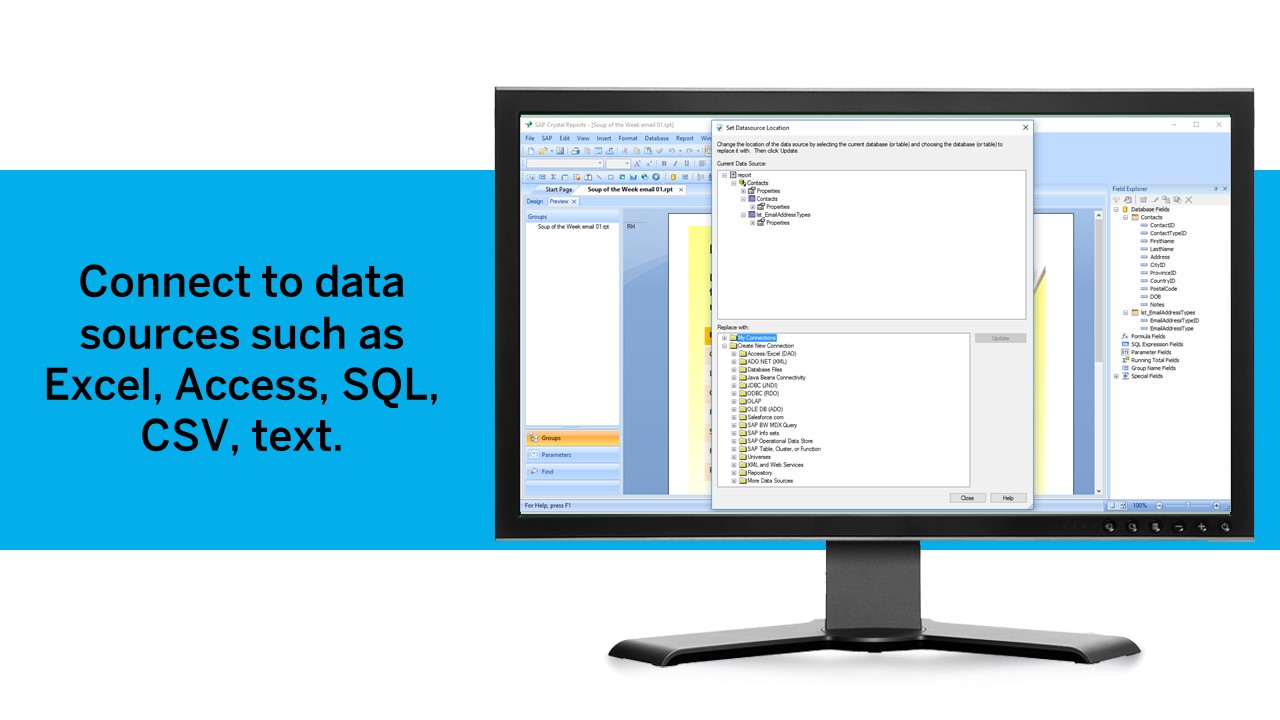 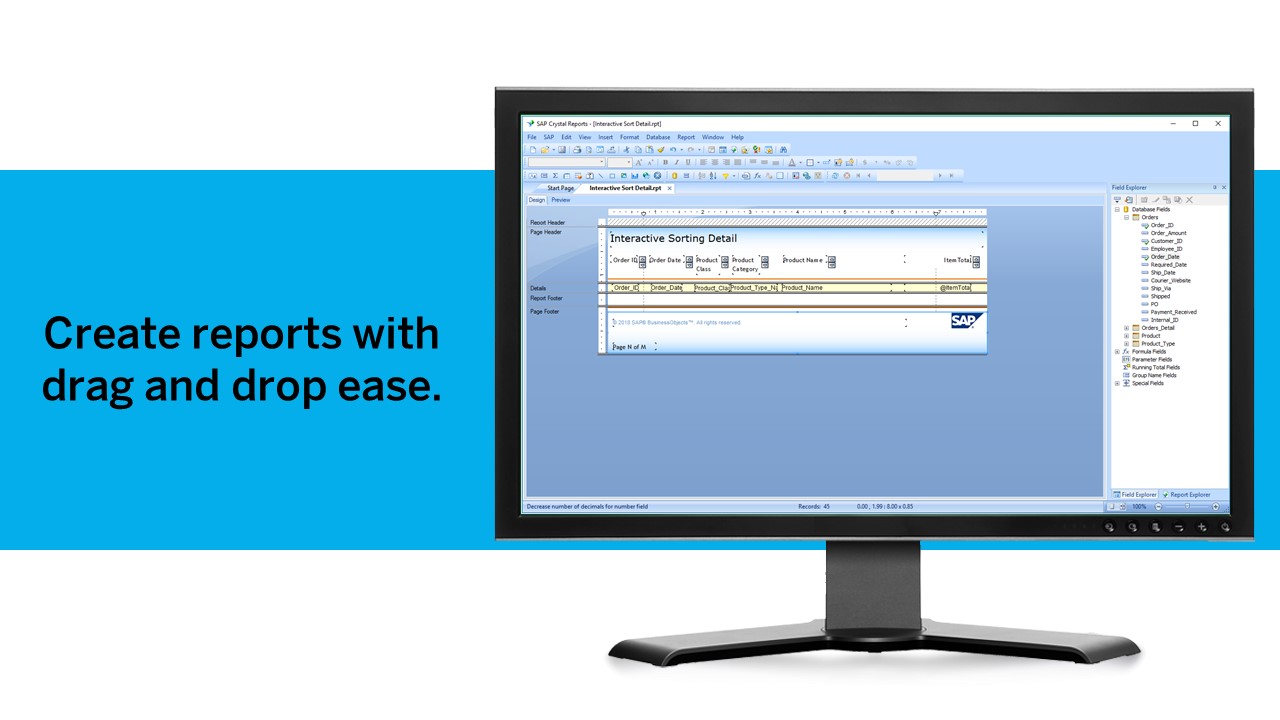  |