
Dialpad Connect vs. Unify Office and Video (discontinued)
Dialpad Connect vs. Unify Office and Video (discontinued)
| Product | Rating | Most Used By | Product Summary | Starting Price |
|---|---|---|---|---|
 Dialpad Connect | N/A | Dialpad Connect is a cloud communications UCaaS platform that provides users with integrated voice, video, and messaging capabilities from one unified interface. | $27 per month | |
 Unify Office and Video (discontinued) | N/A | Unify Office was a cloud team collaboration and communications service delivered by Atos Unify in partnership with RingCentral. Unify Office and the ancillary Unify Video were discontinued in 2024, and customers were migrated to RingCentral. Unify Office is no longer available for sale. | $16.99 per user per month |
| Dialpad Connect | Unify Office and Video (discontinued) | |||||||||||||||
|---|---|---|---|---|---|---|---|---|---|---|---|---|---|---|---|---|
| Editions & Modules |
|
| ||||||||||||||
| Offerings |
| |||||||||||||||
| Entry-level Setup Fee | No setup fee | No setup fee | ||||||||||||||
| Additional Details | — | — | ||||||||||||||
| More Pricing Information | ||||||||||||||||
| Dialpad Connect | Unify Office and Video (discontinued) |
|---|
| Dialpad Connect | Unify Office and Video (discontinued) | |||||||||||||||||||||||||||
|---|---|---|---|---|---|---|---|---|---|---|---|---|---|---|---|---|---|---|---|---|---|---|---|---|---|---|---|---|
| Performance & Compatibility of Online Events Software |
| |||||||||||||||||||||||||||
| Screen Sharing |
| |||||||||||||||||||||||||||
| Online Meetings / Events |
| |||||||||||||||||||||||||||
| Online Events Collaboration |
| |||||||||||||||||||||||||||
| Online Events Security |
| |||||||||||||||||||||||||||
| Cloud PBX |
| |||||||||||||||||||||||||||
| Call Management |
| |||||||||||||||||||||||||||
| Mobile apps |
| |||||||||||||||||||||||||||
| Unified Communications Platform and Collaboration |
|
| Dialpad Connect | Unify Office and Video (discontinued) | |
|---|---|---|
| Small Businesses |  Broadvoice | GoContact Score 9.2 out of 10 | Broadvoice | GoContact Score 9.2 out of 10 |
| Medium-sized Companies |  Cisco Unified Communications Manager (Call Manager) Score 8.6 out of 10 | Cisco Unified Communications Manager (Call Manager) Score 8.6 out of 10 |
| Enterprises | Cisco Unified Communications Manager (Call Manager) Score 8.6 out of 10 | Cisco Unified Communications Manager (Call Manager) Score 8.6 out of 10 |
| All Alternatives | View all alternatives | View all alternatives |
| Dialpad Connect | Unify Office and Video (discontinued) | |
|---|---|---|
| Likelihood to Recommend | 8.6 (339 ratings) | 10.0 (1 ratings) |
| Likelihood to Renew | 8.8 (12 ratings) | - (0 ratings) |
| Usability | 8.8 (73 ratings) | - (0 ratings) |
| Availability | 8.4 (4 ratings) | - (0 ratings) |
| Performance | 8.9 (4 ratings) | - (0 ratings) |
| Support Rating | 9.1 (57 ratings) | - (0 ratings) |
| In-Person Training | 9.1 (1 ratings) | - (0 ratings) |
| Online Training | 9.1 (1 ratings) | - (0 ratings) |
| Implementation Rating | 8.6 (6 ratings) | - (0 ratings) |
| Configurability | 9.1 (2 ratings) | - (0 ratings) |
| Contract Terms and Pricing Model | 6.1 (2 ratings) | - (0 ratings) |
| Ease of integration | 9.1 (1 ratings) | - (0 ratings) |
| Product Scalability | 8.7 (4 ratings) | - (0 ratings) |
| Professional Services | 9.1 (1 ratings) | - (0 ratings) |
| Vendor post-sale | 9.1 (2 ratings) | - (0 ratings) |
| Vendor pre-sale | 9.1 (2 ratings) | - (0 ratings) |
| Dialpad Connect | Unify Office and Video (discontinued) | |
|---|---|---|
| Likelihood to Recommend | Dialpad
|  Discontinued Products
 John-James Worrall Cloud Communications Specialist |
| Pros | Dialpad
 Devon J. Hill-Williams Executive Administrative Assistant | Discontinued Products
John-James Worrall Cloud Communications Specialist |
| Cons | Dialpad
| Discontinued Products
John-James Worrall Cloud Communications Specialist |
| Likelihood to Renew | Dialpad
| Discontinued Products No answers on this topic |
| Usability | Dialpad
| Discontinued Products No answers on this topic |
| Reliability and Availability | Dialpad
| Discontinued Products No answers on this topic |
| Performance | Dialpad
| Discontinued Products No answers on this topic |
| Support Rating | Dialpad
| Discontinued Products No answers on this topic |
| In-Person Training | Dialpad
 Ali Khalifah System and network administrators | Discontinued Products No answers on this topic |
| Online Training | Dialpad
Ali Khalifah System and network administrators | Discontinued Products No answers on this topic |
| Implementation Rating | Dialpad
| Discontinued Products No answers on this topic |
| Alternatives Considered | Dialpad
| Discontinued Products
John-James Worrall Cloud Communications Specialist |
| Contract Terms and Pricing Model | Dialpad
 Dena Breier COO | Discontinued Products No answers on this topic |
| Scalability | Dialpad
| Discontinued Products No answers on this topic |
| Return on Investment | Dialpad
| Discontinued Products
John-James Worrall Cloud Communications Specialist |
| ScreenShots | Unify Office and Video (discontinued) Screenshots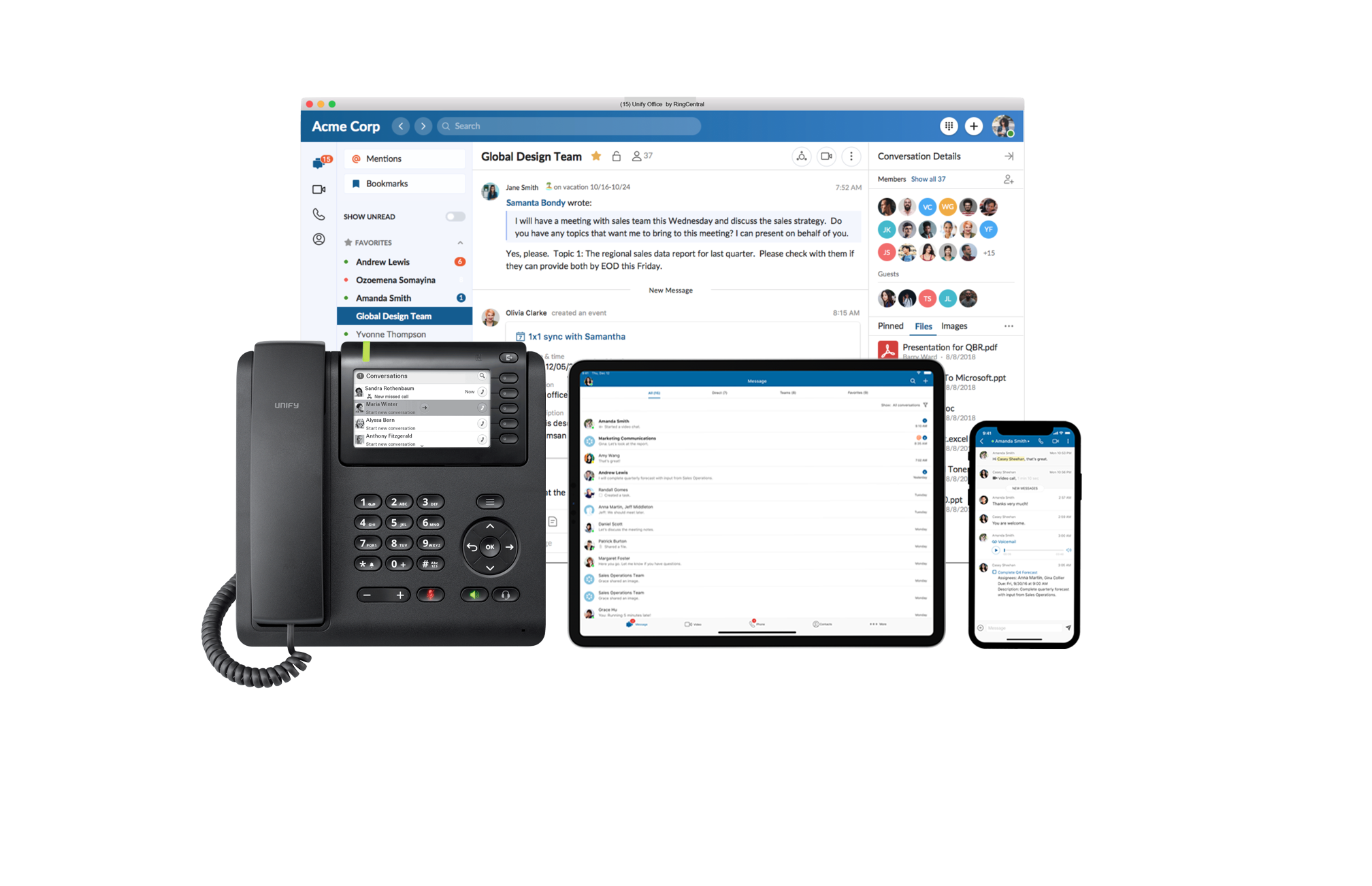 |