e-Builder is a cloud-based construction program management solution that manages capital program cost, schedule, and documents. It allows owners to measure and manage the capital project delivery process from planning, design, procurement, construction and operations.
N/A
FreshBooks
Score 9.0 out of 10
Small Businesses (1-50 employees)
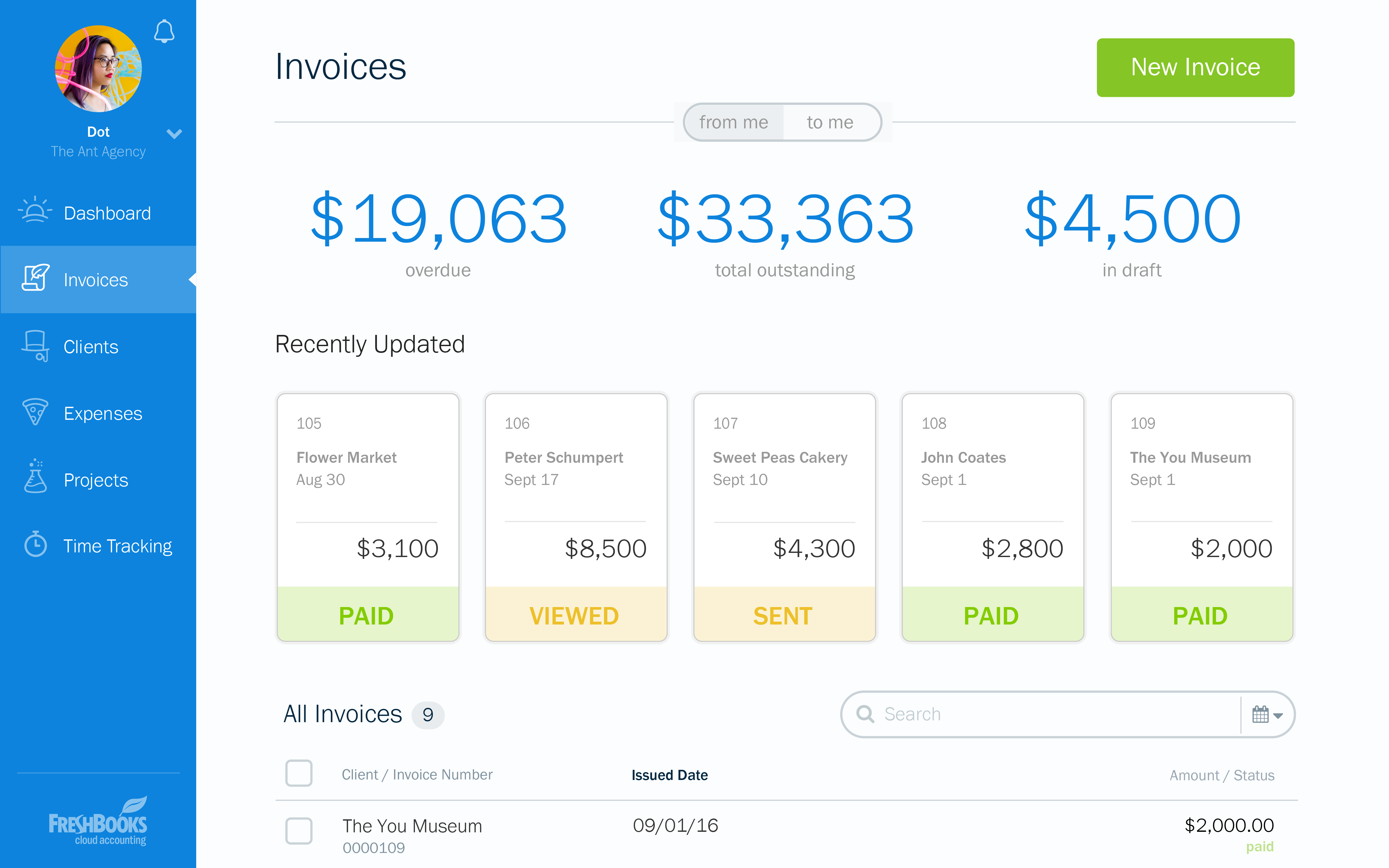
FreshBooks is an accounting service for small businesses. The solution enables users to send and manage invoices, track billable time and collect online payments. The vendor’s value proposition this that their solution provides a straightforward service that simplifies the billing process.
$21
per month
Pricing
e-Builder
FreshBooks
Editions & Modules
No answers on this topic
Lite
$21
per month
Plus
$38
per month
Premium
$65
per month
Select
Custom Pricing
Offerings
Pricing Offerings
e-Builder
FreshBooks
Free Trial
No
Yes
Free/Freemium Version
No
Yes
Premium Consulting/Integration Services
No
No
Entry-level Setup Fee
Required
No setup fee
Additional Details
—
10% discount for annual pricing.
More Pricing Information
Community Pulse
e-Builder
FreshBooks
Features
e-Builder
FreshBooks
Construction Project & Field Management
Comparison of Construction Project & Field Management features of Product A and Product B
e-Builder
7.4
11 Ratings
0% below category average
FreshBooks
-
Ratings
Plan distribution & viewing
7.710 Ratings
00 Ratings
Plan markups & sharing
8.810 Ratings
00 Ratings
Issue tracking & punchlists
8.011 Ratings
00 Ratings
Photo documentation
5.410 Ratings
00 Ratings
Jobsite reports
8.010 Ratings
00 Ratings
Document sharing
8.011 Ratings
00 Ratings
RFI tools
7.48 Ratings
00 Ratings
Collaboration & approvals
7.411 Ratings
00 Ratings
As-built drawings
7.99 Ratings
00 Ratings
Mobile app
5.97 Ratings
00 Ratings
Customization
Comparison of Customization features of Product A and Product B
e-Builder
-
Ratings
FreshBooks
9.1
35 Ratings
18% above category average
API for custom integration
00 Ratings
9.330 Ratings
Plug-ins
00 Ratings
9.026 Ratings
Security
Comparison of Security features of Product A and Product B
e-Builder
-
Ratings
FreshBooks
10.0
41 Ratings
20% above category average
Single sign-on capability
00 Ratings
10.01 Ratings
Role-based user permissions
00 Ratings
10.041 Ratings
Reporting & Analytics
Comparison of Reporting & Analytics features of Product A and Product B
e-Builder
-
Ratings
FreshBooks
7.5
57 Ratings
4% below category average
Dashboards
00 Ratings
9.057 Ratings
Standard reports
00 Ratings
8.855 Ratings
Custom reports
00 Ratings
4.82 Ratings
General Ledger and Configurable Accounting
Comparison of General Ledger and Configurable Accounting features of Product A and Product B
e-Builder
-
Ratings
FreshBooks
7.5
56 Ratings
2% below category average
Accounts payable
00 Ratings
8.041 Ratings
Accounts receivable
00 Ratings
9.455 Ratings
Cash management
00 Ratings
7.03 Ratings
Bank reconciliation
00 Ratings
7.02 Ratings
Expense management
00 Ratings
6.651 Ratings
Time tracking
00 Ratings
7.642 Ratings
Multi-currency support
00 Ratings
7.01 Ratings
Regulations compliance
00 Ratings
6.021 Ratings
Self-service portal
00 Ratings
9.13 Ratings
Order Management
Comparison of Order Management features of Product A and Product B
Well suited for the owner's side of managing multiple projects as it allows for all aspects of a project from development to closeout to be managed on one platform. Not as appropriate for a general contractor as there is better software out there. e-Builder's app is not as effective as others.
I recommend FreshBooks to anyone running a service-based business that needs invoicing, time reporting, and accounting tools. FB is adept in all three of these scenarios and isn't overly complicated like similar accounting packages I have used. I love how I can write estimates and proposals, manage the business development process from the software, and quickly convert prospects to invoiced clients.
Provide a document structure that is easy to navigate. All documents, even within a process, are stored in the document structure and easily accessed by those with the correct permissions.
Scheduling, especially with the new module is easy. It is helpful with a large organization where many hands touch projects to be able to forecast workloads (we have an in house engineering team who reviews all projects during their design phase)
Allows for easy interface with contractors and makes the submittal process more straightforward.
Invoicing - FreshBooks basically ensures our accountants spend less time on invoices via its automated invoicing system, which sends invoices to our customers and clients alike and also send them regular reminders for them to pay up their bills.
Collecting business insights - FreshBooks enable our company analysts measure our business performances via data reports provided by FreshBooks' intuitive dashboard. Allowing us do a comparative analysis of key business metrics of a current month against past months and determine if the business is growing.
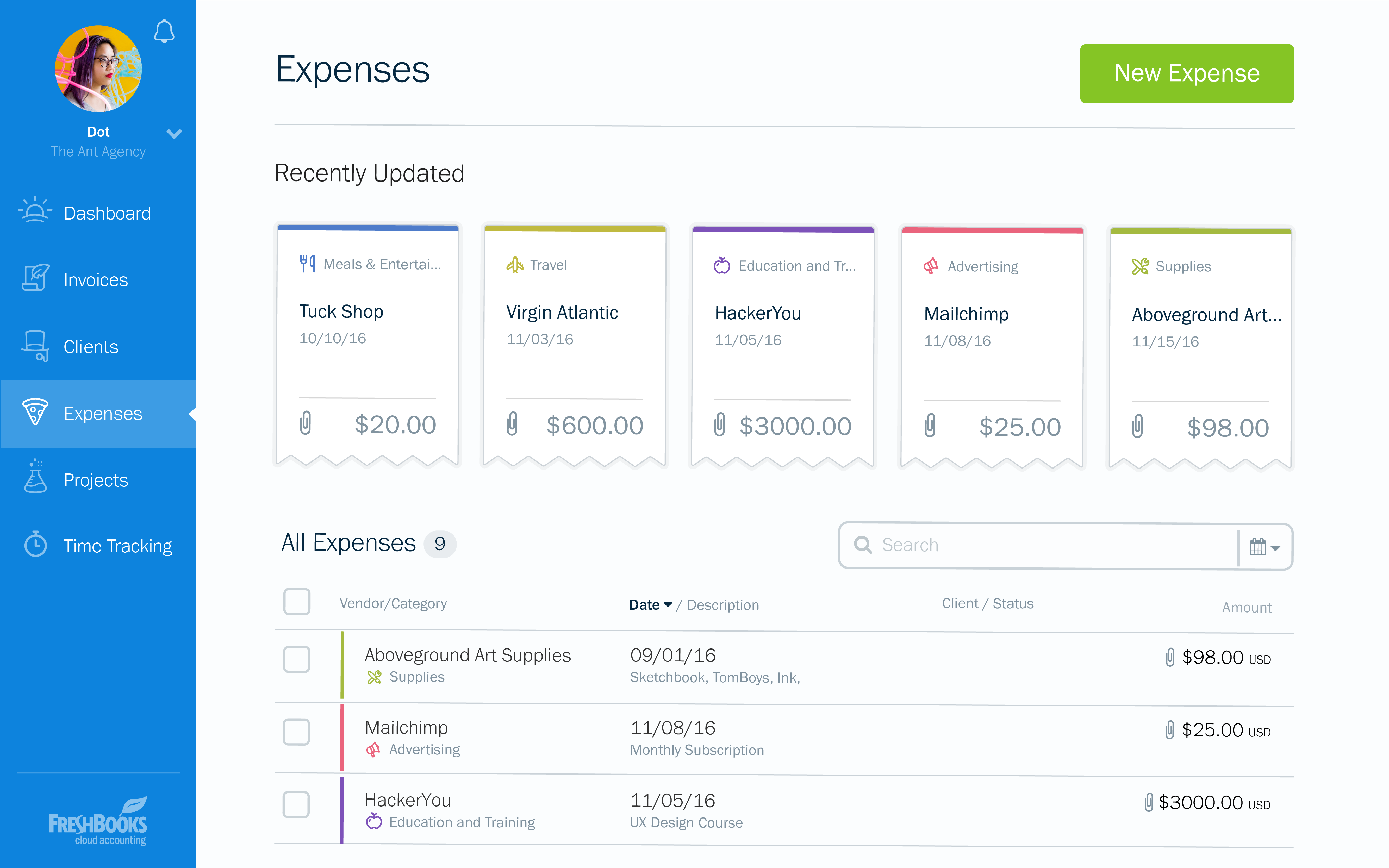
Expense tracker - We have recently embraced FreshBooks as an expense tracker for teams at our company branch. Thusfar, FreshBooks has performed very well, making our expense management a perfect operation; ensuring teams do not exceed their planned budget and also eliminating the need for tracking expenses on excel spreadsheets.
The restrictions in formatting, and sorting of information rendered, in a way, affects the reporting output.
At certain times of day, e-Builder traffic causes the loading of filtered searches to take a while. This is probably common regardless of the site or software used.
More complicated reporting has some limitation, though the program is highly efficient in assisting with simple format reports.
I can brand invoices with my business logo, but I might like to change colours of the invoices themselves to match the rest of my business documents. That isn't a major point at all, but it's something that I'd like to see.
Freshbooks doesn't remember the categories that similar expenses were previously assigned to. It would be nice if Freshbooks would suggest a category for an already saved vendor, to ensure the consistency of expense reporting.
The home page of a Freshbooks account has a great graph display of expenses and income, but it only shows the last 6 months. This is still very useful, but I'd like to be able to see this kind of graph for different periods of time.
At the current needs of our business, FreshBooks suits us perfectly - it allows online access by our accountant to the system for GST purposes, easy input of expenses and tracking of Profit and Loss statements. FreshBooks customer service is great as well - very understanding and accommodating.
Simple, because have a used it for the past two years, so i'm very familiar with the particular aspects of its program that I need to accomplish my tasks.
FreshBooks is very easy to use even for novices. If you're looking for an online accounting software that is full of features, has great aesthetics and is user-friendly, then this is definitely the software for you. I've been using it for several years now and despite being tempted to switch by other vendors, I like the feel of FreshBooks and it's mobile features.
Again, because our technical support is great. He doesn't always answer the phone but he definitely responds to emails fairly quickly. In addition, I like that he actually resolves an issue and I have yet to encounter the same issue twice. Actually, I haven't encountered many issues at all in the two years I have used the software.
I think the support level for FreshBooks is on par with a 6 because the folks behind this application do a fairly good job at providing support for their customer base. I still don't think they are at an elite level when it comes to supporting but are getting there although too slow in my opinion.
1. Set up the time to get training on the sytem before you go all in.
2. Listen, ask questions and actually practice using the tools and features while in class. It helps tremendously with becoming comfortable and remembering how things work.
3. Don't be afraid to mess up. They are helpful and will help resolve your issue in a timely manner
We have not compared other plans since the boss prefers this program from personal experience. But from using this program for 2 years I can see why we don't need to compare. Why fix something that isn't broken? It gets the job done, yes we might run into some issues but I feel like with all companies that can happen
FreshBooks does very well in comparison, especially since it is free software for Barclays bank users. Sage software is much worse than FreshBooks. However, Xero and QuickBooks, the market leaders, are still ahead with usability, additional features, reporting, and connection with third-party software providers. We chose FreshBooks as it does everything we require from this type of software.
In reality, we do not implement all of its use at the moment in order to determine an adequate ROI.
In our approach to the use of the system, it seems to us a considerable time saving by achieving the integration of the Mexican subsidiary with its parent located in the US.
Financial reports meet the necessary USGAAP requirements.