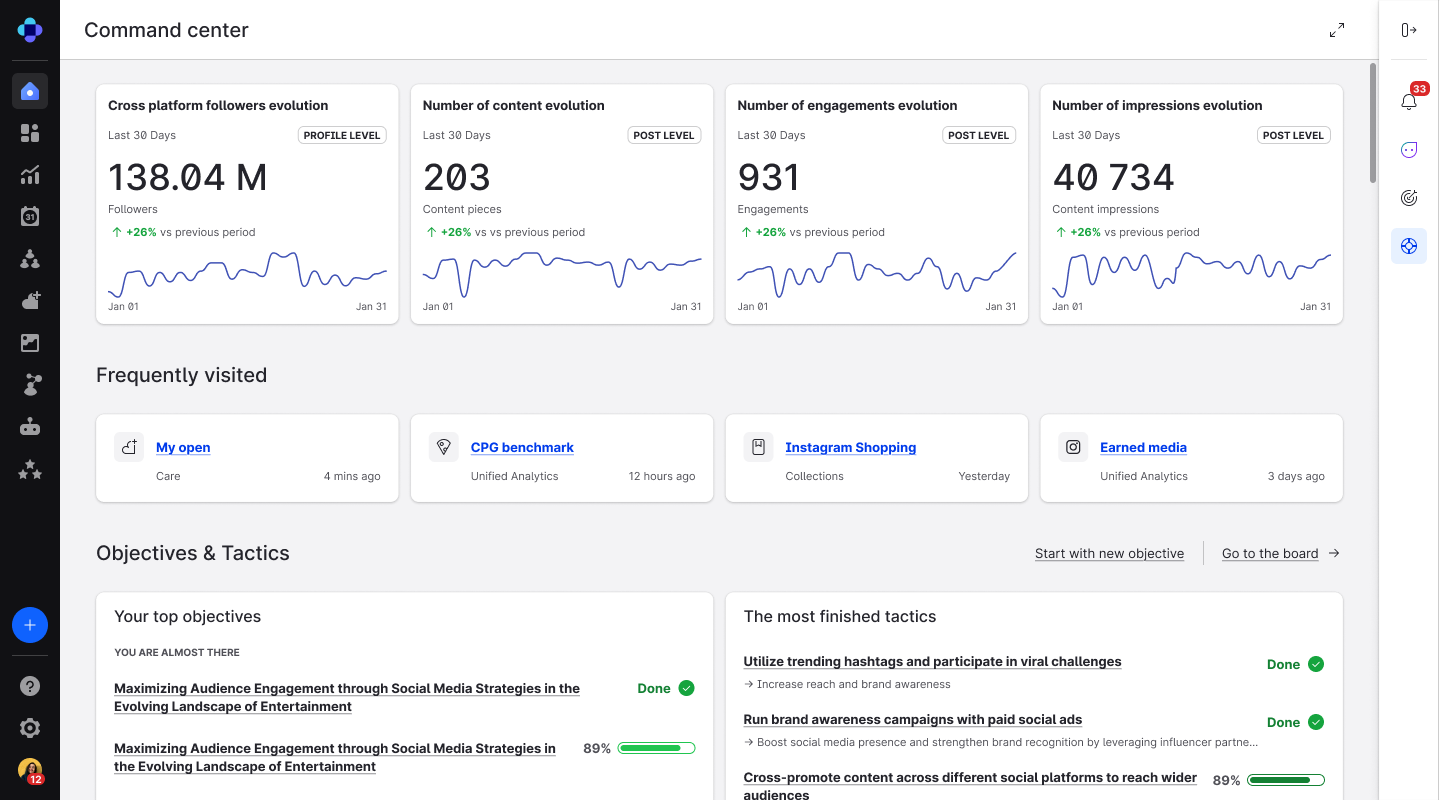
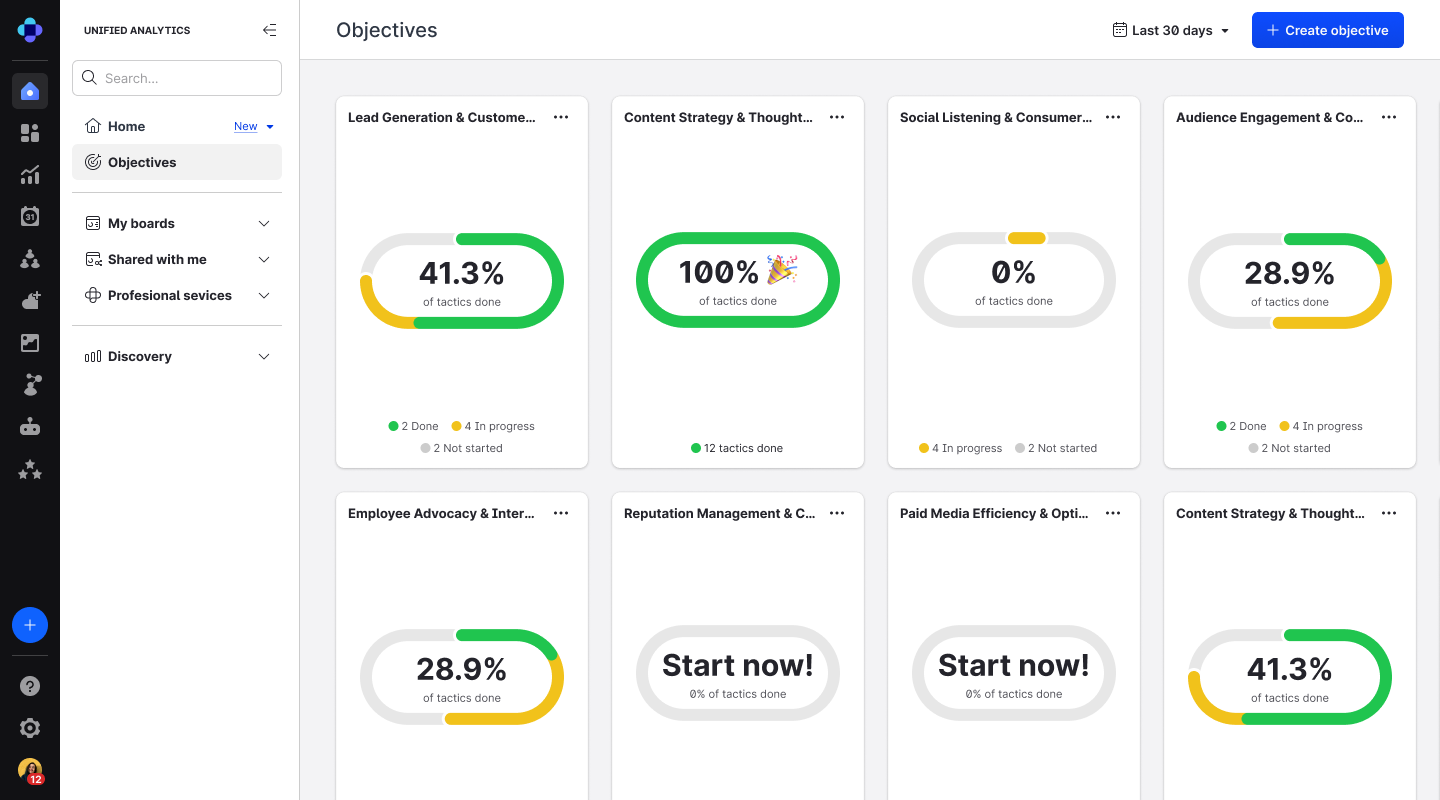
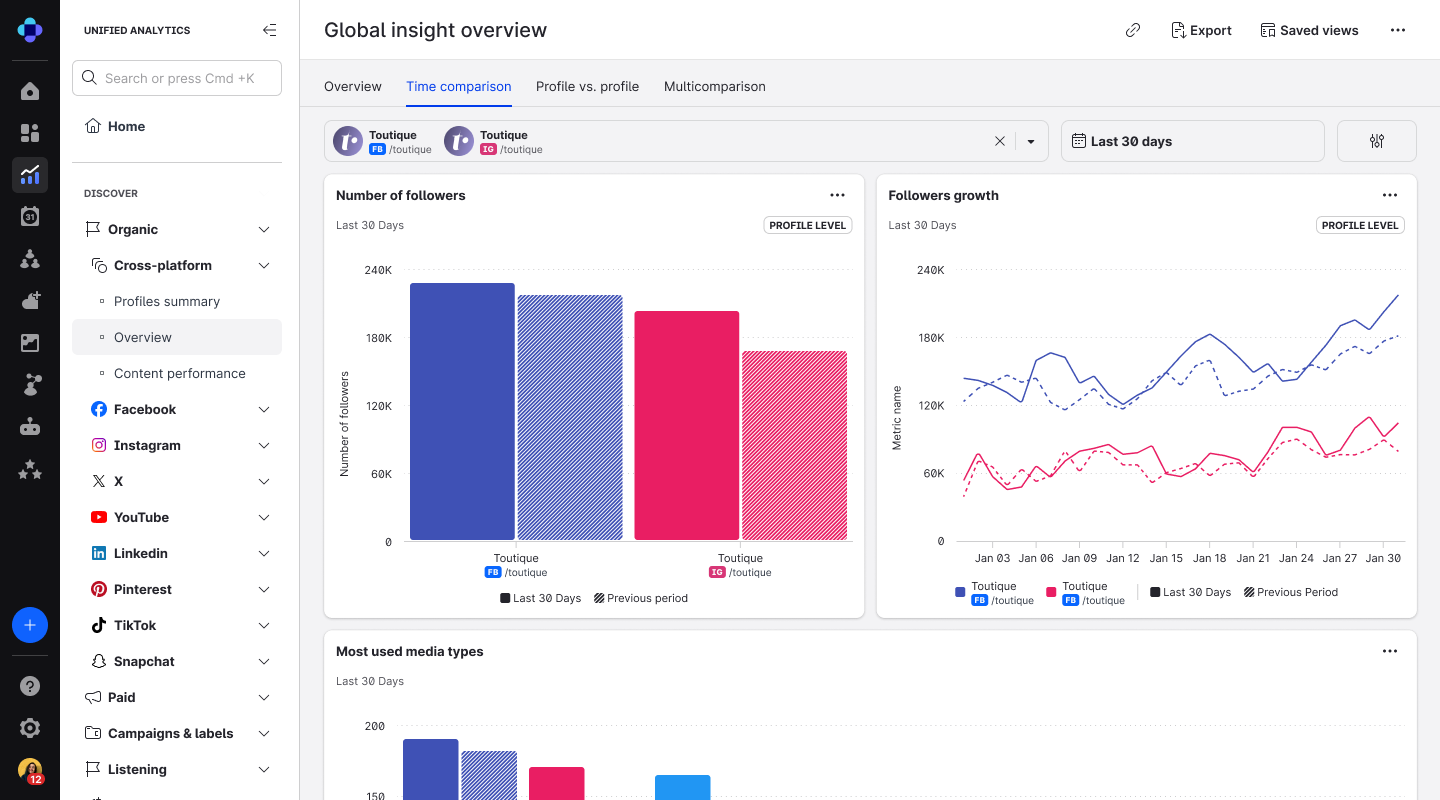
Emplifi offers a platform that enables brands to manage social marketing, commerce, and care. At the core of this platform is Emplifi Fuel — the outcome and enablement layer that connects all modules across marketing, commerce, and care. Fuel empowers brands to optimize the customer journey, unifying data, automation, and AI-driven insights to ensure every interaction drives meaningful business outcomes. The platform's core capabilities include:…
N/A
Zoho Desk
Score8.3 out of 10
N/A
Zoho Support is a Saas help desk / ticketing system aimed at SMBs. I competes most often with Zendesk, and Desk.com.
- Very well suited to grabbing top-level and more in-depth social performance data, across campaigns and BAU activity. - Not as well suited for moments where you need benchmarking or context of your performance compared with a previous time frame. This can be a bit clunky to go back and forth with as it requires multiple dashboards or consistent manual time-frame changes.
A de minimis incentive was given to thank the reviewer for their time. The incentive was not used to bias or drive a particular response, nor was the incentive contingent on a positive endorsement. More Info
Zoho Desk is a great customer service tool. It is very easy to track the ability to receive tickets and send responses in Zoho Desk. There are lots of options for customization. The knowledge base feature is very extensive and powerful. It makes creating internal and external FAQs easy.
A de minimis incentive was given to thank the reviewer for their time. The incentive was not used to bias or drive a particular response, nor was the incentive contingent on a positive endorsement. More Info
A de minimis incentive was given to thank the reviewer for their time. The incentive was not used to bias or drive a particular response, nor was the incentive contingent on a positive endorsement. More Info
Would love more robust search parameters for labels. ex. search for tickets labeled 'Availability' AND 'United States' but excluding any that are only one of those labels
Ability to break conversations into multiple tickets; so labels can be more accurate if the same person reaches out again after 3 months with a totally different question
The social account quick view doesn't always load the follower count for people reaching out to us. it makes it slower to manager messages from high level creators
The biggest drawback that I am facing while using the platform is that their ticketing system is not that great [in my opinion]. It does not give us the option to add sales tax and other charges in the invoices which leads to a big problem for us.
A de minimis incentive was given to thank the reviewer for their time. The incentive was not used to bias or drive a particular response, nor was the incentive contingent on a positive endorsement. More Info
the balance between quality and price si perfectperfect for agency that have many client to manage, because it helps us to save time (we don't have to plan content from every single account, only one click to look at different community and moderate...)it also help the team works: senior can review content direcly from emplifi; labeling DM/comments as done help us to track where a collegue stop and we have to startIt makes the content approval from clients very easy
A de minimis incentive was given to thank the reviewer for their time. The incentive was not used to bias or drive a particular response, nor was the incentive contingent on a positive endorsement. More Info
Since the main use of the Live Advisor is on the website that doesn't have e-commerce capabilities, it has been challenging to attach an specific metric to Emplifi's solutions and their usability in our websites. The Live Advisor is helping us to deliver our unique sale proposition in digital channels, which is great, but it is difficult to assign a higher mark in usability due to the limitation just explained.
A de minimis incentive was given to thank the reviewer for their time. The incentive was not used to bias or drive a particular response, nor was the incentive contingent on a positive endorsement. More Info
I give [Zoho Desk] [an] overall usability score of 9. This is partly due to the search functionality needs improvement. There are several times where I am left unable to find a ticket and have to generate a new one. I am hoping in the future that they will make some changes!
A de minimis incentive was given to thank the reviewer for their time. The incentive was not used to bias or drive a particular response, nor was the incentive contingent on a positive endorsement. More Info
We have a dedicated Customer Success manager, and that is very helpful. Anytime we have questions or need support, they are always there to answer. If thety do not know the solution, they always go around the bend to find one and provide it to us. They are always very kind.
A de minimis incentive was given to thank the reviewer for their time. The incentive was not used to bias or drive a particular response, nor was the incentive contingent on a positive endorsement. More Info
As Zoho Support is based in a different timezone to ours it can be an issue that we cannot get an immediate response to an issue. But I will say that once their Support is in the office they are fairly good to respond. they have resolved almost all issues I have told them about, but Zoho have also made system changes and not communicated these beforehand which means we are faced with something new and cannot get support on this until their support team is in the office
A de minimis incentive was given to thank the reviewer for their time. The incentive was not used to bias or drive a particular response, nor was the incentive contingent on a positive endorsement. More Info
We have used Sprinklr to source UGC content as well, but found the platform to be much more time intensive when searching for the desired images. Additionally, Emplifi's UGC tool has incremental tools the other platforms do not provide, including the ability to share images on digital screens within the property and put carousels on our websites.
A de minimis incentive was given to thank the reviewer for their time. The incentive was not used to bias or drive a particular response, nor was the incentive contingent on a positive endorsement. More Info
We selected Zoho Desk as we needed a platform that was going to allow the business to grow through both usage and staffing numbers. We wanted something cost-effective but still offered standard features in an effective cloud-delivered solution but would still allow customization by our internal dev team, to derive better value from the service where it natively didn't do what we needed it to. FreeAgent was okay for a while, but Zoho Desk has allowed a vast improvement in our service offering to end customers.
A de minimis incentive was given to thank the reviewer for their time. The incentive was not used to bias or drive a particular response, nor was the incentive contingent on a positive endorsement. More Info
A de minimis incentive was given to thank the reviewer for their time. The incentive was not used to bias or drive a particular response, nor was the incentive contingent on a positive endorsement. More Info
Zoho Desk has created an organised sytem of support which alows me to help my customers more efficiently.
By saving resolutions as articles, Zoho Desk has provided a training resource for current customers and support staff as part of solving problems.
All new customers become part of a database of customers who continue to receive support and education from forums created by the articles and customer questions.
A de minimis incentive was given to thank the reviewer for their time. The incentive was not used to bias or drive a particular response, nor was the incentive contingent on a positive endorsement. More Info