Expensify automates the entire spend management process. Scan receipts, track mileage, submit and approve expenses, manage corporate cards, reimburse employees, pay bills, send invoices, and book travel. Built for individuals and companies of all sizes, anywhere in the world.
$5
per month per user
TimeCamp
Score7.3 out of 10
Small Businesses (1-50 employees)
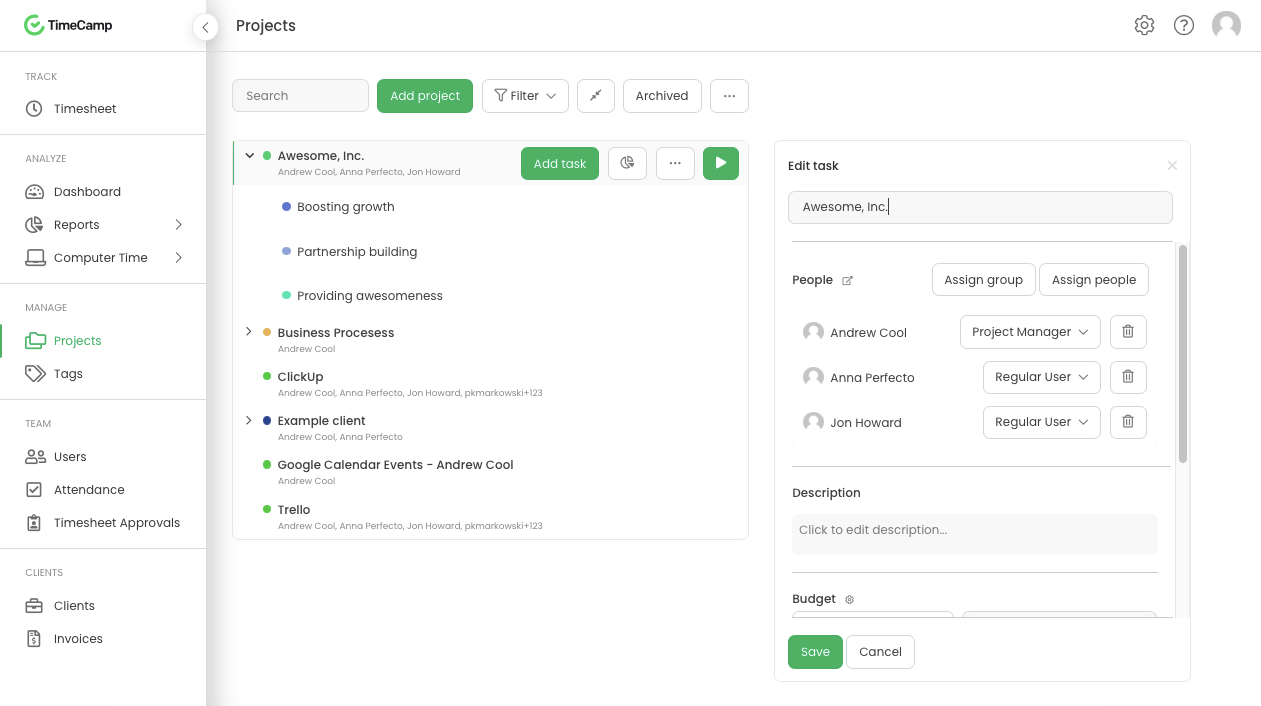
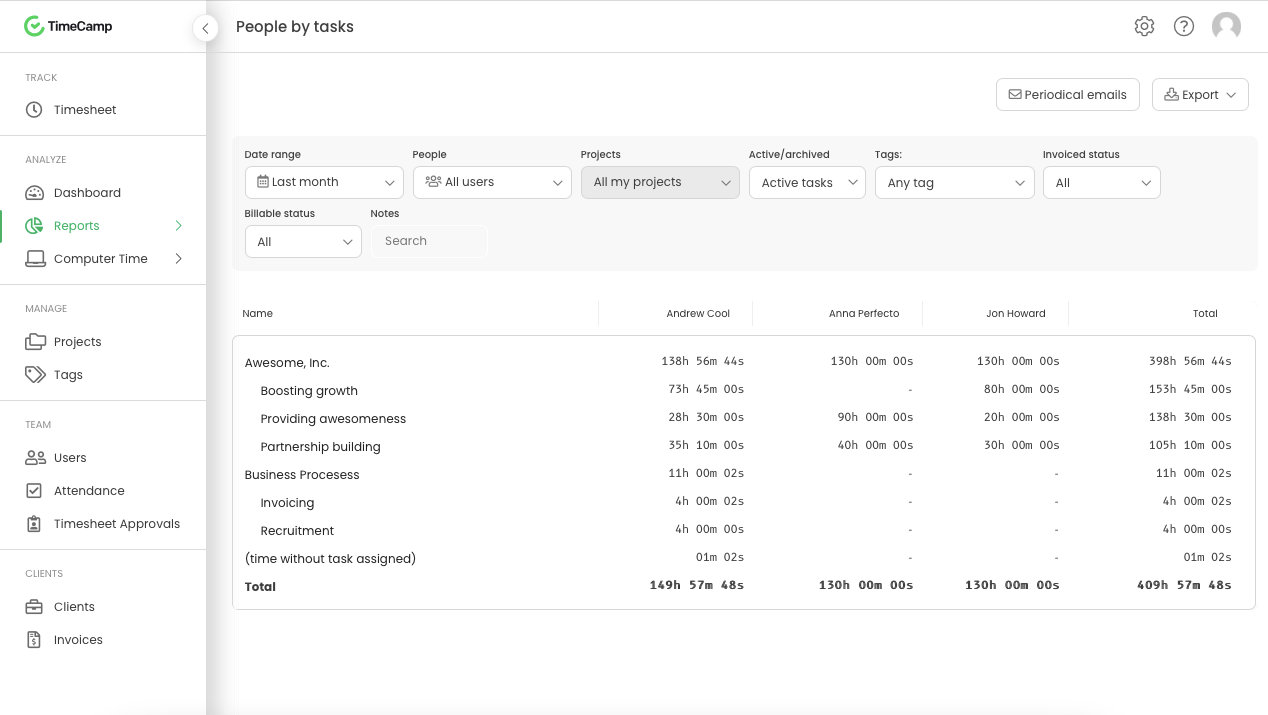
TimeCamp is cloud based, multi-platform (Windows, Mac, Linux, iOS, Android) time tracking and invoicing software.
$5.49
per month per user
Pricing
Expensify
TimeCamp
Editions & Modules
Collect
$5
per month per user
Control
$9
per month per user
Free
$0
free with limited features.
Starter
$5.49
per month per user
Premium
$9.99
per month per user
Ultimate
$13.99
per month per user
Enterprise
Custom
Offerings
Pricing Offerings
Expensify
TimeCamp
Free Trial
Yes
Yes
Free/Freemium Version
No
Yes
Premium Consulting/Integration Services
No
Yes
Entry-level Setup Fee
No setup fee
No setup fee
Additional Details
—
Discount available for annual billing. The free plan encompass all basic time tracking features for unlimited users.
I think it's really good for small businesses. At least in the way we use it. It's very good for keeping an eye on employee spending in nearly real time. I'm not sure how it works for larger companies when there is a larger number of people to keep track of.
A de minimis incentive was given to thank the reviewer for their time. The incentive was not used to bias or drive a particular response, nor was the incentive contingent on a positive endorsement. More Info
It is well suited for a company like ours, where we have different clients and can track hours per client/project. We charge hourly as well, so this is very important I wouldn't recommend it if you don't need to really track time of each task and that you are allowed to take your time with your daily tasks.
A de minimis incentive was given to thank the reviewer for their time. The incentive was not used to bias or drive a particular response, nor was the incentive contingent on a positive endorsement. More Info
A de minimis incentive was given to thank the reviewer for their time. The incentive was not used to bias or drive a particular response, nor was the incentive contingent on a positive endorsement. More Info
A de minimis incentive was given to thank the reviewer for their time. The incentive was not used to bias or drive a particular response, nor was the incentive contingent on a positive endorsement. More Info
I wish that I could sync accounts on the back end kind of like with banking software, so that Expensify would automatically port over receipts for recurring expenses as soon as they're available
It would be nice to one-click submit an expense all the way through instead of having to attach it to a report
Wackier profile icons? :) Not a big deal. This software is pretty much amazing as it is now, and typically the urge to update and modify very good software leads to poor outcomes!
A de minimis incentive was given to thank the reviewer for their time. The incentive was not used to bias or drive a particular response, nor was the incentive contingent on a positive endorsement. More Info
The interface is pretty good, but it could be better with some slight restructuring.
One thing that can be a bit annoying is the "Task" bar that displays on the screen showing the task and time. It is there to help you to remember to stop time when you end a task. It is needed but it would be nice if there were some design aspects to it so it could be made smaller.
A de minimis incentive was given to thank the reviewer for their time. The incentive was not used to bias or drive a particular response, nor was the incentive contingent on a positive endorsement. More Info
We like using the tool and we receive positive feedback from employees and management who use the tool. It saves time and helps us concentrate on the value adding activities so we are very likely to keep using Expensify in the future
A de minimis incentive was given to thank the reviewer for their time. The incentive was not used to bias or drive a particular response, nor was the incentive contingent on a positive endorsement. More Info
My rating of 8 out of 10 for Expensify's overall usability reflects its strong performance in empowering individual users and streamlining core expense processes, while acknowledging that there are specific areas, particularly on the administrative or enterprise side, where the user experience could be further refined. Exceptional End-User Experience (for basic tasks).Automation & Time-Saving Features.Clear Workflow for Approvers. Why it's not a perfect 10 (areas for improvement that dock points): Limited corporate bank to choose from, limited multi-currency to pay to ( for instance, as a foreign corporatio,n i cannot pay with my US account to Israeli employees, or pay to our UK employees)
Generally pretty easy to use and doesnt take too much training to get people started. Most of the main features are quite straightforward although some of the reporting and set up options can take a bit of time to figure out properly. The interface is a little cluttered in the browser but overall I think it is a pretty great tool
A de minimis incentive was given to thank the reviewer for their time. The incentive was not used to bias or drive a particular response, nor was the incentive contingent on a positive endorsement. More Info
Our rep has been amazing. He has built custom reports for us that have been very time consuming and difficult. Our reps are also currently looking into new submission solutions for us that we are excited about. They came up with this and recommended it on their own without me complaining about an issue. They are about our success and are very excited about the product they offer.
A de minimis incentive was given to thank the reviewer for their time. The incentive was not used to bias or drive a particular response, nor was the incentive contingent on a positive endorsement. More Info
I am giving support a rating of 8 but that is quite arbitrary. Honestly, we have never had the need to contact support for any reason. There has not been a situation where we became stuck and could not figure out how to work through it. Sign up was easy and billing is like clockwork so there has been no need to contact billing support. I think this is a testament to the ease of use of TimeCamp.
A de minimis incentive was given to thank the reviewer for their time. The incentive was not used to bias or drive a particular response, nor was the incentive contingent on a positive endorsement. More Info
The implementation process went rather smoothly, linking it to the bank and cards was handled easily. without too many unnecessary steps. Getting the accounts setup did take some time, but that would be true with any organization. All in all things went smoothly and I was very pleased with the setup and implementation process
It is definitely 10 times better than using an Excel spreadsheet. We are talking a digitized with AI type capabilities to do the work for you. It’s honestly a lifesaver. This beats manual calculations and data entry any day. Scanning 100 receipts and saving them to pdf files not only takes space on your storage but it is an extra unnecessary step
A de minimis incentive was given to thank the reviewer for their time. The incentive was not used to bias or drive a particular response, nor was the incentive contingent on a positive endorsement. More Info
Ultimately I selected Clockify instead of TimeCamp. As previously mentioned, I believe that TimeCamp wasn't that intuitive, and too many things were behind pay walls. Clockify offered the same features mostly for free. Although TimeCamps UX was sleeker than Clockify's I found that Clockify was a better fit for me.
A de minimis incentive was given to thank the reviewer for their time. The incentive was not used to bias or drive a particular response, nor was the incentive contingent on a positive endorsement. More Info
We went from paying credit card fees with no approval process to a no fees and complex approval processes.
I personally save time in not having to develop a spend report I just have my admin assistent fill in the details of the auto generated report and it is done. Went from an hour long process to 5- 10 minutes max to prepare a high quality audit ready report.
A de minimis incentive was given to thank the reviewer for their time. The incentive was not used to bias or drive a particular response, nor was the incentive contingent on a positive endorsement. More Info
A de minimis incentive was given to thank the reviewer for their time. The incentive was not used to bias or drive a particular response, nor was the incentive contingent on a positive endorsement. More Info