TrustRadius: an HG Insights company

Save this comparison

Save this comparison

Add Product

Recommended Comparisons

    Overview
    ProductRatingMost Used ByProduct SummaryStarting Price

    FigJam

    Score7.9 out of 10
    N/AFigJam is an online interactive whiteboard from Figma headquartered in San Francisco, presently in beta (2021) but available to the public in a free trial. The vendor states that in 2022, FigJam will have plans for $0, $8, and $15 per editor, per month.

    $5

    per month per editor

    GoTo Meeting

    Score8.5 out of 10
    N/AFrom GoTo (formerly LogMeIn), GoToMeeting is an online meeting, desktop sharing, and video conferencing software that enables users to connect via the internet. It hosts a suite of online meeting tools, including real-time screen sharing and integrated audio.

    $12

    per month

    Pricing
    FigJamGoTo Meeting
    Editions & Modules
    FigJam Professional
    $36
    per year per editor
    FigJam Organization
    $60
    per year per editor
    Professional
    $12.00
    Per Organizer / Per Month for 150 Participants [billed annually]
    Business
    $16.00
    Per Organizer / Per Month for 250 Participants [billed annually]
    Enterprise
    Custom Pricing
    3,000 Participants
    Offerings
    Pricing Offerings
    FigJamGoTo Meeting
    Free Trial
    YesYes
    Free/Freemium Version
    YesNo
    Premium Consulting/Integration Services
    NoYes
    Entry-level Setup FeeNo setup feeNo setup fee
    Additional Details—Pricing available by monthly or annual subscription, with discounts for annual commitments.
    More Pricing Information
    Community Pulse
    FigJamGoTo Meeting
    Considered Both Products
    Figma
    No answer on this topic
    GoTo formerly LogMeIn
    No answer on this topic
    Key User Insights
    Would buy again
    83%
    Would buy again
    5 Answers
    84%
    Would buy again
    260 Answers
    Delivers good value for the price
    83%
    Delivers good value for the price
    5 Answers
    92%
    Delivers good value for the price
    239 Answers
    Happy with the feature set
    67%
    Happy with the feature set
    4 Answers
    90%
    Happy with the feature set
    277 Answers
    Lived up to sales and marketing promises
    No answers on this topic
    94%
    Lived up to sales and marketing promises
    185 Answers
    Implementation went as expected
    No answers on this topic
    97%
    Implementation went as expected
    222 Answers
    Features
    FigJamGoTo Meeting
    Performance & Compatibility of Online Events Software
    Comparison of Performance & Compatibility of Online Events Software features of FigJam and GoTo Meeting
    Feature
    FigJam
    -
    Ratings
    GoTo Meeting
    8.1
    406 Ratings
    2% above category average
    High quality audio00 Ratings8.8406 Ratings
    High quality video00 Ratings8.7399 Ratings
    Low bandwidth requirements00 Ratings7.0374 Ratings
    Mobile support00 Ratings8.0321 Ratings
    Screen Sharing
    Comparison of Screen Sharing features of FigJam and GoTo Meeting
    Feature
    FigJam
    -
    Ratings
    GoTo Meeting
    8.2
    397 Ratings
    3% above category average
    Desktop sharing00 Ratings8.2397 Ratings
    Whiteboards00 Ratings8.1271 Ratings
    Online Meetings / Events
    Comparison of Online Meetings / Events features of FigJam and GoTo Meeting
    Feature
    FigJam
    -
    Ratings
    GoTo Meeting
    8.1
    398 Ratings
    1% below category average
    Calendar integration00 Ratings8.0354 Ratings
    Meeting initiation00 Ratings8.4385 Ratings
    Integrates with social media00 Ratings7.7197 Ratings
    Record meetings / events00 Ratings8.1361 Ratings
    Slideshows00 Ratings8.1311 Ratings
    Online Events Collaboration
    Comparison of Online Events Collaboration features of FigJam and GoTo Meeting
    Feature
    FigJam
    -
    Ratings
    GoTo Meeting
    8.3
    367 Ratings
    3% above category average
    Live chat00 Ratings8.3357 Ratings
    Audience polling00 Ratings8.1260 Ratings
    Q&A00 Ratings8.4284 Ratings
    Online Events Security
    Comparison of Online Events Security features of FigJam and GoTo Meeting
    Feature
    FigJam
    -
    Ratings
    GoTo Meeting
    8.1
    367 Ratings
    0% above category average
    User authentication00 Ratings8.0329 Ratings
    Participant roles & permissions00 Ratings8.2353 Ratings
    Confidential attendee list00 Ratings8.2289 Ratings
    Best Alternatives
    FigJamGoTo Meeting
    Small Businesses
    Whimsical
    Score9.3 out of 10
    ClickMeeting
    Score9.5 out of 10
    Medium-sized Companies
    Whimsical
    Score9.3 out of 10
    JioMeet
    Score9.8 out of 10
    Enterprises
    Whimsical
    Score9.3 out of 10
    Webex Meetings
    Score8.7 out of 10
    All AlternativesView all alternativesView all alternatives
    User Ratings
    FigJamGoTo Meeting
    Likelihood to Recommend
    8.0
    (6 ratings)
    8.3
    (441 ratings)
    Likelihood to Renew
    -
    (0 ratings)
    7.5
    (51 ratings)
    Usability
    8.6
    (3 ratings)
    4.9
    (35 ratings)
    Availability
    -
    (0 ratings)
    9.1
    (2 ratings)
    Performance
    -
    (0 ratings)
    9.1
    (2 ratings)
    Support Rating
    -
    (0 ratings)
    7.6
    (52 ratings)
    Online Training
    -
    (0 ratings)
    7.3
    (3 ratings)
    Implementation Rating
    -
    (0 ratings)
    8.9
    (8 ratings)
    Configurability
    -
    (0 ratings)
    4.5
    (2 ratings)
    Ease of integration
    -
    (0 ratings)
    3.0
    (1 ratings)
    Product Scalability
    -
    (0 ratings)
    9.0
    (1 ratings)
    Vendor post-sale
    -
    (0 ratings)
    4.0
    (1 ratings)
    Vendor pre-sale
    -
    (0 ratings)
    10.0
    (1 ratings)
    User Testimonials
    FigJamGoTo Meeting
    Likelihood to Recommend
    Figma
    If you're working in small product teams, like triads, and already using Figma, this is a no brainer for white boarding, quick/fast sketches, wireframing, collaborative doodling ... it gets less appropriate with large teams, infrequent. IMO, due to the way in which they price, it's better to keep the inner circle small-ish.
    Incentivized
    Read full review
    GoTo formerly LogMeIn
    I provide regular training as a big portion of my job. There is weekly training with an infinite number of users in attendance on any given date—GoTo Meeting is not the best option for this because I would have to mute users as they join the meeting. However, I also provide frequent training sessions to a small number of users that feature more individualized content, and having them able to mute/unmute at will is a better fit for a smaller group with in-depth materials.
    Incentivized
    Read full review
    Pros
    Figma
    • One file, auto updated, no need to get latest
    • Easy to preview
    • Lack of client is benefit to some (not me)
    Incentivized
    Read full review
    GoTo formerly LogMeIn
    • Excellent audio and video quality.
    • Functional and easy-to-use screen-sharing feature for product demonstrations and presentations.
    • Possibility of recording meetings that we can later review and share with those who could not attend.
    • Possibility of managing the microphone of the participants in host mode so as not to disturb the entire event.
    Incentivized
    Read full review
    Cons
    Figma
    • It misses easy-to-use pre sets of diagrams. The ones presented seem to be not native and hard to use. Miro is a good benchmark.
    • Navegating throught projects in the main page is confusing, specially when people are not admin users.
    • It should suggest ways of organizing the pages designers do, specially when the project is big and have many pages and sections.
    • It could have, for example, a draft version for every page, so that one can hide it when they finish the work, but can open it whenever something needs to be modified, versioning the job.
    Read full review
    GoTo formerly LogMeIn
    • We occasionally experience slow performance during screen sharing.
    • The help center should have detailed tutorials on commonly asked FAQs and also to initially set up the profile.
    • One of my initial thoughts regarding recordings was to edit them in the future when the product changes.
    Incentivized
    Read full review
    Likelihood to Renew
    Figma
    No answers on this topic
    GoTo formerly LogMeIn
    We used other software like goto meetings but found it best because of its user friendly interface and easy interfacing. It helped us in COVID and now we can say we are depending on it and love it. We recommend it to our friends company and they are also using it. It is very affordable and easy to integrate with system
    Incentivized
    Read full review
    Usability
    Figma
    I don't use it often, because the organization I work in uses a different environment on a commo basis. This is rather used between the designers, who prototype the solutions in Figma - they just have it as a workbook/notebook for their ideas. However, if those need to be shared with stakeholders or other organization members, the designers are expected to use a different environment.
    Incentivized
    Read full review
    GoTo formerly LogMeIn
    The simplicity of GoToMeetings desktop, mobile, and web-based applications make it a very robust and user-friendly meeting solution. At times, it may be more complex than needed, but it is nice to have so many features that can be used if needed. Once installed, it is very easy to use and navigate.
    Incentivized
    Read full review
    Reliability and Availability
    Figma
    No answers on this topic
    GoTo formerly LogMeIn
    This application has always been available. Never an issue
    Incentivized
    Read full review
    Performance
    Figma
    No answers on this topic
    GoTo formerly LogMeIn
    This application is fast. Loads fast, no stall
    Incentivized
    Read full review
    Support Rating
    Figma
    No answers on this topic
    GoTo formerly LogMeIn
    When we have issues, they seem to respond quickly and do everything they can to help us. They have even tried to find other ways we could get more use out of their product, or improve the way we are currently using it. Overall, their support has been fairly good for us.
    Incentivized
    Read full review
    Implementation Rating
    Figma
    No answers on this topic
    GoTo formerly LogMeIn
    It was very easy and self-explanatory.
    Incentivized
    Read full review
    Alternatives Considered
    Figma
    FigJam works best in pair with Figma, as it allows you to keep track of your project in one place, supporting all phases of the process. The functionality is more intuitive, quick, and efficient. Visually, I also prefer it more —it’s more enjoyable and playful, making the experience much more engaging.
    Incentivized
    Read full review
    GoTo formerly LogMeIn
    Many times, it seems like GoTo Meeting requires less bandwidth to run. We noticed with a few test machines that if you have over twenty video streams, this product could handle the load better than if we used Microsoft Teams and had many video streams.
    Incentivized
    Read full review
    Return on Investment
    Figma
    • FigJam saves a lot of time ... it's nice to have all my visual notes/sketches within Figma itself where a lot of design work lives
    • The project organization and other features contribute to the ease of answering that age old question ... "where can I find that mockup?"
    • Dev Mode is pretty cool. Not many use it, so some designers may spend unnecessary time spec'ing out things that no one will appreciate, let alone look at.
    Incentivized
    Read full review
    GoTo formerly LogMeIn
    • Any collaboration app these days are now a great addition for those organizations which have more than one office and they need to collaborate with each other.
    • GoTo Meeting can contribute to cost savings by reducing the need for extensive travel, accommodation, and related expenses associated with in-person meetings especially in case like us as we have multiple branches.
    Incentivized
    Read full review
    ScreenShots

    GoTo Meeting Screenshots

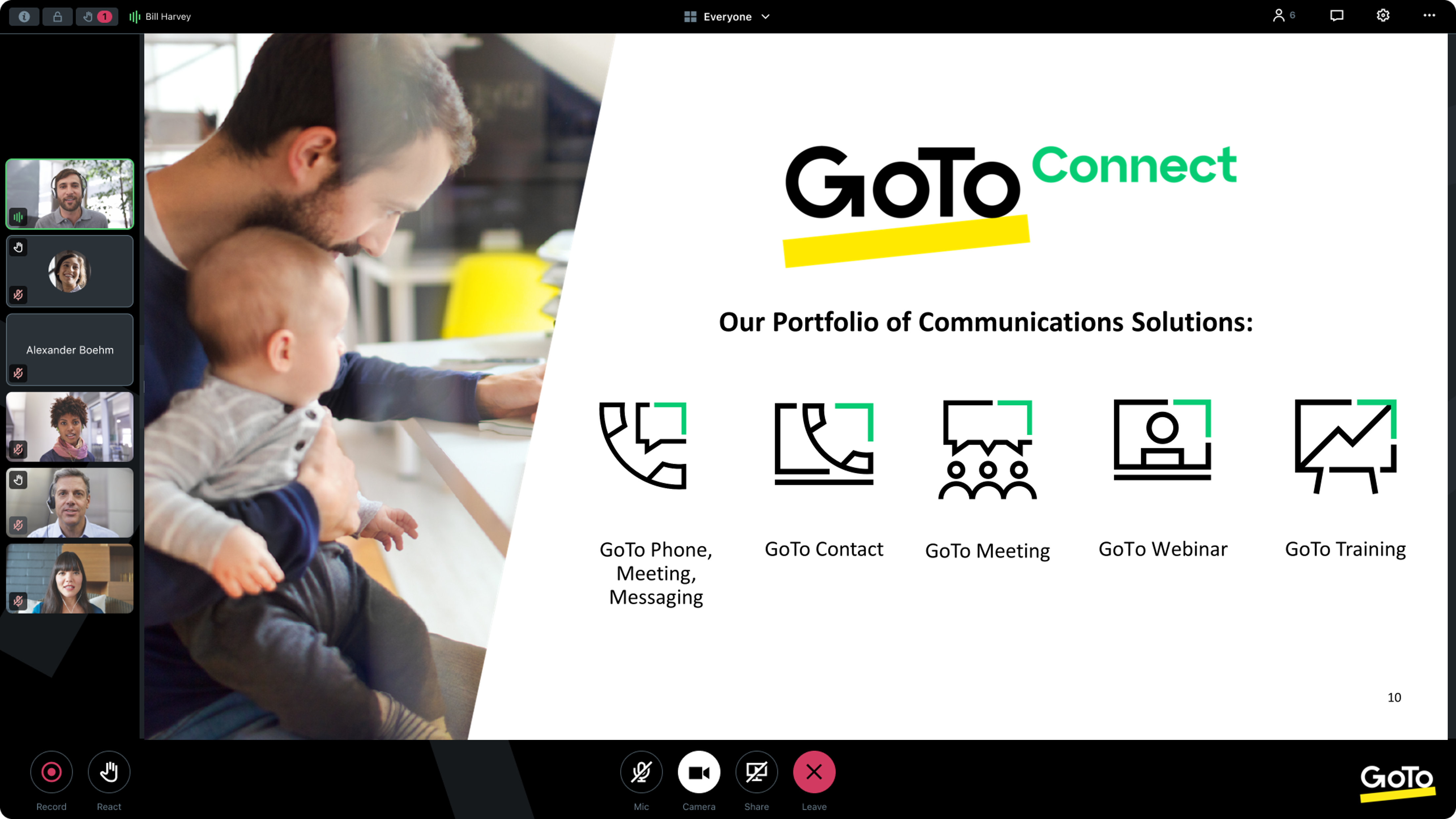
    Screenshot of GoTo App - Create Meeting (Out of Session)Screenshot of GoTo App - Join Meeting (Out of Session)Screenshot of GoTo App - Meeting (In Session)Screenshot of GoTo App - Mobile Meetings (Out of Session)Screenshot of GoTo App - Screen Share Meeting (In Session)