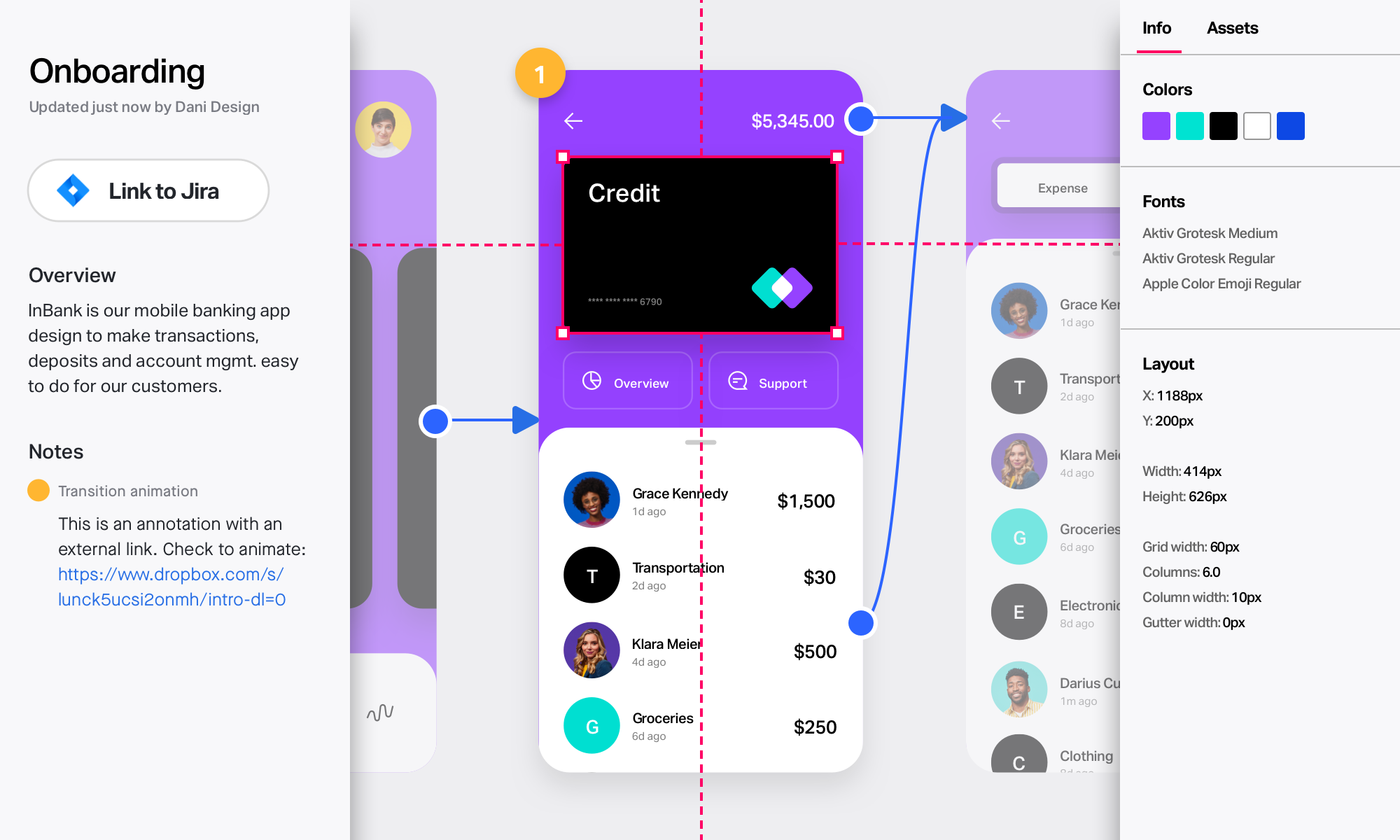
Figma, headquartered in San Francisco, offers their collaborative design and prototyping application to support digital product and UI development.
$144
per year
InVision
Score 7.9 out of 10
N/A
InVision is a collaborative design and prototyping platform with features such as freehand drafting mode and interactive mockups, collaboration, idea management, user testing, and integration with Slack and other collaboration tools. According to the vendor, 1 million designers are using the free version.
$0
Justinmind
Score 8.2 out of 10
N/A
Justinmind offer prototyping and interactive mockups for web and mobile apps, supporting interactive graphics, animations, and user testing, collaboration and feedback sharing, and requirements management.
N/A
Pricing
Figma
InVision
Justinmind
Editions & Modules
Professional
$144
per year
Organization
$540
per year
Starter
Free
Free
$0
Pro
$7.75
per user/per month
Enterprise
Contact Sales
No answers on this topic
Offerings
Pricing Offerings
Figma
InVision
Justinmind
Free Trial
No
No
No
Free/Freemium Version
Yes
No
No
Premium Consulting/Integration Services
No
No
No
Entry-level Setup Fee
No setup fee
No setup fee
No setup fee
Additional Details
—
—
—
More Pricing Information
Community Pulse
Figma
InVision
Justinmind
Considered Multiple Products
Figma
Verified User
Anonymous
Chose Figma
Not many other products, still very new in the product space.
I would use Figma for sure for any product design you need, for any marketing or visual illustrations related to a product or business. Even if the navigation between files/folders and within the design is not the best, the capabilities and focus on designing are the best in …
Figma is far superior to Canva in my opinion. Canva is a great tool for novice designers who need to rely on templates and a limited number of options to complete their tasks. Figma is much closer to Photoshop in its features and application, but separate from Photoshop in that …
It’s doing well in the canvas editing, whiteboarding with Figjam and commenting for feedback. It’s a better choice for collaboration and design fidelity so it won’t fully replace the AI tools we’ll keep using both and agree on the workflow between tools
It's up there - but needs tweaking to ensure. We were forced to move to Figma, but it's a great tool nevertheless. Miro offers usability functions for novice users that Figma is still not fully up to speed on. Miro's overall templates are more appealing, and AI usage in Miro is …
Figma was a huge turning point compared to its competitors, especially Adobe XD, a tool designed for the same purpose as Figma. I would say that it and all the other tools I mentioned, including those that do not have the same focus on UX design (Photoshop and Illustrator), …
Adobe XD is an absurd copycat that never got to have even 10% of Figma's features. It's hyper fast because it's native, but that's the only good thing it has.
Axure RP is an excellent prototyping software, with Local Variables and complex interactions. But it's also extremely …
Compared to Adobe XD, the Figma tool is much easier to use, offers more features, and has a much lower cost. Its features are less complex, making it very easy to teach beginners how to use it. The navigable prototype is also easier and more efficient to share in Figma compared …
Figma easily wins against adobe XD. Asset sharing on XD was a pain. Figma makes it really easy by allowing you to export any layer as an asset. XD had no comments making it incredibly hard to communicate with the designer in remote settings. XD's prototyping system was not good …
I learned UX Design using Sketch and my team was using Sketch when I joined. We no longer use Sketch, and therefore I cannot compare its current functionality to Figma, but at the time of our switch, Figma just had more advanced capabilities- better collaboration, auto-layout …
Miro is more user-friendly than Figma, but is less robust in terms of web prototyping and graphic design. While Figma isn't made to be used as a design tool, our team has taken to using it as such because it's richer in functions and personalizations compared to Miro and Figma.
Better auto layouts, components and prototyping capabilities. Variables in Figma are also a fantastic addition to create a robust, and scalable design system. I use these features all the time. Love them!
Figma compared to other tools has user friendly UI which is very easy for all levels of designers. Compared to Adobe XD and Sketch Figma is stable, while in other tools I have faced software crashing in the middle of the work which resulted in loss of data/design. Compared to …
I prefer to use it comparing to Adobe Xd. It surely is more intuitive and still develops itself providing new features (e.g. variables; however, I had to get used to the new interface). Now, if I had to compare it to Axure it'd depend on the project I'm working on. In case of …
Figma is the only tool that was build from the ground up for enterprise level distributed teams. If I were a one man shop or even a small team, I would consider sketch or other cheaper alternatives. For a large enterprise team, the only winner is Figma.
Figma is the go-to design tool that can be pushed to production very easily with developer tools. In my opinion it's the most complete design tool that considers the entire design process including the creation of solid design systems, high-fidelity prototyping, user testing, …
I think Figma is better because it's easier to create more visually appealing work. I would say that Figma is better for people who are used to using this sort of visual design software/platform. Whereas I think Miro is better for first time users, it doesn't offer as many …
I have only used InVision as a tool for designing mockups. I wouldn't be able to draw a fair comparison to other tools since I have more experience with InVision.
FigJam has more shapes, more importable reactions, and for me it's less likely to lag. It's also way easier to connect arrows to sticky notes in FigJam and overall rough designs look cleaner than in InVision.
[InVision] provides the ability to iterate really quickly, in fact, it is so intuitive that can be applied on live wireframe designing, while the ideas are being scratched and stormed from the team in a single discovery session, as well as allowing and giving access to the …
We went with InVision because we were already bought into that ecosystem. We have since decided to move to Figma, as we were not receiving the features we needed from InVision and the associated tools (Whimsical, Sketch, Abstract, and Zeplin). The ROI of Figma allows us to free …
InVision can be a powerful tool when paired with Sketch and other platforms like Freehand. However, Figma is currently the industry leader in terms of functionality and usability for collaborative UI design and prototyping. Invision's sharing and prototyping features are its …
Main difference is InVision's easy to use prototyping capability. When it is compared to Marvel and Axure RP, while it has less capabilities on tools it is more robust than both. I believe Figma is just a new and upgraded version of InVision where you could do everything online …
InVision is a bit limited overall compared to other programs like Figma, Photoshop, Illustrator and XD. At the time we selected InVision they were one of the leaders and introduced a lot of new features that were beneficial. However now we've moved back to many of the Adobe …
We only tested out using Adobe XD for similar uses and found it to be more challenging to fit within our processes. It didn't have as robust a set of capabilities as InVision and wasn't as easy to use enterprise wide. I recall also having issues with working with Sketch.
InVision was the best tool for our team. It has the features that best fit our process but is also flexible enough for make it work in various situations where visuals are a core component. We've been using InVision for over 5 years and we're not likely to move to another …
InVision's design is much more polished and seamless due to its apps on mobile and web. They are very easy to learn and gather feedback compared to Sketch or Principle. Although these features are quickly coming to the other apps, InVision has an upper hand at the moment with …
Zeplin also allows to share design spec and collect feedback, but the ability to have prototype changes the game.
Also, other products like Craft plugin is cherry on the cake.
Compared to other tools, InVision is a very solid tool with a great reputation and prototyping functionalities to back it up. InVision was the first prototyping tool we purchased, and it’s served us really well. However, more and more design tools are now also providing …
Balsamiq is a better tool for interactive prototyping and dynamic transition. InVision is definitely better for handling various designs, separated by projects and shared with different access levels across multiple organizations.
Other design tools have been creating their own prototyping functionality, which has made InVision less valuable over time. It is much more convenient to use the same tool for both design and prototyping, because it removes the unnecessary steps of exporting, importing, and …
InVision works seamlessly and easily when sharing and requesting comments from others. Other products I've used like Balsamiq and Dropbox (earlier versions) provided online displays of work, but no easy way to collect feedback or quickly update. InVision provides enterprise …
InVision is a great tool to use and well worth the price. However, if you're looking for some variety, UXPin and Figma are worth looking into too. While UXPin may be a tad simplistic in the design ability, Figma is a great competitor to InVision. Both tools are worth looking …
I actually haven't used anything that's similar to InVision, so can't compare. I'm not even sure there is anything out there that can actually compare to InVision. It's an ideal tool for any designer that wants to improve client/team feedback. I highly recommend it and look …
As the industry leader, XD and Figma have had some catching up to do. I think now InVision will have to innovate to hold these products off. Several are doing what made InVision famous, and in some instances do it even better. There is an insane amount of competition and …
All companies, agencies, and design and tech companies use Figma now. Our company uses adobe XD because our organization is global and large scale and they already had adobe licenses, and the product design team already had licenses for sketch applications. Justinmind comes …
I've used Adobe products like Photoshop and Illustrator to give lots of high quality details and depth to the mockups in the past for client meetings, or I have used Balsamiq for rough drafts for internal teams to show them a working idea on what needs to go on a screen. …
Figma allows us to create assets across multiple teams, such as email templates, website assets like site banners, product pictures, and Amazon/retail digital content. Outside of Figma, our design team still needs to rely on some other features to create all of our assets. This could include things like Adobe Illustrator, Photoshop, and GIF makers. It would be nice if Figma included some of the basic features of these other platforms so that we could create everything in one platform.
InVision is well suited for design reviews and immersing yourself in the experience of an app-to-be. As a Product Manager, it's difficult to take abstract concepts, user pain points, and business needs, and produce a vision for an app without a visual aid to communicate a vision. InVIsion offers PMs, designers, and developers the opportunity to sketch a vision, communicate about it with inline commenting, and shareable with other stakeholders.
It's best to make quick wireframes a lot easier and quicker than most tools out there. However, this is suited for basic design, wireframe, and prototyping but not for the advanced UI design, collaboration, or asset sharing. If you have never had prototyping experience, it is not so intuitive since you will have a learning curve that can take a while. As I said earlier, it needs to be more marketed and needs a lot more tutorials out there.
Prototyping in Figma is pretty much nothing more than a glorified slide show. Sure, variables, etc are available but it takes way to long to set them up and even more time when there are revisions needed.
It would be helpful if there were a contextual help system for various functionality. For example, advanced autolayout (like space between) can become very tricky to implement sometimes. I often wish there were an AI assistant to ask for help. I often use ChatGTP to help me through these times.
Searching layers needs to be much easier and more intuitive.
I would like to be able to make groups like the layers palette in Photoshop. That would help with organization and speed a lot.
Designs can be very slow to load on mobile devices, particularly when they include many screens.
There isn’t an offline version of the full app, which feels less-than-ideal for many of our teammates who live in areas with more spotty internet.
There are limited functionalities to portray animations and transitions. This hasn’t been a huge issue, but it makes the app feel a little out of date, considering the range of such functionalities in other apps.
Figma is a pretty cool tool in many areas. My team almost uses it on daily basis, such as, brainstorming on product/design topics, discussing prototypes created by designers. We even use it for retrospectives, which is super convenient and naturally keeps records of what the team discusses every month. Furthermore, I do see the potential of the product - currently we mainly use it for design topics, but it seems it is also a good fit for tech diagrams, which we probably will explore further in the future.
It's easy to use for designers who are familiar with design terms and functions from Photoshop and Illustrator. However, non-tech and non-designer collaborators have a hard time figuring out how to leave comments and apply changes, compared to other online design tools like Canva and Squarespace. Even simple drag-and-drops and rearrangement of certain blocks become too complicated due to uncommon functions like Hug and Lock.
Easy for prototyping, sharing for comments and review changes with version. lags a bit when the design is heavy and large design models learning curve is shorter so saves time with new stakeholders responsiveness could be better and auto modeling can be introduced Not much advance features that can be used
I haven't used their support lately but in the past, they had a chat that I used often. They often responded in a few hours and were able to give a satisfactory solution. I would imagine it's less personal now but the community has expanded drastically so there are more resources out there to self serve with a bit of Google magic.
I didn't need to contact InVision support, as I've never needed it. They have an intuitive UI, and most of the questions are answered in their help portal or in tutorials online. Since many people use it, there a great resources available on for example YouTube. No problems so far with InVision.
In-person training has its own benefits - 1. It helps in resolving queries then and there during the training. 2. I find classroom or in-person training more interactive. 3. Classroom or in-person training could be more practical in nature where participants can have an hands on experience with tools and clarify their doubts with the trainer.
Online training has its own merits and demerits - 1. Sometimes we may face issues with connectivity or the training content 2. The way training is being delivered becomes very important because not everyone is comfortable taking online training and learning by themselves. 3. With the advancement of technology online training has become popular but there is a segment of people who still prefer class-room training over online one.
I would use Figma for sure for any product design you need, for any marketing or visual illustrations related to a product or business. Even if the navigation between files/folders and within the design is not the best, the capabilities and focus on designing are the best in the market, vs other tools like Miro.
[InVision] provides the ability to iterate really quickly, in fact, it is so intuitive that can be applied on live wireframe designing, while the ideas are being scratched and stormed from the team in a single discovery session, as well as allowing and giving access to the whole organization to the final outcome
We have the Figma Org Plan subscription on the annual renewal basis, and we use Figma exclusively for all of our digital product design initiatives/projects. As we are still a very small & lean In-house UX/Product Design team, we see the value in using Figma to curate our Design System libraries which allow us to collaborate and partner with our PMs and Engineers quite well on multiple product design & development initiatives.