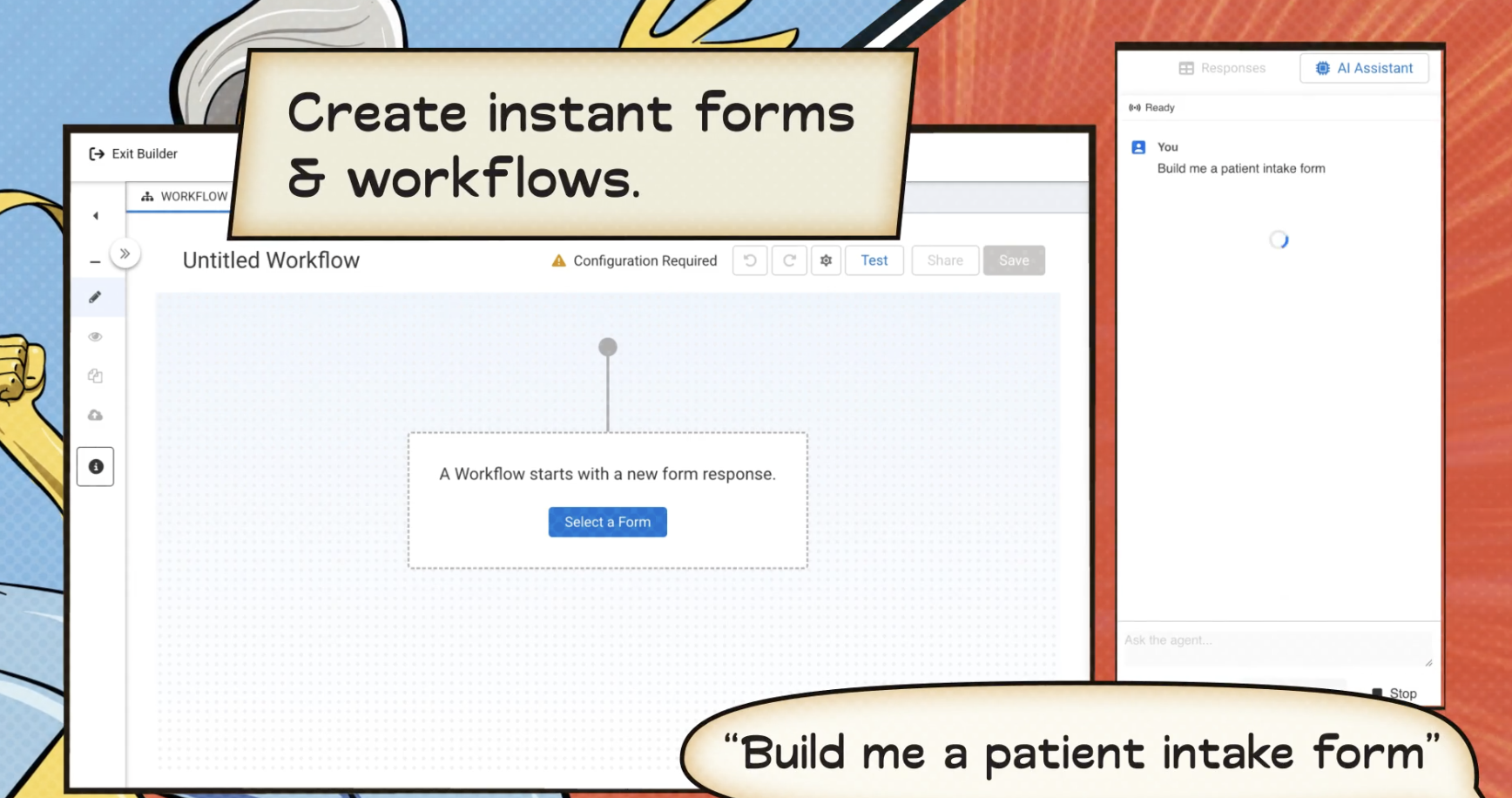
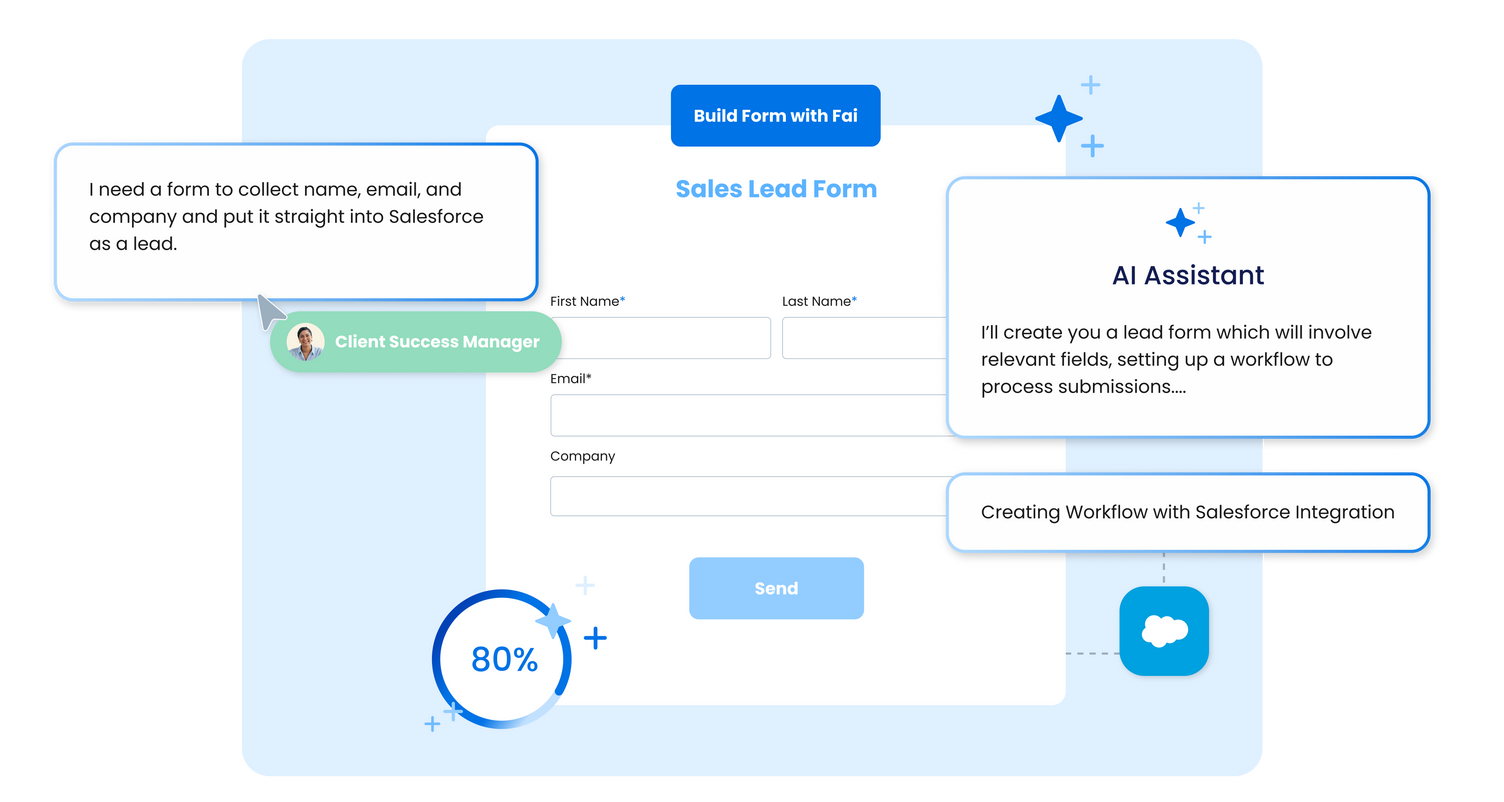
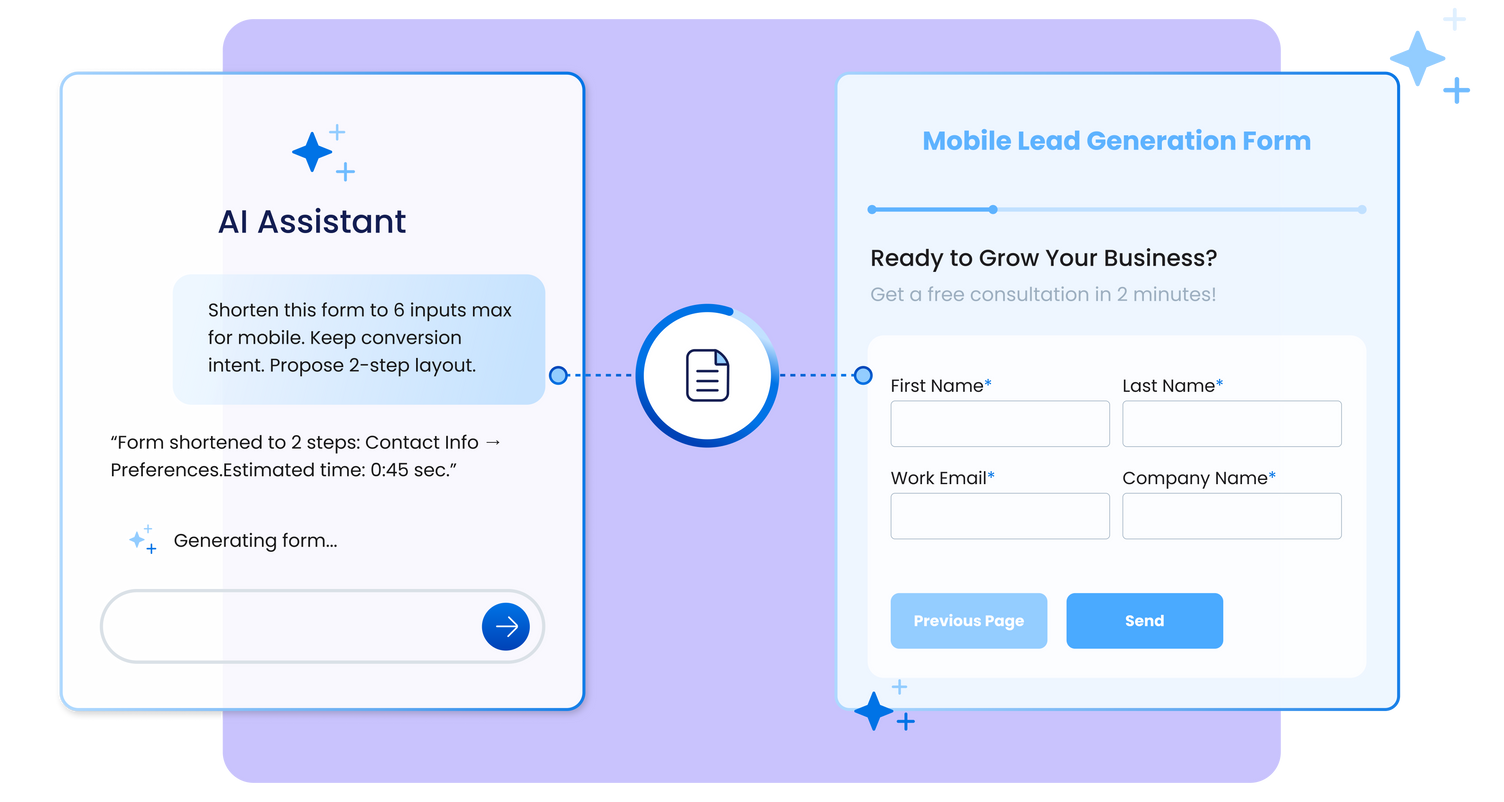
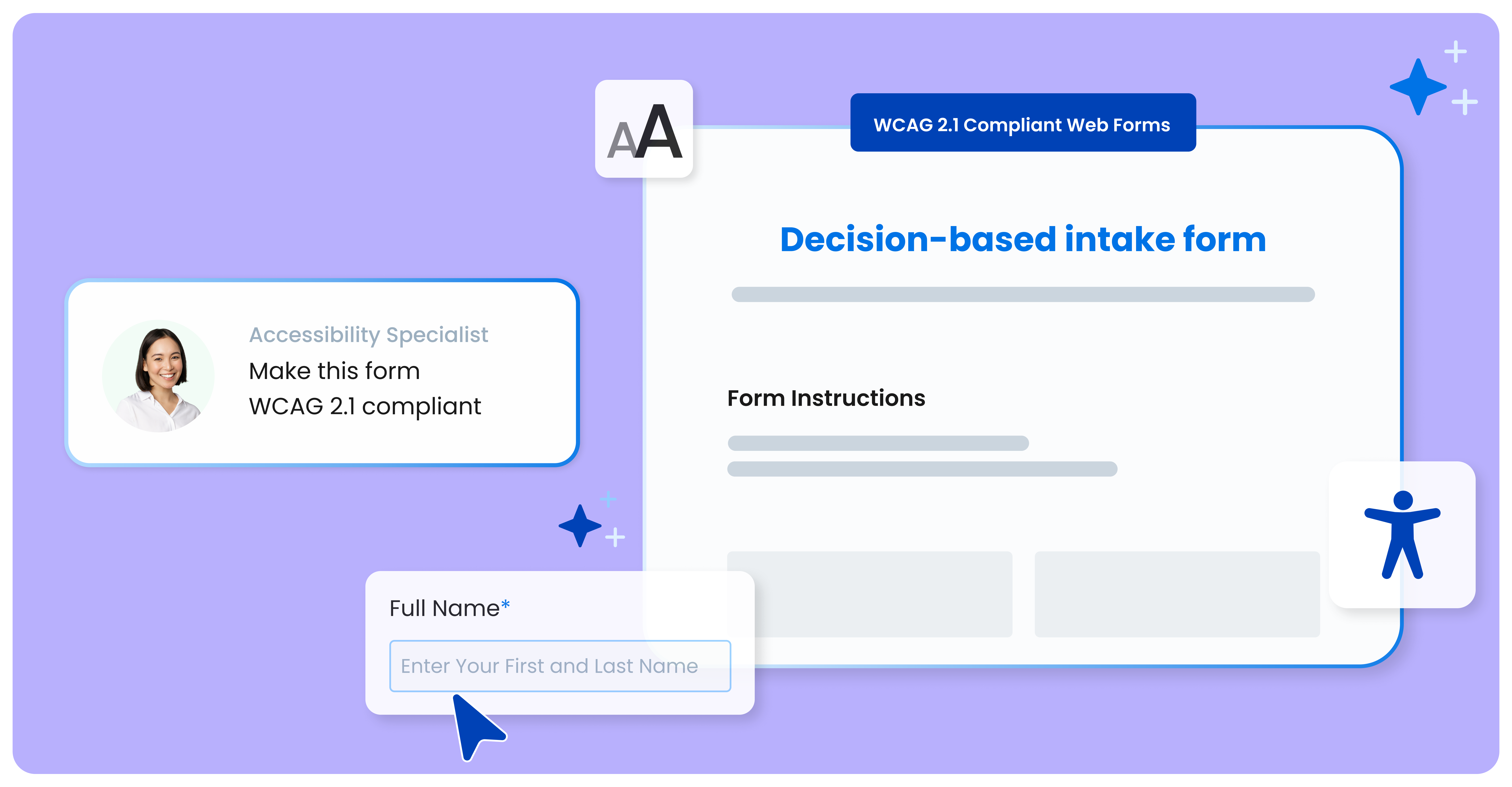
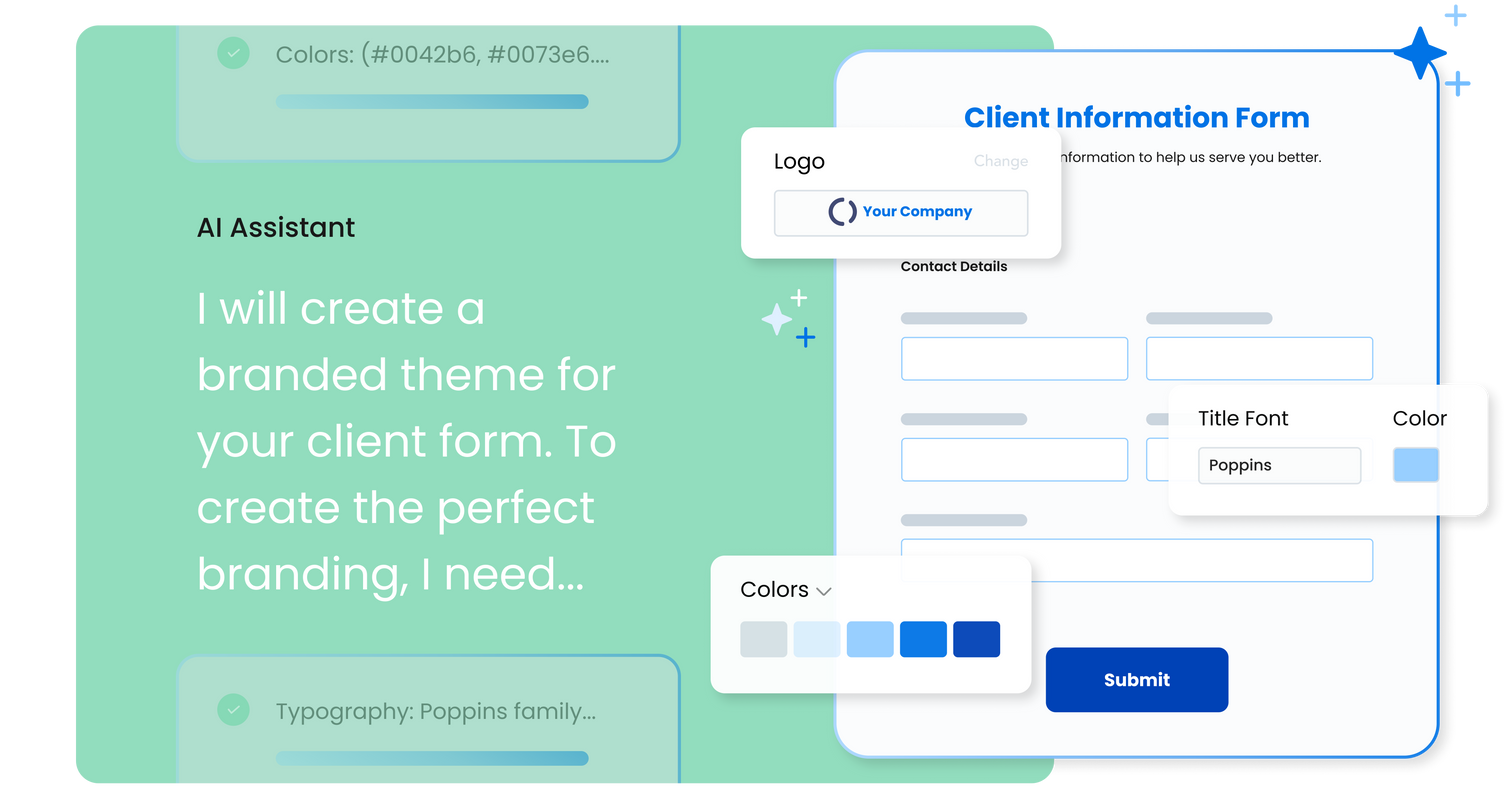
FormAssembly is an enterprise data collection and automation platform designed to enable organizations to capture clean, compliant data from the start. With the latest edition of the platform, FormAssembly Atlas, and its built-in AI assistant, Fai, forms and workflows build themselves, connect to Salesforce and other systems in just a few clicks, and ensure every record is structured, secure, and ready for automation or AI. In short, FormAssembly is designed to…
Well suited to get information into Salesforce. For the pricepoint you have to pay and the workflow you have to set up it is less appropriate when using Microsoft 365. The Google connector is very simple and you can use it with forms, it hinders us that is not an option unless a workflow is used.
It's a convenient tool for questionnaires, surveys, and other reasons when you need to get people's feedback. We really enjoyed using this instrument, even though it can be a bit overwhelming at times. Also, it might take some time to create a survey if you have complicated business logic implemented, but that would take some time using any kind of instruments.
Integrating with Salesforce - mapping fields is straightforward, and custom formulas allow for some increased complexity in processing.
Scalability - we leverage the URL pre-fill and dynamic picklist features to use a single form for multiple different programs.
Simple form building via point-and-click is relatively easy. Hidden fields, conditionals, and repeat sections are useful features for more complex form needs.
Custom CSS option is useful - has allowed us to visually integrate FormAssembly forms onto our website via iframe.
FormAssembly could do a much better job supporting customers. As I mentioned, FormAssembly is critical to our day-to-day operations, so it is very important to us that support is prompt and reliable when we reach out. Unfortunately, this has not been our experience. For example, on more than one occasion, I had a support case open for months without hearing back, despite repeatedly following up.
FormAssembly could make troubleshooting and configuration updates easier by improving their user interface. Salesforce, for example, has a feature called "Where is this used?" for fields, which makes it easy to address bugs and make changes efficiently and effectively.
FormAssembly could benefit from improving training and support resources.
FormAssembly continues to meet our needs, and the product functionality continues to grow, providing us with new opportunities to utilize the software. We've built many forms and associated processes on FormAssembly. It would require a large effort to migrate to another platform. We have invested a lot of time in learning FormAssembly.
The UI is very intuitive and easy to use, even if you've never used a form building platform before. There is plenty of easy-to-find documentation so if you're unsure on anything, you can sense-check it. I also love the drag-and-drop form building. It is a breeze to use, especially compared to other form builders which are quite clunky, or where the functionality takes a lot of clicks to reach. Everything is easily accessible and ready to use with FormAssembly.
While it's not a true development package and misses some features like ingestion of external data for lists, etc... the product is fast, stable, easy to use, and will suit the needs of anyone needing online form functionality with SalesForce and other connectors available for your marketing needs.
We have had several moments when we needed the support (mostly it was when we were working on creating business logic for the survey and sometimes things didn't work as we expected them to). The KeySurvey support team was very friendly and helpful via chat and in case they couldn't solve the issue right at that moment, they always came back to us with a solution to our issue
FormAssembly's features were more expansive than SurveyMonkey, in my opinion. When doing a comparison, we really liked that we could set up formulas to calculate expenses for us and that they would be easy to update as needed for rates that change from year to year.
In terms of a business logic implementation, I think KeySurvey had the most extensive features. Granted, I haven't used a paid version of SurveyMonkey, but for our purposes, the customization KeySurvey offered us (implementing our corporate colors, fonts, and logos) was one of the best features and it looked professional. Also, the name "KeySurvey" kind of sounds better and more business-like for clients from enterprise companies.