Google Sheets is the spreadsheet app available on Google Workspace, or standalone, with a free plan for personal use and accessible via mobile apps for iOS and Android.
N/A
Zoho Tables
Score 8.2 out of 10
N/A
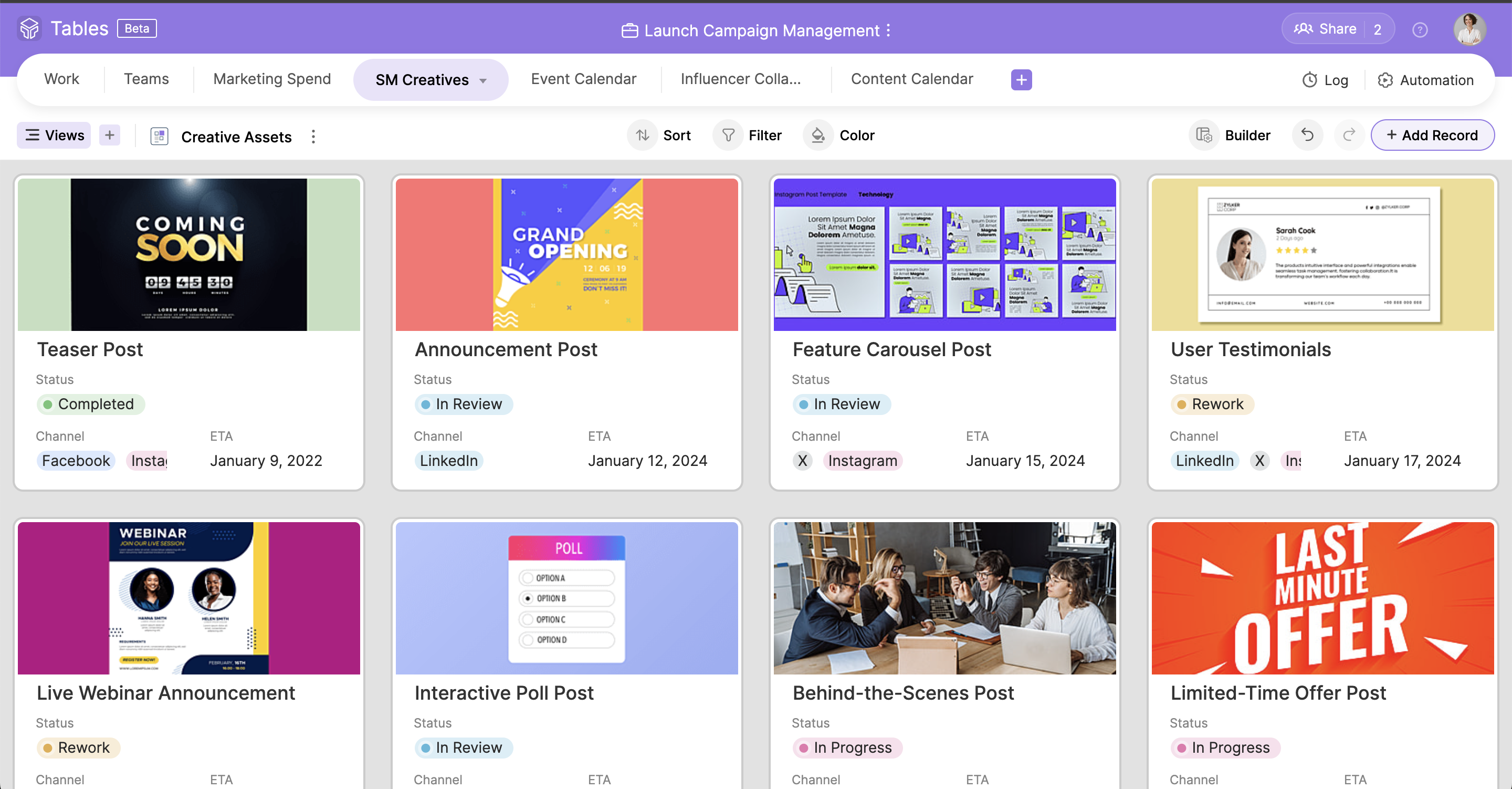
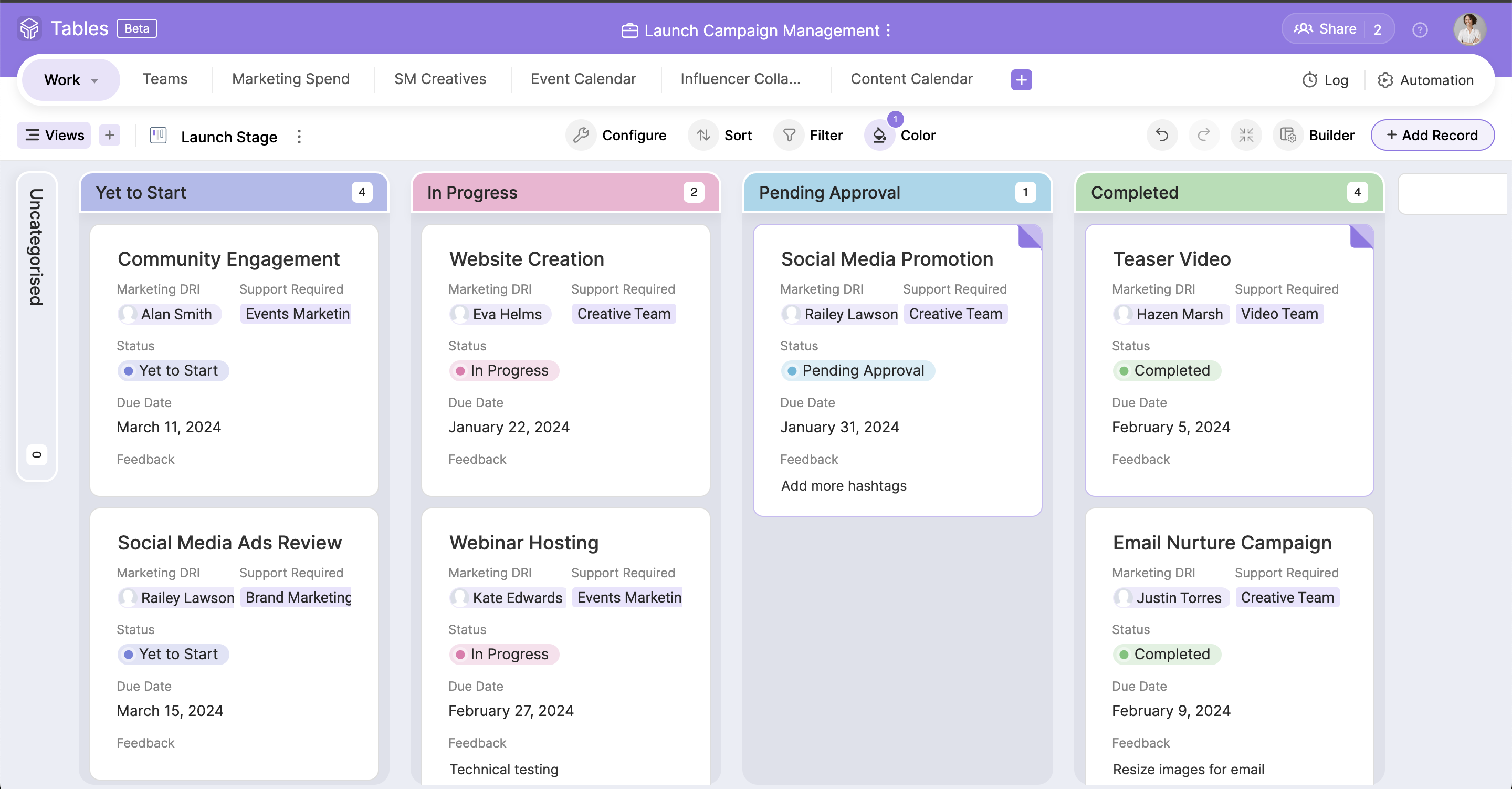
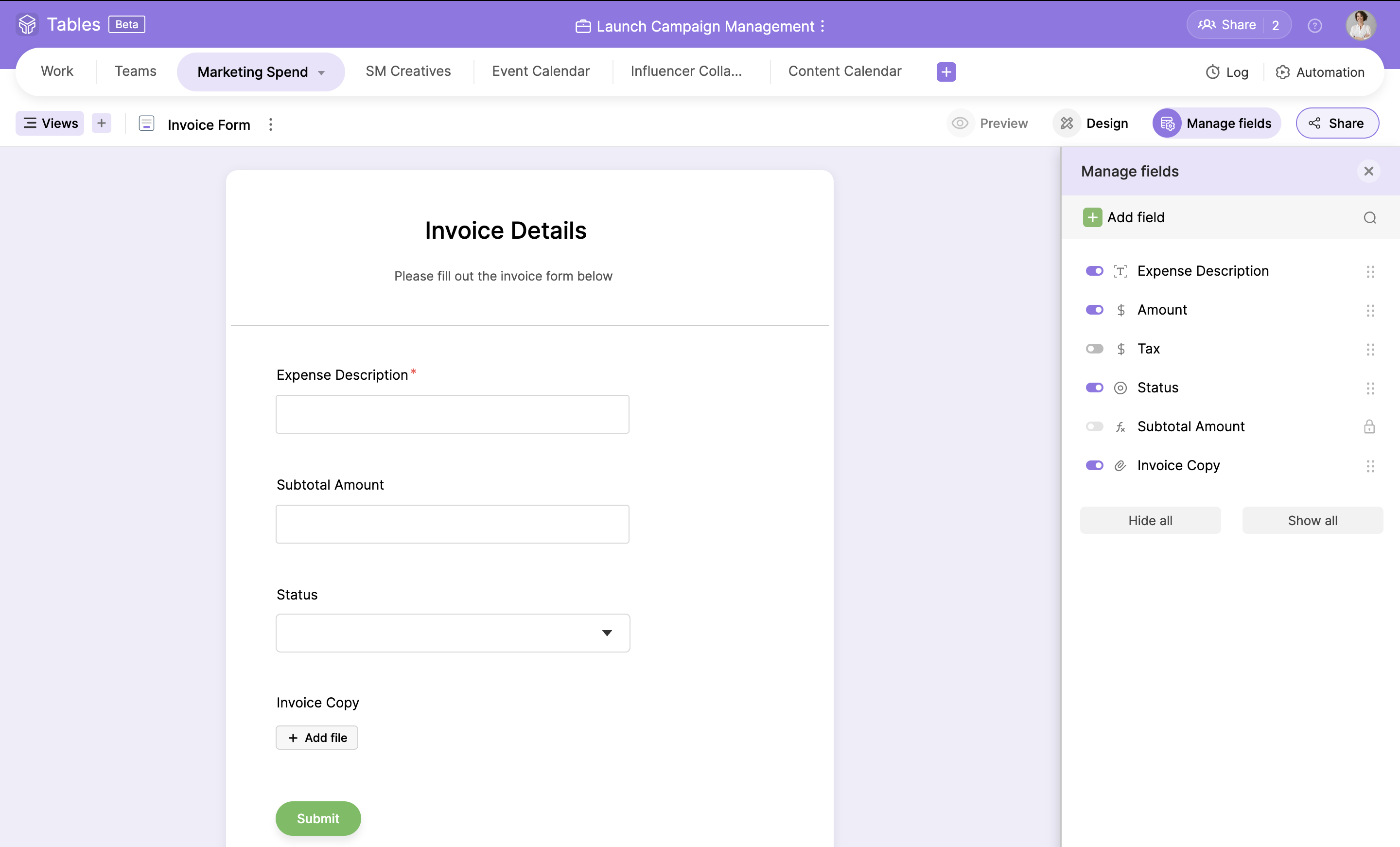
Zoho Tables is a no-code spreadsheet-and-database hybrid, combining familiar spreadsheet workflows with the advanced capabilities of a relational database. With five distinct views—Grid, Gallery, Kanban, Calendar, and Form—Zoho Tables allows users to visualize data in the way that best suits the task. It can also be used to build interactive dashboards to bring key metrics together, monitor progress, and gain valuable insights at a glance. Beyond…
Google Sheets is well suited in two main areas: is free to use and you don't need to buy a license to use it, comparing to the most direct competitors ; collaboration is in my opinion the best advantage, with multiple people working together and seeing others working in real time. It's less appropriate in low connectivity environments (offline capabilities)
Zoho Tables has been great! I have outlined many of my descriptions in my previous answers. It works great for many things, and could do with just a bit more refinement in the ability to customize what it can turn into. However, the best part of Zoho Tables is the simplicity of its original "blank" state. With the right pre-made User-defined automations for primary zoho apps such as projects and CRM, this would become our commonly used tool as a central hub for all our operations.
Collaborative planning : In the initial phase of project, Team leads and architects create a permission matrix along with the naming convention simultaneously, seeing who is editing / adding the details in real-time.
Cost tracking : We use this tool to track cloud resource usage monthly costs, so that we can analyse it and send out comms for high cost based resources. By storing cost data here, it's easy for use to store data of last couple of years.
Flexible documentation : For change logging of different scenarios we would need different / ad-hoc columns to be added on the fly, which makes using this tool much simpler then reputed third party tools.
Ability to create subgroups in a simple fashion in the Zoho Tables. That allows for drop downs. Does not change the formatting of any cells unless specifically addressed by user. But a light column is added at the start of the table with a button to dropdown each row.
Ability to fill a cell with color without reason or specific selection of field options, add an option for a simple color bucket fill.
It would be great to have an efficient way of updating tasks, projects, etc all on one table easily set up by the user! (Ie. When column "Next Action" equals "Add Task to Project 1" without using deluge)
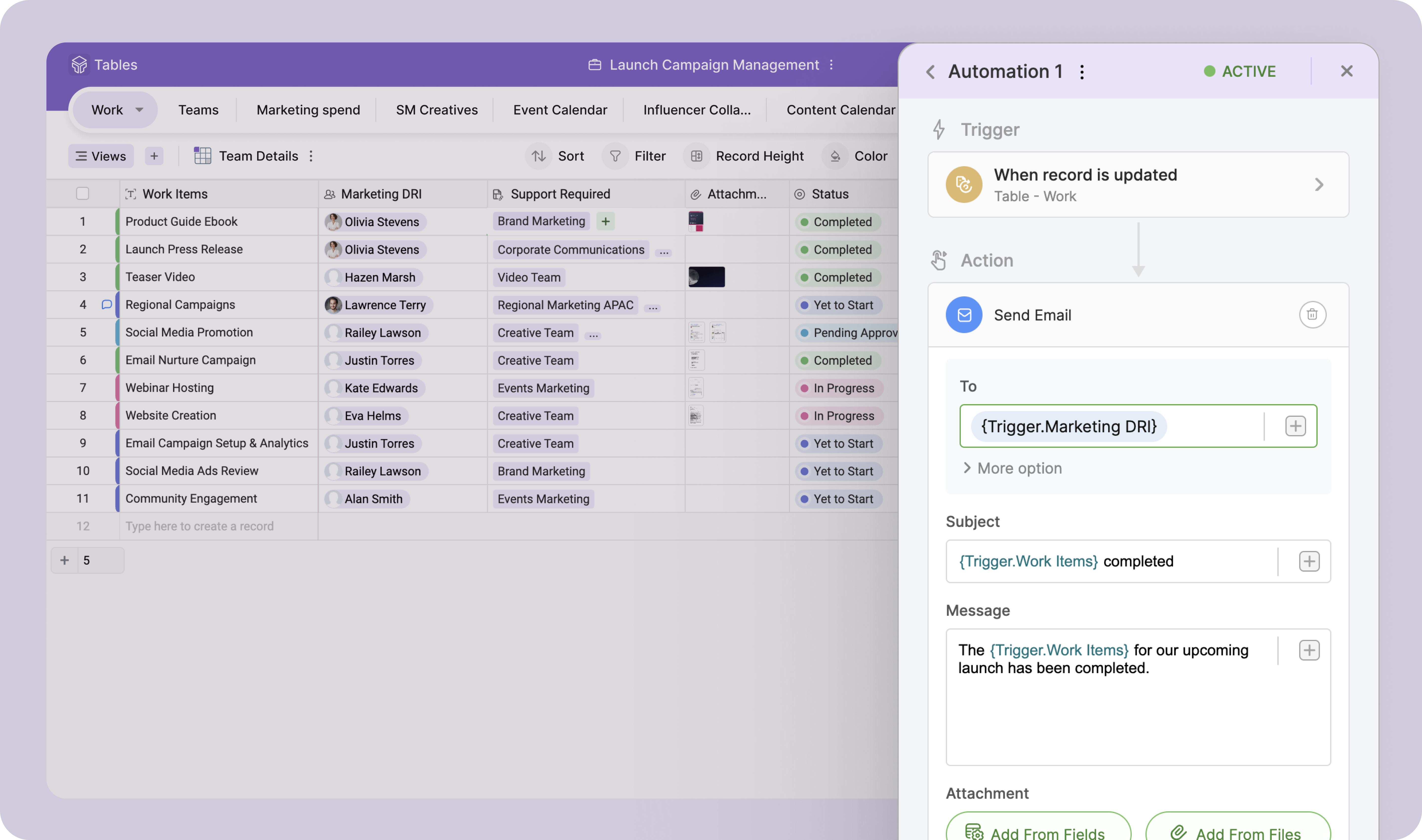
The best pre-made automations for Zoho Tables would be with all {} being user defined selections:
- Update {Selected Task Field} on {Task} when {Column}...
- When {Row} on table is created or edited: Add {Column} as a Task on {Project} in {Task List} then map {Related Table Columns} to {Project Columns}
I am not involved in the purchase/selection process, but my organization is a Google shop, and Sheets meets most of our spreadsheet needs and works seamlessly with our other tools. I don't anticipate our switching anytime soon.
It can easily handle most uses and functions. It is only for very large datasets or advanced analysis that it either lacks the proper functions or performance begins to slow. Most employees who continue to use competitors' products do so out of preference, familiarity with the user interface, or other surface-level reasons.
Simple to use and as a Zoho user, for over a year, I had no issues whatsoever implementing tables almost within minutes to replace Airtable and other databases that were being used as intermediaries, without the automation. Highly recommend (note: in very early stages of testing)
Like most Google products, Google Sheets rarely has outages or slowness, and when it does, connection is always momentarily restored. I can't recall a time when I've been unable to access Google Sheets but able to access other sites just fine. That said, errors aren't uncommon when handling large data volume. You know what they say about using spreadsheets as databases, but sometimes it's just the most convenient option, especially for smaller or one-off projects, and not being able to store large amounts of data hampers our ability to move quickly with scrappy prototypes or full solutions. It would be great if we could better integrate our data manipulation (Apps Script) with big data in the sheet.
Again, Google Sheets is no exception to Google's general high speed and reliability, but load times can be slow for larger amounts of data. I've used Sheets with Zapier and have used the Python API, and speed has never been an issue.
I have never contacted Google Sheets support, but Google Sheets makes it very easy to report an issue or suggest a feature from Sheets itself (Help > Help Sheets improve), and I've had mostly good experiences with support for other Google products.
I have found that I can do almost everything I could have done in Microsoft Excel faster and easier in Google Sheets. We recommend Google Sheets in 99.9% of our use cases and feel it meets the needs of our workers very well. I am sure there are other spreadsheet creation programs out there, but because we are already in the Google environment, adopting Google Sheets in very easy.
Zoho Projects is great for it's intended use to track and manage projects, and the CRM is also great for it's intended use. However, when you are managing operations, everything essentially "ties" together when you are needing to make next decisions. This really comes into play for meetings, and to do lists, etc. Sometimes, all of the detail does not matter when you are trying to operate efficiently. For example, during a meeting, many times we will review KPIs (comes from CRM but in Analytics), then projects, and then general topics. At all points throughout the meeting, tasks are coming up which need to be added, etc. All range vastly resulting in a lot of different places. With Zoho Tables, I am basically working on a blank canvas of cells that can pull data from where I need it too and the more user friendly the ability to set up automations and workflows to be a central hub/home base type tool, the better it would be!
I'm not involved with the purchase, but I assume everything goes smoothly and that the pricing structure is predictable and reasonable. We do not get surprise fees.
Google Sheets works very well with multiple users. It's convenient to see in real-time who is collaborating in a sheet, down to the specific cell that they're viewing/editing. Linking Sheets across departments is convenient with the IMPORTRANGE function.
Don't need to pay for windows 365 license as it is free
Has a positive impact since I am not cursing excel for annoying problems(I don't want the new Pivot table format, I want to use Classic and I don't want to expand/collapse arrows. "x$#%")
[Haven't] looked at return on investment on work, but has "simplified" for basic and medium spreadsheets.
I have not had much ROI on this specific tool just yet. But I do foresee the ability to streamline a lot of our operations as we are beginning to scale.