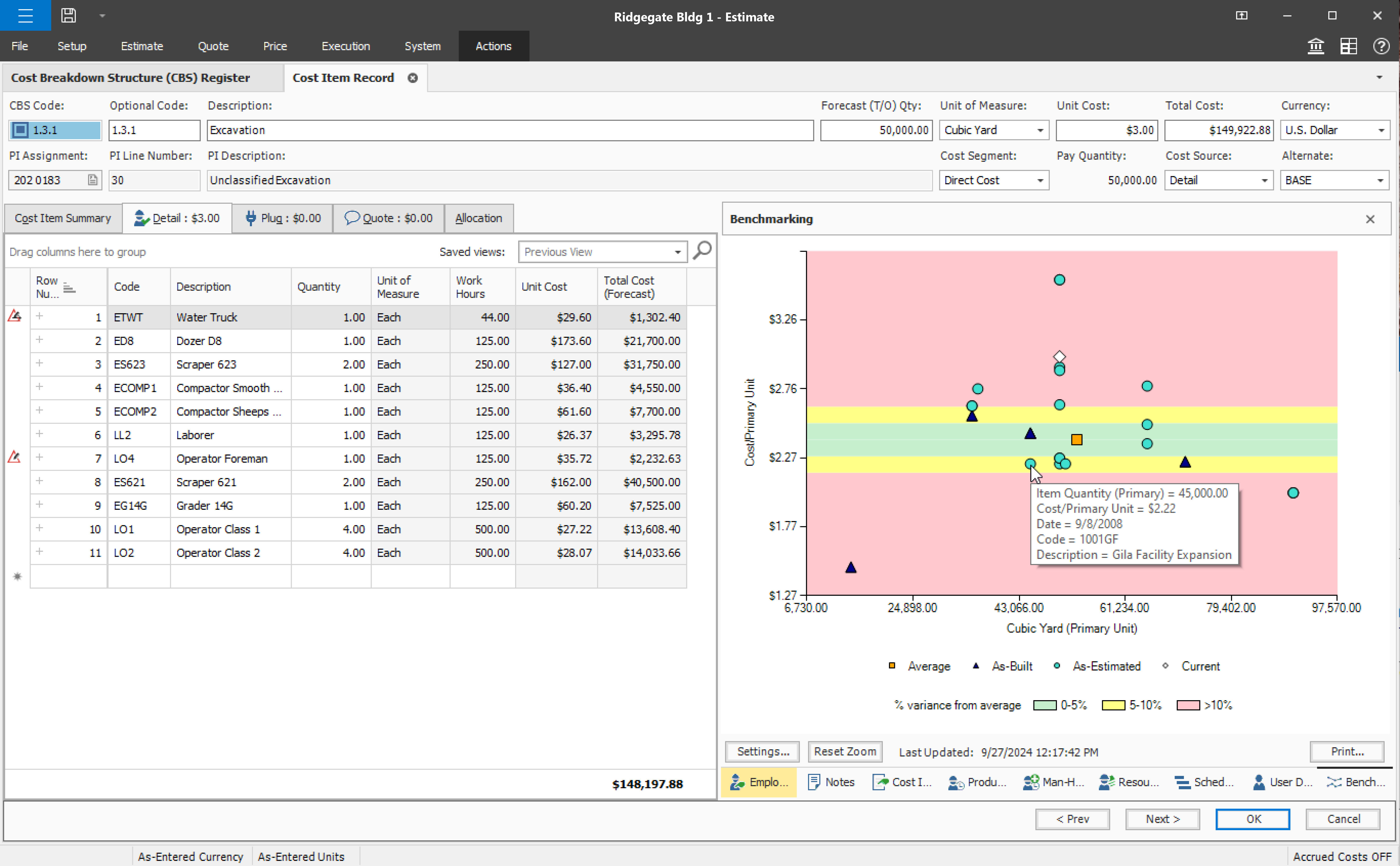
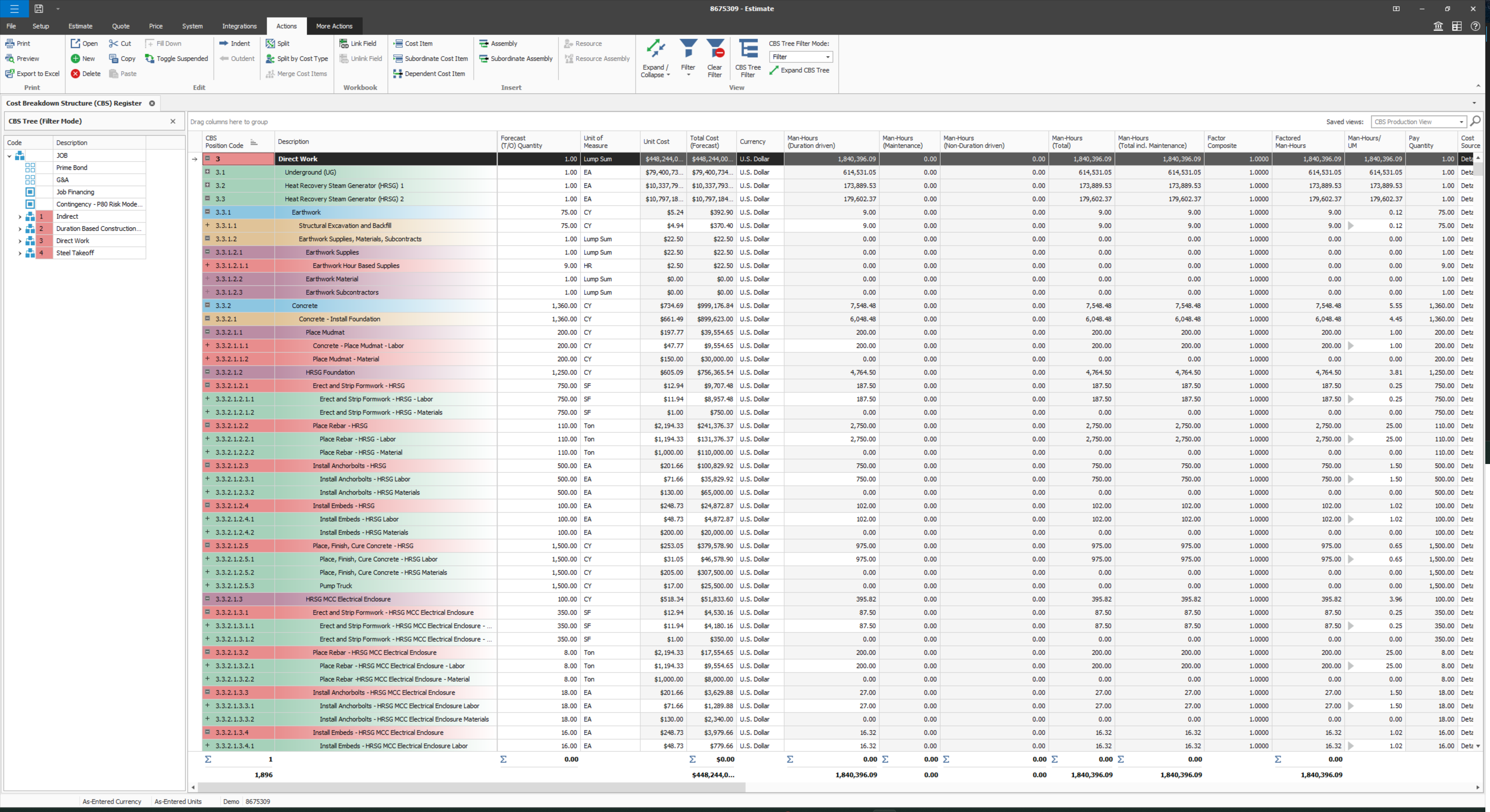
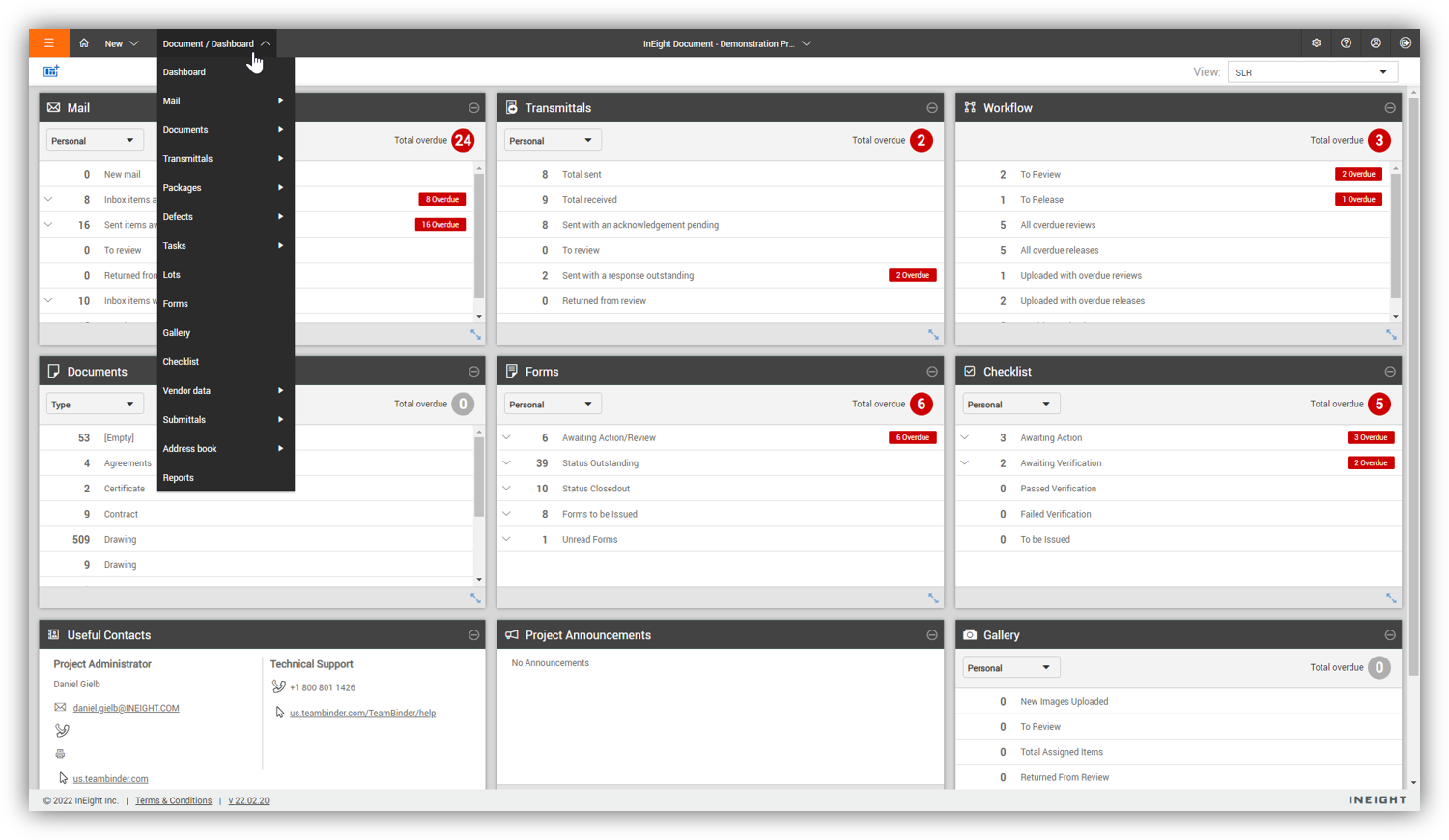
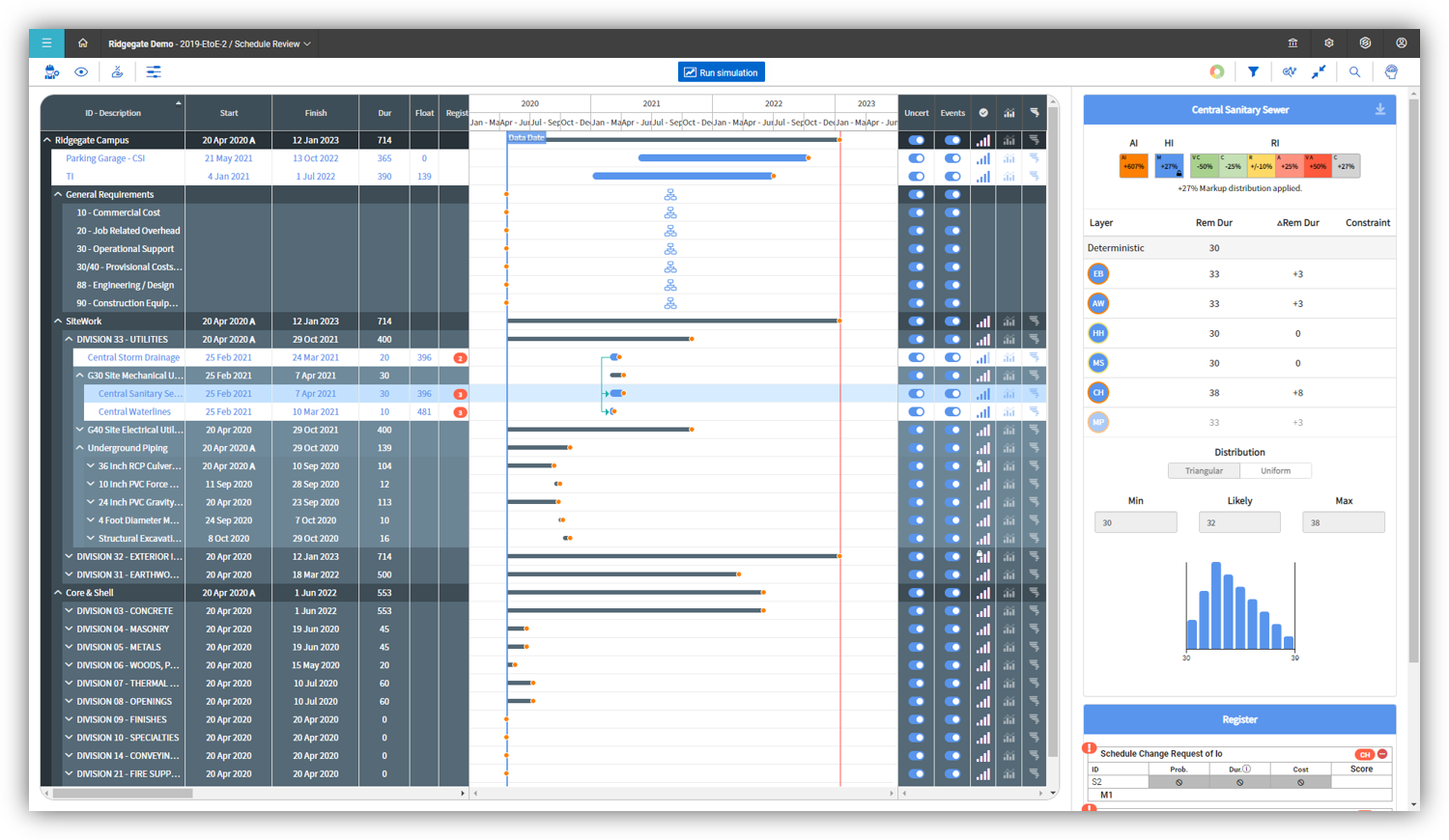
InEight's modular project controls software connects complex project data to improve visibility and delivery in capital construction.
N/A
monday.com
Score 8.2 out of 10
Mid-Size Companies (51-1,000 employees)
monday.com Work OS is an open platform designed so that anyone can create the tools they need to run all aspects of their work. It includes ready-made templates or the ability to customize any work solution ranging from sales pipelines to marketing campaigns, CRMs, and project tracking.
$36
per month (3 seats)
Rocketlane
Score 8.5 out of 10
N/A
As per the information provided by the vendor, Rocketlane is
a platform specifically designed to cater to onboarding, implementation, and
professional services teams. The primary objective of this platform is to
enhance collaboration with customers, optimize project delivery efficiency, and
augment customer experience and accountability. Its target audience primarily
includes industries such as CS (Customer Success) and Professional Services. It
emphasizes its capability to expedite time-to…
N/A
Pricing
InEight
monday.com
Rocketlane
Editions & Modules
No answers on this topic
Basic
$12
per month per user
Standard
$14
per month per user
Pro
$24
per month per user
Enterprise
Contact Sales
Contact us
No answers on this topic
Offerings
Pricing Offerings
InEight
monday.com
Rocketlane
Free Trial
No
Yes
Yes
Free/Freemium Version
No
Yes
No
Premium Consulting/Integration Services
No
Yes
No
Entry-level Setup Fee
No setup fee
Optional
No setup fee
Additional Details
InEight offers a modular, integrated project controls platform. Because the InEight platform covers the entire construction lifecycle, customers purchase the software based on their specific needs – purchasing stand-alone products, a bundle of products, or the entire platform. As a result, the pricing will vary depending on the specific product, number of users and length of contract. Once InEight has identified the highest impact areas, they offer potential customers a custom proposal. The options they consider include:
Per user pricing: typically annual subscriptions.
Revenue-based: using a percentage of the customer’s revenue.
Project-based: software use dedicated to a specific project or program of work.
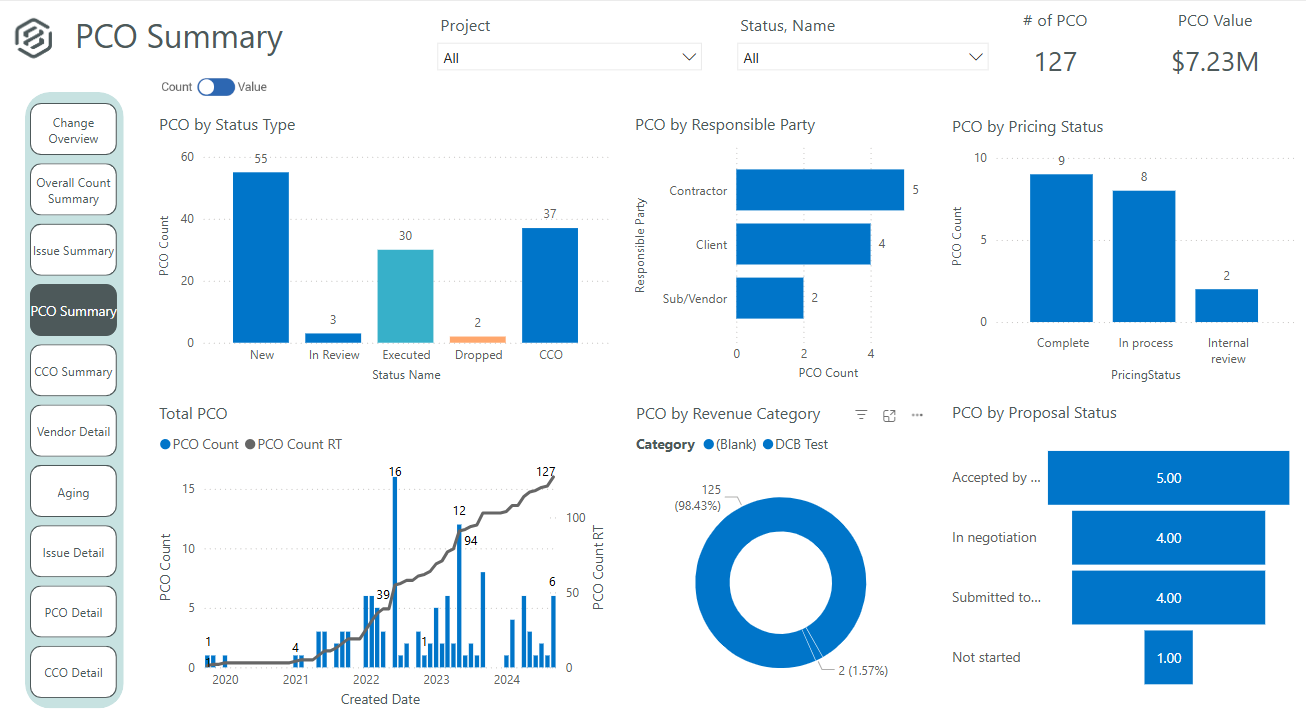
It's definitely a good tool for progress tracking, as well as time tracking. The ability to forecast quantities provide an even better scenario, closer to the reality, supporting even change management. The change management is also a good method, besides the fact of rework if you think in the whole process of issue creation, promoting to PCO, promote to CCO, execute the issue, move to change in controls, and so on... just now I think having all in a single place would minimize the manual work and maybe increase the engagement on it. About a negative point, I'd use a feature that appears to be in all modules. It's pretty much a cosmetic, but it impact in the productivity, a lot. For all fields you will fill with information, whenever your mouse hover over it, a tooltip appears, impeding you to continue, so you have to walk around, click in a place that's not being covered by that tooltip, go back to your keyboard and continue... again, it's a cosmetic, but having this in a Monday, with a full job to plan, claim quantities, and whatever else, it's annoying.
monday.com can handle a lot of complex needs for an organization while keeping permissions, usage, and workflows separated by who needs what. It's a great software that multiple people can work out of without needing to buy separate software to keep track of some super different tasks. We love being able to upload files and use it as an archive for various things, too, so the important things don't get lost in a company folder, never to be seen again!
There is project management tracking from the start till the end (onboarding till hypercare). The bifurcation of project stages and pre-built templates is good; you can assign client tasks. Less appropriate: Raising tickets for developers because there is no escalation management option. Let’s say the developer didn’t reply in 24 hours for a high-priority task; this should be automatically escalated to their senior.
User defined views and descriptions for all screens.
Customizable ribbons to provide an efficient use of the software.
Multiple layers/dependents to allow for an extreme drill down of the work and the ability to roll up to a more useful level for upper management review.
You can bid the work as you would build it, in detail.
Intuitive board functionality with a variety of column types and customizations to address different use-cases, such as templates for user lifecycle management, checklists for onboarding.
Extensive automation capabilities to reduce tedium in more complex boards, such as our company's computer asset inventory board, to ensure devices are kept organized within the board for quicker reference.
The ability to connect boards and mirror info across them allowed us to build out a cross-functional, quasi-ticketing system enabling more efficient processing of requests that involved action items from different departments and/or teams.
We could use both the many board functions in tandem with the WorkForm feature to create an IT ticketing system that could be replicated and tailored for other teams needs.
Provide a simpler version (cliff notes) of the knowledge database
Offer versions of InEight for smaller companies, i.e. less than 20 emplyees, under $5M in revenue
When an estimate is complete, offer a dialog box to ask if the job was won, lost, or still in progress. We tend to leave most of our estimates in the bidding column. This is a user error, but the prompt would be helpful.
Monday AI needs integration with Excel, Outlook and Microsoft 365. If I could share my staff availability for a given week, monday.com could learn what tasks I regularly assign to team members and build out future schedules for me based on availability and weekly needs.
Make it easier to add outside team members. Right now we have to give an account to each person who needs to view something -- and this is labor and cost intensive.
Maybe a drag and drop feature? If I create a series of tasks, could I just drag it to an individual user and let it assign them to that person?
An easier-to-print filtered calendar. Once I filter to certain tasks or staff members, I need to be able to create a legible, useful PDF that I can share out.
Some features with InEight's TeamBinder are worthy of single use, however the review feature and subsequent revision and version numbering could be improved. We will be aiming to roll out the package to encompass our internal documentation in the near future and will be in a better position to judge the usability after that point in time.
Teams involved in content creation, such as marketing or editorial teams, could use monday.com to manage the entire content lifecycle. Boards might track content ideas, assignments, drafts, reviews, approvals, and publication schedules, helping teams collaborate and keep content production on track.
I would give it an 8 out of 10 because the software can be a bit cumbersome to new users. It also takes a long time to set up the library and input all of your companies needs so that the software will provide the level of service required to estimate projects. However, once the software is set up it is a powerful tool. We only use a portion of what the software is capable of delivering
We love the library of templates offered on monday.com. We also love the fact that we can modify any template to fit our needs. And if we can't find what we need, all we have to do is reach out to support for help with creating what we need
Everything performs fairly well. Every now and then there are user errors where an employee will not click "ok" on a note they've created and simply exit out (I do wish that something was in place to prevent this, such as a pop "are you finished?")
We are new to the use of the system, and so far, we have not reached out for any support. The only support we have requested so far is the development of a training program that involves other staff - some are to learn the use of the program, and some are for informational purposes in understanding the capabilities of InEight.
Regarding customer support, I have had a good experience. With many tools, you often need to wait at least 24 to 48 hours. However, with monday.com support, I always receive an instant reply on chat with a live agent. The last time I used their support, I initiated the chat with an AI and was connected with a live agent within 5 minutes. This level of convenience is unmatched elsewhere.
To have someone walk you thru the features and capabilities of Monday.com is priceless. Someone also coming along later in the contract to see if you are maximizing the program to suit your company needs is beyond helpful. The staff that have provided this training are fun, creative and very patient.
Since the original inception, I have been required to overhaul the system so that it is more user friendly and combines both aspects of our business, documentation and drawings. Being able to control revision and version numbering has been a key struggle that only staff training has been able to mark this as complete.
We signed up for the accounts. Created the accounts. Ran the trial version and tested it live while we were running multiple projects and found that it was fitting our needs perfectly. When the trial ended and we were asked to purchase the full version, we did. We have found other ways to use it and it's a breeze.
We looked at HCSS and Bid 2 Win but chose Ineight due to the fact that it seemed more user friendly, plus I had used it at a former company when it was available from the Grantlun Corporation and was very familiar with it in its ease of use and reliability.
When I arrived at my org, I was initially disappointed to hear that we used something other than Asana for project management. Fast forward just a few months, and I became a complete monday.com convert. While its organization is similar to Asana's, it's user interface, automation, and support blow Asana out of the water. I have received so many compliments from new hires about the onboarding experience, and I believe that's a testament both to the decision to use monday.com and the way we've built the program within.
For our specific needs, Rocketlane fits the bill perfectly. It had just the right amount of features without it being overly complicated to teach the client. The pricing also worked out well: just pay monthly licenses per user.
As mentioned InEight is a software that can scale but its only possible is the person or the responsible department of the organization is having the knowledge or deep understanding of how each module works within InEight and how the datas are interconnected, in my personal experience it has taken us almost 2 years to see how we can customize InEight to our company's needs, which is a long time and a finical belt.
For it to work across multiple departments and sites, I would like to see improvements made with integrations and automation. For this question, I am acknowledging not only the addition of internal triggers/automation, but also an expansion on external ones.
Much easier to review my prior month and report to clients on work completed; easy to extract the information and work done to Excel to add budget tracking etc - I see this is possible in monday.com and I will investigate how/if this is possible on our current plan.
Very fast and easy set-up of Boards.
Still lots to learn and grasp - many more opportunities to become more efficient using monday.com. I'm only just getting started.
The initial automations are quick and easy to set up, and if set up correctly.
My month-end client status and progress reports are now more accurate, and I can keep track of all the information in one place (inside monday.com).
Dislike can be that we are not able to add tasks when we are filling the timesheet directly and so then we have to go to that project and create task and then put up the time. If I want to fill past days timesheet then this cause double work.