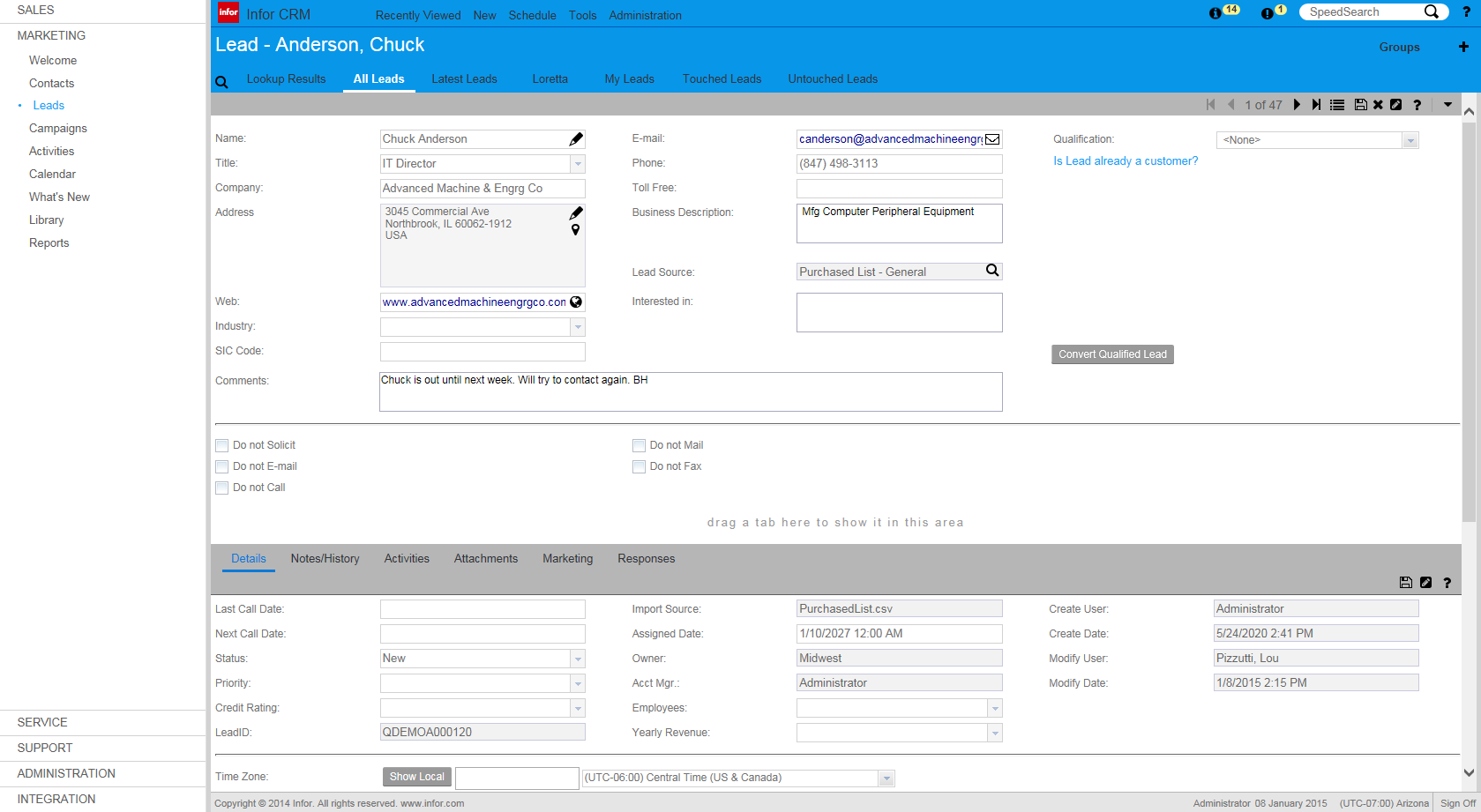
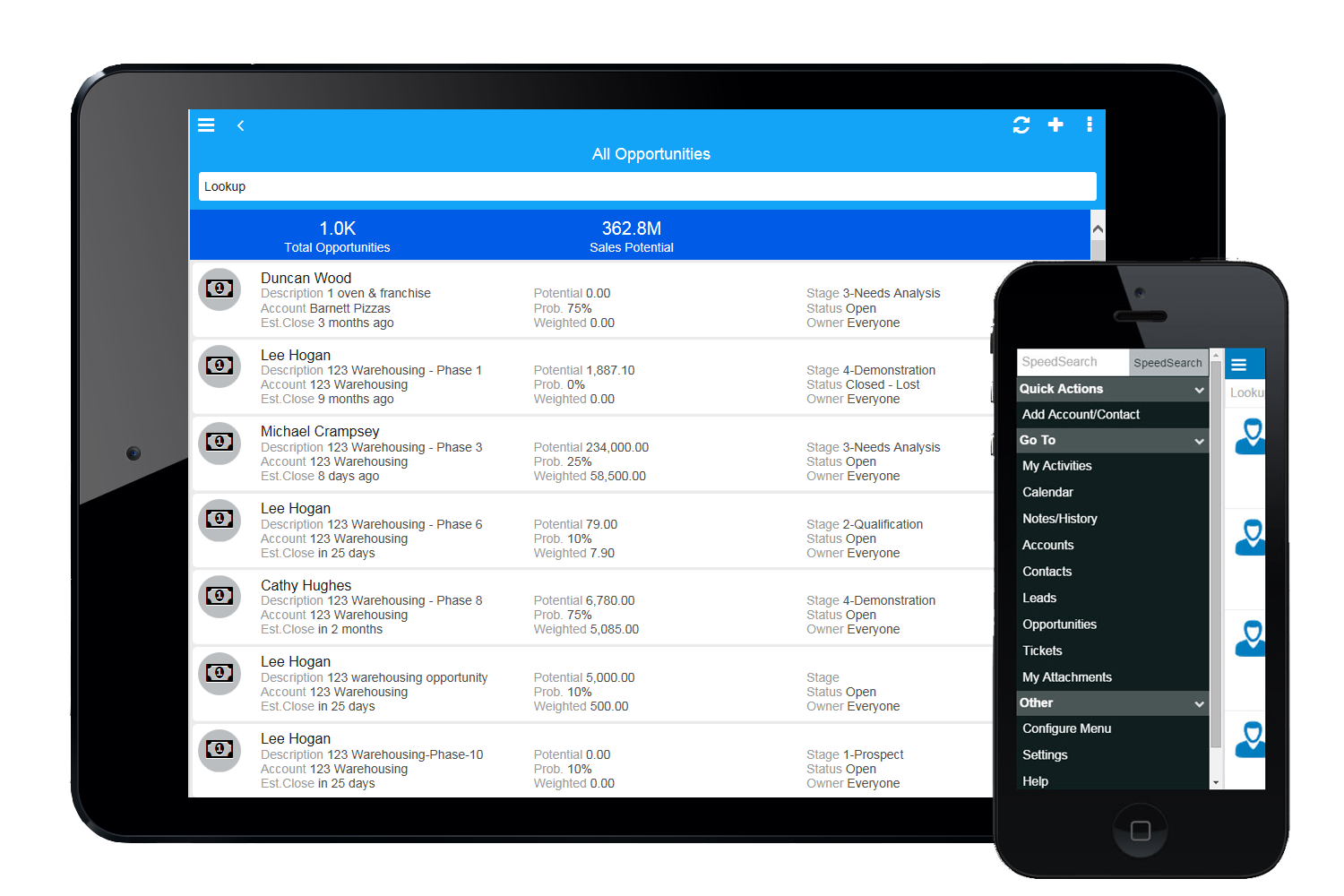
Infor CRM delivers tools for individuals, teams, and companies focused on increasing sales performance and the insights to optimize sales, marketing, and service strategy and execution. Infor CRM provides sales teams with rich customer information from interactions and transactions across the business and accommodates the modern flexible workforce with multiple access methods. Robust process automation capabilities enable efficiencies and the application of best practices across sales…
N/A
Nutshell
Score9.2 out of 10
N/A
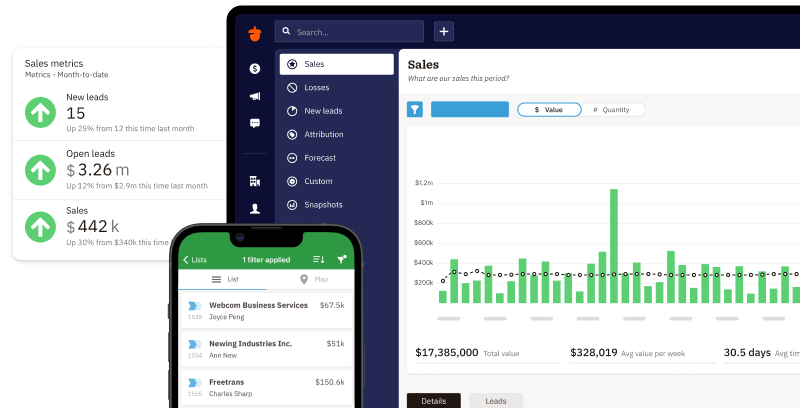
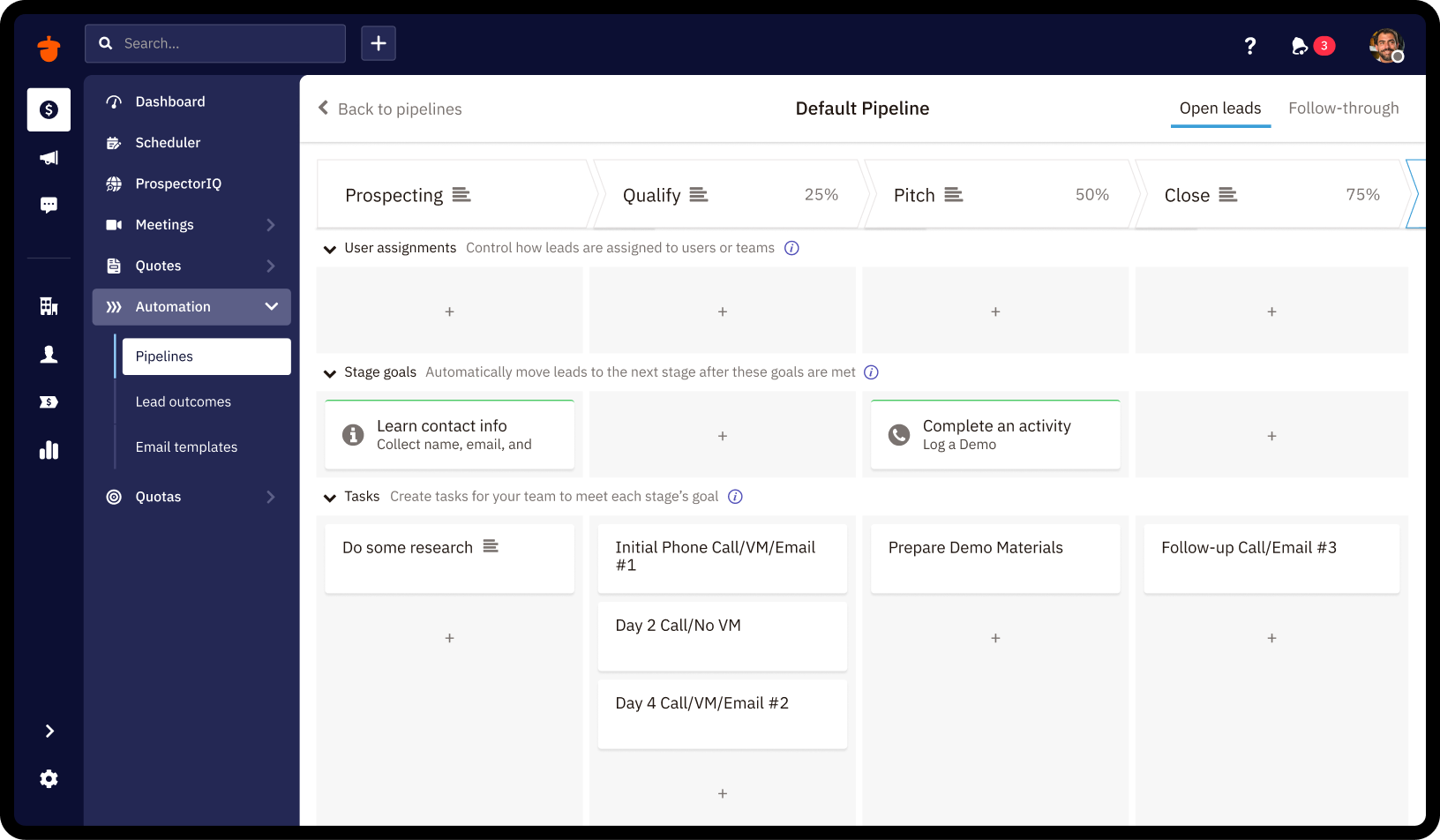
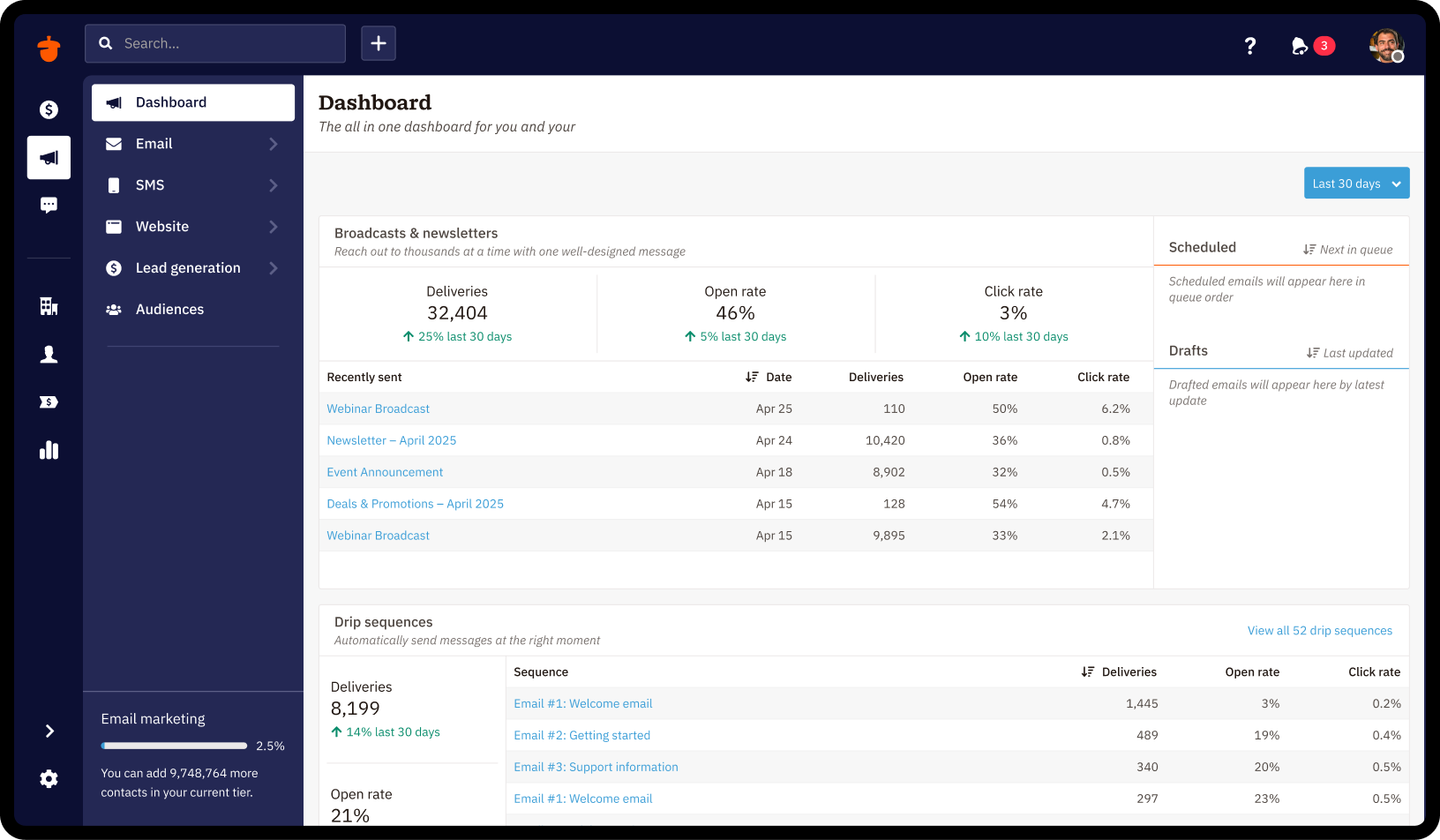
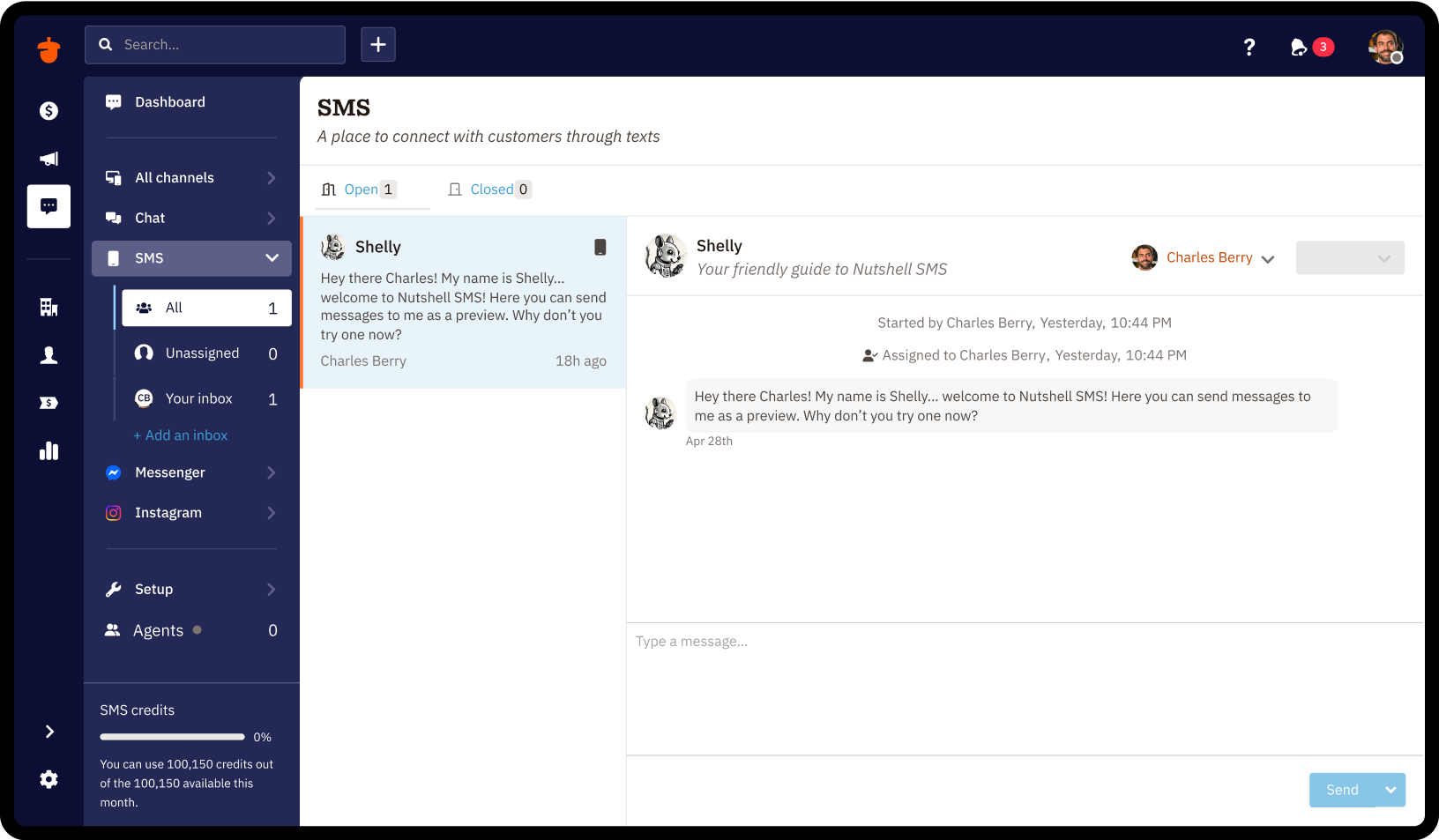
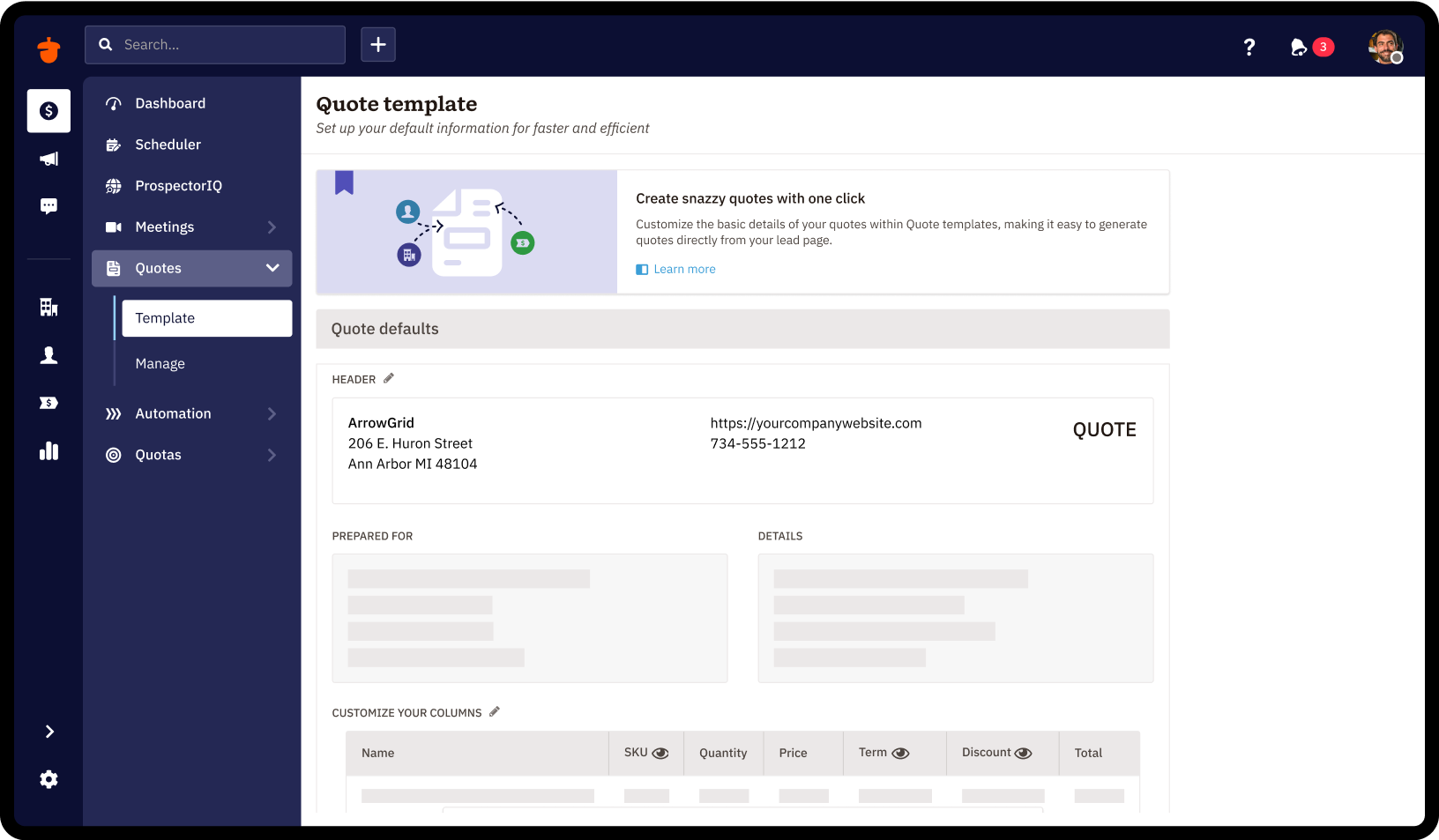
Nutshell offers a CRM with contact management, calendar sync, click-to-call, and collaboration features.
$19
per month per user
Pricing
Infor CRM
Nutshell
Editions & Modules
No answers on this topic
Foundation
$19
per month per user
Growth
$32
per month per user
Pro
$49
per month per user
Business
$67
per month per user
Enterprise
$89
per month per user
Offerings
Pricing Offerings
Infor CRM
Nutshell
Free Trial
Yes
Yes
Free/Freemium Version
No
No
Premium Consulting/Integration Services
Yes
Yes
Entry-level Setup Fee
No setup fee
No setup fee
Additional Details
—
15% discount for annual pricing.
More Pricing Information
Features
Infor CRM
Nutshell
Sales Force Automation
Comparison of Sales Force Automation features of Infor CRM and Nutshell CRM
Feature
Infor CRM
7.8
9 Ratings
0% below category average
Nutshell CRM
9.2
15 Ratings
16% above category average
Customer data management / contact management
8.48 Ratings
9.114 Ratings
Workflow management
10.07 Ratings
10.013 Ratings
Territory management
5.46 Ratings
10.08 Ratings
Opportunity management
8.46 Ratings
10.010 Ratings
Integration with email client (e.g., Outlook or Gmail)
5.48 Ratings
8.014 Ratings
Contract management
5.74 Ratings
10.01 Ratings
Quote & order management
7.34 Ratings
9.59 Ratings
Interaction tracking
10.08 Ratings
8.012 Ratings
Channel / partner relationship management
10.08 Ratings
8.43 Ratings
Customer Service & Support
Comparison of Customer Service & Support features of Infor CRM and Nutshell CRM
Feature
Infor CRM
8.3
4 Ratings
8% above category average
Nutshell CRM
10.0
7 Ratings
26% above category average
Case management
10.03 Ratings
10.06 Ratings
Call center management
5.03 Ratings
10.05 Ratings
Help desk management
10.03 Ratings
10.01 Ratings
Marketing Automation
Comparison of Marketing Automation features of Infor CRM and Nutshell CRM
Feature
Infor CRM
2.5
8 Ratings
102% below category average
Nutshell CRM
8.9
14 Ratings
14% above category average
Lead management
3.97 Ratings
9.713 Ratings
Email marketing
1.06 Ratings
8.012 Ratings
CRM Project Management
Comparison of CRM Project Management features of Infor CRM and Nutshell CRM
Feature
Infor CRM
4.2
7 Ratings
59% below category average
Nutshell CRM
9.4
13 Ratings
20% above category average
Task management
7.17 Ratings
9.712 Ratings
Billing and invoicing management
3.61 Ratings
8.42 Ratings
Reporting
2.15 Ratings
10.09 Ratings
CRM Reporting & Analytics
Comparison of CRM Reporting & Analytics features of Infor CRM and Nutshell CRM
Feature
Infor CRM
4.2
8 Ratings
58% below category average
Nutshell CRM
10.0
13 Ratings
27% above category average
Forecasting
3.64 Ratings
10.010 Ratings
Pipeline visualization
7.05 Ratings
10.012 Ratings
Customizable reports
2.18 Ratings
10.012 Ratings
Customization
Comparison of Customization features of Infor CRM and Nutshell CRM
Feature
Infor CRM
8.6
9 Ratings
12% above category average
Nutshell CRM
9.9
11 Ratings
26% above category average
Custom fields
10.09 Ratings
9.511 Ratings
Custom objects
7.07 Ratings
10.06 Ratings
Scripting environment
7.24 Ratings
10.02 Ratings
API for custom integration
10.06 Ratings
9.96 Ratings
Security
Comparison of Security features of Infor CRM and Nutshell CRM
Feature
Infor CRM
10.0
8 Ratings
17% above category average
Nutshell CRM
9.6
4 Ratings
13% above category average
Single sign-on capability
10.06 Ratings
9.63 Ratings
Role-based user permissions
10.06 Ratings
9.63 Ratings
Social CRM
Comparison of Social CRM features of Infor CRM and Nutshell CRM
Feature
Infor CRM
3.5
2 Ratings
73% below category average
Nutshell CRM
9.7
9 Ratings
25% above category average
Social data
4.02 Ratings
9.39 Ratings
Social engagement
3.02 Ratings
10.02 Ratings
Integrations with 3rd-party Software
Comparison of Integrations with 3rd-party Software features of Infor CRM and Nutshell CRM
Feature
Infor CRM
2.9
4 Ratings
89% below category average
Nutshell CRM
10.0
2 Ratings
28% above category average
Marketing automation
3.04 Ratings
10.02 Ratings
Compensation management
2.71 Ratings
10.02 Ratings
Platform
Comparison of Platform features of Infor CRM and Nutshell CRM
If you have a mobile workforce, it likely wouldn't be as appropriate (keep in mind we're using the desktop client, and have very limited experience with the web app). It is well suited if your business needs lots of custom processes- find a good vendor. We utilize SimpleSoft out of Ohio, and they have been excellent. Key question: think about where your business is going to be in 5-10 years, and will this CRM solution be able to grow with us?
A de minimis incentive was given to thank the reviewer for their time. The incentive was not used to bias or drive a particular response, nor was the incentive contingent on a positive endorsement. More Info
This can be used for different industries, healthcare, IT, retail or any company with a customer service line, big or small. if i had to ask, i would say "Do you have any type of filing system that you use?" "anything where you are keeping track of personal/ business information." Do you need access to information on a day to day basis? If they do , then this can be used , especially if you need to keep track of the numbers; we like how we can see if are things going up or down.
Saleslogix functionality can be managed to a very granular level for each individual using it. Within the users profile you can restrict access to modules, remove write permission, remove export privileges, etc.
Saleslogix has one of the best sync engines I have ever seen. If you allow your outside sales reps to have their own database, they can modify customer record while off line and when they do have internet access they can sync changes in both directions. This functionality works great when you have inside and outside sales staff covering the same territory.
Saleslogix can be customized using Visual Basic Code syntax. This is a positive aspect as well as a negative. Our existing Saleslogix is so customized that if we were to upgrade to 8.0 it would cost us over $20k to redo some of the customizations. Upgrades are frequently incompatible with customizations.
A de minimis incentive was given to thank the reviewer for their time. The incentive was not used to bias or drive a particular response, nor was the incentive contingent on a positive endorsement. More Info
InforCRM has made dramatic improvements in the web client though in some cases it has been painfully slow to get the most needed things updated. An example is the slow speed of the web client. The newest update is supposed to fix this.
The web client does not autosave, so users have to remember to hit the 'save' button at each screen. This is the biggest complaint of users going from the desktop client to the web client.
I personally would like to see data panes (account, contact, etc.) with the capability to set up a different view for each team and/or security level that would access the data.
A de minimis incentive was given to thank the reviewer for their time. The incentive was not used to bias or drive a particular response, nor was the incentive contingent on a positive endorsement. More Info
A de minimis incentive was given to thank the reviewer for their time. The incentive was not used to bias or drive a particular response, nor was the incentive contingent on a positive endorsement. More Info
Because we've already made the investment in the original on-premise version, the cost per user is relatively low. The product has grown with us and we can now choose a LAN or Web client version and host the site internally, giving us total control of our data. The iPhone and iPad versions allow the sales team quick access in the field and the voice-to-text option is quite handy. SalesLogix doesn't require that our technology stack be constantly up to date which again, keeps our cost down. They are always making enhancements to the product and we can choose to update/upgrade when those enhancements appeal to us enough to justify adding the service pack.
This is perfect for a small business / Home based business with SaaS. Nutshell constantly adds new features and the price is much better than more robust software like Salesforce.
A de minimis incentive was given to thank the reviewer for their time. The incentive was not used to bias or drive a particular response, nor was the incentive contingent on a positive endorsement. More Info
A de minimis incentive was given to thank the reviewer for their time. The incentive was not used to bias or drive a particular response, nor was the incentive contingent on a positive endorsement. More Info
Extremely easy to use and they help you throughout the process. I find it not challenging, an effective utility to help us prioritize and engage efficiently at a reasonable price point. We enjoy working with the team there and they're easy to access. I've already recommended it to two colleagues
A de minimis incentive was given to thank the reviewer for their time. The incentive was not used to bias or drive a particular response, nor was the incentive contingent on a positive endorsement. TR verified that a representative sample of customers was invited. More Info
A de minimis incentive was given to thank the reviewer for their time. The incentive was not used to bias or drive a particular response, nor was the incentive contingent on a positive endorsement. More Info
Nutshell's support team has always been great and they tend to go above and beyond. They are polite, friendly, personable and great listeners. They are also great about sending follow up emails too.
A de minimis incentive was given to thank the reviewer for their time. The incentive was not used to bias or drive a particular response, nor was the incentive contingent on a positive endorsement. More Info
A de minimis incentive was given to thank the reviewer for their time. The incentive was not used to bias or drive a particular response, nor was the incentive contingent on a positive endorsement. More Info
We selected INFOR CRM over Salesforce simply because it was affordable and didn't have so many 'bells & whistles' that Salesforce has that we were not using. We didn't realize that the compatibility with upgrades were going to be such an issue.
A de minimis incentive was given to thank the reviewer for their time. The incentive was not used to bias or drive a particular response, nor was the incentive contingent on a positive endorsement. More Info
When I first started with BCI, they were using ACT!. It was hard to navigate and there were a lot of spots for duplicate information that made it hard to know if you were in the right spot or not. Then if you had trouble, you would spend 3 hours on the phone with customer service and often they would not even be able to find a solution. I would not recommend ACT! to anyone. Since getting nutshell, I have learned a bit about Cosential and I know that it is more catered to the construction industry and can help with proposal creation, so I think that may be something we consider in the not-too-near future.
A de minimis incentive was given to thank the reviewer for their time. The incentive was not used to bias or drive a particular response, nor was the incentive contingent on a positive endorsement. More Info
A de minimis incentive was given to thank the reviewer for their time. The incentive was not used to bias or drive a particular response, nor was the incentive contingent on a positive endorsement. More Info
Nutshell CRM has had a major impact on ROI. The last program we used cost more and had fewer features and accessibility.
One negative impact is its email functions. As stated before in this review I need to be able to send large attachments and pics through email and Nutshell is very limited when it comes to that.
A de minimis incentive was given to thank the reviewer for their time. The incentive was not used to bias or drive a particular response, nor was the incentive contingent on a positive endorsement. More Info