TrustRadius: an HG Insights company

Save this comparison

Save this comparison

Add Product

Recommended Comparisons

    Overview
    ProductRatingMost Used ByProduct SummaryStarting Price

    Laserfiche

    Score9.1 out of 10
    N/ALaserfiche has two main editions: Rio and Avante: Laserfiche Rio is designed to meet the needs of large organizations that have more than 100 users. It combines content management functionality with business process management (BPM), security and auditing, unlimited servers and a thin-client interface. Add-ons include records management functionality, public Web portals and production-level document capture and processing. Laserfiche Avante is an ECM suite for small to medium organizations with…

    $540

    per year per user

    Lightning Tools Actions

    Score10 out of 10
    Mid-Size Companies (51-1,000 employees)
    Lightning Tools Actions is a complement to Lightning Forms, but can also be used independently of Lightning Forms. Rather than opening individual items to update fields such as Approval Status, Resetting field values such as holiday entitlement, or sending emails to notify creators of items that a request has been approved, Lightning Tools Actions provides the ability to create new command bar buttons with actions that can be performed against multiple selected items.

    $1,200

    per year per installation

    Pricing
    LaserficheLightning Tools Actions
    Editions & Modules
    Starter
    $540
    per year per user
    Starter
    $600
    per year per user
    Professional
    $710
    per year per user (starts at 10 users)
    Professional
    $830
    per year per user (starting at 5 users)
    Business
    $830
    per year per user (starts at 25 users)
    Business
    $950
    per year per user (starting at 25 users)
    Enterprise
    Custom
    List Actions
    From $1200
    per year per installation
    List Actions Enterprise Edition
    POA
    per year per installation
    List Actions Plus (with Document Generator)
    From $1800
    per year per installation
    Offerings
    Pricing Offerings
    LaserficheLightning Tools Actions
    Free Trial
    YesYes
    Free/Freemium Version
    NoNo
    Premium Consulting/Integration Services
    NoYes
    Entry-level Setup FeeNo setup feeNo setup fee
    Additional Details—Prices stated are minimum per installation for "stock" products. $1.20 per user on top of annual fee. Enterprise editions can be amended to suit business needs if deemed necessary, additional costs incurred and TBD. All packages include free technical support. Free upgrades available to latest versions of tool as they are released. (online version)Prices stated are minimum per installation for "stock" products. Not available for SharePoint OnPremises (2007 - 2019)
    More Pricing Information
    Community Pulse
    LaserficheLightning Tools Actions
    Considered Both Products
    Laserfiche
    No answer on this topic
    Lightning Tools
    No answer on this topic
    Key User Insights
    Would buy again
    88%
    Would buy again
    14 Answers
    No answers on this topic
    Delivers good value for the price
    100%
    Delivers good value for the price
    15 Answers
    No answers on this topic
    Happy with the feature set
    88%
    Happy with the feature set
    14 Answers
    No answers on this topic
    Lived up to sales and marketing promises
    78%
    Lived up to sales and marketing promises
    7 Answers
    No answers on this topic
    Implementation went as expected
    100%
    Implementation went as expected
    10 Answers
    No answers on this topic
    Features
    LaserficheLightning Tools Actions
    Enterprise Content Management
    Comparison of Enterprise Content Management features of Laserfiche and Lightning Tools Actions
    Feature
    Laserfiche
    8.5
    25 Ratings
    5% above category average
    Lightning Tools Actions
    -
    Ratings
    Content capture & imaging9.024 Ratings00 Ratings
    File sync, storage & archiving8.024 Ratings00 Ratings
    Document management8.525 Ratings00 Ratings
    Records management9.024 Ratings00 Ratings
    Content search & retrieval8.524 Ratings00 Ratings
    Enterprise content collaboration8.019 Ratings00 Ratings
    Content publishing & creation8.516 Ratings00 Ratings
    Security, risk management & information governance9.023 Ratings00 Ratings
    Contract lifecycle management8.919 Ratings00 Ratings
    Automated workflows8.516 Ratings00 Ratings
    Mobile support8.010 Ratings00 Ratings
    Integration8.017 Ratings00 Ratings
    Workload Automation
    Comparison of Workload Automation features of Laserfiche and Lightning Tools Actions
    Feature
    Laserfiche
    -
    Ratings
    Lightning Tools Actions
    10.0
    1 Ratings
    19% above category average
    Alerts and notifications00 Ratings10.01 Ratings
    Best Alternatives
    LaserficheLightning Tools Actions
    Small Businesses
    Egnyte
    Score9.3 out of 10
    No answers on this topic
    Medium-sized Companies
    Epicor ECM
    Score7.7 out of 10
    Apache Airflow
    Score8.7 out of 10
    Enterprises
    Dashpivot - By Sitemate
    Score10 out of 10
    Redwood RunMyJobs
    Score9.7 out of 10
    All AlternativesView all alternativesView all alternatives
    User Ratings
    LaserficheLightning Tools Actions
    Likelihood to Recommend
    9.0
    (48 ratings)
    10.0
    (1 ratings)
    Likelihood to Renew
    8.6
    (16 ratings)
    -
    (0 ratings)
    Usability
    9.0
    (9 ratings)
    -
    (0 ratings)
    Availability
    10.0
    (2 ratings)
    -
    (0 ratings)
    Performance
    9.0
    (1 ratings)
    -
    (0 ratings)
    Support Rating
    9.4
    (9 ratings)
    -
    (0 ratings)
    Online Training
    10.0
    (1 ratings)
    -
    (0 ratings)
    Ease of integration
    8.0
    (1 ratings)
    -
    (0 ratings)
    User Testimonials
    LaserficheLightning Tools Actions
    Likelihood to Recommend
    Laserfiche
    Laserfiche is well suited to the submission of simple routine reports to create a record repository. We use it for routine transport reports, audit reports, and anonymous citizen complaints. It creates a simple chronological record of routine events that can be reviewed and easily stored and recalled. Because the reports are in PDF format, it is not well suited to anything that needs to be imported into a common database or amended after submission.
    Incentivized
    Read full review
    Lightning Tools
    We use SharePoint to manage over 100 legal litigation cases. We also use SharePoint for all of our internal billing and time keeping. There is great need for different SharePoint sites to be able to have access to other lists and data sources. List Actions provides an easy-to-use interface that we use to implement file copies between sites, workflow tracking of medical records through our medical collections department, send out medical record requests using the enhanced SendMail options. We have automated many tasks that used to take up considerable time and were error-prone. Having the logic of a workflow with all the steps carried out with a click of a button is great. Plus it is very fast.
    Read full review
    Pros
    Laserfiche
    • Laserfiche is easy to learn. Anyone, whether they have experience with IT or not, can learn how to use Laserfiche.
    • Laserfiche Forms allows people to use the form without having each person needing to be fully licensed which saves money.
    • Laserfiche Workflow and Forms can make processes quick, easy, and efficient, freeing up time so staff can get more work done.
    Incentivized
    Read full review
    Lightning Tools
    • Allow for workflow actions to be executed at the view level.
    • Has a full range of available tools. It's not just email for an approval.
    • Super easy to use and configure.
    Read full review
    Cons
    Laserfiche
    • While Laserfiche has some powerful development tools, it is difficult to manage configurations while promoting code across environments. For example, SQL connections and other environment specific resources have to be manually configured in each environment.
    • Laserfiche forms are a newer addition to the product family and could use some product maturity. While easy to use for simple forms, once your forms become more complex, you need to accomplish tasks by heavy JavaScript coding.
    Incentivized
    Read full review
    Lightning Tools
    No answers on this topic
    Likelihood to Renew
    Laserfiche
    We plan on renewing Laserfiche for the coming year but also have been considering a scanning and document management solution that can be purchased from our new accounting system company, we are implementing the accounting system this year. It will be a couple years before we make a decision to stay with Laserfiche or change.
    Incentivized
    Read full review
    Lightning Tools
    No answers on this topic
    Usability
    Laserfiche
    It has an intuitive design that feels very natural to any user that has ever used Outlook or Windows Explorer. There are multiple ways to perform every action in order to help users with various software experiences find the shortcuts and actions they seek quickly and effectively.
    Incentivized
    Read full review
    Lightning Tools
    No answers on this topic
    Reliability and Availability
    Laserfiche
    I am very satisfied with Laserfiche. I have found that certain larger jobs may are slow. This may also be related to our infrastructure environment. We have been able to tune Laserfiche to increase performance on larger jobs.
    Incentivized
    Read full review
    Lightning Tools
    No answers on this topic
    Performance
    Laserfiche
    Performance, of course, is largely dependent on the underlying environment. Laserfiche does its part with multi-threading, taking advantage of multi-core servers on scanning, workflows, and bots. A SQL-Server back-end is suitable for small to medium-sized company, but may not scale to large, where Oracle would be the better choice. Workflows can be poorly written and perform recursive work slowing down the system. It's better to run batch type workflows at night when possible.
    Incentivized
    Read full review
    Lightning Tools
    No answers on this topic
    Support Rating
    Laserfiche
    I have never had to wait for help from Laserfiche. If I cannot find the answer online, I can easily send an email to a customer support representative. I have always been helped the same day and my questions have always been resolved. The Empower conference is always a great learning opportunity and the online resources and webinars are top-notch.
    Incentivized
    Read full review
    Lightning Tools
    No answers on this topic
    Online Training
    Laserfiche
    Easily accessible 24/7 so am able to complete courseware whenever time allows: Commute to work; waiting for friends or family; at night while relaxing [with a delicious glass of wine!]; whenever and wherever time and circumstances permit. Courseware is well written and presented in an easy to follow and understand format.
    Incentivized
    Read full review
    Lightning Tools
    No answers on this topic
    Alternatives Considered
    Laserfiche
    The core infrastructure of Laserfiche, and the end user experience, is vastly superior. OnBase has a TERRIBLE UI and administration console by comparison. The core architecture of OnBase is also more scattered, while all Laserfiche processes go through a single service. Overall, the Laserfiche product is easier and more intuitive to install, maintain, and use.
    Incentivized
    Read full review
    Lightning Tools
    Read full review
    Return on Investment
    Laserfiche
    • Laserfiche has increased the efficiency of our sales reps by giving making all of the historical sales deal information very simple and fast to retrieve.
    • Laserfiche has increased our efficiency with our AP department and gave department heads the ability to approve invoices where ever they are.
    • I would say the biggest ROI came with the transparency of the order process for new deals. Before there would be numerous phone calls made daily to find out where an order was within the process, and now you can simply look at all deals at any time.
    Incentivized
    Read full review
    Lightning Tools
    • I have looked at every competitor out there and this tool plus the Forms designer is very affordable. It has become an integral part of our business.
    Read full review
    ScreenShots

    Laserfiche Screenshots

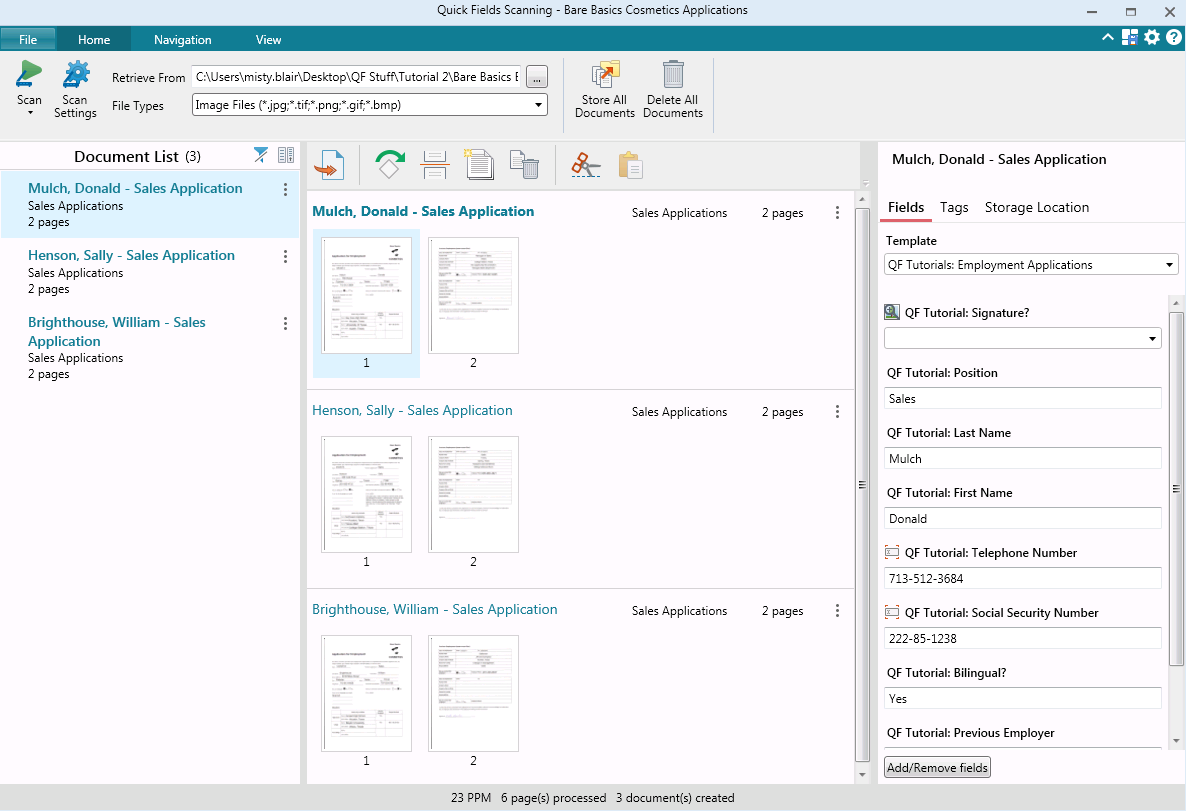
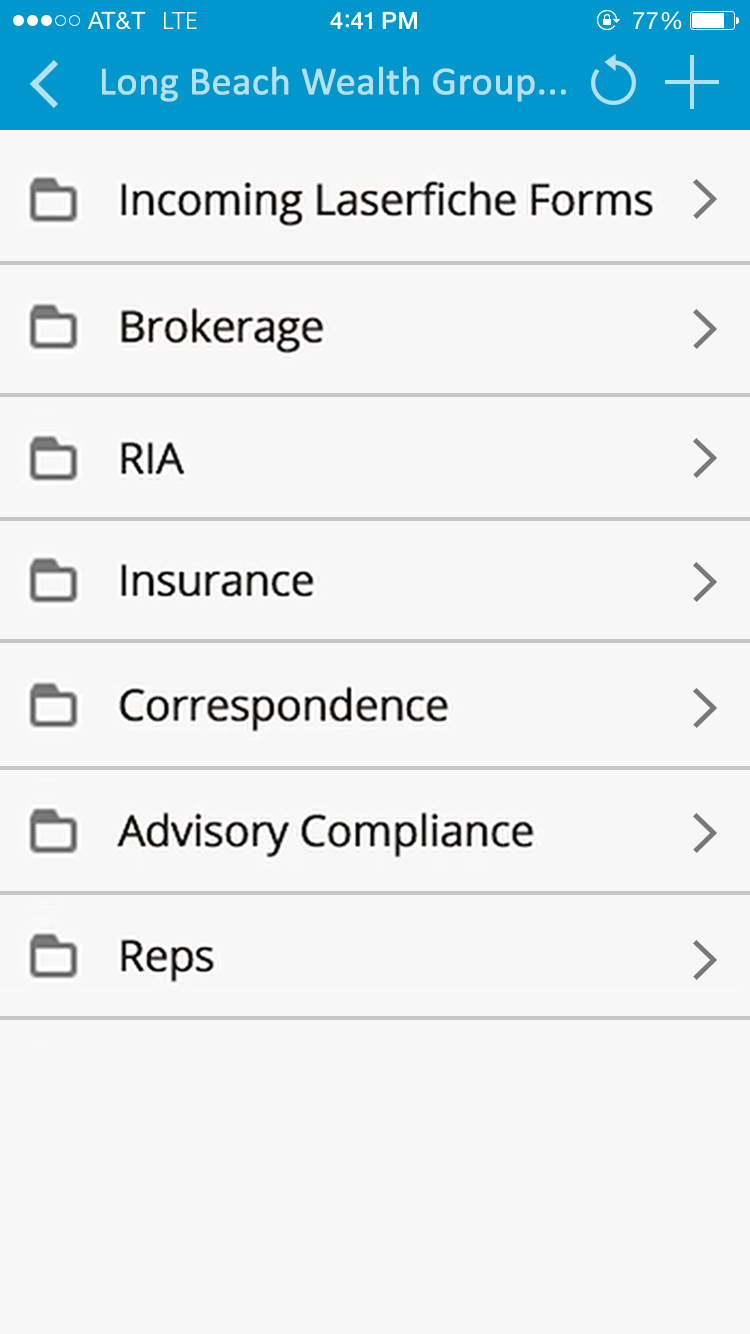
    Screenshot of Laserfiche Records ManagementScreenshot of Change of Major/Minor Request created with Laserfiche FormsScreenshot of Student Information Sheet created with Laserfiche FormsScreenshot of Laserfiche Quick Fields ScanningScreenshot of Laserfiche Quick Fields ScanningScreenshot of Laserfiche Mobile Repository

    Lightning Tools Actions Screenshots

    Screenshot of SHAREPOINT LIST ACTION BUTTONS
Action buttons can be added to SharePoint lists, like this Expense Approval button. The button performs multiple actions on the SharePoint list items such as modifying the Approved field to Yes, Sending an email notification to the Expense Claimant, and Reloading the page. The Line Manager can select multiple items and approve them all in one click, rather than visit each item individually.Screenshot of ADDING SHAREPOINT LIST ACTION BUTTONS
SharePoint List Action buttons can be created quickly, with no coding experience required, and List Owners or Designers can create the buttons and actions within the context of the list itself.  Action buttons can also be configured to display only to the user with the rights to perform the action.Screenshot of BUILDING A SERIES OF LIST ACTIONS
Actions that can be configured include Updating field values with simple or complex expressions, sending emails, adding list items, creating list items or folders, running custom script, and calling other workflows.