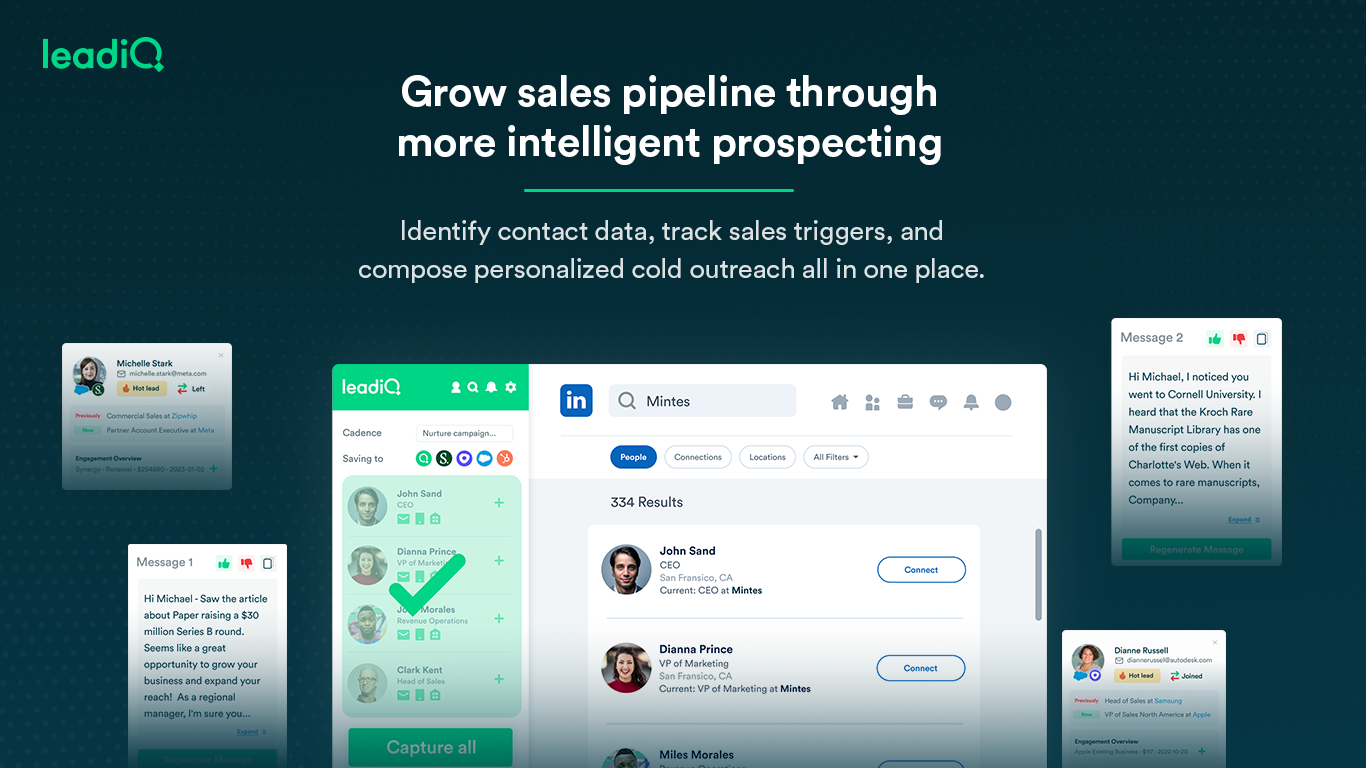
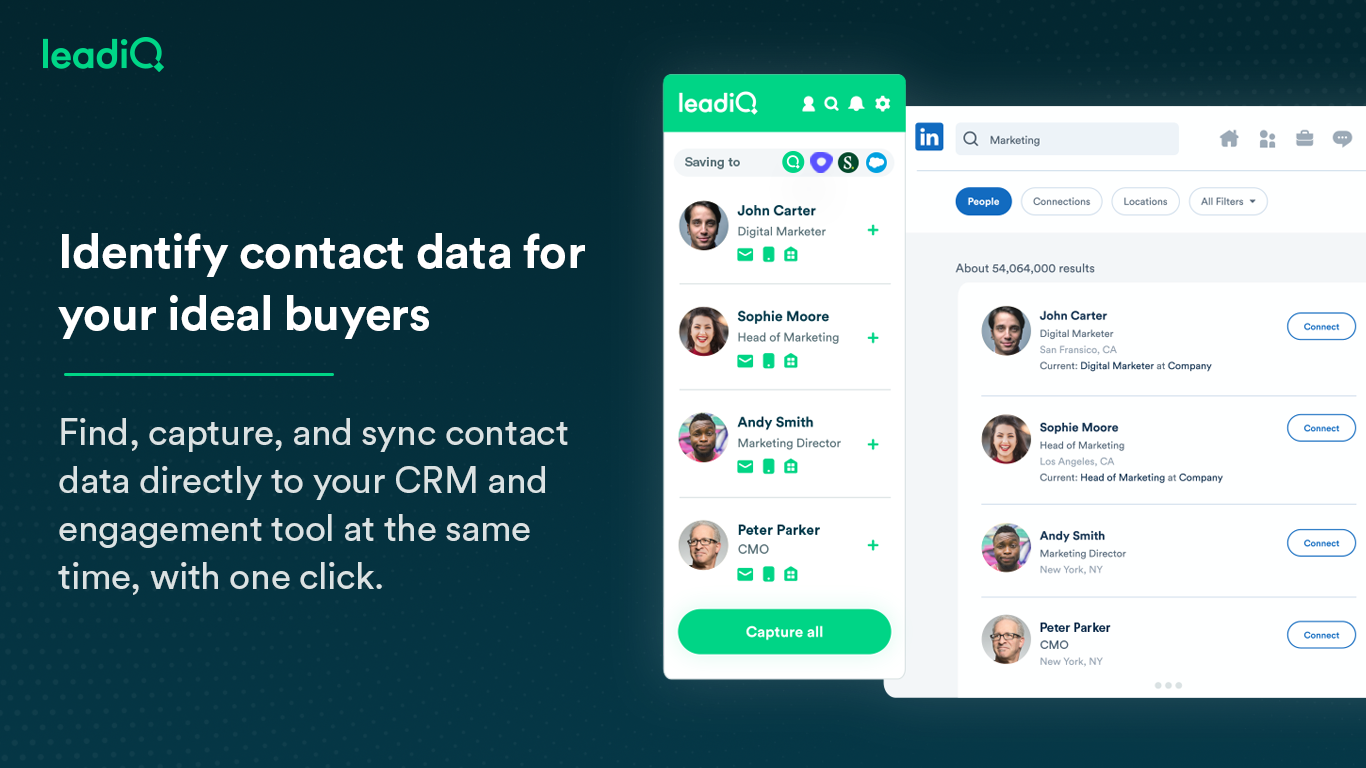
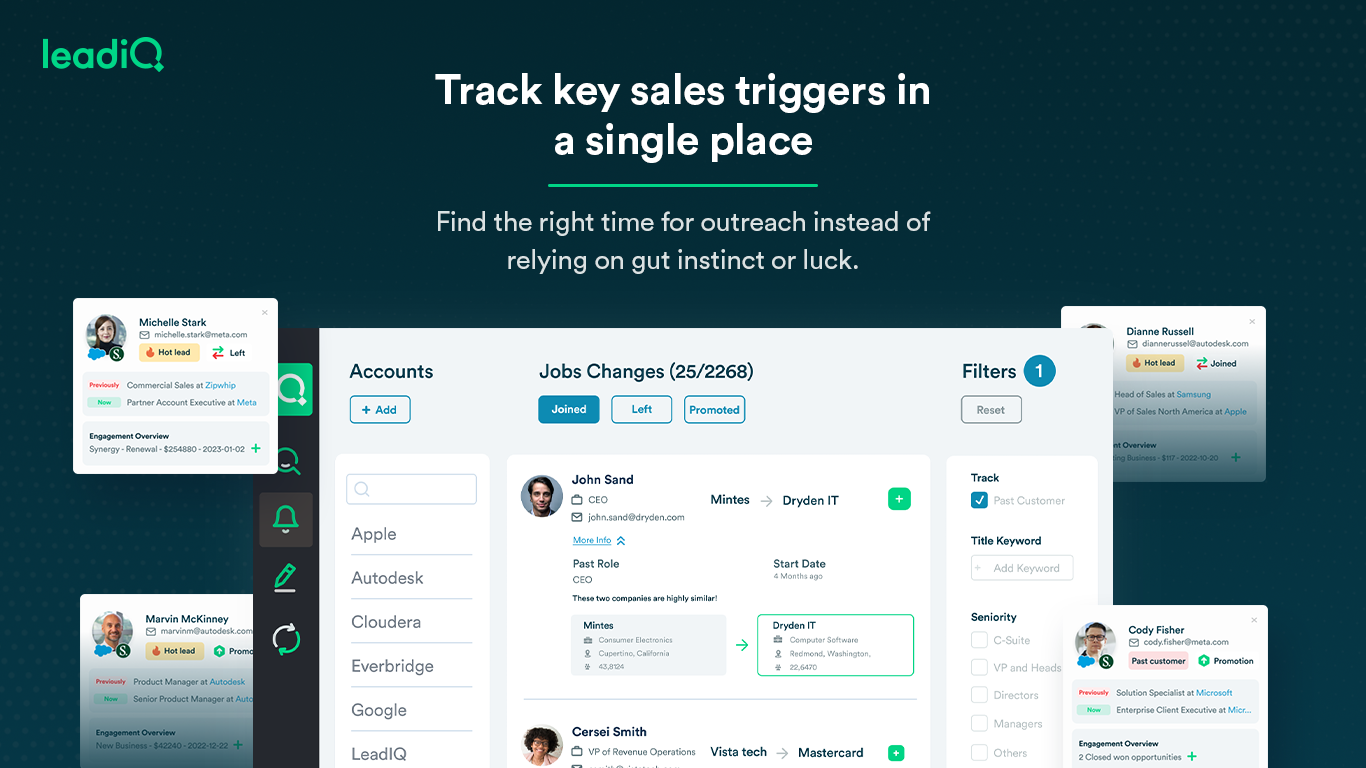
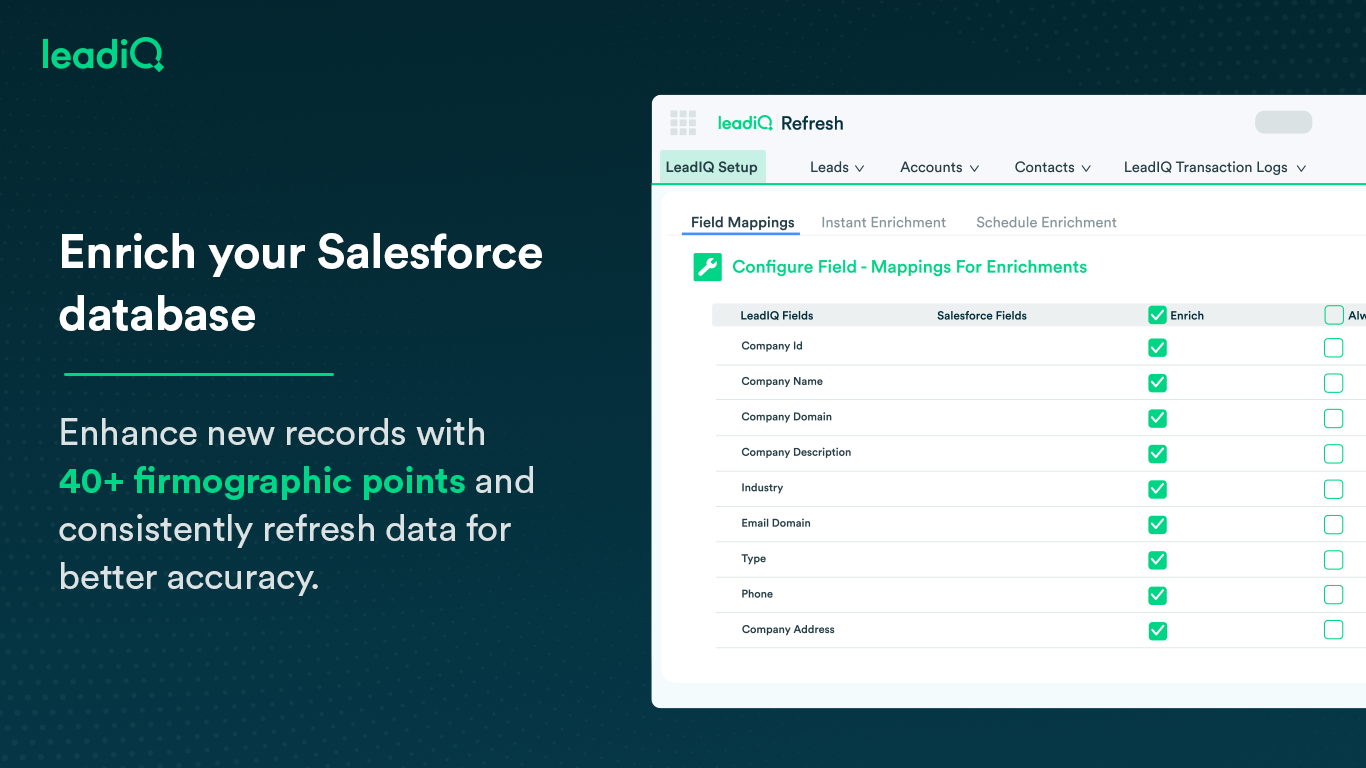
LeadIQ is a prospecting platform that helps outbound sales teams build pipeline through contact data, a AI cold email writing assistant, contact and account tracking for job changes, and CRM enrichment, all integrated into sales tools used daily.
$0
per month per user
LinkPoint Connect
Score 9.0 out of 10
N/A
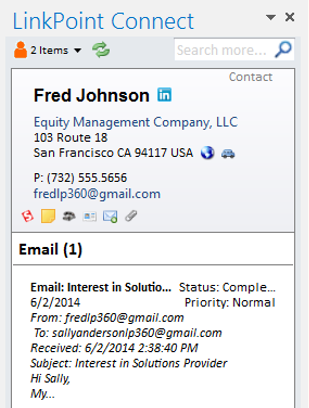
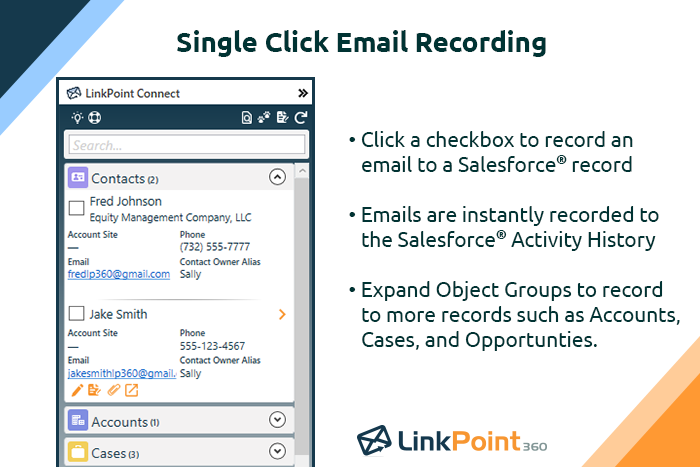
LinkPoint Connect promises to streamline data entry and access by enabling users to instantly view CRM data within their email client. This sales intelligence solution integrates Salesforce and Microsoft Dynamics CRM data in Outlook or IBM Notes. According to the vendor, key capabilities include: View real-time Salesforce data without ever leaving your email. Click on an email, and the LinkPoint Connect Side Panel instantly displays that contact’s information directly from…
$192
per user, per year
Pricing
LeadIQ
LinkPoint Connect
Editions & Modules
Free
$0
per month per user
Essential
$39
per month per user
Pro
$79
per month per user
Enterprise
Ask Sales
LinkPoint Connect for Outlook + Salesforce
$192
per user, per year
LinkPoint Connect for Outlook + Microsoft Dynamics CRM
$192
per user, per year
LinkPoint Connect for IBM Notes + Salesforce
$228
per user, per year
LinkPoint Connect for IBM Notes + Microsoft Dynamics CRM
$228
per user, per year
Offerings
Pricing Offerings
LeadIQ
LinkPoint Connect
Free Trial
Yes
Yes
Free/Freemium Version
Yes
No
Premium Consulting/Integration Services
No
Yes
Entry-level Setup Fee
No setup fee
$16 per user per year
Additional Details
—
Subscriptions are billed annually. Discounts available for non-profits. Volume discounts available. LinkPoint Connect Solutions are available for Outlook and IBM Notes users. These include preconfigured implementations for Advologix, Apto, Apttus, FinancialForce.com, Jobscience, Navatar, Pardot, Salesforce Shield, and TaskRay.
More Pricing Information
Community Pulse
LeadIQ
LinkPoint Connect
Features
LeadIQ
LinkPoint Connect
Prospecting
Comparison of Prospecting features of Product A and Product B
LeadIQ
7.4
11 Ratings
5% below category average
LinkPoint Connect
-
Ratings
Advanced search
7.610 Ratings
00 Ratings
Identification of new leads
5.69 Ratings
00 Ratings
List quality
6.411 Ratings
00 Ratings
List upload/download
8.010 Ratings
00 Ratings
Ideal customer targeting
7.07 Ratings
00 Ratings
Load time/data access
9.611 Ratings
00 Ratings
Sales Intelligence Data Standards
Comparison of Sales Intelligence Data Standards features of Product A and Product B
LeadIQ
8.3
11 Ratings
7% above category average
LinkPoint Connect
-
Ratings
Contact information
8.011 Ratings
00 Ratings
Company information
9.611 Ratings
00 Ratings
Industry information
7.410 Ratings
00 Ratings
Data Augmentation & Lead Qualification
Comparison of Data Augmentation & Lead Qualification features of Product A and Product B
LeadIQ
7.6
11 Ratings
2% above category average
LinkPoint Connect
-
Ratings
Lead qualification process
6.45 Ratings
00 Ratings
Smart lists and recommendations
5.35 Ratings
00 Ratings
Salesforce integration
9.68 Ratings
00 Ratings
Company/business profiles
7.48 Ratings
00 Ratings
Alerts and reminders
7.54 Ratings
00 Ratings
Data hygiene
7.010 Ratings
00 Ratings
Automatic data refresh
9.18 Ratings
00 Ratings
Tags
8.06 Ratings
00 Ratings
Filters and segmentation
8.66 Ratings
00 Ratings
Sales Intelligence Email Features
Comparison of Sales Intelligence Email Features features of Product A and Product B
I think LeadIQ is a great tool. It helps me with prospecting, writing emails, finding information about prospects, etc. I use it daily when writing emails and trying to find people to reach out to. It works well with CRM integration, and most of the time, the extension and scribe functions are working. Sometimes, the numbers are not accurate.
LinkPoint is well suited to any situation where Outlook is used for email correspondence and calendar items and there is need to have a record of those items and/or perform connected actions (schedule tasks, follow up reminders, etc.) in Salesforce. Automating this process and removing as much duplication of work as possible is the primary goal and the primary benefit that LinkPoint provides. In addition to efficiency, automating the process also provides a pretty substantial increase in accuracy, removing ca. 50% of the chance for human error. It's pretty simple functionality in concept, but extremely valuable in execution.
Capturing contact and lead information: Name, Designation, Phone Numbers, Work Email Address, Company board line number - almost every single data point one needs in lead or demand generation. The checkmark for verified information is a cherry on the cake.
LeadIQ integrates with LinkedIn Sales Navigator, Salesforce, and even SalesLoft pretty well. A simple click of a button from LSN can import the lead into Salesforce. A boon for any Outbound sales team. Additionally, capturing multiple contacts in a single go as well as importing them into a cadence is a time--saver.
It's also a community. Since users can suggest changes to make lead information more accurate as well as the option to request more information on a particular lead.
Rocky start to using it - but good follow up with customer service.
It can create duplicates in salesforce sometimes which is a headache for some departments who require salesforce to be our pure data source.
Sometimes the numbers aren't correct for the right individual - it gets numbers from wrong people with the same name - this has only happened a couple of times, very rare.
We have been very happy with LeadIQ for the past several years. They have quality data at a fair price and that is the most important thing for us. Their product continues to grow and expand and they are great to work with from a customer experience point of view.
the data pool of contacts and lead info could be better compared to the other software competitors. The software is still quite easy to use and it has an extension which makes it easy to work side by side with either linkedin or salesforce. One item that doesn't work well which the rep showed us was pulling up the account page on salesforce and LeadIQ being able to pull up the company details based on the domain. That isn't working for us. Perhaps it's the industry we're in.
I have yet to contact LeadIQ regarding support for the tool. Usability is pretty straight forward, and I was trained well to use the tool properly. I am giving the rating of a five since I can not say I have had contact with the support team.
The user experience and design of the platform + the data health were far superior to UpLead and the other tools I demoed. I was also impressed by the pricing structure and the ability for me to pick and choose my plan or customize based on the sales team numbers and team capacity.
Prior to our move to LinkPoint, we used the Salesforce add-in for Outlook. This required manual syncing of email and calendar items and no easy to use interface between the two programs. It was very cumbersome for me to use, to the point where I quit using it altogether some time ago. I found it far less frustrating to just switch back and forth between Outlook and Salesforce and manually perform the requisite actions, create tasks or other items, enter the required data, etc.
So far not a happy customer. We have had a few positive results but for the most part, all phone numbers are relatively inaccurate or they are personal numbers scraped from LinkedIn. When calling a personal number, people are surprised and find it intrusive.
We would not recommend this service until it invests more into correct corporate switchboard numbers at the bare minimum. Currently, these are often incorrect.