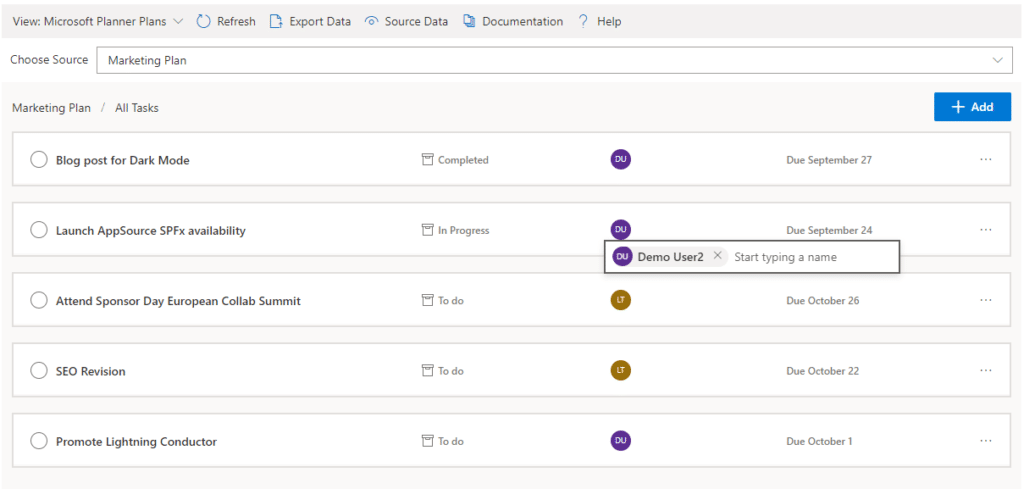
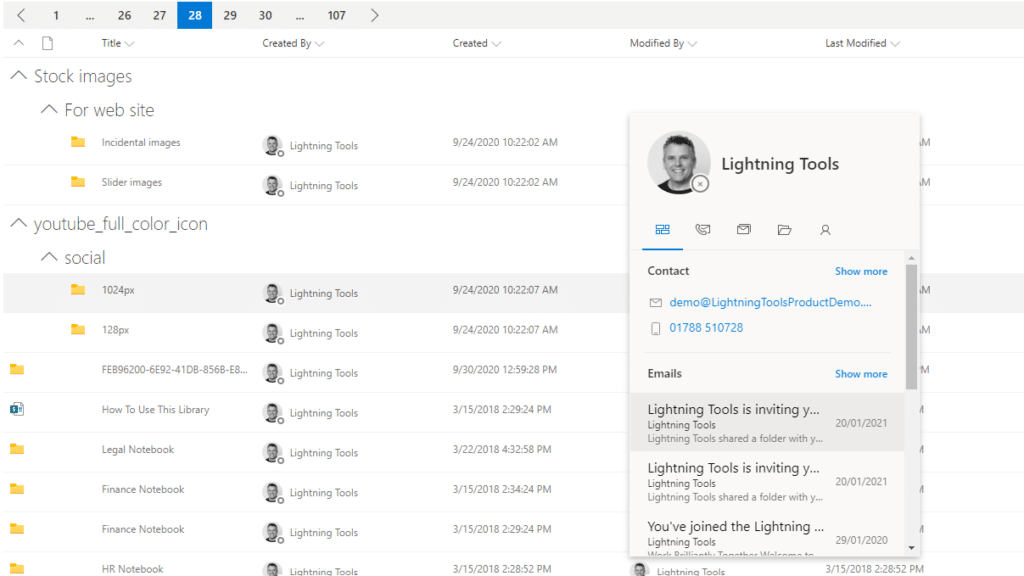
The Lightning Conductor is a content aggregation tool for Microsoft SharePoint Online and Microsoft Teams. Users can build rich, modern content reports based upon SharePoint lists, SharePoint Search, Microsoft Graph or Microsoft 365 Groups. Content can be aggregated from lists and libraries, and other applications such as Planner, To Do, OneDrive, and Teams.
$2,200
per year per installation
Mural
Score 7.5 out of 10
N/A
MURAL (formerly Mural.ly) from Tactivos (DBA MURAL) in San Francisco is described by the vendor as a digital workspace and visual collaboration tool, designed for creative teams to make the process of design more efficient for distributed teams, working remotely.
$12
per month
Stormboard
Score 7.7 out of 10
N/A
Work better together. Stormboard enables users to set up meetings beforehand, capture, organize, and discuss ideas in real-time, and then assign tasks and monitor progress in a digital workspace that can be returned to again and again. Built-in templates for Agile, Project Management, and more help streamline business processes, and work can be exported into one of many dynamic reporting options. Stormboard works on any device from a 4" phone to an 85" Microsoft…
Prices stated are minimum per installation for "stock" products.
$2.20 per user/year on top of base price.
Enterprise editions can be amended to suit business needs if deemed necessary, additional costs incurred and TBD.
All packages include free technical support.
Free upgrades available to latest versions of tool as they are released. (online version)
Plans are billed annually.
—
More Pricing Information
Community Pulse
Lightning Tools Lightning Conductor
Mural
Stormboard
Considered Multiple Products
Lightning Tools Lightning Conductor
No answer on this topic
Mural
No answer on this topic
Stormboard
Verified User
Employee
Chose Stormboard
I think the number one argument for Stormboard is the reporting functionality. These various ways of exporting the results of the collaboration in the desired format are something that I have not seen from other tools yet. It really helps to sort and gather the different …
I use Stormboard for coordination because it seems easier to use than the rest. In terms of courses, we choose the software depending on our course objectives and how tech-savvy we believe the prof and audience are. Miro is more complete, I believe, it has a ton of features and …
Stromboard is filled with great numbers of sticky notes and shapes and featured for different kinds of collaboration. It has various integration with Windows, Microsoft flow, MS Teams, and OneDrive which allows users to do much more than just whiteboarding but also to open, …
When compared to Mural, Stormboard has a less modern user interface. On the other hand, they stand out with their trial program, which is very intuitive and well constructed. They also have a better price for small teams, which made a difference in the buying process.
Having experience of SharePoint On Premise and also SharePoint Online, there isn't an out of the box app/webpart that enables you to 'roll up content' from a variety of source's (in my case SP Lists, but there are many other data sources it works with) across site collections with an easy to use and intuitive interface which is what Lightning tools excels at.
I've recommended MURAL to a lot of people in a lot of fields. This is a great tool for any group of people that might stand around a white board if they were in person. Even if they are in person, I still recommend it pretty often because, unlike a white board, MURAL is virtual, so it can go offline with you. I've recommended it to other Software Teams, individual software developers, engineering teams, Sales Managers, Office Staff, Manufacturing teams, and more.
Ready to use template makes Stormboard very easy to use and gives a seamless experience to the user. It is very useful when brainstorming ideas, and solutions for a particular use case. It sometimes gives solutions to the problems we might not have thought about yet. The on-the-go whiteboard gives us a blank slate for new ideas and more collaborations.
enables easy for all collaboration especially in the hybrid environment
makes brainstorming better as users can create digital sticky notes, draw diagrams, and add images to visually represent concepts and ideas
it helps to visualize data effectively - users can create charts, graphs, and diagrams to present data-driven insights to team members and stakeholders
Overall, MURAL is really easy to use, but there are a couple downsides. It's really easy to make areas of the board consistent because double clicking adds stickies that match those around the current one. It's really easy to connect the elements. And it's really easy to organize elements. Inconsistent controls, Panning, Line Connections, and latency are the only issues I had. My biggest issue is that the MURAL mouse buttons are very different from most similar software. This always causes me problems switching to a graphics software or 3D modelling software. Because MURAL uses the same button to pan and move elements, it's really easy to move things when panning around. The lines can also be a (sometimes huge) problem because thew will occasionally disappear or connect to things incorrectly. I think this is tied to latency issues which, in addition to causing phantom lines, can sometimes cause confusion to your team.
I haven't found another product to compare this one to. Only in SharePoint Online which has a similar App 'Highlight Webpart' ... it's far too complicated to set up and requires learning yet another language and exporting and importing via PowerShell to get any real results that would be useful.
Mural was easier to use and share compared with Whiteboard. Whiteboard's functionality is limited. It is also integrated into Teams in an odd way that makes it difficult for team members to refer to old whiteboards. Mural as a stand alone web app is better.
I use Stormboard for coordination because it seems easier to use than the rest. In terms of courses, we choose the software depending on our course objectives and how tech-savvy we believe the prof and audience are. Miro is more complete, I believe, it has a ton of features and templates.