LiveChat serves as a customer service platform with live chat support, help desk and web analytics functionalities, with the goal of allowing users to provide 24/7 support to customers. The core feature of the software is its chat tool, where both service and sales team can answer customers' questions in real time. Online businesses can interact with customers on their website, to be more accessible. With LiveChat, users can identify people on the website and engage…
$25
per month per user
SalesCaptain
Score 9.0 out of 10
Small Businesses (1-50 employees)
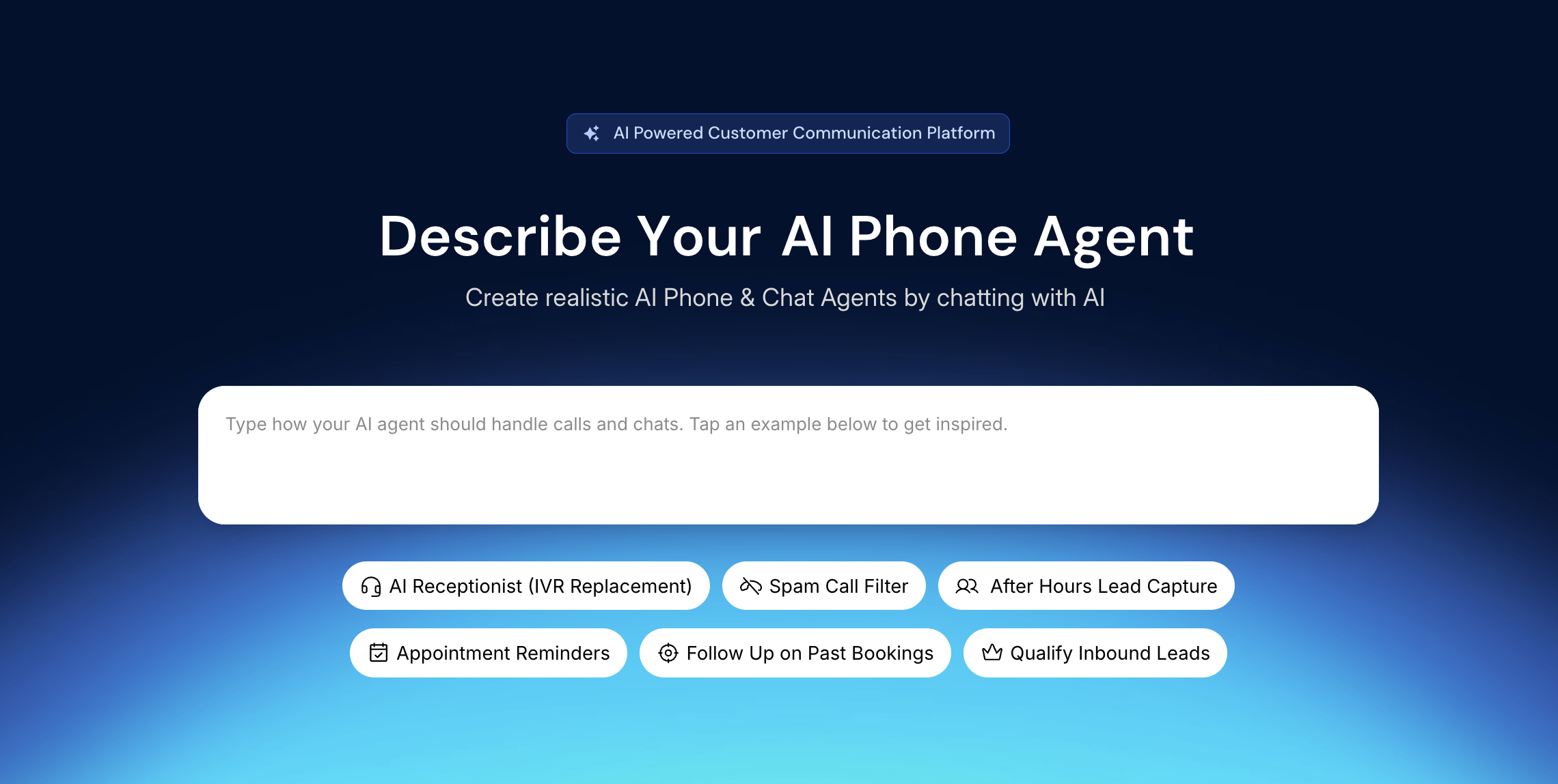
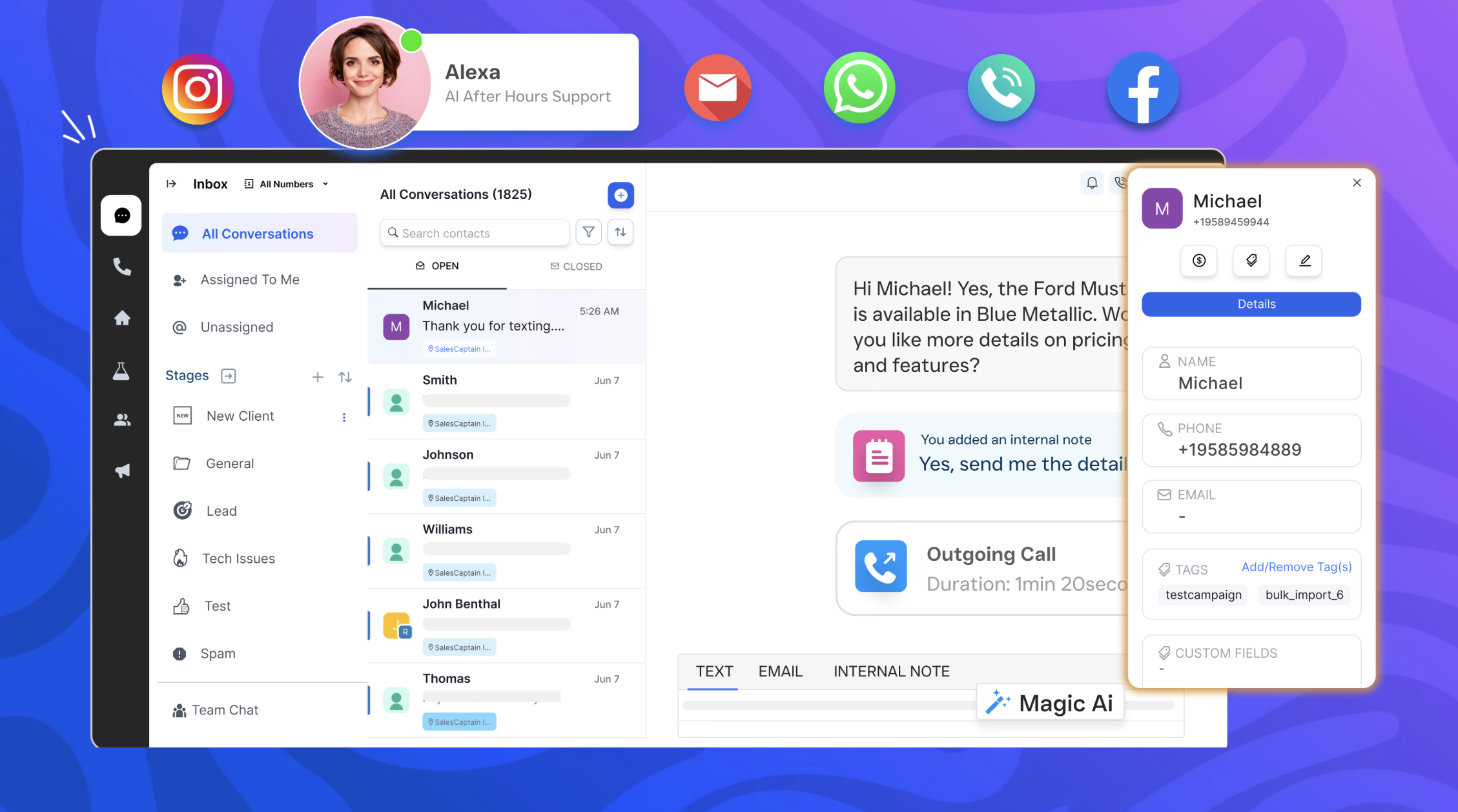
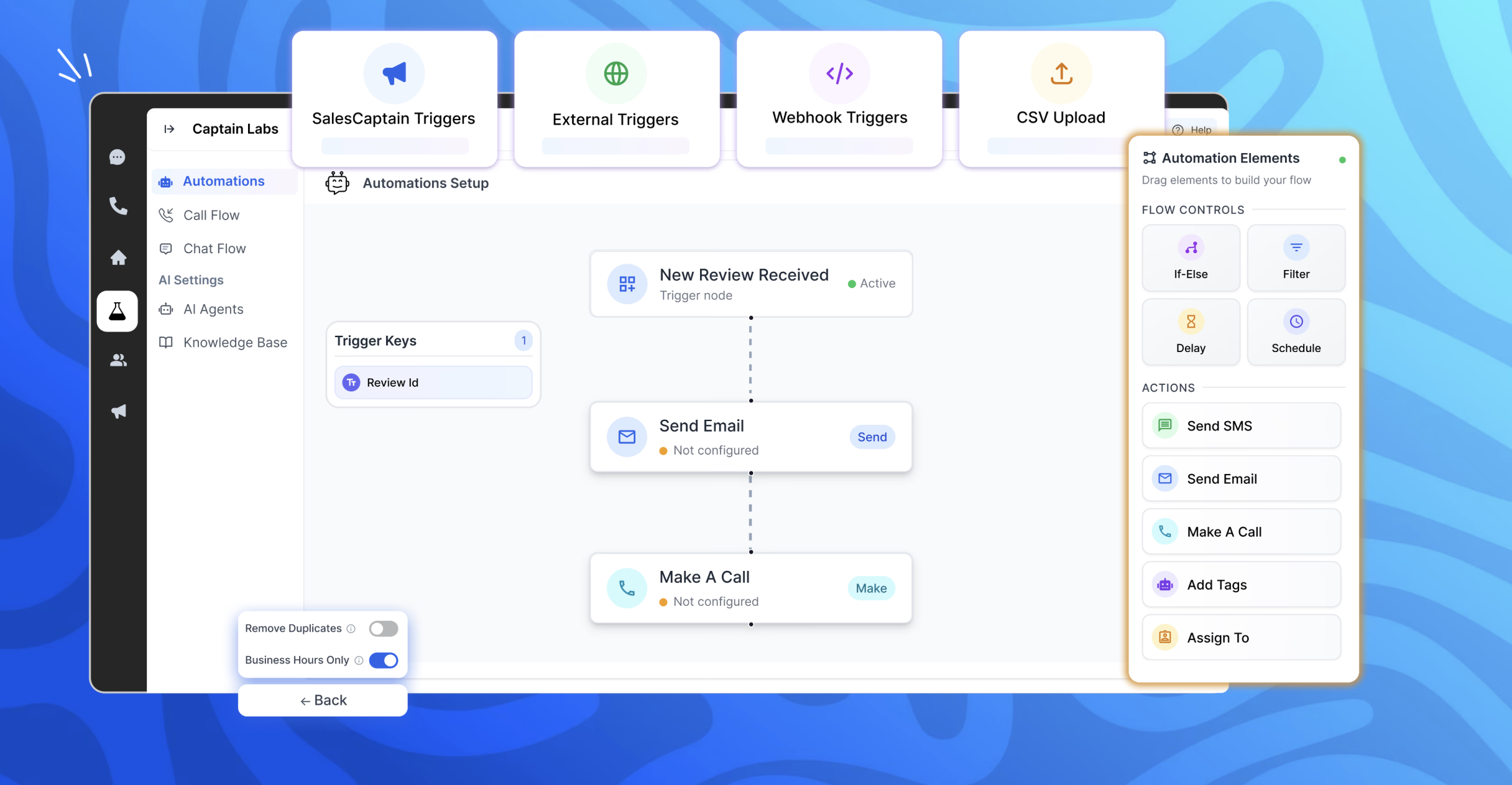
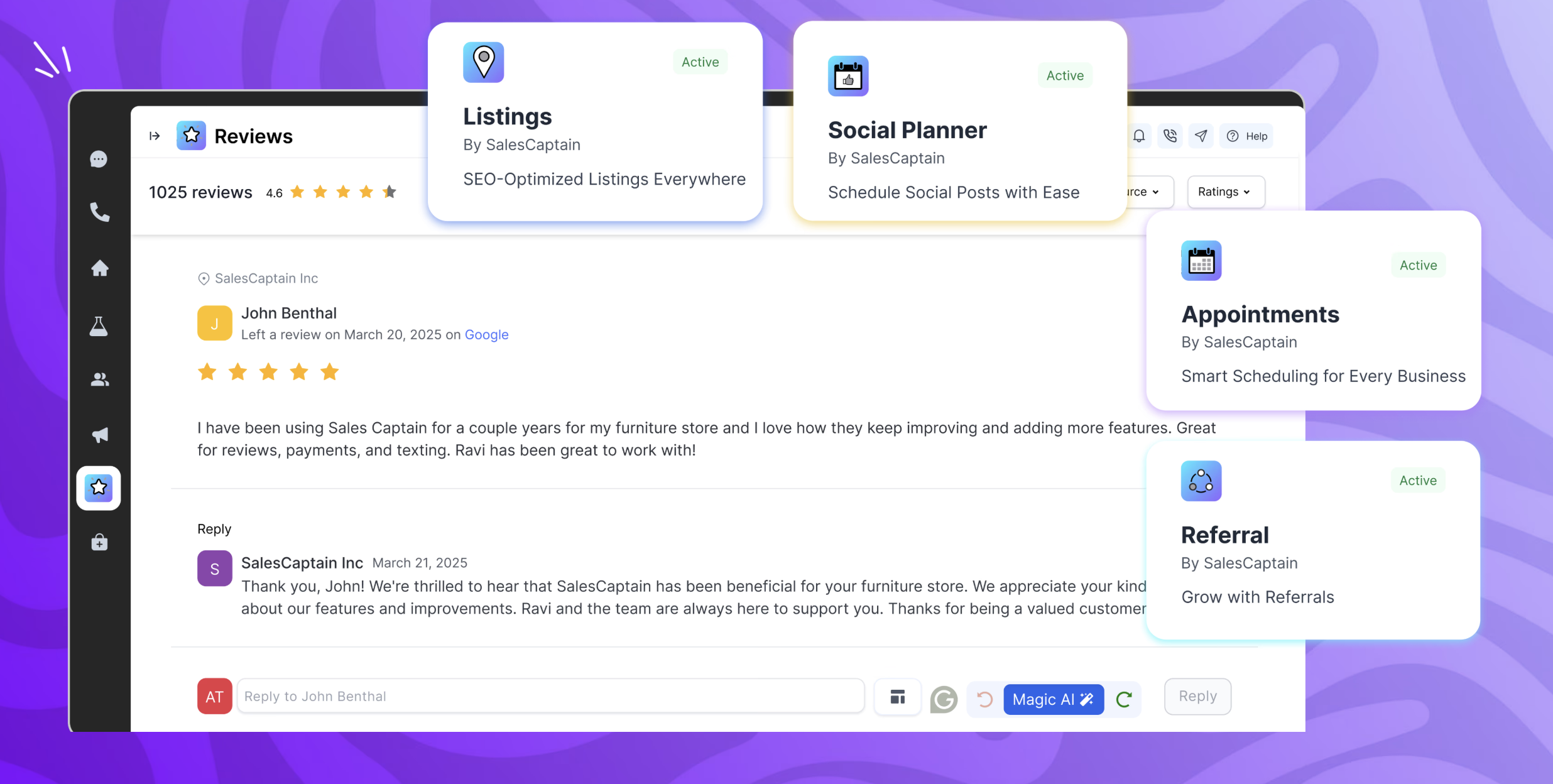
SalesCaptain is a communication platform with a chat based AI agent builder, designed for modern businesses. It unifies phone calls, texting, webchat, and social media messaging into a single collaborative inbox. SalesCaptain can be used to create AI-powered phone and text agents to handle calls, answer queries, route leads, filter spam, and automate tasks — without any technical expertise. SalesCaptain also includes a suite of built-in business apps for managing…
We needed a mechanism in place to make contact with visitors to our website easier. What we discovered is that it's an excellent tool for creating reports and dashboards that show how soon issues are handled. Our website can now be updated in real-time, and all of our internal teams are really excited to use this fantastic technology. I really recommend [LiveChat] to many friends and past colleagues.
When several technicians are out in the field and the office is unable to respond to every call, SalesCaptain is particularly well suited for appliance service companies that manage a significant volume of calls and messages. We make extensive use of it for texting missed calls, gathering brief intake information, and keeping clients warm until we can set up a time. It’s also ideal for automated appointment confirmations/reminders, tech on the way updates, and post-service review requests, which reduces down on status-check calls and encourages repeat business. It is less suitable for really complicated diagnostic cases that necessitate a back-and-forth discussion with a senior technician, as well as edge cases where availability or pricing rely on on-site inspection, which are better managed by a human once the first data is obtained.
The most important factor of Livechat is their own chat support, I had many requirement from the Sales Head, Support Head to implement features that I was unsure if the product could do. However, as I did the implementation one by one I constantly used the chat support which helped me step by step all the way.
The UX of the product is pretty simple and intuitive to use. There are quite a few features that we could easily plug and play. We tried going to the market to find a solution that could help us but they did not have as many out of the box features and simple to use
Their integration between LiveChat and Chatbot is pretty seamless and since both of them are from the same company, it's works pretty well.
It has a limited amount of agents, so when you have many customer care employees during one shift it is hard to manage the quantity of active agents.
When system is overloaded and many customers are waiting in a queue it starts to works slowly (sometimes the program even lags) and you need to refresh the system to write a message.
Occasionally when you open a new tab, you might lose your current conversation.
Because the daily workflow is simple, I would give usability an 8 out of 10. The shared inbox is easy to manage, chats are arranged by client, and once you understand the builder, setting up typical automations like missed-call texts, appointment reminders, and review requests is quick. The platform facilitates communication between techs and administrators and saves our office team a great deal of manual follow-up. I would prefer additional appliance-service templates and better contact/duplicate management to speed up onboarding and scalability. The primary reason it isn't a 10 is that certain sophisticated configuration more intricate routing, deeper reporting, and fine-tuning automations can require some understanding.
The only issues I have had with LiveChat are the technical glitches within the program. These are not common as in everyday occurrences but when the glitches do happen they tend to have very negative repercussions. This is due to chats with customers being dropped, this may be an internal server issue though and may not happen for everyone.
Overall very similar in design, but LiveChat had a better interface, better reporting and analytic tools, better mobile support, and just an easier overall feel. The two products are very much alike in the vast majority of ways, but I ended up preferring this product overall. Price points were similar as well, as well as the allowed number of users.
We primarily assessed Podium and Birdeye for customer messaging and reputation management. Both are good at creating reviews and handling simple conversations, but we needed more end-to-end follow-up in our appliance service workflow. Specifically, we needed to convert missed calls into scheduled jobs, automatically gather service-intake information appliance type/brand, symptoms, address, preferred time, and run regular appointment reminders and post-job follow-ups from a single shared inbox. SalesCaptain is a better fit since it supports review requests and reputation procedures while being more adaptable for creating those appliance-specific automations and keeping the complete lead-to-job dialog in one location.
We have a small team so the overall impact is that it is easy for one or two employees to handle a large number of tickets without hiring more people. Plus, you can use this software remotely, save a ton on traveling to and from and office.