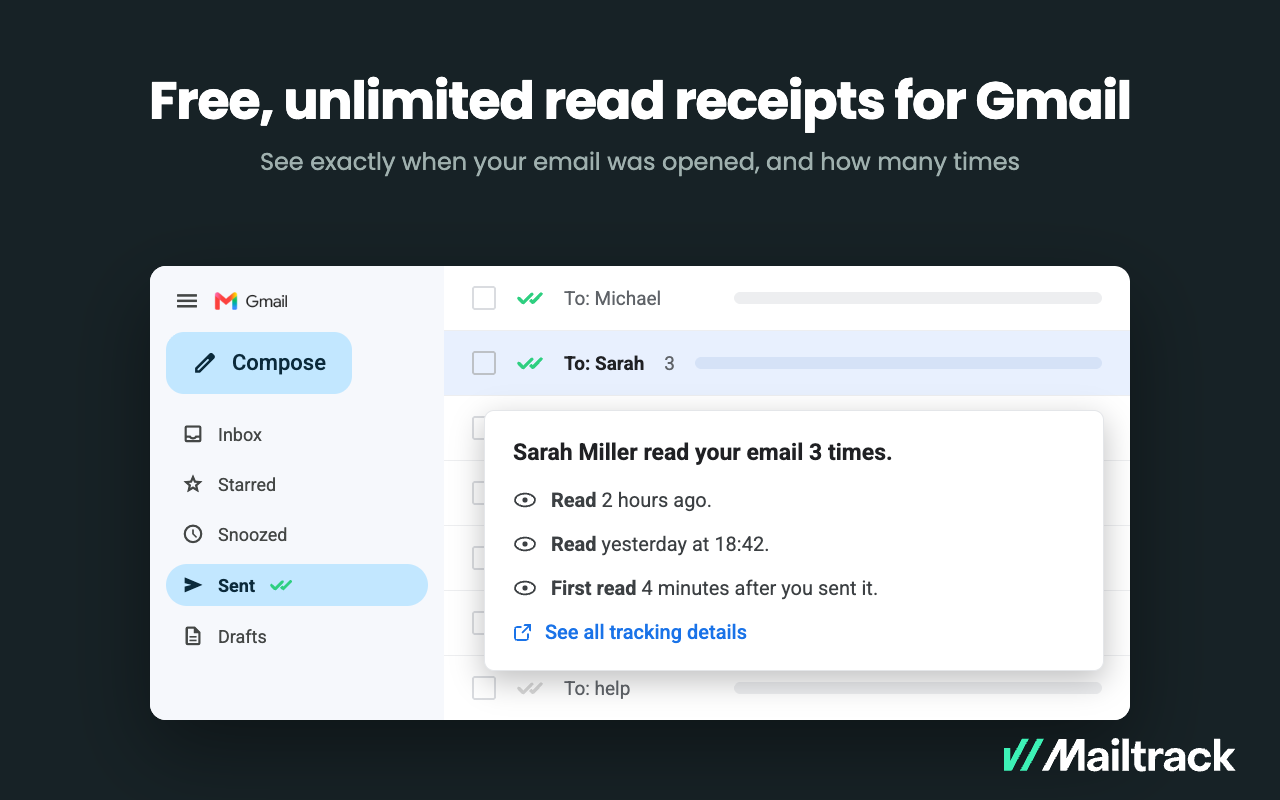
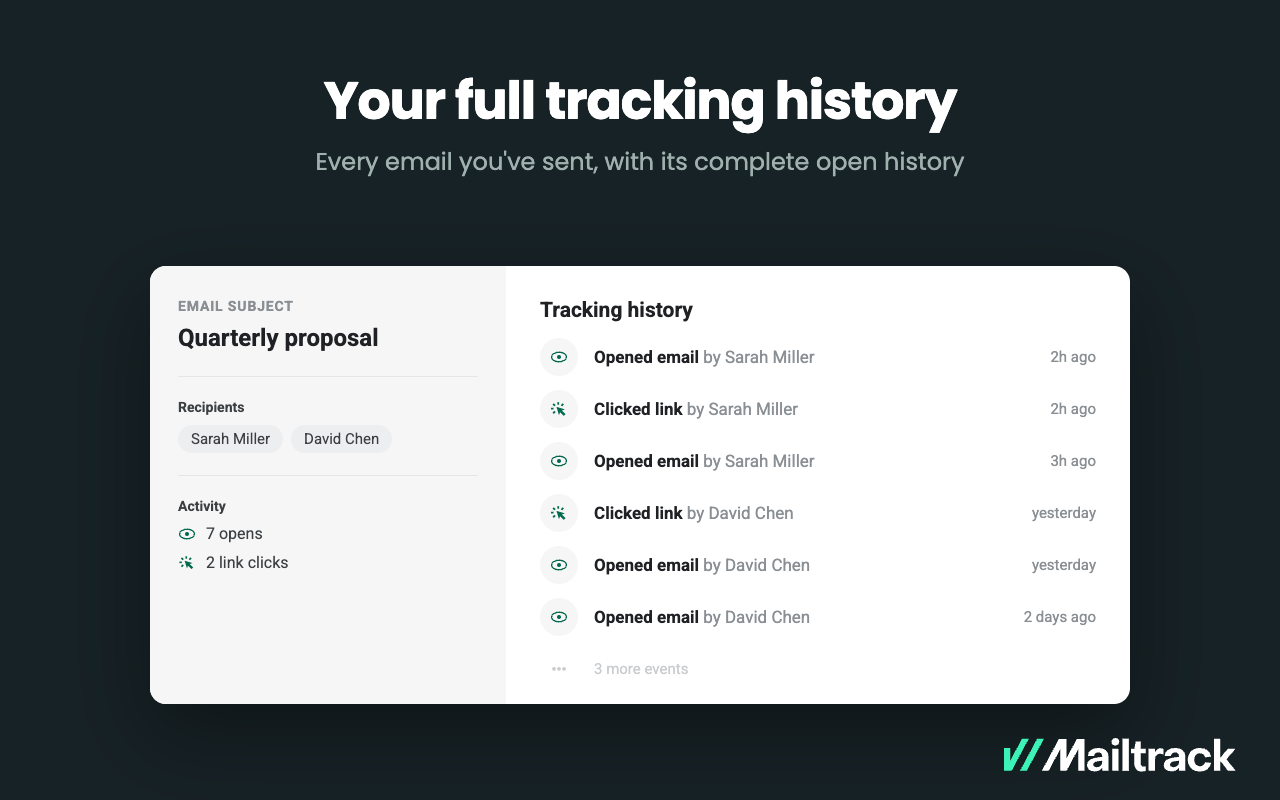
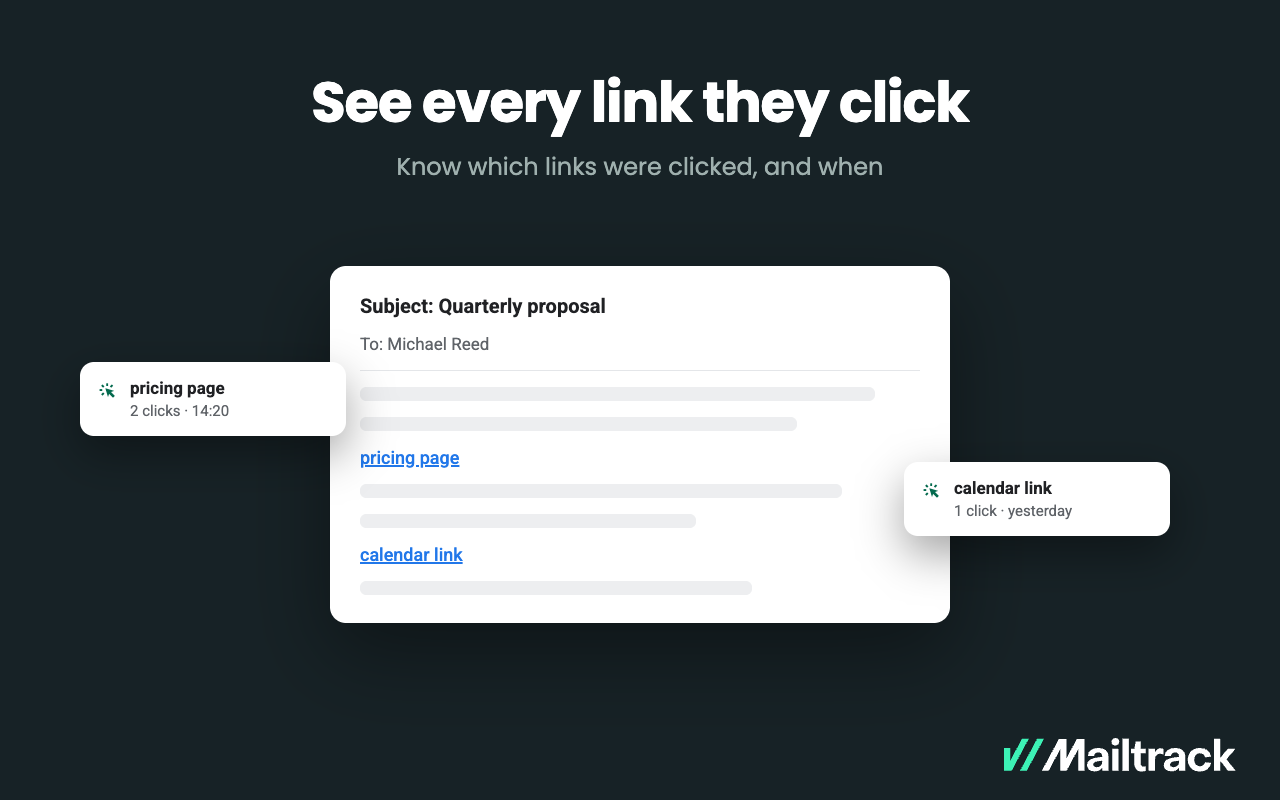
Mailtrack is an email-tracking extension for Gmail and part of Mailsuite. It adds delivery and read-status indicators to sent messages, showing when recipients open an email or click a tracked link without requiring users to leave Gmail. Key Capabilities Gmail read receipts: Mailtrack adds one or two checkmarks to sent messages. Grey checkmarks indicate delivery; green checkmarks indicate that the message was opened. Open and…
$2.99
per month per user
MindTickle
Score8 out of 10
N/A
MindTickle is a sales training platform. It has features for onboarding, product training, coaching and ongoing performance checks that helps companies to prepare their sales teams and partners. The vendor says their solution allows companies to do this in a scalable and effective way, reducing ramp-up times for new sales reps and increasing the productivity of the entire sales team.
Mailtrack is great for tracking emails if you do not want to pay for larger more complicated tools that do the same thing. If you already love your system but just want to add some convenient read tracking, that's exactly what this is for. If you have a system that doesn't work well, I would take the time to evaluate alternatives that also include read tracking (Salesforce for example). This also applies if you're trying to use this for large outbound sales emails - there are a lot of applications that have email tracking built in (Outreach.io is a great example) so it may just be worth switching your whole system.
A de minimis incentive was given to thank the reviewer for their time. The incentive was not used to bias or drive a particular response, nor was the incentive contingent on a positive endorsement. More Info
MindTickle is very well-suited for training materials and creating modules. It allows you to generate helpful click-throughs and track how users engage with and complete the content. MindTickle feels a bit less suited for loading in-person training content and events (e.g., recorded live training).
A de minimis incentive was given to thank the reviewer for their time. The incentive was not used to bias or drive a particular response, nor was the incentive contingent on a positive endorsement. More Info
A de minimis incentive was given to thank the reviewer for their time. The incentive was not used to bias or drive a particular response, nor was the incentive contingent on a positive endorsement. More Info
It provides me a good graphical representation of the data and gives me the best information about the sales readiness program, which helps me to understand new processes.
This tool has influenced us by providing training sessions too.
Through this tool, I am managing my coaching sessions, checklist, and studying how I can better engage my audience.
MindTickle should allow users to bookmark key videos and if this feature is already implemented, it should have a better way of finding how to be able to select this function.
Some answers in MindTickle are duplicates. While this is probably an error on the setup team, being able to put the exact same response should not be allowed.
A de minimis incentive was given to thank the reviewer for their time. The incentive was not used to bias or drive a particular response, nor was the incentive contingent on a positive endorsement. More Info
I would rate Mailtrack's overall usability as a ten out of ten. The reasons for this are actually quite simple. For now, only I have been using Mailtrack. However, looking at the rather easy to use characteristics Mailtrack has to offer, I would not hesitate to recommend it to the rest of my colleagues.
A de minimis incentive was given to thank the reviewer for their time. The incentive was not used to bias or drive a particular response, nor was the incentive contingent on a positive endorsement. More Info
The platform is very easy to use, and for new users is very easy to get familiar with. This is great, as it makes it easy to get through all the materials you need. For people who have been with the organisation longer, it is easy to find new material to strengthen their skills and develop themselves.
A de minimis incentive was given to thank the reviewer for their time. The incentive was not used to bias or drive a particular response, nor was the incentive contingent on a positive endorsement. More Info
I didn't really need to use the customer support but the fact that they proactively make the installation process so easy by providing step by step instructions with videos and everything is kind of pro-active customer support that is needed. Good for them because at the end of the day, it's everyone's dream to use a product that they don't need support for.
I guess it would be great. I have not needed to utilize the customer support team since I have been using the MindTickle platform. I would say that a good thing. But on the flip side, I am just one user. I would imagine people who are actually putting in the content deal with customer support more regularly for any issues on how the product is operating.
A de minimis incentive was given to thank the reviewer for their time. The incentive was not used to bias or drive a particular response, nor was the incentive contingent on a positive endorsement. More Info
There's a free tier. Obviously, there are other things to love, like notifications about your email being read, the fact that if an email hasn't been responded to in some time it gets bumped up. The fact that if other people have Mailtrack you will actually get notified who read your email. But the fact that there is a free tier is HUGE.
When compared to Highspot, I found Mindtickle to be much easier to navigate. The UI is way cleaner and intuitve. The capabilties are relatviely the same. Overall I certaily prefer Mindtickle. The one thing I will give to Highspot is that their analytic capabilities (especially in the library) are more robust.
A de minimis incentive was given to thank the reviewer for their time. The incentive was not used to bias or drive a particular response, nor was the incentive contingent on a positive endorsement. More Info
I'm currently using the free version so my investment was time spent downloading the browser extension. I would say it's worth the investment because I can make more value through each email by finding the right time to send replies or know when is the exact time I should follow up.
Knowing when an email is read multiple times helps me know the importance of the content in my email.
The paid version allows Mailtrack to tell you which recipient read the email if there was more than 1.
I'm not in a position to know the specifics, but I will guess the three biggest impacts. One positive has been that MindTickle has kept us sales reps up to date and able to talk about all of the products. I'm sure that these trainings have led to better pipeline numbers.
MindTickle has had a positive impact on diversity and cultural training as well, as more people are learning and open to learn.
A de minimis incentive was given to thank the reviewer for their time. The incentive was not used to bias or drive a particular response, nor was the incentive contingent on a positive endorsement. More Info