ManageEngine's Self-Service Plus provides self-service password management, multi‑factor authentication, and single sign-on solution.
$295
per year for 100 users
WatchGuard AuthPoint
Score 9.1 out of 10
N/A
WatchGuard AuthPoint protects workforce logins to desktops, VPNs, and cloud applications, from Windows and macOS sign-in to Microsoft 365 and third-party SaaS. It runs on WatchGuard Cloud, the same console that manages WatchGuard network and endpoint security. An MSP or an IT team can cover identity without adding another vendor to the stack. When MFA alone is not enough Day-to-day authentication runs through the AuthPoint mobile app, with push, QR code,…
N/A
Pricing
ManageEngine ADSelfService Plus
WatchGuard AuthPoint
Editions & Modules
Free edition
$0
No Expiration Offers most of the features for up to 50 users.
Standard edition
Starts at $295
per year for 100 users.
Professional edition
Starts at $345
per year for 100 users.
Endpoint MFA Standard edition
Starts at $195
per year for 100 users.
Endpoint MFA Professional edition
Starts at $295
per year for 100 users.
WatchGuard AuthPoint MFA
Contact Sales
WatchGuard AuthPoint Total Identity Security
Contact Sales
Offerings
Pricing Offerings
ManageEngine ADSelfService Plus
WatchGuard AuthPoint
Free Trial
Yes
Yes
Free/Freemium Version
Yes
No
Premium Consulting/Integration Services
Yes
Yes
Entry-level Setup Fee
Optional
No setup fee
Additional Details
Failover and Secure Gateway Services add-on is $395
SMS add-on starts at $595 for 2000 SMS credits.
The system is adequate because it increases the security of the environment with the resources provided. Password reset and MFA are suitable for installations and uninstalls. User and license administration is also good. Less adequate is the reporting aspect. Reports cross-reference computers with users. Adequado é que aumenta a segurança do ambiente com os recursos disponibilizados. Reset de senha e MFA, adequado nas instalações e desinstalações. Administração de usuários e licenças. Menos adequando na questão dos relatórios. Relatórios de computadores cruzado com usuários. This review was originally written in Portuguese and has been translated into English using a third-party translation tool. While we strive for accuracy, some nuances or meanings may not be perfectly captured.
Works great as a 2FA token, for endpoint control, for computer and server updates, for scheduling updates, and for patching security features when exploits become known. Remote connection is very reliable and doesn't drop in and out as many programs do. It may not be as appropriate if you are looking for a plug-and-play control, as it requires more learning and setup to get it set up correctly.
Email support is SLOW unless I want to allow a stranger to access my production firewall. That is never allowed here, so our hands are tied in terms of being able to get support in less than 48 hours.
Again, support takes far too long because you refuse to employ any staff that works in US time zones during normal business hours.
There has to be another option besides: 1) you take full control of my systems or 2) I wait on SLOW email support that isn't that great.
Today to ensure our ISO 27001 certification it is important that we maintain this solution. Today it is part of the way any employee within the organization works, we no longer have any other way of working and it is the simplest way to ensure that access to the workstation is done with MFA.
It works very well. When there are updates, they provide timely notifications. The update process is typically smooth, and if an issue arises, we have found that ManageEngine support is quick and highly effective. They have never left me hanging. Our users, some of whom are very tech-averse, still manage to reset their passwords without any intervention from our support team.
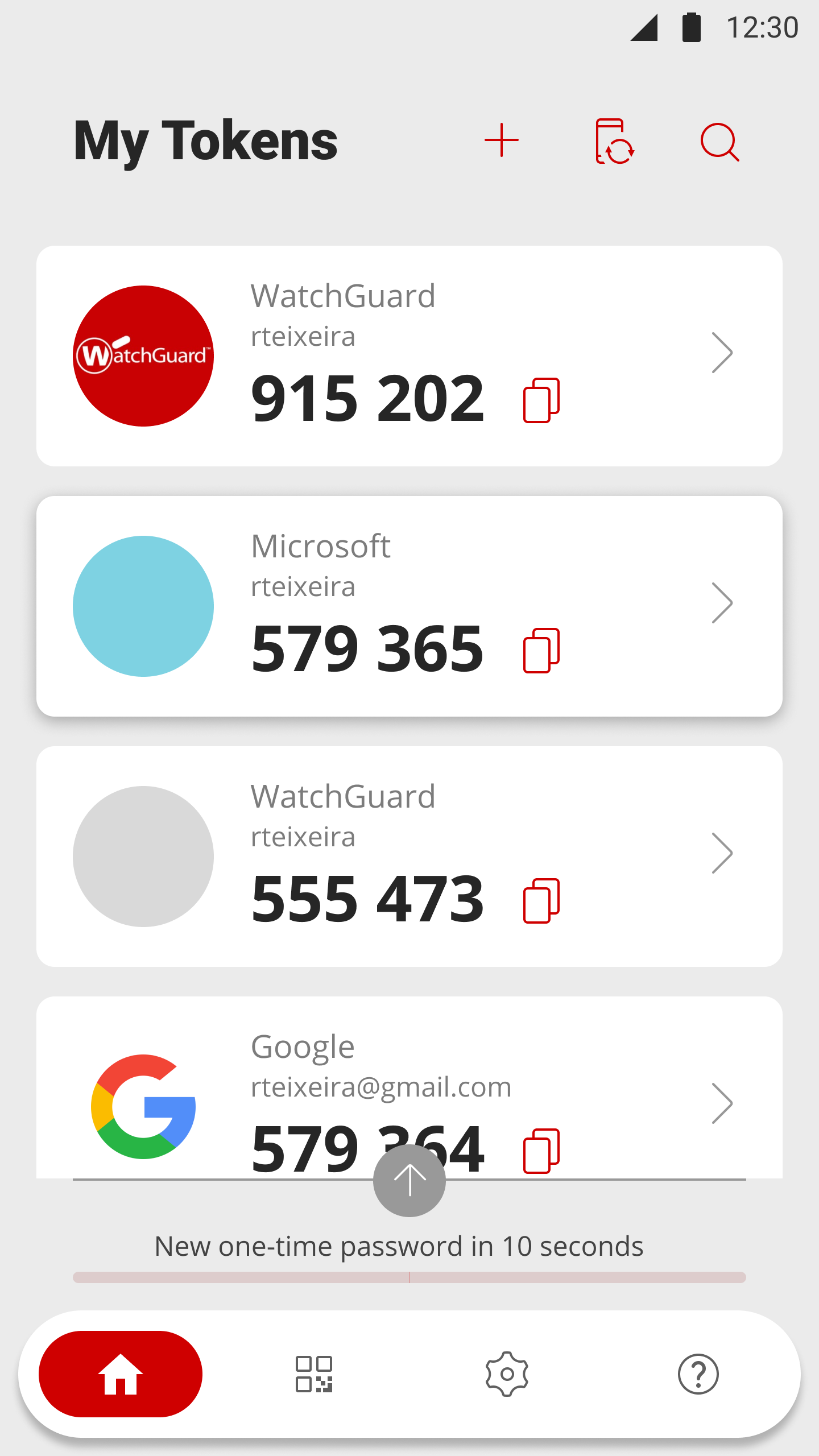
After initial setup, it practically runs itself. Onboarding new users is fast and easy as it should be. The AuthPoint mobile app is small and simple to use. The only reason I do not give it a 10 is that I frequently get complaints from end users that the AuthPoint app is "constantly downloading". In fact, it's not downloading anything and that what the users are seeing in the app is a timer for the 6-digit code that changes every minute.
WatchGuard support is always quick and reliable. They have urgency levels that you are able to select when creating your support ticket, and they respond in accordance to the severity that you have set. I have never had an issue with getting someone on the phone in the same business day, even for very low priority issues.
It was an Onsite demo at the ditributor with the benefits of Watchguard Authpoint. Was very nice to see the abilities of the product. This Demo was a few years back, since then Authpoint changed allot. It is very nice for partners that you can get this demo without any aditional cost.
We use the online training for all our employees. There are both sales and technical trainings available and there even is a technical certification. You can use this for the Watchguard Partner Program which can give you aditional benefits. Every now and then you have a webinar that discusses multiple Watchguard products.
the first time it takes more effort. It is helpful to already understand how each authentication type works. Then it's much easier to understand the MFA solution that you implement. It is useful to check the release notes from time to time and update the key parts of the Watchguard Authpoint. Authpoint Gateway, Logon App, RDWeb... Also, it's useful to set up notifications when something goes wrong or sometimes check the statistics of how many requests are being approved/denied, etc.
ADSSP is MUCH more flexible and feature-rich than Entra SSPR. Entra is extremely basic and has almost no flexibility or support. ADSSP has been able to handle almost all scenarios that we've tried to achieve. Entra SSPR does have the advantage of being a SaaS platform, but ADSSP updates are easily to apply and the system is easy to maintain.
I would slot Authpoint (as a product) as better than ESET but not Duo. ESET has the same limitations as Watchguard in the OTP support. It also is an on-prem installed console rather than a cloud, which increases cost and maintenance requirements. The duo now supports standard OTP for admin accounts, so it can be managed by a team. Duo support however leaves a lot to be desired and gives Watchguard the edge
We currently have 300 users on Authpoint, and most of them use insecure passwords. Authpoint gives us peace of mind that we don't have to police individual employee passwords.
In line with the comment above, with so many people in our organization using insecure passwords, I'm sure that Authpoint has already saved us from many potential security breaches.
Security breaches can cost a lot of money. Preventing them saves the company money and helps to achieve our bottom line.