Mendix is a low code platform-as-a-service offering with mobile and social extensions. Mendix was acquired by Siemens August 2018.
$0
Zoho Books
Score 8.9 out of 10
N/A
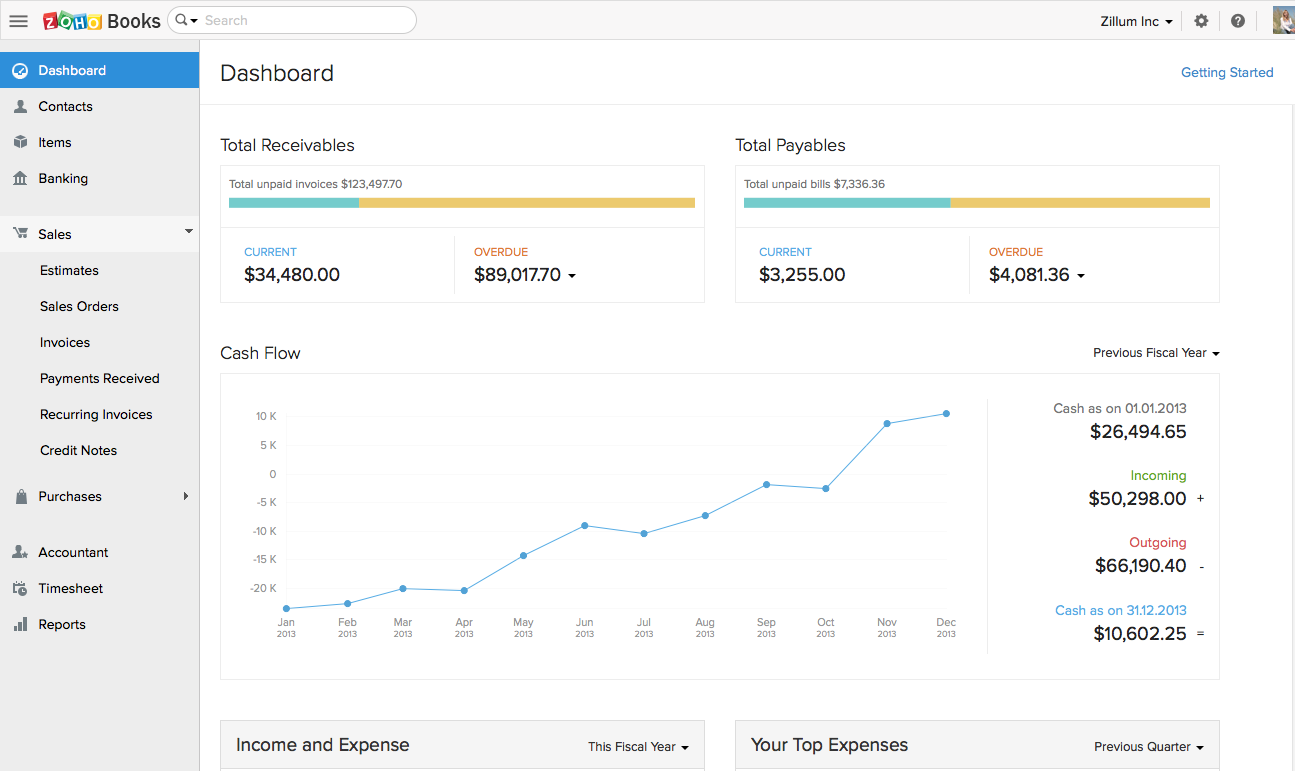
Zoho Books is an accounting solution that is designed to help small businesses manage their finances. This solution includes dashboards and a wide variety of reports. Business users can automate tasks and set up custom workflows.
Zoho offers a 14 day free trial.
$20
per month
Zoho Creator
Score 7.8 out of 10
Mid-Size Companies (51-1,000 employees)
Zoho Creator is a low-code application development platform for building enterprise-class applications that run on mobile, tablet, and web. It is designed to allow users to create custom forms, configure workflows, build pages, and deploy apps quickly.
$12
per month per user
Pricing
Mendix
Zoho Books
Zoho Creator
Editions & Modules
Free Edition
$0
Pro Edition
1,250
per month (billed annually)
Enterprise Edition
1,675
per month (billed annually)
Free
$0
For businesses with turnover <50K USD per annum
Standard
$20
per month per org
Professional
$50
per month per org
Premium
$70
per month per org
Standard
$12
per month per user
Professional
$30
per month per user
Enterprise
$37
per month per user
Offerings
Pricing Offerings
Mendix
Zoho Books
Zoho Creator
Free Trial
Yes
Yes
Yes
Free/Freemium Version
Yes
Yes
Yes
Premium Consulting/Integration Services
Yes
No
Yes
Entry-level Setup Fee
Optional
No setup fee
Optional
Additional Details
—
Zoho Books is available for both monthly and yearly plans. Users who sign up for the annual plan get a discount.
Add-ons:
Customer Portal: $100/month onwards
Premium Support : 20% of license fees
Enterprise support: 25% of license fees
Because most of our apps work closely with our main system (ERP) and other tools, we went with Mendix. It's good at easily connecting with lots of different systems, which is exactly what we need. Another thing we like about it is that it can handle growth well, and its pricing …
Zoho Books has a much simpler GUI and the reason we selected Zoho is because of the integration of Zoho Books across other applications and especially into Zoho products. One of the other reasons is the time log feature we can easily pair up with a client service ticket to show …
Verified User
Administrator
Chose Zoho Books
Cloud vs. desktop, this and the fact that Zoho Books syncs with our other Zoho apps were the most pressing reasons for switching to Zoho Books. As mentioned previously, we consider our accounting software to be an integral part of doing business efficiently, and we can now do …
zoho creator is quite a good option with Zoho Books, but need lot of integration.and the reason for choosing zoho creator is its reliability and easy to create and scale.
Zoho Creator Platform can integrate and combine different views and databases from different platforms and expand the features that you can get out of them.
Mendix excels in scenarios involving Business Process Automation, making it a strong choice for applications requiring workflow automation, including processes like request approvals, document management, and other business workflows.Conversely, Mendix may be less suitable for projects that demand highly customized solutions with extensive custom coding. Its primary focus on low-code development may not align well with the requirements of projects that heavily rely on intricate and specialized coding.
If using other cloud applications and you wish to create Zoho Books transactions via APIs, Zoho Books is great. The overall UI and flow of the application are great. If you need a detailed job cost accounting solution and robust reporting there is some room for improvement here.
If you are using some application of Zoho and want some more functionality into it, Use Zoho creator to develop a separate app as per requirement and integrate it with your Zoho App. Small organization can use creator to make apps but it can be used for small range of storage, For Large organization , it may be not feasible.
We're able to really easily develop different views that are very specific to a customer's needs or customer's different types of user needs. So for example, the production managers can have a certain view that's relevant to them and then certain line managers can have views that are specific to them that allow them to run different scenarios which they define. So it allows us to easily build customized apps for each different type of user.
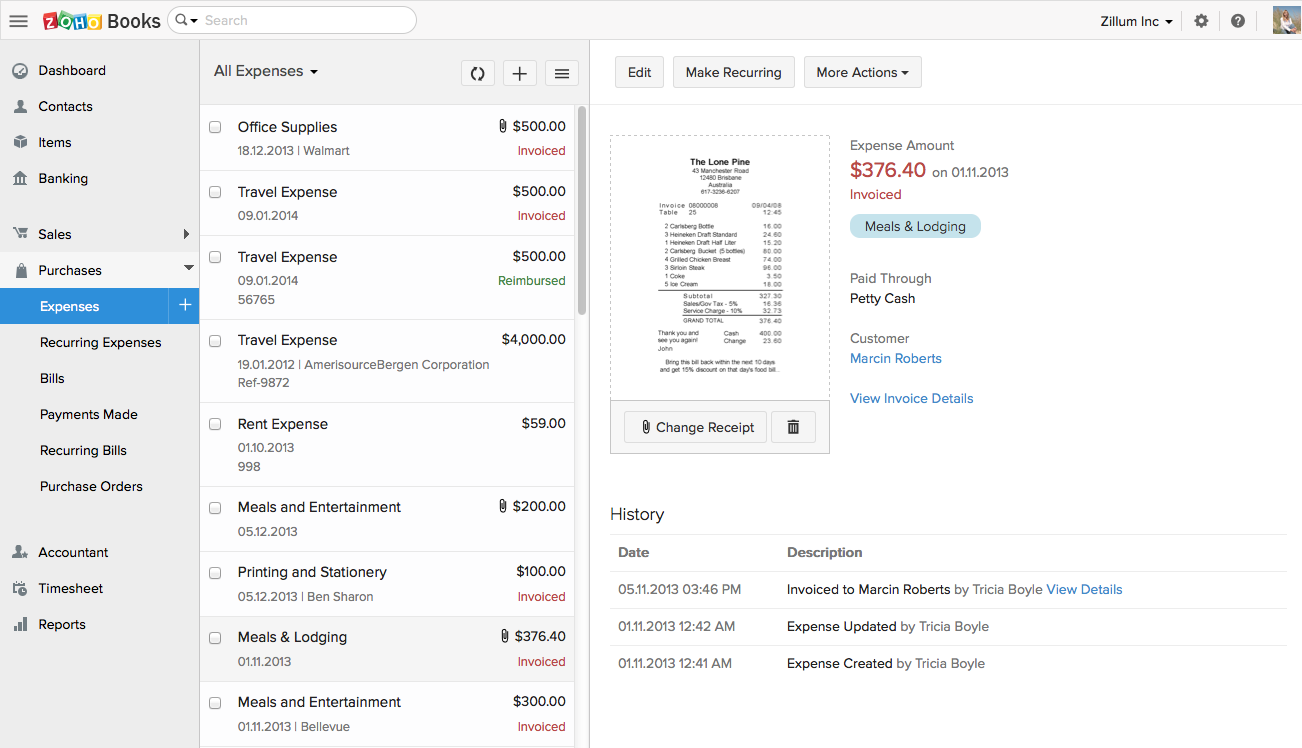
Zoho Books invoicing and receipting features are second to none. We find it easy to quickly invoice clients and add items to their bills and also for our own receipting internally.
The accounting features are great for our accounting team to be able to see where we are financially and how the business is doing.
The ability to add contacts and run a mini CRM channel with clients within Zoho is invaluable. Since we use this in conjunction with our other CRM channels, it helps to have a centralized place to follow up and see through a sales funnel.
Zoho Books allows us to take payments from clients around the globe a feature we didn't have when we used another accounting system.
The pricing for Zoho Books is fairly reasonable for an SME organization which is a great for us as it pays itself back many times over every month.
Zoho Books is only available in Texas and California. There is no integration allowed for paying employee expenses. The absolute worst aspect is the fact that if you make even the slightest error in data input there is no backing up. You cannot undo an error.
The system does not allow change once implemented, so you must get every one of your beginning balances perfect. The practice of Journal Entries is cumbersome. When reconciling, Zoho Books has adopted a number of required steps that significantly overcomplicate reconciliation using practices that are not consistent with general accounting principles in the US.
On the customer side, you must look in two places to see the beginning balance and the current receivables that might exist for current invoicing.
The way the system works, you must avoid having much trust with the balances depicted. So far, it appears that Zoho Books uses what we called in school "that new math."
It would be terrifying to rely on this bookkeeping system to support an IRS Audit. The system violates too many fundamental accounting principles.
The software is used by so few people that there is concern that we might never find a skilled bookkeeper.
In C6, the new setup of permissions is not logical. Admins now have access to every application rather than specific applications, which impacts data confidentiality.
In C6, the new feature for having multiple environments is very limited as it does not work for ZOHO Creator applications that are linked to other Zoho Creator applications in the same workspace - which is not logical at all.
In C6, the revised permissions for Developers do not allow the developer to assign permissions to users or to publish forms, reports, pages, etc....which again is not logical.
Today Zoho Creator is included in our current plan from Zoho One, but if it was needed to pay apart it should be done because the software we created became very important for our team. The use of Zoho Creator contributes to endorse the Zoho One subscription year after year.
A 10 would say I have nothing to wish for. A 9 means I haven't seen anything better.This tool really helps you in the whole creation and maintenace cycle, so from requirements to building/modeling to testing to deploying to capturing feedback.
Customization is the biggest struggle for us and most of the time we need to involve a tech person. The chat support is a great feature and very helpful. It would be great to be able to customize and create invoices and correspondence (templates) such are reminders in multiple languages within one organization. The currency (USD) would be the same. We have clients in different countries that don't speak English but pay in USD.
Its quite easy if one has the need, interest and passion to build applications and solutions through low-code. One example would be, that my finance head who has absolutely nothing to do with tech and apps, is now able to create apps and manage Zoho Creator all by himself. So its all about the interest and how much time we put to learn the tool. Having said that, its quite easy to learn the tool and create anything that's within our scope of knowledge.
In an earlier comment, I mentioned Zoho's excellent uptime. I have been using the system for over 6 years, and have experienced only momentary outages, and of those, only a hand full over the years. It is extremely reliable
We do not integrate Zoho with other systems at this time, but rarely are searches, database exports, record edits or creation tasks ever slow enough to notice. It is quite usable
Response times are quick and you will get updates regularly about the status of your request. Even with very technical questions they have specialists that can help you with your problems it will give you an answer or help you with a work around.
The support team feels very disjointed. We have filtered through a number of "lead" contacts and are frequently spammed by other Zoho members. Once getting an appropriate support contact on the phone - the team is very helpful, it just takes a lot of hoop jumping to get there. We actually unsubscribed from their support package as we were not getting the value we were looking for.
I recommend Zoho Creator very often. A lot of companies go big earlier than they need to and spend way too much on SalesForce & Marketo. I worked for a small company with some limited budget that pivoted to sell it's product to the Enterprise. Zoho Creator was incredibly easy to set up, intuitive to use, and contains all the most essential features that most users need and seek in SalesForce. We integrated with MailChimp & Unbounce and were able to be incredibly useful in acquiring leads, nurturing them, and tracking pipeline in Zoho Creator. Our small sales team found it very easy to use and loved it.
Even if it is a easy to use platform, it got some issues on the implementation that could easily handle by IT teams. In our scenario this team don't exist anymore, and the business/marketing team had their expectations that it was quickier to be implemented. So, consider a professional help on this implementation could be cost more (of cource) but it would be helpful to manage the issues and expectations.
Mendix would be my preferred system all the way. The system is designed for these kinds of works. I've worked with WP and DNN but they should be used just for websites. To create an app for a business value, I would suggest Mendix. Also, the offline capabilities of Mendix have greatly improved since the deployment of Mendix 7.13.
We had a lot of problems with Exact Online, support-wise and price-wise. So Zoho Books wins on every point there. While Exact offers way more options, it tends to be really slow... and complex. Again Zoho Books wins. If you want an easy-to-use tool and not pay a lot of money, or if you are a small administration office with a few clients, this tool will be perfect for you.
Zoho Creator stands out for its balance of affordability, ease of use, and powerful customization options. While it may not offer the same level of enterprise-scale features as platforms like OutSystems or Mendix, it provides a robust solution that meets the needs of many businesses, especially those looking for an integrated, cost-effective low-code platform with strong support for both simple and complex applications.
Zoho is incredibly versatile. Much thought was put in to the way the platform functions. I've yet to face a situation where Zoho would not be able to do what I needed. That being said, because of its power, it can also be a bit intimidating technically. Simple needs are simple. More complex needs are ... more complex! Overall, it's a powerful, robust platform
It helps to speed up application development because of its low code by the fact that it's low code. It allows professional developers to focus more on specialized application development rather than the more routine application development that business IT and super users can do for themselves with some coaching from the IT department. So it's just allowing the more specialist professional developers.net, for example, Java in our organization to focus on more complex engineering application developments.
Integration: Zoho Books offers out of the box integrations to extend the functionality and connect with the applications you love like MailChimp, Microsoft Outlook, PandaDoc, and Quickbooks, etc.
Flexibility makes Zoho Books great!
Since I can use forecast reports, I can create customizable sales forecast data from the dashboard to accurately measure revenue forecasts and establish sales quotas.
With using Zoho Creator we are able to build apps that we may otherwise pay a pretty penny for. We may risk some features we could get from a 3rd party app but the fact that the data we do collect can easily syn with our CRM and Accounting systems makes up for this.
Negatively speaking, it takes time to fine tune and really craft your application. I am not a coder, nor do I have a coding background, so patience is key as you design and build out your application.