For enterprises, Microsoft 365 Copilot (or just Microsoft Copilot) is a generative AI operating as an intelligent virtual assistant for work. Through a chat interface, business users can use it to solve a variety of complex tasks.
$31.50
per month per user
Zoom AI Companion
Score 8.3 out of 10
N/A
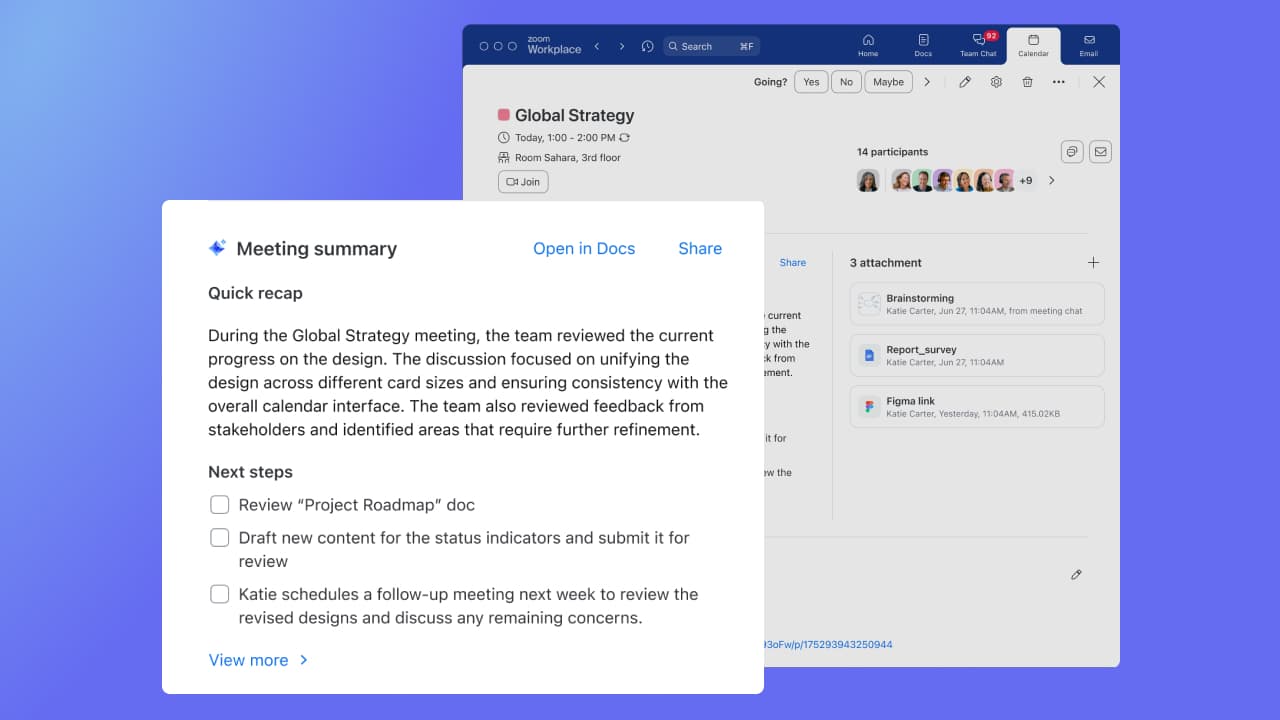
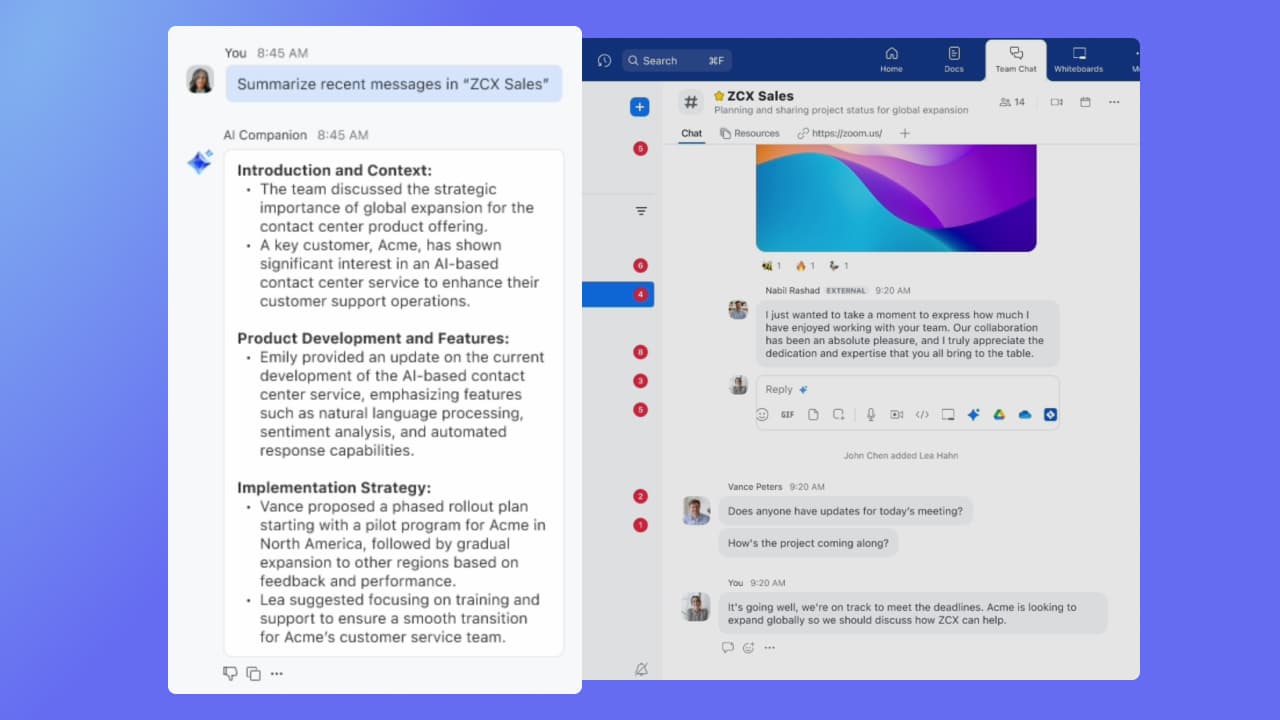
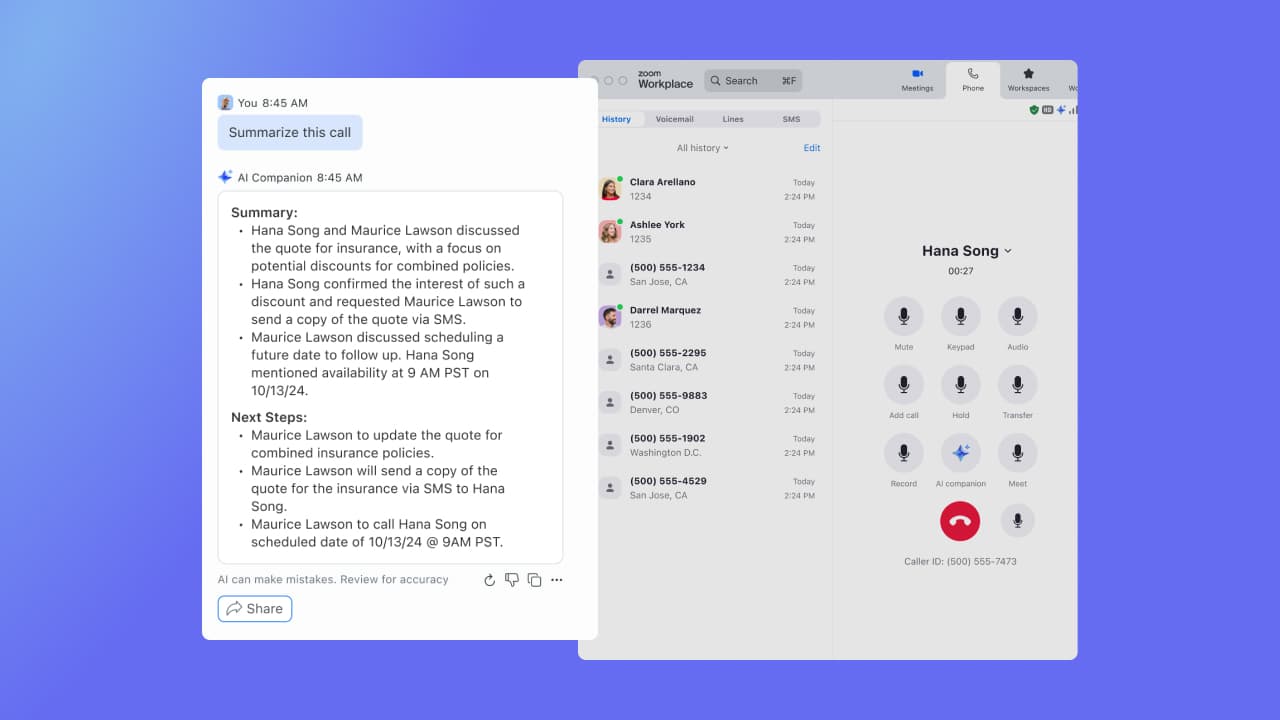
Zoom Custom AI Companion gives admins the ability to customize AI Companion outputs by accessing an organization’s internal data sources, as well as third-party applications within Zoom AI Studio for expanded knowledge, helping users drive decisions, actions, and complete tasks.
$10
per month per user
Pricing
Microsoft 365 Copilot
Zoom AI Companion
Editions & Modules
Microsoft Copilot
$31.50
per month per user
Zoom AI Companion
$10
per month per user
Zoom Workplace Pro Bundle (includes AI Companion)
$16
per month per user
Zoom Workplace Business Bundle (includes AI Companion)
$21.99
per month per user
Offerings
Pricing Offerings
Microsoft 365 Copilot
Zoom AI Companion
Free Trial
No
No
Free/Freemium Version
Yes
Yes
Premium Consulting/Integration Services
No
Yes
Entry-level Setup Fee
No setup fee
No setup fee
Additional Details
Pricing shown is based on an annual commitment. Discount available for annual payment.
Discount available for annual billing of up to 21%.
I highly recommend its usage in Teams meetings to prepare a session transcript, meeting minutes, next steps and recognize speech by person. Also within the meeting recording, there is separation between the people talking at the time. The Copilot image creation is very accurate and useful to customize my PowerPoint presentations and other documents
If you have a colleague who is based in a remote location or is part of a remote team, Zoom is a vital collaboration tool for your day-to-day work. Zoom AI Companion is easier and more effective for working with a colleague at a remote location rather than making a call. You can share your non-verbal reactions through video, which brings a close experience to face-to-face interactions.
The quality of image generation in Microsoft Copilot could be improved. Compared to other AI platforms, Copilot's images often fall short in quality and frequently contain typos.
When generating agents and chatbots, Microsoft Copilot currently doesn't appear to support file download functionality.
The email reply function is useful, but the responses can sometimes be overly elaborate. It would be helpful to have more options for adjusting the tone.
Although the whiteboard is nice, it's not as advanced as I'd like to be. For example, navigating it can sometimes be tricky, and it doesn't have nearly as many features as a tool like Miro.
The Zoom integration for Outlook has issues, it doesn't always sync
The React feature on Zoom calls doesn't always work and sometimes isn't visible
it is nearly perfect and it’s usability one of the main factors and contributing to the score is how versatile this tool is. it is vastly usable in a multitude of circumstances, and has a few limitations, but overall this product works well for what it is intended. It is very helpful for some otherwise time consuming tasks.
It's really easy to use - the AI icon is everywhere all over the place in the Zoom client so it's easy to be able to leverage AI whenever you need it, and similarly in the meeting it's easy to find and to use. I don't have complaints here that I can think of
I think It lost the race for now. I don't think Microsoft will keep investing on it since we have better tools outside their environment. In my opinion, Microsoft Copilot is not even in the benchmark tools and in the race for AGI. I think Microsoft is way behind and Microsoft Copilot suffered the lack of investment like the one made by its competitors.
Zoom has better compatibility compared to Teams at our institution. It also supports a wider array of codecs. We like using Zoom despite the fact that both Teams and Zoom are supported at an enterprise level at our academic institution. Zoom also seems to have better video and audio quality and lower drop rates.
Copilot has had a huge positive impact on my productivity. My job requires a lot of author and customer interaction, so since I use Copilot, I dont need to spend hours in my workday answering emails.
Copilot has also helped with my data analysis skills. I use the data analysis to create proposals and I have noticed a significant increase in project approvals after I have started using Copilot.
One of the business objectives of my company is to create high quality education resources. Since Copilot is integrated across platforms and departments in all office locations across the world, it has helped streamline operations in my company. This has definitely supported in achieving this objective.