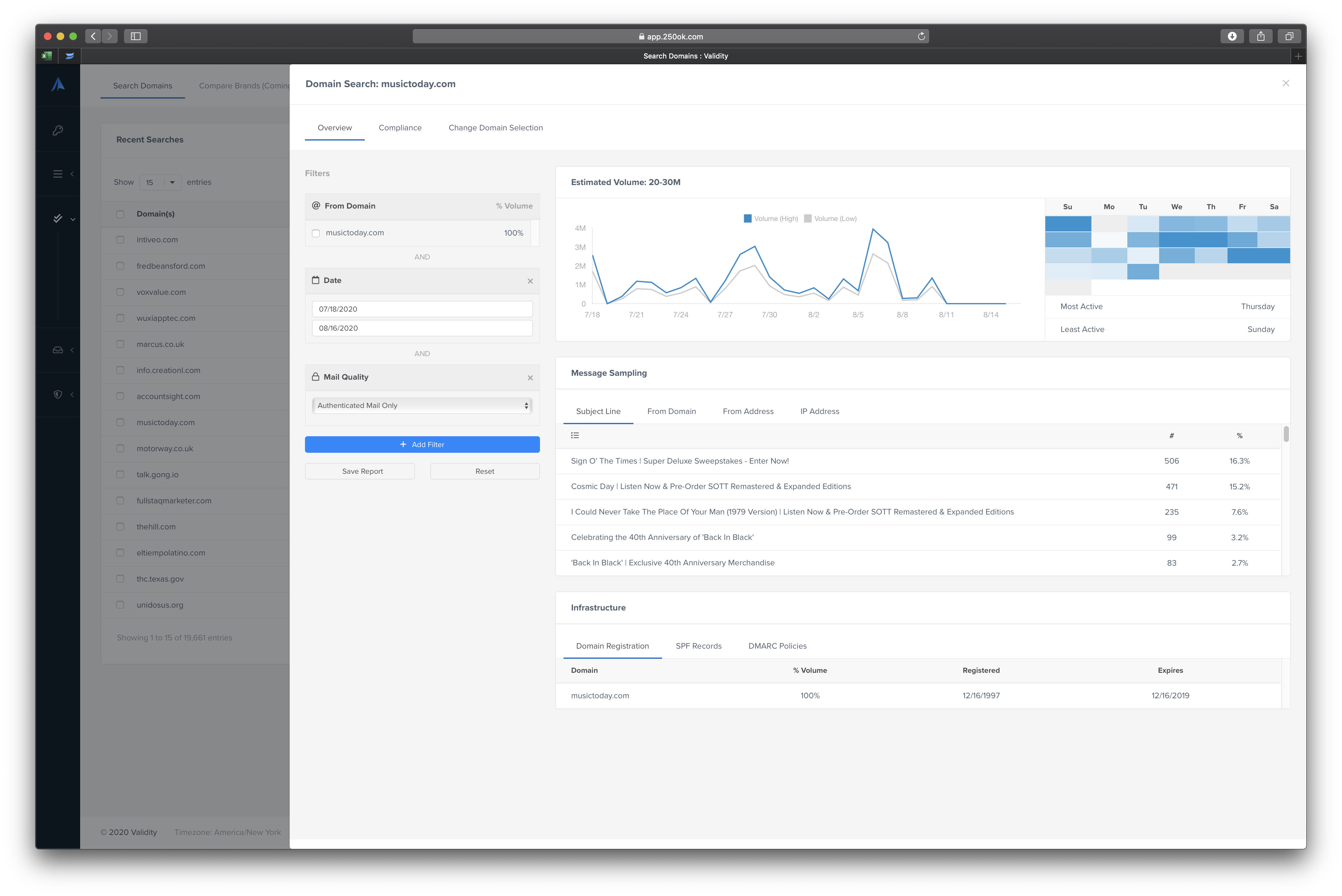
Microsoft's SharePoint is an Intranet solution that enables users to share and manage content, knowledge, and applications to empower teamwork, quickly find information, and collaborate across the organization.
$5
Per User Per Month
Everest (Return Path + 250ok)
Score 10.0 out of 10
N/A
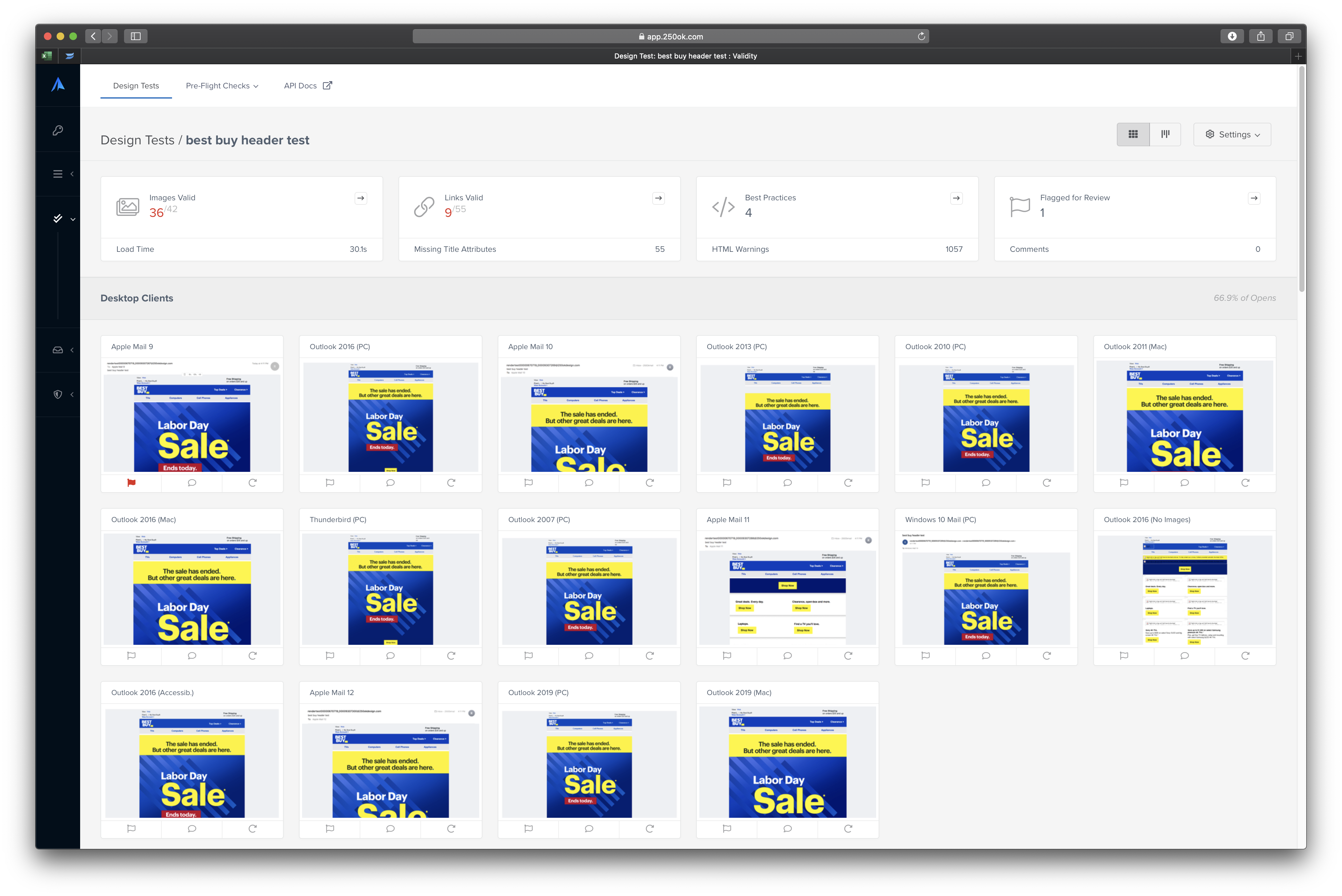
Everest is an integrated email success platform providing crucial insights and deliverability guidance so users can reach more people, increase engagement, and improve efficiencies of their email programs. Everest helps to improve email deliverability by getting complete visibility into email marketing metrics and sender reputation, understand the audience and deliver content that is timely, personalized, and functions flawlessly on any device, and get a holistic view of a company's…
$20
per month
Pricing
Microsoft SharePoint
Everest (Return Path + 250ok)
Editions & Modules
Plan 1
$5.00
Per User Per Month
Plan 2
$10.00
Per User Per Month
Office 365 E3
$20.00
Per User Per Month
Elements
$20
per month
Elements Plus
$525
per month
Professional
Custom Pricing
Enterprise
Custom Pricing
Offerings
Pricing Offerings
SharePoint
Everest (Return Path + 250ok)
Free Trial
Yes
No
Free/Freemium Version
No
No
Premium Consulting/Integration Services
No
No
Entry-level Setup Fee
No setup fee
No setup fee
Additional Details
—
—
More Pricing Information
Community Pulse
Microsoft SharePoint
Everest (Return Path + 250ok)
Features
Microsoft SharePoint
Everest (Return Path + 250ok)
Email & Online Marketing
Comparison of Email & Online Marketing features of Product A and Product B
Microsoft SharePoint
-
Ratings
Everest (Return Path + 250ok)
6.1
21 Ratings
26% below category average
WYSIWYG email editor
00 Ratings
5.02 Ratings
Dynamic content
00 Ratings
5.32 Ratings
Ability to test dynamic content
00 Ratings
6.47 Ratings
Landing pages
00 Ratings
5.02 Ratings
A/B testing
00 Ratings
6.58 Ratings
Mobile optimization
00 Ratings
3.36 Ratings
Email deliverability reporting
00 Ratings
8.021 Ratings
List management
00 Ratings
7.09 Ratings
Triggered drip sequences
00 Ratings
8.02 Ratings
Reporting & Analytics
Comparison of Reporting & Analytics features of Product A and Product B
Microsoft SharePoint
-
Ratings
Everest (Return Path + 250ok)
6.1
22 Ratings
22% below category average
Dashboards
00 Ratings
7.222 Ratings
Standard reports
00 Ratings
6.720 Ratings
Custom reports
00 Ratings
4.516 Ratings
Pre-Send Testing
Comparison of Pre-Send Testing features of Product A and Product B
SharePoint Document Management excels as a central repository for storing, organising, and retrieving documents. It supports version control, metadata tagging, secure access, and integration with tools like Power Automate. At our organisation, it's used for managing contracts, policies, and supplier documents. SharePoint Workflow Automation integrates with Power Automate to streamline approvals, gather feedback, and automate recurring tasks. This reduces reliance on email chains and manual trackers.
Every new or established brand should be using Everest. It doesn't matter what you're trying to say in your emails—if they're not reaching the inbox, no one is listening or reading. Everest gives you the insight you need to understand your inbox placement, reputation and so much more.
Individualized attention. They really dug in to understand our products and services.
Easy-to-understand training and actionable items that you can sustain over a long period of time.
They're embedded in our instance of Exact Target, so I'm able to review the entire email program and don't have to open up a separate tool to gather this information.
Windows Explorer users have some difficulty having to constantly UPLOAD / DOWNLOAD files. Specifically on the DOWNLOAD when they are used to Drag & Drop in & out of LOCAL folders via Window's explorer.
Microsoft SharePoint supports multiple "library" types. When implementing our "image" library the search function is done via "tags" and boolean logic. This is challenging to most end users. I'd like our users to be able to search our Microsoft SharePoint image library without having to enter KEYWORD or other BOOLEAN logic.
Microsoft SharePoint can also be an internal website for each department or company wide communication tool but I believe these features are geared for much larger organizations. Since we are a SMB we really aren't using these features. So maybe something more useful to SMBs would be nice.
It's integral to our business. It's already included with most of the Office 365 licensing we buy, so the cost is effectively zero. It stores our files, it is the foundation for custom applications, and Microsoft only continues to enhance its functionality and its connections to other Microsoft tools. SharePoint just keeps getting better and better.
We have two separate areas for using Return Path. Our web ecommerce area that is using only transactional emails and a marketing email program that is partnered on the backend with Return Path. I see Return Path continuing to be utilized with our marketing emails, but over time I see less need for our transactional emails to maintain Return Path components.
No usability issues reported. Individual teams also have allocated areas which replace legacy shared drives on local LANs. Access to Sharepoint resources is fully integrated with corporate Active Directory with additional two-factor authentication required for administrative users. Users have access to Microsoft Services Hub which allows you to create, manage, and track support requests while staying current on Microsoft technologies with access to select self-paced learning paths
Absolutely fantastic support. It runs circles around the competition. They regularly reach out and chat, even if it's just to see if there's any issues we need to discuss. They clearly want the business and don't forget you once you sign the contract which is an issue with other similar services.
The face to face training I received was on SharePoint Administration. It was rushed as there was a lot of information to cover and the application of the labs weren't that great either. I like to be able to relate what I am learning to what I am currently doing.
I like to learn at my own pace and online training allows for that. Additionally, you can skip through pieces of content that you already know or are already comfortable with. Microsoft actually offers great videos on their website for basic fundamental SharePoint Training. I have used these training videos in some of my own training sessions with end users.
I joined my company after the implementation was nearly complete. We used the Return Path tool as we slowly increased our send volume in Marketing Cloud to monitor IP reputation and inbox placement.
The reasons for selecting MS SharePoint are: SharePoint provides ease of use and web design assistance and support SharePoint helps you schedule your content for publishing. enables users to share documents with external parties and offers a better internal structure of the content and better indexing and searching capabilities.
Like I said before, Return Path is really the budget bundle. You get a lot of service for how much you pay. Since I am currently at an early stage startup, we could not afford Litmus, so having Return Path is crucial. The partnership with Salesforce also allowed us to get it at pretty low cost.
It has helped identify inbox issues and thus helping our clients reach more inboxes.
They have negatively impacted client relations on numerous occasions. They have reached out and told clients they are having issues or need certain products when they are already our clients and we are proving solutions for them.
They provide solid customer support when you create a support ticket. They are usually very quick to respond and give you an answer.