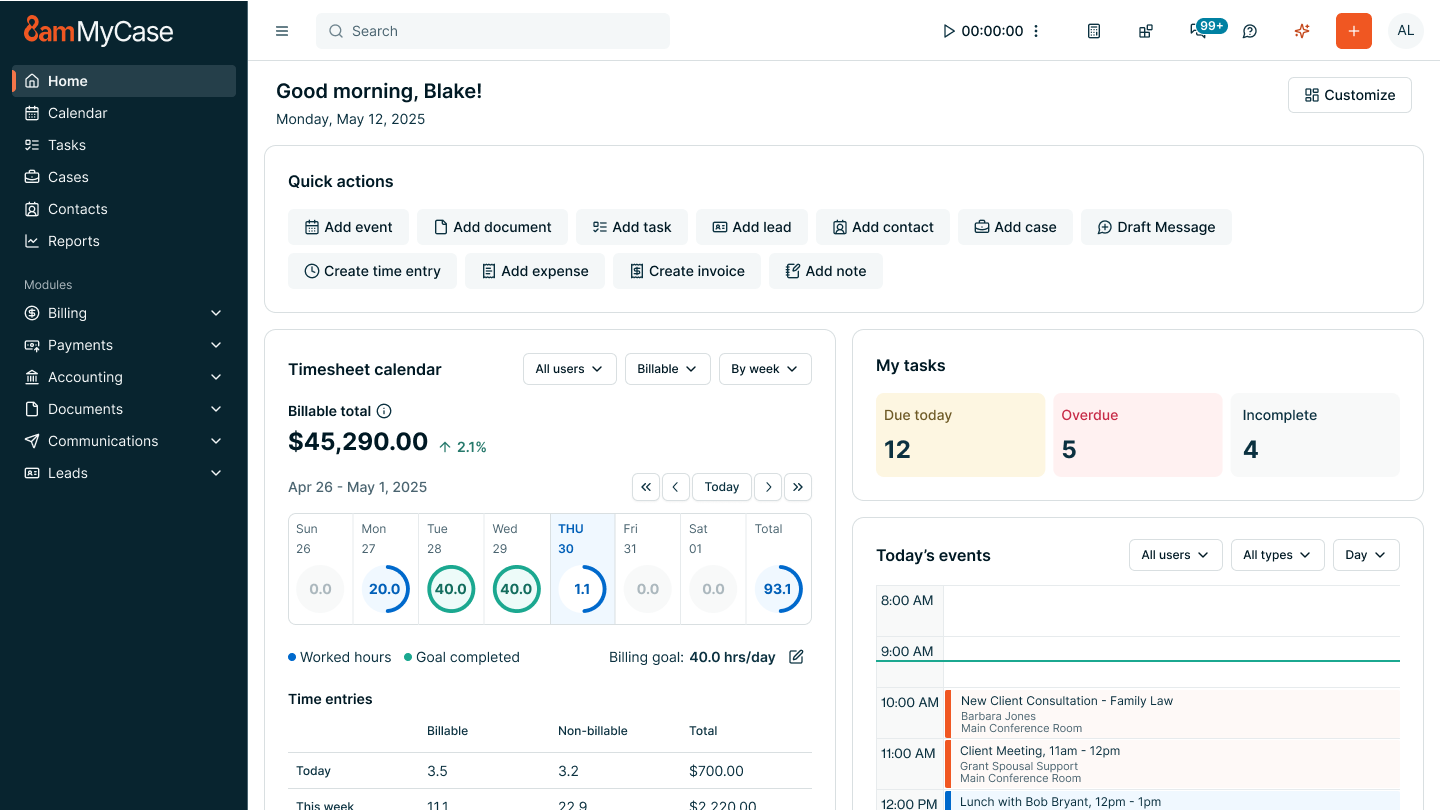
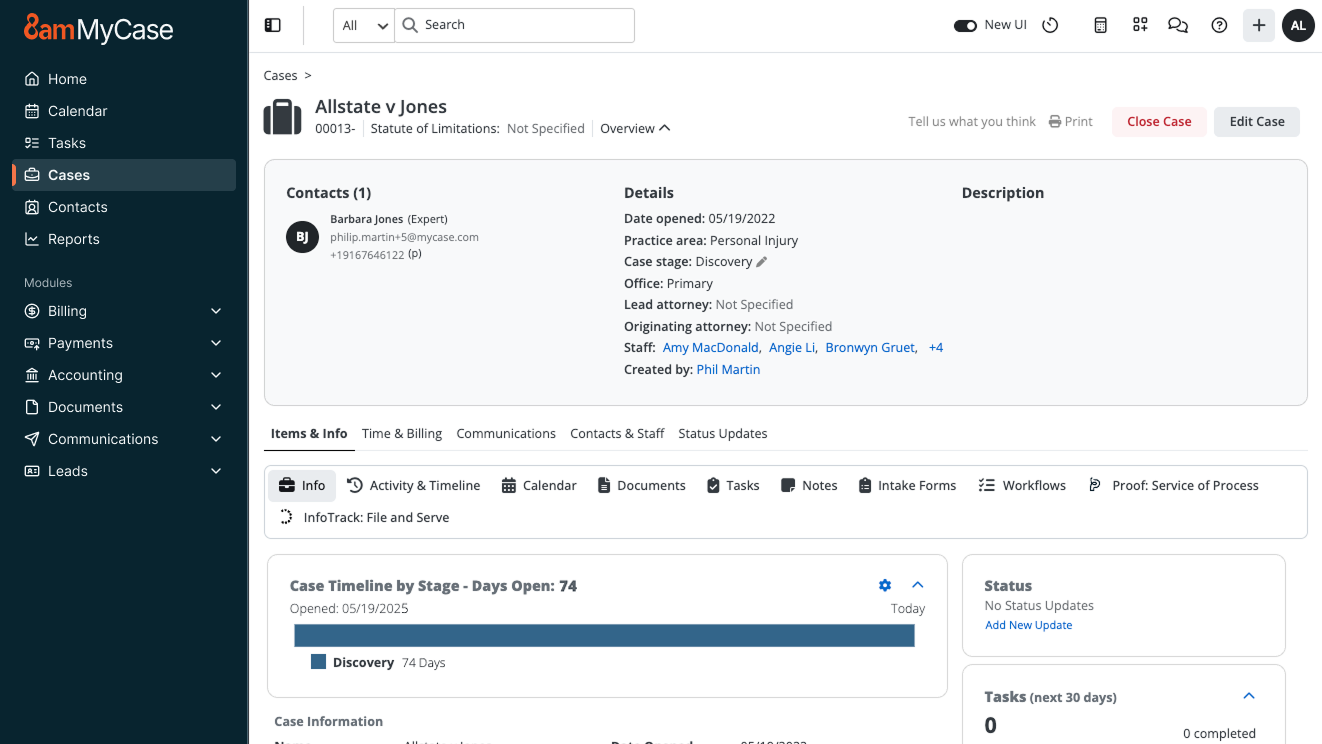
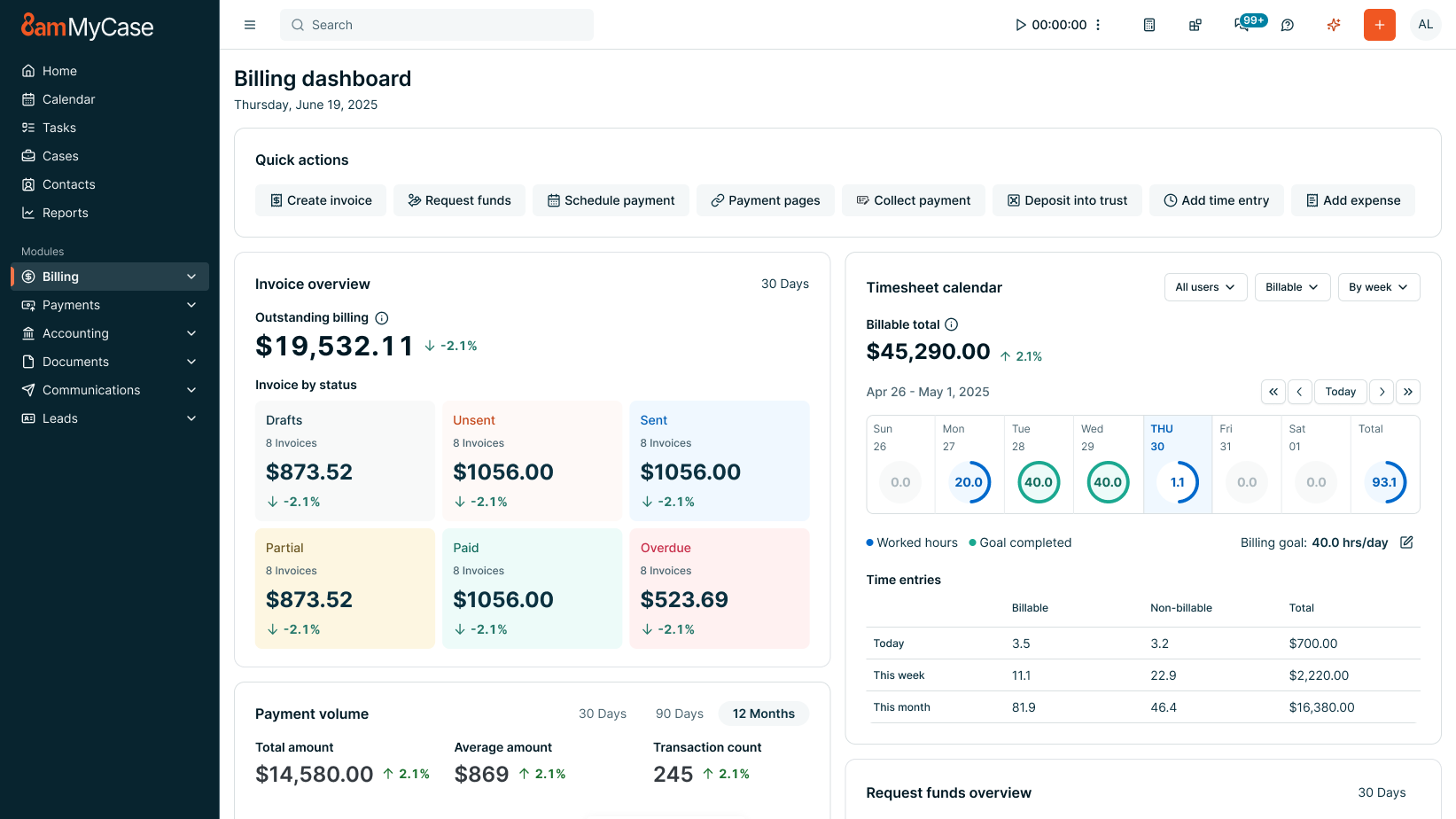
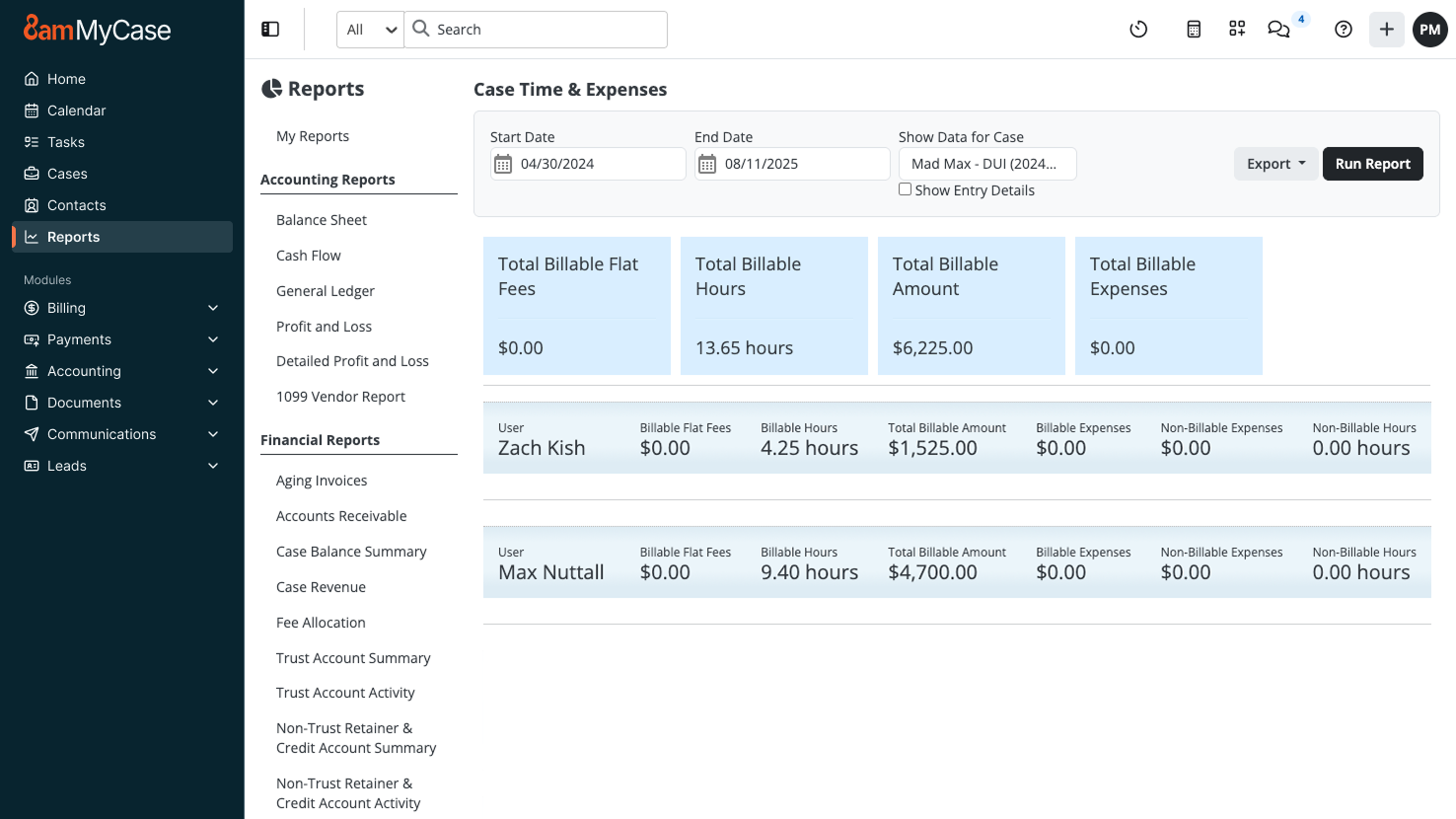
8am MyCase provides web-based practice management software designed for solo and small firm legal professionals. MyCase aims to offer a secure, all-in-one legal practice management solution to alleviate the burden of high caseloads, poor client communication, and practice management operations. The product aims to help users spend less time managing their firm and more time practicing law. MyCase can be accessed from any device or computer so users can manage documents and…
$49
per month per user
OneNote
Score7.8 out of 10
N/A
Microsoft's OneNote is a digital note-taking app, supporting photos, annotating, web page clipping, emailing, and synchronizing notes across devices.
It is great for taking credit card payments, managing calendars, sharing and accepting document uploads and maintaining digital files. The app is better than nothing, however is vastly inferior to the web version. The time entries should show on the first screen whether they are marked as billable or non-billable without having to enter each specific time entry
A de minimis incentive was given to thank the reviewer for their time. The incentive was not used to bias or drive a particular response, nor was the incentive contingent on a positive endorsement. More Info
In my opinion OneNote is a must for anyone who does business. It’s versatile, stable and sustainable. It can keep private information private - like passwords. It can be used for collaborative work - like standard operating procedures. It is fairly easy to use and far superior to pen and paper. When used for meeting notes, it can be flagged with icons that are searchable - like ideas or important items. You can even create Outlook tasks on the fly
A de minimis incentive was given to thank the reviewer for their time. The incentive was not used to bias or drive a particular response, nor was the incentive contingent on a positive endorsement. More Info
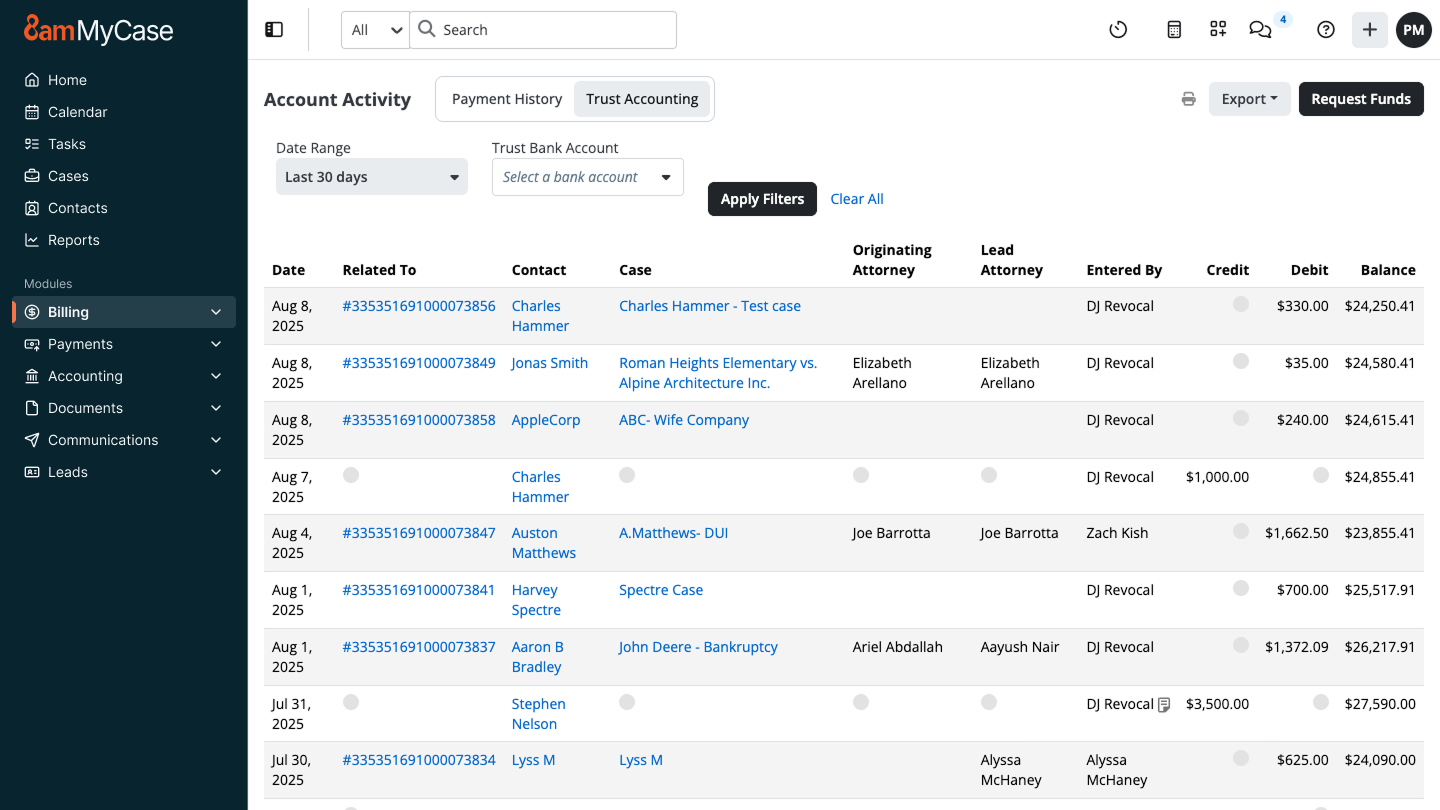
Trust accounting. This is an area of great concern as little mistakes can lead to serious consequences.
Client management. By posting all client documents we have significantly reduced postage and rather than getting a phone call, the clients can see what is happening in their case.
Scheduling. This is a great way to keep on top of calendars and a better way to avoid missing deadlines.
A de minimis incentive was given to thank the reviewer for their time. The incentive was not used to bias or drive a particular response, nor was the incentive contingent on a positive endorsement. More Info
Because of its flexibility and ability to hold different types of content (text, images, tables), it is a great tool for collecting content from different resources and organizing it in one place.
Technical support analysts are using sections for their support case analysis; they paste pieces of logs, screen-shots, document their steps in troubleshooting etc., all in one section, to get the full picture yet stay organized.
The logic of content structure; Notebook>Section>Page>Paragraph, allows you to manage and collect all needed information by the areas of the user's responsibility. For example; each of my projects has its own section, in which each page is a task.
A de minimis incentive was given to thank the reviewer for their time. The incentive was not used to bias or drive a particular response, nor was the incentive contingent on a positive endorsement. More Info
Use of AI (should not be integrated into MyCase, especially with legal services that require a high-level of confidentiality which AI cannot guarantee)
Payment Reconciliation (sometimes invoices don't show up, nothing in Help Center about how to remedy)
Billing (doesn't consider that billing contacts for a case may change based on who can pay)
A de minimis incentive was given to thank the reviewer for their time. The incentive was not used to bias or drive a particular response, nor was the incentive contingent on a positive endorsement. More Info
The table editing tools are too simplistic and lack the features found in other Office products.
Some content loses its rich text formatting when being pasted into OneNote. A workaround is to paste the content first into Outlook or Word and then copy/pasting that into OneNote.
Microsoft is moving away from a local install of OneNote, which means notebooks have to be in the cloud in Office 2019. This will actually reduce the usefulness of OneNote in some environments and opens the door to competitor products.
Update: Microsoft has now announced that it will continue to support OneNote 2016 through 2023. https://techcommunity.microsoft.com/t5/Office-365-Blog/Your-OneNote/ba-p/954922
A de minimis incentive was given to thank the reviewer for their time. The incentive was not used to bias or drive a particular response, nor was the incentive contingent on a positive endorsement. More Info
A de minimis incentive was given to thank the reviewer for their time. The incentive was not used to bias or drive a particular response, nor was the incentive contingent on a positive endorsement. More Info
As this is not a compulsory tool in our organization, I would say all depends on the decision makers, however since this is a part of MS Office, I am sure we will have it for as long as we will possibly need it. However, I would not be so sure, if it was a separate product
It is so easy to use. We've had multiple people join our team and they don't have any issues using it right away. It's also easy to use new features as they're developed. I think everyone should have and use a simple case management platform, and MyCase is my usual recommendation.
A de minimis incentive was given to thank the reviewer for their time. The incentive was not used to bias or drive a particular response, nor was the incentive contingent on a positive endorsement. More Info
I find OneNote incredibly usable. I'm fairly middle of the road when it comes to tech savvy-ness. The platform was very easy to learn and explore. I like that OneNote is no clunky and offers a clean interface. This is important when it comes to deciding if a tool is usable for multiple people.
A de minimis incentive was given to thank the reviewer for their time. The incentive was not used to bias or drive a particular response, nor was the incentive contingent on a positive endorsement. More Info
Overall, I rate OneNote's performance highly. In general, notebooks, sections and pages load quickly. OneNote integrates with other apps and info ca easily be shared/copied to and from the tool to other tools. Moreover, Notebooks tend to sync quickly meaning shared notebooks are up to date almost immediately provided there are no syncing issues.
A de minimis incentive was given to thank the reviewer for their time. The incentive was not used to bias or drive a particular response, nor was the incentive contingent on a positive endorsement. More Info
One of the things we liked most about Tabs3 when we used that system was its support. PracticePanther was step behind in support when we switched to it, but when we switched to MyCase, it actually seems to be a step ahead of Tabs3. The chat support feature has saved me hours on dealing with issues both internally with users and externally with clients trying to navigate the client portal.
A de minimis incentive was given to thank the reviewer for their time. The incentive was not used to bias or drive a particular response, nor was the incentive contingent on a positive endorsement. More Info
Since it is part of Microsoft Office and used across the globe there are a lot of support options available. It's quickest to just do a google search which will have plenty of articles to help you since there are so many OneNote users but as an Office customer you also have access to Microsoft support and I have had good experiences with their support (probably because I'm with a large company who is a large customer to them).
A de minimis incentive was given to thank the reviewer for their time. The incentive was not used to bias or drive a particular response, nor was the incentive contingent on a positive endorsement. More Info
A de minimis incentive was given to thank the reviewer for their time. The incentive was not used to bias or drive a particular response, nor was the incentive contingent on a positive endorsement. More Info
A de minimis incentive was given to thank the reviewer for their time. The incentive was not used to bias or drive a particular response, nor was the incentive contingent on a positive endorsement. More Info
Prior to using MyCase, my firm relied on AbacusLaw for its CRM program. I have also used Amicus Attorney prior to that. AbacusLaw and Amicus Attorney were local area network programs using an onsite computer server. I started using MyCase so that I would have an entire cloud-based legal CRM program. At the time its best competitive feature was that the program was entirely cloud-based and that online retrieval of documents and client contact information was easily retrievable. The best contribution of these features is not just improving team collaboration, but improving efficient communication with clients by allowing them online access to their case file and secure communication with the client portal. Our Intake staff uses Clio Grow as a CMS (Contact Management System) despite some intake features being added my MyCase in the past year. Clio Grow has a Kanban board interface to manage incoming leads and improve intake team collaboration. MyCase's intake feature is new and less robust and intuitive to use compared to Clio Grow (formerly Lexicata). From the beginning, G Suite has always been an integral tool for email and calendar management. MyCase offers email and calendar support but G Suite is easiest to use on multiple platforms and hardware devices compared to MyCase.
A de minimis incentive was given to thank the reviewer for their time. The incentive was not used to bias or drive a particular response, nor was the incentive contingent on a positive endorsement. More Info
I tried using Evernote and it is an equally usable tool, however, I prefer the interface and capabilities of OneNote. OneNote seems much easier to use and understand. I think that may primarily be because OneNote is a Microsoft application and I am very used to using Microsoft applications such as Word, Excel, etc. I also use OneNote to keep my grocery list. It does as good of a job as the grocery list applications out there, only I like the flexibility I have with OneNote and how I specifically do my shopping.
A de minimis incentive was given to thank the reviewer for their time. The incentive was not used to bias or drive a particular response, nor was the incentive contingent on a positive endorsement. More Info
Organization: I know where to go for my case details
Efficiency: I just leave a window open on one screen logged into mycase and I can instantly modify/update matter details
Billing: integrated credit card payments/invoice updating is nice. Invoicing is a lot easier than prior platforms I used given you can email the invoice out directly from the platform, and see when it has been viewed.
A de minimis incentive was given to thank the reviewer for their time. The incentive was not used to bias or drive a particular response, nor was the incentive contingent on a positive endorsement. More Info
OneNote has become our organizational standard method of taking electronic notes (though some still prefer pen and paper.) It has been a zero cost outlay due to its freely available nature.
Its integration with other Microsoft Office products makes it easy to share notes and content between products, allowing for easy collaboration where needed.
OneNote's integration with OneDrive ensures that individual's notes are always safe and secure, taking away the tedious responsibility of backup from the user, and makes it happen seamlessly in the background.
A de minimis incentive was given to thank the reviewer for their time. The incentive was not used to bias or drive a particular response, nor was the incentive contingent on a positive endorsement. More Info