QuickBooks Desktop Premier is an installed version of QuickBooks for general business, contractors, manufacturing and warehouse accounting, as well as nonprofits, professional services, and retail.
N/A
Workday Workforce Management
Score8.1 out of 10
N/A
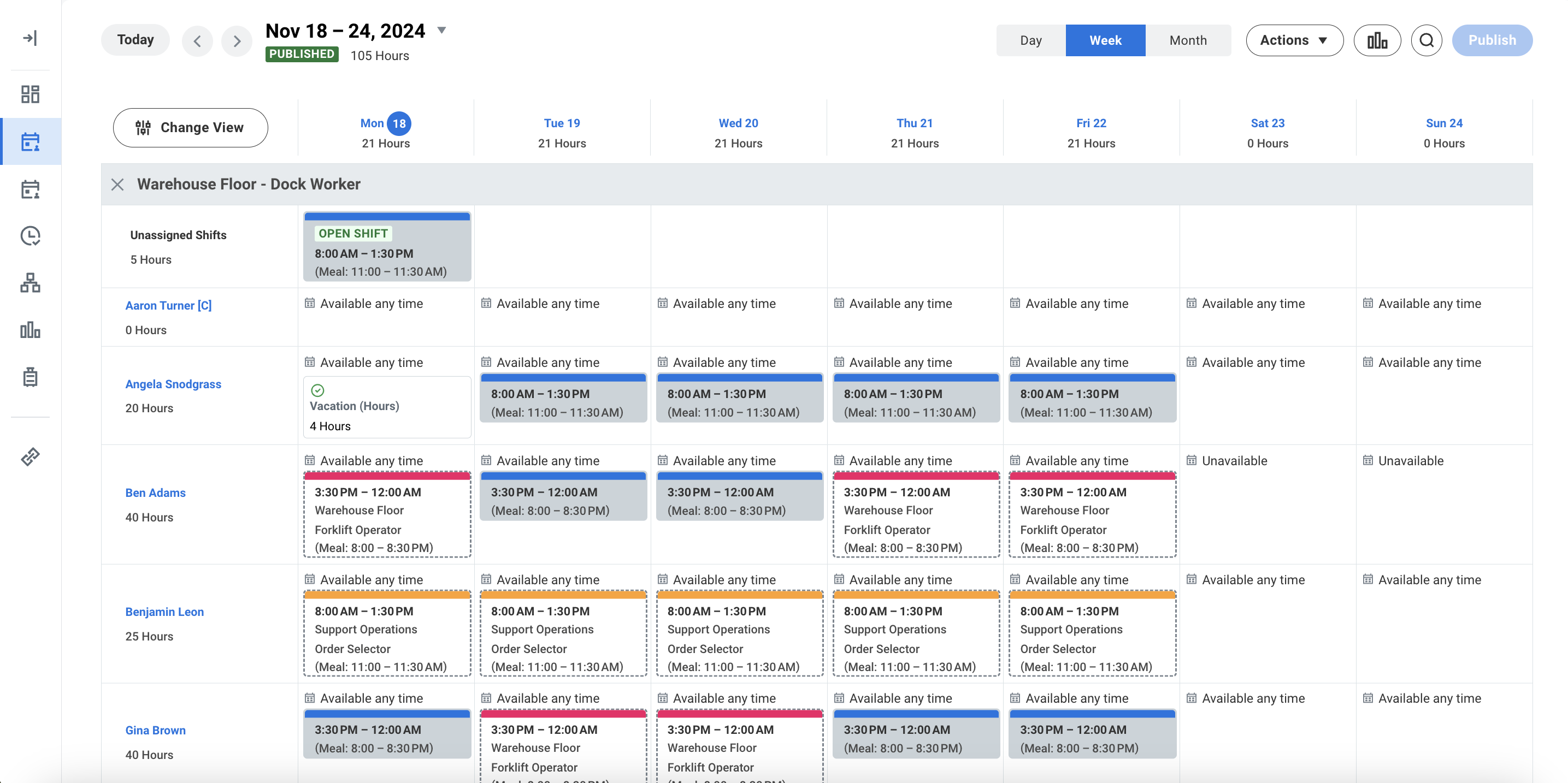
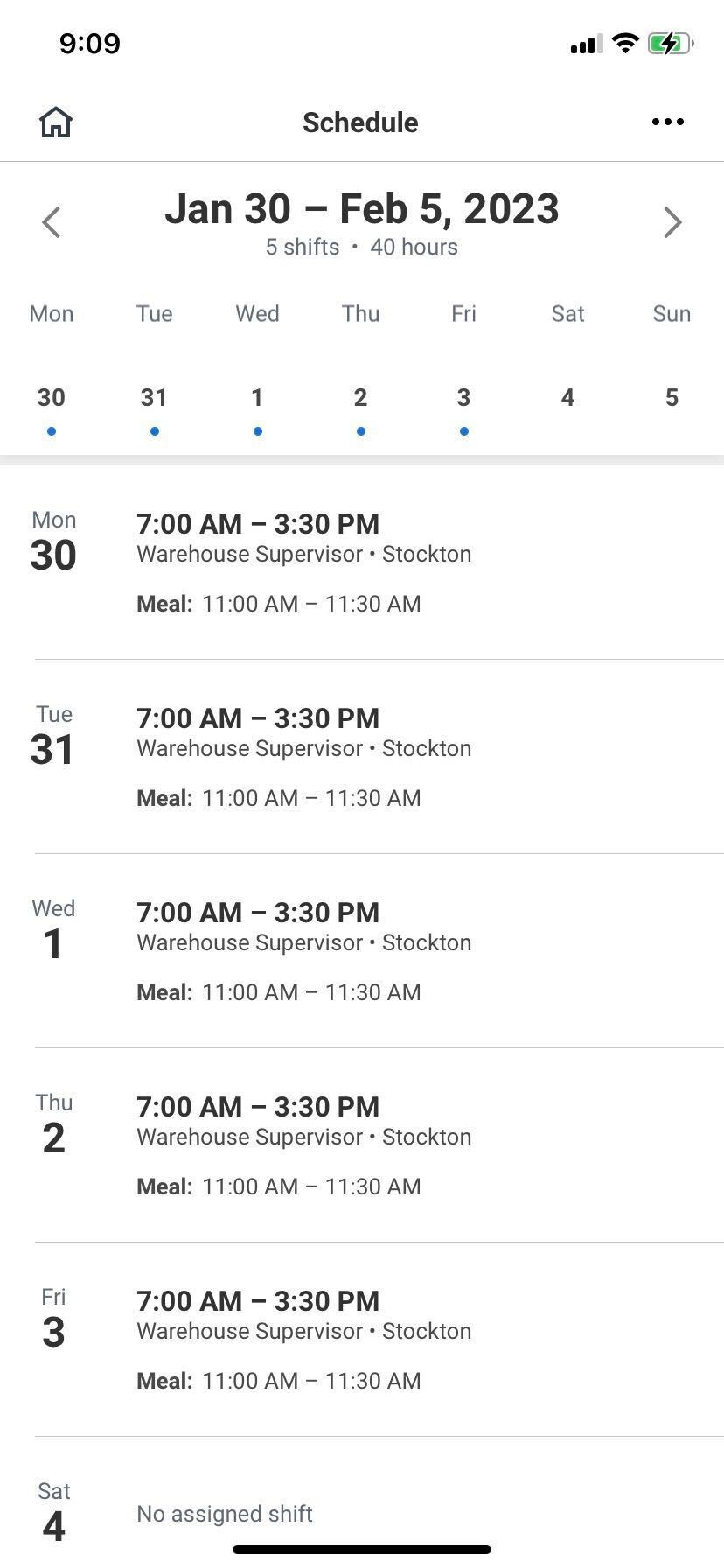
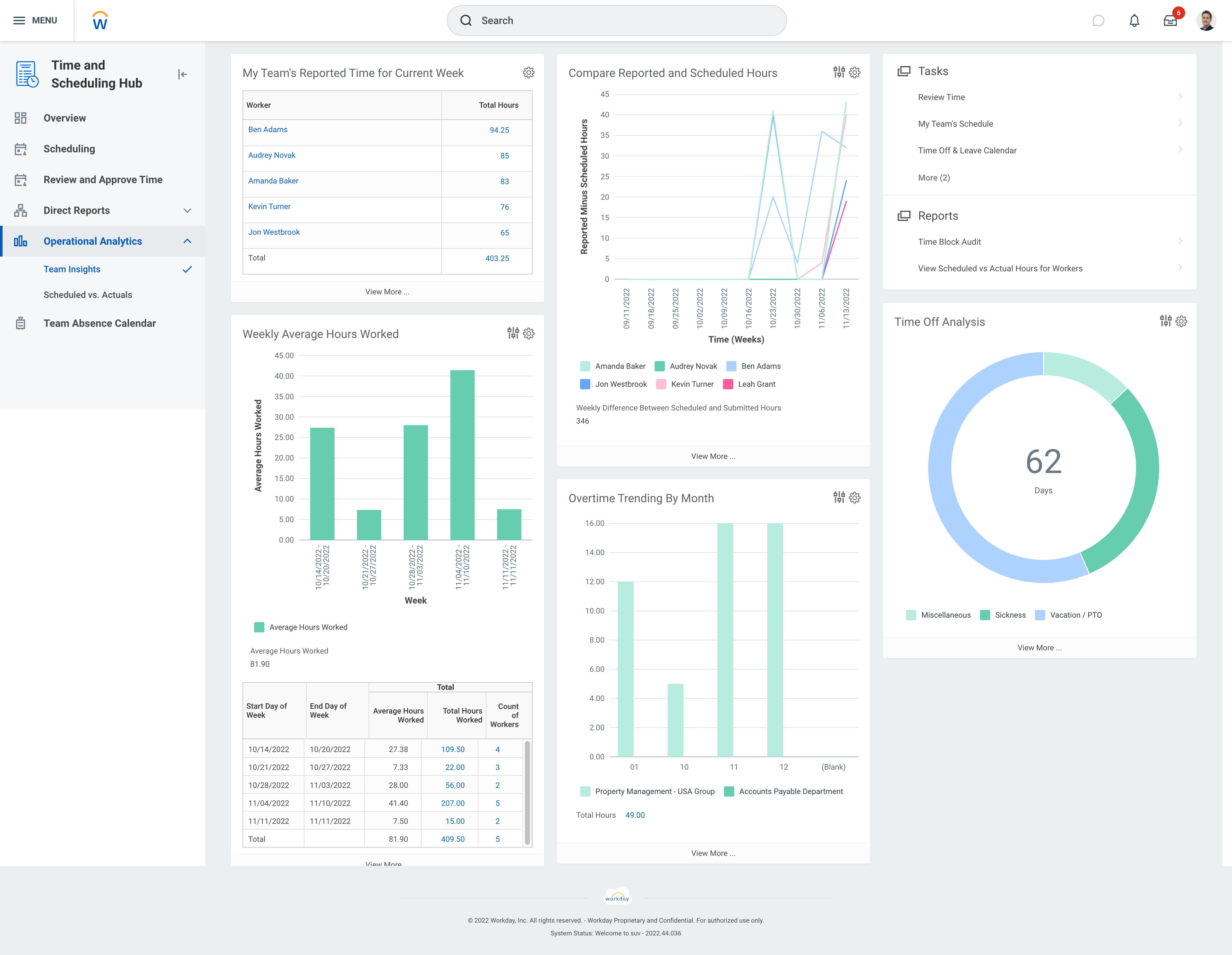
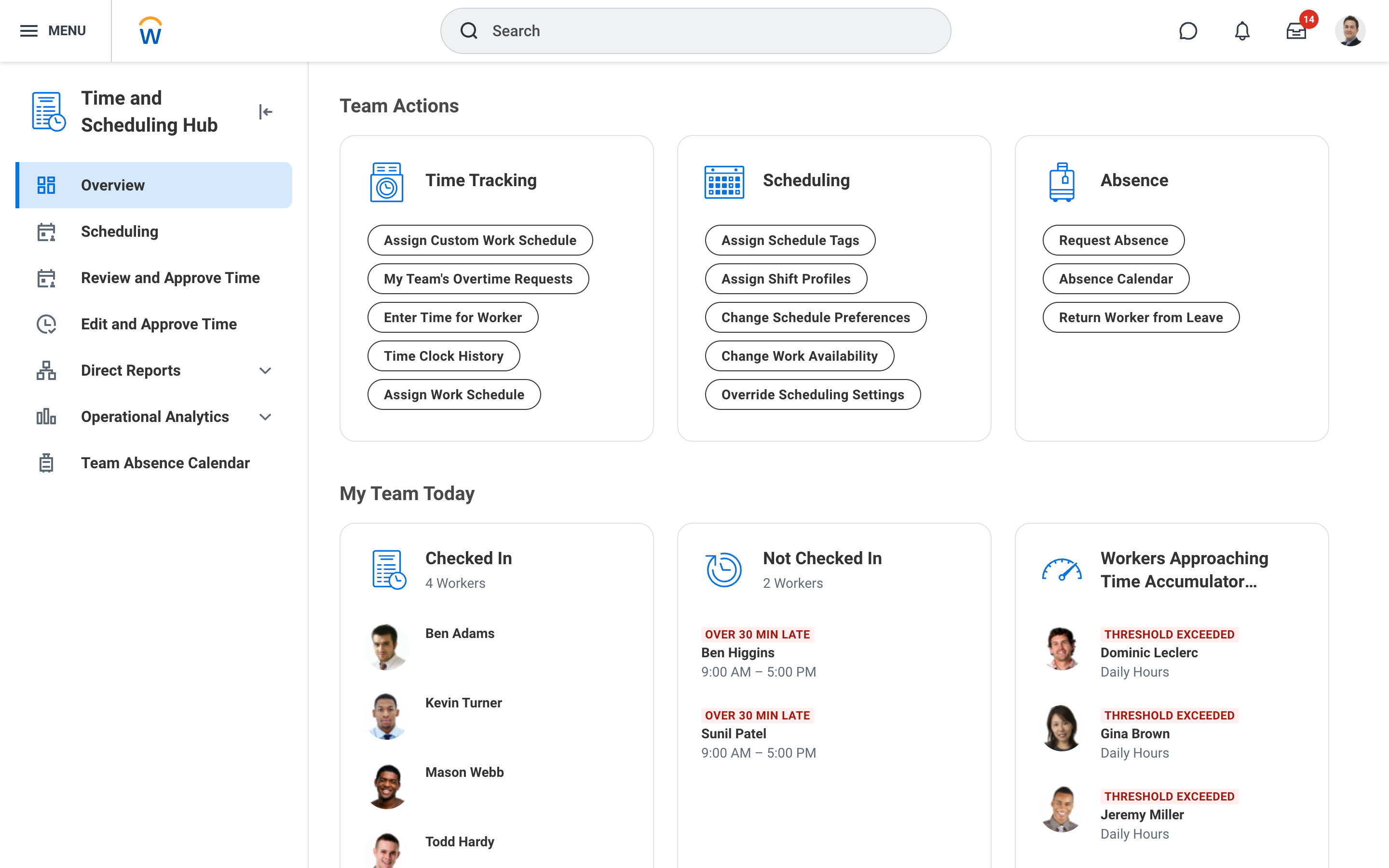
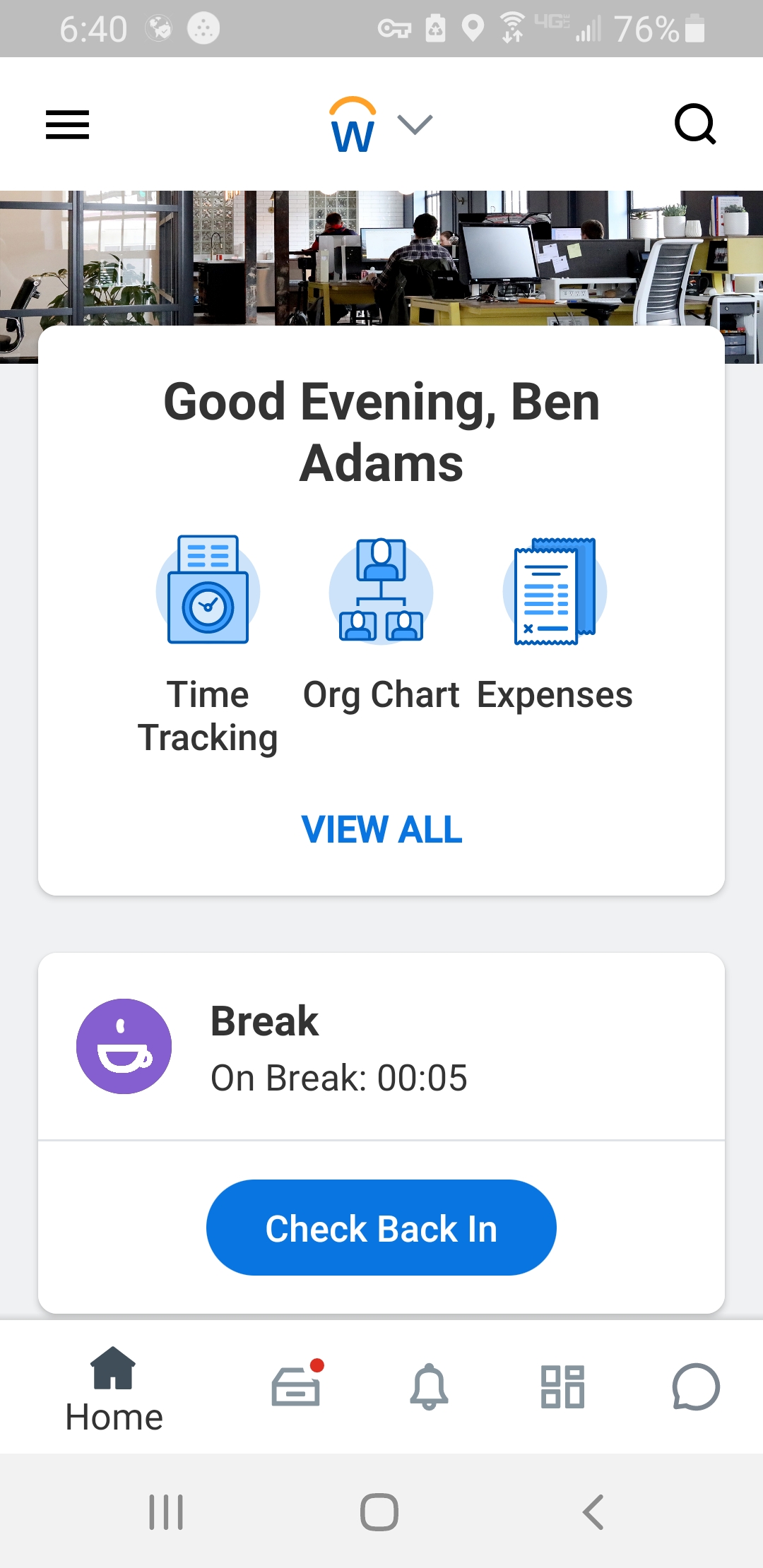
Workday Workforce Management is a workforce operations software that integrates HR, time, and scheduling data, to eliminate disjointed processes that halt day-to-day operations. Consistent with a worker-first approach, Workday provides mobile-first access to personalized pay, time, and schedules, giving workers frictionless on-the-go access. This helps overcome difficulties in retaining workers and keeps them engaged in a competitive labor…
We really think that ANY typical business would be a reasonable fit for QuickBooks Desktop Premier. While not necessary, even a comparatively unexperienced accounting person could look at the "Home" screen and follow their nose thru typical daily accounting processes without much detailed knowledge. Reporting is simple, looking up customer info and prior transactions is simple, looking up vendors and prior payments is simple... all in all, quite straightforward. I really can't think of an instance where it would be 'less appropriate'.
A de minimis incentive was given to thank the reviewer for their time. The incentive was not used to bias or drive a particular response, nor was the incentive contingent on a positive endorsement. More Info
Workday has solved many organizational needs we have from tracking time and attendance, performance and goals, compliance trainings, benefits and so much more. It is easy to adjust schedules, assign attendance points, run reports and more to keep up with employee performance. Being able to source new employees (in and out of the network) all within the same platform that we track time and benefits helps solve many needs in just one easy to use platform.
A de minimis incentive was given to thank the reviewer for their time. The incentive was not used to bias or drive a particular response, nor was the incentive contingent on a positive endorsement. More Info
A de minimis incentive was given to thank the reviewer for their time. The incentive was not used to bias or drive a particular response, nor was the incentive contingent on a positive endorsement. More Info
A de minimis incentive was given to thank the reviewer for their time. The incentive was not used to bias or drive a particular response, nor was the incentive contingent on a positive endorsement. More Info
Support for older versions of QuickBooks ends after three years, then users must purchase the newest version at full price. Renewals should be deeply discounted for existing users.
I would like to see better in-product inventory tracking, so we can choose LIFO or FIFO rather than the ambiguous "average cost" method.
I would like to be able to assign payroll taxes to jobs for better job costing.
A de minimis incentive was given to thank the reviewer for their time. The incentive was not used to bias or drive a particular response, nor was the incentive contingent on a positive endorsement. More Info
A de minimis incentive was given to thank the reviewer for their time. The incentive was not used to bias or drive a particular response, nor was the incentive contingent on a positive endorsement. More Info
Because we have been extremely happy with the product and our organization tends to be creatures of habit. We rarely leave a product that works this well for the latest and greatest. Typically we follow the "if it's not broken, don't fix it rule". While QB does make changes we typically just roll with it. If we do find something we don't like we work through it until we fully understand its functionality.
A de minimis incentive was given to thank the reviewer for their time. The incentive was not used to bias or drive a particular response, nor was the incentive contingent on a positive endorsement. More Info
We switched to a more "robust" software program with the hiring of a new CFO. The migration of historical data and ancillary information has been cumbersome and riddle with errors and issues. In hindsight much of what the new software program was touted to accomplish is not come to fruition. QB Desktop Premier was sufficient for the organization needs
A de minimis incentive was given to thank the reviewer for their time. The incentive was not used to bias or drive a particular response, nor was the incentive contingent on a positive endorsement. More Info
The UI is intimidating for a lot of people. You have to get used to where to click and search for specific information. What we have found that works is to have new hires sit with seasoned employees for tips and tricks on how to maneuver around in the system efficiently. It is important that new hires know from the start specific resources that they will need to access in using WFM daily and hone in on those skills and locations of data needed. Starting off, our experience shows that it's better to focus on the minimum tools and learn those well and build knowledge from there to make it less intimidating
A de minimis incentive was given to thank the reviewer for their time. The incentive was not used to bias or drive a particular response, nor was the incentive contingent on a positive endorsement. More Info
A de minimis incentive was given to thank the reviewer for their time. The incentive was not used to bias or drive a particular response, nor was the incentive contingent on a positive endorsement. More Info
A de minimis incentive was given to thank the reviewer for their time. The incentive was not used to bias or drive a particular response, nor was the incentive contingent on a positive endorsement. More Info
This is where QuickBooks falls short. Many times my staff has had questions that have not been able to get resolved easily with a chat or call. I personally have had more general questions that have not been answered easily as well. I think QuickBooks needs to provide the resources of having readily accessible help in order to make it simpler to get solutions.
A de minimis incentive was given to thank the reviewer for their time. The incentive was not used to bias or drive a particular response, nor was the incentive contingent on a positive endorsement. More Info
It is important to do your research. There are tutorial videos online that could help new user of this accounting system. These tutorials are straightforward and easily understandable.
A de minimis incentive was given to thank the reviewer for their time. The incentive was not used to bias or drive a particular response, nor was the incentive contingent on a positive endorsement. More Info
QuickBooks Premier handles most of my business functions efficiently in one package. It is not my "everything." I use Replicon for time rather than QuickBooks. I don't want my WIP data interfering with my accounting. I use PaySimple for it's web interface and back office processing. I don't have security issues since I don't have any credit card data in my possession. With today's identity theft environment, I have to protect myself as much as I can. Not having credit card data in my accounting software lets me sleep much better at night. Quicken will do basic accounting but does not have all the double entry accounting systems contained in QuickBooks. QuickBooks Online does much of the basic business functions but I don't like the pricing structure. As a professional accountant, that is very important to me. Bill.com provided a good service but the ability of QuickBooks to add bills and receipts to transactions makes it redundant.
A de minimis incentive was given to thank the reviewer for their time. The incentive was not used to bias or drive a particular response, nor was the incentive contingent on a positive endorsement. More Info
The only other tool I have used was paylocity. Paylocity is a great tool as well and is more user friendly, however it is not for as big of organizations as Workday is. I would say if you are under 1k employees go with Paylocity as it will be less expensive and has everything you need with a user friendly experience. Workday is great for larger orgs but doesn’t have as much of a user friendly experience
A de minimis incentive was given to thank the reviewer for their time. The incentive was not used to bias or drive a particular response, nor was the incentive contingent on a positive endorsement. More Info
A de minimis incentive was given to thank the reviewer for their time. The incentive was not used to bias or drive a particular response, nor was the incentive contingent on a positive endorsement. More Info
Most of our business clients use QuickBooks which makes it efficient for us to work on clients that use the program. We can import QuickBooks data into our software which adds efficiencies to our tax practice.
Having staff that are familiar with the software enables our firm to provide quality service to the clients that use QuickBooks.
We receive referrals from satisfied QuickBooks clients.
A de minimis incentive was given to thank the reviewer for their time. The incentive was not used to bias or drive a particular response, nor was the incentive contingent on a positive endorsement. More Info
A de minimis incentive was given to thank the reviewer for their time. The incentive was not used to bias or drive a particular response, nor was the incentive contingent on a positive endorsement. More Info