
Responsive vs. Salesbook vs. Salesforce Mobile
Responsive vs. Salesbook vs. Salesforce Mobile
| Product | Rating | Most Used By | Product Summary | Starting Price |
|---|---|---|---|---|
 Responsive | N/A | Responsive (formerly RFPIO), headquartered in Beaverton, offers their proposal management and automation software, featuring import and export, proposal knowledgebase and answer library, evaluation intake forms, and project management tools (e.g. Gantt chart) associated to proposal tracking. | N/A | |
 Salesbook | Small Businesses (1-50 employees) | Salesbook is a platform that processes and automates work of mobile sales reps, with the goal of boosting their effectiveness by 53%. Salesbook covers the end-to-end sales channel: from meeting the customer, through CRM up to hard data and decision support. The solution helps to bring automation and analytics to a classic sales approach, brining it closer to e-commerce performance. | N/A | |
 Salesforce Mobile | N/A | Salesforce Mobile (formerly Salesforce1 Mobile App) provides sales reps and marketers to update their pipeline and lead statuses on the go, as well as share notifications and keep their team and collaborators updated on the movement of prospects through the sales pipeline. | N/A |
| Responsive | Salesbook | Salesforce Mobile | ||||||||||||||||||||||
|---|---|---|---|---|---|---|---|---|---|---|---|---|---|---|---|---|---|---|---|---|---|---|---|---|
| Editions & Modules | No answers on this topic | No answers on this topic | No answers on this topic | |||||||||||||||||||||
| Offerings |
| |||||||||||||||||||||||
| Entry-level Setup Fee | No setup fee | Optional | No setup fee | |||||||||||||||||||||
| Additional Details | — | — | — | |||||||||||||||||||||
| More Pricing Information | ||||||||||||||||||||||||
| Responsive | Salesbook | Salesforce Mobile |
|---|
| Responsive | Salesbook | Salesforce Mobile | |||||||||||||||||||||||
|---|---|---|---|---|---|---|---|---|---|---|---|---|---|---|---|---|---|---|---|---|---|---|---|---|---|
| Proposal Creation & Organization |
| ||||||||||||||||||||||||
| Proposal Collaboration & Workflow |
| ||||||||||||||||||||||||
| Proposal Delivery |
|
| Responsive | Salesbook | Salesforce Mobile | |
|---|---|---|---|
| Small Businesses |  QuoteWerks Score 9.7 out of 10 |  Lead411 Score 8.3 out of 10 | Lead411 Score 8.3 out of 10 |
| Medium-sized Companies | QuoteWerks Score 9.7 out of 10 | Lead411 Score 8.3 out of 10 | Lead411 Score 8.3 out of 10 |
| Enterprises |  Conga CLM Score 8.8 out of 10 |  Dialpad Sell Score 8.9 out of 10 | Dialpad Sell Score 8.9 out of 10 |
| All Alternatives | View all alternatives | View all alternatives | View all alternatives |
| Responsive | Salesbook | Salesforce Mobile | |
|---|---|---|---|
| Likelihood to Recommend | 9.3 (21 ratings) | 8.2 (1 ratings) | 7.0 (26 ratings) |
| Likelihood to Renew | 8.7 (16 ratings) | - (0 ratings) | 10.0 (1 ratings) |
| Usability | 10.0 (1 ratings) | - (0 ratings) | 9.9 (2 ratings) |
| Support Rating | 9.8 (17 ratings) | - (0 ratings) | 9.9 (3 ratings) |
| Implementation Rating | 10.0 (2 ratings) | - (0 ratings) | 10.0 (1 ratings) |
| Responsive | Salesbook | Salesforce Mobile | |
|---|---|---|---|
| Likelihood to Recommend | Responsive (formerly RFPIO)
| Salesbook SA
|  Salesforce
|
| Pros | Responsive (formerly RFPIO)
 Hope Henderson Marketing Communication Coordinator | Salesbook SA
| Salesforce
|
| Cons | Responsive (formerly RFPIO)
 Brendan Blok Sr. Global Business Advisor | Salesbook SA No answers on this topic | Salesforce
|
| Likelihood to Renew | Responsive (formerly RFPIO)
 Lawrence Kaiser Vice President of Marketing and Communications | Salesbook SA No answers on this topic | Salesforce
 Rob Thomason ☁ Director of Sales Operations |
| Usability | Responsive (formerly RFPIO)
Lawrence Kaiser Vice President of Marketing and Communications | Salesbook SA No answers on this topic | Salesforce
|
| Support Rating | Responsive (formerly RFPIO)
 Carah Counts Product Manager | Salesbook SA No answers on this topic | Salesforce
 Ben Caplan Risk Manager, and Insurance Agent |
| Implementation Rating | Responsive (formerly RFPIO)
Carah Counts Product Manager | Salesbook SA No answers on this topic | Salesforce
Rob Thomason ☁ Director of Sales Operations |
| Alternatives Considered | Responsive (formerly RFPIO)
 Rick Harris Principal | Salesbook SA No answers on this topic | Salesforce
 Erik Viager Sr. Strategic Development Manager, B2D |
| Return on Investment | Responsive (formerly RFPIO)
| Salesbook SA No answers on this topic | Salesforce
|
| ScreenShots | Responsive Screenshots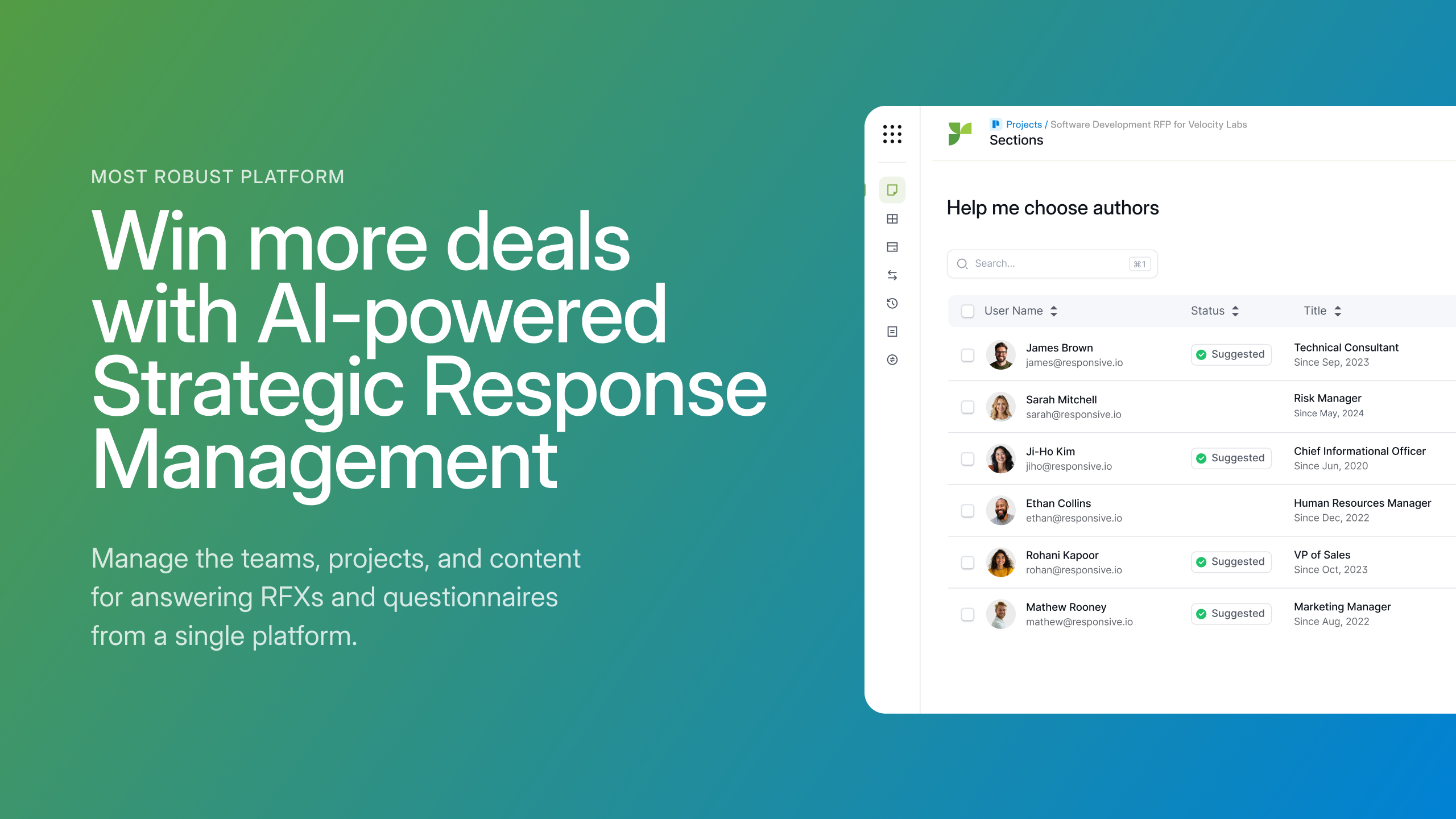      | Salesbook Screenshots      |