Sprout Social provides social media management, marketing, customer care, data and intelligence, and employee advocacy solutions for brands and agencies, including Ticketmaster, Chipotle, Grubhub, Subaru, and Zendesk. Sprout’s platform is used to simplify social publishing, engagement, reviews, analytics and listening for customers. Sprout also provides customer success and technical support, to deliver consistent value to all users. Any organization, regardless of size or industry, receives…
$249
per month per user
ZoomSphere
Score9.1 out of 10
N/A
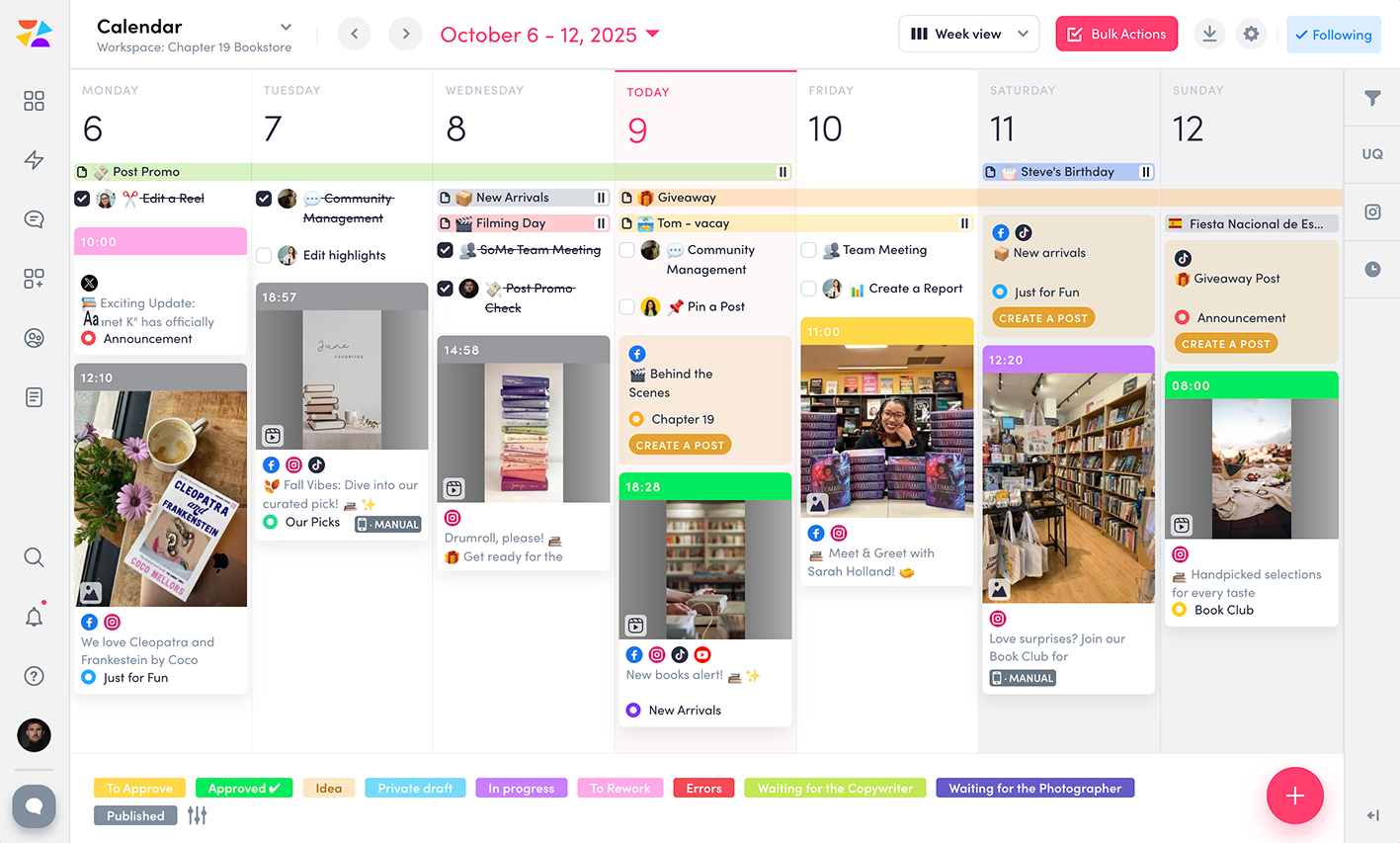
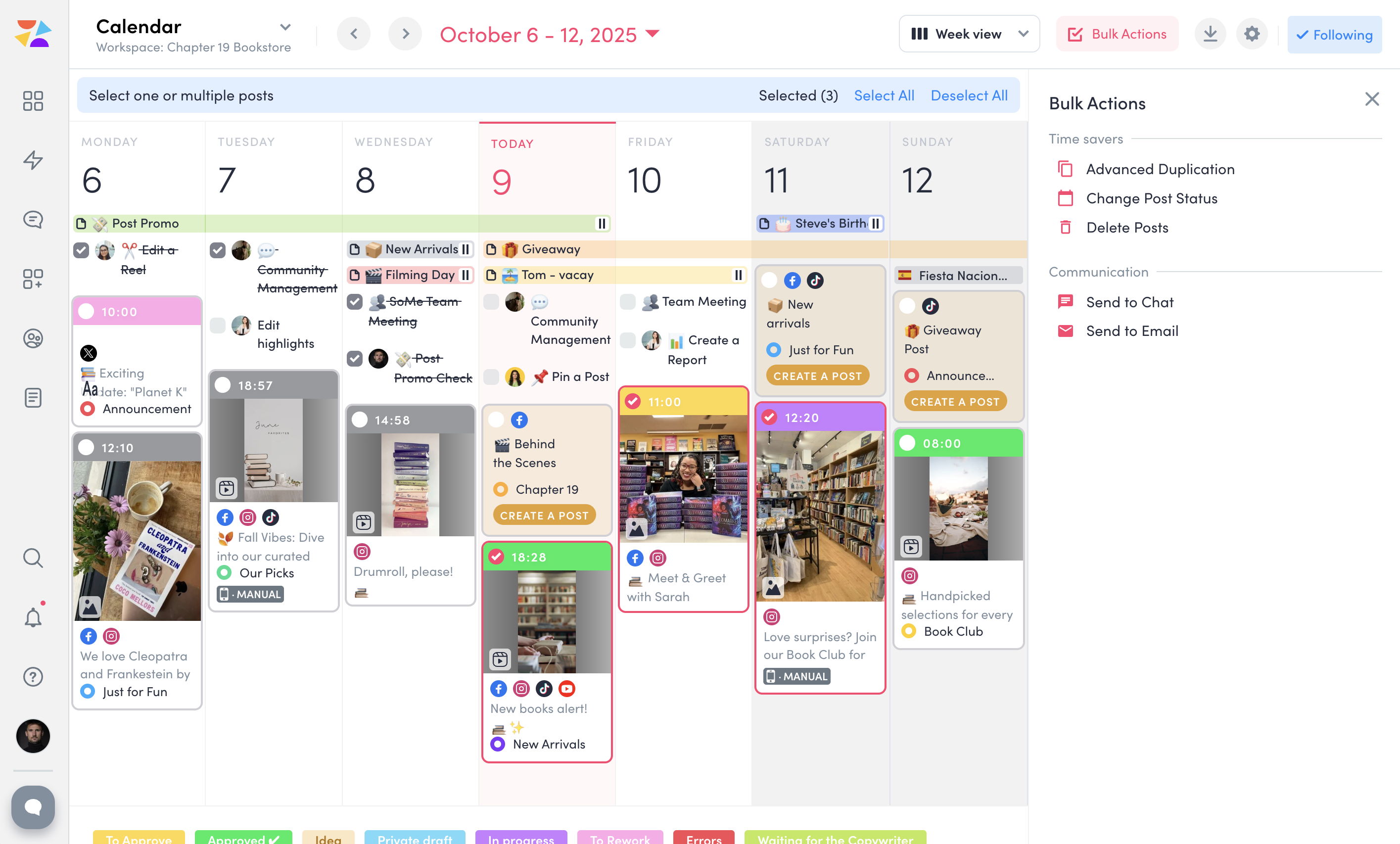
ZoomSphere is a social media scheduling and management solution designed for teams to plan, schedule, auto-publish, and analyze their social media content across multiple platforms.
ZoomSphere is primarily used by social media managers, marketing teams, and agencies to streamline content workflows, improve collaboration, and track performance across various social media platforms, including Instagram, Facebook, TikTok, LinkedIn, YouTube, and X. The software helps users automate…
$29
per month
Pricing
Sprout Social
ZoomSphere
Editions & Modules
Essentials
$79 per seat/per month annual / $99 per seat/per month monthly
Sprout is typically the first platform that comes to mind when I think of social media content scheduling/platform management/social media management. However, Sprout is very pricey, and I don’t think there’s an obvious standout element that helps differentiate it from other scheduling platforms. For organizations with only a few social media profiles, I’d be more likely to recommend lower-cost or free platforms as opposed to Sprout. I’d probably only recommend Sprout for organizations with dozens or hundreds of social media accounts
A de minimis incentive was given to thank the reviewer for their time. The incentive was not used to bias or drive a particular response, nor was the incentive contingent on a positive endorsement. More Info
ZoomSphere is suited for all companies - from small to big, for one brand or more brands within company. With ZoomSphere you can leverage your social media presence - but you need to use lot of apps ZoomSphere has. I think that ZoomSphere is not suited for company that want to use ZoomSphere for only one purpose, for example content creation and publishing. There are plenty of ways how to use ZoomSphere more complex.
A de minimis incentive was given to thank the reviewer for their time. The incentive was not used to bias or drive a particular response, nor was the incentive contingent on a positive endorsement. More Info
Social Scheduling: Sprout Social makes it easier than any platform I've used to schedule posts with each, and to batch-schedule the same post to run on multiple dates. The scheduling platform is intuitive and easy to understand.
Social Reporting: With just a few clicks of the button, you can easily export reports that are easy for both social media experts and complete novices to understand. I like how you can get a report within 60 seconds or so if needed.
Customer Service/Help: Whenever I've had a question, both my Sprout Social rep and the Help Center have been extremely easy to contact and quick to reply. Problems are solved very fast and it's made easy to understand.
A de minimis incentive was given to thank the reviewer for their time. The incentive was not used to bias or drive a particular response, nor was the incentive contingent on a positive endorsement. More Info
A de minimis incentive was given to thank the reviewer for their time. The incentive was not used to bias or drive a particular response, nor was the incentive contingent on a positive endorsement. More Info
I would like for Personal Instagram Accounts to be able to integrate with Sprout Social's Employee Advocacy platform. You are able to connect personally accounts to Sprout Social itself, which is great, but for employee re-sharing internal stories, this is not possible unless it is with a Business Instagram account.
I would like for the left hand tool bar to be more user friendly. There are so many tools and settings that are available, and I would like for it to be simplified in a way that makes it less cluttered.
An improvement can be made with the Sprout Social Mobile App. The user friendliness of the app does not allow as much autonomy as the regular webpage.
A de minimis incentive was given to thank the reviewer for their time. The incentive was not used to bias or drive a particular response, nor was the incentive contingent on a positive endorsement. More Info
A de minimis incentive was given to thank the reviewer for their time. The incentive was not used to bias or drive a particular response, nor was the incentive contingent on a positive endorsement. More Info
Sprout Social is the best platform out there for social-media management, and now that I have all my clients using Sprout Social, it would be sort of silly for me to walk away format at this juncture. The only cloud on the horizon would be if Salesforce bought it (as has been rumored) and put it inside its walled garden.
A de minimis incentive was given to thank the reviewer for their time. The incentive was not used to bias or drive a particular response, nor was the incentive contingent on a positive endorsement. More Info
Sprout Social is straightforward to use - built for anyone regardless of tech experience to be able to navigate. It integrates pretty seamlessly to the native platforms and brings a lot of things together to make a seamlessly experience for seasoned social media managers.
A de minimis incentive was given to thank the reviewer for their time. The incentive was not used to bias or drive a particular response, nor was the incentive contingent on a positive endorsement. More Info
There is always a space for improvement, but overall I see ZoomSphere as a valuable partner and tool for our business on social media. Maybe in a future rest of the apps in tool (community management, social media listening,...) will be on a same level as competitors and we will use only one tool for whole social media management. But if not, ZoomSphere is still awesome for the most of it
A de minimis incentive was given to thank the reviewer for their time. The incentive was not used to bias or drive a particular response, nor was the incentive contingent on a positive endorsement. More Info
Uptime was OK, but given the fact that we are in Europe, there were some specific problems: They tended to take the system down for maintenance during the night in the US, which was during our workday. This was definitely problematic and hard to explain to our clients.
The chat and online resources are great. The managers are too. They go through account reps pretty fast. Also, not a lot of onboarding once a product or service is sold. The ticket request system is terrible, they have too many people switching off roles, they take a long time to get back to you and don't plan on anything being fixed over a weekend - even if you have a problem. Their customer service via tickets is the worst.
A de minimis incentive was given to thank the reviewer for their time. The incentive was not used to bias or drive a particular response, nor was the incentive contingent on a positive endorsement. More Info
Whenever I contacted customer service, I had a great response within minutes. Sometimes was not easy to solve, but somehow we figured it out. I would like to reccommend more proactive communication with clients regarding product roadmap, for example "In 1Q we will launch XY,..." Client should know that before implementation - client can prepare for news, client can test something,...
A de minimis incentive was given to thank the reviewer for their time. The incentive was not used to bias or drive a particular response, nor was the incentive contingent on a positive endorsement. More Info
Their training is good, but the promotion of it is even better. I don't need or have the time for training, but I was always happy to know it was there. They did a great job sending updates out and making me aware when there was a new feature that I may want training for. As for the training I never used it, so I can't comment on that
Make sure you do it all the way. Do not break it into phases. Pour yourself a coffee, start it in the morning and you'll be done before you finish that coffee.
We started this agency using Later and switched to Iconosqaure because we needed more in-depth reporting. We switched from Iconosquare to Sprout Social because of the continuous scheduling bugs/issues we were having with our account and our terrible experience with their Customer Service team. We are planning to close our Sprout Social account and move to HeyOrca because of cost, ease of use, and the basic scheduling features Sprout Social doesn't offer.
A de minimis incentive was given to thank the reviewer for their time. The incentive was not used to bias or drive a particular response, nor was the incentive contingent on a positive endorsement. More Info
We see ZoomSphere as a better option than Kontentino. They are almost the same in way you can use the tool, but ZoomSphere has better UI and UX and also customer service. We also know that pricing levels are better with ZoomSphere than Kontentino. But both tools are quite awesome for social media management. Just book a demo, have a trial and you will see by yourself.
A de minimis incentive was given to thank the reviewer for their time. The incentive was not used to bias or drive a particular response, nor was the incentive contingent on a positive endorsement. More Info
One positive impact has been a huge time saver for our team. Where we once had multiple systems and delays from producing content to approval to publishing, now everything is seamless.
Another positive impact is streamlining the onboarding process for new team members. Sprout Social is user-friendly and intuitive, making it easy to study even for someone completely new to social media.
One negative impact has been the time it takes to wade through irrelevant social listening posts. The filtering is not effective enough to eliminate the noise.
A de minimis incentive was given to thank the reviewer for their time. The incentive was not used to bias or drive a particular response, nor was the incentive contingent on a positive endorsement. More Info
A de minimis incentive was given to thank the reviewer for their time. The incentive was not used to bias or drive a particular response, nor was the incentive contingent on a positive endorsement. More Info