Teamviewer offers secure remote access, IT support and device management on a scalable platform. It speeds up problem resolution, reduces downtime and enhances control through automation, unattended access and complete visibility of every device and location.
$299
per year
TeamViewer DEX
Score 8.8 out of 10
N/A
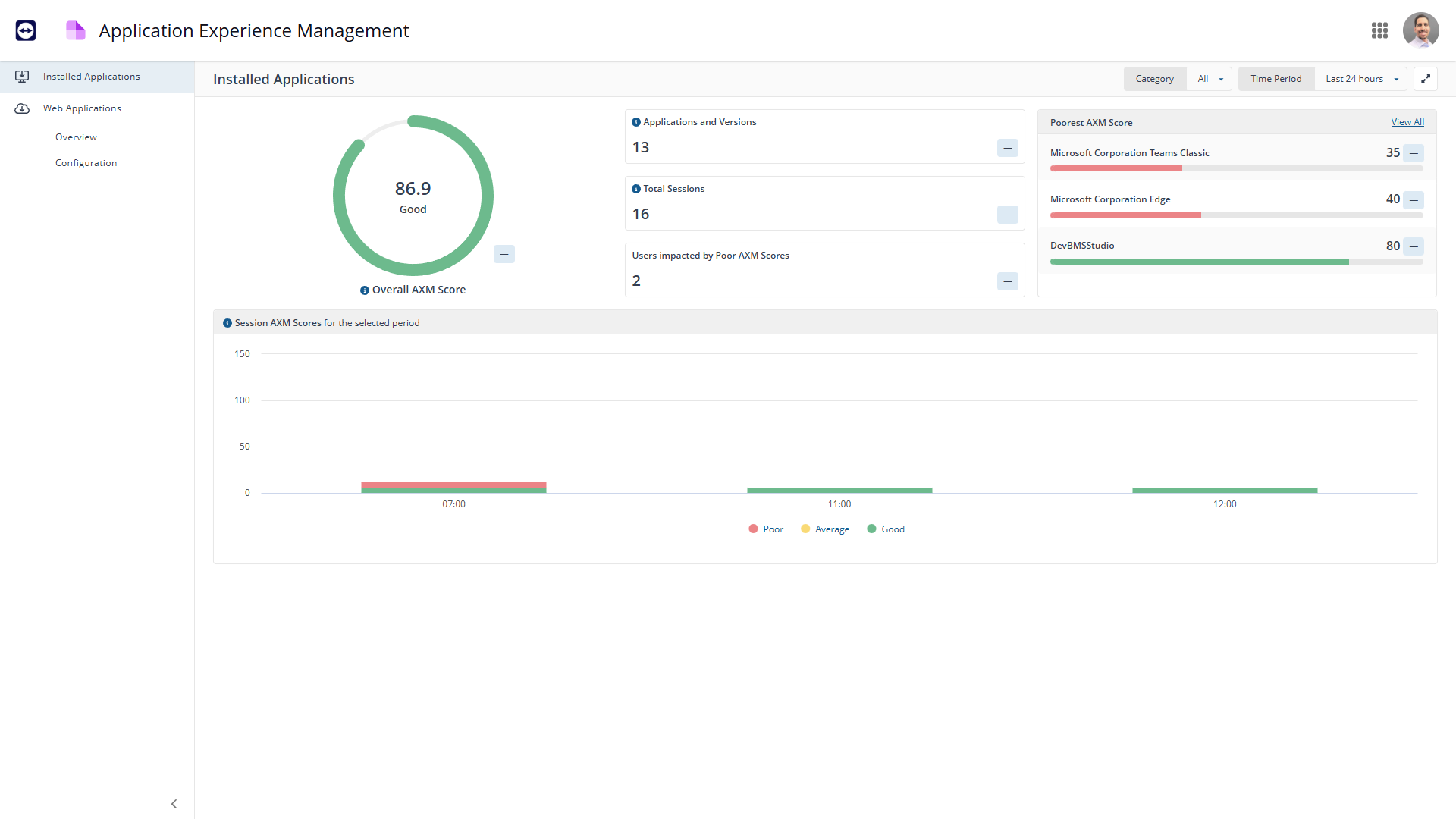
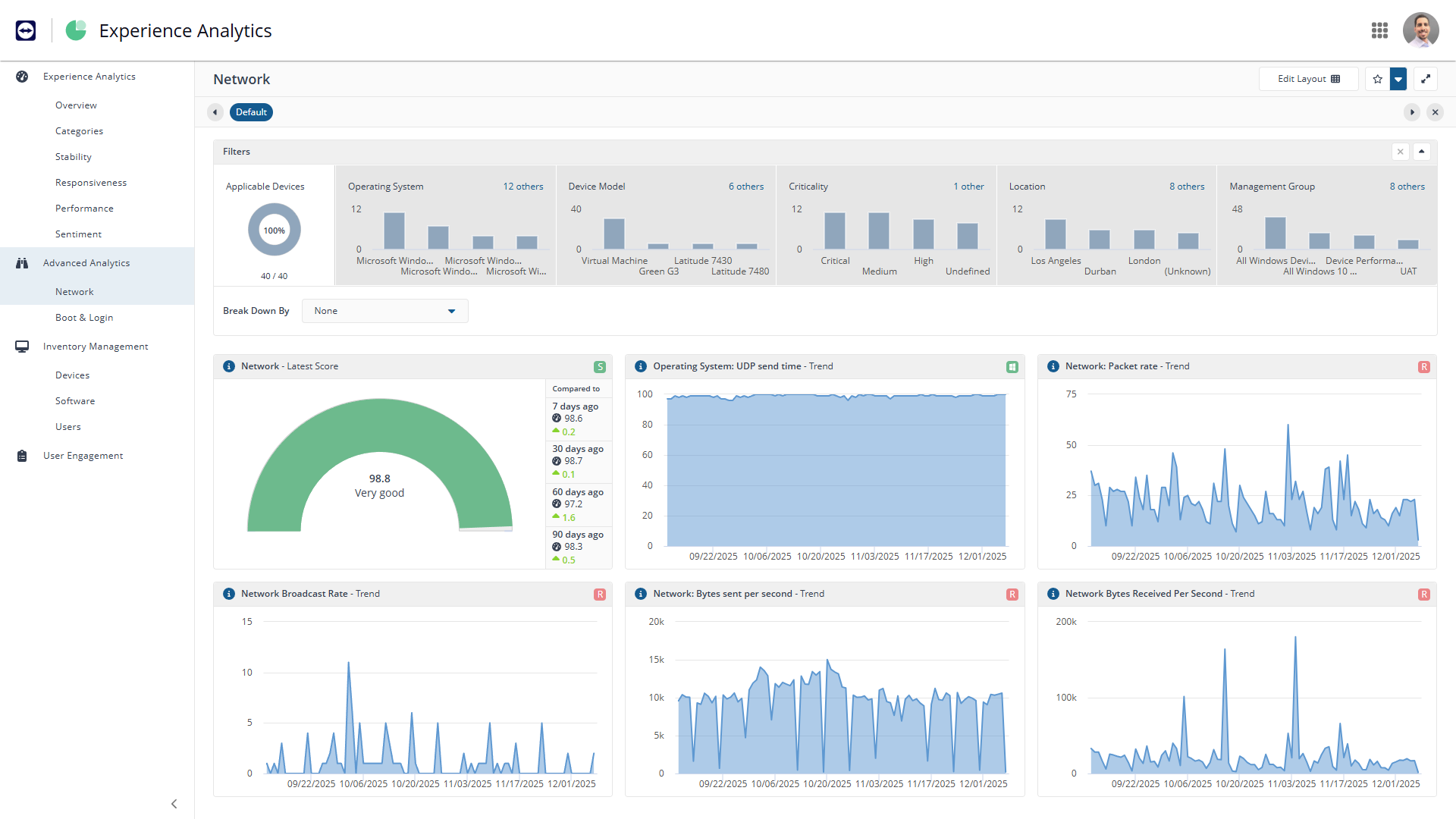
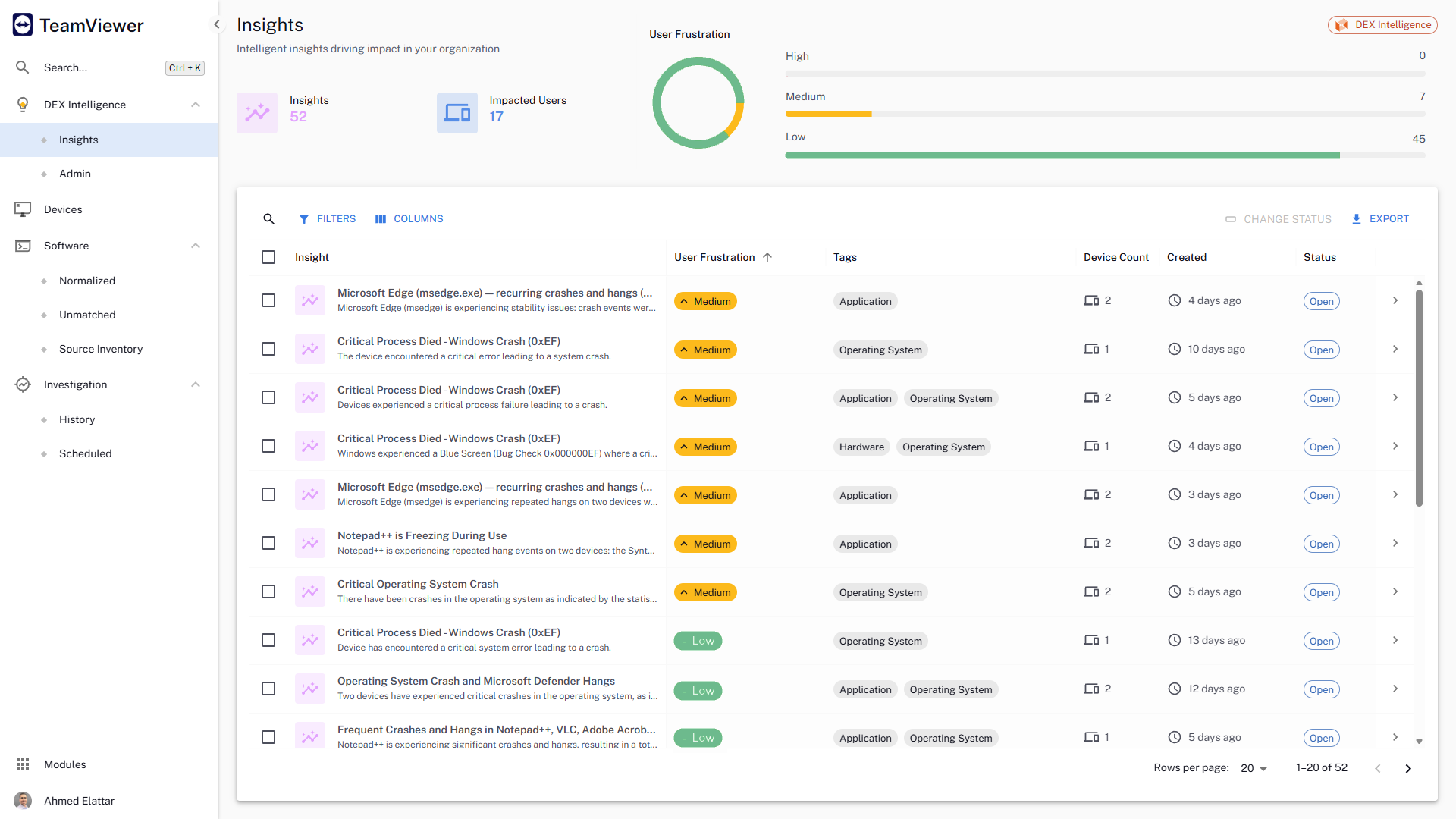
The TeamViewer DEX platform is a cloud-native, real-time, autonomous DEX solution that fixes digital worker experience issues before they impact users. It aims to remove friction from IT operations, improve compliance, and help IT deliver personalized digital experiences by bringing the user front and centre in the decision-making process.
N/A
vRealize Configuration Manager (discontinued)
Score 9.0 out of 10
N/A
VMware's vRealize Configuration Manager (formerly vCenter Configuration Manager) was a change and configuration management software solution. VMware announced the end of the product's availability in January, 2020.
I think it works well for IT management and help desk support of end users. I find it very useful to help users and send files to their desktop. Remote Workers still run into some problems with MFA and updates, both to the TV Host app and OS updates. However, it does give us secure direct access without the need of a VPN.
When we are needing to patch workstations for zero-day vulnerabilities or security risks, Explorer is our go-to tool to push out those settings quickly. We have a TeamViewer DEX server stood up in our DMZ to communicate with the workstations outside of our VPN, so we can push those settings or patches to devices without needing them to attach to our network. It's really nice to be able to communicate with the computers that rarely connect to our corporate network and ensure that they are still protected. We do have the TeamViewer Client installed on all of our internal servers in order to get inventory and licensing information, but we don't typically utilize the TeamViewer software on the servers for much else. A different team handles those computers and often requires change management, so expedited changes don't happen often there. Standard deployment and patching tools do the job.
If you want the best compatibility with VMware products, this is it. There are other HyperVisor platforms out there, however, this software is native to VMWare. Reduces potential security threats through a unified approach to configuration management across the physical and virtual infrastructure.
Active monitoring of Syslog and notifications based upon the matching conditions.
Change management- Changes can be pushed to several system from one place. It also keeps the record of what changes and who made the change even if the changes has not been made through VMware vCenter Configuration Manager.
Robust reporting feature- Enhanced filters features and report generation in excel format presents the data in readable and to the point.
Integration with ticketing tool further ensures that changes are approved before implementation.
With an iPad, you can't take control of the device, so you have to tell someone what to do. Which can be a challenge because the end user doesn't know what to do
With the free version of TeamViewer you cant enter Admin credentials because TeamViewer blocks the windows to fill in the credentials
The free version can be really limited which can be putting off people because they don't see the full potential of TeamViewer
They currently don't have all of their products incorporated into the web interface, meaning that we need a separate administration console for using their Shopping product.
The TeamViewer DEX Exchange is an online repository for common or useful instructions, but it is still a bit lacking. New instructions aren't published very often.
Writing your own custom instructions for Explorer has a bit of a learning curve if you aren't already familiar with SQL queries or their SCALE language. There is published documentation for SCALE, but I'd like to see them add a basic functionality course to their online training portal.
We need this tool in our day to day business. It is what we do all day remoting into clients devices. In this day and age we can access devices all over the world as long as we have secure internet connection. It certainly saves money in gas, and even if you are away you can help.
TeamViewer is a reliable and really strong tool for accessing remote IT platforms secure and fast. We don't know any product that provide us such strong functionality to make our life as a internationally recognized MES provider with DIAMES with an international clientele so easy. We look forward for any new TeamViewer functionality that supports us even more.
TeamViewer DEX has plenty of features and functionality right out of the box. They offer an Exchange web portal where you can go to download new product packs as they become available through consulting engagements and customer requests. Sometimes you might need to do something more specific or customized than what is available to everyone, and that's when your own knowledge is put to the test. Being able to write your own SCALE code would be invaluable, but takes a while to learn if you aren't already familiar with SQL, PowerShell, or a few other popular languages. Making it your own can definitely take some work, but it's worth it in the end.
the few times i have had to contact teamviewer support, they were very responsive and give me quick answers and seemed to understand my problems quickly and easily. I did not have to sit on the phone for hours on hold or get passed around to multiple phone support techs before finding a solution to my issues, so i would rate their support very highly.
As expected without any problem! Alternate in-person training is another efficient way to learn how a product works. There are many third party supporters for TeamViewer courses available that can give additional ideas how to use TeamViewer for specific functions and features as we did require in respect of our usage.
I have never used the online training either. I have watched a few informational videos that were helpful when learning how to do a specific procedure within TeamViewer and get the most out of the software by utilizing one of the many features that are available with the software. Again, 5 if for neutral.
TeamViewer installation and deployment to other devices is pretty straightforward and does not require much technical know-how. This makes ease of use attractive when supporting both new and existing clients with limited technical knowledge. I think ease of use is a huge factor in getting new clients. TeamViewer handles that extremely well.
TeamViewer's cost is much lower than that of other solutions, and its security is far superior to RemotePC's. TeamViewer is also a request-based remote session manager, unlike other software that allows indefinite connection time. TeamViewer's free version makes it even better for one end of the group to find support, while the other end has the paid version.
Microsoft has good intentions, but they are often late to the table. On more than one occasion, we have seen Microsoft incorporate a new feature into their own products, but it's something that TeamViewer had already been offering for a year or more. By the time Microsoft adds a new feature, it has already been in our toolbox and even then doesn't seem to have all of the additional functionality that we get from the TeamViewer software. Currently, we're starting to see Microsoft's push for endpoint performance analytics, which TeamViewer DEX has already done impressively for some time now.
Being able to deploy configuration changes while devices are off-network was a real-life-saver for us during the sudden work-from-home scenarios we faced during the pandemic.
Reclaiming unused software licenses has provided some additional budget to use towards other products, and helps us to justify the cost of what we already have.
Using Experience to proactively troubleshoot performance issues not only reduces the number of help desk tickets but also provides a better work environment for our employees.