TeamViewer vs. xAssets IT Asset Management Software

Overview
ProductRatingMost Used ByProduct SummaryStarting Price
TeamViewer
Score 8.5 out of 10
N/A
TeamViewer provides software for both remote management and online collaborations. With TeamViewer, users have access to fully integrated online conference solutions for audio and video communication, including interactive screen sharing and remote access features.
$299
per year
xAssets IT Asset Management Software
Score 9.1 out of 10
Mid-Size Companies (51-1,000 employees)
IT asset management software with large enterprise scalability and deep configurability to meet the complex requirements of large enterprises. The product provides highly scalable agentless network discovery software, full lifecycle asset management including software asset management, help desk, barcoding, procurement, receiving, disposal and obsolescence, contract management, financials and depreciation, spares, storage and this can be extended easily to new functional areas.
$0
Pricing
TeamViewerxAssets IT Asset Management Software
Editions & Modules
Remote Access
$24.90
per month (billed annually) 1 Licensed User
Business
$50.90
per month (billed annually) 1 Licensed User
Premium
$102.90
per month (billed annually) 15 Licensed Users
Corporate
$206.90
per month (billed annually) 30 Licensed Users
Enterprise Edition
$0.00
Express Edition - free for one user
$0.00
Offerings
Pricing Offerings
TeamViewerxAssets IT Asset Management Software
Free Trial
YesYes
Free/Freemium Version
YesYes
Premium Consulting/Integration Services
YesYes
Entry-level Setup FeeOptionalOptional
Additional DetailsExpress edition is free to qualifying customers for a single user. Pricing then depends on additional users and number of assets and discovered nodes. Enterprise edition provides enterprise level scalability, security and configurability suitable for medium and large enterprises.
More Pricing Information
Community Pulse
TeamViewerxAssets IT Asset Management Software
Features
TeamViewerxAssets IT Asset Management Software
Security
Comparison of Security features of Product A and Product B
TeamViewer
8.8
23 Ratings
3% above category average
xAssets IT Asset Management Software
-
Ratings
Role-based user permissions8.823 Ratings00 Ratings
Remote Administration
Comparison of Remote Administration features of Product A and Product B
TeamViewer
8.5
505 Ratings
2% above category average
xAssets IT Asset Management Software
-
Ratings
File transfer8.8474 Ratings00 Ratings
Instant message8.4437 Ratings00 Ratings
Access to sleeping/powered-off computers7.9332 Ratings00 Ratings
Session record8.4339 Ratings00 Ratings
Annotations8.4108 Ratings00 Ratings
Platform & Infrastructure
Comparison of Platform & Infrastructure features of Product A and Product B
TeamViewer
8.4
17 Ratings
4% above category average
xAssets IT Asset Management Software
-
Ratings
Third-party software integrations8.417 Ratings00 Ratings
Remote Access
Comparison of Remote Access features of Product A and Product B
TeamViewer
8.8
28 Ratings
9% above category average
xAssets IT Asset Management Software
-
Ratings
Attended device access9.628 Ratings00 Ratings
Unattended device access9.027 Ratings00 Ratings
Mobile device access8.226 Ratings00 Ratings
Virtual device access9.025 Ratings00 Ratings
Multiple-display support8.426 Ratings00 Ratings
Multiple concurrent sessions8.823 Ratings00 Ratings
IT Asset Management
Comparison of IT Asset Management features of Product A and Product B
TeamViewer
-
Ratings
xAssets IT Asset Management Software
9.1
1 Ratings
17% above category average
Software and hardware inventory tracking00 Ratings9.11 Ratings
License management00 Ratings9.11 Ratings
Asset lifecycle monitoring00 Ratings9.11 Ratings
Asset relationship management00 Ratings9.11 Ratings
Best Alternatives
TeamViewerxAssets IT Asset Management Software
Small Businesses
Getscreen.me
Getscreen.me
Score 9.6 out of 10
Atera
Atera
Score 8.8 out of 10
Medium-sized Companies
Action1
Action1
Score 9.5 out of 10
KACE Systems Management Appliance
Score 8.3 out of 10
Enterprises
Remote Desktop Manager
Score 9.5 out of 10
KACE Systems Management Appliance
Score 8.3 out of 10
All AlternativesView all alternativesView all alternatives
User Ratings
TeamViewerxAssets IT Asset Management Software
Likelihood to Recommend
8.7
(558 ratings)
9.1
(1 ratings)
Likelihood to Renew
10.0
(64 ratings)
-
(0 ratings)
Usability
9.1
(57 ratings)
-
(0 ratings)
Availability
9.1
(5 ratings)
-
(0 ratings)
Performance
9.1
(5 ratings)
-
(0 ratings)
Support Rating
9.7
(50 ratings)
-
(0 ratings)
In-Person Training
9.1
(2 ratings)
-
(0 ratings)
Online Training
9.1
(4 ratings)
-
(0 ratings)
Implementation Rating
8.9
(119 ratings)
-
(0 ratings)
Configurability
9.1
(4 ratings)
-
(0 ratings)
Ease of integration
9.1
(5 ratings)
-
(0 ratings)
Product Scalability
9.1
(5 ratings)
-
(0 ratings)
Vendor post-sale
8.5
(5 ratings)
-
(0 ratings)
Vendor pre-sale
9.1
(5 ratings)
-
(0 ratings)
User Testimonials
TeamViewerxAssets IT Asset Management Software
Likelihood to Recommend
TeamViewer
If someone were to ask me for a recommendation, I would honestly say that it was the best option for me. Many times, my team members, other therapy department consultants, or doctors have encountered a problem with their systems that they are unable to resolve on their own. They just reached out to me and explained their concerns. Once their system is connected to me, I can resolve their situation in a very short amount of time.
Read full review
xAssets
We run a large environment where managing agents and clients would be difficult, but this software doesn't require either. We use it a lot from our iPhones accessing the software from anywhere in the office and even from home.
Read full review
Pros
TeamViewer
  • Quick support is an nice feature to make it easy for the end user to download and use
  • Easy to connect using numbers
  • The connection is always good when connected to an end user
  • The tool is easy to use, the buttons are easy to understand what the use for it is
Read full review
xAssets
  • Network discovery--with no agents to manage is great and its very fast
  • Reporting--custom reports, charts and PDFs; the software also emails monthly reports automatically
  • Users only see the data and menus they need, so no training needed and the UI is focused
  • No clients to install; we can use it from any browser and from our cell phones
  • Upgrades are done quickly; we've never needed to get involved, as they do it for us
Read full review
Cons
TeamViewer
  • The update Cycle of the Desktop app is sometimes unstable. We downloaded the latest TeamViewer Desktop App from the official site, and it immediately asks us to update.
  • Pricing tier for small teams can be improved.
  • Live subtitles for audio from remote device can be implemented.
Read full review
xAssets
  • Looking forward to using their full endpoint management system, which is under development
Read full review
Likelihood to Renew
TeamViewer
We need this tool in our day to day business. It is what we do all day remoting into clients devices. In this day and age we can access devices all over the world as long as we have secure internet connection. It certainly saves money in gas, and even if you are away you can help.
Read full review
xAssets
No answers on this topic
Usability
TeamViewer
TeamViewer is a reliable and really strong tool for accessing remote IT platforms secure and fast. We don't know any product that provide us such strong functionality to make our life as a internationally recognized MES provider with DIAMES with an international clientele so easy. We look forward for any new TeamViewer functionality that supports us even more.
Read full review
xAssets
No answers on this topic
Reliability and Availability
TeamViewer
Always available if setup correctly.
Read full review
xAssets
No answers on this topic
Performance
TeamViewer
The application is built on VNC which is a very stable technology.
Read full review
xAssets
No answers on this topic
Support Rating
TeamViewer
the few times i have had to contact teamviewer support, they were very responsive and give me quick answers and seemed to understand my problems quickly and easily. I did not have to sit on the phone for hours on hold or get passed around to multiple phone support techs before finding a solution to my issues, so i would rate their support very highly.
Read full review
xAssets
No answers on this topic
In-Person Training
TeamViewer
As expected without any problem! Alternate in-person training is another efficient way to learn how a product works. There are many third party supporters for TeamViewer courses available that can give additional ideas how to use TeamViewer for specific functions and features as we did require in respect of our usage.
Read full review
xAssets
No answers on this topic
Online Training
TeamViewer
I have never used the online training either. I have watched a few informational videos that were helpful when learning how to do a specific procedure within TeamViewer and get the most out of the software by utilizing one of the many features that are available with the software. Again, 5 if for neutral.
Read full review
xAssets
No answers on this topic
Implementation Rating
TeamViewer
We used TeamViewer within our scope of a unified endpoint management. Access rights are managed by location and user, both in regard to the state legislation and the company’s regulations. Our IT dashboard has now integrated the remote support KPIs which i derived from TeamViewer usage data.
Read full review
xAssets
No answers on this topic
Alternatives Considered
TeamViewer
AnyDesk, despite being relatively light on system utilization, didn’t offer some of the pro collaboration features that we required. All the functionalities that were part of TeamViewer matched well with the functionality, ease, and cost aspects needed to support our team's work.
Read full review
xAssets
No answers on this topic
Scalability
TeamViewer
Stay up working. Easy to connect and disconnect. easy way to transfer files to another desktop
Read full review
xAssets
No answers on this topic
Return on Investment
TeamViewer
Almost immediately. We could not support our clients effectively without TeamViewer. Its reliable, fast and allows us to do our work in a moments notice.
  • The core of our business is providing remote IT support to unmanned stations. Without a program like TeamViewer, we would be unable to operate.
  • On numerous occasions, we have avoided having to travel to site on top as well as raise a callout with local agents, saving us many thousands.
  • We can work from home or support our service technicians on the field any place, any time.
Read full review
xAssets
No answers on this topic
ScreenShots

TeamViewer Screenshots

Screenshot of how TeamViewer lets users connect to devices and provide remote support.Screenshot of AI, automation and remediation.Screenshot of the interface to monitor and manage devices proactively.Screenshot of some of TeamViewer's integrations.

xAssets IT Asset Management Software Screenshots

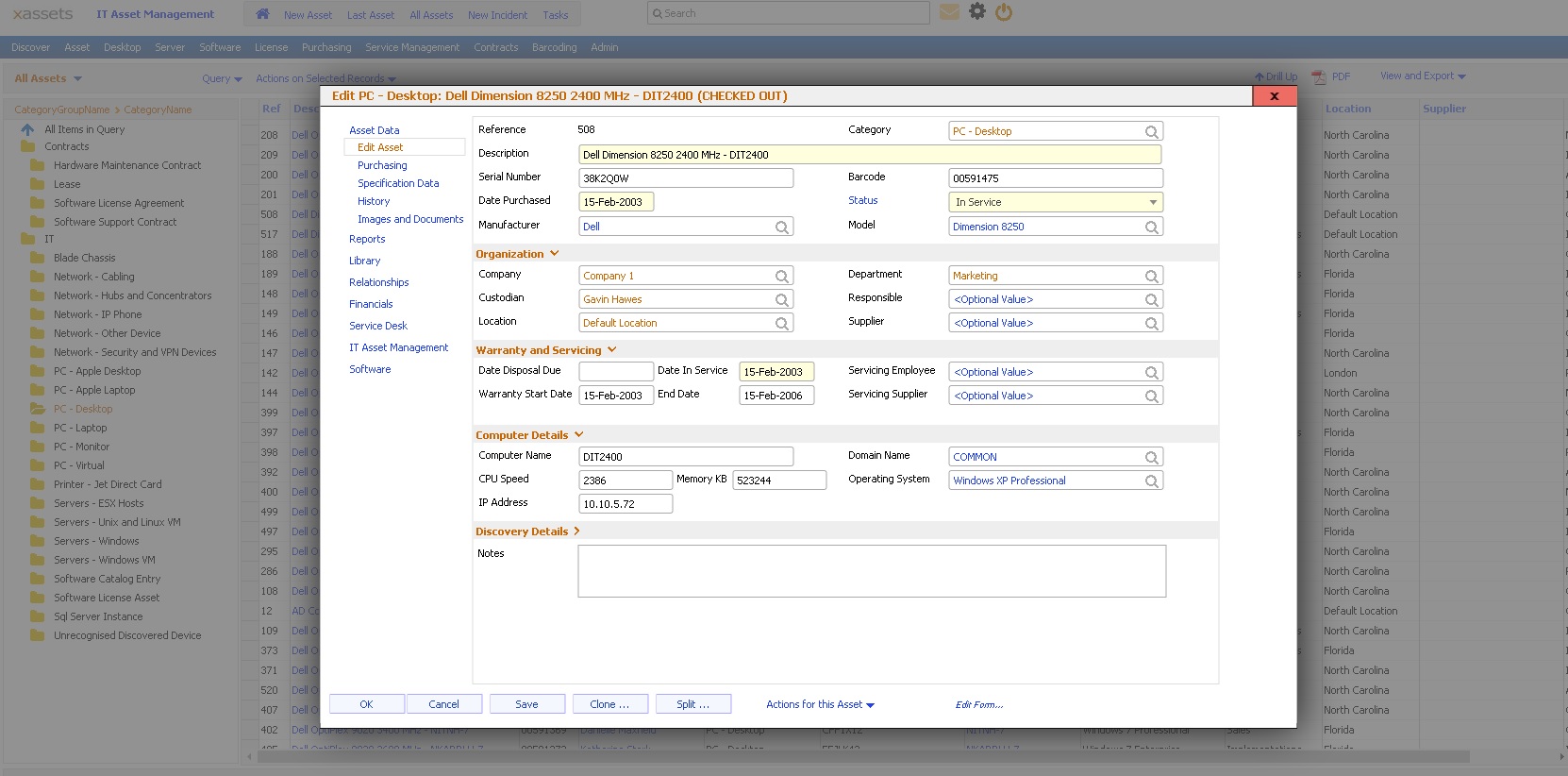
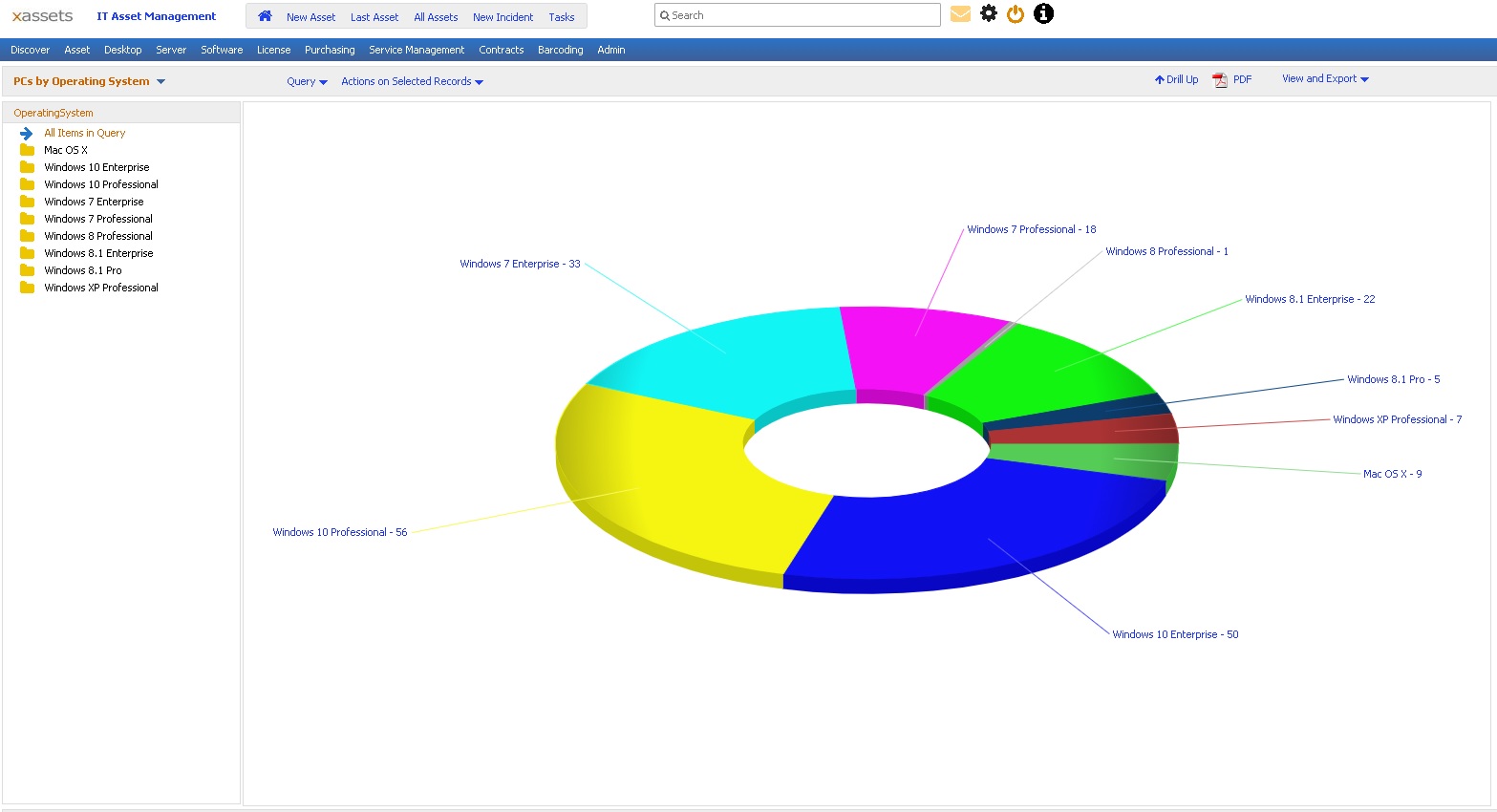
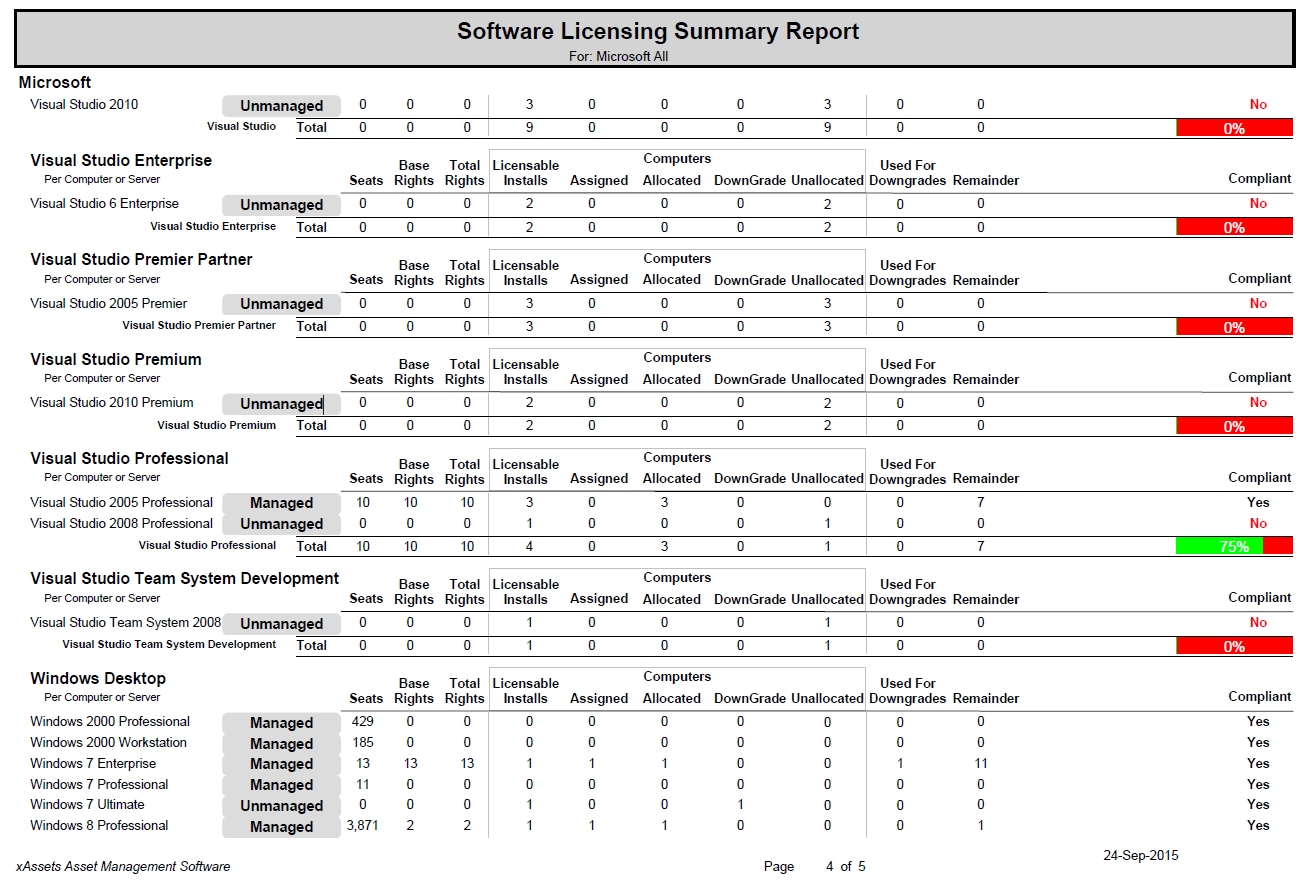
Screenshot of Home page can be any configurable dashboardScreenshot of Asset list with charts, filtering, sort and drilldownScreenshot of Asset entry with configurable formsScreenshot of Store any number of asset imagesScreenshot of Drilldownable pie and column chartsScreenshot of Software licensing report shows compliance at the summary level