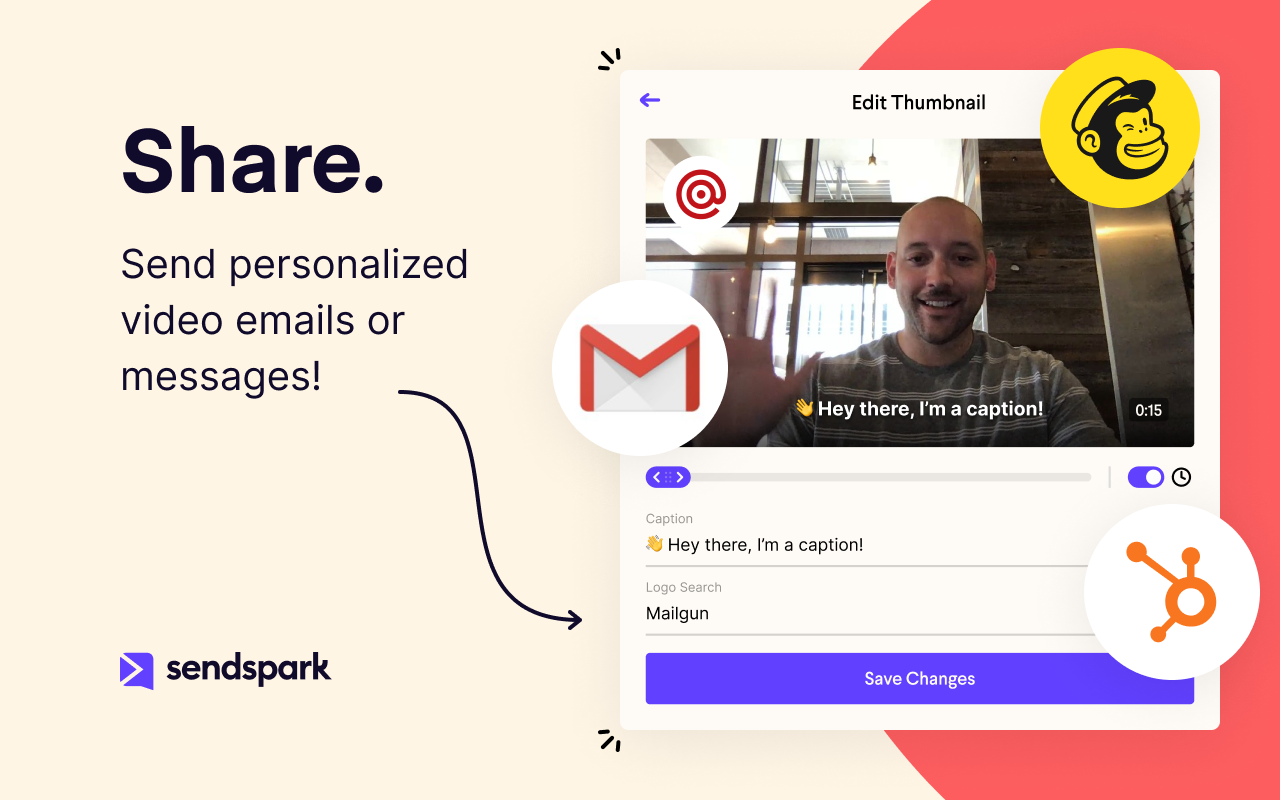
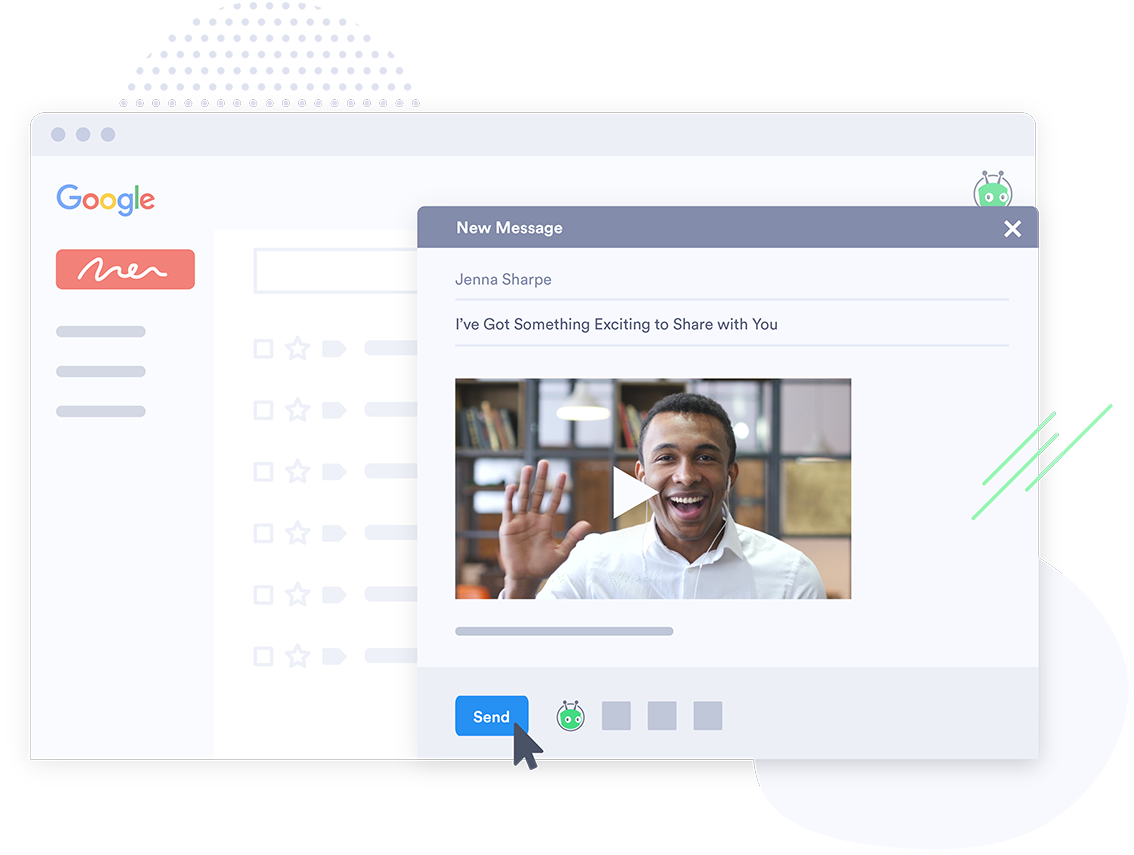
Sendspark helps businesses connect to customers with personalized video messages. Whether the user is an individual, manager, or enterprise, Sendspark can be used to create polished videos for demand generation, sales, or customer success. Videos can be shared in Gmail, LinkedIn, or email marketing platforms — wherever communication with customers is happening — to drive higher engagement.
N/A
Vidyard
Score 9.0 out of 10
N/A
Vidyard is an enterprise video platform built to turn viewers into customers with in-depth insights and robust integrations with different customer relationship management (CRM) and marketing automation platforms.
Anytime we onboard a new client Sendspark sends all customer's details back to Hubspot. This is so handy as it's an automated process. If you prefer to use Zoho then no problem. It's in Sendspark as well. It would be great to use webhooks and API. But it's coming very soon.
Loom provides all basic features of screen recording software but because they are established now, they sometimes fail to work on customer feedback while Sendspark is always innovative e.g one of the life-saving features is a link to share with customers to record their …
No brainer. Stick with what is easy, has great customer service, and more functionality to be unique to your brand. Sendspark is the way to go for simplicity and the pricing is more affordable.
Virtually all other video platforms have more functions, more functionality, more integrations, and more ways to customize everything. The only exception is (possibly) Vidyard. Layers of complexity lead to inertia. That leads to plenty of excuses to not incorporate video into a …
While Sendspark has a bit less functionality than popular rivals such as Loom and CloudApp, its affordability and simplicity have ultimately caused us to stick around. We are confident with the continued upgrades and functionality Sendspark is developing, it will continue to be …
Pretty much similar in terms of delivery and usability. Both have a free version. But I like the flexibility of storage on demand as well as the UI seems to be more adaptable with Sendspark. In terms of functionality there is room for improvement thought but it is still early …
I see a lot more flexibility and room for growth in Sendspark. The team is very [responsive and has] an excellent direction and roadmap of how they want to grow Sendspark. The ability to have Video Landing Pages is awesome and their video engagement analytics is superb as well. …
Sendspark stands among other solutions due to the perspective behind the tool. They are trying to improve business conversion and client experiences by humanizing and customizing the touchpoints across different channels. People got tired of simple emails and tasteless contacts;…
Camtasia is fine but it is not as simple to use, is not cloud-based, and the client has to download software to record their own screen and respond to your emails.
Best all-around choice. It may not be as specialized as the others but it gives you the ability to do everything you need to get done as a solo freelancer without having to pay 3 different subscriptions for video tools that all do the same thing in a slightly different way.
I used Loom before Sendspark and I think SendSpark is more economical and startup-friendly. Loom started off great and had a free plan. Eventually, things started getting pretty expensive and they started shutting down the free plan bit by bit till it became very limited. …
Loom is up to par, and I can't say much about that. Bombbomb woefully underperformed. It was good and it worked, but it was slower and trickier to get it working and recording videos.
Vidyard seems to be the easiest to use especially for our sales teams. Our Customer Advocate and Implementation Teams do use CloudApp. It seems similar, but less applicable for sales. Vidyard has awesome salesforce and HubSpot integrations!
Vidyard could definitely take some things away from Pardot. Making the tool as easy to use as possible and also making the integration seamless is of paramount importance. I guess to simplify it, we never really have had issues with Pardot. It seemed like we were constantly on …
Honestly, I chose Vidyard because my influencer contacts in my network recommended it and it was at the time at least integrated with LinkedIn. I really hope you can somehow continue the integration with LinkedIn as that was very helpful and a big factor in me deciding to use …
Very similar. The only thing Loom has in its favor is the free version seems to allow you to download some videos and the embed works better in Notion which is a tool we use for everything.
I have previously dabbled in Loom and Vimeo, which have slightly different use cases. Overall I think Vidyard provides the beauty and ease of being able to record your screen directly and can host those videos too.
I used Soapbox for a time by myself and it did some very similar things. It had an easy interface too. But Vidyard was more robust and once we started using it I never looked back.
We selected Vidyard because Wistia didn't offer as many robust lead generation features and didn't offer as deep of integration with Hubspot. We also wanted to have that main video hub and Wistia didn't have that at all when we were doing this evaluation, though I think they …
Our company chose Vidyard, but honestly, after I learned about this tool and started using it, I would have chosen Vidyard over the others. It's easy to use. I love the plugin in my Chrome. It has a more intuitive UI/UX than the others and better analytics (even in the free …
Allego was next to impossible for even our internal team, let alone our team out in the field, to learn and develop. Their support was constant, but we never seemed to achieve anything in our meetings. The product owners at Vidyard have been much more personable and in-tune …
In my experience, Sendspark is particularly well-suited for sales and marketing professionals who need to create and send personalized videos at scale. The platform makes it easy to quickly record and share videos, which can be a great way to stand out in a crowded market and provide a more engaging and personal experience for clients. Additionally, the branding and marketing features of Sendspark are handy for maintaining a consistent and professional image. On the other hand, I think Sendspark may be less appropriate for organizations that require more robust collaboration and video editing features. The platform is designed for simplicity and speed, so it may not be the best choice for users who need more advanced editing tools or the ability to work on videos with multiple users simultaneously. Additionally, the limited customization options for video themes may not be suitable for users who need more flexibility in terms of design and layout. Other video recording and sharing platforms may be a better fit in these cases.
In my industry, there really isn't a time that I feel would be inappropriate to use the tool. I feel it's most useful to an audience that you haven't connected with yet, however. I think your content is what can get you into trouble. A friend of mine was blocked from a decent amount of prospects after sending a video promoting a happy hour.
Because with such a contribution it is possible to reach customers much better than with many other expensive tools. It is comparatively cheaper to do marketing with emails. So you should make your email campaigns as effective as possible. What really works with Sendspark. I think Sendspark will implement many more things. Which is why I am currently convinced to continue using Sendspark.
It has been an integral part of both our employees and customers experience. I would highly recommend VidYard to anyone looking for new ways to make their support interactions more personable and efficient. Not only that, but is a huge value add for existing customers of the HubSpot product as well.
Vidyard does what it is supposed to do, but it takes regular use and adoption to really get any benefit. It is much more beneficial as a 1:1 personal sales video tool than in mass marketing email blast campaigns. The analytics are insightful and the tool has some cool ways to make videos more interactive and branded.
Acutally we didnt have had any problems so far. Everything works since we use it. The Servers are fast, and creating videos is a breeze. The Dashboard works properly and we can work very Smooth with Sendspark so far.
Absolutely, the unpredictable nature of technology always keeps us on our toes. However, I'm pleased to share that my experience with Vidyard has been remarkably consistent and reassuring. To date, I haven't encountered any instances of service outages. This unparalleled reliability and dependability have instilled a high level of confidence in the platform, making it a stalwart companion in our digital endeavors. While the tech landscape can be uncertain, Vidyard's track record of steadfast performance has truly set it apart.
Support is very fast. I actually get Support between 8-24 Hours which is Important for us. The website tend to slow down sometimes, but will not affect the overall usage. I think they have a good Server Plan, which runs smooth. Until now we didnt had any serious problems with saving our Video Files or Uploading.
It performs very well. I have never had any bugs while recording, and none of the videos have been impaired or corrupted. I don't believe it integrates with any other software but you could contact the company to learn more. I am not sure if it is only available on Chrome.
Customer support at Vidyard has always been good. When I first looked into the product, the salesperson took a consultative approach that allowed me to see how Vidyard would benefit our specific use case. Since coming on board, the customer service team has been quick to respond if I have any questions.
The training experience proved to be tremendously valuable. Our dedicated representative exhibited an exceptional level of helpfulness and patience as she skillfully addressed all of our inquiries. Notably, she went beyond merely answering questions, providing us with a wealth of resources and sharing best practices that are pivotal for our success in utilizing the software.Her guidance transcended the boundaries of a conventional training session, empowering us with insights that extend far beyond the immediate
The online training experience proved to be incredibly valuable. Our dedicated representative demonstrated exceptional patience and unwavering support in addressing our queries and requests, which greatly contributed to our learning process. Their guidance was pivotal in helping us navigate the intricacies of the training, ensuring that we absorbed the material effectively.
It's pretty straightforward. The bulk of the work goes on outside of Vidyard - it's the time required to add different videos to your website - that was probably the only difficult part and had nothing to do with Vidyard.
Virtually all other video platforms have more functions, more functionality, more integrations, and more ways to customize everything. The only exception is (possibly) Vidyard. Layers of complexity lead to inertia. That leads to plenty of excuses to not incorporate video into a workflow because it's always easier for (most) people to type an email than add the layers of vulnerability to a prospect that comes with a video. Sendspark is affordable, by far the easiest to use and, on the rare occasion, we've needed them, the support is very responsive. If you want to get your employees - or more especially yourself - to follow through on using video in your sales|marketing|customer support then I suggest you seriously consider Sendspark (unless you're one of our competitors :) )
Vidyard seems to be the easiest to use especially for our sales teams. Our Customer Advocate and Implementation Teams do use CloudApp. It seems similar, but less applicable for sales. Vidyard has awesome Salesforce and HubSpot integrations!
I think there is a lot of space for scaling. But for a Company like us there is plenty enough of capabilites to use Sendspark without any lack of performance issues. Maybe Sendspark could be limited for very Big Companys. But since they are a Startup, maybe they will grow and dive us to a better overall experience.
The product exhibits an exceptional degree of scalability, accommodating diverse usage scenarios across various departments within our organization. This remarkable flexibility has enabled us to harness the software's potential in ways tailored to the unique needs of each team.In particular, the impact on our communication efforts with both potential and existing customers has been truly transformative.
A member of my sales team went 10 for 10 on receiving replies from outreach prospects when leading with a Sendspark video message.
Received a PO for $109K on the last day of the quarter after messaging a customer with a polite and earnest Sendspark video to get the PO that day.
Supported a team member closing a sale by creating a Sendspark demo/explanation video of "this is how it would work" for the owner of a prospect company.