TrustRadius: an HG Insights company

Creately

Score5.2 out of 10

19 Reviews and Ratings

What is Creately?

Creately is a visual collaboration platform that supports genograms, flowcharts, org charts, mind maps, and UML diagrams. Featuring template-based AI diagram generation, Creately boasts speed and accuracy in visual planning.

Media

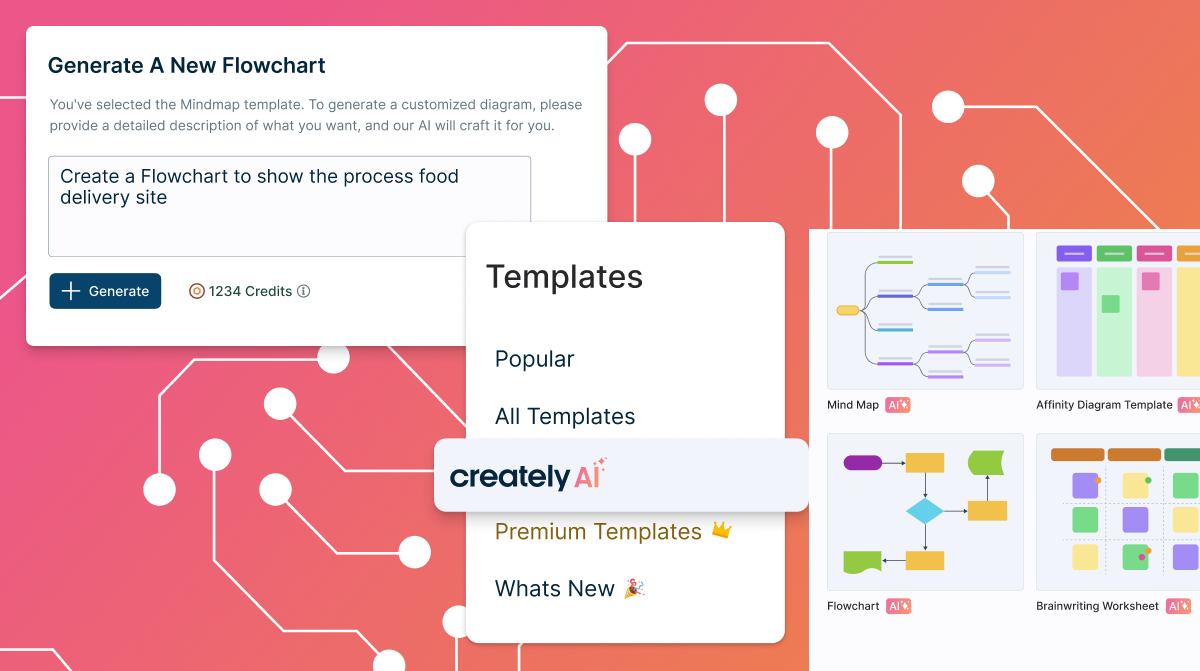
templated instructions for Creately AI
the AI base templates and text prompts
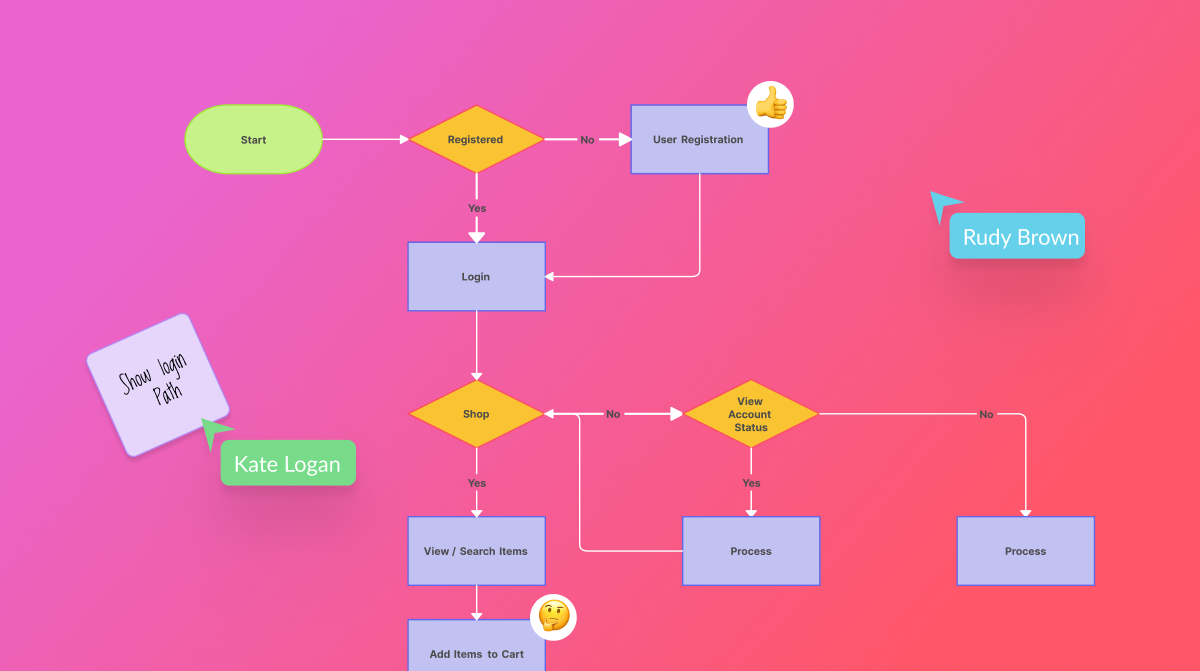
real-time collaboration
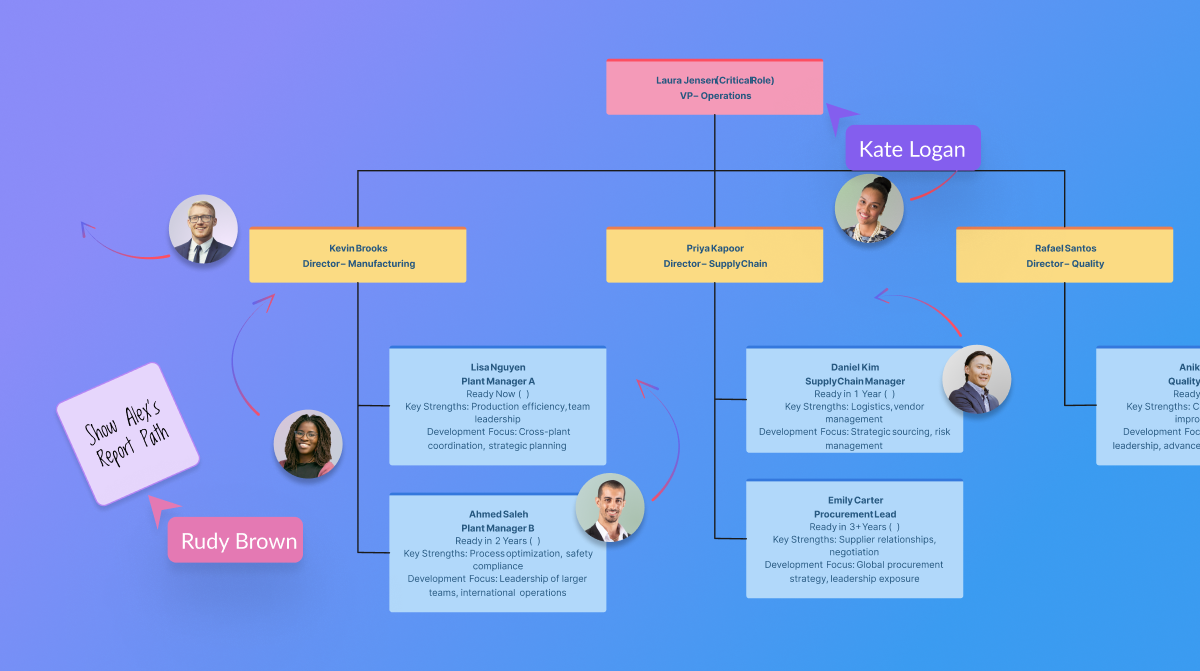
the AI org chart tool
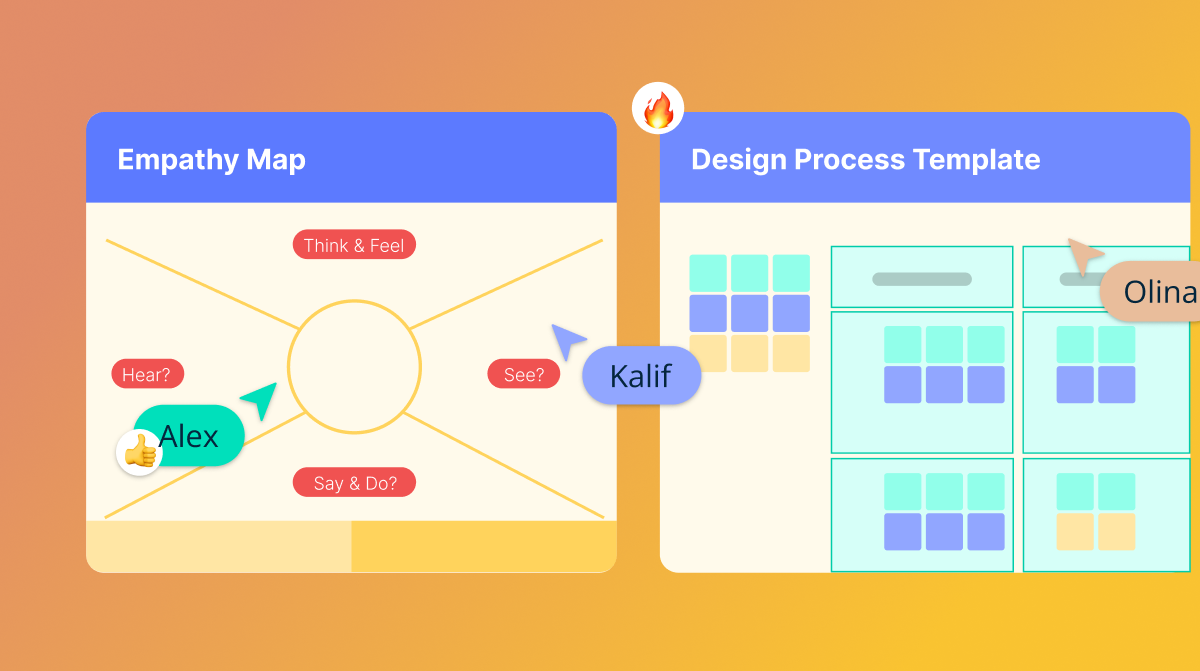
certifications

1 / 5

Quite handy tool for making your flows look phenomenol.

Use Cases and Deployment Scope

Creatively helps to create very amazing charts in such a short time that it amazes you. It helps to co-work with your colleagues on the same tasks in a very efficient way. This saves us a tremendous amount of time and increases our productivity dramatically. This also helps to map your business flow so that you can have a better understanding with the help of visual graphics.

Pros

  • Helps to create wonderful charts.
  • Helps co-worker to work on a similar project.
  • It allows importing multiple templates.

Cons

  • We can not create tags in Creately.
  • This tool doesn't have enough shapes.
  • Lacks customization.
  • Free Version is useless.

Most Important Features

  • Database Creations.
  • Flowcharts
  • Importing Community Templates.

Return on Investment

  • Saves Time.
  • Make flows visually more attractive.

Another great multitasking canvas tool.

Use Cases and Deployment Scope

Creately is an online canvas that offers individuals and teams a digital workspace to plan, brainstorm, design, and analyze their ideas, processes, systems, strategies, etc., using a variety of formats: diagramming, writing, whiteboarding, visualization, and even video conferencing. Its advantages lie in its diagramming capabilities and collaboration features, such as asynchronous editing, in-application video conferencing, commenting, live mouse tracking, and real-time change previews. These features enable real-time and asynchronous collaboration, allowing teams - both remote and co-located - to collaborate seamlessly in a shared online workspace.

Pros

  • Marketing value propositions / action plans.
  • UI Prototyping & Wire framing.
  • Engineering flowchart.
  • Organization charts.

Cons

  • It's a bit complicated for a novice to make something that looks professional with no templates.
  • Public no premium workspaces.
  • Performance is not the best when you have a lot of elements.

Most Important Features

  • Being able to add tasks to everything.
  • The variety of community templates.
  • The integration with other famous tools.

Return on Investment

  • We were able to save a lot of time in visualizing strategic processes.
  • We saved meeting time by simply showing our workflows and keeping our coworkers in the loop.

Alternatives Considered

Miro, Lucidchart and draw.io

Other Software Used

Miro, MURAL, Microsoft Visio

A great option for flow chart creation with one caveat

Pros

  • The flexibility of use when it comes to design.
  • Option for collaboration with users who do not have paid accounts.

Cons

  • The transition Creately made this year to their new non-Flash platform seems to almost function like a beta release in some instances.
  • Customer support sometimes takes a while to return and the responses are not always the best or most helpful. Follow up isn't great, either.

Return on Investment

  • Org chart management has been moved away from MS products which tend to be very rigid when it comes to creating/updating flowcharts.

Alternatives Considered

Smartsheet

A Powerful Visual collaboration Platform that makes IT organisations life easier!!

Use Cases and Deployment Scope

Creately is a powerful tool and is currently being used by multiple teams in our organization which include Delivery, Product & solutions, and HR. Its majorly used for creating customer journey maps, Kanban boards, Process flow charts and Org charts. Creately library of templates makes our work easier by providing various chart formats to deal with different use cases across teams.

Pros

  • Connects and centralizes work items from multiple apps
  • Team Collaboration while accessing the Kanban boards
  • Huge library of templates makes the work easier for teams

Cons

  • Can add more tutorials to guide the users in the tool
  • Tools lags sometimes when a diagram with lot of data is loaded
  • It also gets stuck sometime when an Undo functionality is used

Most Important Features

  • Library of predesigned templates covering all diagram types
  • Acts as a powerful visual collaboration tool
  • Power of importing data from different sources

Return on Investment

  • Helped the team work collaboratively by sharing on the ideas on Canvas
  • Boosted the client engagement whenever this tool is used
  • Made the work easier by providing the predesigned templates

Other Software Used

Lucidchart, Microsoft Visio

Great tool for flowcharts

Use Cases and Deployment Scope

We create flow charts for processes, products, diagrams for customers and organisation charts.

Pros

  • Creating complex flow charts can be a hard thing to do but the interface in Creately intuitive
  • Great templates to browse
  • You can export in different formats

Cons

  • The fonts are limited
  • Navigating in the canvas can be hard especially if you're working on a big one

Most Important Features

  • User-friendly interface
  • Templates

Return on Investment

  • Using this is time effective as it's easy to use
  • We can present the charts to our clients as they are visually good

Alternatives Considered

Lucidchart