

What is Phrase now with memsource?
Phrase aims to be the place where localization teams come together to release translations in the most streamlined way possible.
Trust in a localization process
With the ISO27001 certification and TISAX AL 2 conformity, and with strict adherence to EU data-protection policies, Phrase aims to ensure information stays safe.
Bring it all together
Manage localization on a single platform and collaborate with the whole team online to create a better localization experience.
With the ISO27001 certification and TISAX AL 2 conformity, and with strict adherence to EU data-protection policies, Phrase aims to ensure information stays safe.
Bring it all together
Manage localization on a single platform and collaborate with the whole team online to create a better localization experience.
Adjust quickly
Cut turnaround times and scale up a localization process by eliminating cumbersome manual translation file integration.
Cut turnaround times and scale up a localization process by eliminating cumbersome manual translation file integration.
Improve quality
Phrase provides a variety of features designed to improve translation quality and consistency, such as a Glossary, Translation Memory, In-Context Editor, SmartSuggest, and Checks.
Phrase provides a variety of features designed to improve translation quality and consistency, such as a Glossary, Translation Memory, In-Context Editor, SmartSuggest, and Checks.
Integrate easily
By providing a variety of integrations such as Phrase’s API, Sketch/Figma plugin, WordPress integration, Zapier integration, mobile SDK, and GitHub Sync, users can integrate the platform into a workflow.
By providing a variety of integrations such as Phrase’s API, Sketch/Figma plugin, WordPress integration, Zapier integration, mobile SDK, and GitHub Sync, users can integrate the platform into a workflow.
Keep it simple
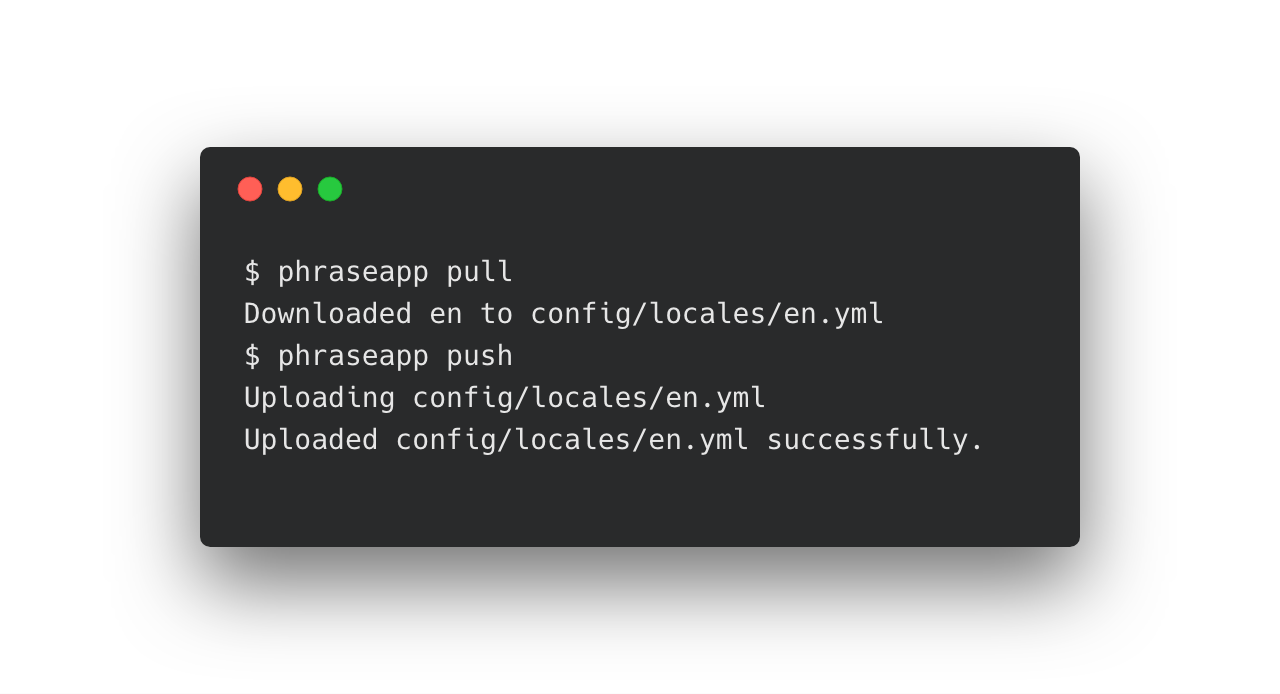
Phrase’s API is designed to fit all software localization processes. With it, users can import locale files, download locale files, tag keys, or interact in multiple ways with the localization data stored in Phrase through the API.
Phrase’s API is designed to fit all software localization processes. With it, users can import locale files, download locale files, tag keys, or interact in multiple ways with the localization data stored in Phrase through the API.
Coordinate a team
Organize translation tasks by assigning team members and setting due dates. Phrase also has an access rights management to manage projects and users efficiently.
Organize translation tasks by assigning team members and setting due dates. Phrase also has an access rights management to manage projects and users efficiently.
Categories & Use Cases
Media





1 / 7
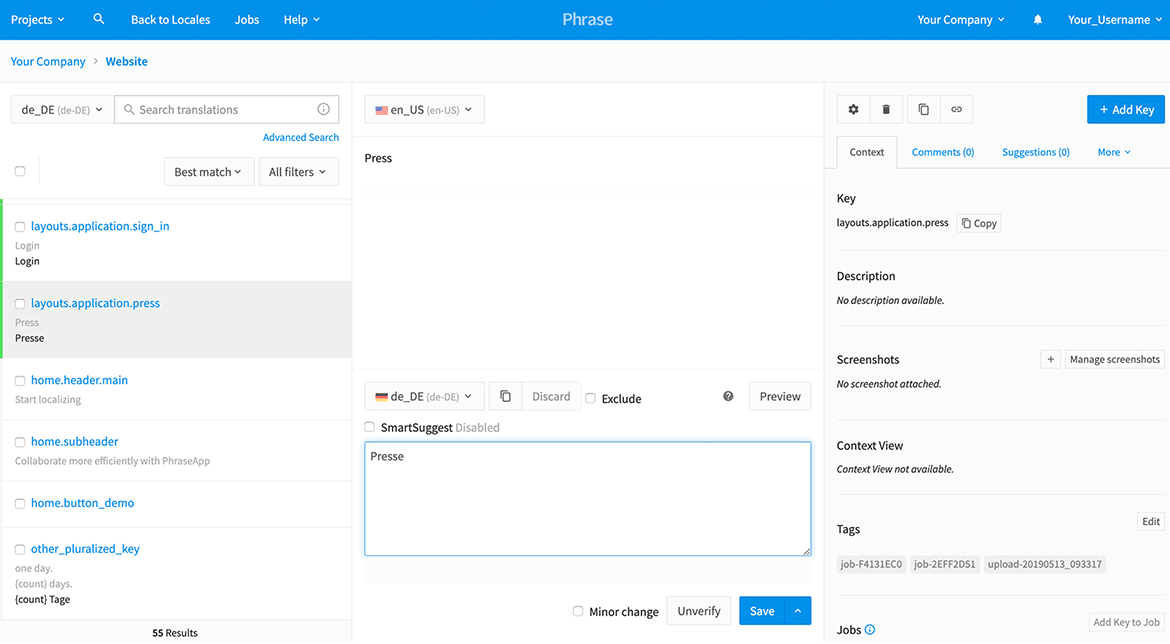
Screenshot of last added strings


