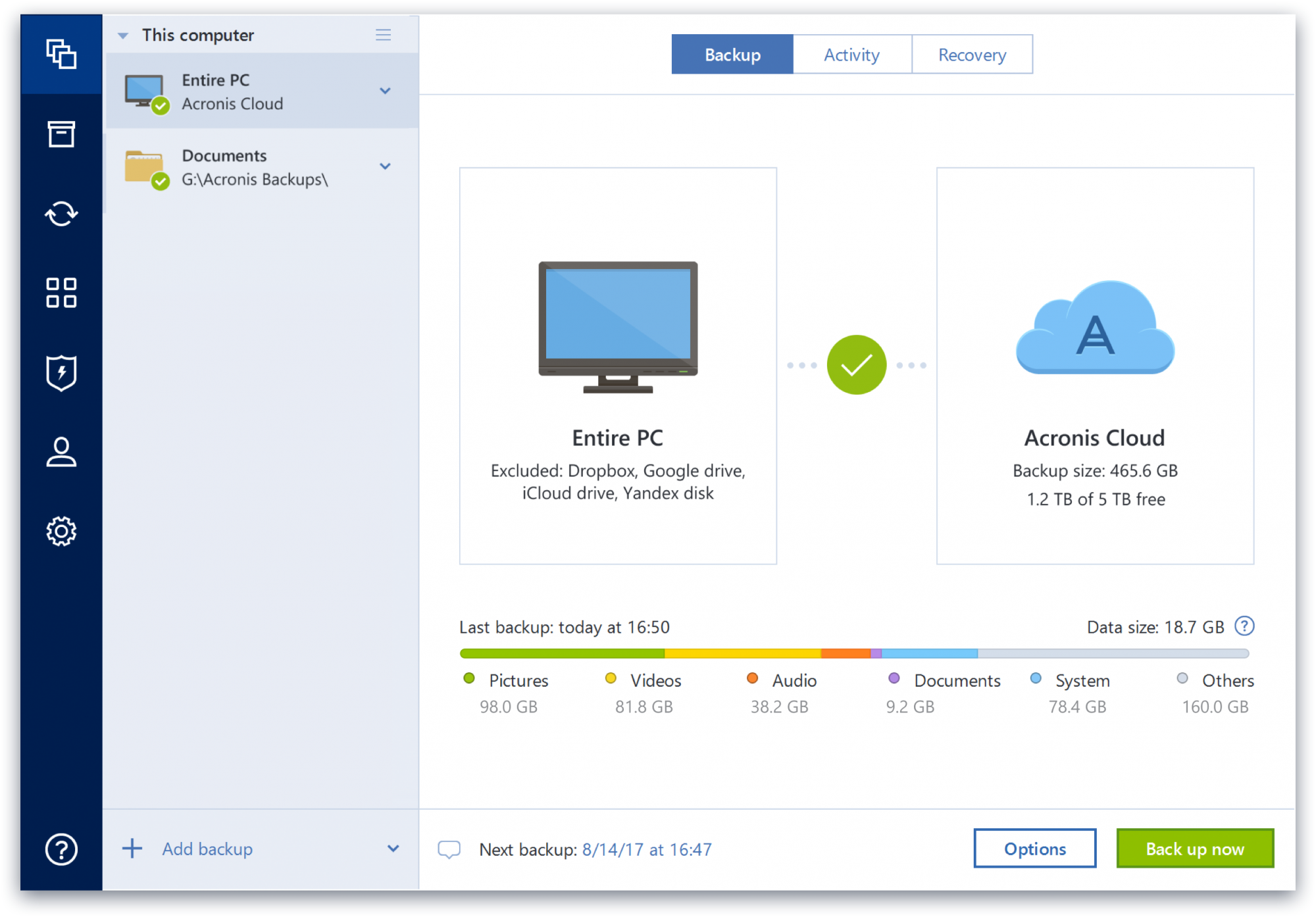
Acronis True Image is a backup, cloning, cyber protection and privacy tool suite for home users.
N/A
Veeam Data Platform
Score 9.0 out of 10
Mid-Size Companies (51-1,000 employees)
Veeam’s® premier product, Veeam Backup & Replication™, delivers availability for all cloud, virtual, Kubernetes and physical workloads. Through a management console, the software provides backup, archival, recovery and replication capabilities.
$428
per year per 5 instances
Pricing
Acronis True Image
Veeam Data Platform
Editions & Modules
No answers on this topic
Veeam Data Platform Essentials
$428
per year per 5 instances
Veeam Data Platform
Contact sales team
Offerings
Pricing Offerings
Acronis True Image
Veeam Data Platform
Free Trial
Yes
Yes
Free/Freemium Version
No
Yes
Premium Consulting/Integration Services
No
Yes
Entry-level Setup Fee
No setup fee
No setup fee
Additional Details
—
Veeam sells through channel partners. Contact a partner for detailed pricing and quotes. Resellers or sales personnel are available for assistance.
Overall, Acronis has been my preferred full backup product. This is due
in large part to my positive experiences with it over the years, where I
was able to successfully recover both files and full systems when the
It's more targeted on single deployments and you can backup multiple PCs if you need to, also the imaging software is the best, paid solution. Veeam can compare but I think it is on a different feature set than Acronis TI.
We tested the Acronis solution for about three months in 2011, encountering several issues, especially with managing granular file-level restores. When we then tried the Veeam solution, we solved all the problems, which is why we chose Veeam.In 2021, the Acronis solution was …
We have supported and used Veeam with our clients, so the solution definitely had an advantage over all of them except Tivoli. But, the [ease of] deployment really got our hearts. Did I mention we spent only 6 hours deploying it, whereas Nakivo took us 2 days to just understand …
Compared to other solutions where we had to have DR at our partner's site, being able to shuffle it to the Azure cloud instead saves us a bit every month and we are able to manage it ourselves.
Acronis Cyber Protect is great for any small/mid-sized business. The price point makes it attractive to all budgets >$100/year for 5 device deployments. Competitors offer less and charge more! Very happy with the suite of products, and renewals are simple and straightforward as well. I hope they don't change a thing!
For Windows, it is a great option. Just loaded it and get detected by the server. At that point you could forget about your backups. For many Linux servers, it would work fine. The webservers and scientific servers backed up and restored with no problems. Avoid databases with heavy load. We found this to be Veeam Data Platform's weak spot.
The ease of use in creating jobs and adding clients enables our new and less skilled administrators to work efficiently, quickly, and accurately.
The same ease of use is essential for junior admins as well. Backups are quickly and accurately restored, allowing our networking team to bring clients back to production within expected times.
The ability to create a restore for testing and to remove it quickly has proven to be an excellent asset for our production and DB teams.
Some features have actually become more complicated over the years. One that comes to mind is creating a backup plan that can execute daily to an external USB media that is changed daily (older versions would back up to the, for example, "F" drive regardless of which drive was attached - newer versions identify each drive uniquely, and a backup task created with a given external drive will fail due to the lack of media presence if the drive is replaced).
Error messages could be less cryptic.
Support turnaround time and live assistance could be faster.
On occasion, the 'reason' for a failed backup can be a little hard to understand. It would be nice if it were a bit more straightforward.
I would love to run the platform natively on Linux, but I don't think it's an option.
Sometimes, locating the correct update file for the platform software can be a bit confusing. If they had an option to download the correct update file from within the console, that would take some of the guesswork out of it.
I really have no complaints about Veeam Backup & Replication. Their service has been excellent and the cost is minimal in comparison to other services I checked out. Implementation wasn't simple and the Veeam Support team was there to help each step of the way.
Protect my system from data loss and also can manage multiple devices via online cloud from any where and also can set Multifactor authentication for more secure login access. Archive any backup which will use less space and we can transfer it to any other space also so it is very easy as server admin to manage acronics utilities
It is a very robust solution that has never failed. It also has perfect integration with Windows server volume shadow copies. The processing load is moved from the backup server to the backup proxy. Increased fault tolerance: you can store data on a separate machine, the backup repository. Can perform a bare metal restore.
I give Veeam Data Platform a rating of 9 for availability because it consistently performs reliably in critical data protection and recovery tasks. The platform is designed to minimize downtime, ensuring that backup and recovery processes are accessible when needed.While there may be rare instances of maintenance or minor application errors, these do not significantly affect the overall reliability of the system. Veeam’s strong architecture and features like high availability configurations further enhance its performance, allowing us to trust it in crucial situations. Overall, it has proven to be a dependable solution that meets our organization's needs effectively.
Veeam does a good job with backing up our servers in a timely manner. We are still at the beginning of our Veeam use and are pleased with the speed at which we can access the system as well as the backups and restore points. Veeam is definitely superior to our previous backup system in terms of speed and accessibility
Beyond a single instance, I haven't had to approach Acronis' support. I needed a new key following the death of my previous workstation, and they rapidly supplied it. I've heard from colleagues that they've quickly answered any questions that've been asked. If I need something, I'll generally frequent FAQ pages first, although Acronis actually has instructional videos to help users get started, which is forward-thinking. Great software that fills a vital niche for Windows systems.
The support team has never asked me to jump through silly hoops or waste time on pointless exercises. They seem to truly have a handle on what may be wrong. In fact, when we were having trouble getting our license renewal setup (because of yet another license migration at Veeam) a support incident got us connected to the right people to get our renewal done in time.
I rated the in-person training an 8 because it was generally effective and provided a solid foundation for understanding the Veeam Data Platform. The instructors were knowledgeable and engaged, making the sessions interactive. However, I felt that some topics could have been covered in more depth, and additional hands-on exercises would have further reinforced the learning experience. Overall, it was a positive training session that adequately prepared attendees for using the product, but there's room for improvement.
I gave it a rating of 7 because, although the online training offered valuable content and covered the essential aspects of the Veeam Data Platform, it lacked interactivity and opportunities for direct engagement with instructors. This made it challenging to ask questions or delve deeper into specific topics. Additionally, some sections felt a bit rushed, which could hinder a comprehensive understanding of more complex features. Overall, while the training was useful, improvements in interactivity and pacing could elevate the experience significantly.
Plan the process and then work through your plan, i know this should go without saying but its easy to get sidetracked. You tend to want to just get up and running so you can have that sigh of relief, spend the time to talk to your business stakeholder to see what goals they are trying to accomplish and how that may impact your plans first.
IDrive is incredibly faster than Acronis on cloud backup. After Acronis' failures on cloud storage I moved to IDrive for peace of mind. IDrive can also do local backups, and either variant of system state, server, outlook, exchange, etc. It does not however have the ability to do a full image of a bitlocked machine like Acronis, so I'm continuing the local imaging with Acronis.
As I explained earlier, the differences in how each application behaves come down to configuration. In my opinion, Veeam Data Platform is more user-friendly than the other applications mentioned. I’ve already used it at previous companies, so I know what it can do and how far it can go—based on the factors I mentioned earlier that led me to choose Veeam Data Platform over the other applications.
The Windows version is generally reliable and only ran into one issue thus far. Restores are easy and there are many features. On MacOS, it's a completely different story. There is significant resource leakage related to the updater app that can bog down part of a CPU core continuously until it is disabled. The mobile backup feature also needs to be disabled via UNIX command line or CPU usage will go up when a mobile device on the same network like an iPad or iPhone's screen is turned on.
In terms of scalability for our company, Veeam was able to cover our backup needs with ease. They have options for even more individualized backup if we were to need them; i.e. if a specific workstation needs its own independent backup. We have not used these resources yet, but I am confident they will be beneficial to our company in the near future.