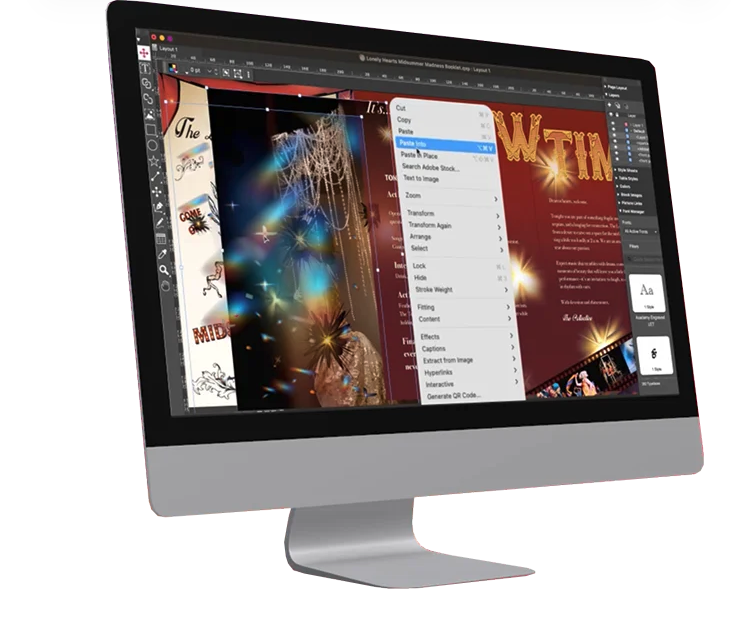
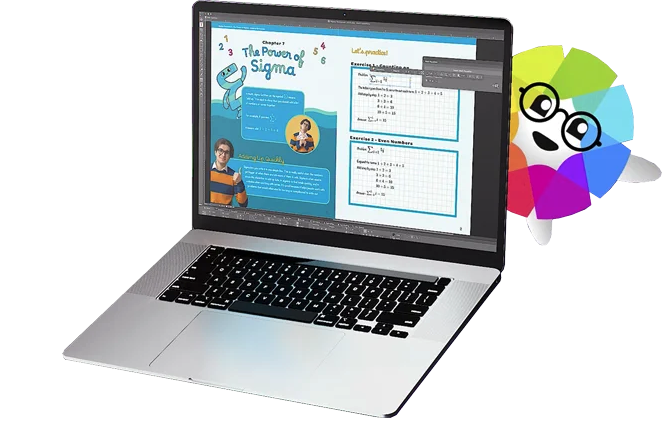
Adobe InDesign supports creating digital and print documents such as flyers, stationary, posters, and other types of media, with rich graphics, images, and more. Adobe InDesign is available standalone or as part of the Adobe Creative Suite collection of media management and creation products.
$31.49
per month
Adobe Presenter
Score 9.0 out of 10
N/A
Adobe Presenter is a PowerPoint plugin for converting PowerPoint presentations into elearning content. It allows for multimedia and interactive integrations and can be mobile accessible. Presenter can also integrate with standalone LMS products, including Adobe Captivate.
N/A
QuarkXPress
Score 9.0 out of 10
N/A
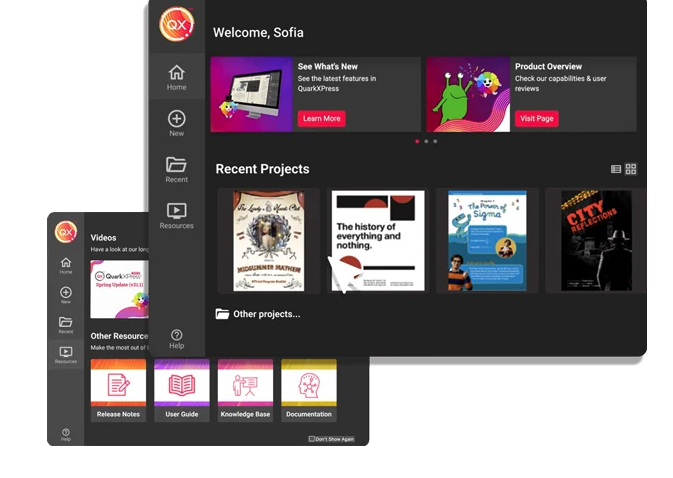
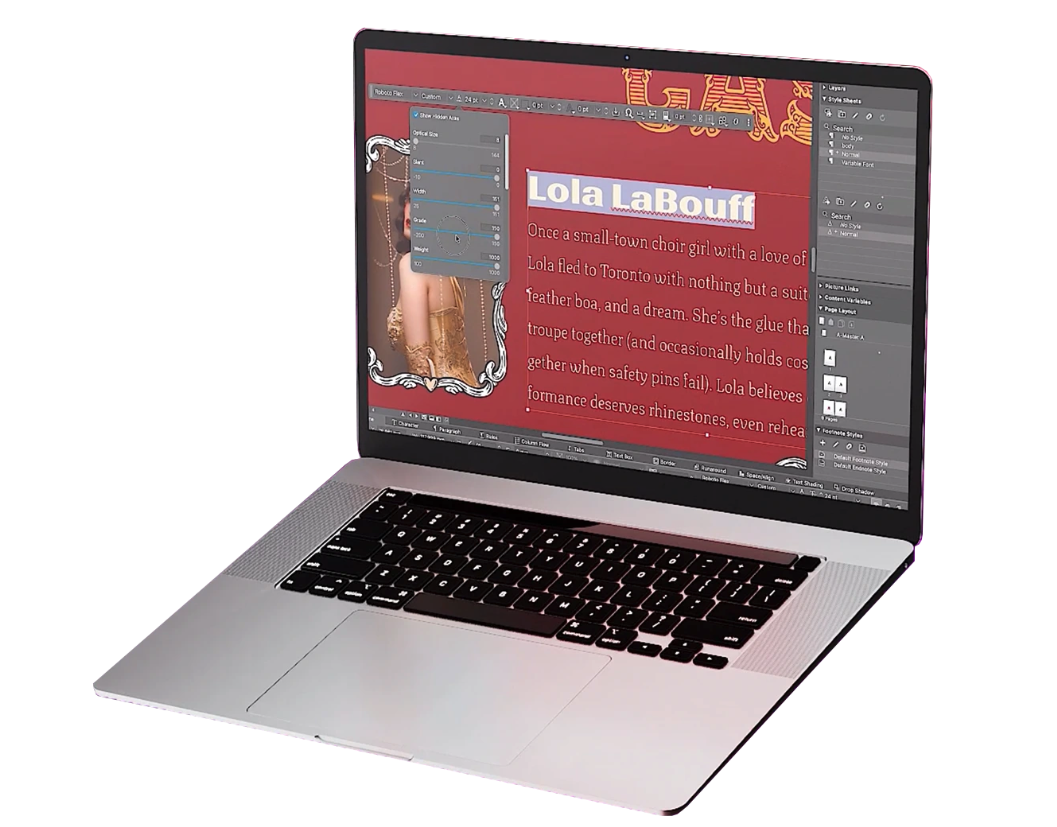
QuarkXPress from Quark Software headquartered in Denver introduces modern responsive web design with Flex Layouts, reimagined Tables, and productivity-boosting design features.
Microsoft Word is a standard business writing tool at ours and most companies, and we occasionally have to produce market-facing collateral using Word to allow for non-designers to easily customize it. We tried InCopy, but it was never adopted easily by Sales or other …
Not fully integrated with Adobe Photoshop and Adobe Illustrator. We used Quark before we migrated to InDesign. Users don't want to go back, mostly because of hte tight integrations with the Adobe products. Even our freelancers and vendors use InDesign and would not go back to Qu…
Adobe InDesign, QuarkXPress and Affinity Publisher work similarly in the big picture. The newest on the market, Affinity Publisher takes many cues from its predecessors but still remains a less sleek product. Still, I use Publisher on my own and find it to have great …
The others do not include the robust features of Adobe InDesign. Some of the subscription or pricing models are not affordable or would be an additional cost. Adobe has the most flexibility in regards to pricing. Microsoft Publisher is the least recommended product and is not …
Adobe Illustrator and QuarkXPress are great but also very limiting. I personally love illustrator but it's not meant to create page layouts when working on multiple pages and I'm used to working with QuarkXPress because of printers in the past but a majority of the printers …
Until the development of InDesign, I was a faithful user of QuarkXPress. I knew Quark like the back of my hand. Once I decided to make the change, I realized how robust InDesign was compared to "old faithful." It took a little time to learn the nuances. Now, I can't imagine …
Quark used to be the go-to product for print layout design but I feel they really fell behind in the race against Adobe. The clunky user interface and what I felt were often limited options for adjusting fonts, tracking, kerning, leading etc really made it cumbersome, and …
These mentioned softwares are great but also limiting. I like working on Adobe Illustrator but it's not meant to create page layouts while working on multiple pages.
While Quark stalled out, InDesign continued to improve its product features year after year. Also, the integration with other industry standard software (Photoshop and Illustrator) is a no-brainer.
Quark used to be used much more. Adobe InDesign is now the preferred layout software for publishers. Canva is not as robust and does not have the same functionality.
Verified User
Professional
Chose Adobe InDesign
I have previously used Quark Xpress, but as Adobe InDesign became the leader for professional designers, I transitioned to [Adobe] InDesign. I find Adobe InDesign a lot easier to work with. I have tried Affinity Publisher, but I have not [gotten] very far with trying it out. I …
Publisher and Quark both work, but they don't play well with Adobe products, which makes you waste a lot of time converting Illustrator and Photoshop files into bitmaps for use in them. This can lead to issues with image quality, on top of wasting time and energy. The …
InDesign is much more user friendly and is compatible with other Adobe products. InDesign is more versatile and more widely used. Compatibility with other designers, agencies, and promo companies makes work and collaboration easier.
InDesign had more features and flexibility many years ago when I learned how to use it, and compared to Quark, I found it to be a better product and haven't gone back since.
The two big guns in page layout software are InDesign and Quark Express. At one time, Quark was the go-to software. A majority of Pre Press shops employed Adobe Illustrator, Photoshop, and Quark Express. Over the years, though, InDesign has surpassed Quark.
If you use the Adobe Suite you must use InDesign. Quark will work as a good standalone product, but my experience was that there are more available users and support for InDesign. Quark is an inferior product.
Quark is dated and was something I was learning back in 2007-2008. InDesign came out of the gate sprinting and has not looked back since. From a usability standpoint and because of industry standards, InDesign has become the go-to platform for multi-page layout documents, …
InDesign is one of the best programs for design and there are not many programs that do what InDesign does. Affinity Publisher is one that is worth looking at and competes well. It has similar features but is a one-time cost. There's really no others that do what InDesign does …
QuarkXPress has more user-friendly features compared to Adobe InDesign where we can set up the page layout for any sort of medium. We can compress the pdf size here as per the requirement. Also, we can export pdf in a quicker manner by choosing it as a default output format.
InDesign is a fantastic program as well; I just prefer QuarkXPress because I better understand how it "thinks"/is programmed, due to years of working with it.
QuarkXPress simply blew the competition out of the water when it came to pricing and scalability in our business. Every employee that uses Quark always speaks very highly about using the software. We are not a large company but, the amount of money saved on the cost of each …
My preference has always been QuarkXPress because I have more experience. InDesign is a similar program, just used differently for our journal layout design.
Adobe InDesign is very well-suited to creating professional-looking page designs. If you want a newspaper or magazine to have attractive pages that go beyond simple templates, InDesign is the best option out there, to my knowledge. It's less suited to scenarios where people without page design skills are responsible for creating pages, as it requires some training and skills to use effectively.
As I mentioned earlier, it's best used for "presentations," rather than bona fide "training." That's why we tend to use it when the information is relatively simple and/or doesn't need to be fully internalized or mastered (which would require providing opportunities for practice and feedback and a more engaging, interactive learning experience). However, it can be used as part of a blended-learning solution, with some information provided via an Adobe Presenter module first, and then some kind of instructor-led session as a follow-up, which would include more role-specific info, as well as practice and feedback opportunities. Also, as I mentioned earlier, Adobe Presenter Video Express is great for creating quick overview demos about a new system -- more of a "see what it can do" type thing than a "here's how you do it" thing (unless the "it" is very simple and the video is used more as a microlearning/performance support type of offering).
I used QuarkXPress to maintain a proper page layout for the UI which I receive from a UIUX developer. I develop Graphic Illustrations on the digital canvas to create creative content on the page design set and to develop designer headlines and sub-headlines where writers and editors can amend the text and place the copped images.
Customization - With Adobe InDesign, as well as many other applications in the Adobe Creative Suite, I can fully customize my workspaces and save different workspaces. This makes it easy to navigate through my project and have the panels and tools I need easily accessible and configured based on my project needs.
Styles - Adobe InDesign has character styles, object styles, and tables styles. This speeds up my workflows and allows me to easily apply the same format across multiple elements. This is super helpful, especially when working with length documents.
File compatibility - I can easily export my files into so many different file types.
The Book feature - This feature is really helpful when creating books or very long documents with multiple sections.
Because it integrates with PowerPoint, it is possible to go from planning outline to storyboard to final output withing a single document and as part of a seamless and logical design process.
Its ability to create videos that capture screens along with web-cam recordings, then edit them within the solution means higher level training recordings can be created versus, say a recorded WebEx training session.
Presenter's ability to create quiz elements similar to Adobe Captivate, add interactions, and interface with Adobe's LMS means it is capable of functioning as a complete e-learning development environment. .
If up front cost is a consideration, Presenter wins hands down over many better known training development and e-learning solutions.
I've had great experiences with the product and plan to continue to use it. It has been my go-to product for designing and creating materials. I have had great luck with it and have been able to create all of the needed marketing materials that have been requested for our company.
My company is pretty invested in the Adobe ecosystem and is unlikely to change that in the foreseeable future. Also, Adobe Presenter is a very valuable tool and, with the new subscription model and the pricing we have, a relatively modest expense now. It's also fairly easy to learn and use, so it is starting to spread beyond the sphere of the various Learning & Development departments.
If you know what you are doing it is an amazingly granular and powerful application. You can control pretty much any aspect of the design and layout of your documents and make changes globally and rapidly. But, if you don't know what you are doing...you will be staring at your screen in bewilderment for a long time. You can learn it, but be ready for a hefty time investment.
This is an industry standard. It is intuitive and pretty simple. I have been using it for 40 years and by no means do I use its potential, rather it does just what I want it to do.
It is easy to access since it is an added tool to the Powerpoint program. We have not had complaints from faculty members regarding not having it available when they need it.
Due to the aforementioned issues with Flash, it can be discouraging to get to the publishing stage and begin receiving error messages. Once we are able to move past that issue, we have great success with the performance of Adobe Presenter.
Adobe support is ok but not great. Chat support often doesn't initially understand the question at-hand and it takes awhile to get to the right agent. Phone support has long wait times, and though I've had more luck there, it does take quite a time investment if you are looking for help. However, Adobe does have some online learning solutions available as well as a knowledgebase for frequently asked questions. If you're looking to learn how to use the platform, there are lots of resources which can typically be found in a few Google searches. If you have a technical issue with the system, that's going to be a bit more of a time investment as far as getting a tech's assistance to resolve the problem.
I think I pretty much answered this earlier....premium support is extremely expensive and online support can be difficult to navigate. Although, to be fair, when it comes to Presenter (compared to, say, Captivate), there isn't too frequent a need for support, since Presenter is a rather simple tool to use
Microsoft products do not match the aesthetic tools that [Adobe] InDesign offers, cannot support the customizable options available for export, and do not produce documents with as high a degree of accessibility. That said, they do have their place in collaboration in a team- I'd consider Office to be the first step and [Adobe] InDesign to be the final product.
LMS365 and Adobe Presenter are not that much different, the major issue that we faced with LMS was that we had to integrate that with the SharePoint, for accessibility and that cases whole lot of confusions and keeping things clean as SharePoint was being used for file store and sharing within the company. Moving to Adobe Presenter was taken as it was independent platform and didn't have any dependency.
QuarkXPress simply blew the competition out of the water when it came to pricing and scalability in our business. Every employee that uses Quark always speaks very highly about using the software. We are not a large company but, the amount of money saved on the cost of each license was about 60% when compared to the competitors' products.
The program still seems to rely heavily on Adobe Flash even though the online community is moving away from it. When publishing, users will experience error messages regarding Flash, which can make it difficult to complete your work.
A great ROI for time in my small architectural practice, [especially] when a design has been updated and a report needs to be submitted. We can be submitting many reports that all look similar, clean and beautiful. We just save as the file and replace the images with more updated images. This way the client finds it easy to navigate updated reports, as many as they can be.
It will be safe to say that overall impact had been positive in regards to ROI
Training costs have been reduced by a huge margin since we started using this tool.
Time consumed in training staff is also decreased, as with Adobe Presenter training can be done remotely and are able to train different groups at the same time.