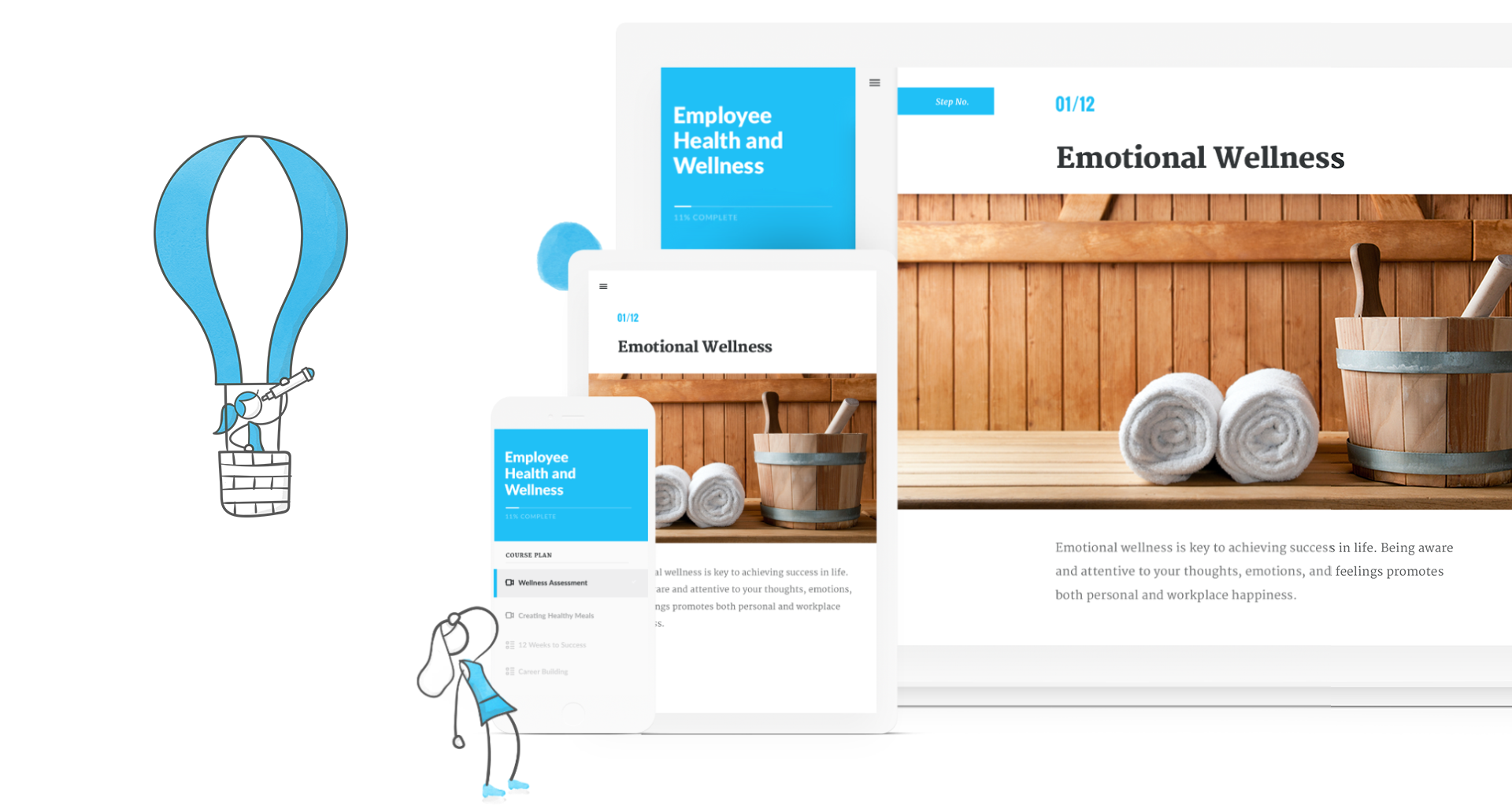
Articulate 360 is an e-learning platform for creating workplace training. Users can build engaging courses with AI-enhanced authoring, simplify collaboration, and quickly share content. A subscription includes robust onboarding resources and access to a community of 1.5M pros.
$1,449
per year
Squarespace
Score 8.4 out of 10
N/A
Squarespace is a CMS platform that allows users to create a DIY blog, eCommerce store, and/or portfolio (visual art or music). Some Squarespace website and shop templates are industry or use case-specific, such as menu builders for restaurant sites.
$25
per month
Pricing
Articulate 360
Squarespace
Editions & Modules
Articulate 360 AI - Personal Plan
$1,449
per year
Articulate 360 AI - Teams Plan
$1,749
per year
Basic
$25
per month
Core
$36
per month
Plus
$56
per month
Advanced
$139
per month
Offerings
Pricing Offerings
Articulate 360
Squarespace
Free Trial
Yes
Yes
Free/Freemium Version
No
No
Premium Consulting/Integration Services
No
No
Entry-level Setup Fee
Optional
No setup fee
Additional Details
Those new to Articulate 360 can try it free of charge for 30 days. Articulate 360 is available on the Articulate website and through Articulate Authorized Resellers.
The only competitor that I have used instead of Squarespace is GoDaddy (Hosting), Microsoft Exchange (EMail), and Wordpress (Design). Godaddy provided good customer service, but I found their system dated and unreliable. Squarespace's integration with G-suite is great; my …
Articulate 360 is great for online courses, courses for an LMS, courses that use media, text to speech audio, interactive items. Courses can be translated into other languages quickly. You can bring in outside media into the course pretty easily. The layouts are professional looking and blocks can be copied easily and repeated as needed.
Squarespace is one of the best solutions out there for building a website or web experience that looks good, has great functionality and is cost-effective, even for smaller businesses. Although most people in marketing will find most of the elements intuitive, if the creator is struggling with any of the functionality, there are many, many support options and other users who can offer assistance.
Unrivaled Power and Customization. After 15 years in the training industry, Storyline 360 remains my favorite tool because it is, simply put, the most powerful authoring tool I have ever used, giving me complete creative control.
Advanced Interactivity. I love being able to 'overengineer' content using Triggers, Variables, States, and Layers, which allows me to build the most sophisticated and deep functionality.
Superior to Basic Tools. Storyline's capability to build detailed branching scenarios and realistic simulations sets it leaps and bounds apart from basic tools like PowerPoint, which is essential for high-impact training.
Stupid simple to use. I know very creative people who cannot code and this is probably the easiest ever platform for them!
Pretty website templates and great functionality with showing off portfolios.
They've already figured out what are the problems that non-coding people have when creating websites and they've figured out a simple solution for all of it.
I haven't seen any other platform for developing learning materials that is as comprehensive or as reliable as Articulate has proven to be for our use. Because our group has a number of PowerPoint power users, the PowerPoint integration with Articulate is particularly beneficial.
Usability is where Articulate shines. Anyone who has ever built a PowerPoint can open the tool and quickly understand how to use it. The more complex aspects of the tool are also very user-friendly, but you can build great content without ever going into advanced variables or JavaScript.
It's simple to use for someone who is really good with computers as well as those who are not. I've been using my personal squarespace for years and have also helped clients build a starting page which they are later able to manage theirselves.
I rate the overall support for Articulate 360 with a 9. On the one hand because of the smooth and accurate support from Articulate's support team (usually within 24 hours) and on the other because of the commitment / use of a community (e-learning Heroes) where I have all kinds of insights from other helpful users.
Help is available directly from the back end and uses full sentence searching to find answers to questions others may have asked before. With a ton of articles and support questions documents, it is very likely that your question has been answered. If not each page has the ability to open a direct email to support. Each case has a number and can be followed. Responses are often quick and have links and directions clearly stated
The online training options given by the online tutorials, forums, and "E-Learning Heroes" community are simply awesome. Examples galore, easy to understand descriptions including step-by-step guides, images, occasionally videos, and the "Articulate Insiders" sub-community give you more materials to learn about Storyline than you are likely to be able to read.
Outside of having to dedicate a powerful enough PC for the installation and having to update Flash in our browsers there really isn't much pain involved in using Articulate. For the most part this is an easy to implement and roll-out product. The installation occurs quickly and smoothly with no additional steps needed.
I have not used any other elearning development software other than Articulate 360. Though, I have seen demos of other products and while they are great, they still don’t seem to be as great as Articulate 360. This opinion also shows up in other places like product reviews and instructional design groups on Facebook.
Squarespace was quicker to set up and more accessible to manipulate the theme, pictures, and content. The page layouts are more versatile and fluid. With WordPress, more time-consuming efforts go into making a template work the way you want it to (because of the lack of the drag-and-drop grids that Squarespace has).
The cost is reasonably decent. My client says they spent about $20 a month or $240 a year. I asked her if she could add Google AdSense to her blog one day, and they believe they can. They said a custom site would cost them $3000-10,000 depending on who does it. And I agreed, but I found the website they created was on the lower end of that range.